Portalgems
Java mod listed for Minecraft 1.21. Downloads from the MC Java Mods app on Android.
⬇ Download on CurseForgeThe author built this one for Minecraft 1.21.1 on NeoForge. On other versions it may install and then do nothing.
Portalgems
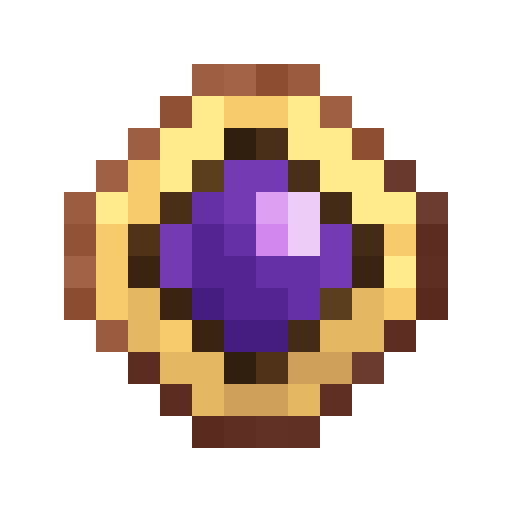
A minecraft mod adding simple handheld teleporters (called Gem) to easily switch dimensions. It is fully datapack customizable.
Customization
Adding custom Gems
To add your own gem, create a recipe for it like this:
{
  "type": "minecraft:crafting_shaped",
  "category": "misc",
  "key": {
    "G": {
      "item": "minecraft:gold_ingot"
    },
    "S": {
      "item": "minecraft:yellow_stained_glass_pane"
    }
  },
  "pattern": [
    " G ",
    "GSG",
    " G "
  ],
  "result": {
    "components": {
      "portalgems:destination": {
        "color": "#FFCFFF00",
        "dimension": "minecraft:the_end",
        "position": [
          0,
          80,
          0
        ]
      }
    },
    "count": 1,
    "id": "portalgems:gem"
  }
}
You can use the recipe types you want, it does not have to be shaped.
Important: the relevant Part is the results. That's where the customizations comes in.
Inside the components/portalgems:destination part you see three fields:
color: The desired tint color of the gem in the middle in ARGB (required)dimension: The dimension id to teleport into (required)position: The exact position to teleport to in the specified dimension (optional)
Note that if you don't set the position the gem will try to teleport to the other dimension like a chorus fruit would but just interdimensionally. This can lead to it not finding a valid position. In that case try to move a bit in any direction so it can find a valid target position
Config (WIP)
The following is configurable:
cooldown: The cooldown of gems in tickstwoway: If using any gem in it's dimension (e.g. Using the nether gem in the nether) should teleport you back to the overworld
Known Bugs / Problems
- Sometimes not teleporting
- Possible causes:
- Server doesn't have dimension
- Server hasn't loaded the dimension
- No valid target position found (see above)
- Teleporting in caves although your start position was much higher
- Possible causes:
- The way we find a target position is by choosing a random offset added to your current position in the target dimension. After choosing that we test every y level below that until we find a valid spot (If the chosen offset didn't work, we repeat it a couple more times)
- Edition: Minecraft Java
- File type: .jar
- Minecraft version listed: 1.21.1
- How to install: Install the matching mod loader (Forge, Fabric or NeoForge) for your Minecraft version. → Download the .jar. → Put it in the .minecraft/mods folder and launch that loader profile.
- Where to get it: Opens on CurseForge — not every file is mirrored on our own servers.
Install steps are the general flow for this file type — How to install Minecraft Java mods & modpacks walks through it step by step.
- Ships as portalgems-1.0.1.jar — drop this file into the mods folder
- Download size: 33 KB
- Download link checked 28 Sept 2026 — working
These come from our own check of the pack file, not from the source page.