
Delicate Dyes
Java mod listed for Minecraft 1.20–1.21. Downloads from the MC Java Mods app on Android.
I don't know my version or loader
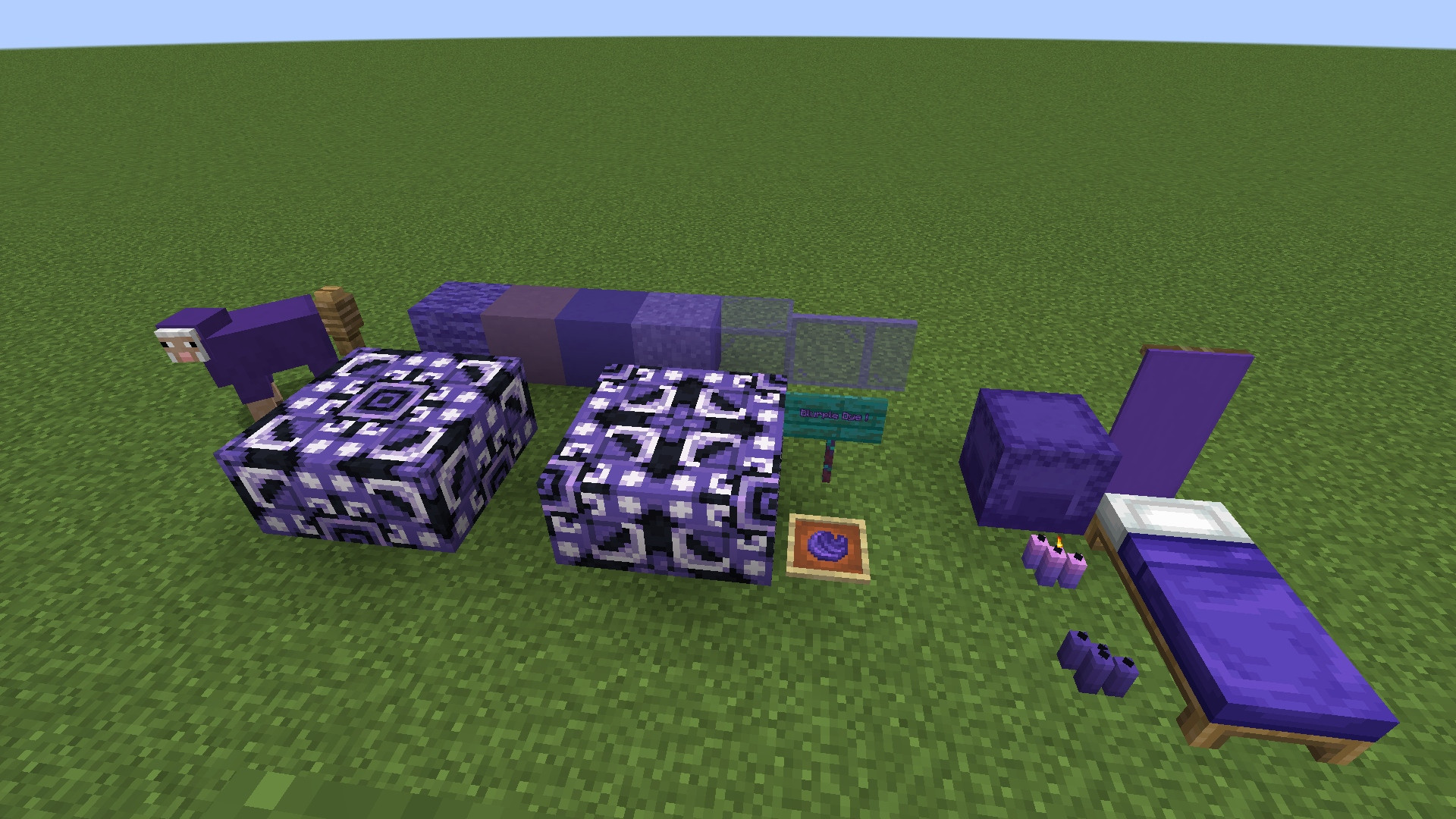
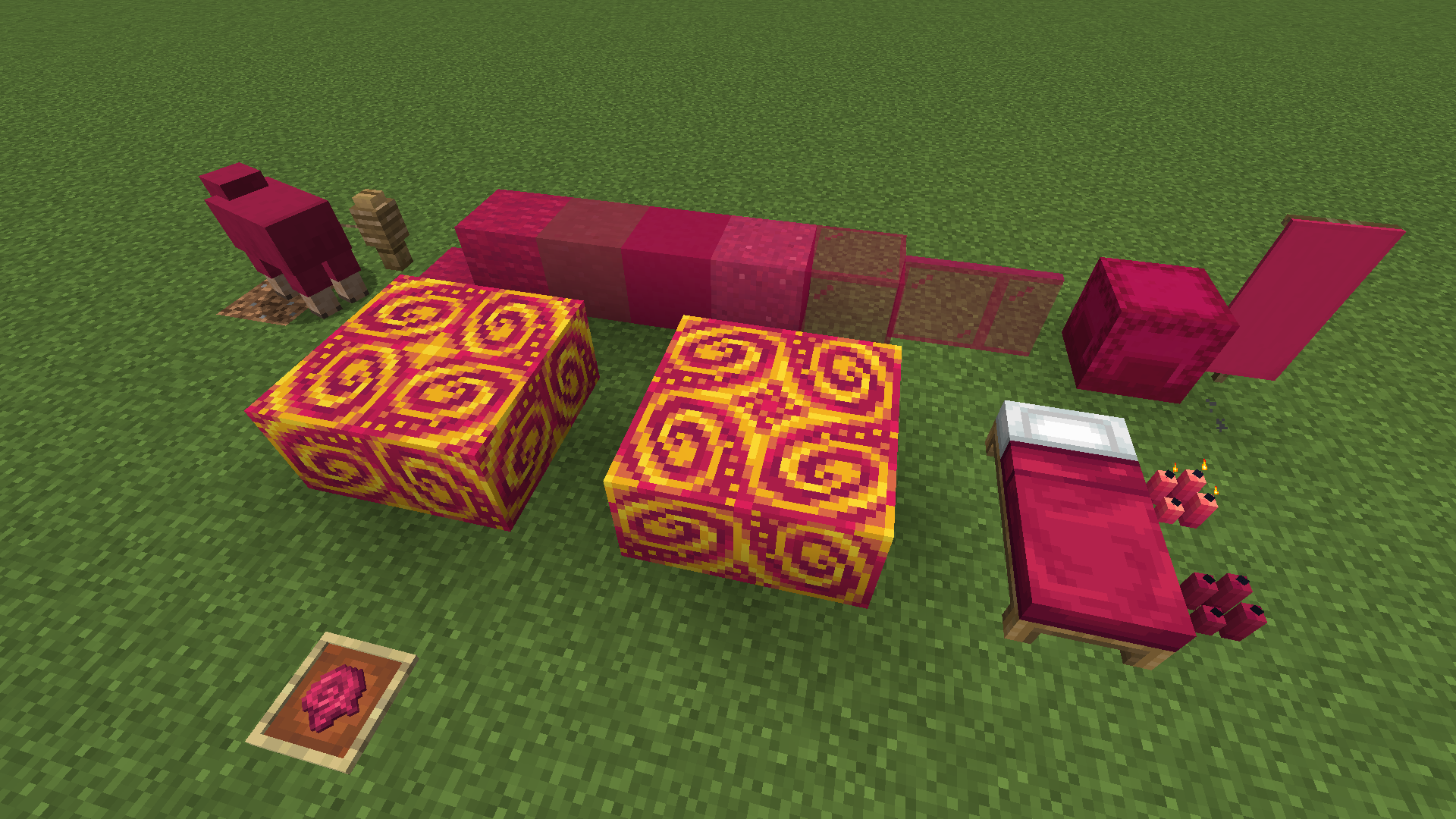
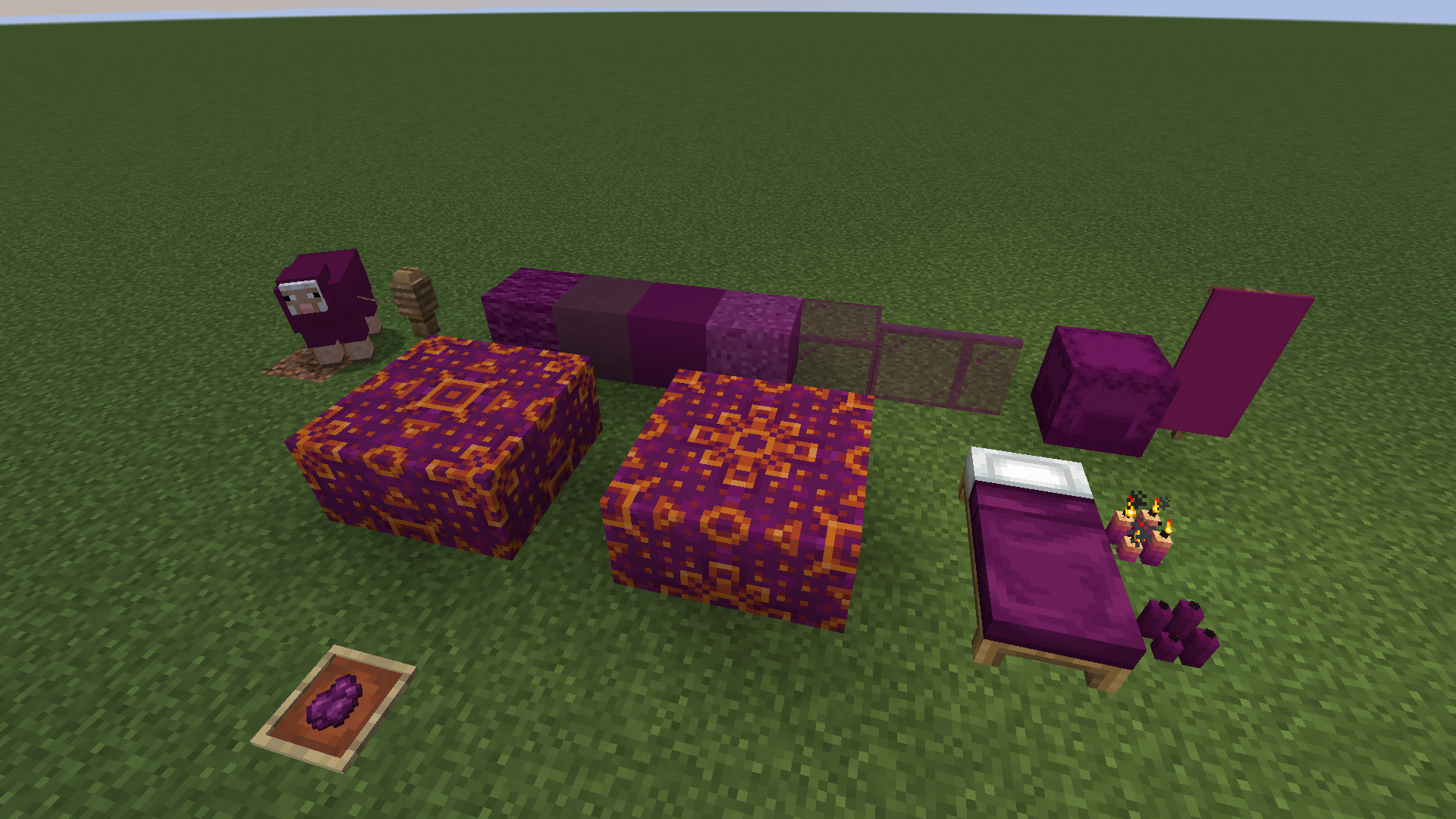
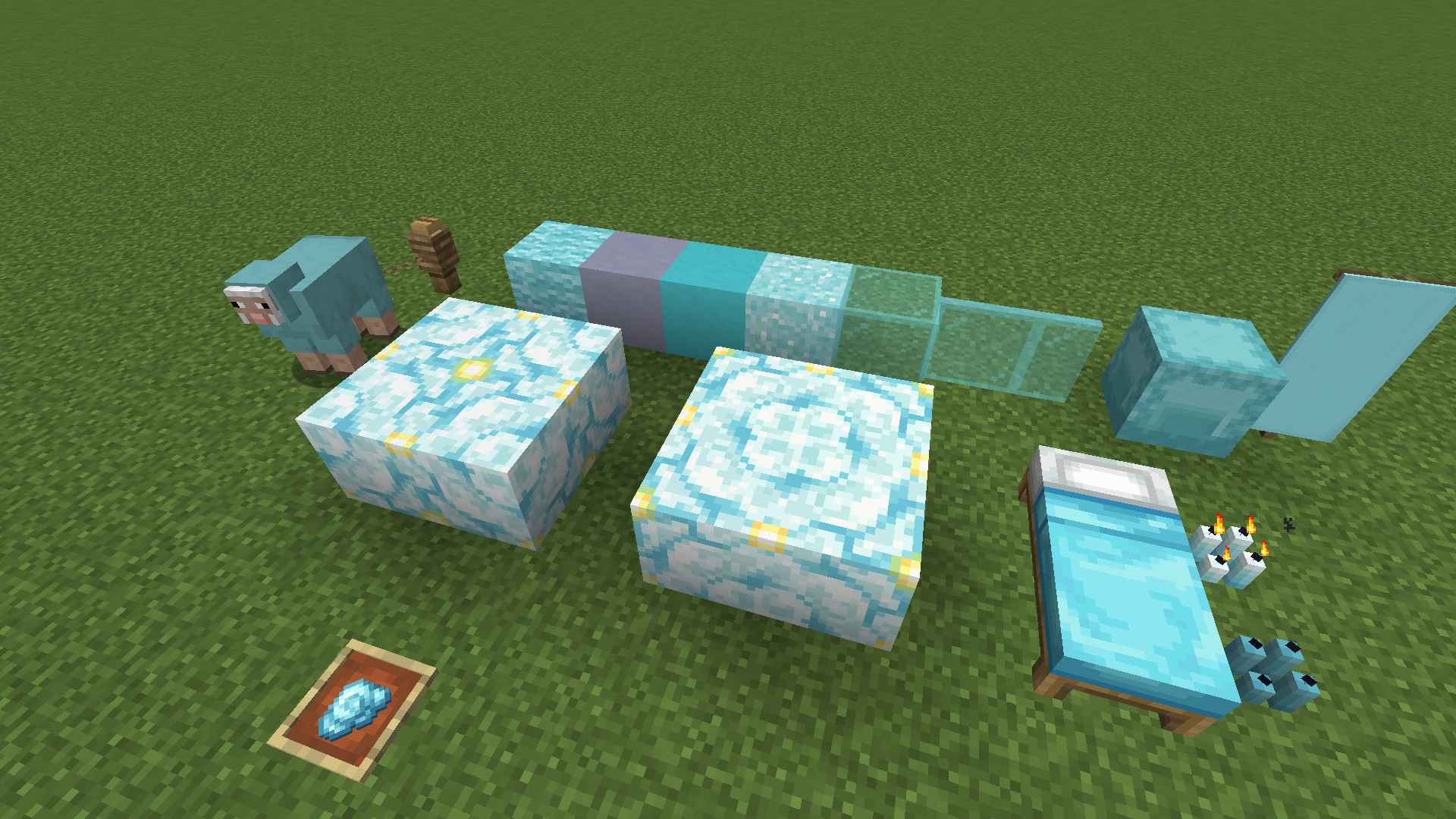
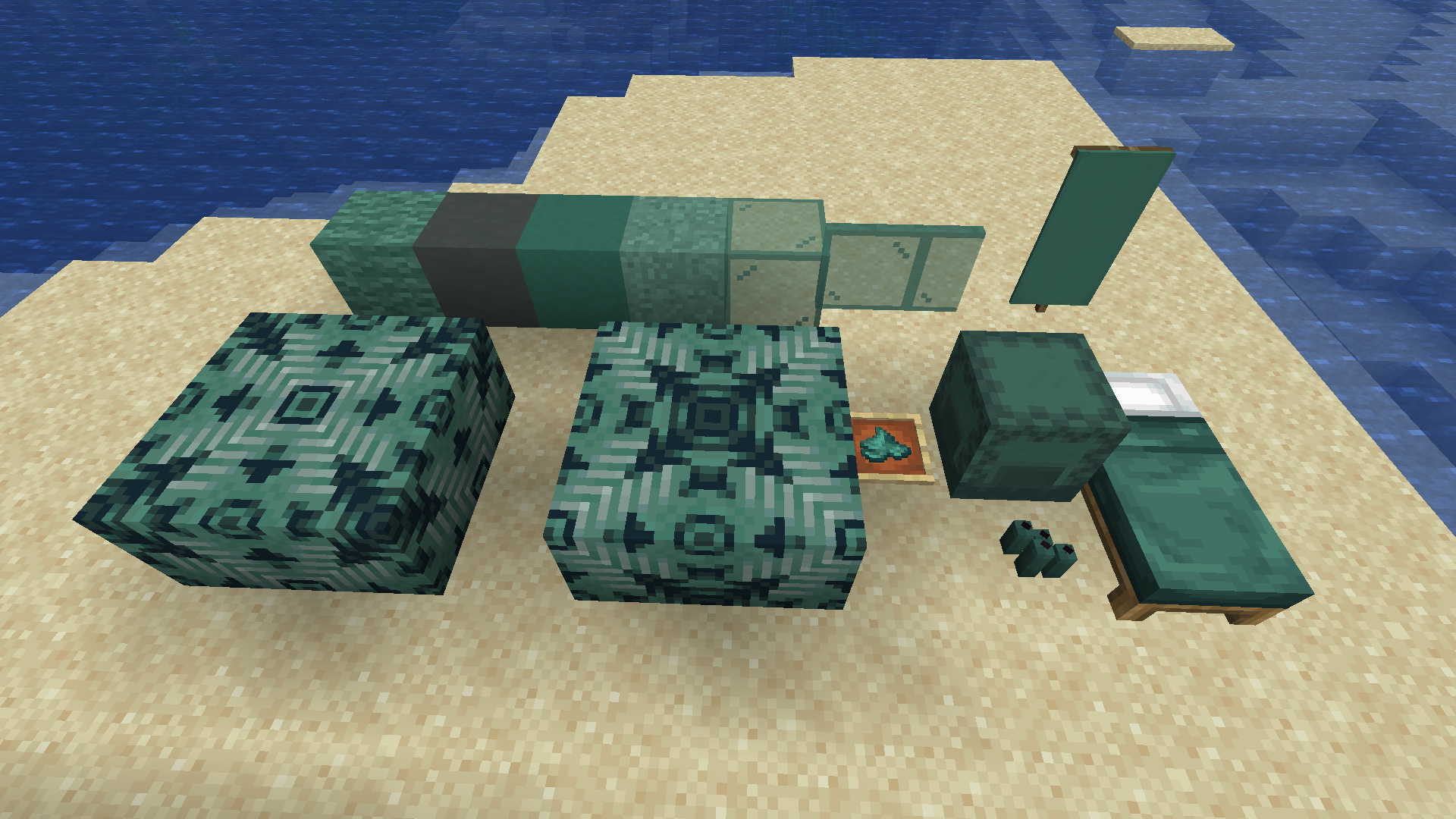
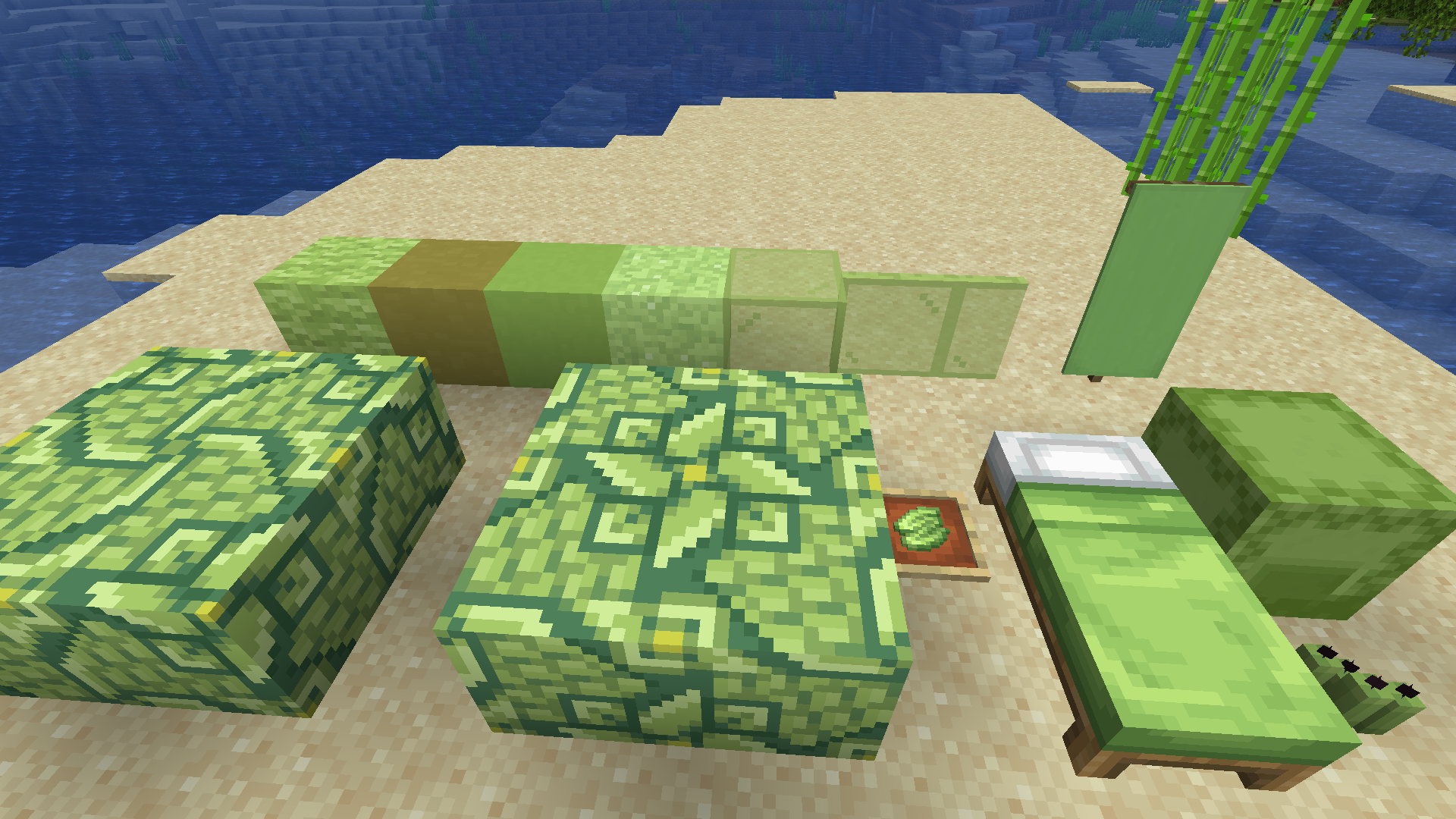
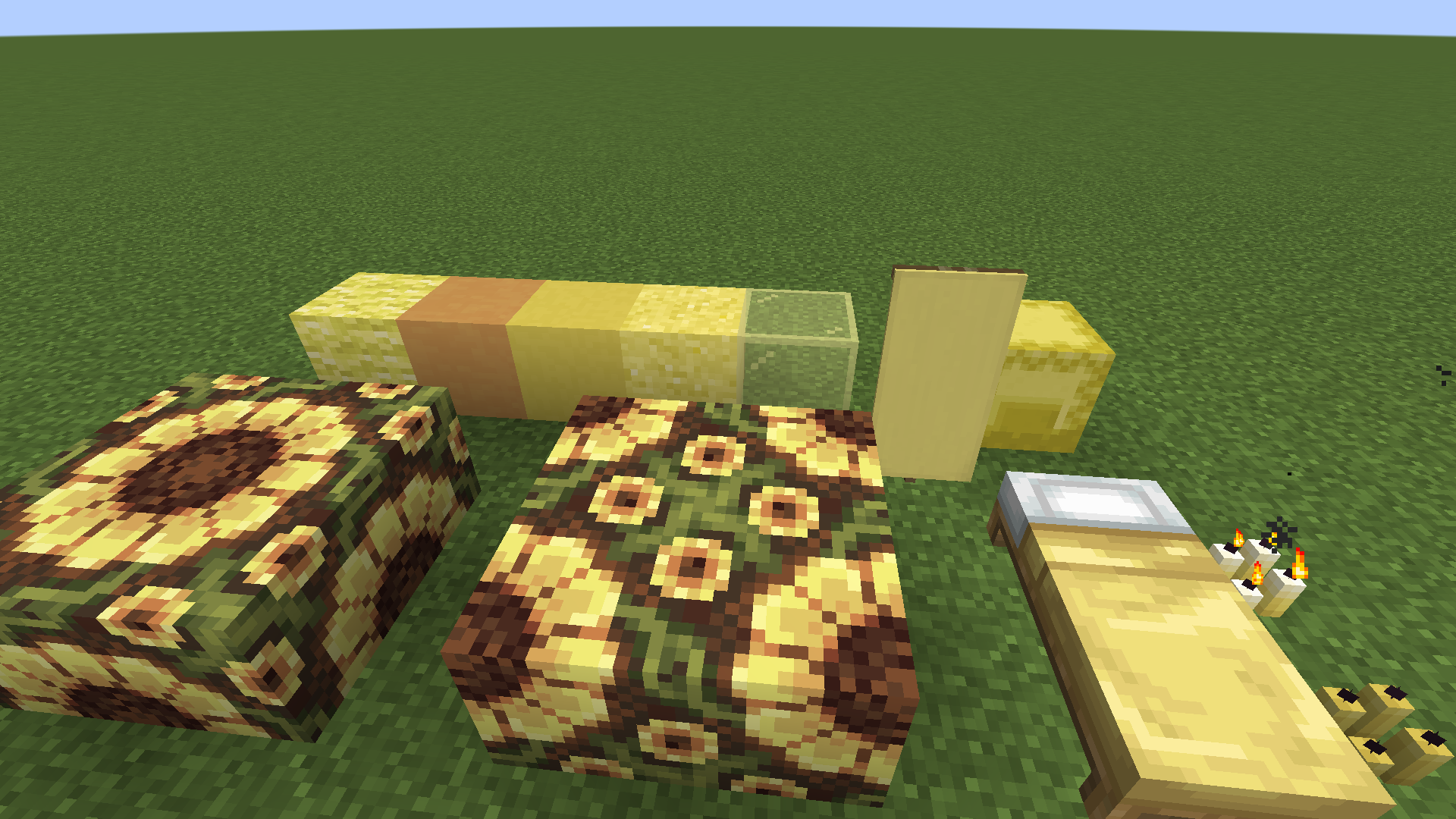
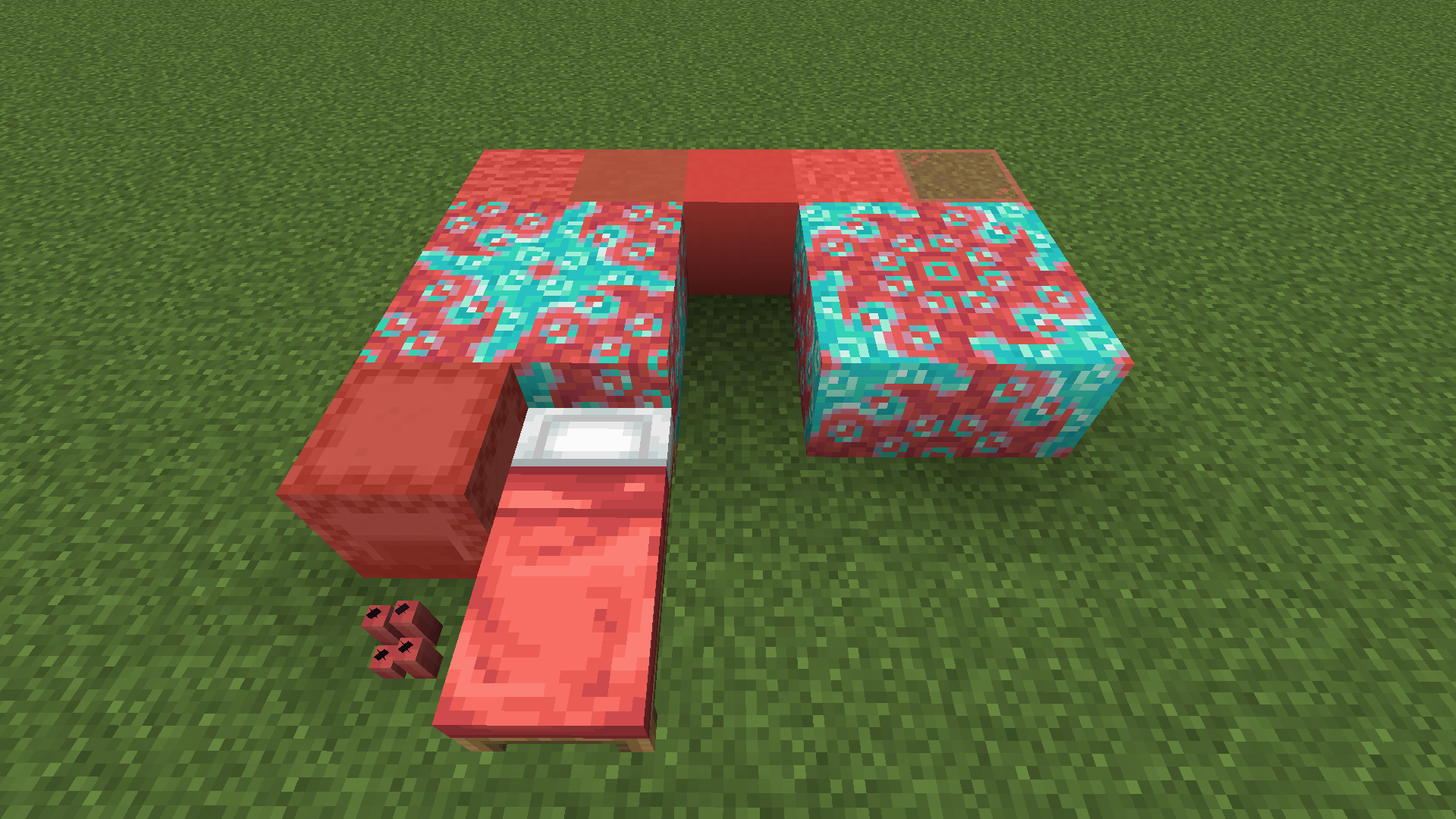

Delicate Dyes is a mod for Minecraft that expands upon the color selection available for building by introducing 10 new dyes to the game. Each new dye features a complete set of features, such as wool, beds, shulkers, and more.
For Developers
If you are looking to add integration with Delicate Dyes and your project you can find a pallete of the dyes by clicking here.

Feel free to include this project in modpacks!


- Features 10 new dyes, Coral, Umber, Canary, Wasabi, Sacramento, Sky, Blurple, Lavender, Sangria, and Rose!
- Each dye comes with it's complete set of features such as wool, beds, fireworks, etc
- Features a couple new flowers to obtain some of the dyes with
- Features integration with other mods such as Bountiful Fares, Urban Decor, and Frontiers


For exceptional server hosting services, look no further than BisectHosting. New customers can use code "Yirmiri" to get 25% off their first month, and their support team is always available to assist you in any way they can.
Additional Credits
This section is dedicated to those that contributed to this mod as this project wouldn't have been as easy or possible if it weren't for the help of these talented people!
Hecco:
- Artist behind most vanilla assets for Coral, Canary, Wasabi, Sacramento, Blurple and Lavender dyes.
- Artist behind all Glazed Terracottas, Dye Items, and various integration textures.
arid_lizzy:
- Artist behind Llama Carpets and the Goob Blossom.
- Created the original palette for Umber dye.
- Edition: Minecraft Java
- File type: .jar
- Minecraft versions listed: 1.21, 1.21.1, 1.20.1
- How to install: Install the matching mod loader (Forge, Fabric or NeoForge) for your Minecraft version. → Download the .jar. → Put it in the .minecraft/mods folder and launch that loader profile.
- Where to get it: Opens on CurseForge — not every file is mirrored on our own servers.
Install steps are the general flow for this file type — How to install Minecraft Java mods & modpacks walks through it step by step.
- Ships as forge-delicate_dyes-1.20.1-1.1.0.jar — drop this file into the mods folder
- Download size: 1.2 MB
- Download link checked 28 Sept 2026 — working
These come from our own check of the pack file, not from the source page.