ModsJava
Land Developer Mod (26.1.2, 1.20.1) – Manage Custom Towns and Trade Protected
Java mod listed for Minecraft 1.20. Downloads from the MC Java Mods app on Android.
⬇ Download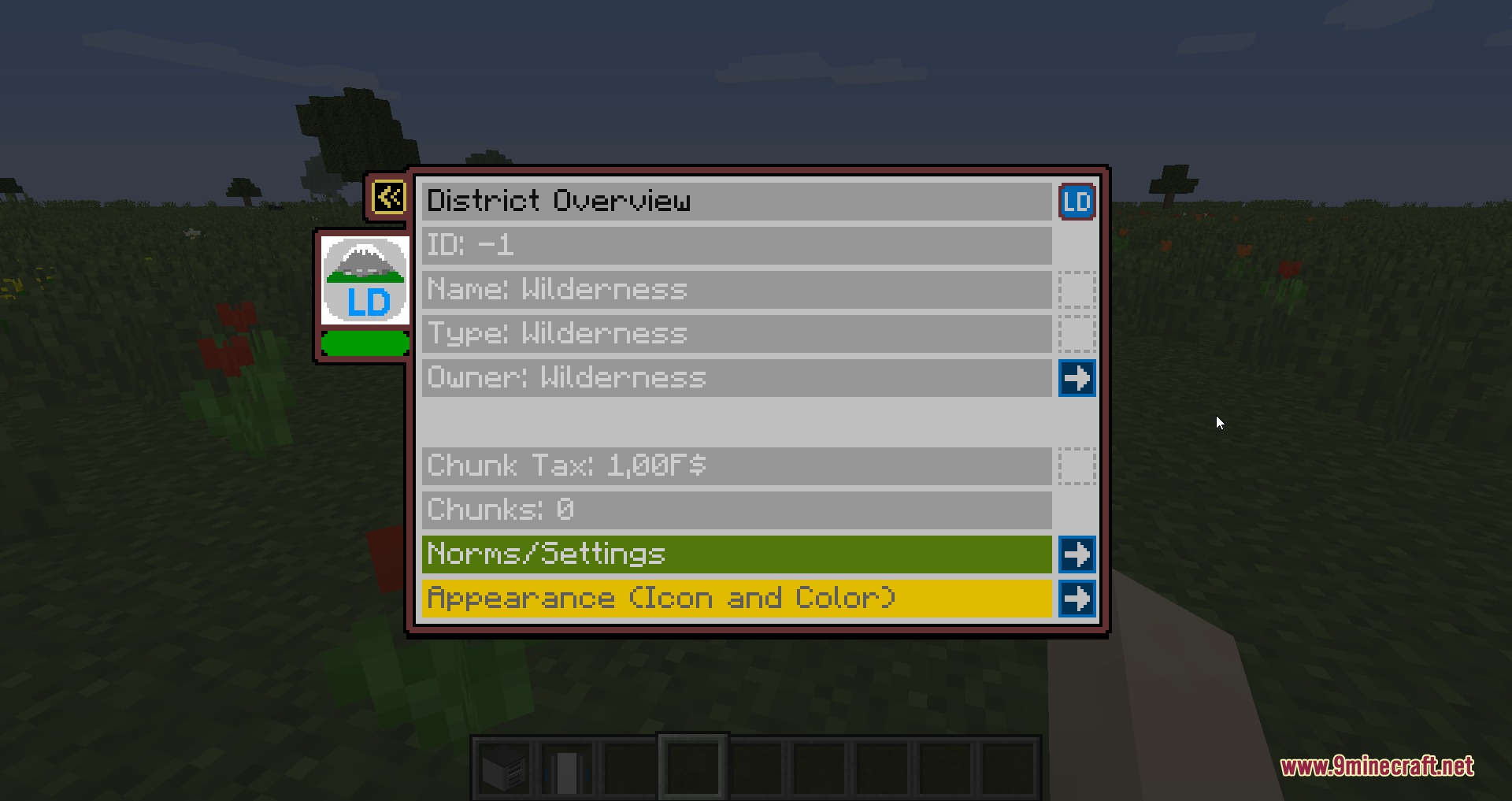
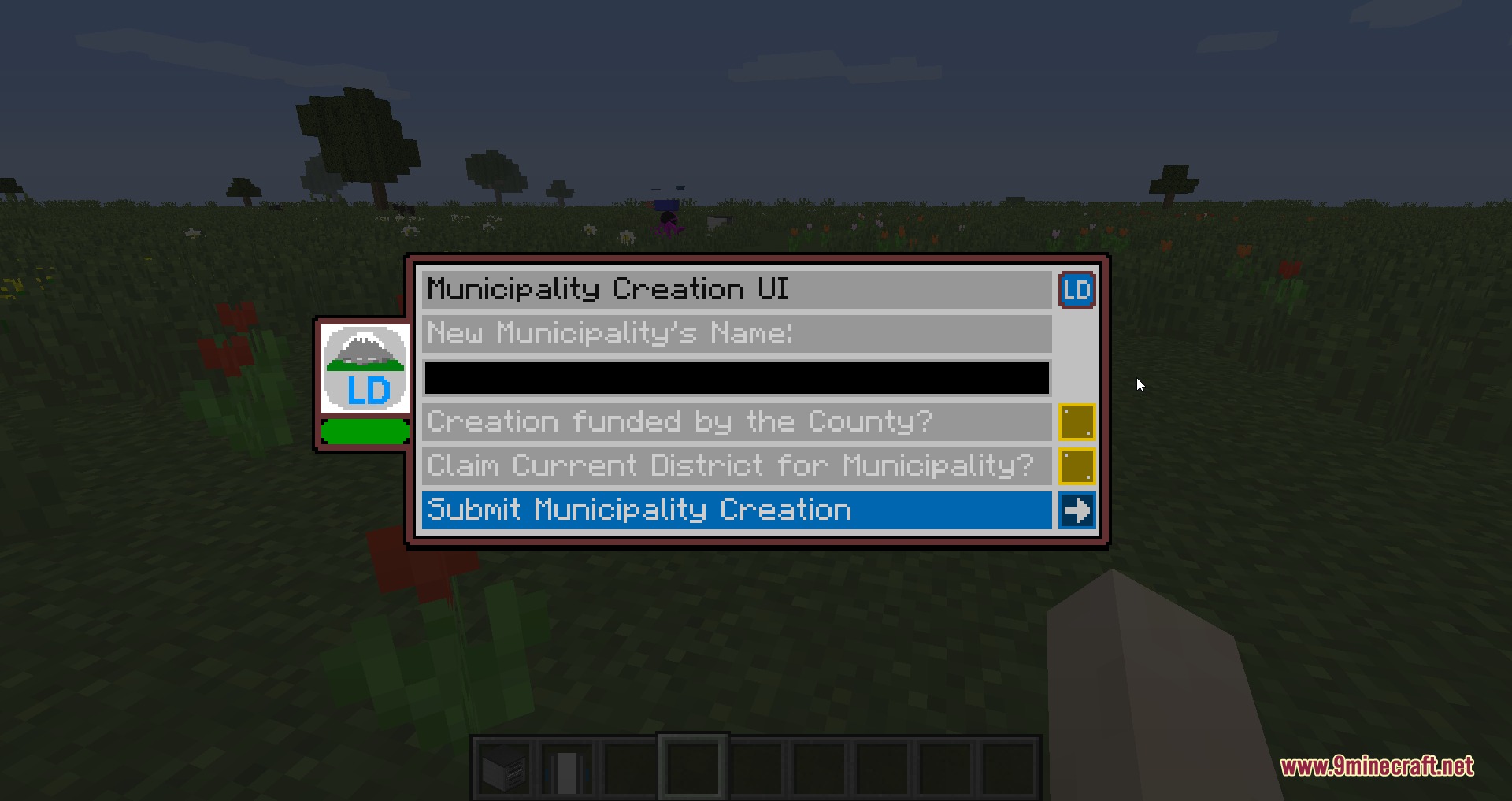
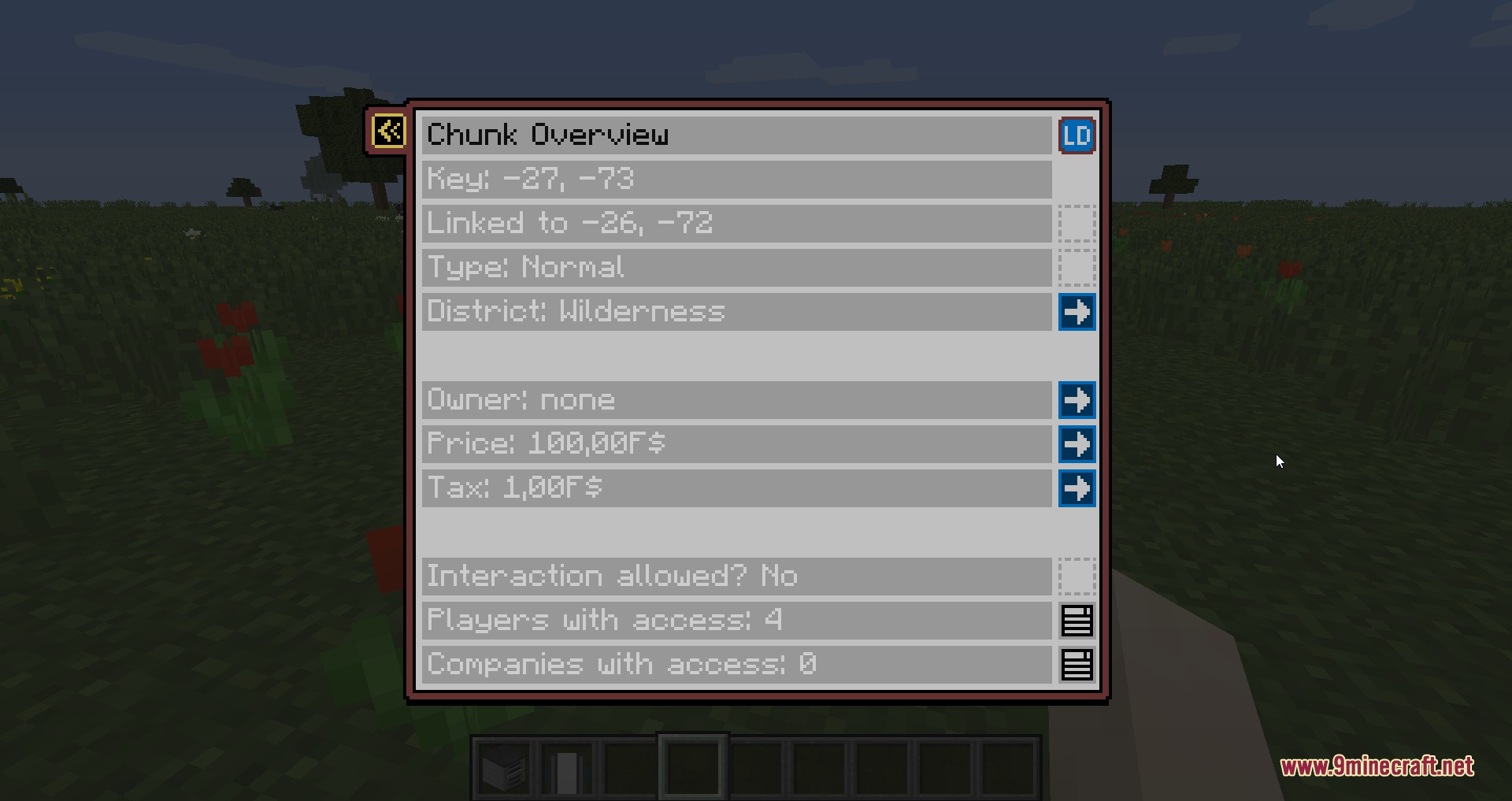
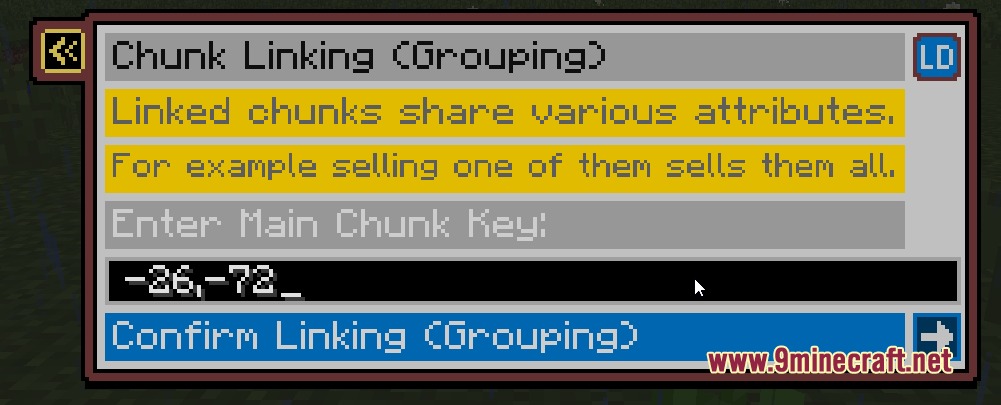
Land Developer Mod brings structured land protection and town management systems to Minecraft. It divides territory into structured layers ranging from individual chunks up to full regions. Server administrators and players can buy, sell, and trade plots while managing settlement growth through in-game menus.
Features:
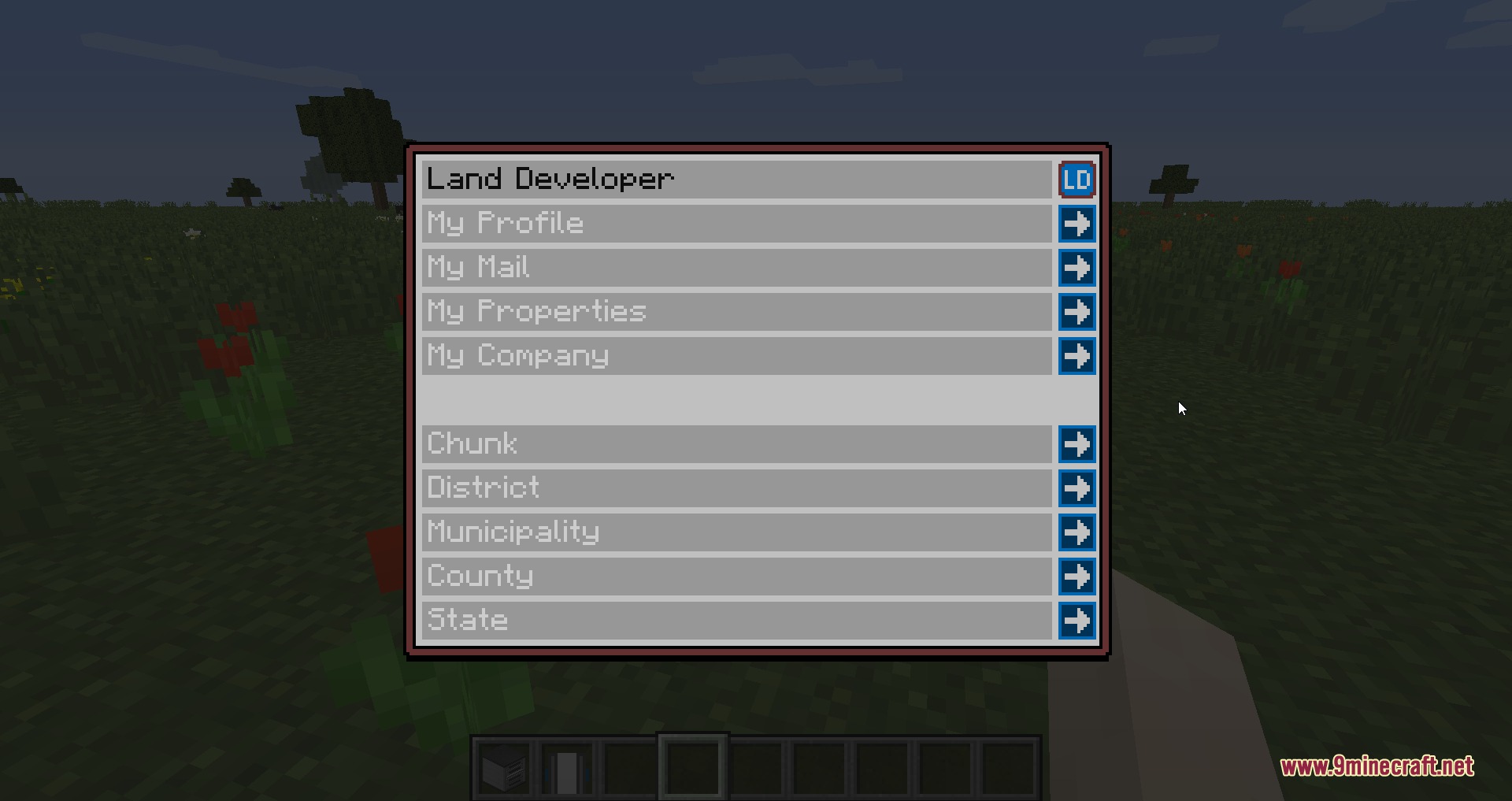
- Divides territory into hierarchical layers including chunks, districts, municipalities, counties, and regions.
- Lets players and groups buy, sell, or trade claimed land across all territory tiers.
- Includes an option to disable explosion damage on a per-district basis.
- Allows custom icons and colors for districts, towns, counties, and regions.
- Connects directly with FSMM currency to handle plot purchase costs and management fees.
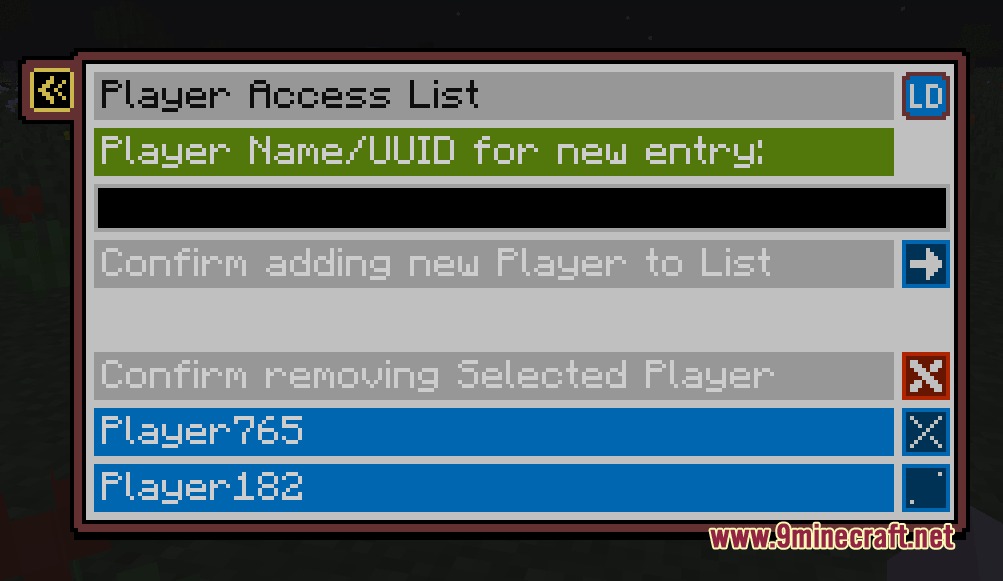
- Replaces text-heavy command workflows with clear in-game menu windows.
- Offers optional chat formatting with custom color options and nicknames.
- Works with Dynmap and Discord bots for remote territory tracking.
Commands:
/ld: Opens the main menu screen and mailbox interface./ld fees: Displays current creation and upkeep fees for settlements./ld admin: Toggles administrator override mode on or off./mun: Opens the municipality overview and settlement mail window./mun create: Establishes a new municipality and starter district at your location./dis: Opens the interface for the district you are standing in./ck: Opens the chunk property and ownership window./ck claim: Claims the current chunk for your active district./ck claim <district_id>: Claims the chunk under a specific district ID.
How to Use:
- Check creation costs by typing
/ld feesin the chat window. - Stand on unclaimed ground and type
/mun createto set up a new town. - Type
/ck claimwhile standing in surrounding territory to claim extra chunks. - Open menus anytime using
/mun,/dis, or/ckto manage ownership and settings.
Screenshots:
Land Developer Mod Download Links
Quick facts
- Edition: Minecraft Java
- File type: .jar
- Minecraft version listed: 1.20.1
- How to install: Install the matching mod loader (Forge, Fabric or NeoForge) for your Minecraft version. → Download the .jar. → Put it in the .minecraft/mods folder and launch that loader profile.
- Where to get it: In MC Java Mods, or directly above on this page.
Install steps are the general flow for this file type — How to install Minecraft Java mods & modpacks walks through it step by step.
File checked by MCModsHub
- Downloads as 472882.mcaddon
- Download size: 399 KB
- Download link checked 22 Sept 2026 — working
- Mirrored on our own servers — the download does not depend on the original host
These come from our own check of the pack file, not from the source page.