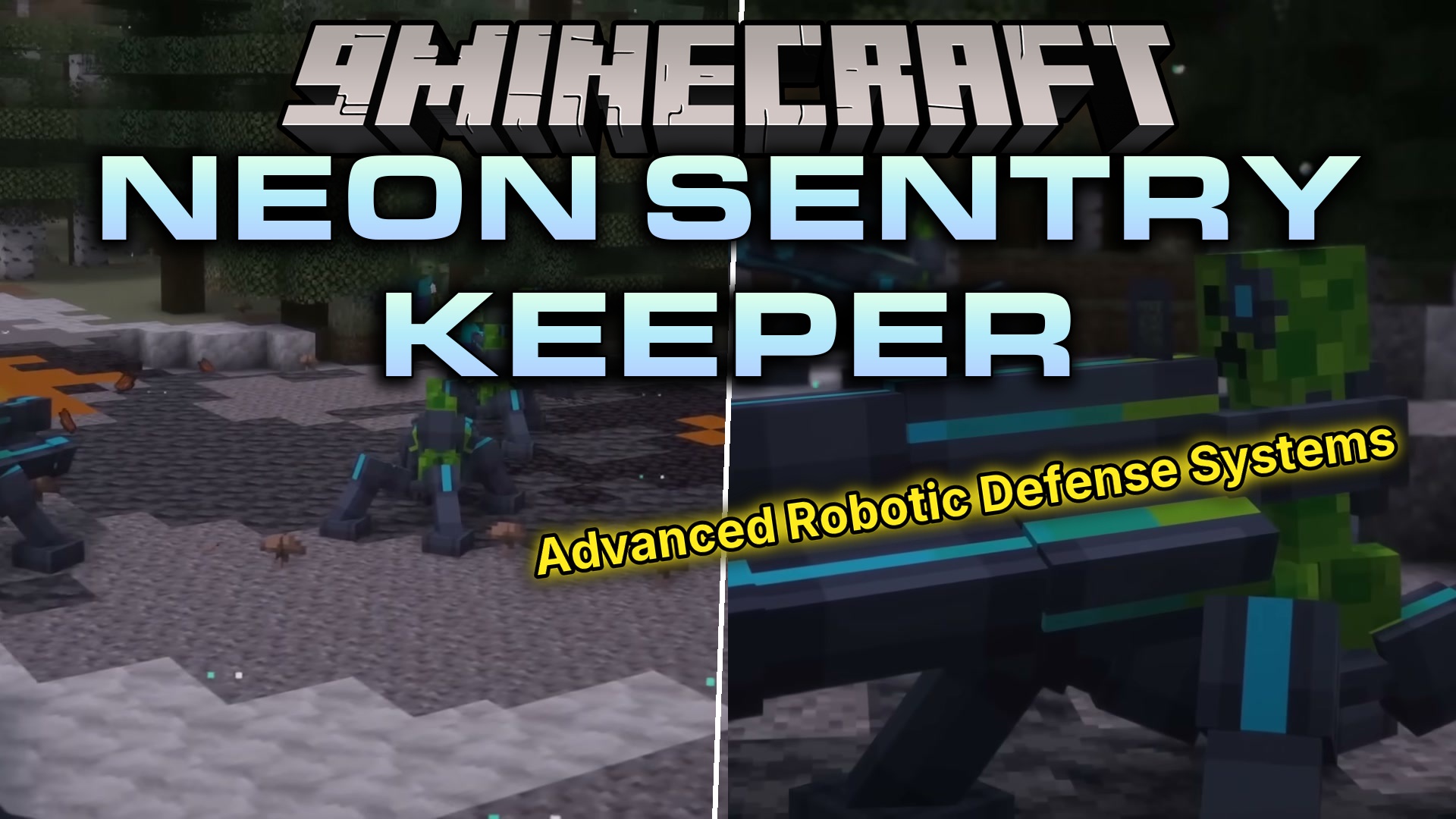
Neon Sentry Keeper Mod (1.20.1) – Defend Your Base with Cyborg Creeper Turrets
Java mod listed for Minecraft 1.20. Downloads from the MC Java Mods app on Android.
⬇ Download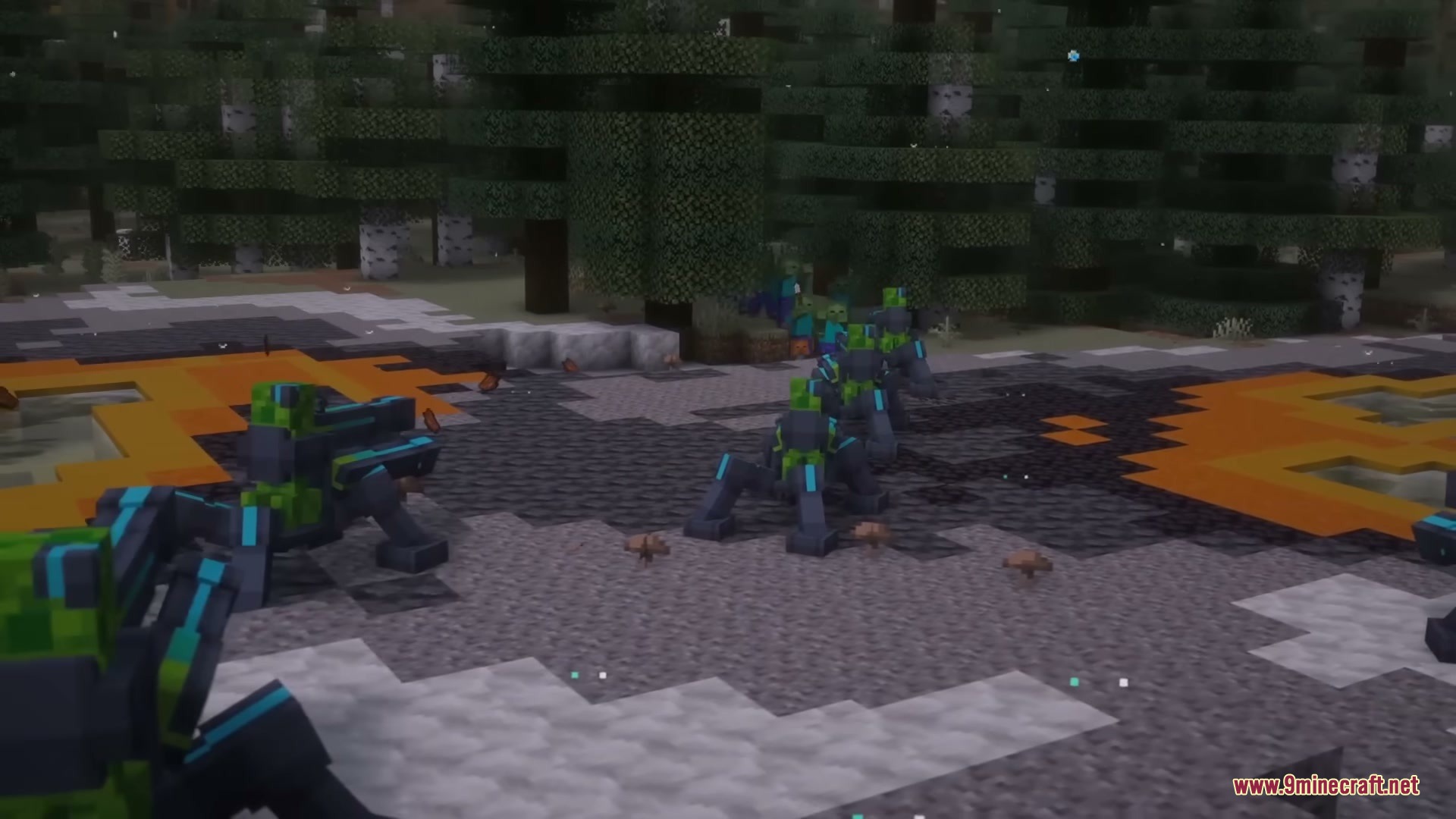
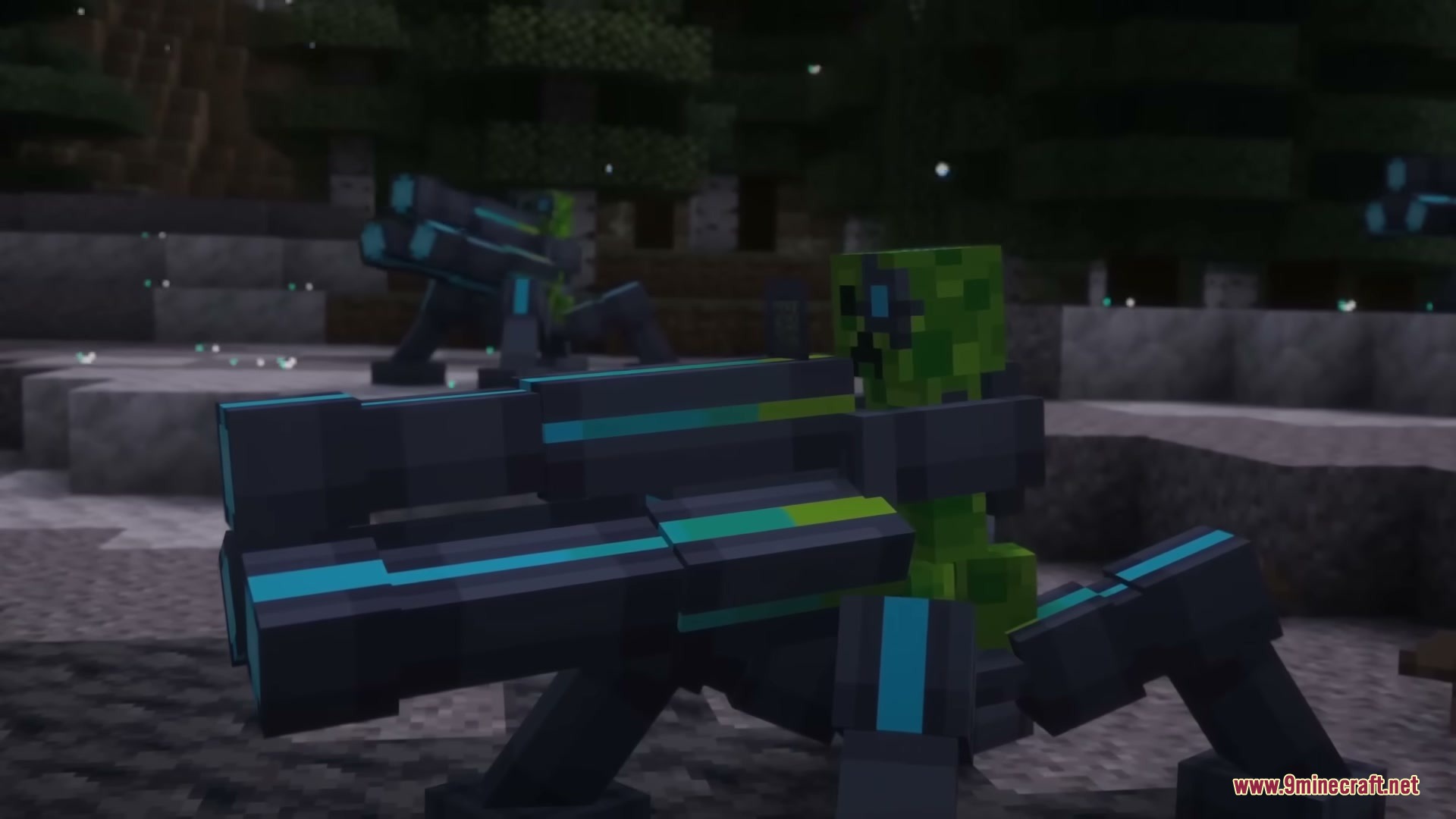
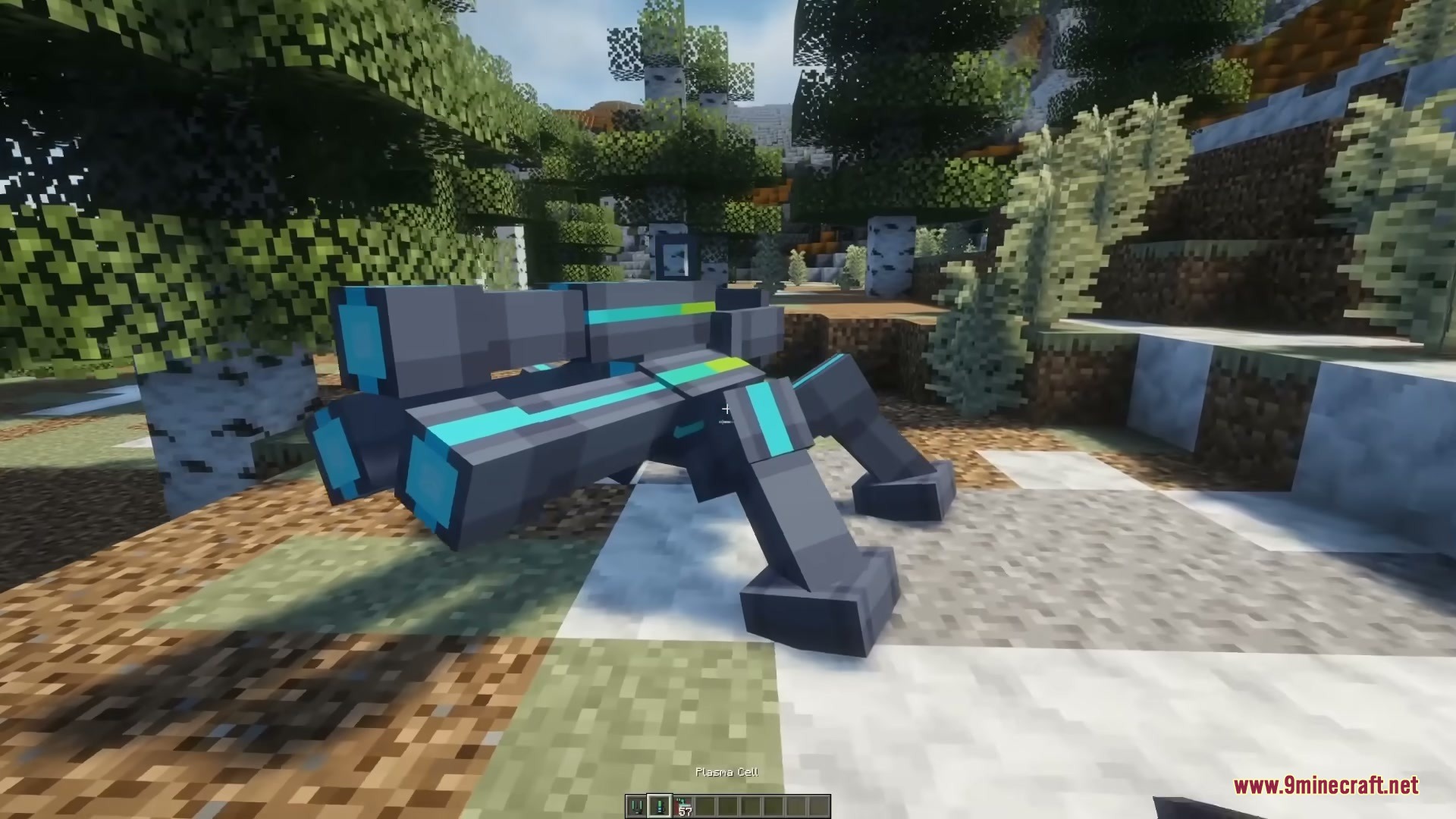
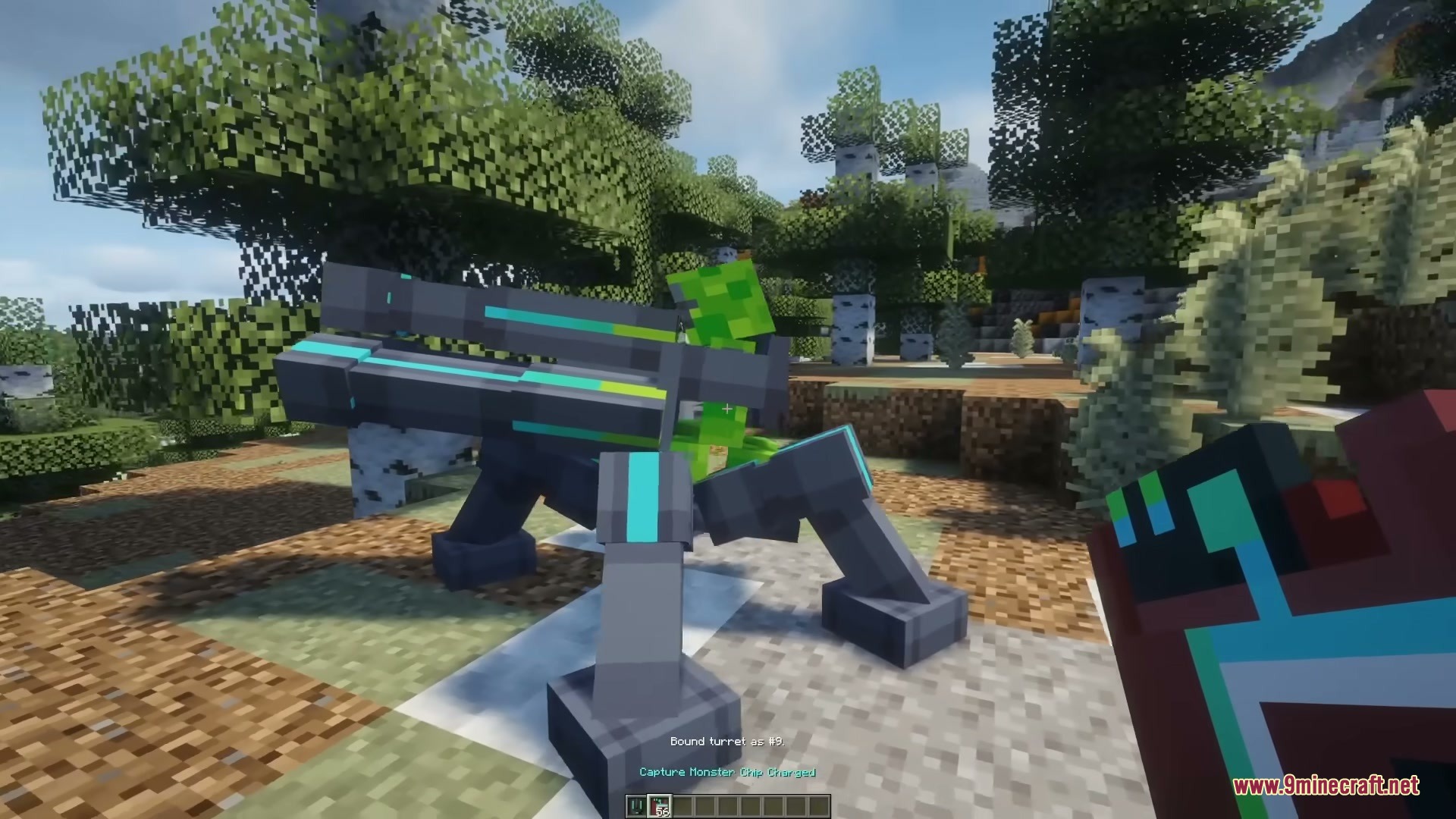
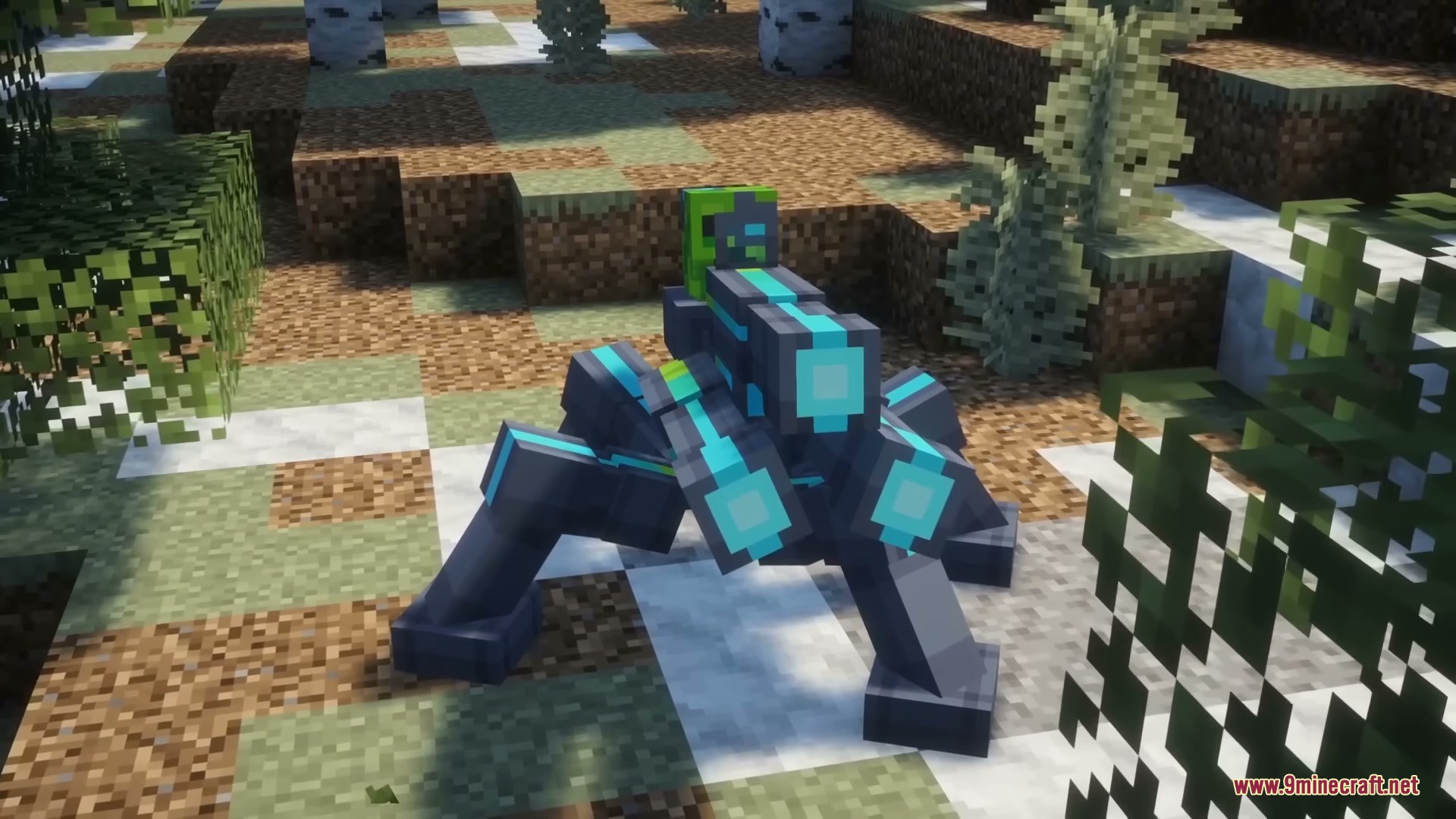


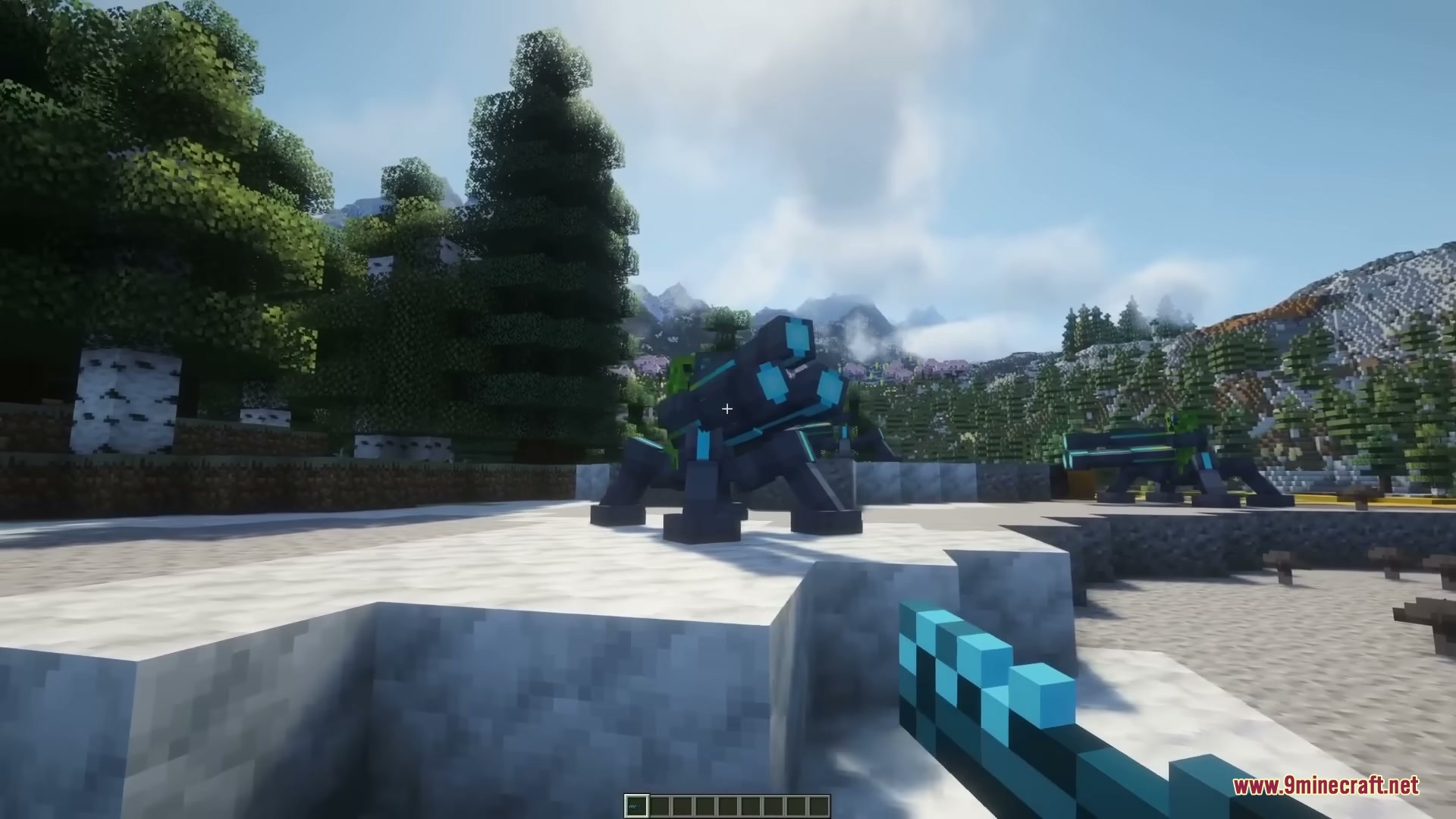
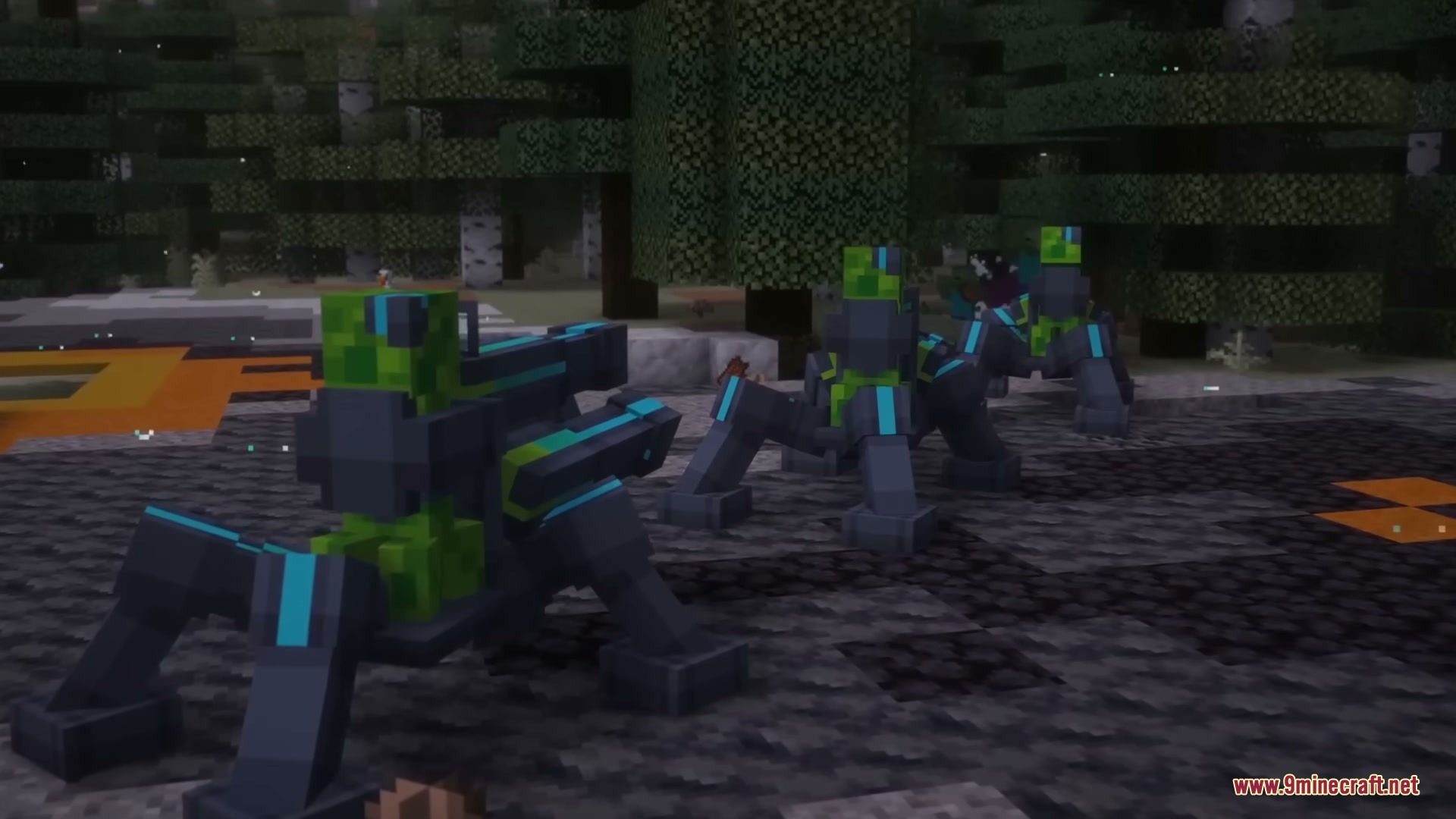
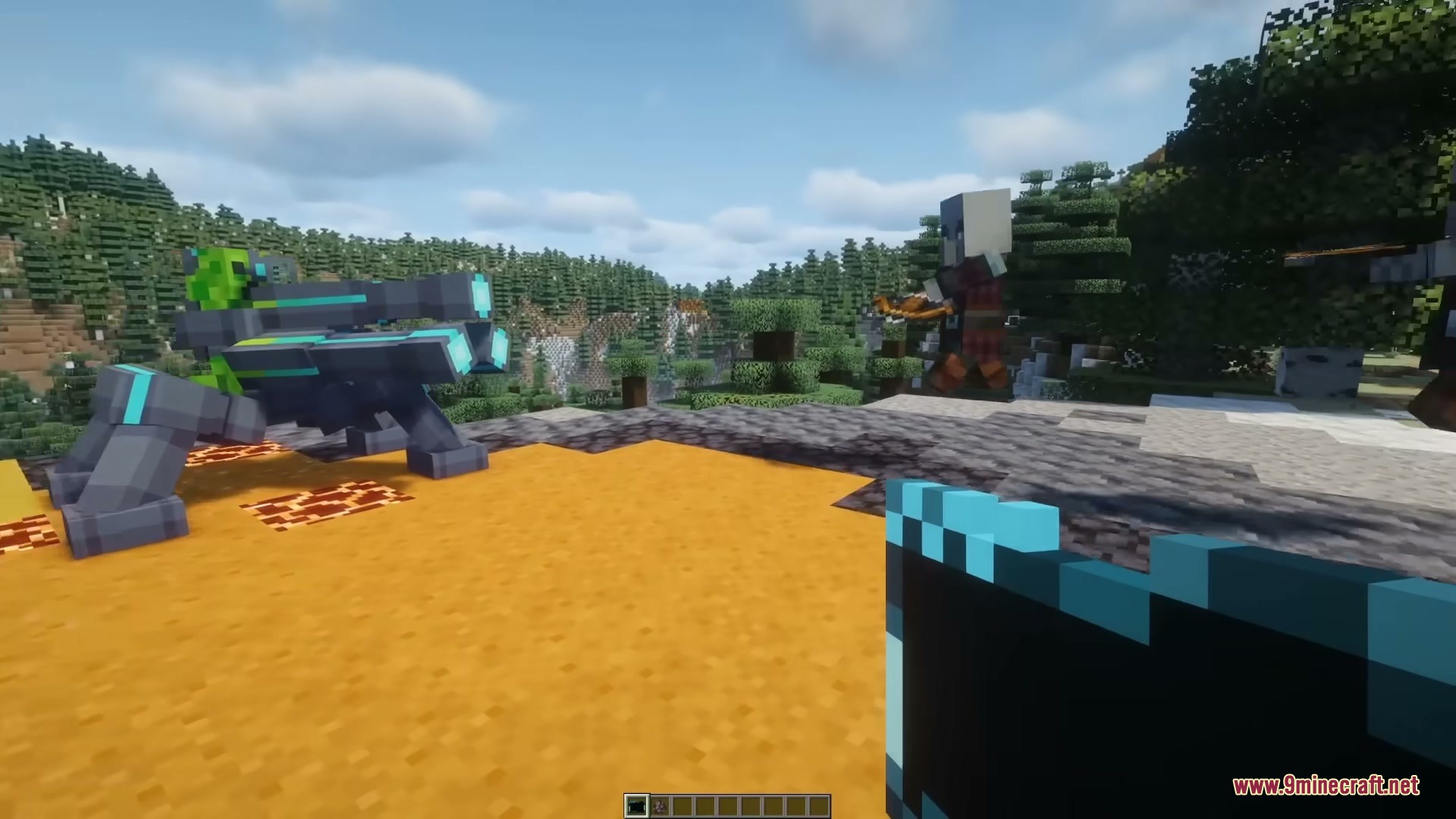
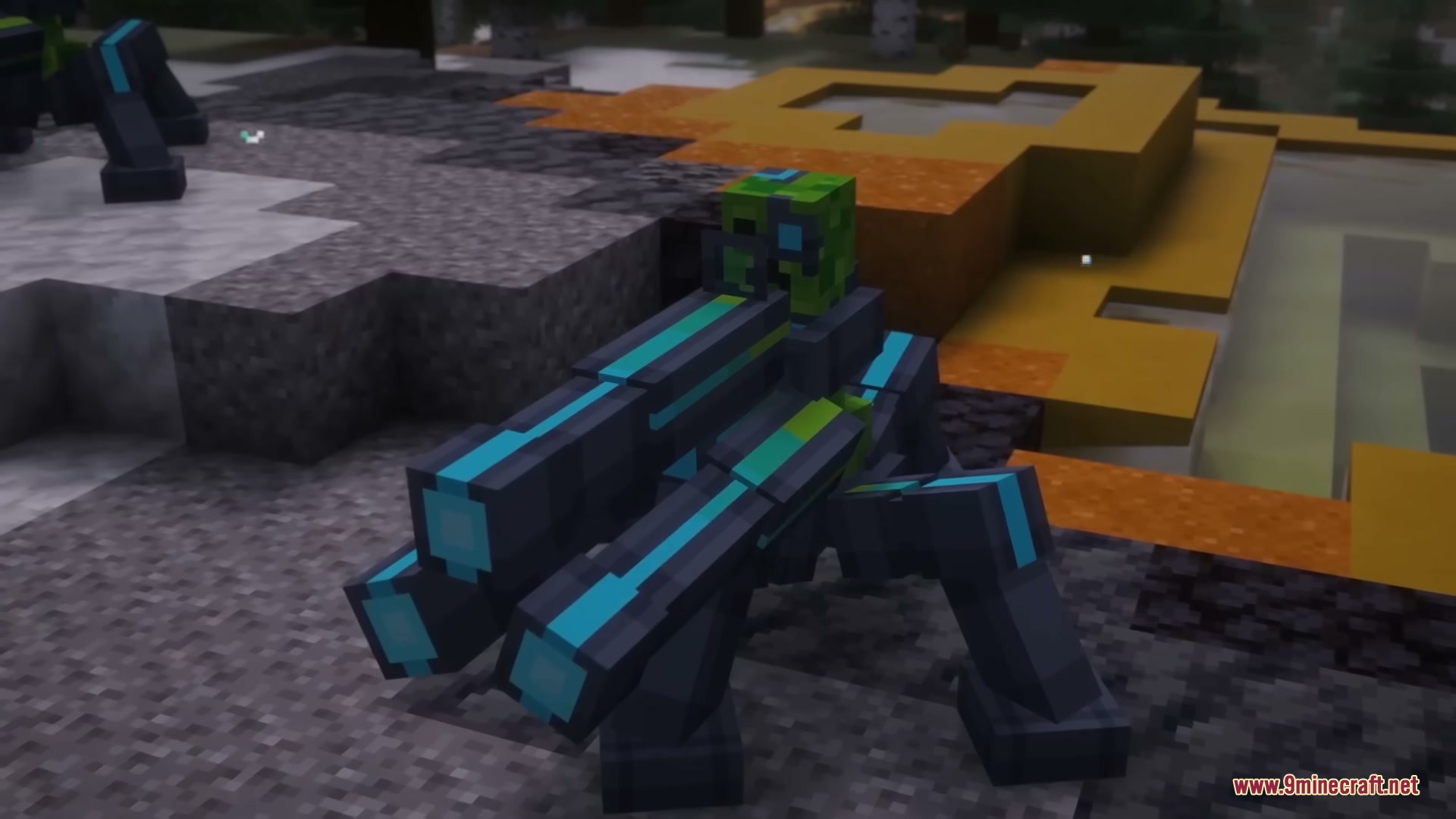
Neon Sentry Keeper Mod lets you turn dangerous charged creepers into friendly cyborg defenders that power high-tech plasma turrets. This mod brings a special trap block to capture mobs on storage chips and display them around your base. By exposing a trapped creeper to lightning, you create a loyal Keeper that attacks hostile monsters and fuels your automated defenses. Players can link their turrets to a handheld device to choose targeting modes and guard multiple directions at once.
Features:
- Sentry Turrets: Mountable defense turrets that fire high-damage plasma bolts at hostile mobs and enemy players.
- Cyborg Keepers: Friendly modified creepers that fight off monsters and supply power to your sentries.
- Capture Traps: Floor blocks built to scan, trap, and display different creatures inside specialized chips.
- Fires plasma projectiles dealing between 14 and 17 damage per hit.
- Single fire mode consumes one shot from a 300-shot cell every two seconds for steady defense.
- Burst fire mode unleashes three rapid shots every three seconds for heavy damage.
- Turret shots break through semi-hard blocks that stand between the sentry and its target.
- Handheld KeePad lets you configure target groups, firing sectors, and defense modes.
- Four distinct chip types store global entities, water creatures, monsters, and peaceful mobs.
- Allows each player to place and control up to 12 sentry units across their base.
How to Use:
- Craft a Capture Trap and insert a Capture Monster Chip into its slot.
- Lure a creeper onto the trap and wait for lightning to strike it during a thunderstorm, or trap an already charged creeper.
- Take the energized chip containing your new Keeper and place down a Sentry Spawner.
- Insert the energized chip and a Plasma Cell into the Sentry to activate it.
- Right-click the Sentry with a KeePad to set its target type, firing mode, and coverage sector.
Screenshots:

Neon Sentry Keeper Mod Download Links
- Edition: Minecraft Java
- File type: .jar
- Minecraft version listed: 1.20.1
- How to install: Install the matching mod loader (Forge, Fabric or NeoForge) for your Minecraft version. → Download the .jar. → Put it in the .minecraft/mods folder and launch that loader profile.
- Where to get it: In MC Java Mods, or directly above on this page.
Install steps are the general flow for this file type — How to install Minecraft Java mods & modpacks walks through it step by step.
- Downloads as 472889.mcaddon
- Download size: 557 KB
- Download link checked 22 Sept 2026 — working
- Mirrored on our own servers — the download does not depend on the original host
These come from our own check of the pack file, not from the source page.