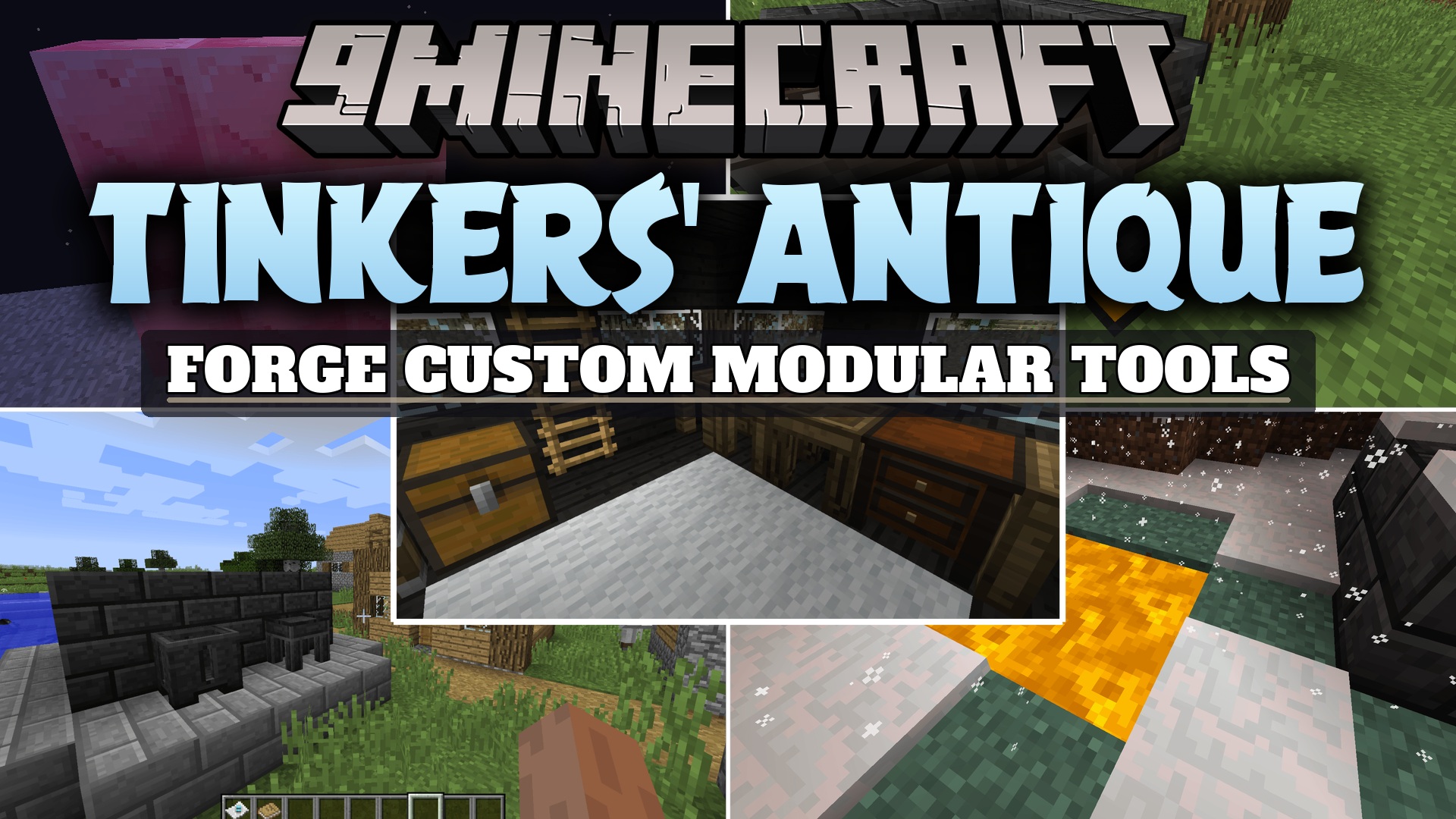
Tinkers' Antique Mod (1.12.2) – Forge Classic Metals and Recycle Your Custom
Minecraft Java mod. Downloads from the MC Java Mods app on Android.
Tinkers' Antique Mod extends Tinkers' Construct 2 with bug fixes, restored classic content, and new crafting options. It serves as an updated continuation…
⬇ Download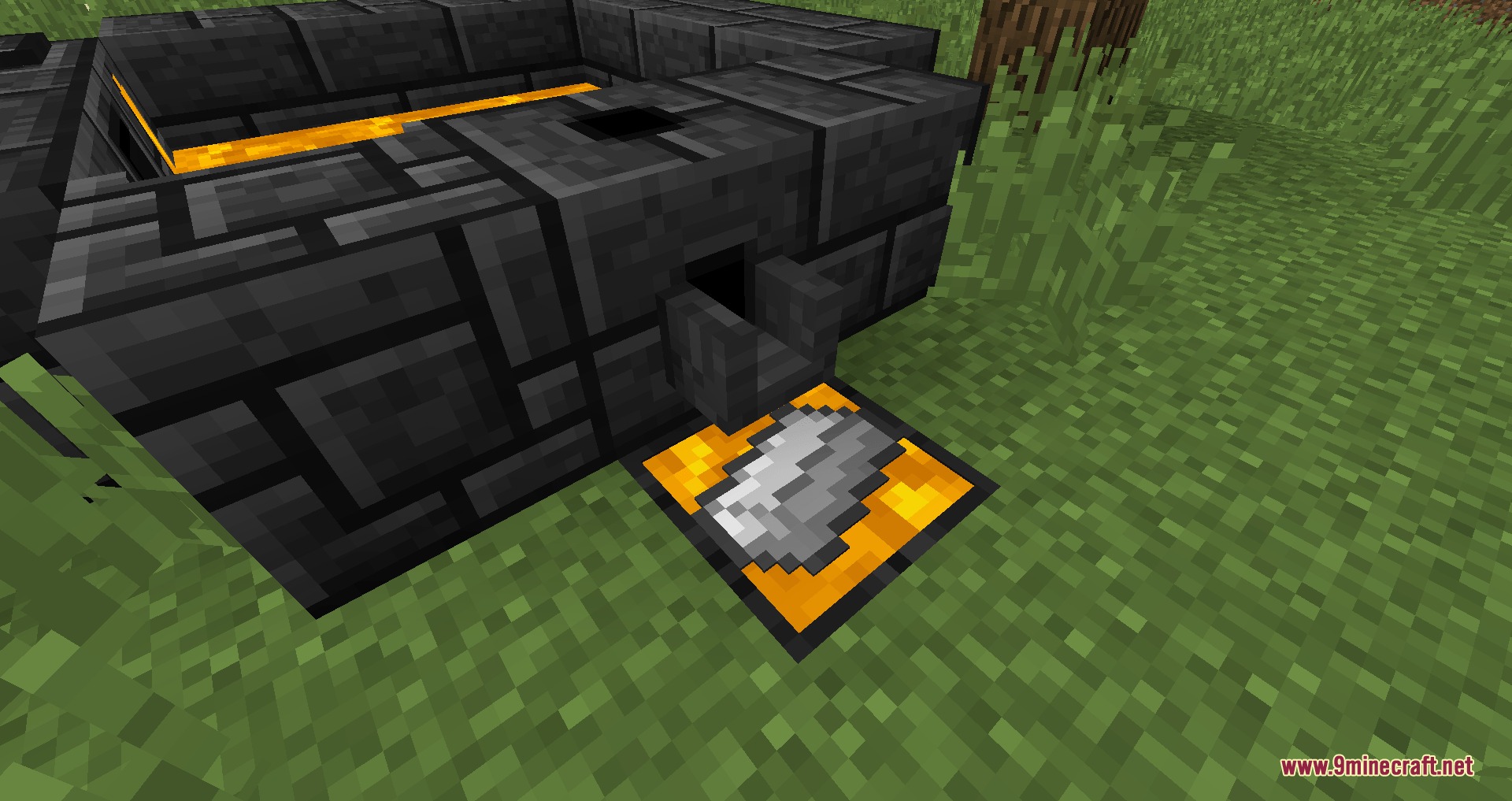
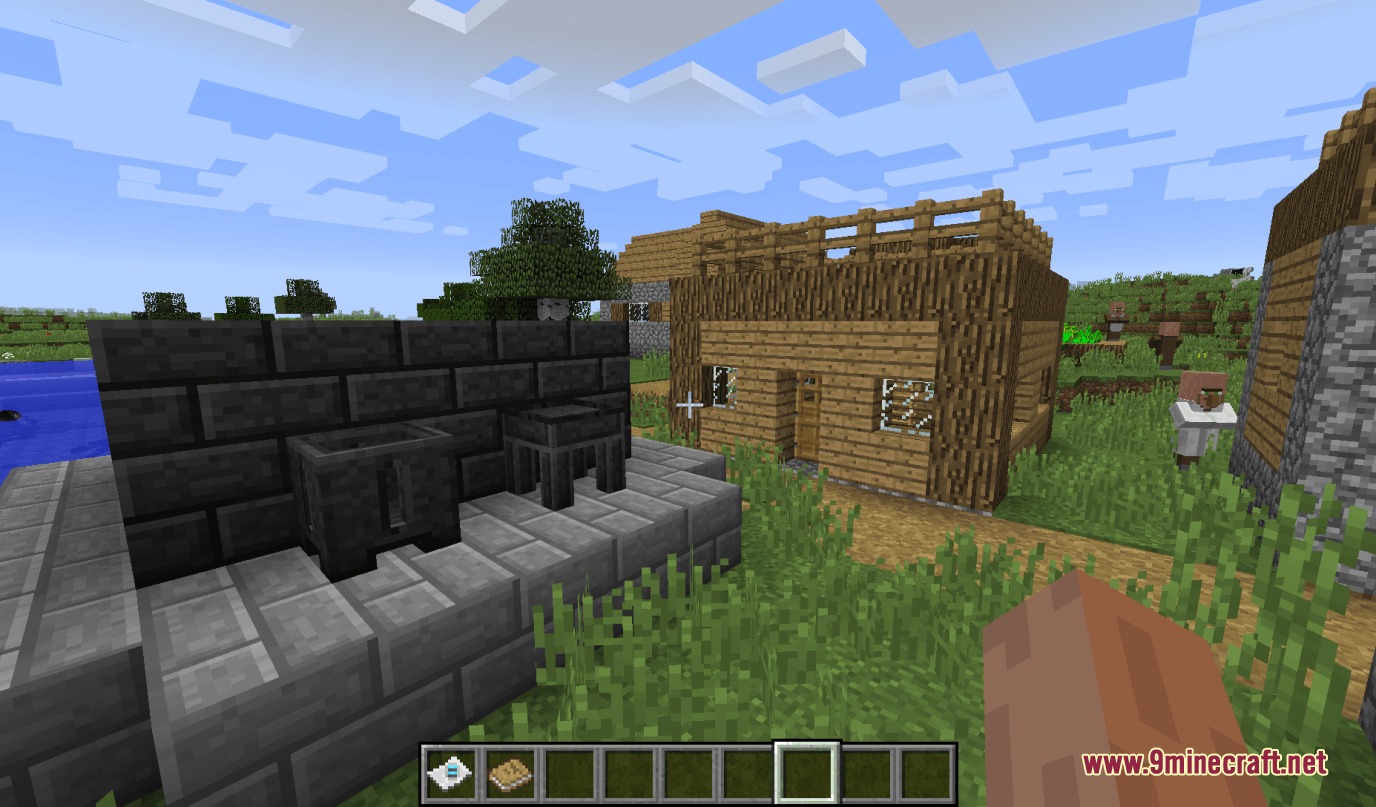
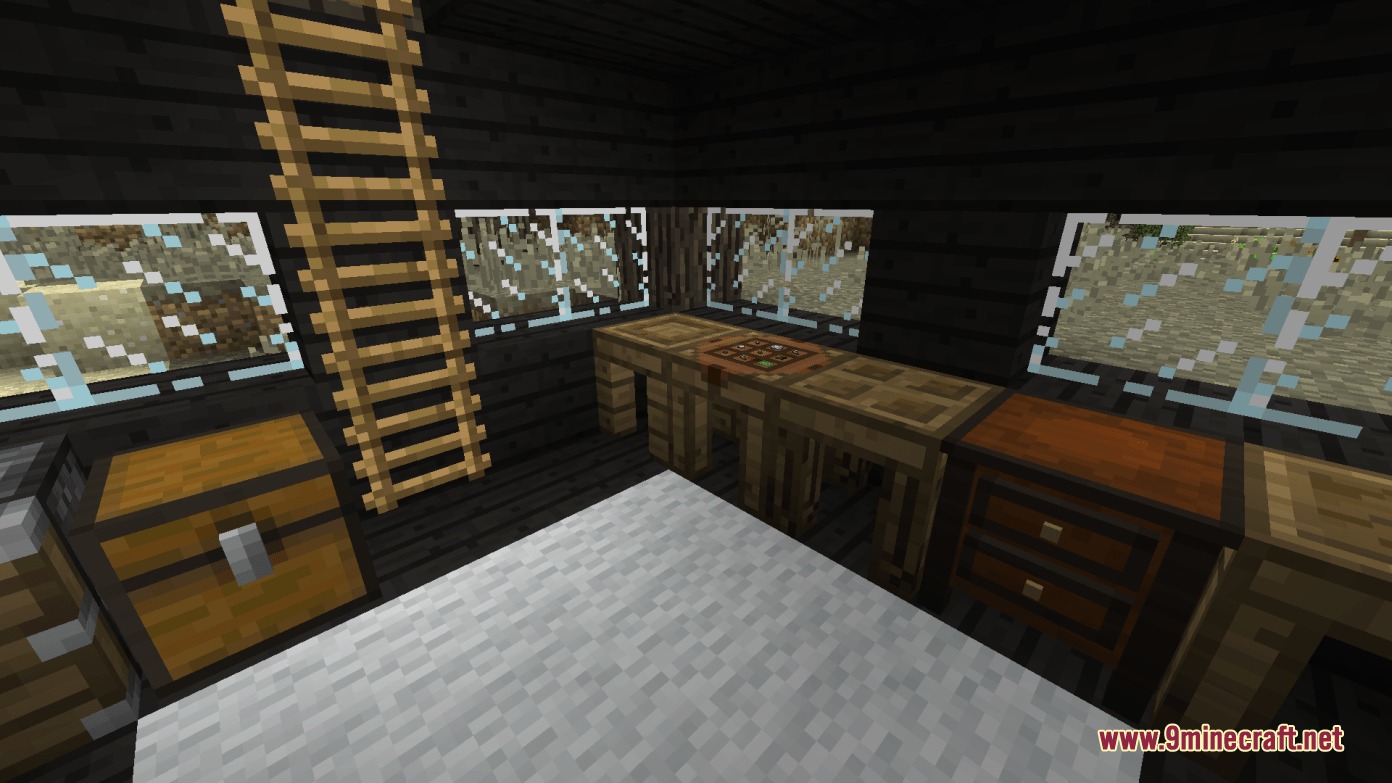
Tinkers’ Antique Mod extends Tinkers’ Construct 2 with bug fixes, restored classic content, and new crafting options. It serves as an updated continuation for older game worlds, adding beloved materials like Alumite and convenient mechanics like tool deconstruction. The mod also integrates various community bug fixes and offers deep settings to tweak smeltery speeds, fluid heights, and tool traits.
Features:
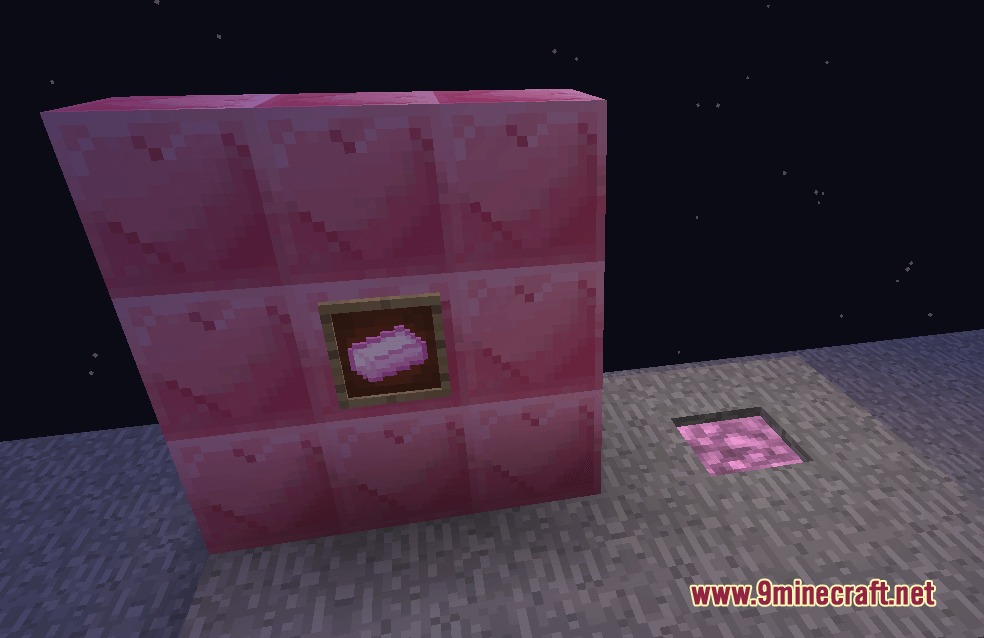
- Adds classic materials and alloys like Alumite and Aluminum Brass tool parts.
- Introduces Blazin’ Blood as a hot smeltery fuel obtained by melting Blazes.
- Allows players to cast Blazin’ Blood onto iron to craft steel ingots.
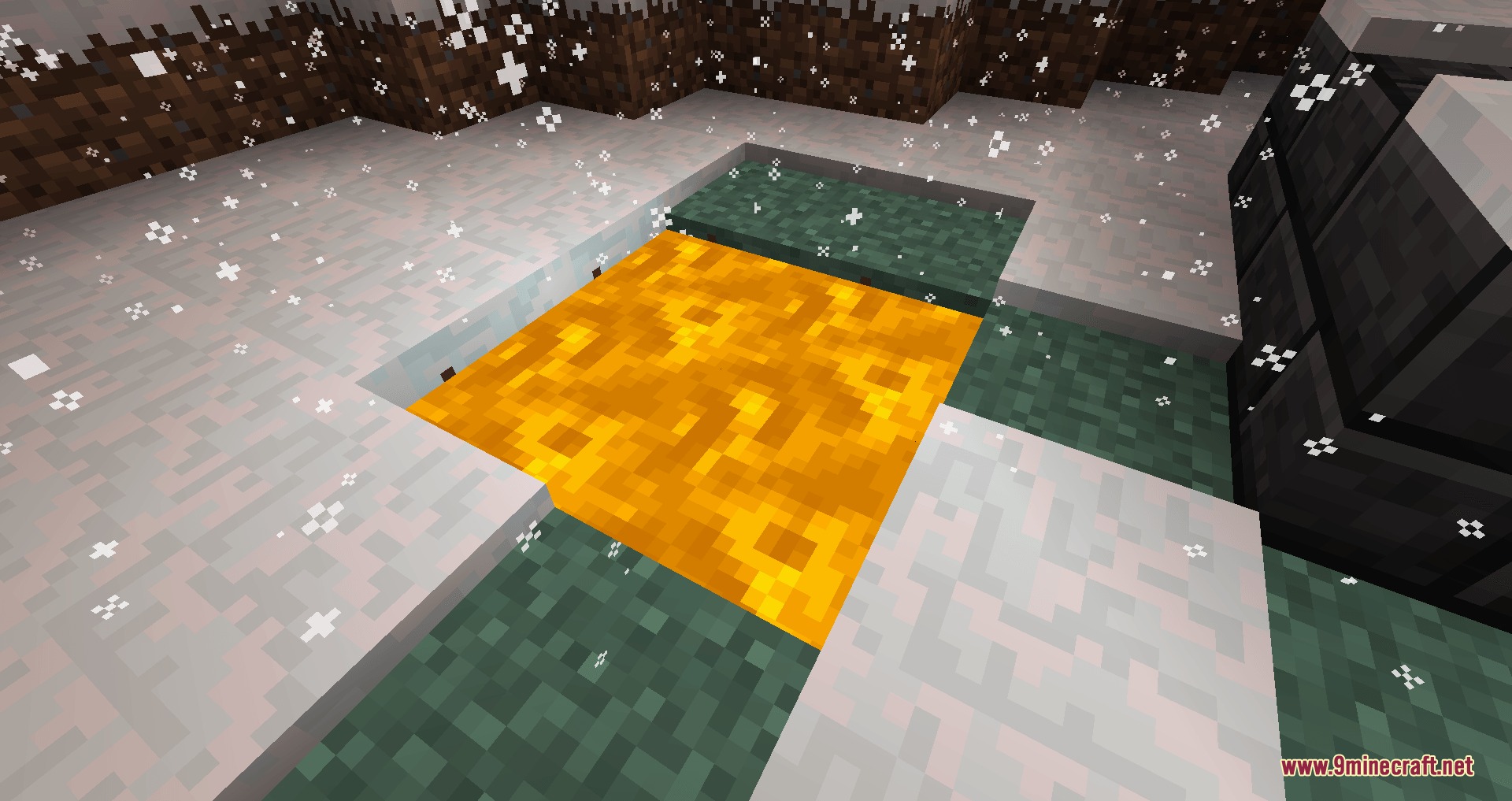
- Lets you melt diamonds in the smeltery and cast them into molds.
- Adds tool deconstruction by placing built tools back into the output slot of tool stations or forges.
- Brings back old village structures with support for modded building blocks.
- Adds the Incognito modifier to hide visual modifications on finished weapons and tools.
- Restores the Autosmelt modifier alongside the Depth Digger trait.
- Includes built-in fixes for item duplications, magnetic trait voids, and sound playback issues.
- Provides deep configuration options for smeltery speeds, liquid flow rates, and button layouts.
How to Use:
- Place a built tool into the output slot of a Tool Station or Tool Forge to deconstruct it into basic parts.
- Melt Blazes in your Smeltery to collect Blazin’ Blood for high-temperature smelting fuel.
- Pour Blazin’ Blood over iron ingots in a casting basin or table to forge steel.
- Apply the Incognito modifier to your equipment at a tool station to hide visible modifier textures.
Screenshots:
Tinkers’ Antique Mod Download Links
- Edition: Minecraft Java
- File type: .jar
- How to install: Install the matching mod loader (Forge, Fabric or NeoForge) for your Minecraft version. → Download the .jar. → Put it in the .minecraft/mods folder and launch that loader profile.
- Where to get it: In MC Java Mods, or directly above on this page.
Install steps are the general flow for this file type — How to install Minecraft Java mods & modpacks walks through it step by step.
- Downloads as 472897.mcaddon
- Download size: 4.4 MB
- Download link checked 25 Sept 2026 — working
- Mirrored on our own servers — the download does not depend on the original host
These come from our own check of the pack file, not from the source page.