ModsJava
Pelagic Prehistory Mod (1.21.1, 1.20.1) – Revive Prehistoric Sea Monsters
Java mod listed for Minecraft 1.20–1.21. Downloads from the MC Java Mods app on Android.
⬇ Download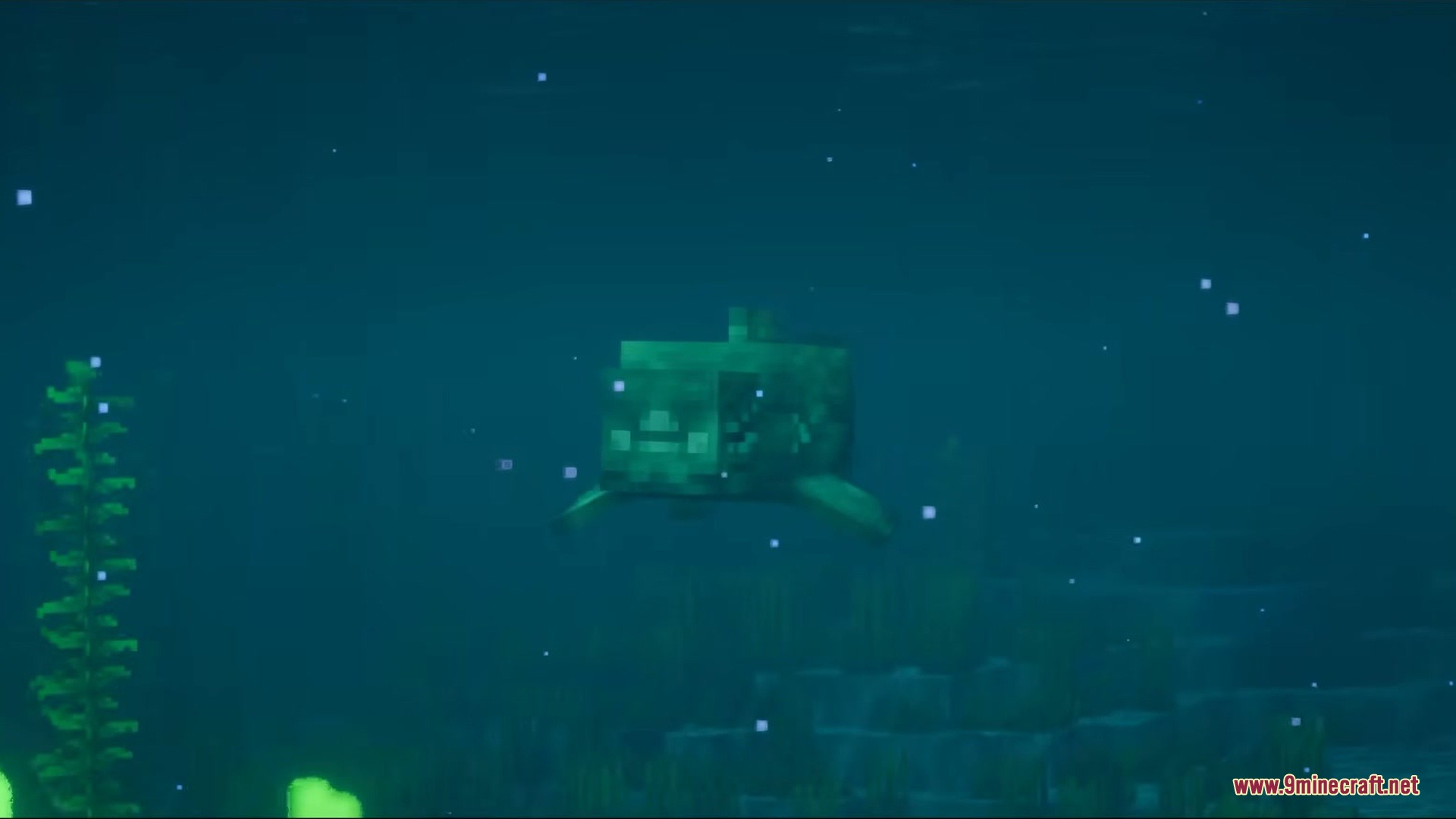
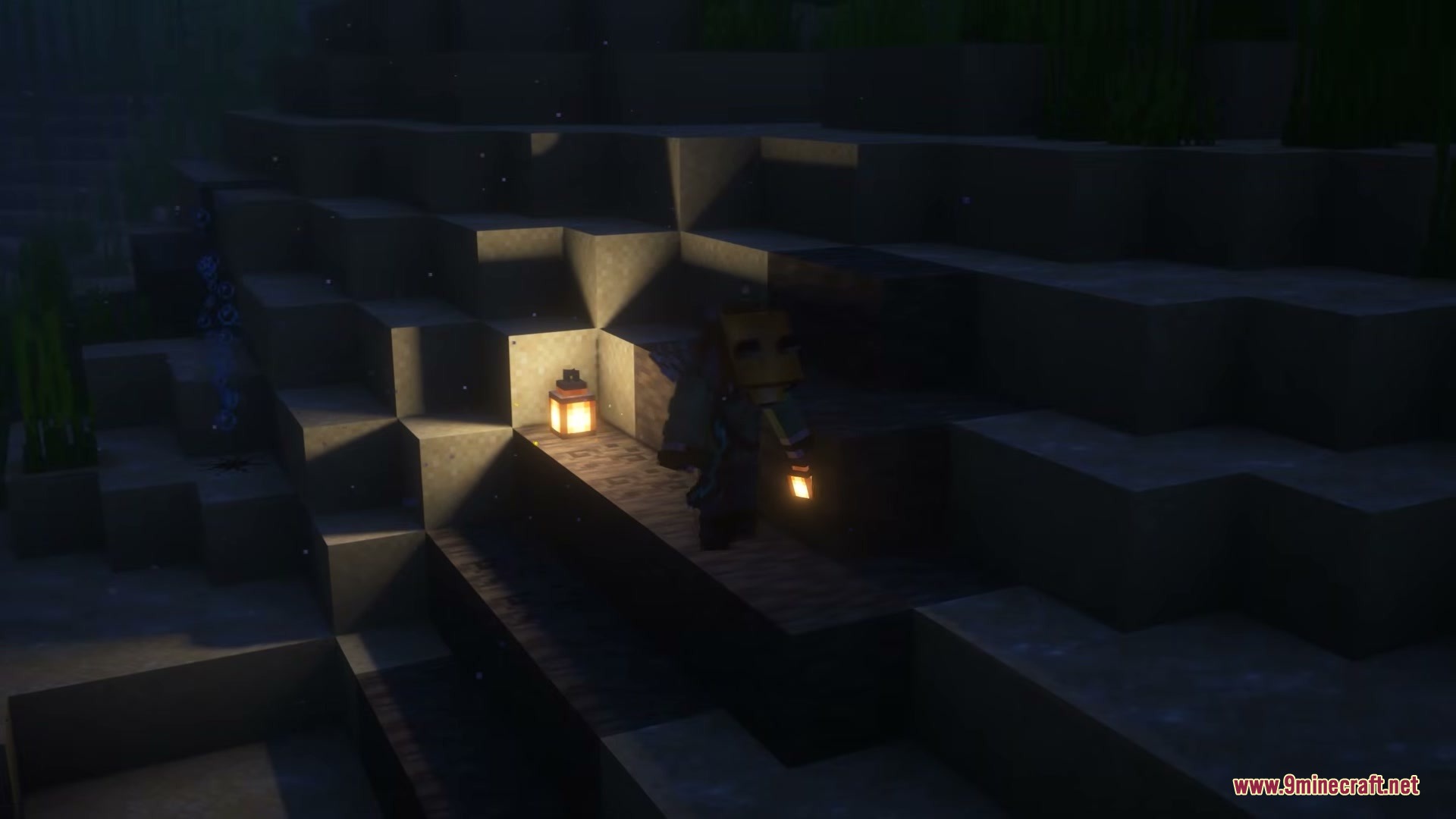
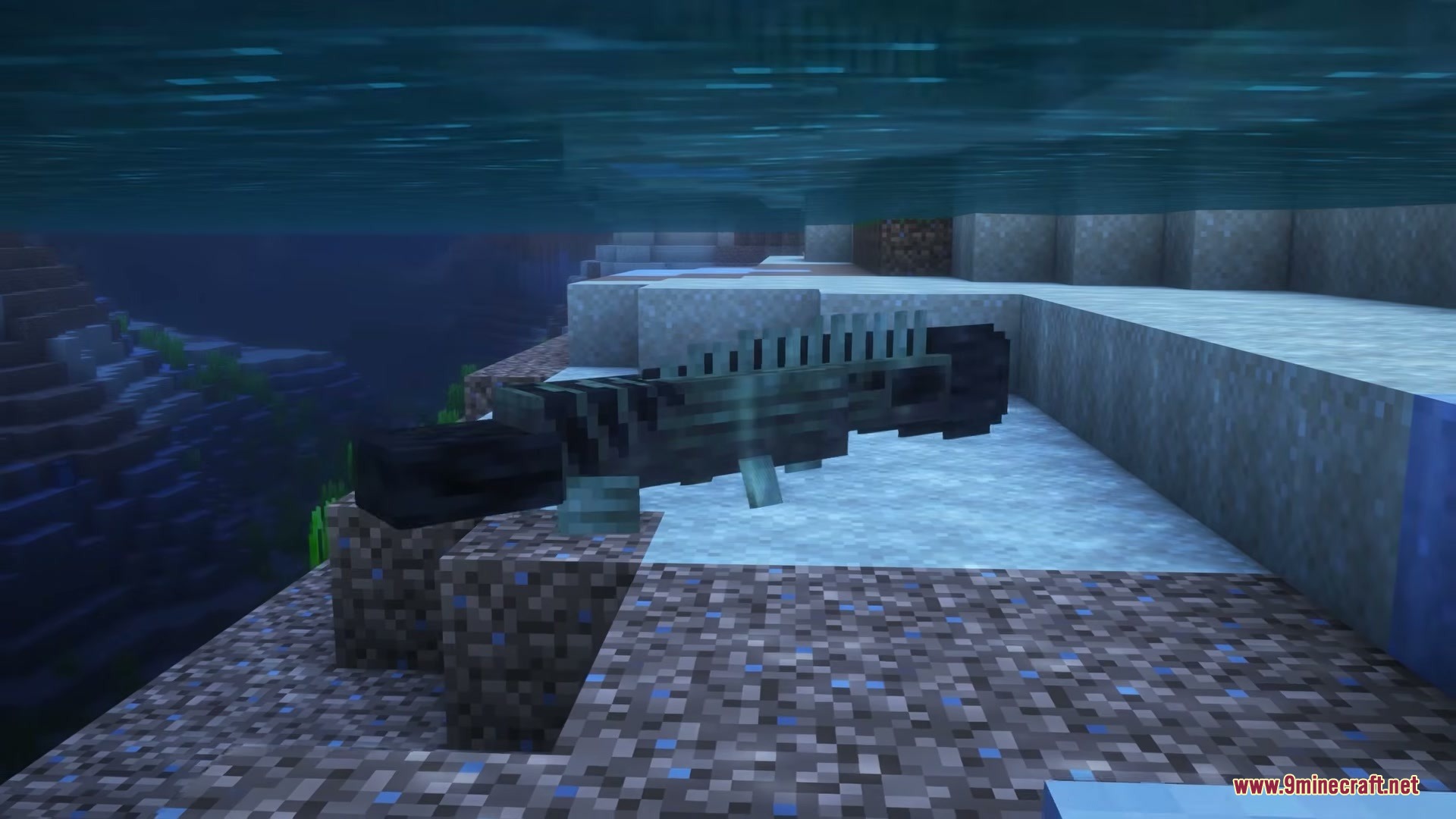
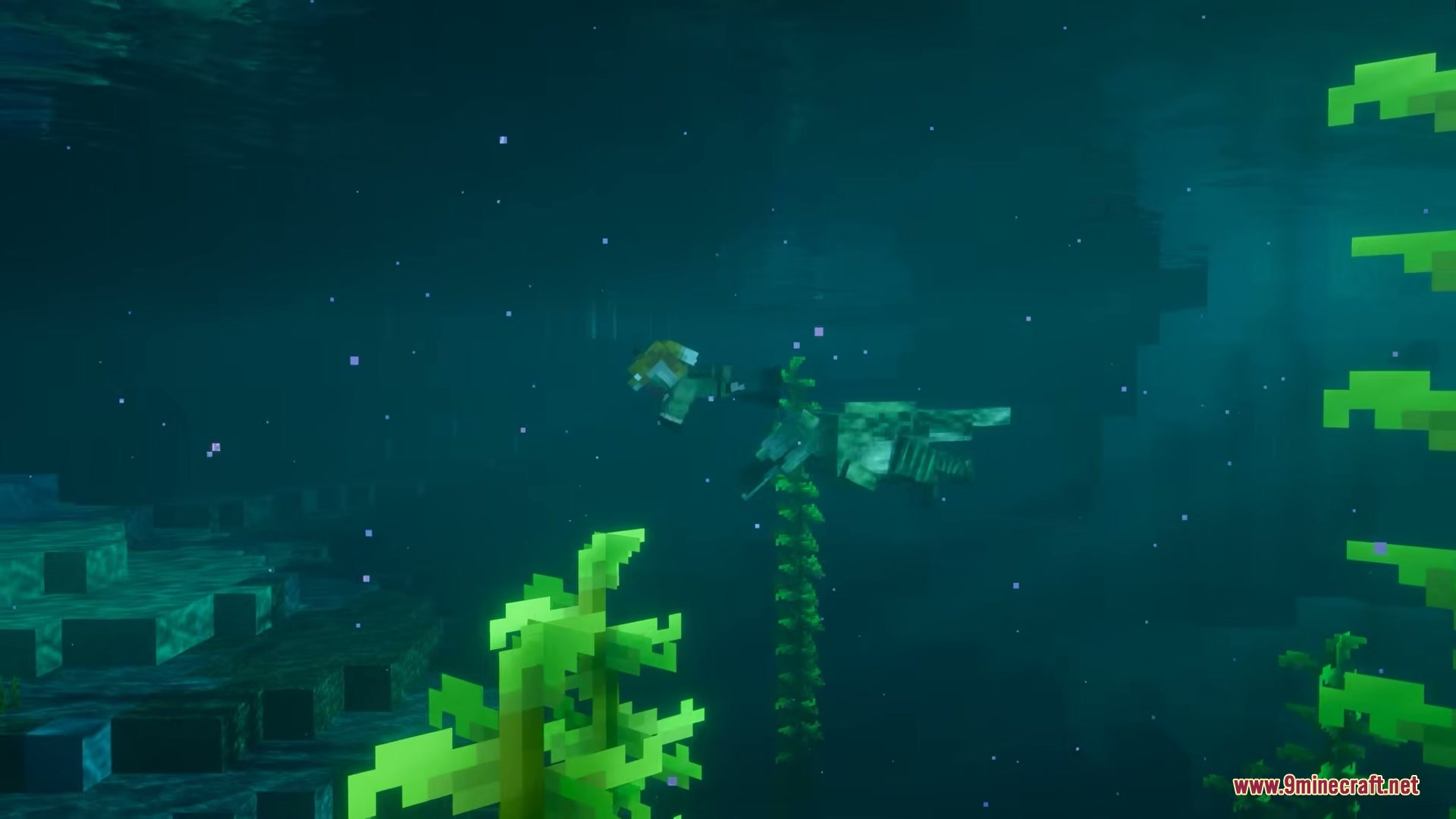
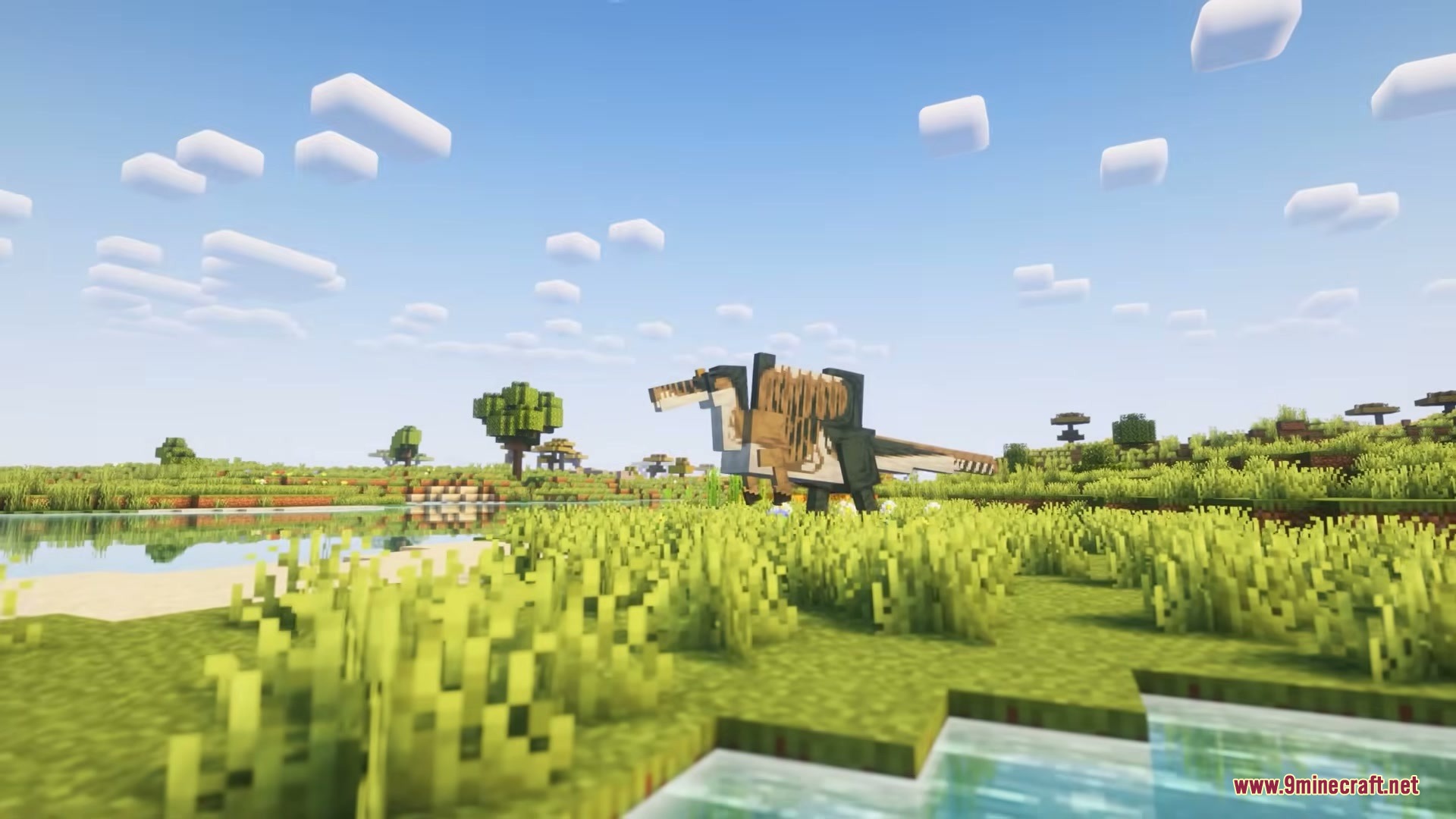
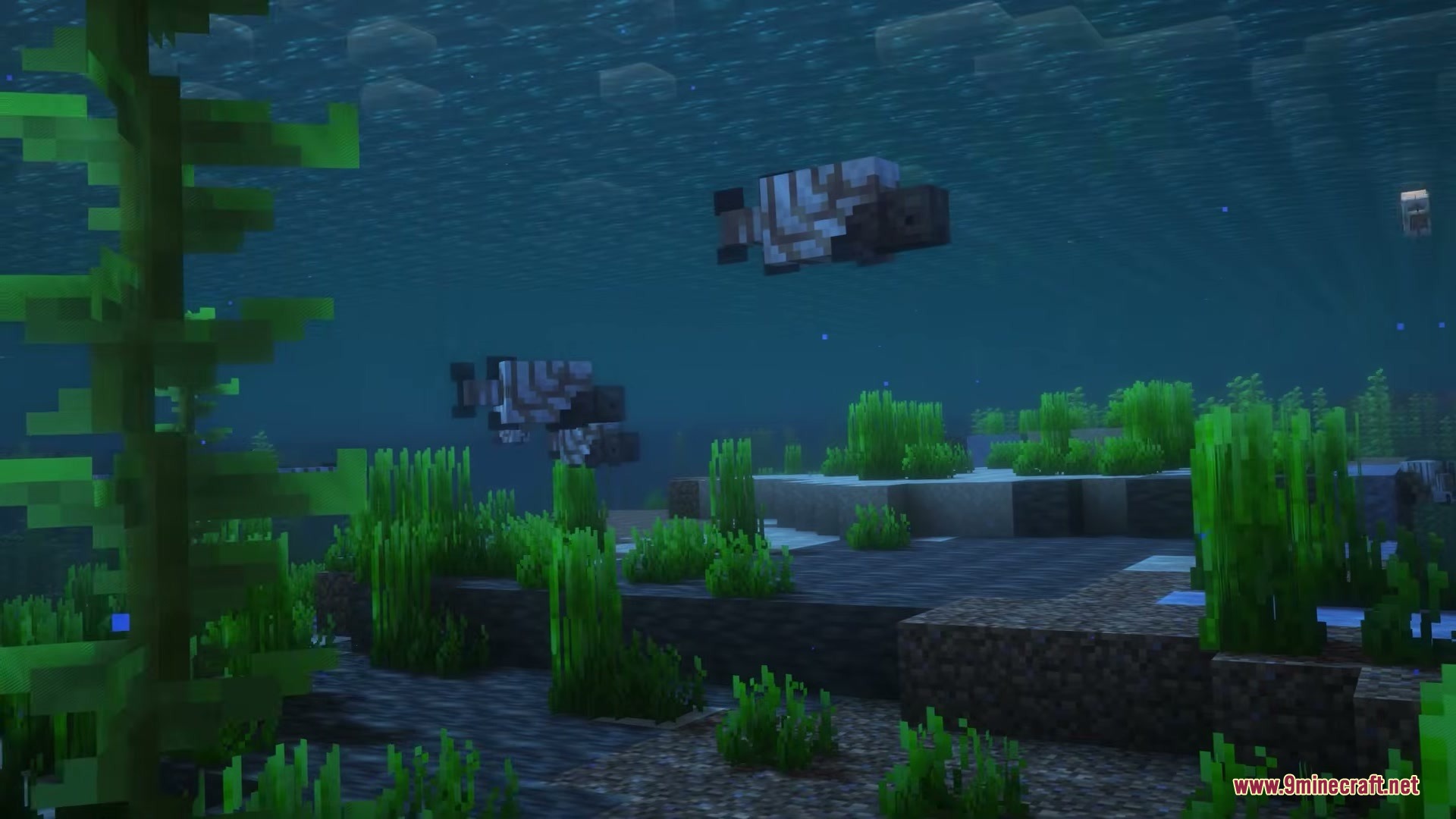
Pelagic Prehistory Mod adds prehistoric sea creatures and fossil excavation to ocean biomes. It lets you search the sea floor for ancient sediment to extract DNA and bring extinct marine animals back to life. You can also find living cuttlefish and dugongs, plant ancient trees, and craft specialized revival machinery. Revived animals safely drop as items if they perish, allowing you to place them back into the water without losing them.
Features:
- Spawns ancient sediment on the ocean floor containing preserved fossils and rich coal deposits.
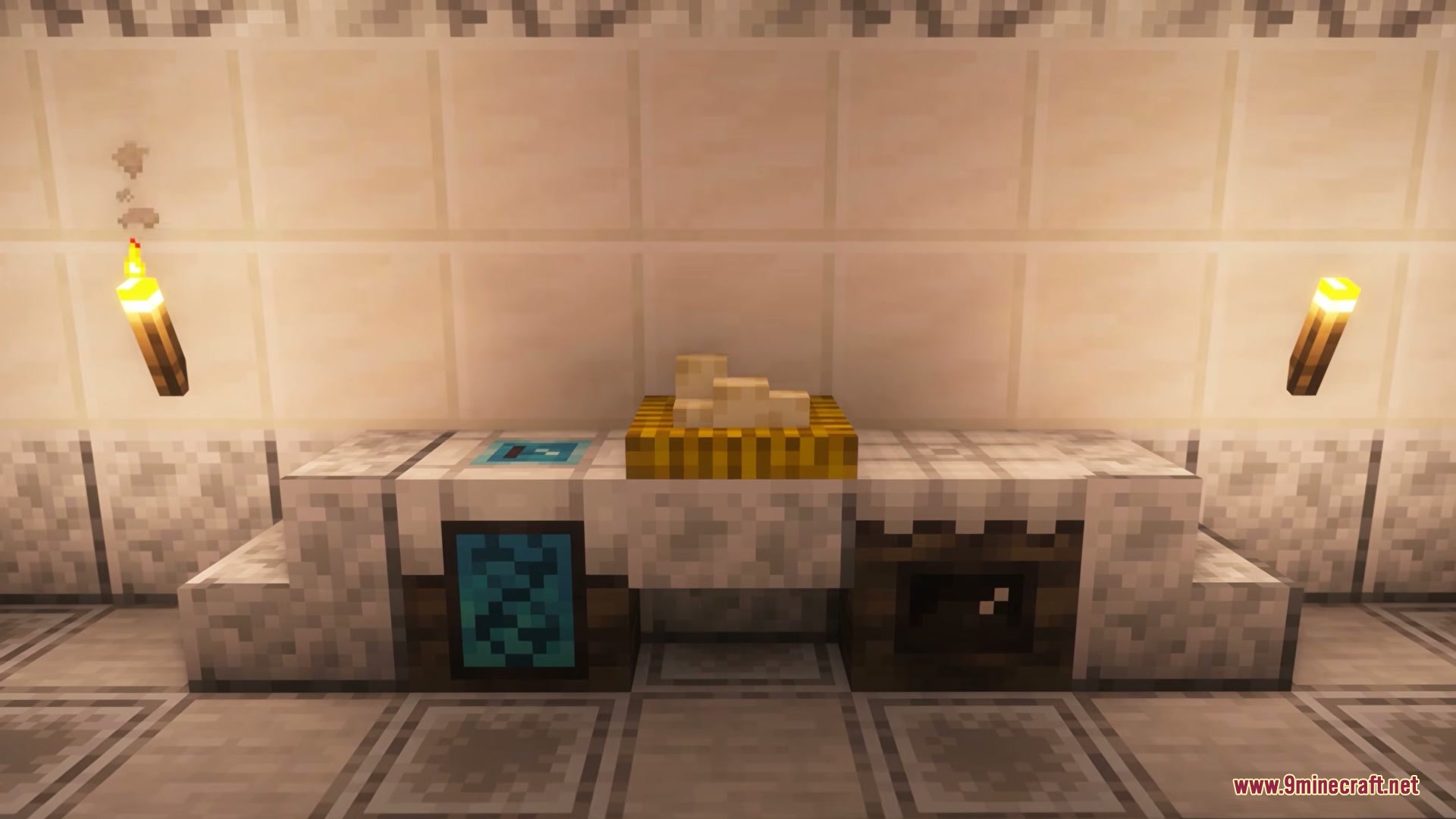
- Adds two specialized machines to process fossils into DNA vials and grow ancient eggs.
- Populates ocean biomes with living cuttlefish and gentle dugongs.
- Introduces the Ginkgo tree wood type alongside ancient aquatic flora.
- Returns defeated revived animals as collectible inventory items.
Prehistoric Sea Creatures:
- Plesiosaurus, Pliosaurus, and Shonisaurus giant marine reptiles.
- Dunkleosteus, Bawitius, and Cladoselache armored prehistoric fish.
- Spinosaurus and Irritator prehistoric carnivores.
- Prognathodon, Henodus, Orthacanthus, and Eurhinosaurus ancient aquatic species.
- Lepidotes prehistoric ray-finned fish.
How to Use:
- Search ocean biomes to mine ancient sediment on the sea floor and collect fossils.
- Place your fossils into an Analyzer to extract usable DNA vials.
- Hold Shift while hovering over a DNA vial to check its required ingredient.
- Insert the DNA vial and its matching item inside an Infuser to create a plant, egg, or animal pup.
- Place the resulting item directly into water to hatch the fully grown creature.
Screenshots:
Pelagic Prehistory Mod Download Links
Quick facts
- Edition: Minecraft Java
- File type: .jar
- Minecraft versions listed: 1.21.1, 1.20.1
- How to install: Install the matching mod loader (Forge, Fabric or NeoForge) for your Minecraft version. → Download the .jar. → Put it in the .minecraft/mods folder and launch that loader profile.
- Where to get it: In MC Java Mods, or directly above on this page.
Install steps are the general flow for this file type — How to install Minecraft Java mods & modpacks walks through it step by step.
File checked by MCModsHub
- Downloads as 472899.mcaddon
- Download size: 1.6 MB
- Download link checked 24 Sept 2026 — working
- Mirrored on our own servers — the download does not depend on the original host
These come from our own check of the pack file, not from the source page.