ModsJava
Dungeons Perspective Mod (26.2, 1.20.1) – Play Minecraft Like an Isometric
Java mod listed for Minecraft 1.20. Downloads from the MC Java Mods app on Android.
⬇ Download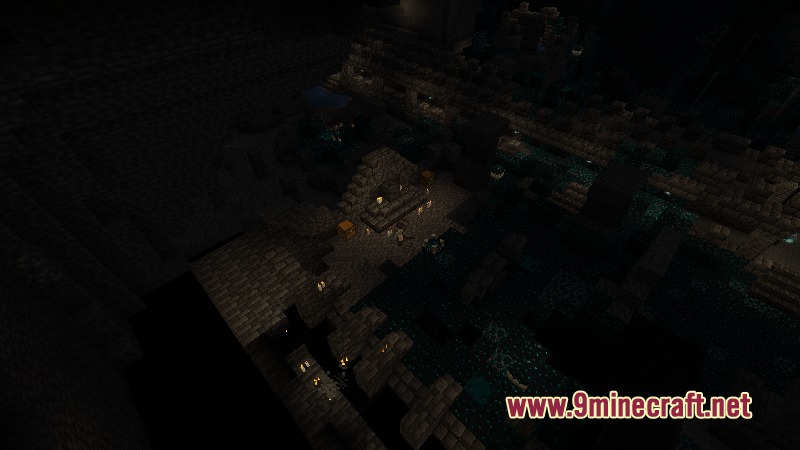
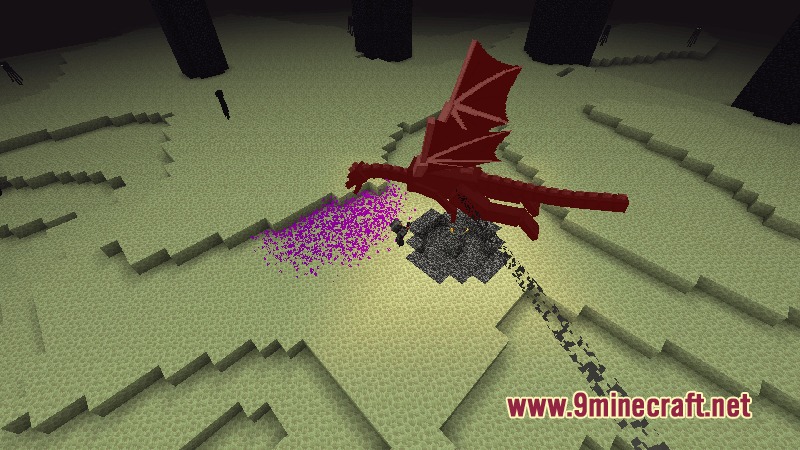
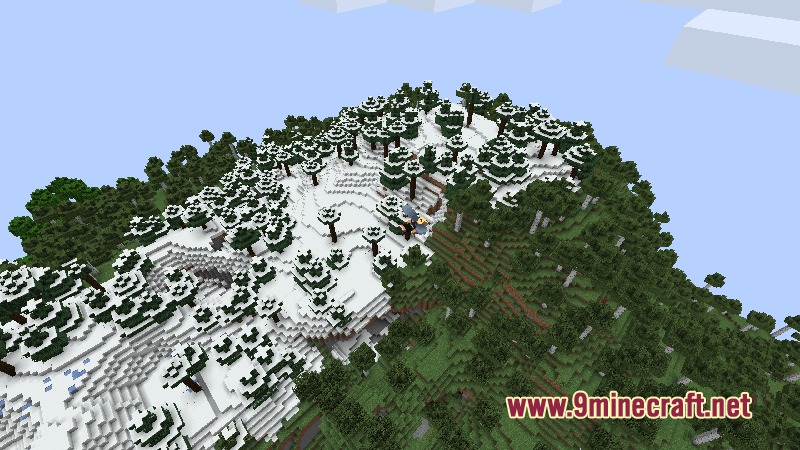
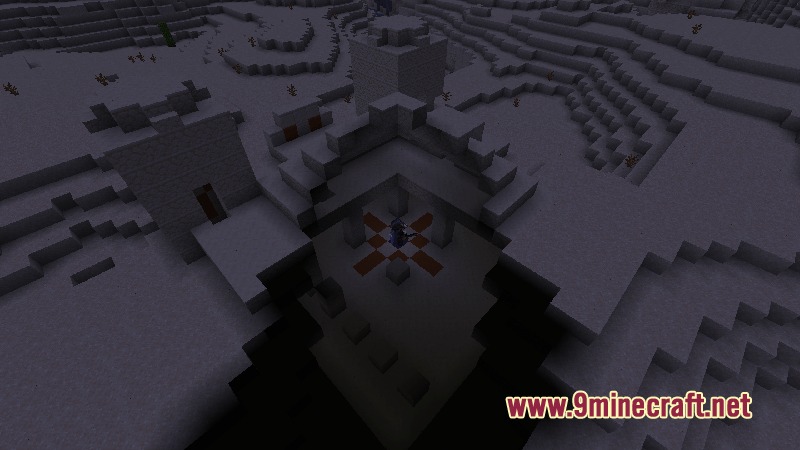
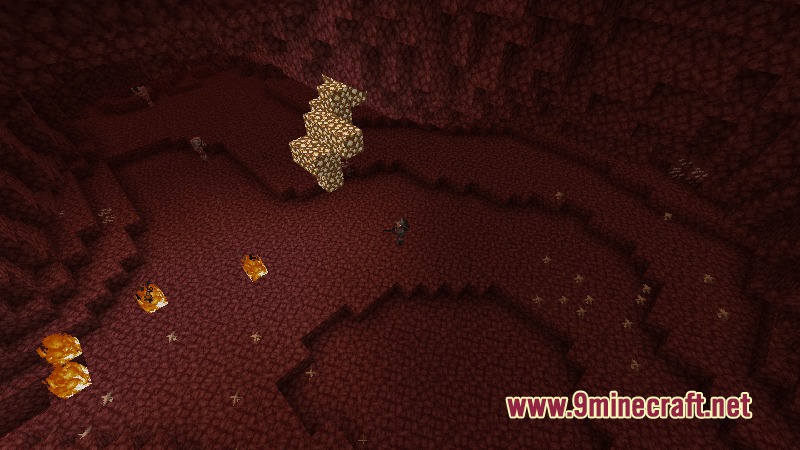
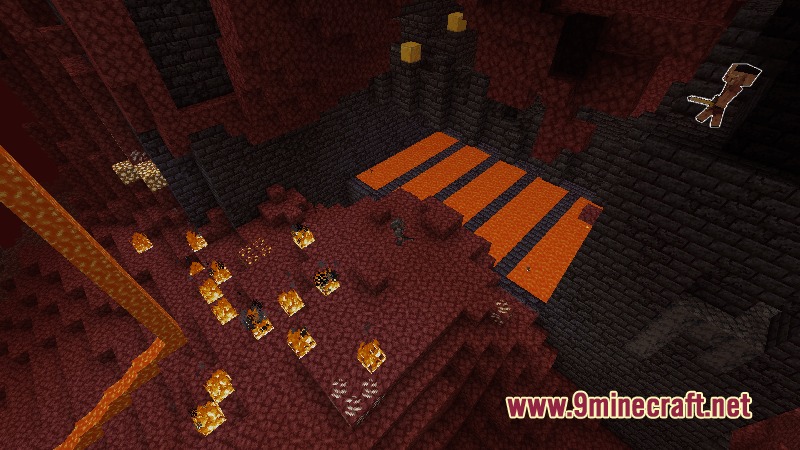
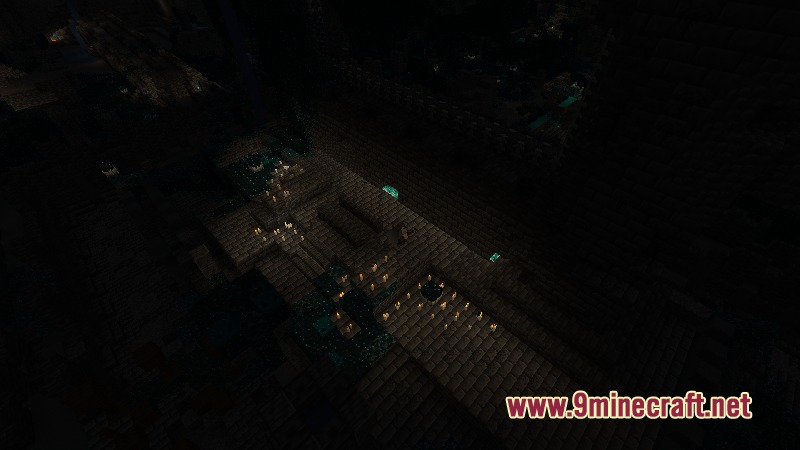
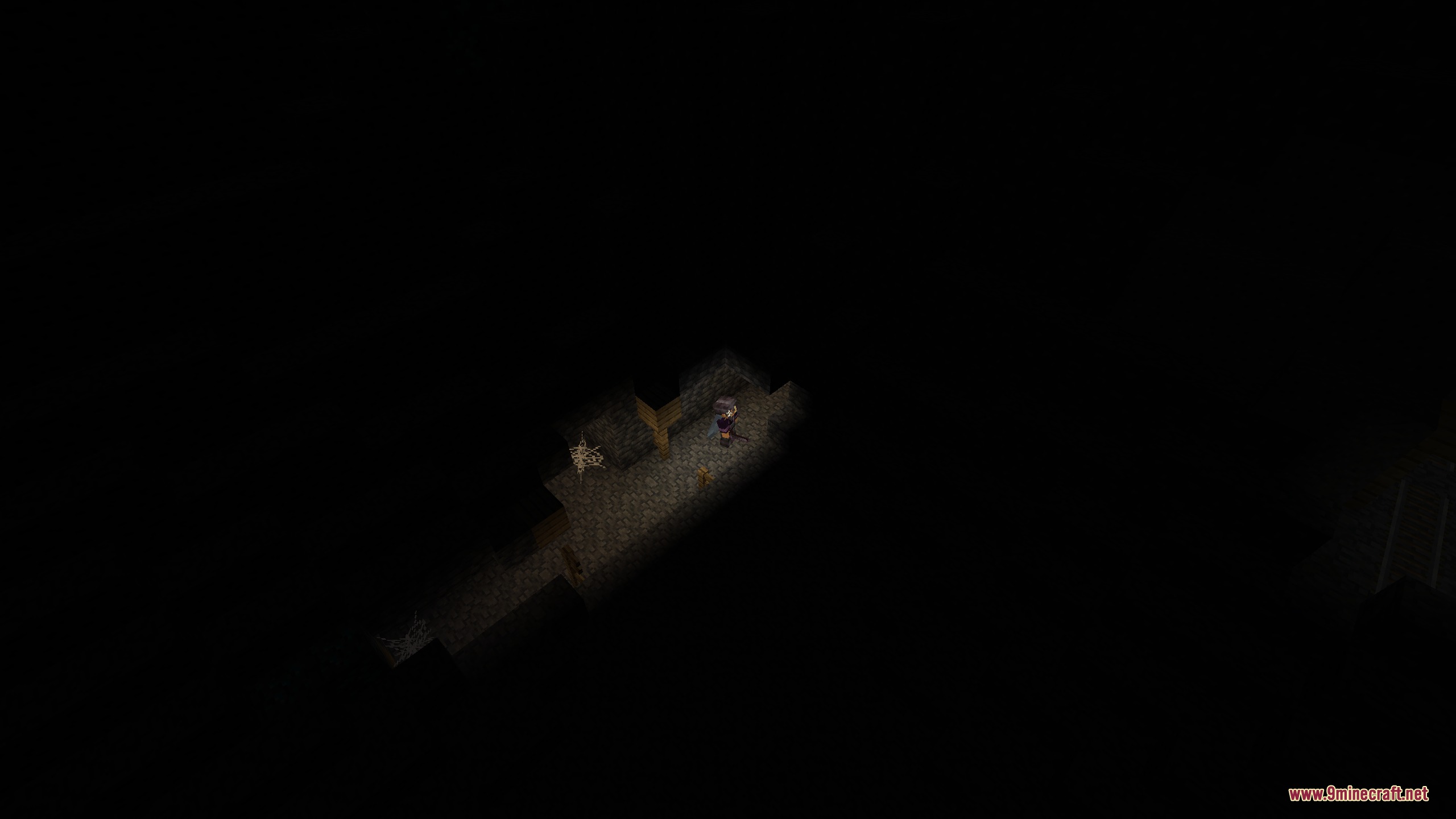
Dungeons Perspective Mod transforms your game camera into a top-down view inspired by classic action games. It helps you explore caves, fight monsters, and travel across the world from a high angle. The mod cuts away walls and ceilings so your character stays visible indoors. You can also customize camera angles, zoom levels, and gamepad controls for smooth combat.
Features:
- Isometric Camera: Changes your standard view into an overhead perspective similar to classic dungeon crawlers.
- Advanced Block Culling: Hides walls and roofs between your camera and character so you never lose sight of your hero.
- Controller Mode: Adds auto-targeting for nearby enemies and smooth analog movement during battles.
- Rooms stay visible with room detection so mobs cannot hide around blind corners.
- Allows full 360-degree rotation around your player character.
- Lets you zoom in close or pull back for a wider view of the battlefield.
- Highlights blocks and mobs under your mouse cursor for accurate targeting.
- Includes an orthogonal camera mode that removes depth from the world.
- Separates head and body movement so characters look around naturally.
- Lets you change camera pitch angles to match different classic game styles.
- Keeps horse controls smooth with decoupled steering mechanics.
- Works alongside visual and magic combat mods without camera glitches.
How to Use:
- Switch your camera mode to enter the overhead perspective.
- Use your mouse or analog stick to turn the camera around your character.
- Press G to interact with chests, doors, or villagers highlighted by the targeter.
- Adjust zoom distance in the settings to get a better view of incoming monster waves.
Screenshots:
Dungeons Perspective Mod Download Links
Quick facts
- Edition: Minecraft Java
- File type: .jar
- Minecraft version listed: 1.20.1
- How to install: Install the matching mod loader (Forge, Fabric or NeoForge) for your Minecraft version. → Download the .jar. → Put it in the .minecraft/mods folder and launch that loader profile.
- Where to get it: In MC Java Mods, or directly above on this page.
Install steps are the general flow for this file type — How to install Minecraft Java mods & modpacks walks through it step by step.
File checked by MCModsHub
- Downloads as 472903.mcaddon
- Download size: 324 KB
- Download link checked 23 Sept 2026 — working
- Mirrored on our own servers — the download does not depend on the original host
These come from our own check of the pack file, not from the source page.