
ModsJava
Akat Zuma Tool Mod (1.20.1) – Unleash Glowing Energy Beams and Homing Swords
Java mod listed for Minecraft 1.20. Downloads from the MC Java Mods app on Android.
⬇ Download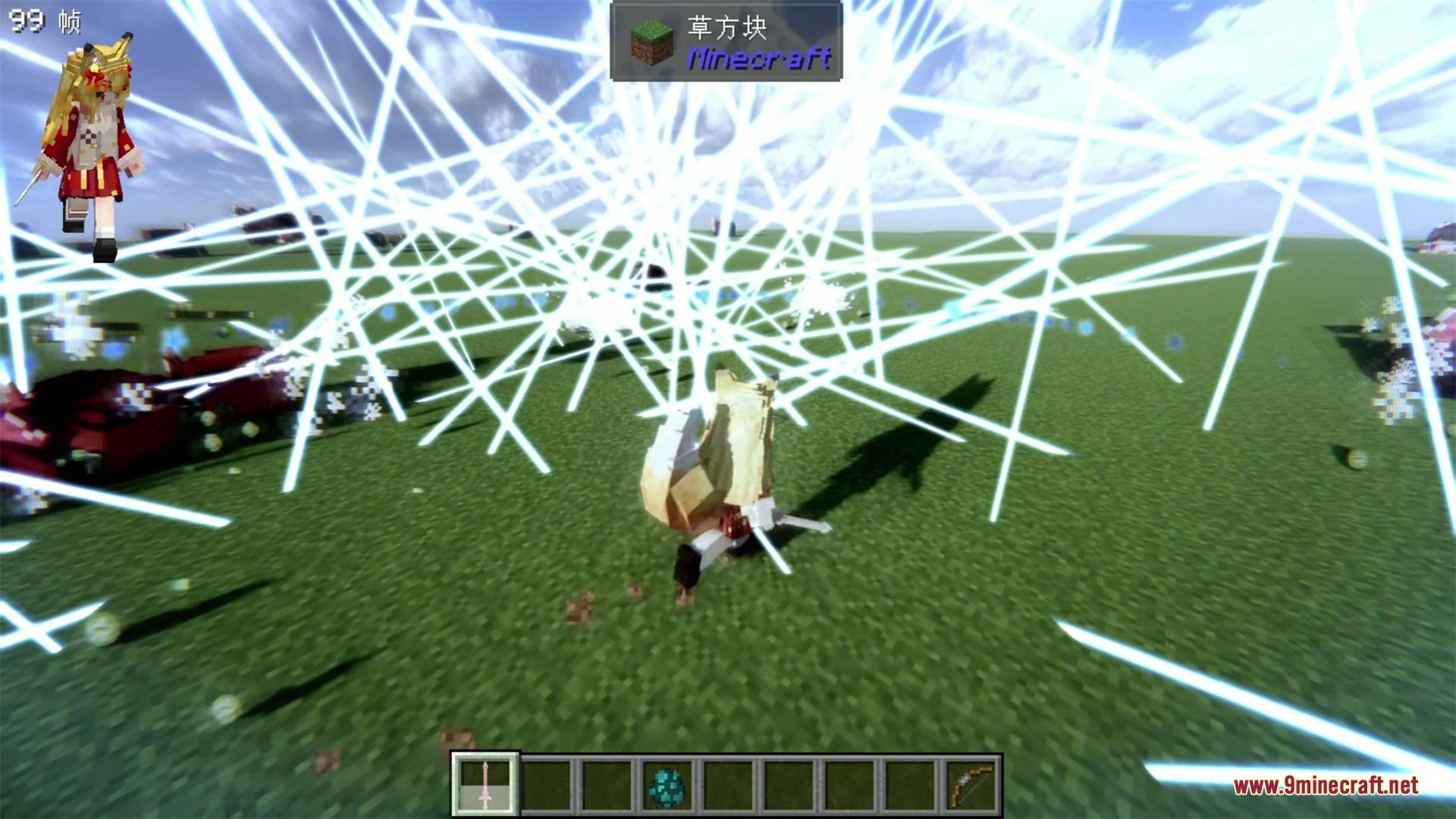

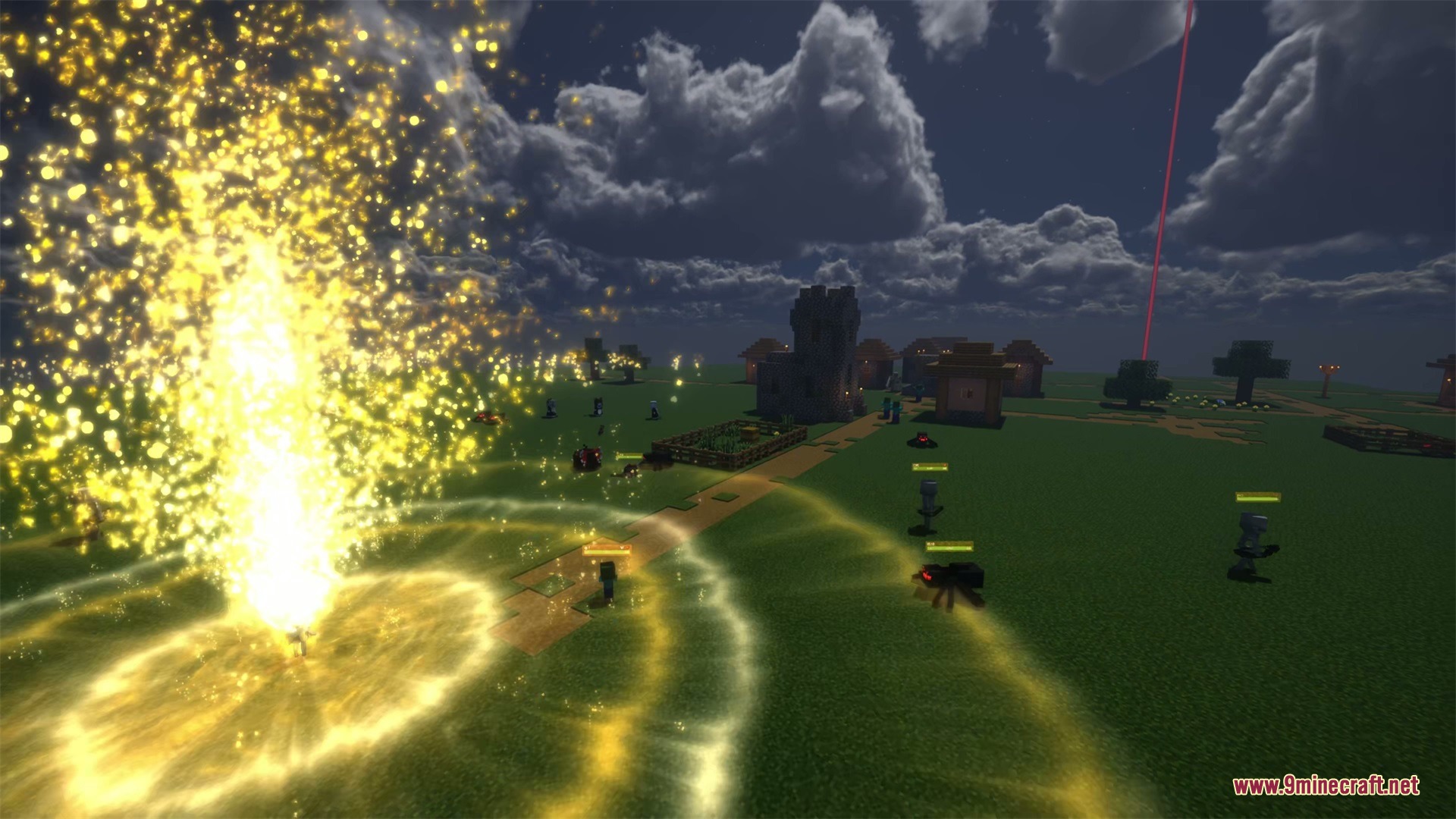
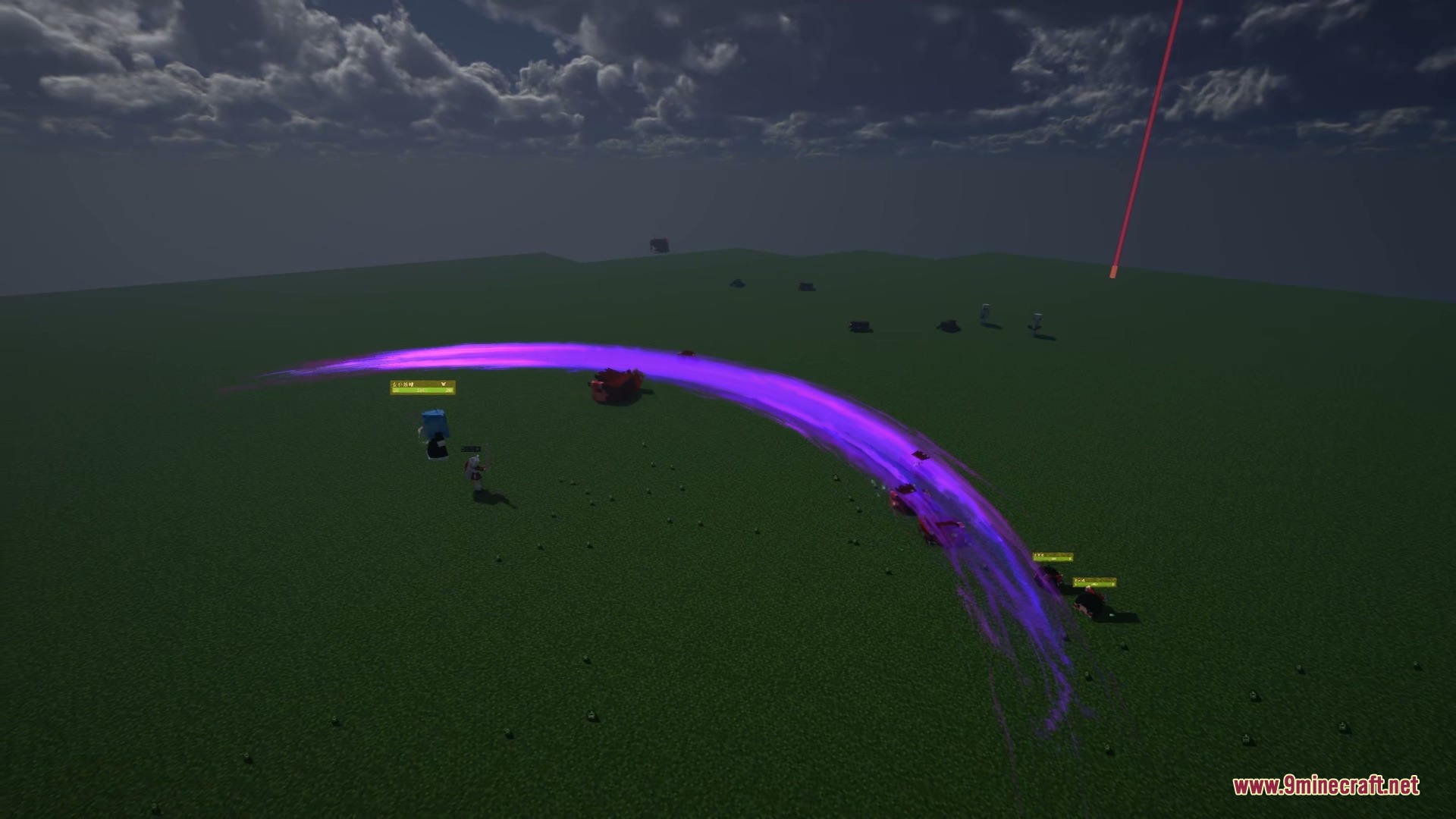

Akat Zuma Tool Mod brings flashy visual effects and energy weapons to Minecraft combat. This mod runs real-time lighting, bloom glow, and thousands of GPU particles when you fight. You can charge handheld coins to shoot piercing beams or summon flying swords that hunt down nearby monsters automatically.
Features:
- Fires piercing energy beams across long distances with charged coin weapons.
- Summons flying swords that chase and attack hostile mobs on sight.
- Renders real-time glowing lightning branches and smooth sword trail ribbons.
- Adds bloom post-processing that makes attacks and impact explosions glow on screen.
- Uses a GPU particle system supporting up to 100,000 particles for charging rings and meteor bursts.
- Lets maid companions from Touhou Little Maid equip and fire railgun coin attacks without extra setup.
Weapons and Items:
- Coin: Consumable weapon that charges up to shoot a piercing beam with 20 damage up to 50 blocks.
- Colorful Coin: Upgraded coin with 256 durability that deals 40 damage, reaches 60 blocks, breaks blocks, and accepts enchantments.
- Fly Sword: Spawns two homing swords on block click that follow targets and strike enemies with trailing effects.
Configuration:
Coin / Colorful Coin: Adjust damage values, maximum range, and full-charge time inconfig/Akatzumatool/akatzumatool.toml.Fly Sword: Change mob search range and attack damage.Terrain Destruction: Toggle whether beams can destroy terrain blocks, with support for FTB Chunks land claims.
How to Use:
- Hold Right Click while holding a Coin to gather charging energy particles.
- Release Right Click at full charge to fire a high-speed beam at your target.
- Click Right Click on any solid block with a Fly Sword to deploy two autonomous tracking swords.
Screenshots:
Akat Zuma Tool Mod Download Links
Quick facts
- Edition: Minecraft Java
- File type: .jar
- Minecraft version listed: 1.20.1
- How to install: Install the matching mod loader (Forge, Fabric or NeoForge) for your Minecraft version. → Download the .jar. → Put it in the .minecraft/mods folder and launch that loader profile.
- Where to get it: In MC Java Mods, or directly above on this page.
Install steps are the general flow for this file type — How to install Minecraft Java mods & modpacks walks through it step by step.
File checked by MCModsHub
- Downloads as 472907.mcaddon
- Download size: 1.7 MB
- Download link checked 24 Sept 2026 — working
- Mirrored on our own servers — the download does not depend on the original host
These come from our own check of the pack file, not from the source page.