ModsJava
Terrarium Expanded Mod (1.21.11, 1.21.1) – Travel Across Real Earth Continents
Java mod listed for Minecraft 1.21. Downloads from the MC Java Mods app on Android.
⬇ Download
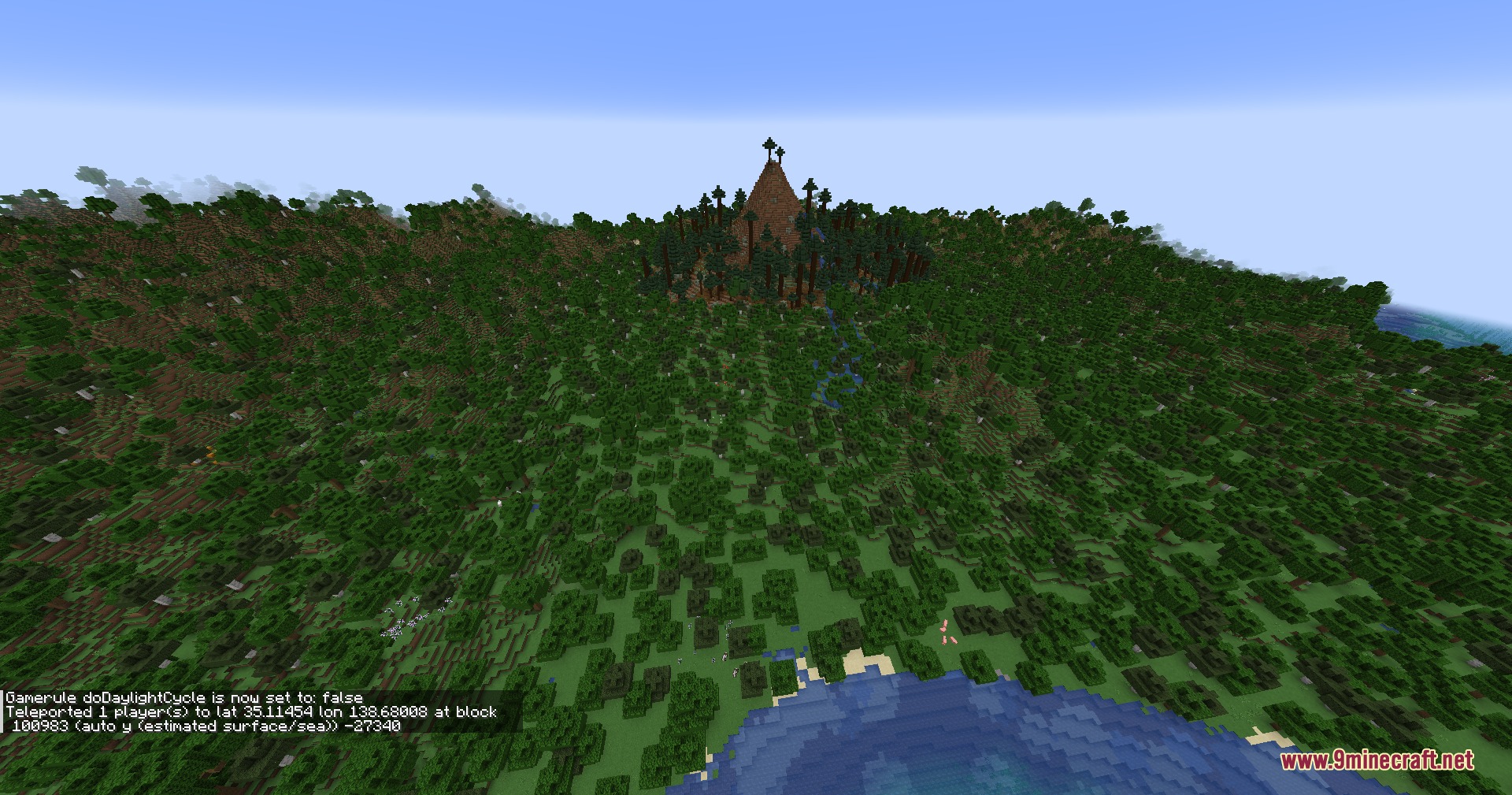
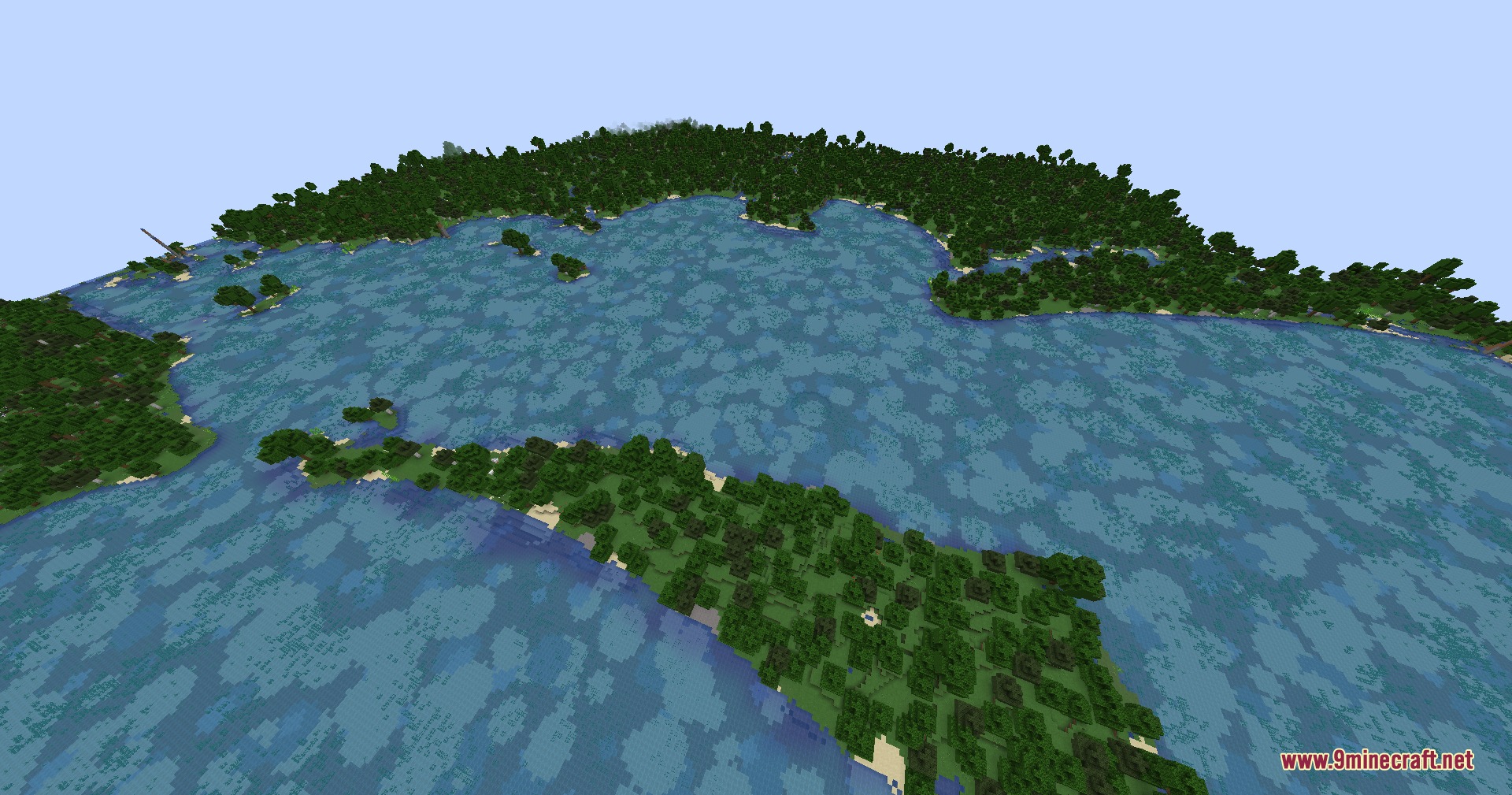
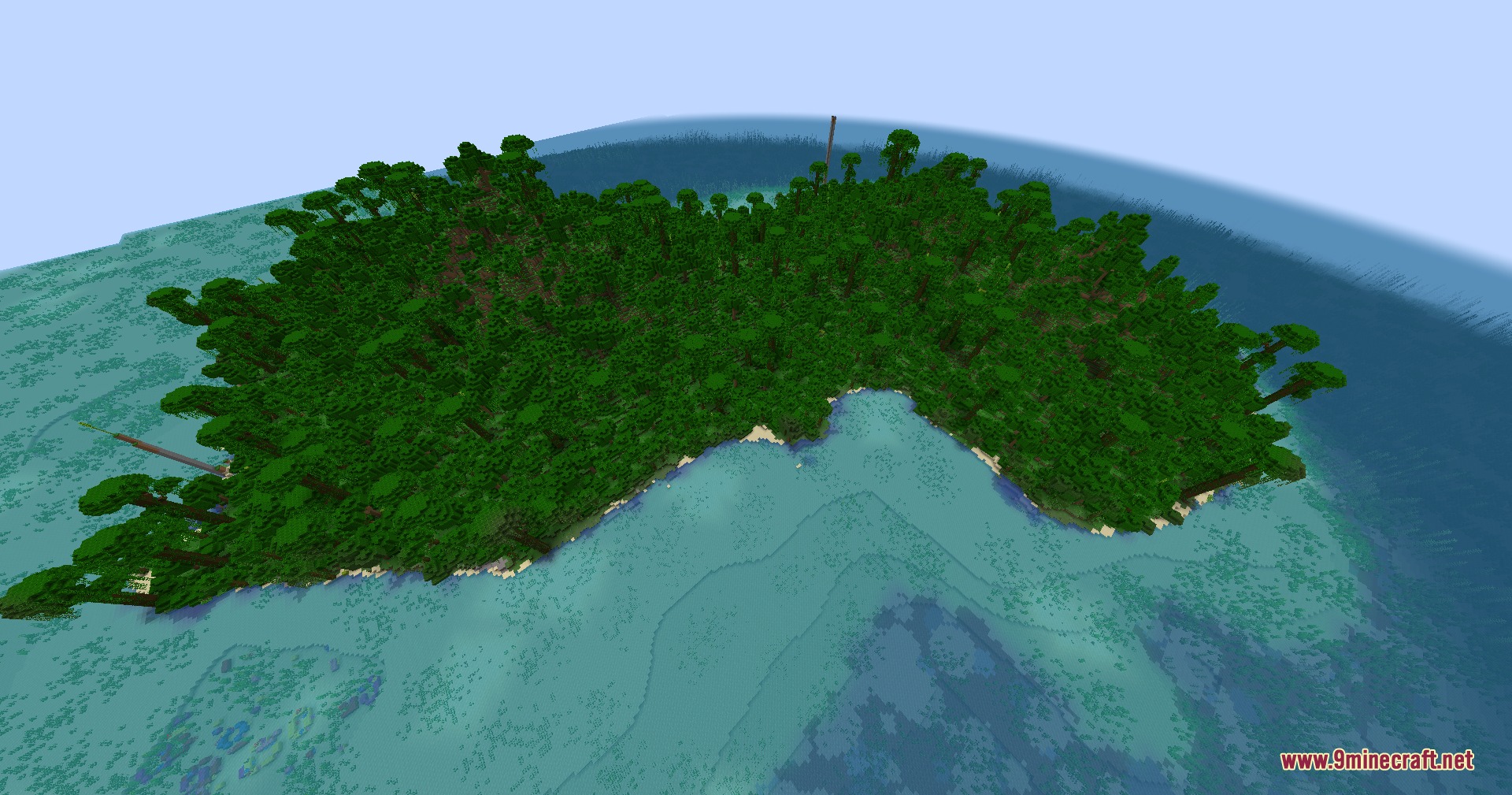
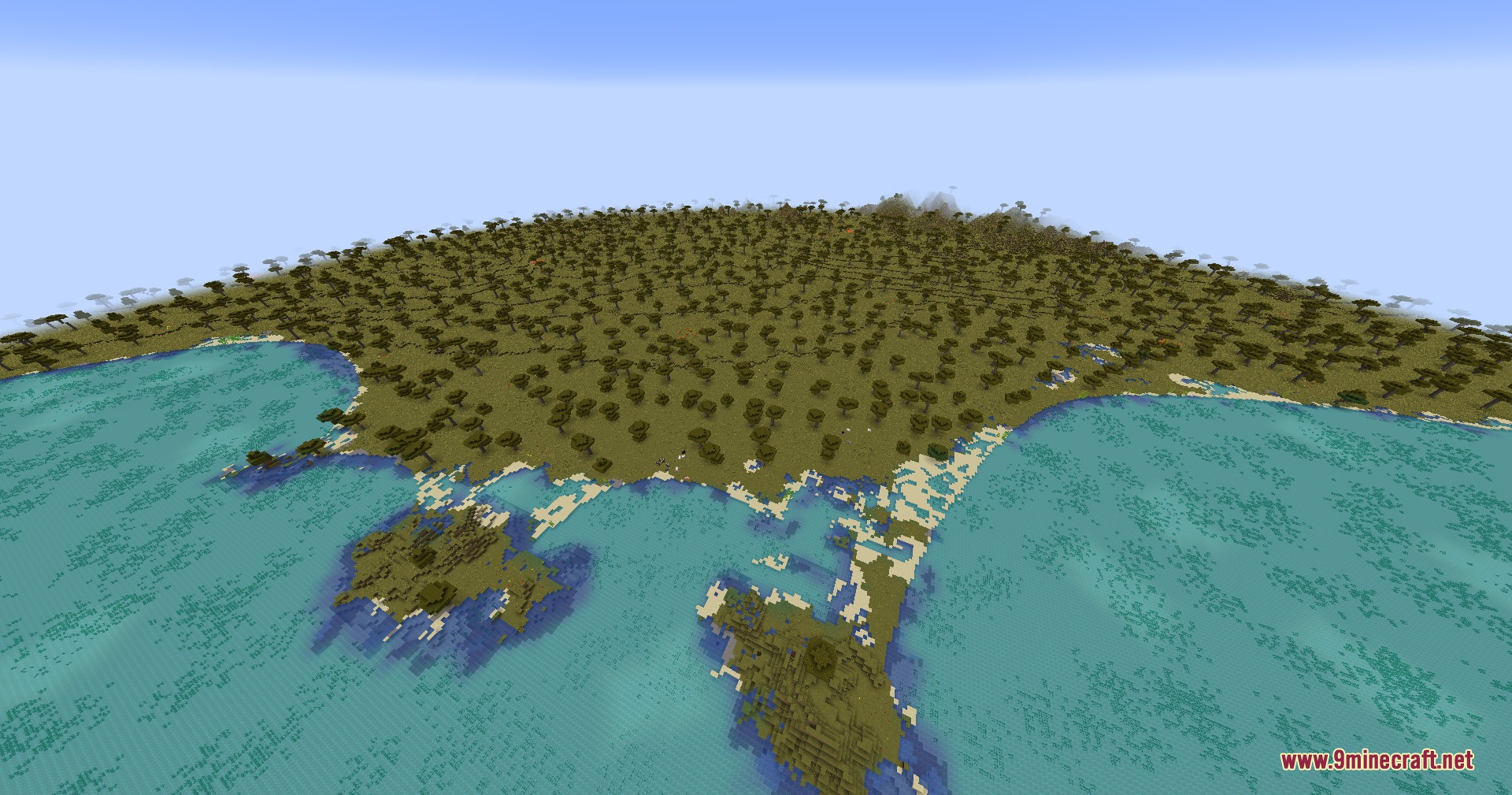
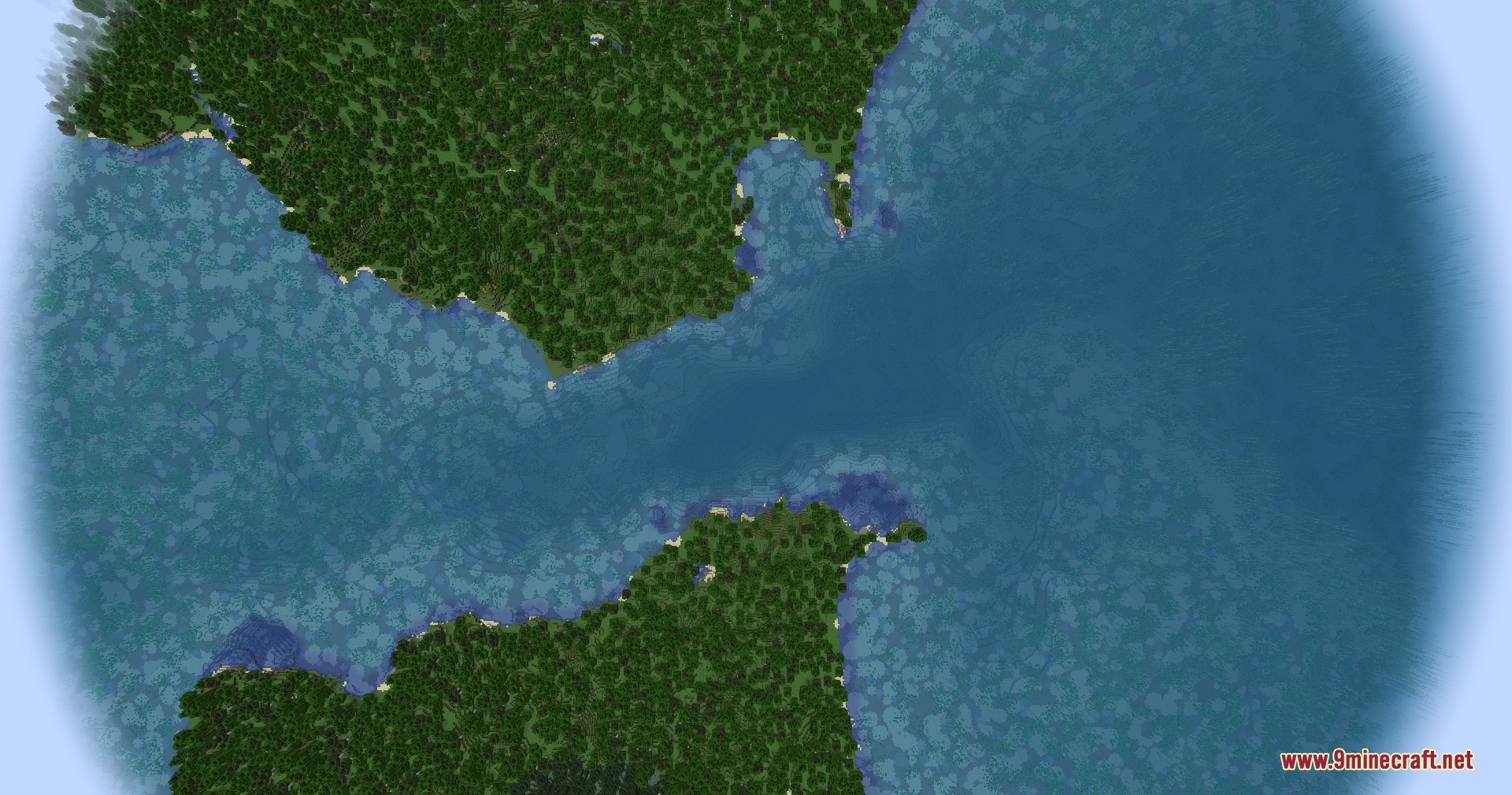
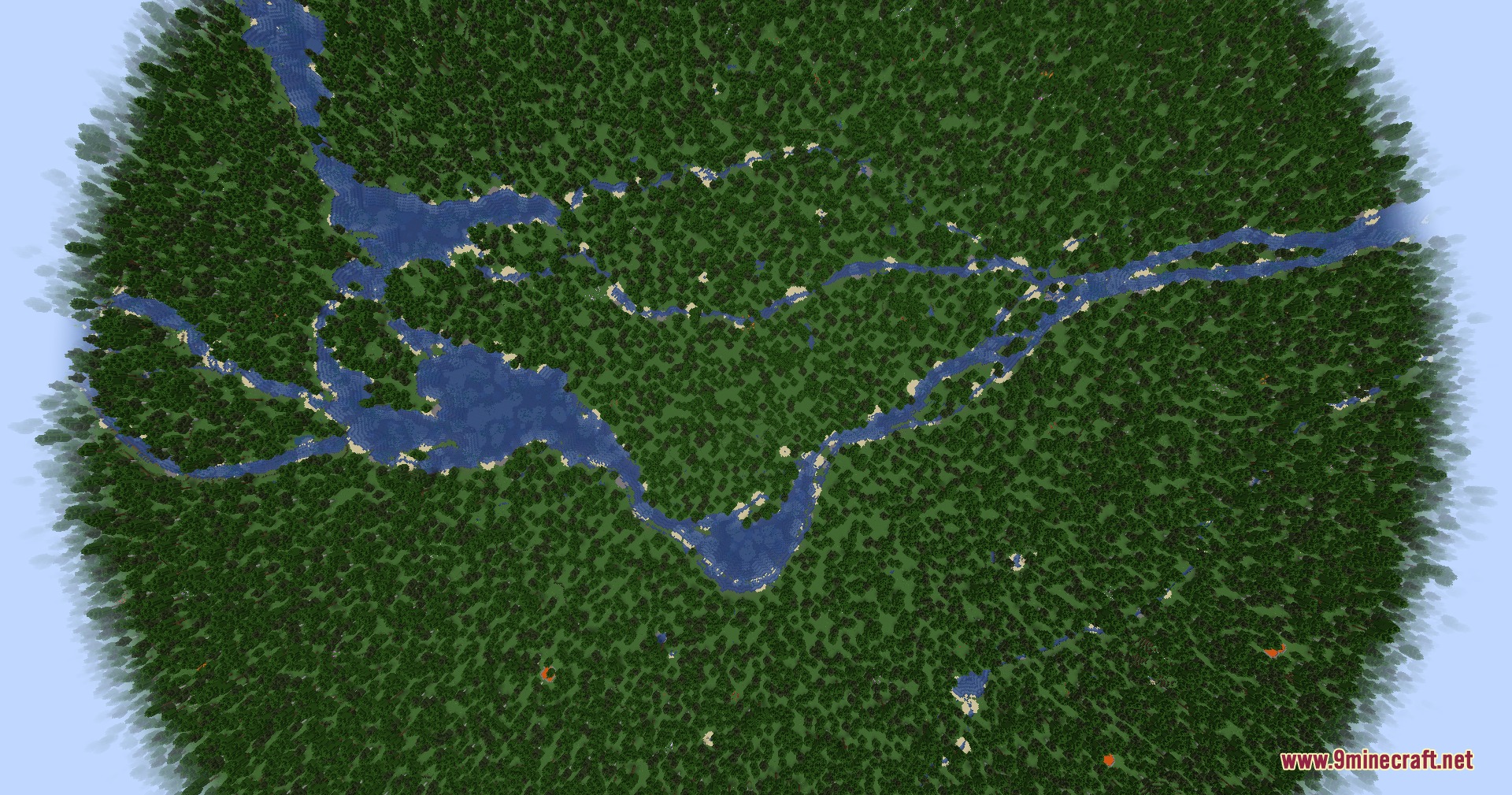
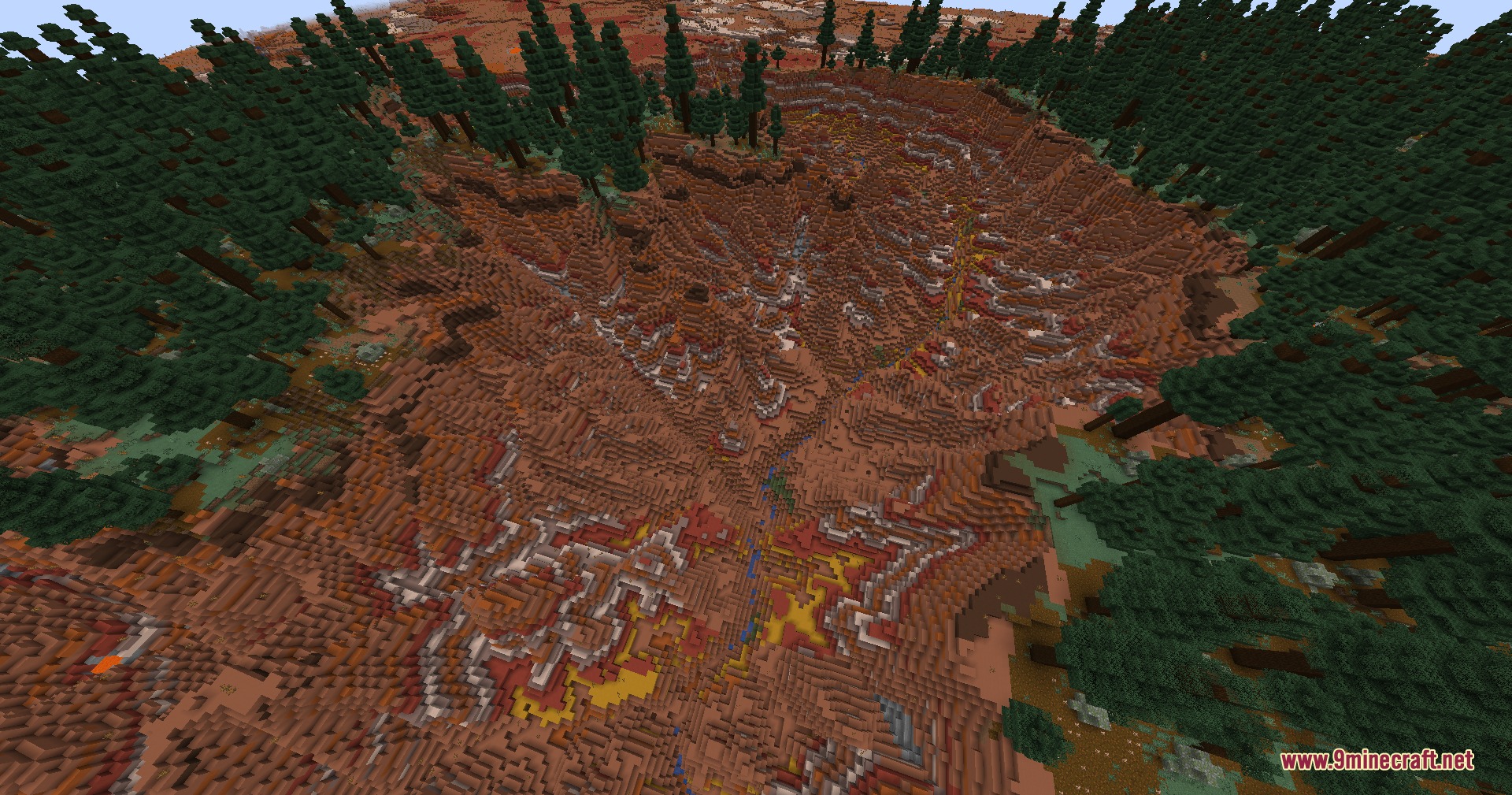
Terrarium Expanded Mod generates a real-world Earth overworld in Minecraft using actual elevation and map data. It replaces standard world generation with real global terrain, surface water, and biome layouts. The mod lets you pick different zoom levels to explore realistic continents, mountains, and oceans. It also works with popular biome mods to give world landscapes extra variety.
Features:
- Generates real Earth terrain in the Overworld using elevation data from AWS Terrarium tiles.
- Places land biomes based on global ecoregion data maps.
- Detects inland rivers and lakes using global surface-water data.
- Sets ocean water temperature tiers using sea-surface temperature data.
- Offers five selectable zoom levels that change world scale and block distance.
- Works directly with Biomes O’ Plenty, Regions Unexplored, and Nature’s Spirit.
- Saves downloaded tile data into a local cache to speed up revisits to loaded areas.
- Fits datapacks that change world minimum or maximum building heights.
World Zoom Levels:
| Zoom Level | World Size (blocks) | Block Scale | Details |
|---|---|---|---|
| Zoom 8 | 65,536 x 65,536 | ~611.50 m/block | Broad regional scale with the fastest chunk loading. |
| Zoom 9 | 131,072 x 131,072 | ~305.75 m/block | Large world size with lighter loading cost. |
| Zoom 10 | 262,144 x 262,144 | ~152.87 m/block | Balanced setting recommended for standard exploration. |
| Zoom 11 | 524,288 x 524,288 | ~76.44 m/block | Finer terrain details with heavier world generation. |
| Zoom 12 | 1,048,576 x 1,048,576 | ~38.22 m/block | Highest real-world scale and detail for deep map builds. |
Screenshots:
Terrarium Expanded Mod Download Links
Quick facts
- Edition: Minecraft Java
- File type: .jar
- Minecraft versions listed: 1.21.11, 1.21.1
- How to install: Install the matching mod loader (Forge, Fabric or NeoForge) for your Minecraft version. → Download the .jar. → Put it in the .minecraft/mods folder and launch that loader profile.
- Where to get it: In MC Java Mods, or directly above on this page.
Install steps are the general flow for this file type — How to install Minecraft Java mods & modpacks walks through it step by step.
File checked by MCModsHub
- Downloads as 472914.mcaddon
- Download size: 440 KB
- Download link checked 25 Sept 2026 — working
- Mirrored on our own servers — the download does not depend on the original host
These come from our own check of the pack file, not from the source page.