
Time Loop
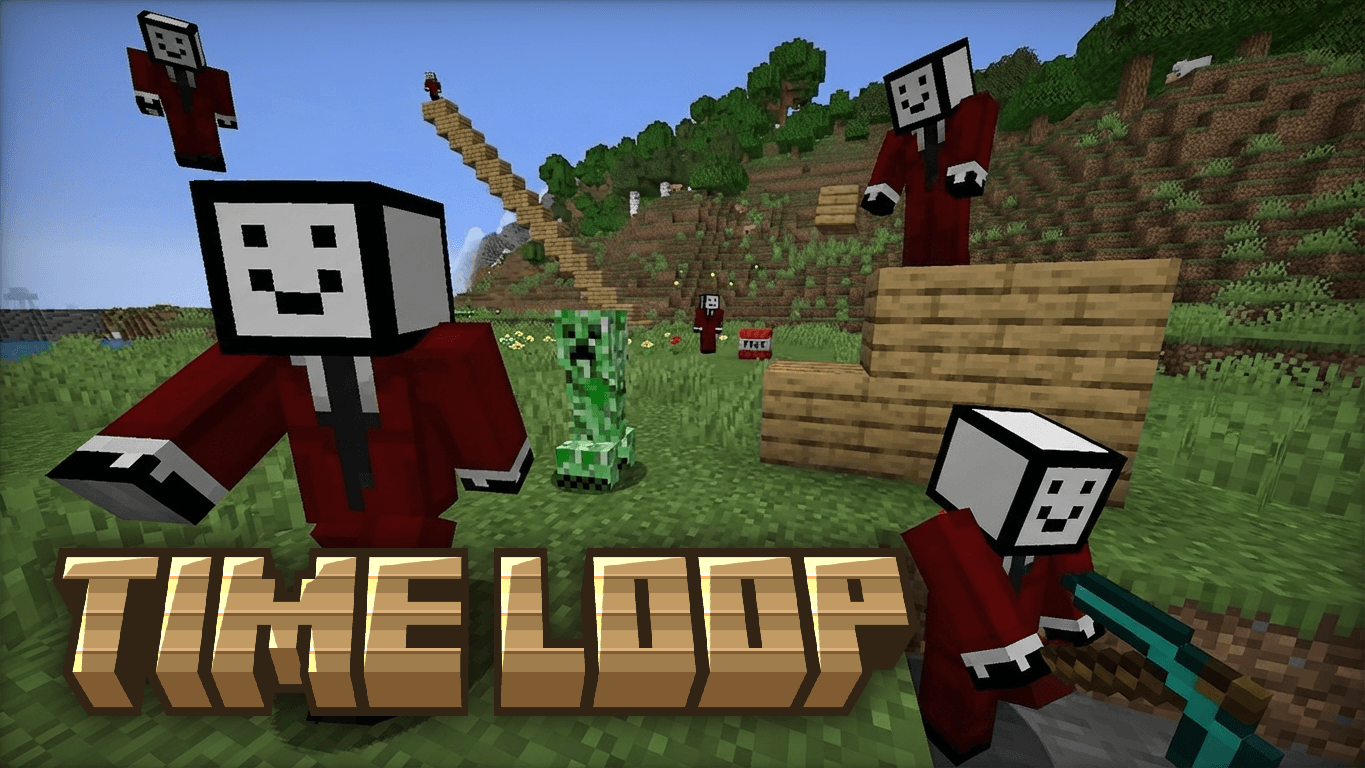
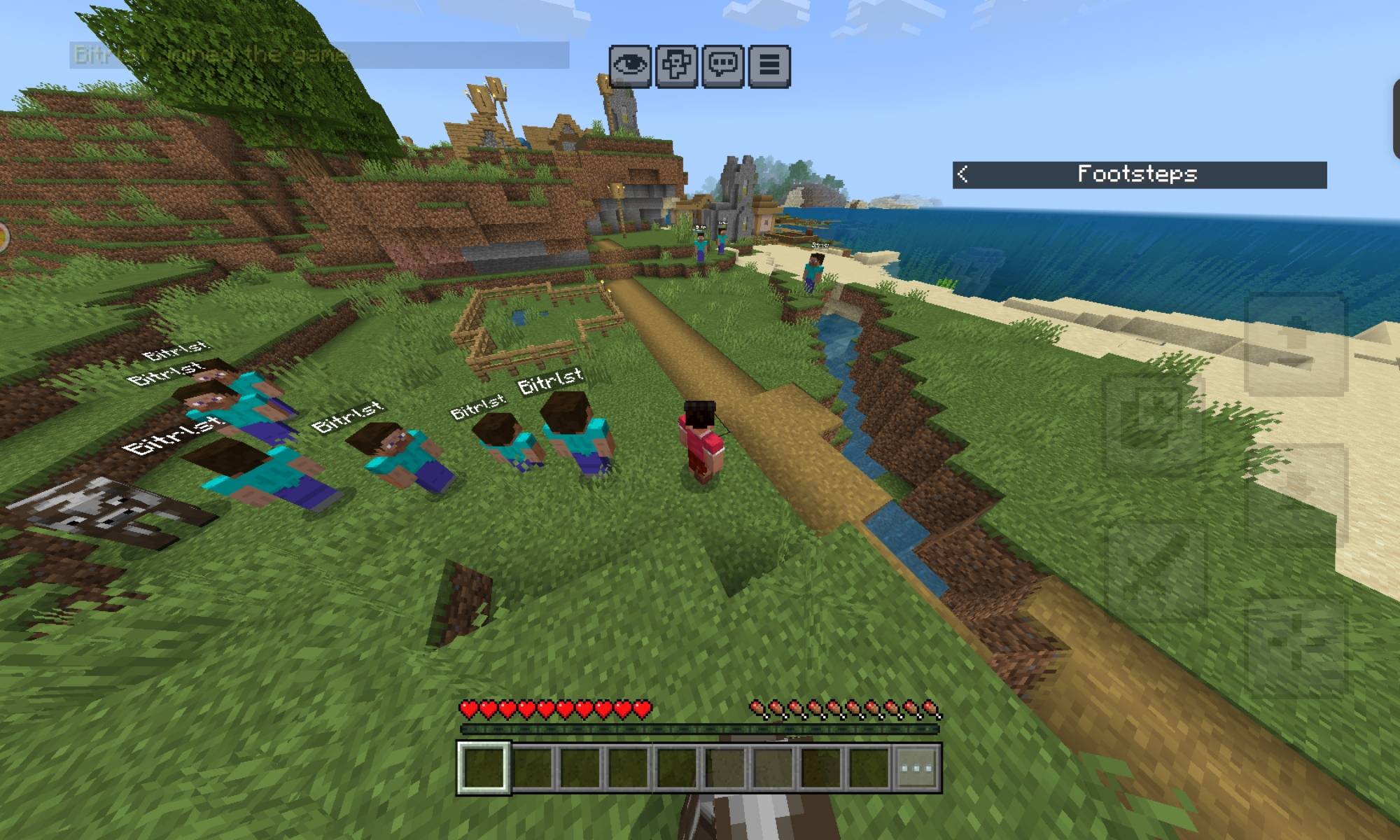
Every minute, your last 60 seconds get replayed by another Steve skinned version of yourself — forever.
This is inspired by the Java Fabric mod "Motion Capture."... While you play, everything you do gets recorded: where you walk, where you look, when you sneak, when you swing your pickaxe, what you're holding, and every block you break or place. Once that minute's up, a Steve-skinned echo spawns and starts looping that exact minute on repeat, while a brand new recording starts immediately for whatever you do next! :)
Keep playing and the loops stack. Ten minutes in, you've got ten echoes running around your base at once, all doing what you did, all at the same time. It gets chaotic fast.
What it does:
• ALSO loops movement, look direction, sneaking, swinging, and equipped items for every player.
• Echoes replay block breaks and placements too — the block actually breaks/places again when you do it in past loops, then gets put back right before the loop restarts, so nothing's permanently changed.
• A new player spawns every 60 seconds, no cap, they just keep piling up! :D
• Commands: /timeloop:info to see how many echoes are currently looping, /timeloop:clear to wipe them all and restore any blocks mid-replay
Notes:
• Recording starts automatically the moment you spawn in — no item or setup needed.
• Only uses stable @minecraft/server APIs, so you don't need to enable Beta APIs in world settings!
• Requires cheats to use the custom commands...
Good for building up a genuinely weird base full of past versions of yourself, or just watching a crowd of echoes all mine the same hole at slightly different times!
Enjoyy!! :D
Fix: The LATEST version adds a new /timeloop:setloop <seconds> command that lets you customize how long the time loops! :D
(I made these mods a long time ago... I just uploaded them now to share it to you guys)
- Edition: Minecraft Bedrock
- File type: .mcpack or .mcaddon
- Minecraft versions listed: 1.21.131, 1.21.132, 26.0.02
- How to install: Download the .mcpack or .mcaddon file. → Open it — Minecraft imports it. → In your world: Behavior Packs → Available → Activate, then the same under Resource Packs.
- Where to get it: Opens on CurseForge — not every file is mirrored on our own servers.
Install steps are the general flow for this file type — How to install Minecraft Bedrock addons & mods walks through it step by step.
- Pack type: .mcaddon — behaviour and resource pack in one file
- Manifest requires Minecraft 1.21.130 or newer
- Complete pack — everything it depends on is inside the file
- Download size: 444 KB
- Download link checked 29 Sept 2026 — working
These come from our own check of the pack file, not from the source page.