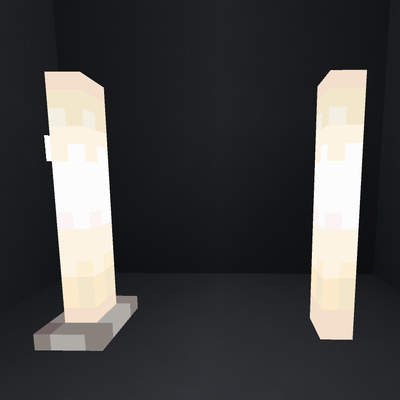
NoBasePlate End Rod (Achievement Friendly)
Bedrock add-on listed for Minecraft 26.x. Installs from the MC Bedrock Mods app on Android.
The No Baseplate End Rod Add-on is the ultimate builder’s utility that introduces a clean, pure white, glowing End Rod stick without the bulky vanilla…
⬇ Download on CurseForge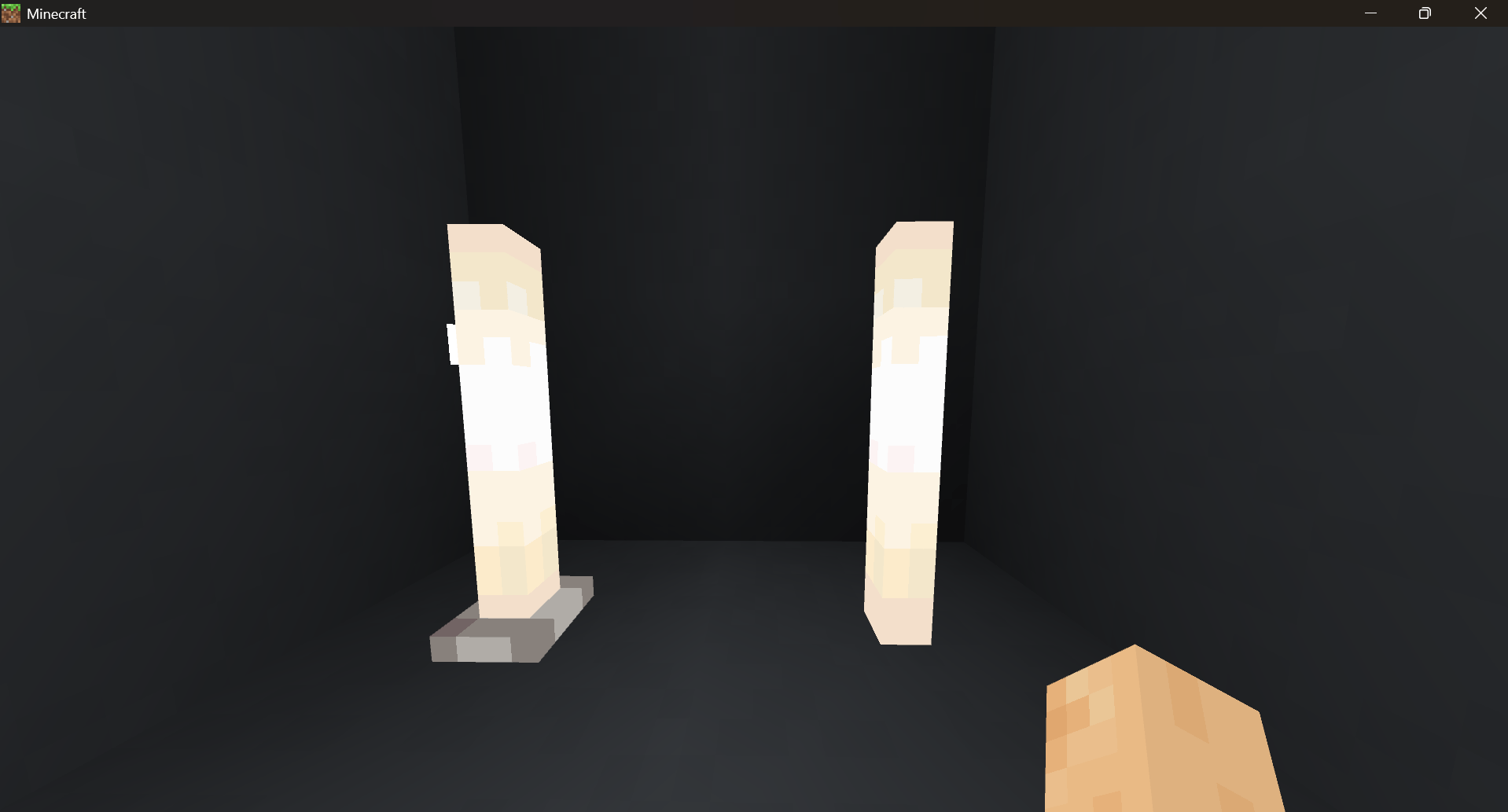
No Baseplate End Rod (Bedrock Edition)
By Haevafer
Are you tired of that clunky, purple square baseplate ruining your sleek, modern builds? The No Baseplate End Rod Add-on is the ultimate builder’s utility that introduces a clean, pure white, glowing End Rod stick without the bulky vanilla baseplate! this Add-on gives you the aesthetic freedom that vanilla Minecraft restricts.
✨ Features
- Pure Aesthetic: Removes the ugly purple baseplate completely. It's just a clean, glowing white rod!
- Dynamic Placement: Place it anywhere! It dynamically sticks to ceilings, walls, and floors just like a torch or lantern.
- Maximum Glow: Retains a powerful light emission level of 14 to beautifully illuminate your builds.
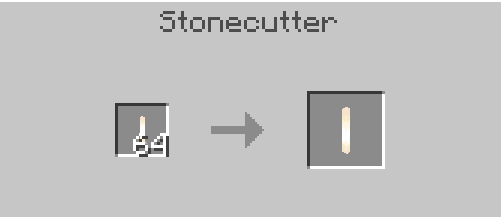
- Stonecutter Crafting: Fully survival-friendly! Just throw a Vanilla End Rod into a Stonecutter to instantly convert it into the No Baseplate version.
- Dynamic Light Compatible: Designed to work flawlessly alongside dynamic lighting Add-ons (like Essential++).
- Achievement Friendly! 🏆 Specially coded using modern Bedrock mechanics so that it does not require experimental toggles like "Beta APIs". You can use this in your survival world without disabling your hard-earned achievements!
🛠️ How to Craft
- Obtain a normal End Rod (crafted with a Blaze Rod + Popped Chorus Fruit).
- Place it into a Stonecutter.
- Collect your sleek End Rod Stick!
📥 Installation
- Download the
.mcaddonfile. - Double-click the file to automatically import it into Minecraft.
- Apply manually both the Behavior Pack and Resource Pack to your world.
- Edition: Minecraft Bedrock
- File type: .mcpack or .mcaddon
- Minecraft versions listed: 26.30, 26.40
- How to install: Download the .mcpack or .mcaddon file. → Open it — Minecraft imports it. → In your world: Behavior Packs → Available → Activate, then the same under Resource Packs.
- Where to get it: Opens on CurseForge — not every file is mirrored on our own servers.
Install steps are the general flow for this file type — How to install Minecraft Bedrock addons & mods walks through it step by step.
- Pack type: .mcaddon — behaviour and resource pack in one file
- Download size: 91 KB
- Download link checked 29 Sept 2026 — working
These come from our own check of the pack file, not from the source page.