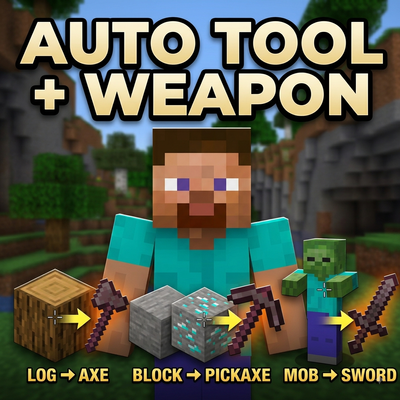
Auto-Tools!
This Mod helps to auto-swaps hotbar to the best tool or weapon. It equips Pickaxes for blocks like stone, Axes for wood, Shovels for dirt, Hoes for…
⬇ Download on CurseForgeThe author built this one for Minecraft 26.40. On other versions it may install and then do nothing.
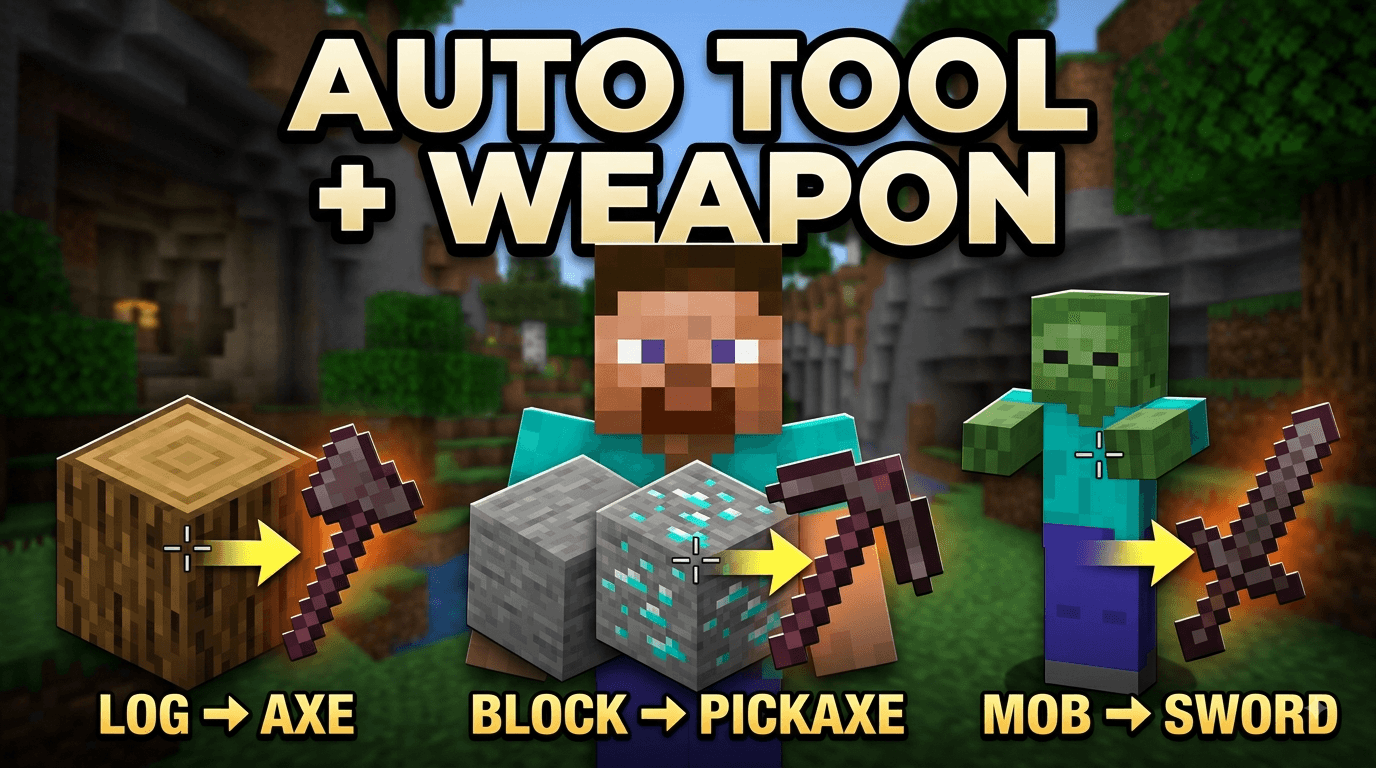
Auto Tools is a lightweight, responsive utility add-on for Minecraft Bedrock Edition designed to streamline your gameplay. It automatically switches your active hotbar slot to the best suited tool or weapon based on what you're looking at—saving you time and keeping your hotbar management effortless.
Key Features:
Smart Block Detection: Automatically detects target blocks and equips the corresponding best tool from your hotbar:
Pickaxe: Stone, Deepslate, Ores, Obsidian, Brick, Terracotta, Concrete, and other hard minerals.
Axe: Wood, Logs, Planks, Stems, Hyphae, Chests, Doors, and wooden structures.
Shovel: Dirt, Grass, Sand, Gravel, Clay, Soul Sand, and Mud.
Hoe: Leaves, Sponges, Moss, Sculk, and Crops.
Player & Mob Combat Auto-Equip: Looking directly at hostile mobs or other players automatically swaps to your best available Sword for instant combat readiness.
Crouch Bypass (Sneak to Pause): Hold down the crouch/sneak key to completely pause auto-swapping. This gives you full manual control whenever you need to place blocks, open chests, or organize your items without unwanted switching.
Best Tier & Durability Priority: The script scans your hotbar (slots 1–9) and selects your highest tier tool (Netherite > Diamond > Iron > Stone > Gold > Wood). If you have duplicate tools of the same tier, it prioritizes the one with higher remaining durability.
Installation & Requirements:
Download and import the behavior pack into Minecraft Bedrock Edition.
Enable the behavior pack under your World Settings.
It doesn't need beta API
- Edition: Minecraft Bedrock
- File type: .mcpack or .mcaddon
- Minecraft version listed: 26.40
- How to install: Download the .mcpack or .mcaddon file. → Open it — Minecraft imports it. → In your world: Behavior Packs → Available → Activate, then the same under Resource Packs.
- Where to get it: Opens on CurseForge — not every file is mirrored on our own servers.
Install steps are the general flow for this file type — How to install Minecraft Bedrock addons & mods walks through it step by step.
- Pack type: .mcpack — a single pack
- Manifest requires Minecraft 1.21.0 or newer
- Complete pack — everything it depends on is inside the file
- Download size: 1.2 MB
- Download link checked 29 Sept 2026 — working
These come from our own check of the pack file, not from the source page.