ModsJava
Supply Lines Mod (1.21.1, 1.20.1) – Feed Colony Requests Straight
Java mod listed for Minecraft 1.20–1.21. Downloads from the MC Java Mods app on Android.
⬇ Download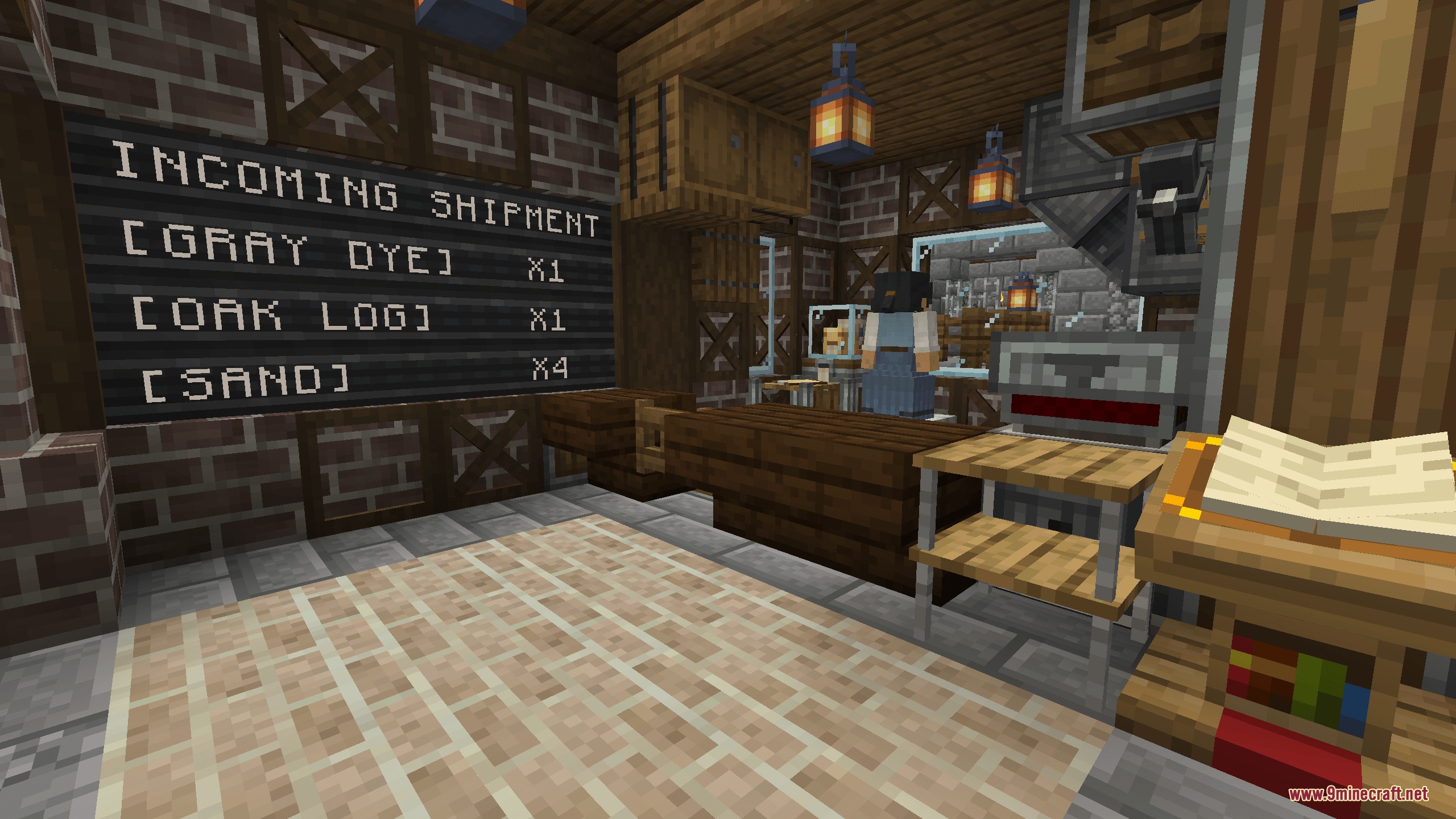
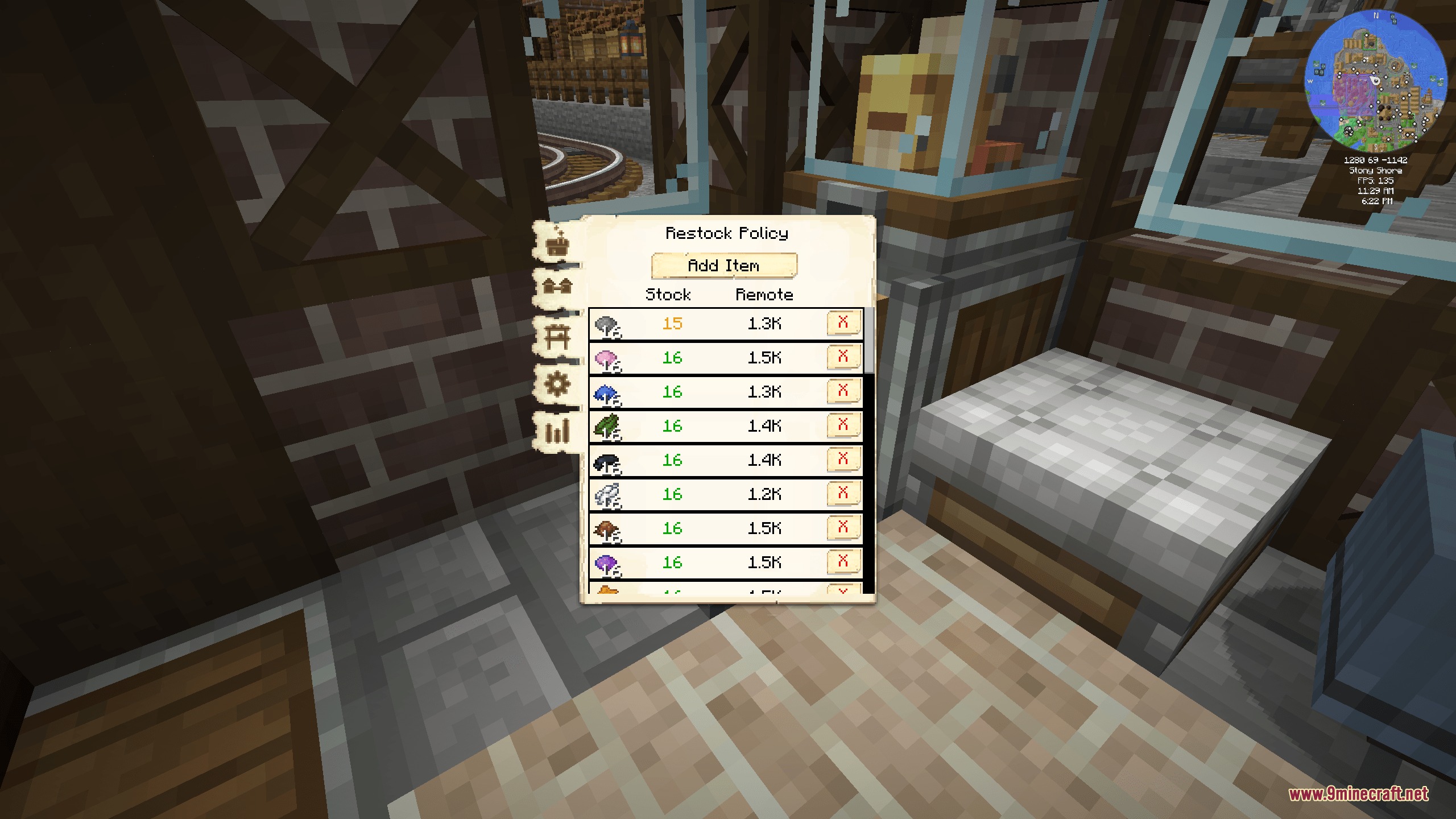
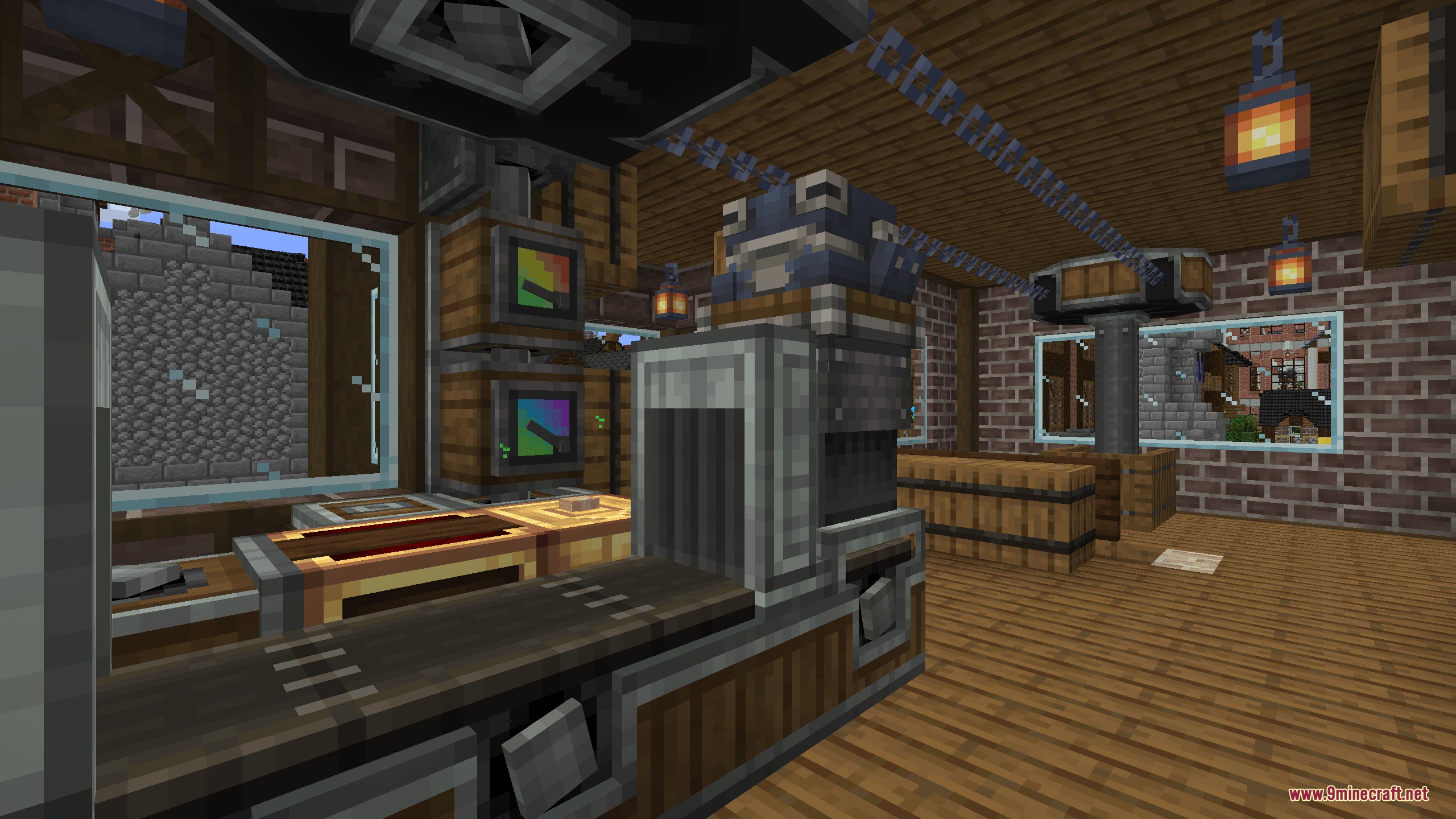
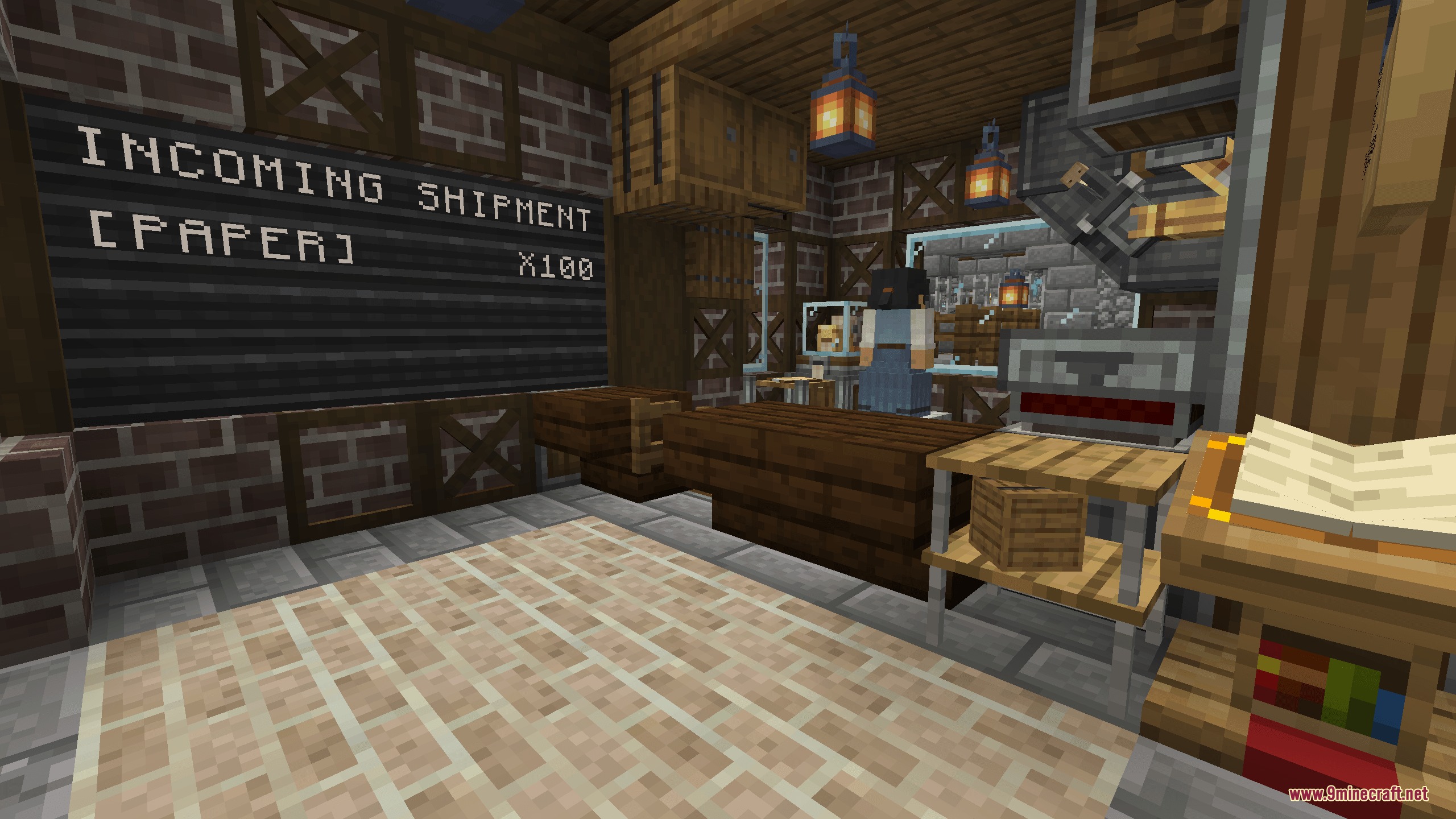
Supply Lines Mod extends MineColonies and Create by connecting colony item requests directly to factory production lines. Colonists ask for tools, food, and building blocks just like they always do, but this mod lets automated machines fulfill those orders instead of manual player hauling. A dedicated worker accepts goods from belts, depots, and logistics networks so settlements run alongside large industrial setups.
Features:
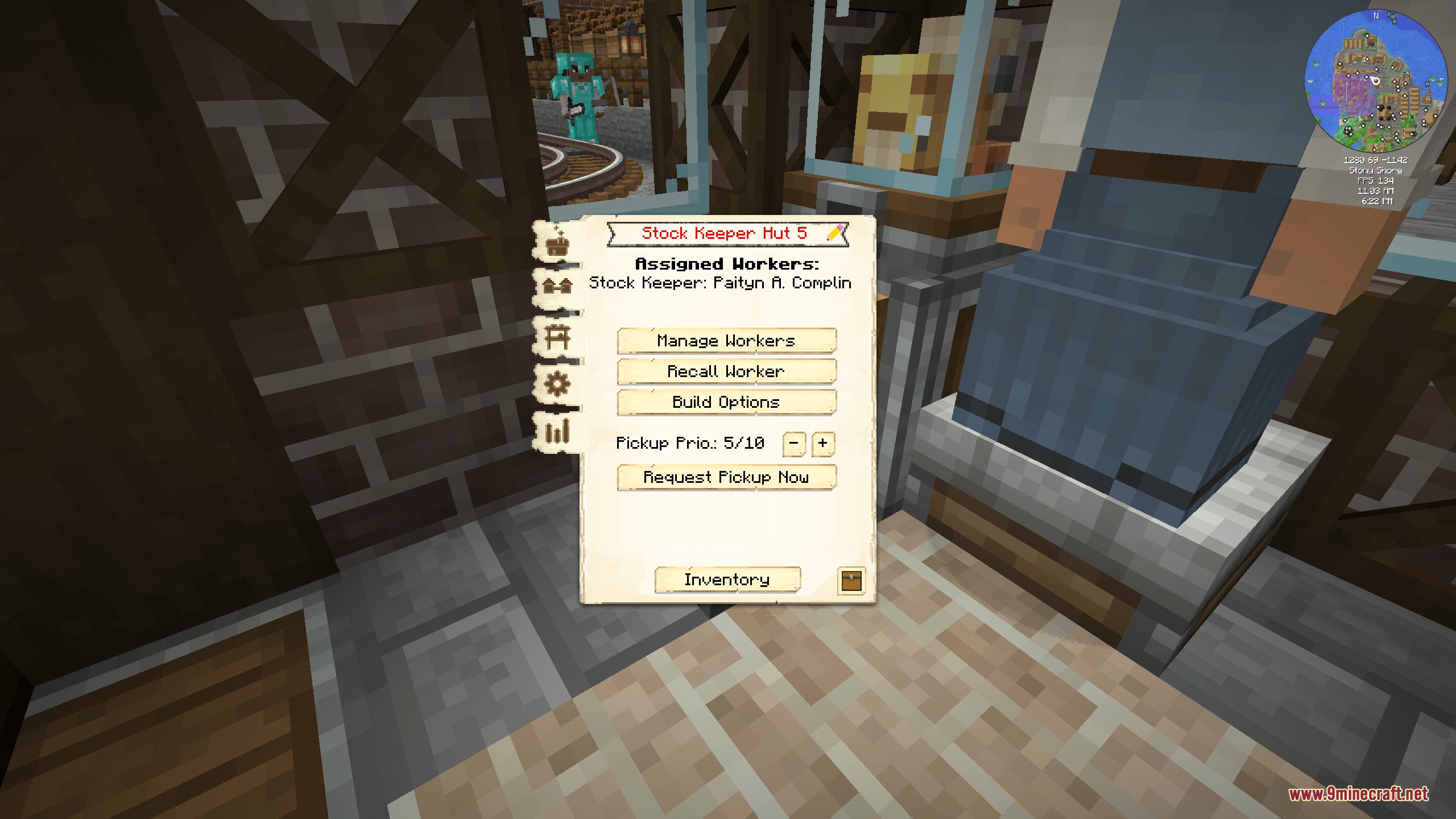
- Adds the Stock Keeper job and specialized building to act as a direct distribution bridge.
- Lets automated Create belts, funnels, and chutes deliver items straight into colony racks.
- Colonists request missing supplies through normal colony systems without extra menus.
- Stock Keepers claim open requests when local colony storage runs empty.
- Couriers visit the building to pick up fulfilled orders and deliver them to requesting workers.
- Uses Structurize blueprints to customize physical layouts, input connections, and item drops.
Building Progression:
- Levels 1 to 3: Functions as specialized colony storage where items in local racks fulfill requests.
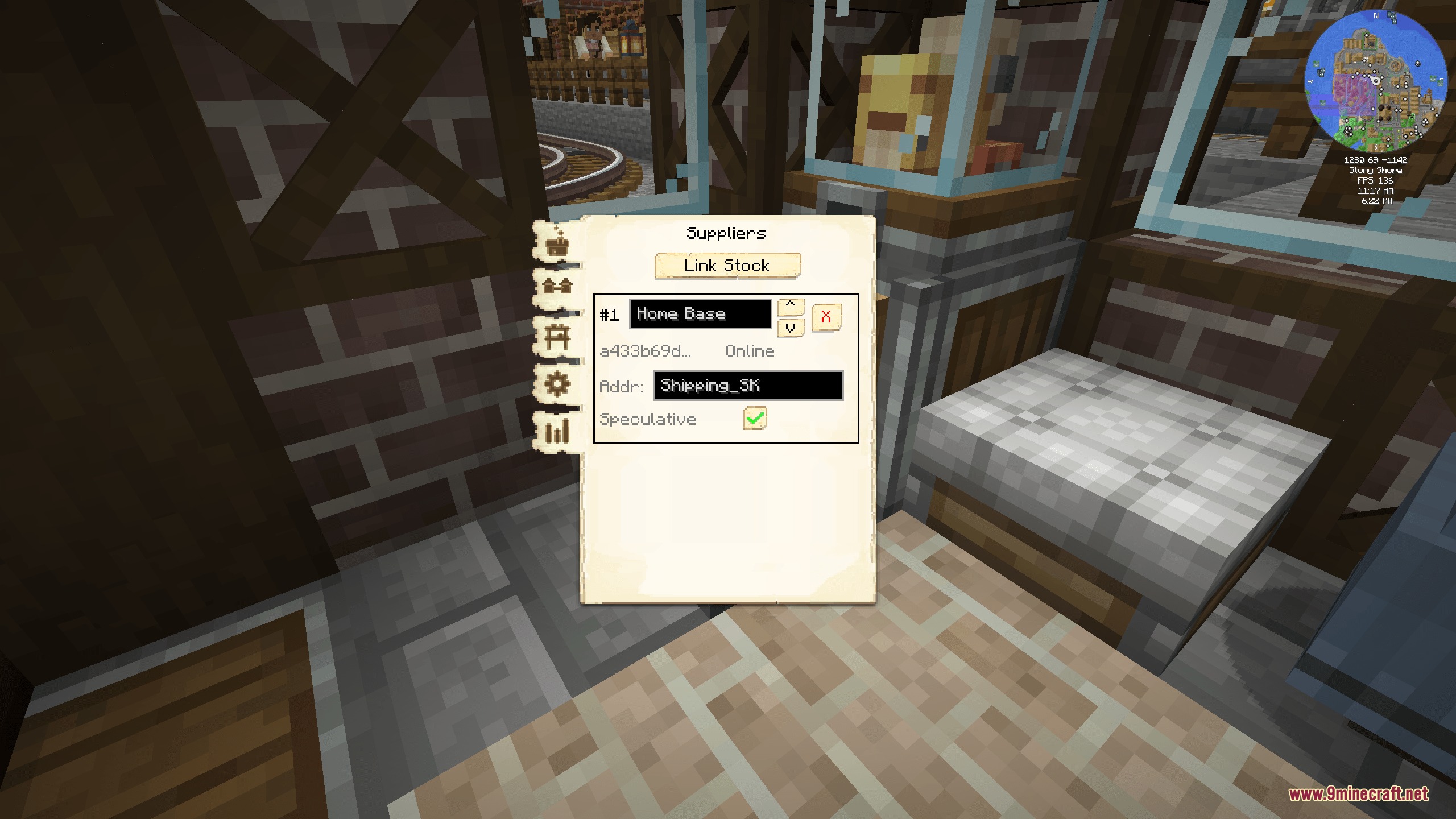
- Level 4 and Above: Connects directly to Create stock networks to request items from distant player factories.
- Staging points hold items automatically until town couriers collect them.
How to Use:
- Place the Stock Keeper building inside your settlement using the MineColonies building tool.
- Assign an unemployed colonist to take the Stock Keeper job.
- Hook up Create belts, funnels, or depot drop-offs to the marked blueprint input points.
- Upgrade the building past level 3 to unlock direct item requests from your Create stock network.
Screenshots:
Supply Lines Mod Download Links
Quick facts
- Edition: Minecraft Java
- File type: .jar
- Minecraft versions listed: 1.21.1, 1.20.1
- How to install: Install the matching mod loader (Forge, Fabric or NeoForge) for your Minecraft version. → Download the .jar. → Put it in the .minecraft/mods folder and launch that loader profile.
- Where to get it: In MC Java Mods, or directly above on this page.
Install steps are the general flow for this file type — How to install Minecraft Java mods & modpacks walks through it step by step.
File checked by MCModsHub
- Downloads as 473655.mcaddon
- Download size: 434 KB
- Download link checked 24 Sept 2026 — working
- Mirrored on our own servers — the download does not depend on the original host
These come from our own check of the pack file, not from the source page.