ModsJava
Luma Light Mod (26.2, 1.20.1) – Give Your World Vibrant Colors
Java mod listed for Minecraft 1.20. Downloads from the MC Java Mods app on Android.
⬇ Download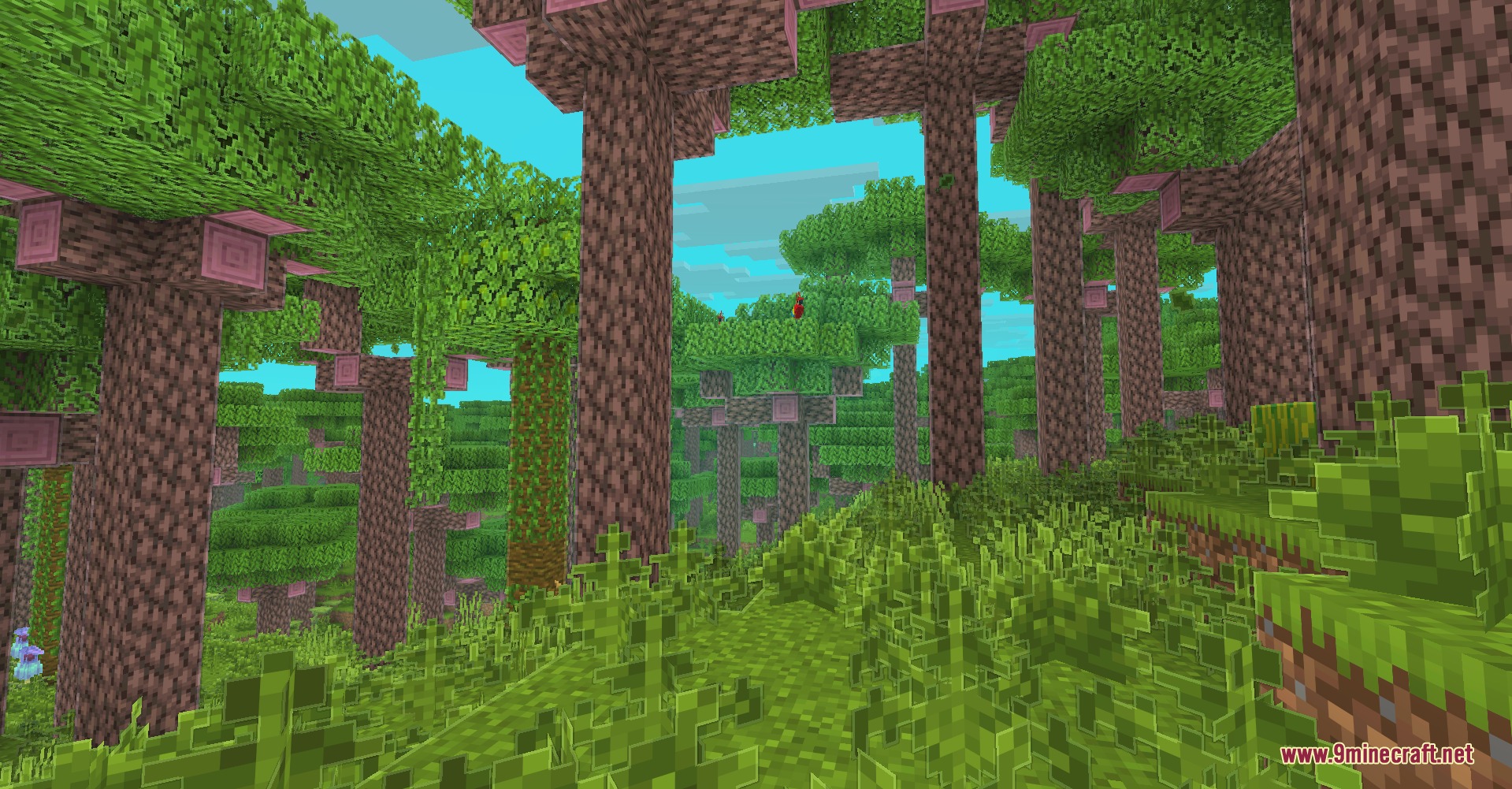
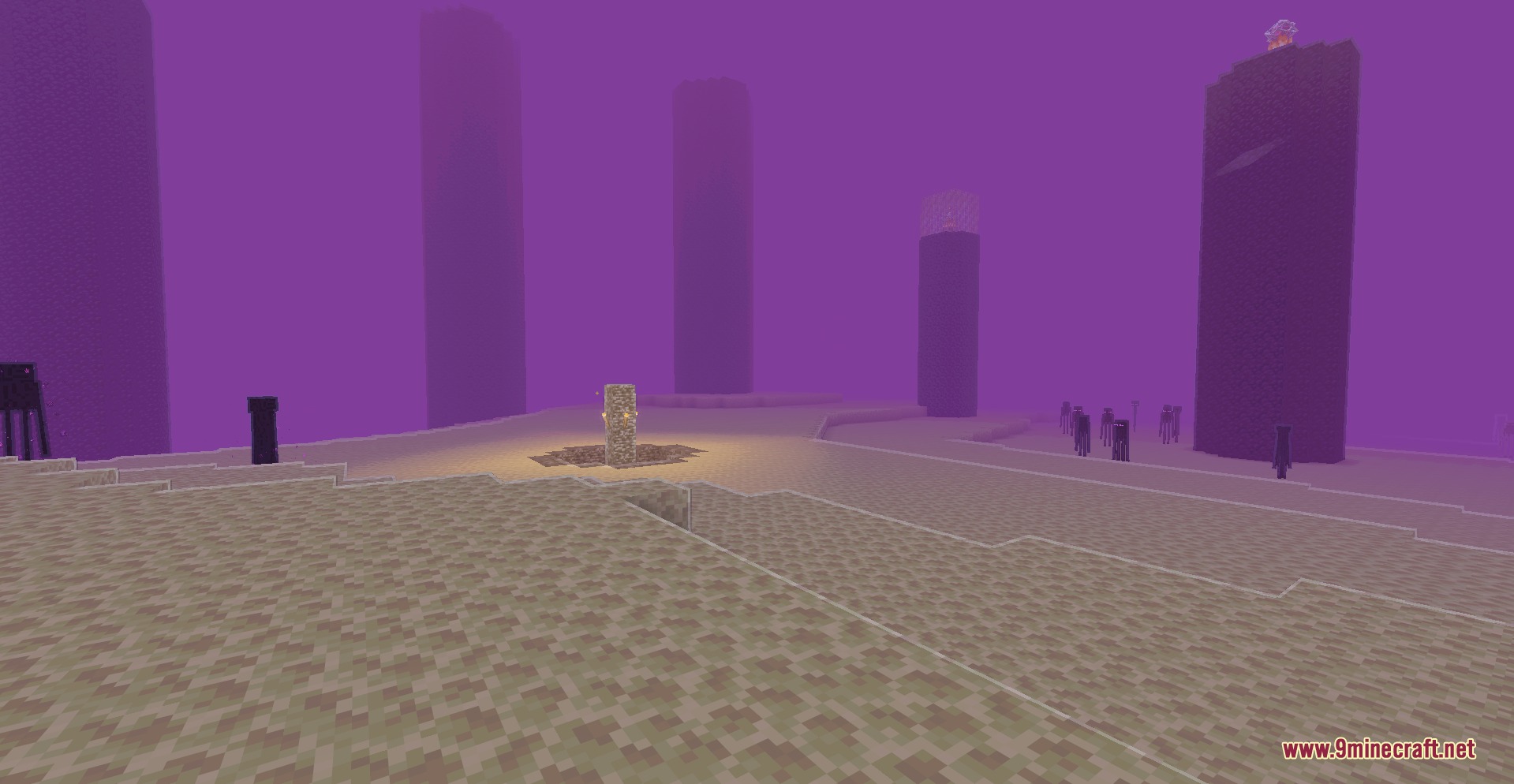
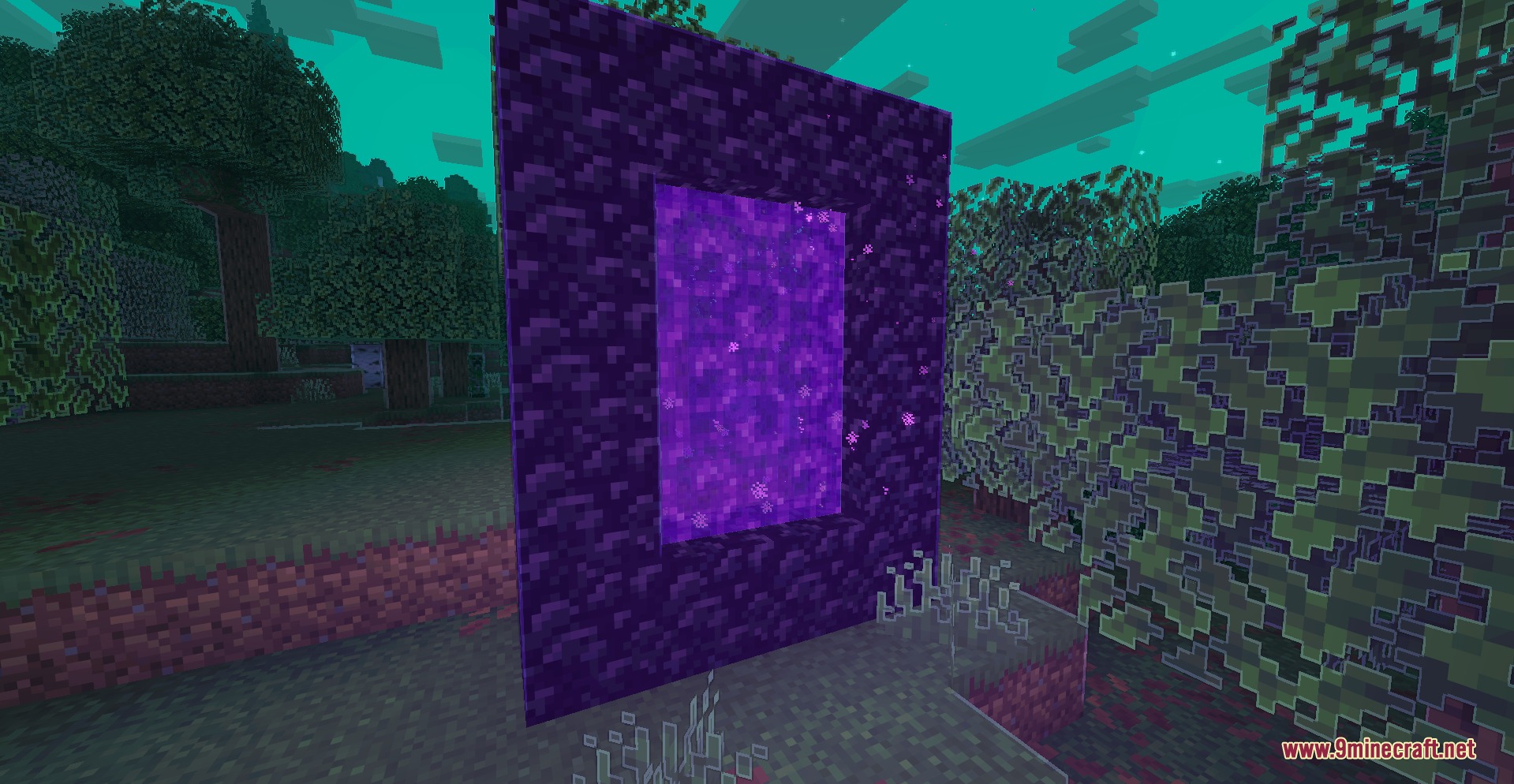
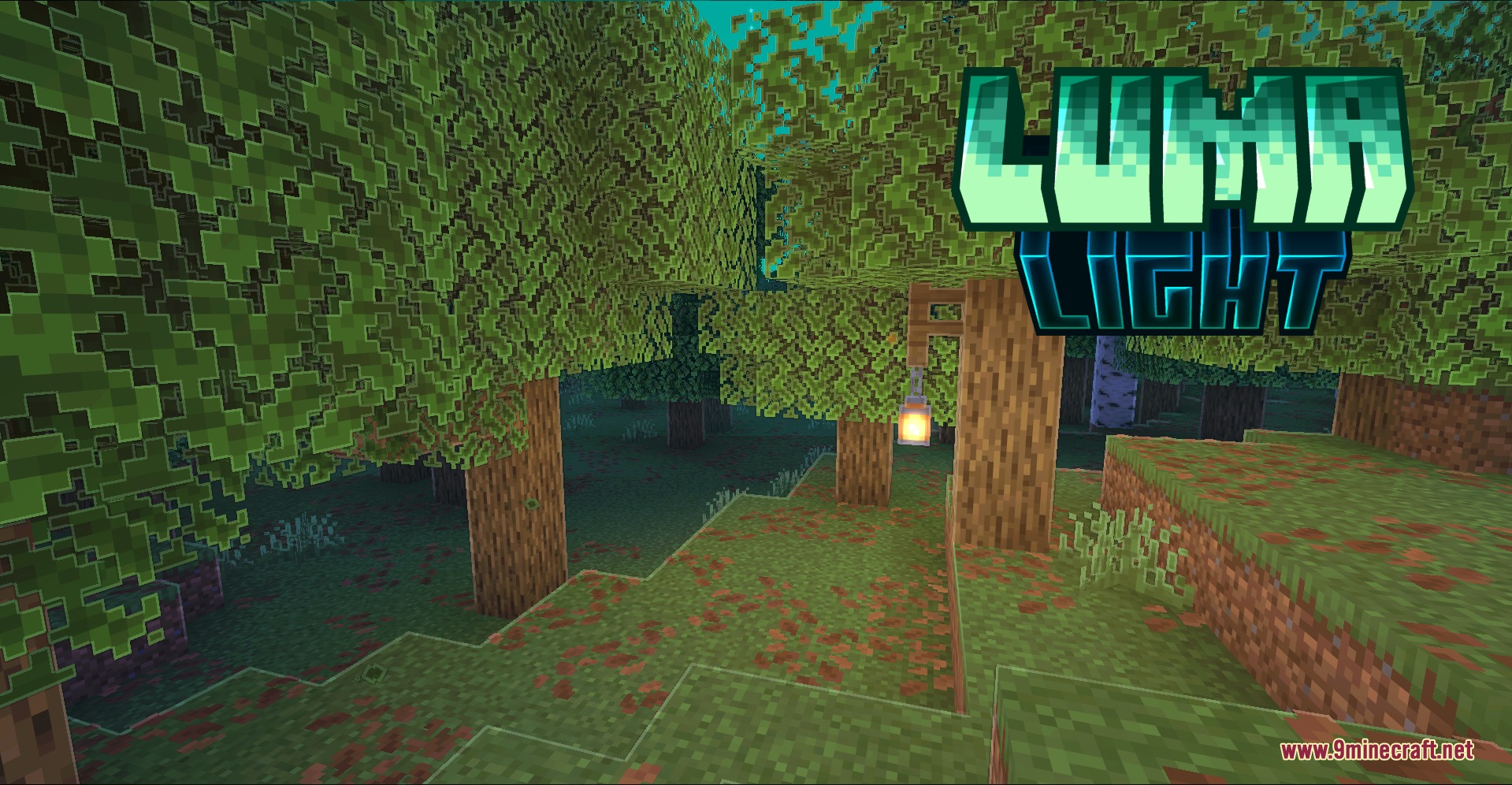
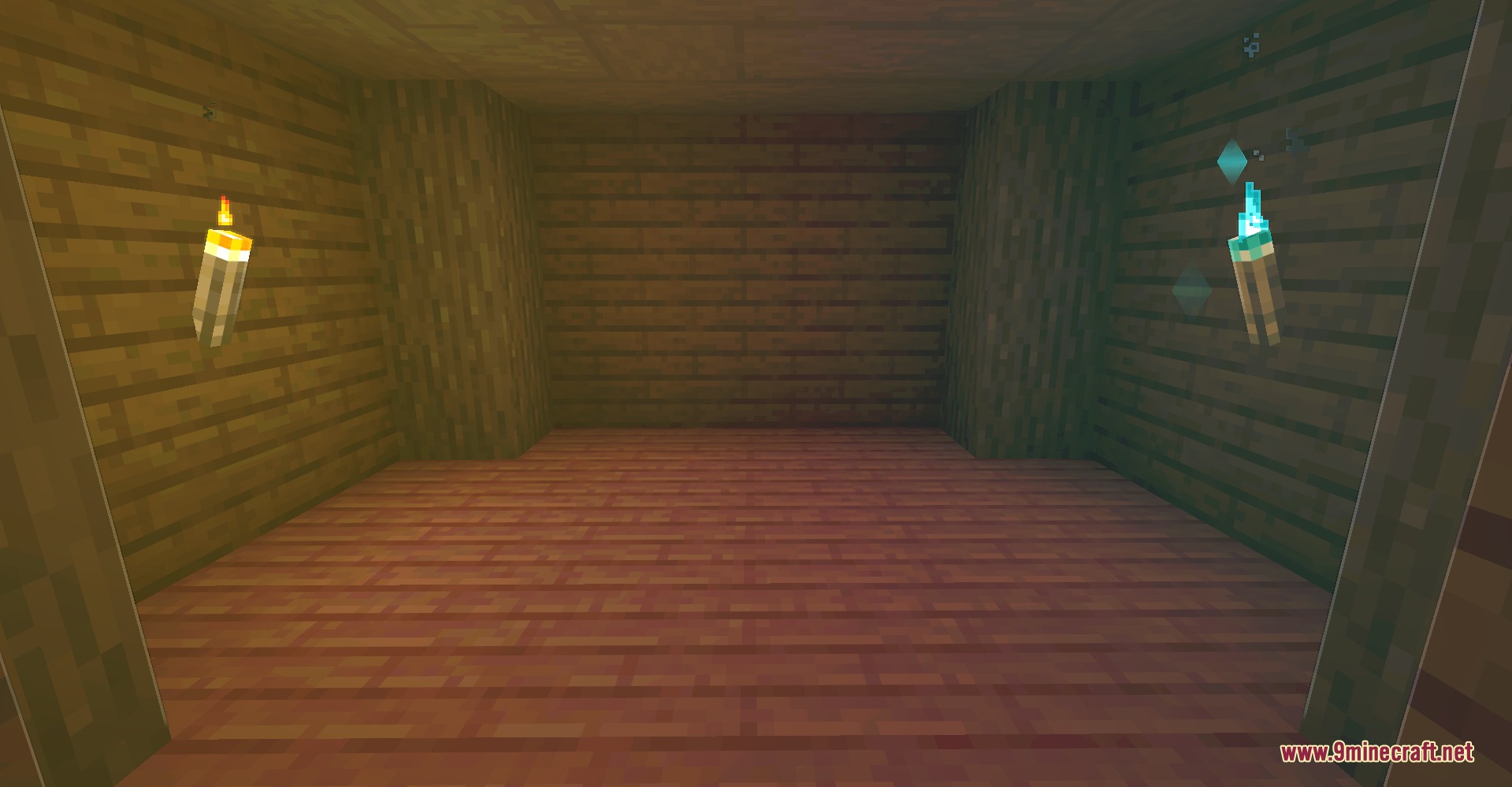
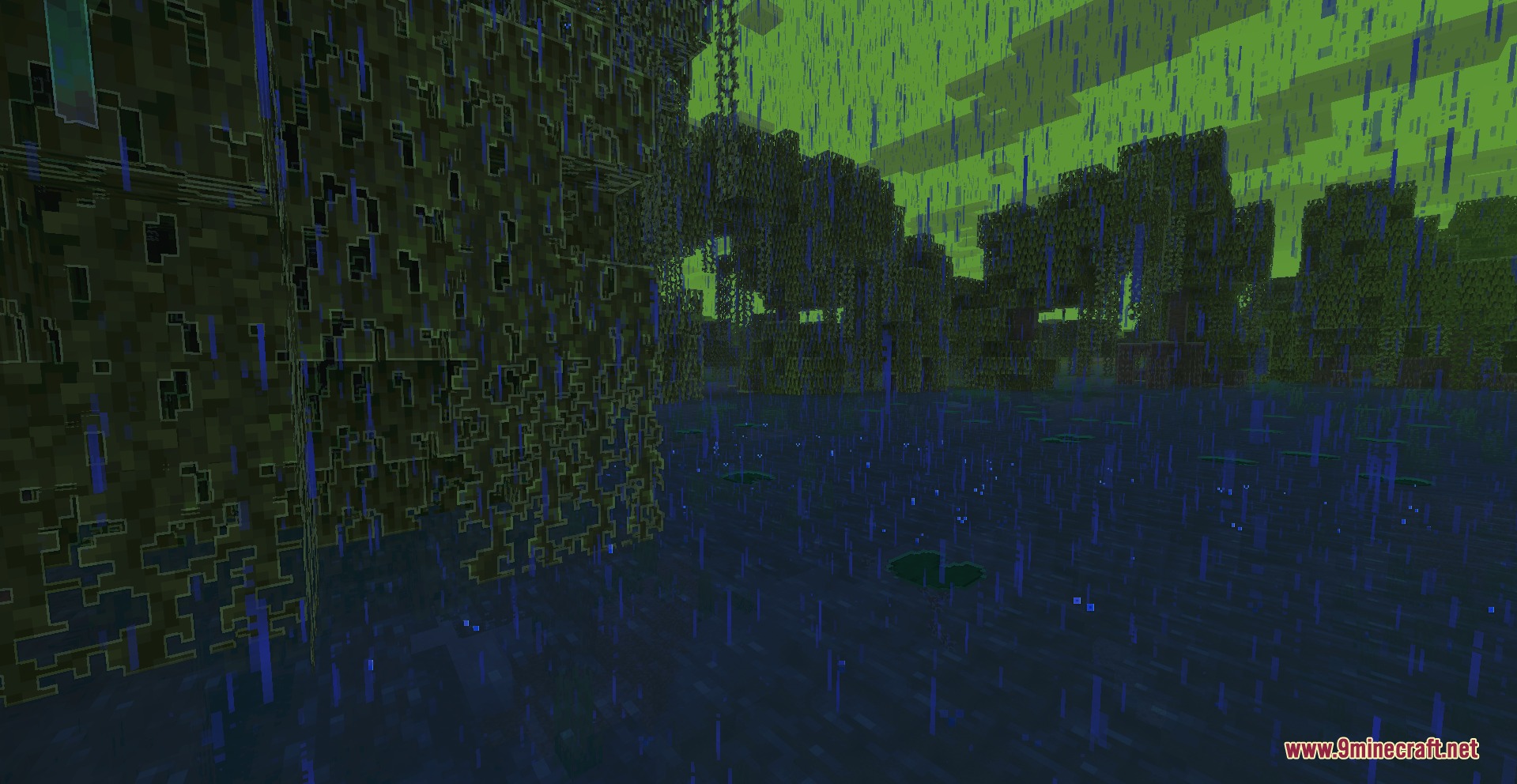
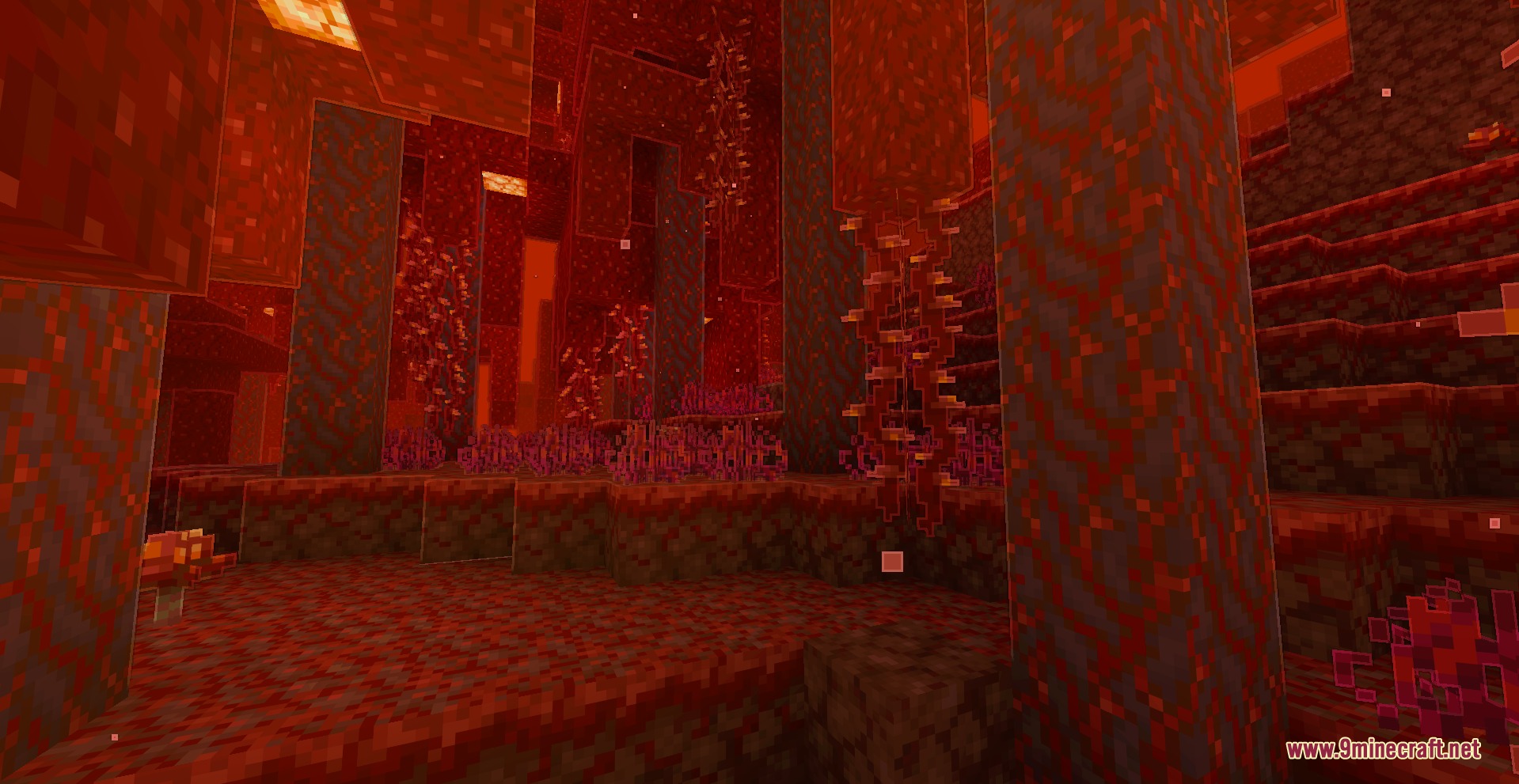
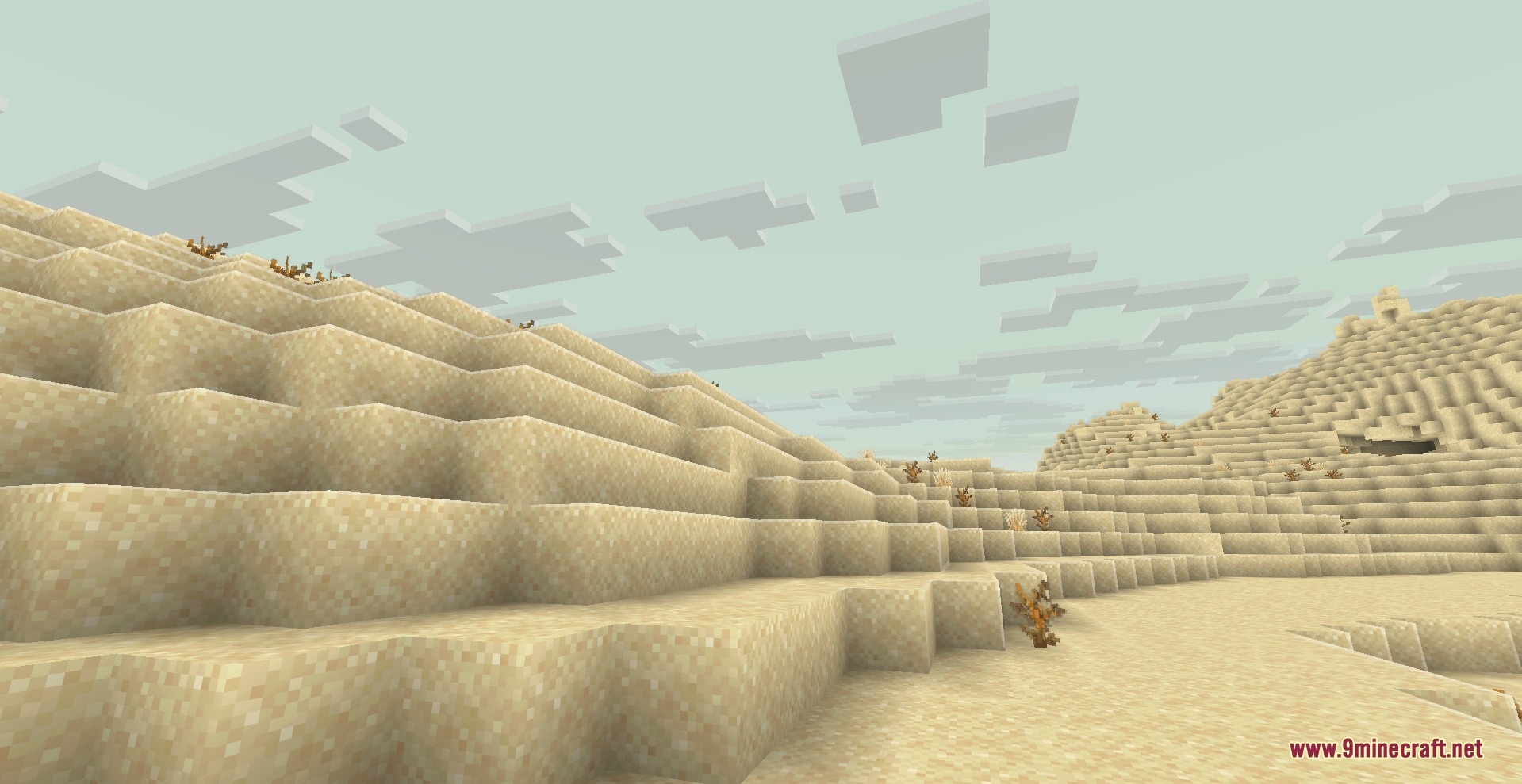
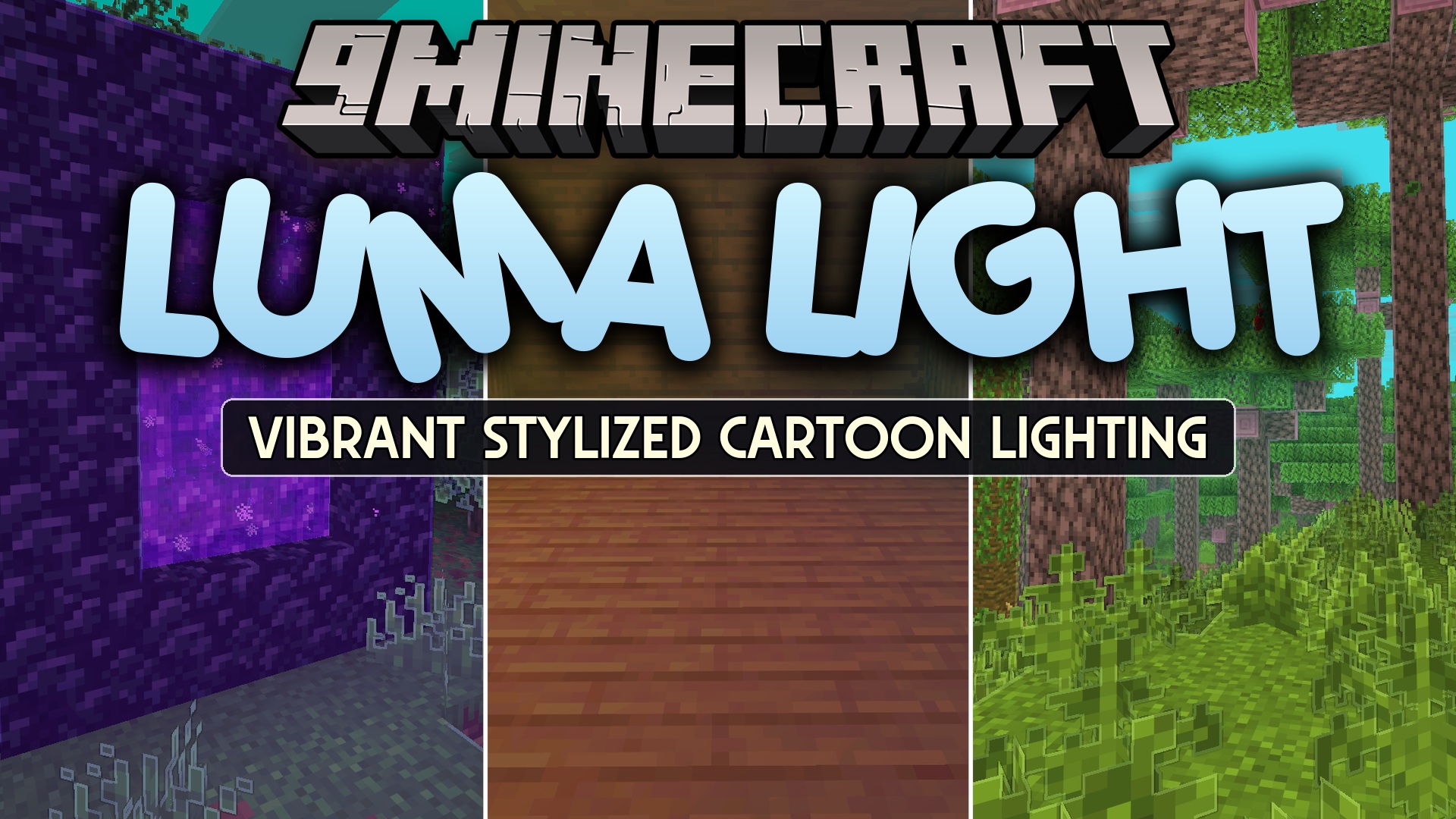
Luma Light Mod adds colorful lighting, sharp outlines, and a cartoon visual style to the game without needing shader packs. It generates glowing colors straight from block textures and paints skies with biome-matching tones. Sunlight shifts naturally from warm daytime beams to cool moonlight at night. The mod works directly on the client side, letting you join vanilla multiplayer servers without visual conflicts.
Features:
- Generates colored light directly from luminous block textures.
- Works automatically with modded blocks and custom resource packs.
- Adds outlines around terrain, mobs, first-person hands, and held items.
- Brings warm sunlight during the day and cool moonlight during the night.
- Changes fog, sky, clouds, haze, and weather colors based on your current biome.
- Includes selective bloom and cartoon post-processing effects.
- Adds water rims, highlighted leaves, projectile trails, and small light sparks.
- Outlines visible ore surfaces without showing ores through solid walls.
- Gives dropped items colored outlines and smooth animations.
- Provides smooth lighting changes without sudden pops or visual glitches.
- Includes performance limits for crowded areas with many lights.
How to Use:
- Press U in game to open the settings menu.
- Pick ready-made visual presets or adjust individual effects like bloom and outlines.
- Adjust performance settings and color values to fit your personal taste.
- Press the reset button at any point to restore default values.
Screenshots:
Luma Light Mod Download Links
Quick facts
- Edition: Minecraft Java
- File type: .jar
- Minecraft version listed: 1.20.1
- How to install: Install the matching mod loader (Forge, Fabric or NeoForge) for your Minecraft version. → Download the .jar. → Put it in the .minecraft/mods folder and launch that loader profile.
- Where to get it: In MC Java Mods, or directly above on this page.
Install steps are the general flow for this file type — How to install Minecraft Java mods & modpacks walks through it step by step.
File checked by MCModsHub
- Downloads as 473671.mcaddon
- Download size: 294 KB
- Download link checked 22 Sept 2026 — working
- Mirrored on our own servers — the download does not depend on the original host
These come from our own check of the pack file, not from the source page.