ModsJava
Easy Factions Unofficial Port Mod (1.21.1) – Claim Chunks and Wage Rival
Java mod listed for Minecraft 1.21. Downloads from the MC Java Mods app on Android.
⬇ Download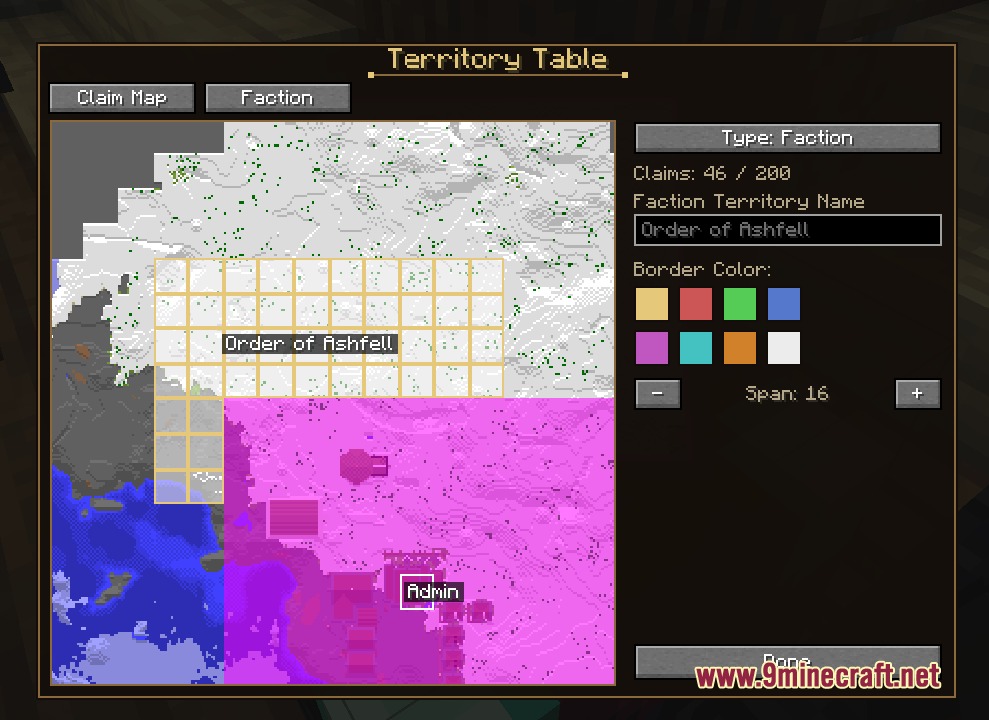
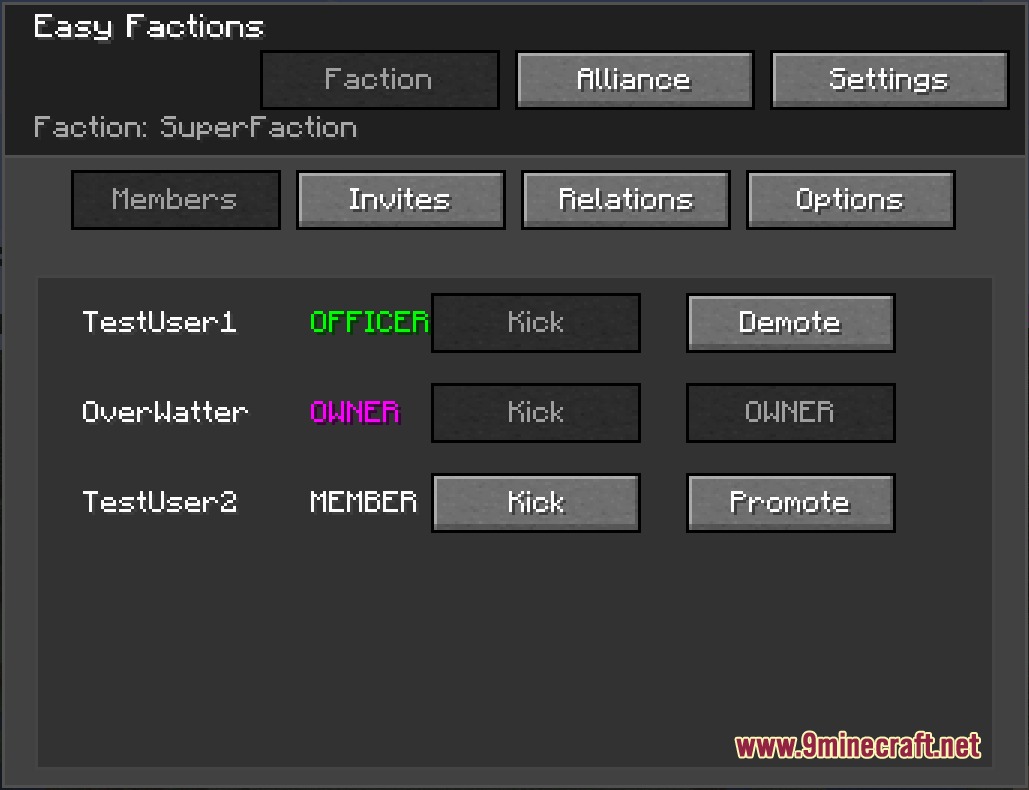
Easy Factions Unofficial Port Mod adds a complete team territory and land management system to your server. It brings back the classic faction warfare style where players group up under custom banners, protect their builds inside claimed chunks, and declare rivals. The mod also introduces interactive map tables and King of the Hill battles to keep land ownership active and competitive.
Features:
- Faction Creation: Form your own group, set unique colors and tags, and invite friends to build together.
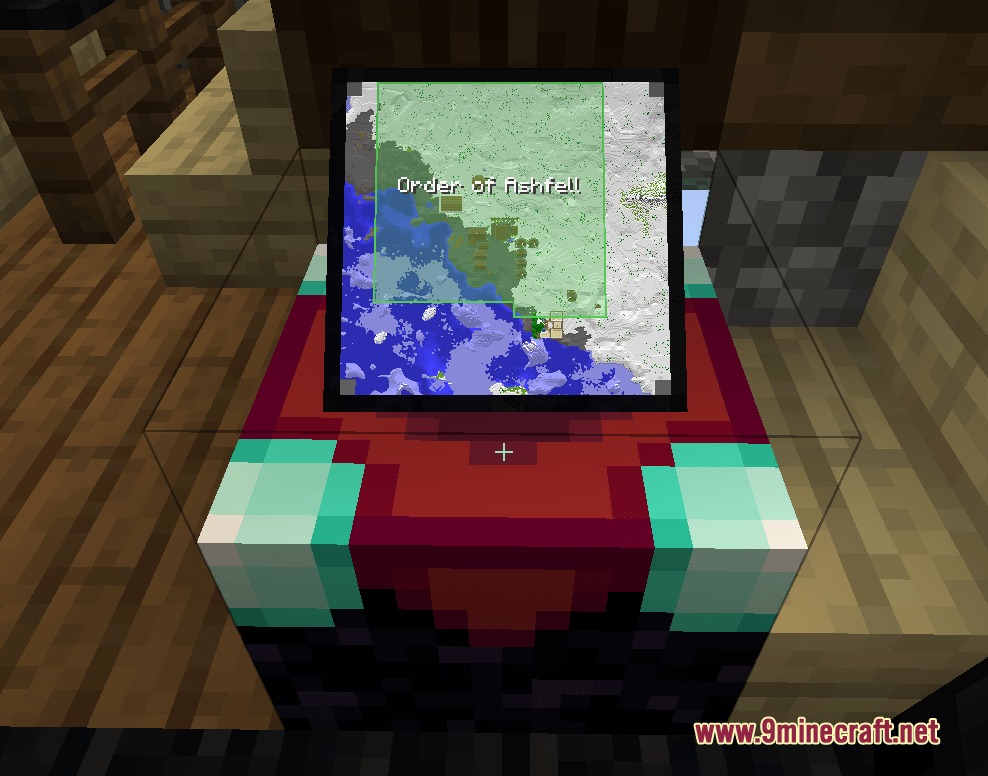
- Territory Table: Craft a special map block that lets you paint borders across chunks instead of typing in chat.
- Dynamic Chunk Claiming: Earn claim points over time to protect bases from griefing and enemy block breaking.
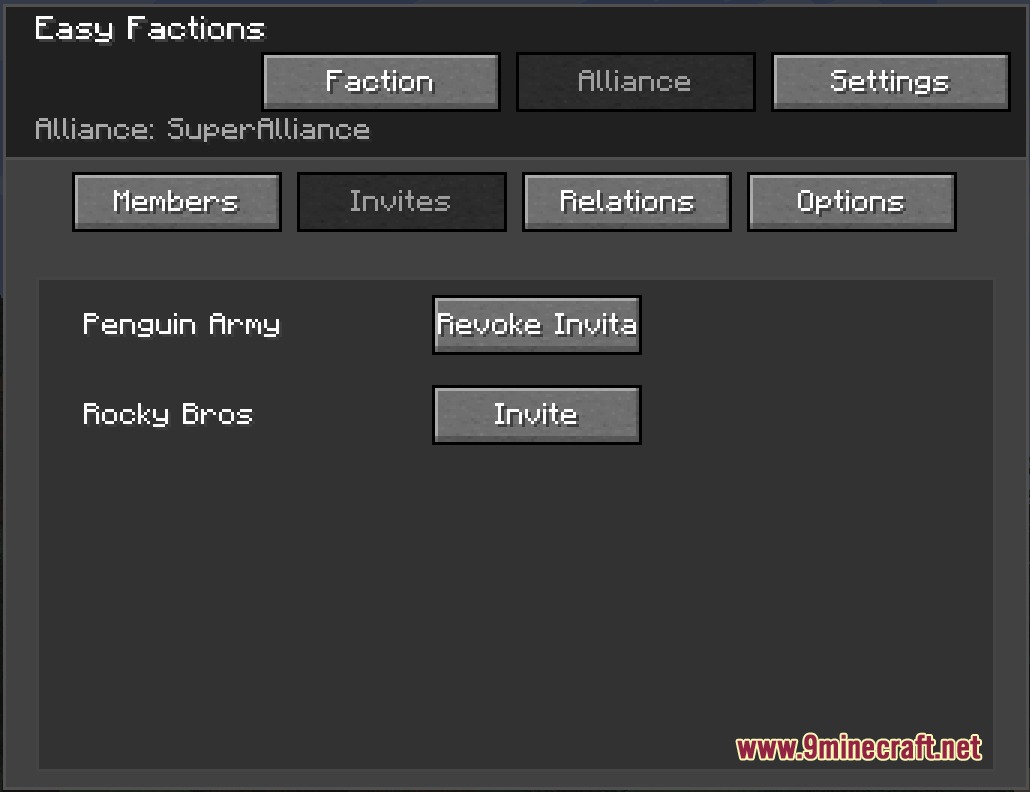
- Includes rank management with owners, officers, and members to keep groups organized.
- Allows toggling friendly fire so team members avoid hurting each other during combat.
- Players can form alliances to share damage protection across friendly groups.
- Features relationship tags to mark outside factions as friendly, neutral, or hostile.
- Server operators can paint custom admin regions for spawns and trade roads with unique colors.
- PvP combat drains claim capacity from losing factions and awards it to the attackers.
- King of the Hill zones give teams timed capture goals for extra server rewards.
- Provides core personal claims for solo players who want private land protection.
- Offers an optional money-based land purchase system for groups with extra coins.
Commands:
/factionbuy: Buy the chunk you stand on using currency or emeralds.
How to Use:
- Press G on your keyboard to open the main faction interface.
- Create your team name, pick a color, and invite online players to join.
- Craft a Territory Table to view the surrounding area on a top-down claim map.
- Click or drag across open chunks on the map interface to protect your base.
Screenshots:
Easy Factions Unofficial Port Mod Download Links
Quick facts
- Edition: Minecraft Java
- File type: .jar
- Minecraft version listed: 1.21.1
- How to install: Install the matching mod loader (Forge, Fabric or NeoForge) for your Minecraft version. → Download the .jar. → Put it in the .minecraft/mods folder and launch that loader profile.
- Where to get it: In MC Java Mods, or directly above on this page.
Install steps are the general flow for this file type — How to install Minecraft Java mods & modpacks walks through it step by step.
File checked by MCModsHub
- Downloads as 474892.mcaddon
- Download size: 463 KB
- Download link checked 25 Sept 2026 — working
- Mirrored on our own servers — the download does not depend on the original host
These come from our own check of the pack file, not from the source page.