ModsJava
HQ Tiers Mod (26.2, 1.21.11) – Check Opponent Skill Tiers and Leaderboards
Java mod listed for Minecraft 1.21. Downloads from the MC Java Mods app on Android.
⬇ Download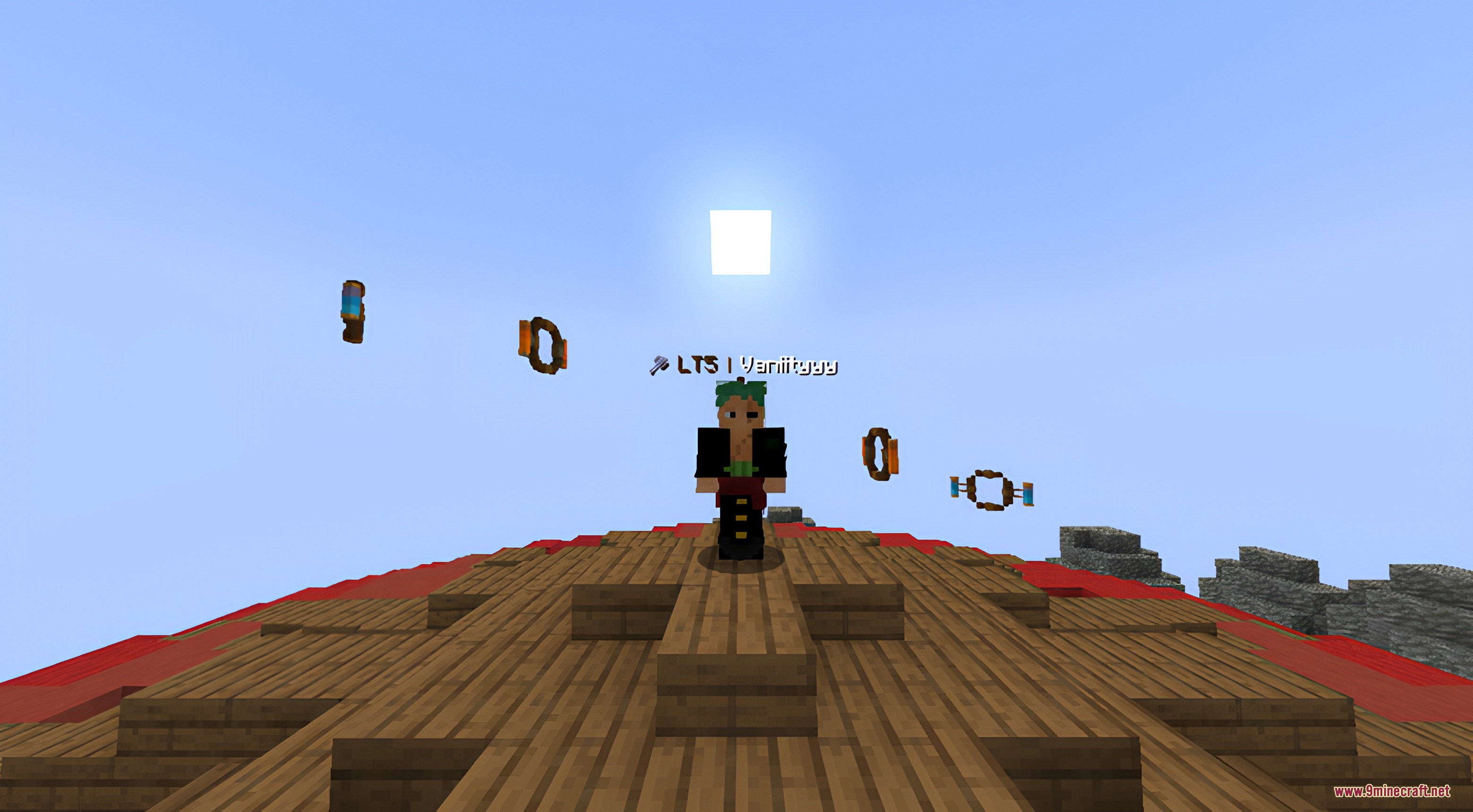
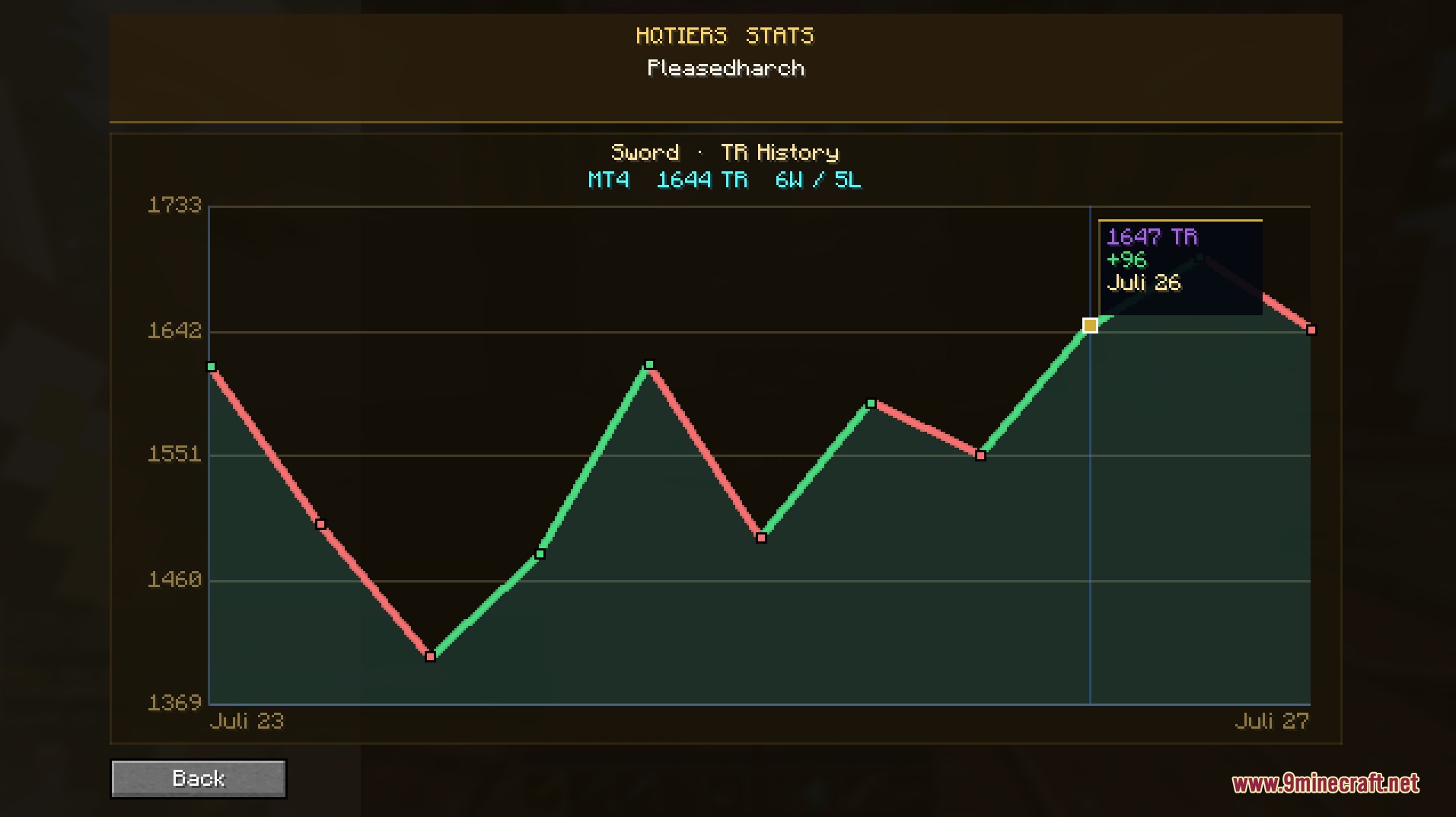
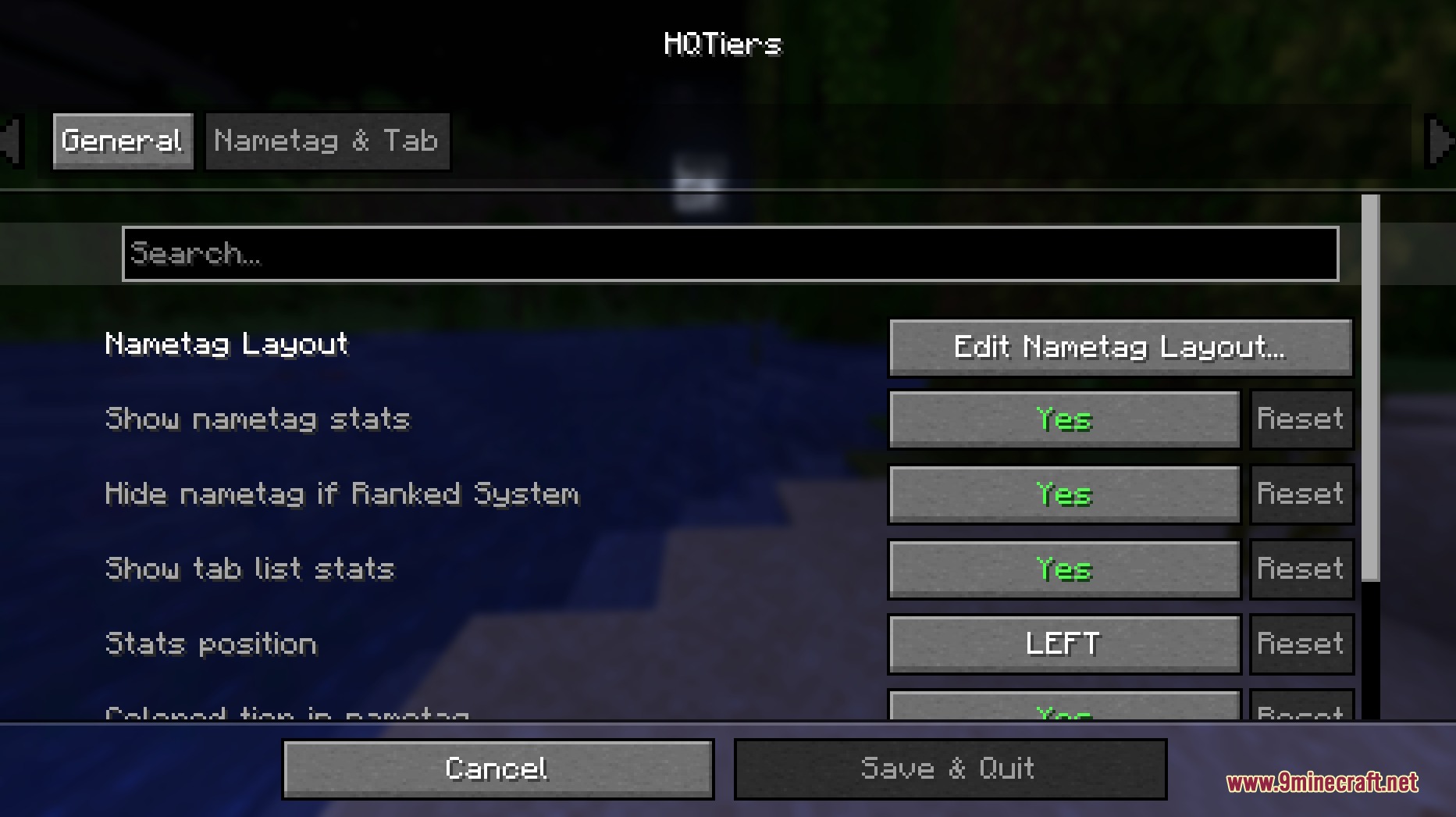
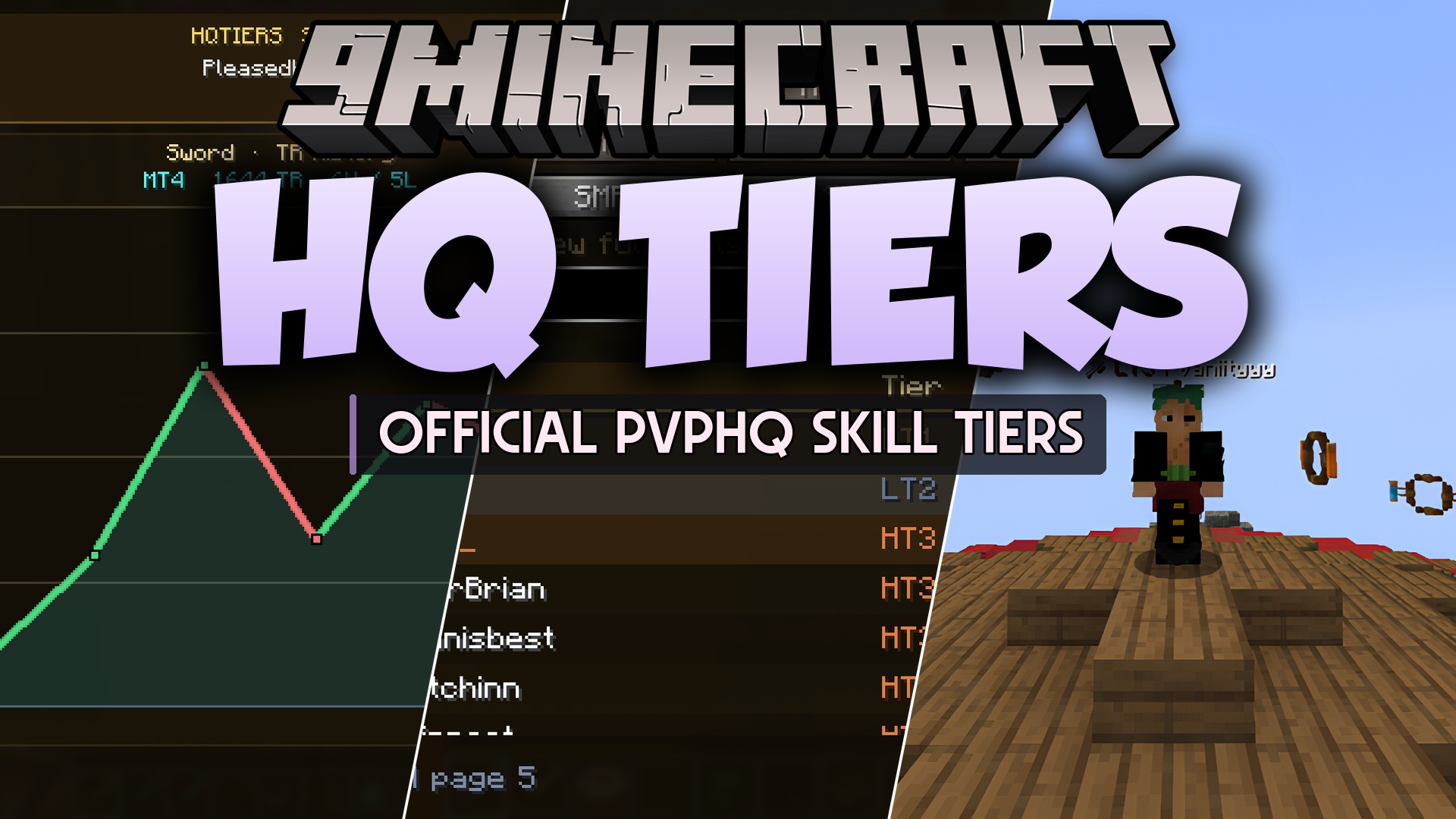
HQ Tiers Mod brings PvPHQ stats and competitive rankings straight to your screen. It shows skill tiers directly above player heads and inside the multiplayer player list. You can check leaderboard standings, view your win and loss records, and look up other players during matches without opening a web browser.
Features:
- Shows PvPHQ tier ratings on player nametags in matches.
- Displays player ranking badges directly in the tab list.
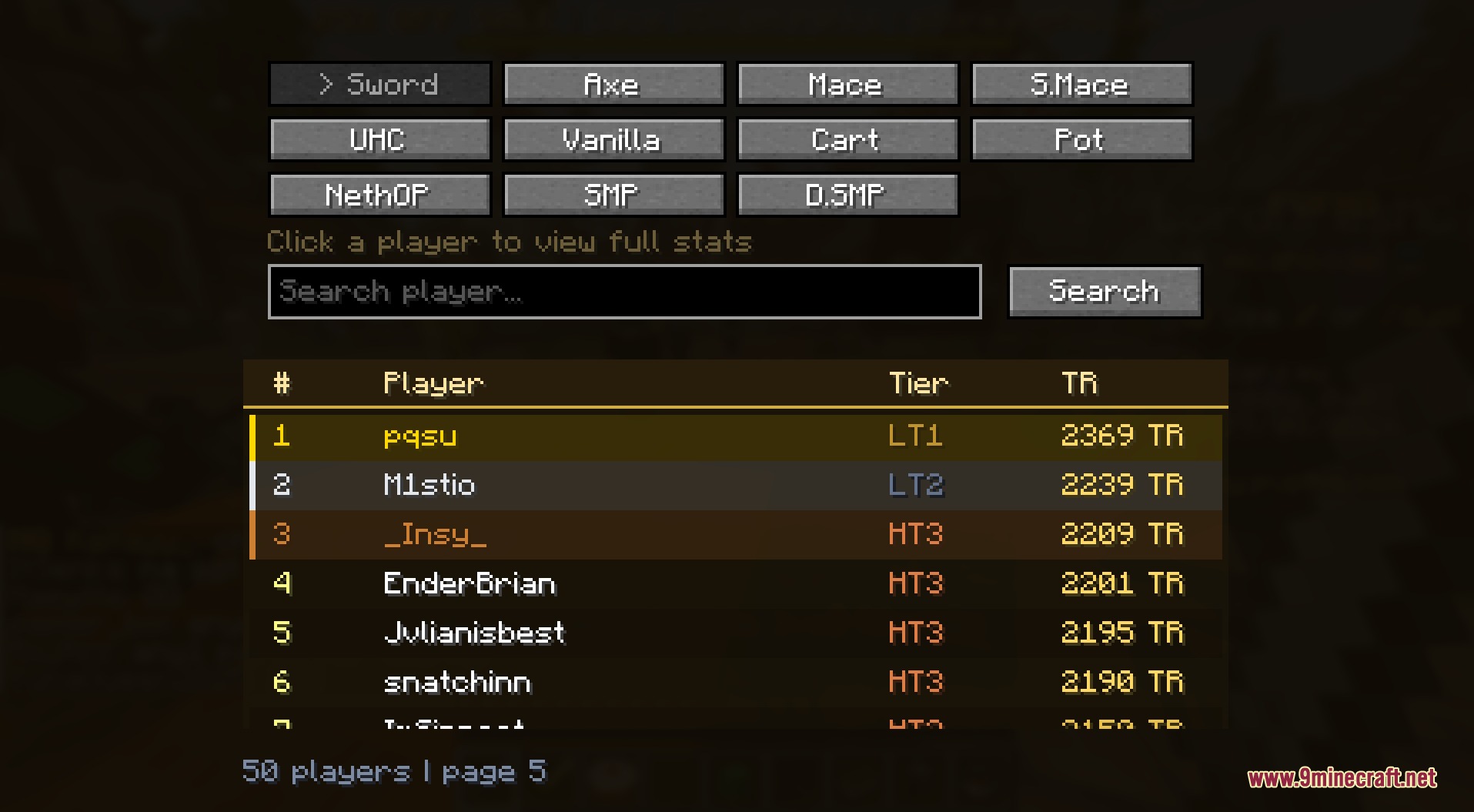
- Provides an in-game leaderboard to check top fighters across different game modes.
- Includes a search bar to look up specific players and view their profiles.
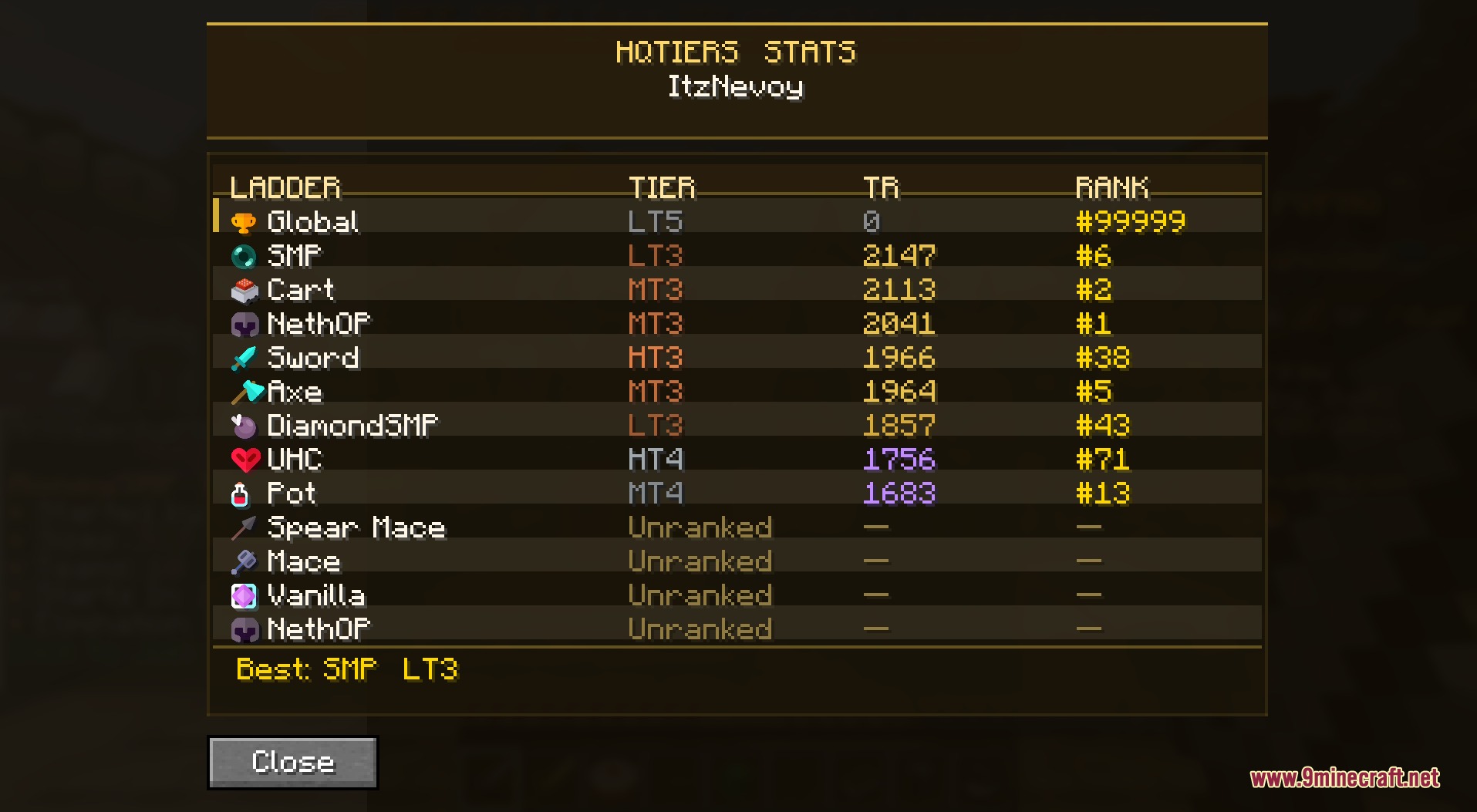
- Tracks match history with simple win and loss graphs.
- Lets you switch between individual ladder ratings or show highest tiers.
- Works client-side so you can use it on any supported server.
Commands:
/hqtiers stats <ign>: looks up and displays the combat stats of the specified player.
How to Use:
- Press L to open the leaderboard menu.
- Press K to view your personal stats and rank history.
- Press the Left Arrow or Right Arrow keys to cycle through ladder gamemodes.
- Rebind any shortcut keys inside the game Controls menu if needed.
Screenshots:
HQ Tiers Mod Download Links
Quick facts
- Edition: Minecraft Java
- File type: .jar
- Minecraft version listed: 1.21.11
- How to install: Install the matching mod loader (Forge, Fabric or NeoForge) for your Minecraft version. → Download the .jar. → Put it in the .minecraft/mods folder and launch that loader profile.
- Where to get it: In MC Java Mods, or directly above on this page.
Install steps are the general flow for this file type — How to install Minecraft Java mods & modpacks walks through it step by step.
File checked by MCModsHub
- Downloads as 474897.mcaddon
- Download size: 574 KB
- Download link checked 22 Sept 2026 — working
- Mirrored on our own servers — the download does not depend on the original host
These come from our own check of the pack file, not from the source page.