ModsJava
IR Lights Mod (1.21.11, 1.20.1) – Illuminate Your Builds with Cinematic Studio
Java mod listed for Minecraft 1.20–1.21. Downloads from the MC Java Mods app on Android.
⬇ Download
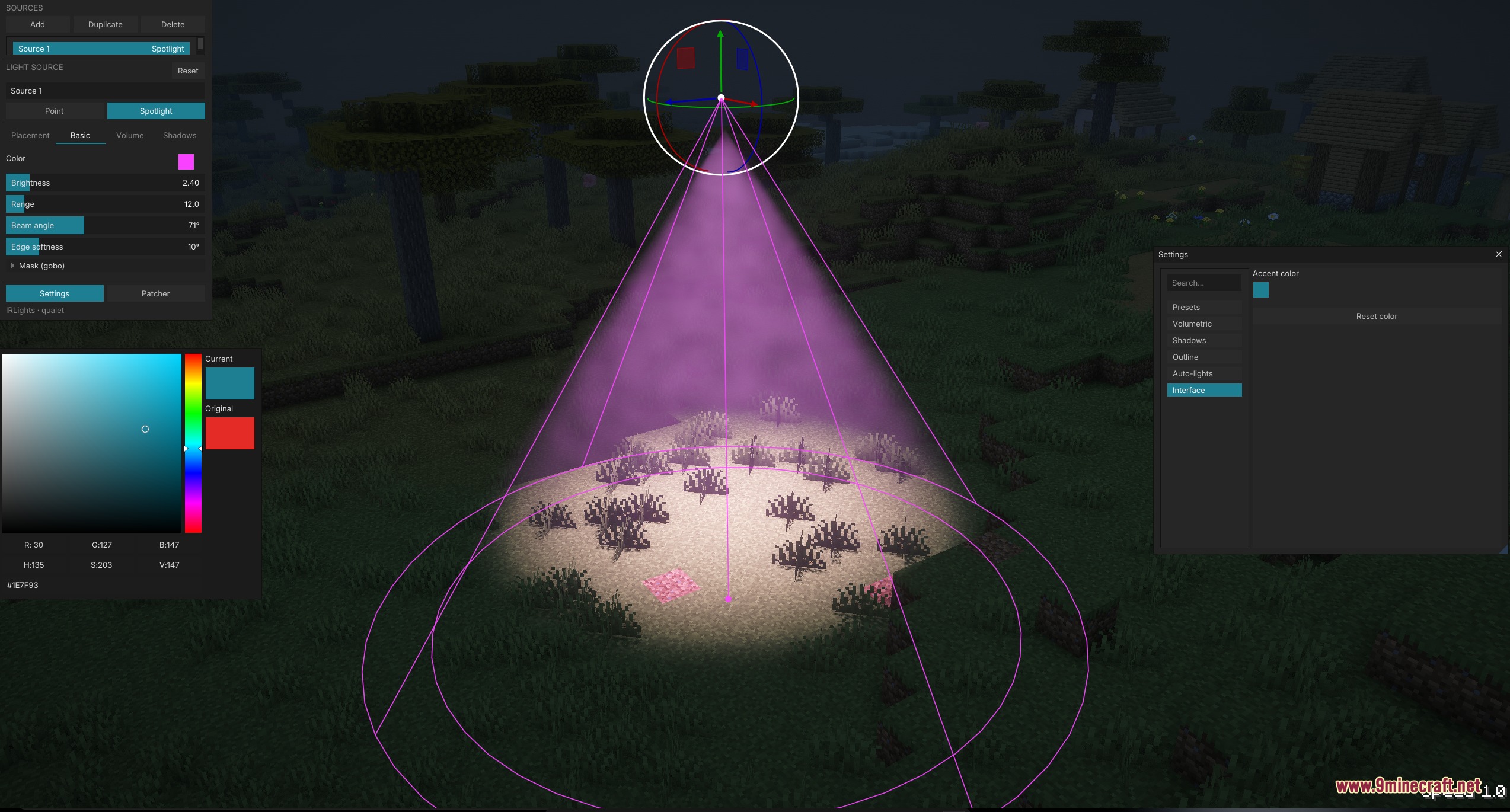
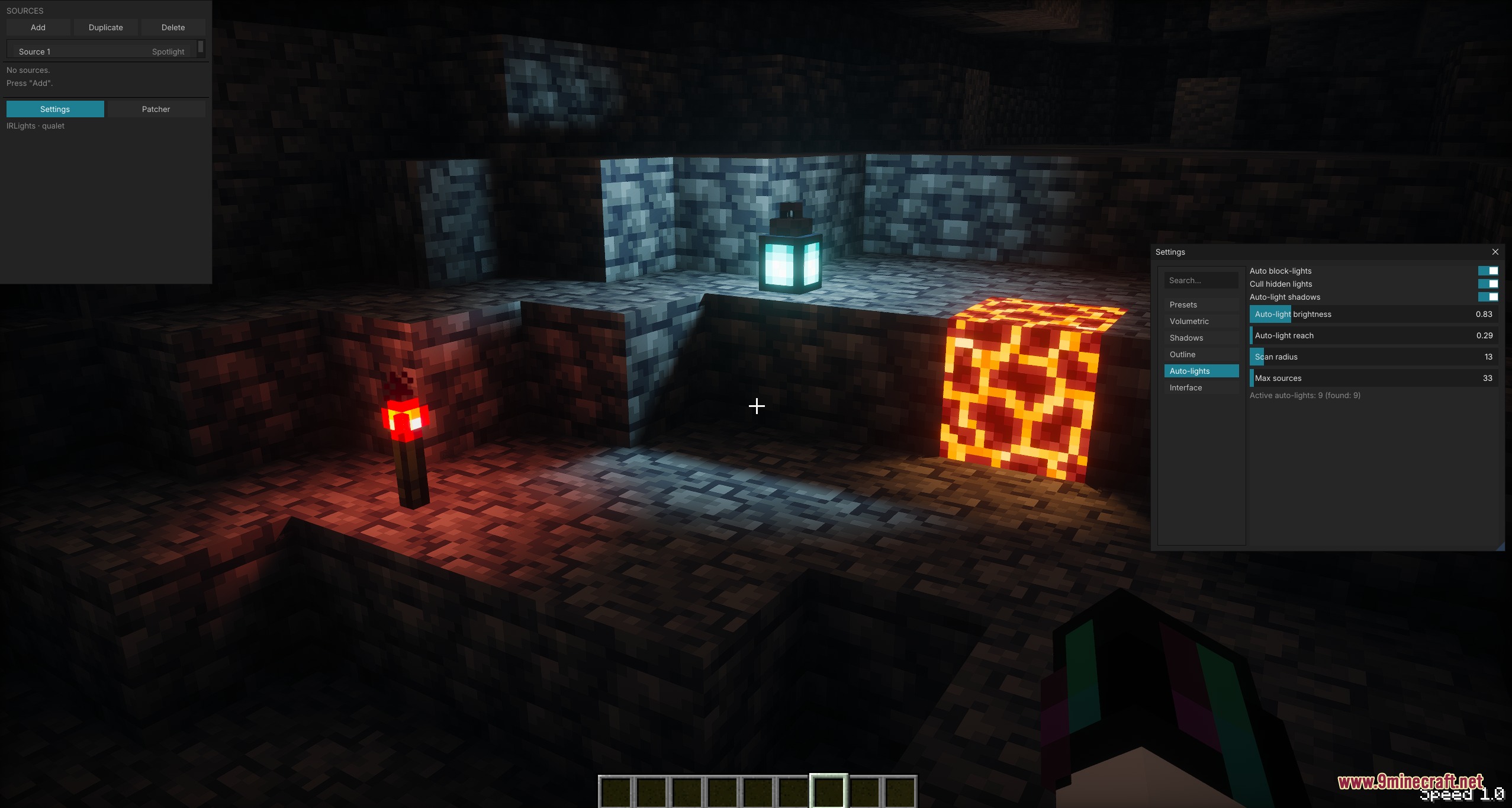
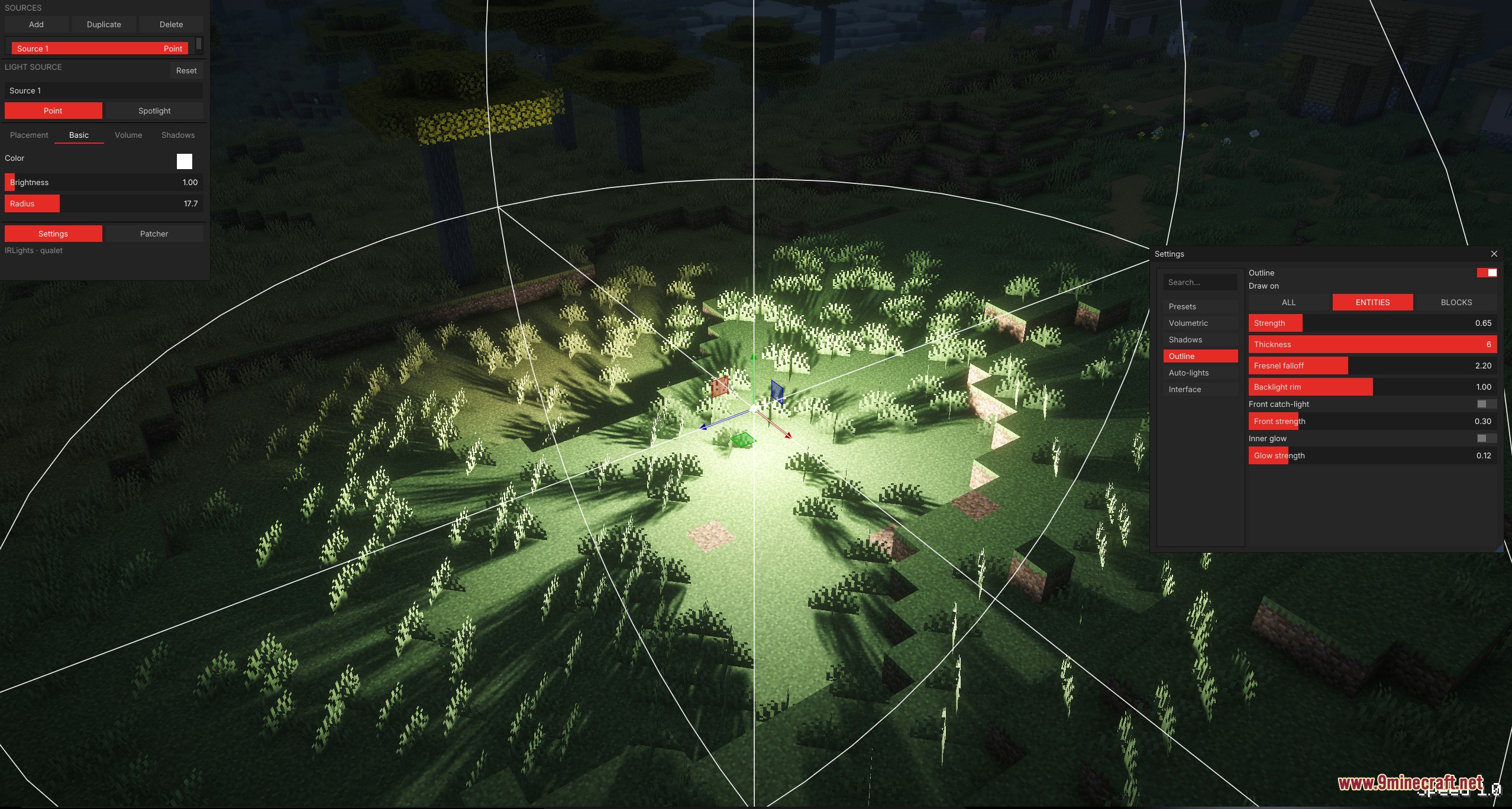


IR Lights Mod brings a real-time light editor directly into your game world. This mod lets you place point lights and spotlights with real shadows, fog beams, and custom projector shapes through Iris shaders. You can adjust colors, brightness, and angles on the fly to illuminate your builds or film cinematic videos.
Features:
- Light Editor: A floating screen lets you place, move, and rotate custom lights using 3D handles or exact numbers.
- Point Lights and Spotlights: Choose your own light color, brightness, reach, beam angle, and shadow softness.
- Real-Time Shadows: Blocks and mobs cast realistic shadows that update without slowing down your game.
- Volumetric light creates visible beams and god-rays through fog and dust.
- Project custom black-and-white picture patterns onto walls and floors from spotlights.
- Free-fly camera lets you move around freely while the editor is open to set up your angles.
- Interactive wireframe guides show the exact reach and shape of every light source.
- Auto block-lights turn standard torches, lanterns, and glowstone into actual light sources.
- Saves light setups per world so your lighting stays intact whenever you load your game.
- Works alongside Replay Mod to help you light custom scenes during camera paths.
Supported Shader Packs:
- Photon
- Complementary Reimagined
- BSL
- Bliss
- Solas
- IterationRP
- Rethinking Voxels
How to Use:
- Open the in-game editor menu using the assigned hotkey.
- Select the patcher tab to patch your chosen Iris shader pack once.
- Turn on that shader pack in your video settings.
- Add new point lights or spotlights to your scene using the editor panel.
- Use the on-screen 3D handles to move, rotate, and adjust your lights.
Screenshots:
IR Lights Mod Download Links
Quick facts
- Edition: Minecraft Java
- File type: .jar
- Minecraft versions listed: 1.21.11, 1.20.1
- How to install: Install the matching mod loader (Forge, Fabric or NeoForge) for your Minecraft version. → Download the .jar. → Put it in the .minecraft/mods folder and launch that loader profile.
- Where to get it: In MC Java Mods, or directly above on this page.
Install steps are the general flow for this file type — How to install Minecraft Java mods & modpacks walks through it step by step.
File checked by MCModsHub
- Downloads as 474907.mcaddon
- Download size: 7.7 MB
- Download link checked 24 Sept 2026 — working
- Mirrored on our own servers — the download does not depend on the original host
These come from our own check of the pack file, not from the source page.