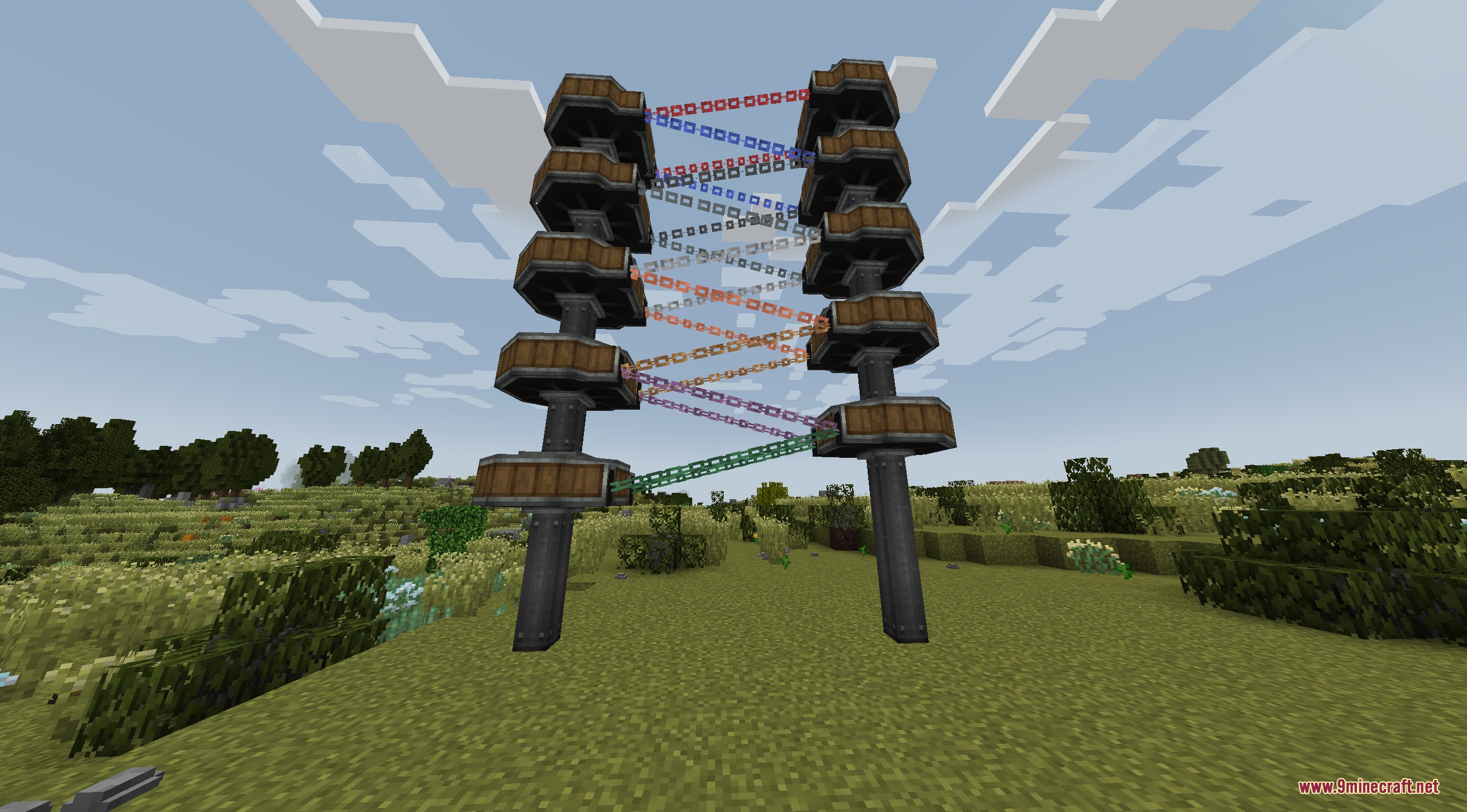
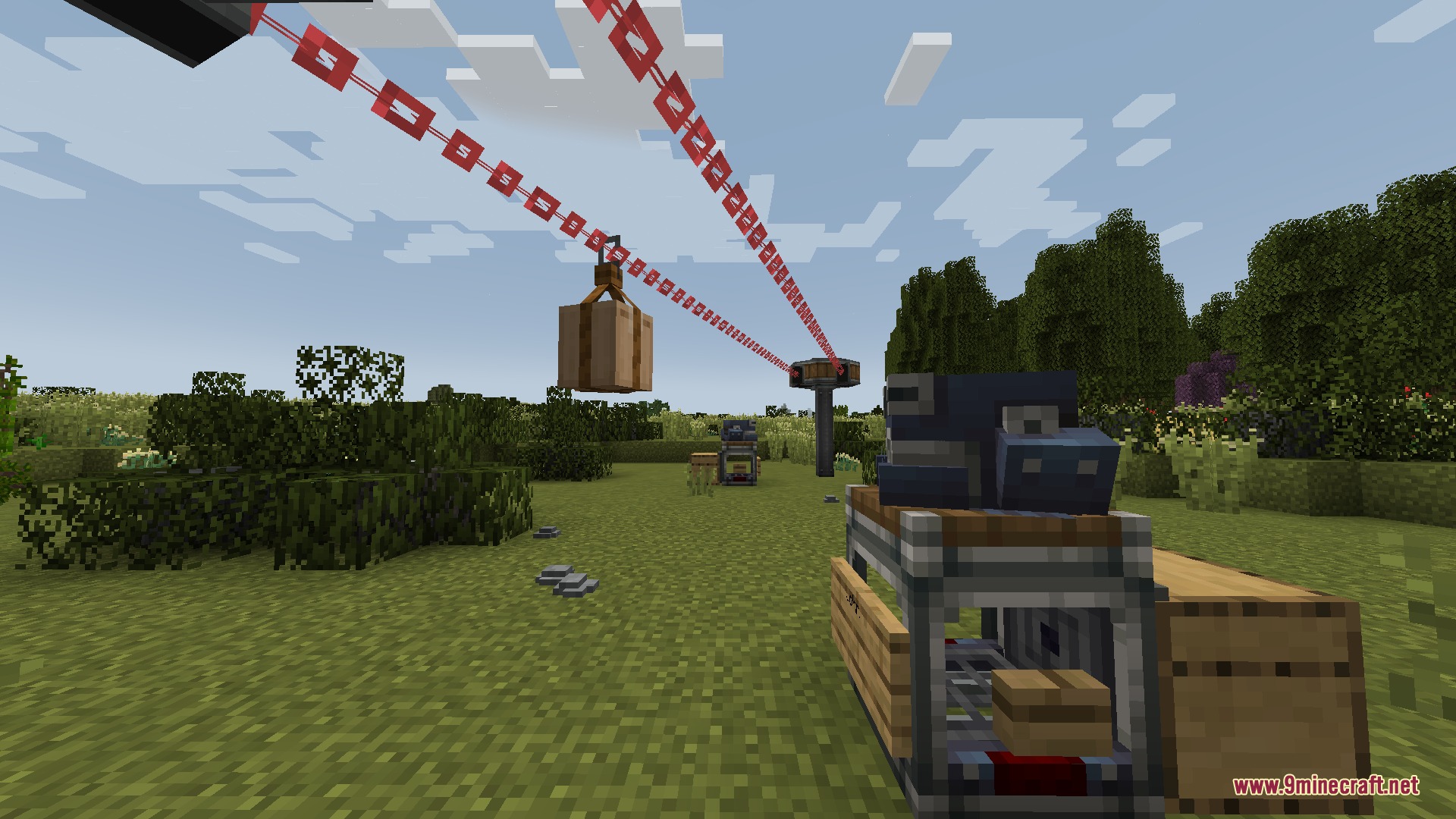
Create Chain Conveyors Compat Mod extends Create with custom item connectors for chain conveyors. It lets you link logistics networks using chains from other mods, ropes, or custom items through tags. You can also assign custom textures to items so they display properly in your factory lines. The mod works cleanly alongside pack tools to let you build unique transport setups.
Features:
Adds an item tag that turns any registered item into a working conveyor connector.
Works directly with metal chains from TerraFirmaCraft out of the box.
Includes generic rope textures to support ropes from mods like Quark, Supplementaries, and Farmer’s Delight.
Maintains standard conveyor mechanics, matching regular Create recipes and item costs.
Allows custom texture mapping through a dedicated item data map file.
Reloads custom data map changes in-game using standard commands.
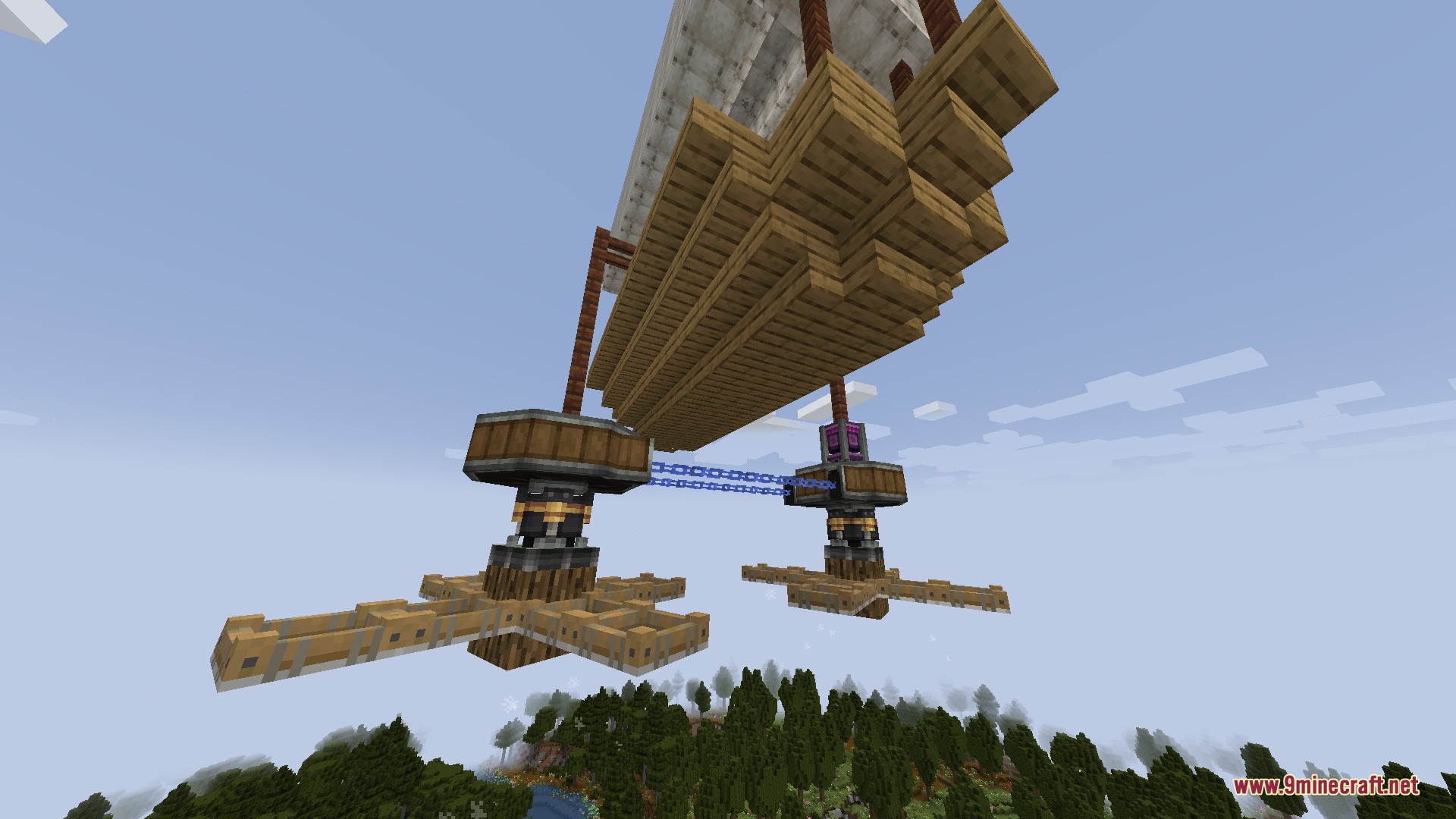
Functions on moving physics contraptions alongside Create Aeronautics.
Configuration:
Custom textures can be mapped inside createchaincompat/data_maps/item/chain_tex_data.json using the following format:
Add desired items to the #createchaincompat:valid_for_chain_conveyor tag using a data pack or KubeJS.
Create an entry inside chain_tex_data.json to assign a block texture to the item.
Type /reload in chat to apply the new texture settings without restarting the game.
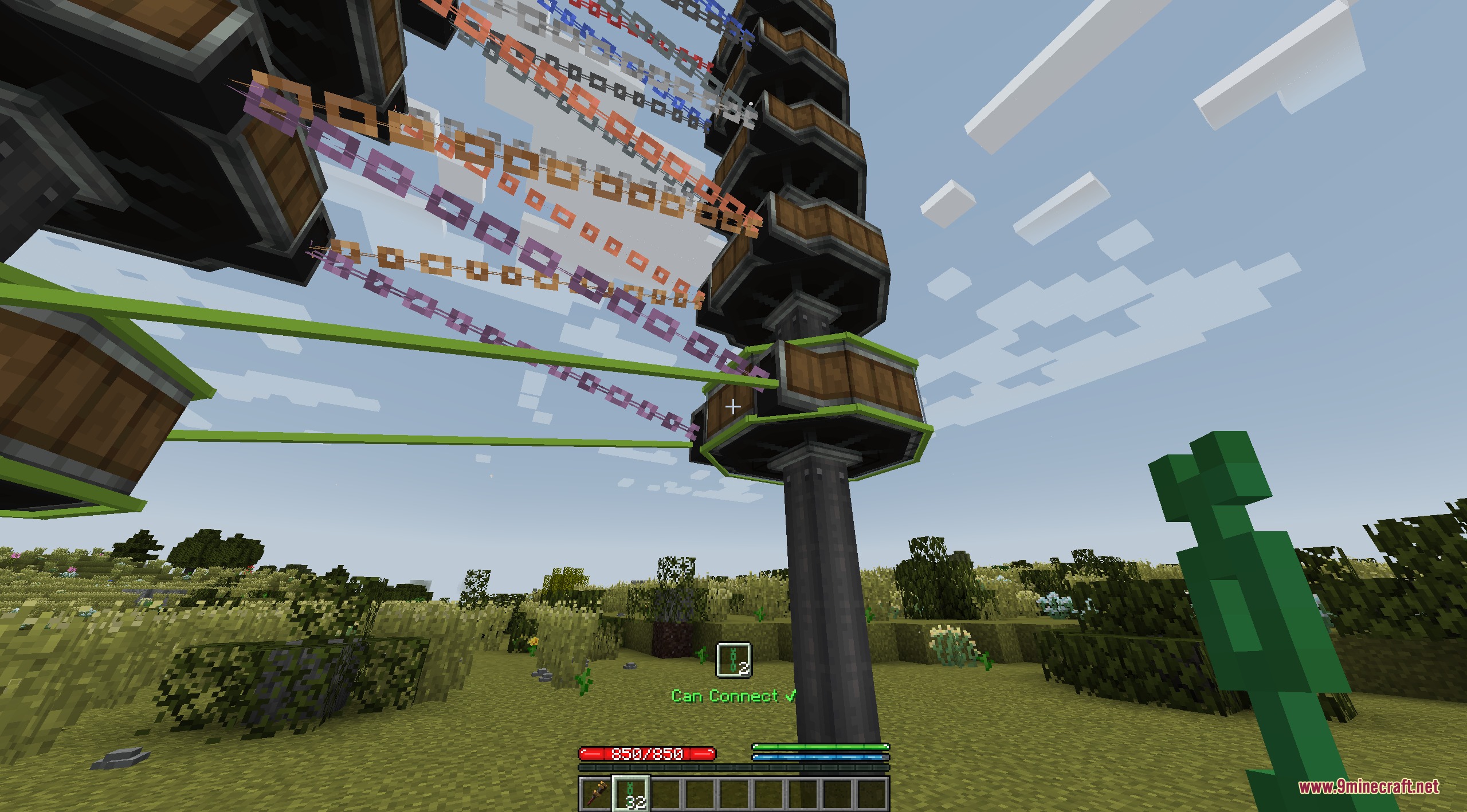
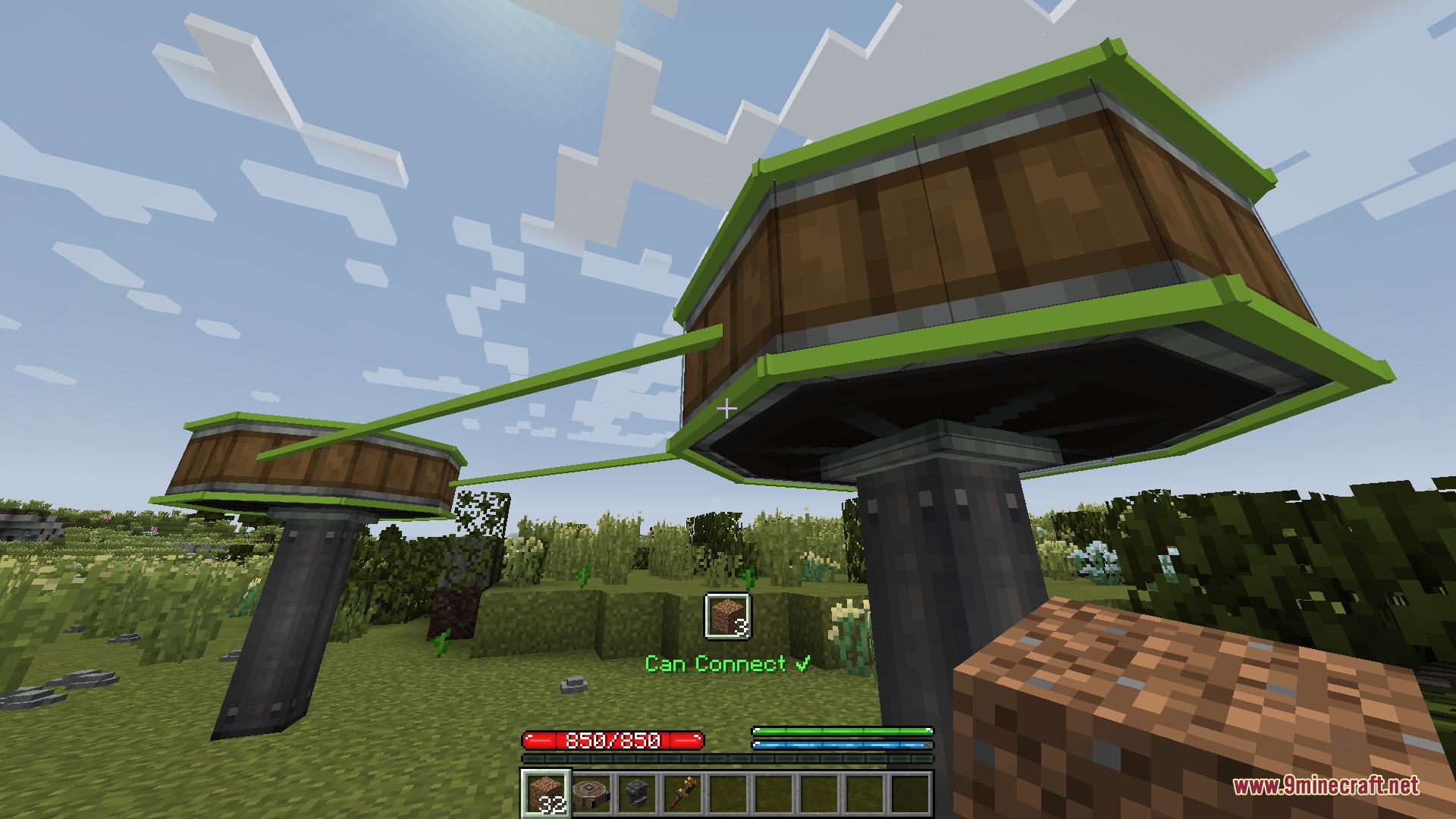
Right-click your chain conveyor blocks in the world with your configured item to connect them.
Screenshots:
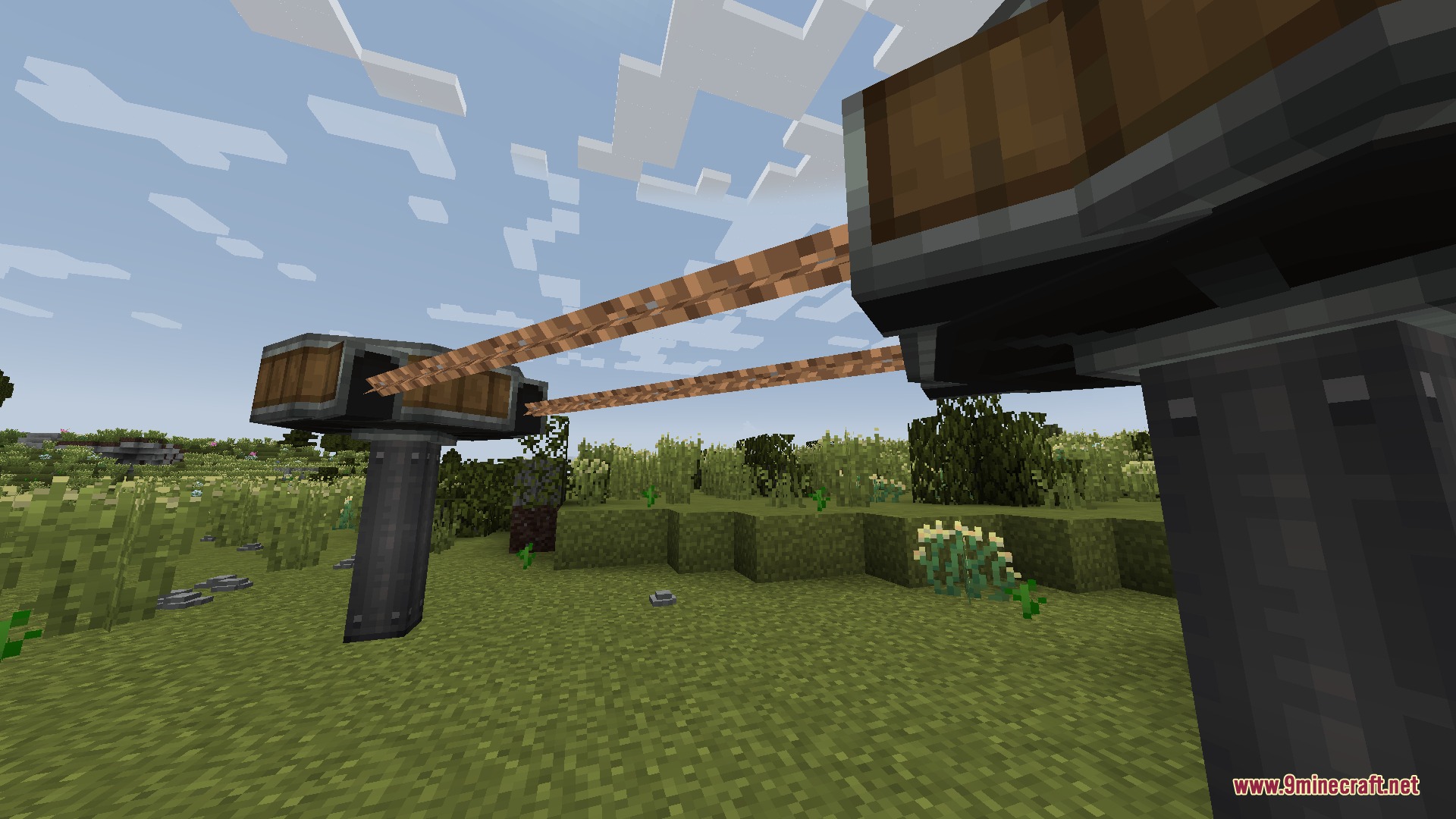
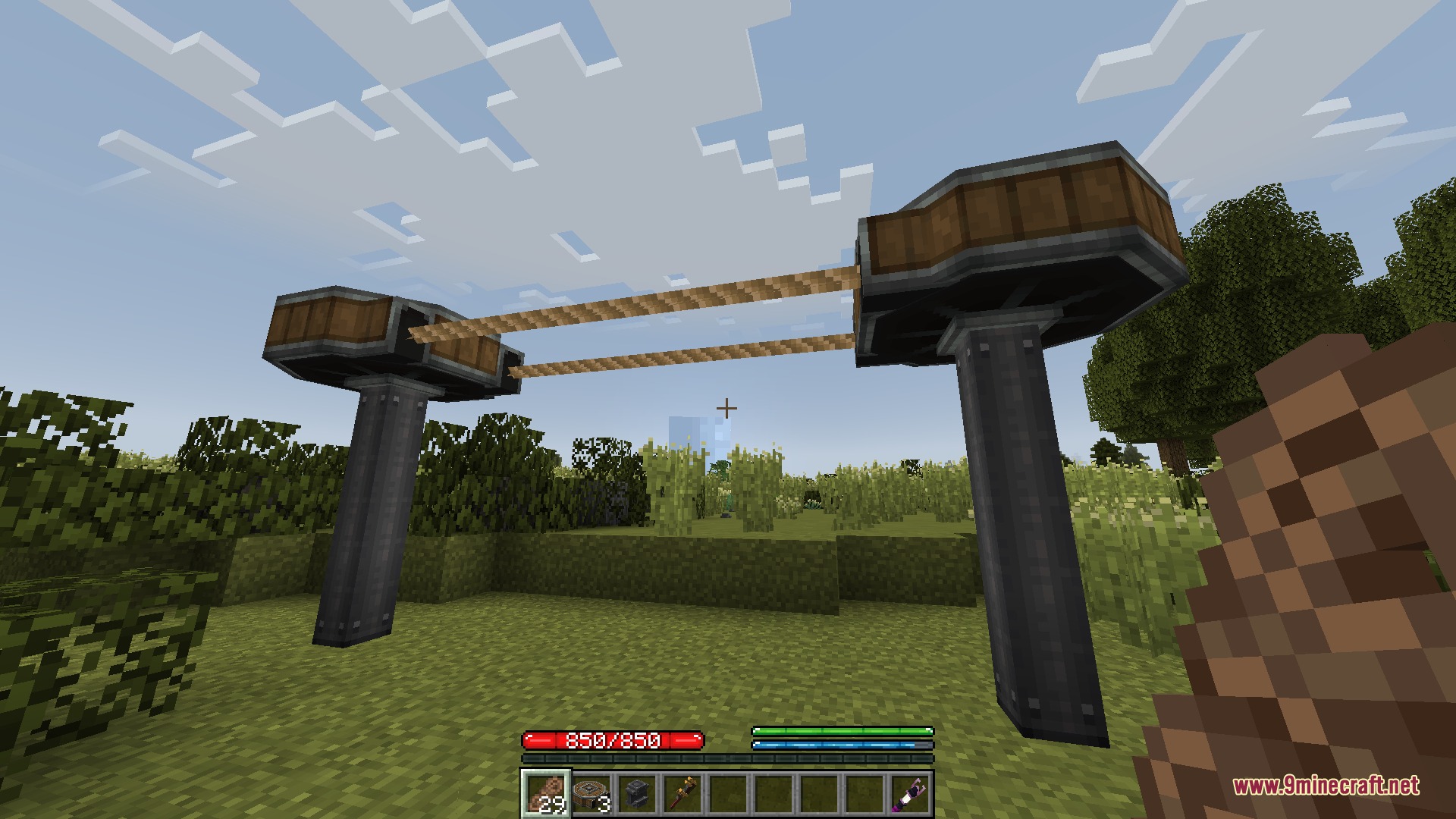
Various colored chains linking two vertical towers to form a conveyor systemA wooden crate hanging from a red chain conveyor in a fieldMultiple vertical and horizontal chain conveyors connecting wooden barrels in a fieldTwo wooden barrels connected by green ropes using the chain conveyor systemTwo metal pillars connected by ropes using the Create Chain Conveyors Compat modPlayer holding a rope item near two industrial chain conveyor pillarsLarge wooden airship with blue chain conveyors connecting mechanical parts in the sky
Create Chain Conveyors Compat Mod Download Links
Quick facts
Edition: Minecraft Java
File type: .jar
Minecraft version listed: 1.21.1
How to install: Install the matching mod loader (Forge, Fabric or NeoForge) for your Minecraft version. → Download the .jar. → Put it in the .minecraft/mods folder and launch that loader profile.
Where to get it: In MC Java Mods, or directly above on this page.