ModsJava
Glowing Emissive Ores Definitive Edition Mod (1.21.1, 1.20.1)
Java mod listed for Minecraft 1.20–1.21. Downloads from the MC Java Mods app on Android.
⬇ Download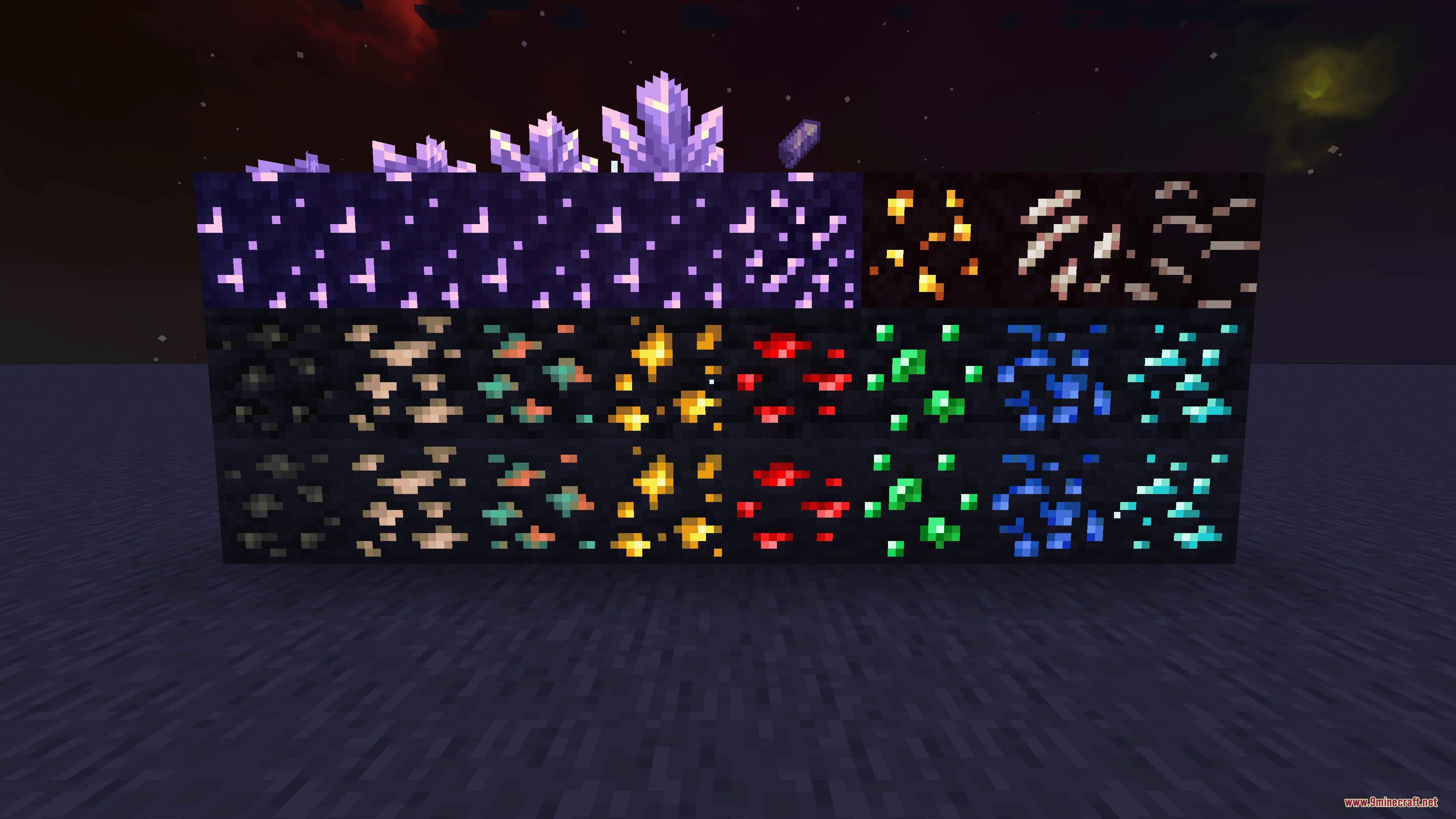
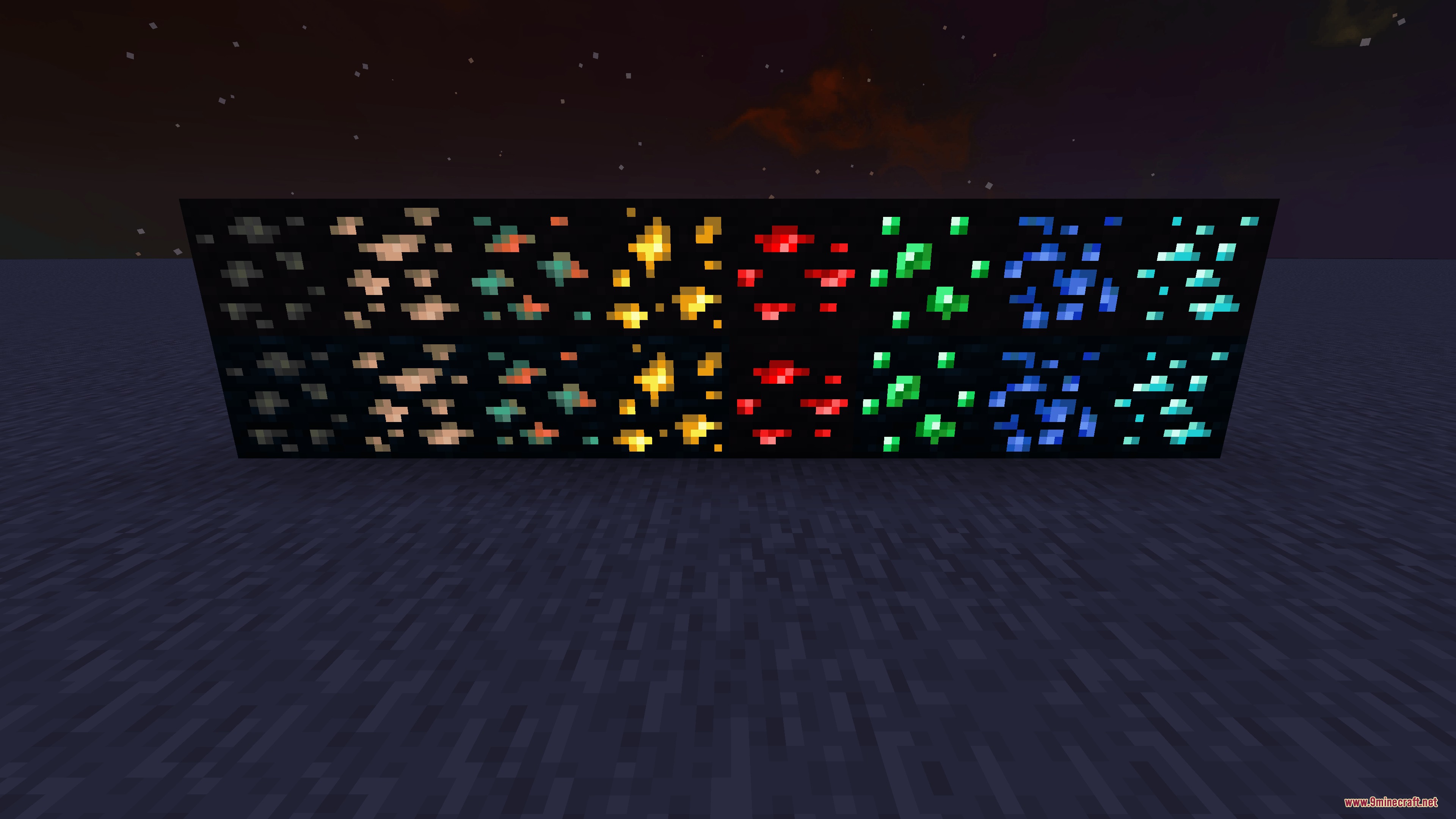

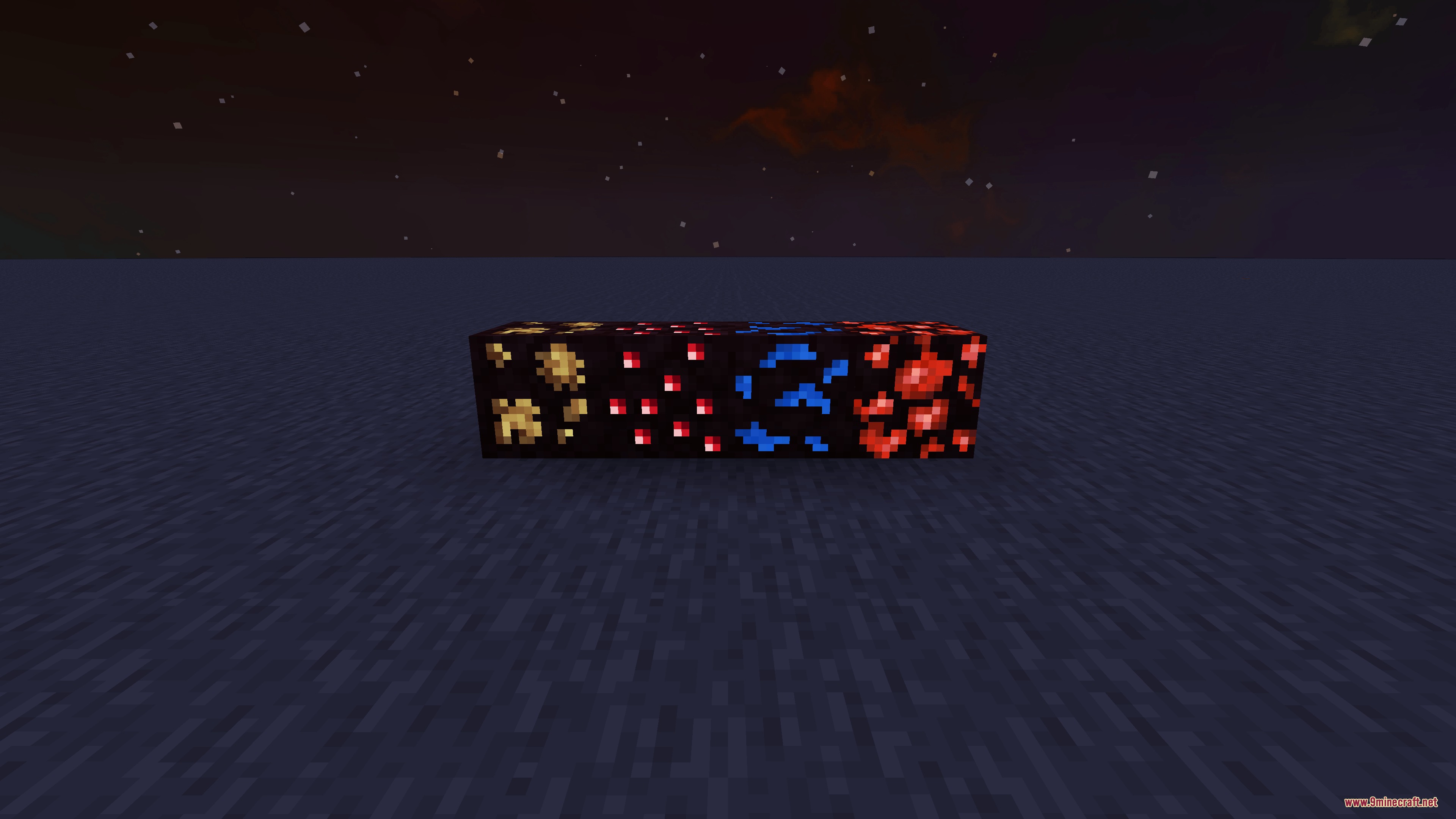
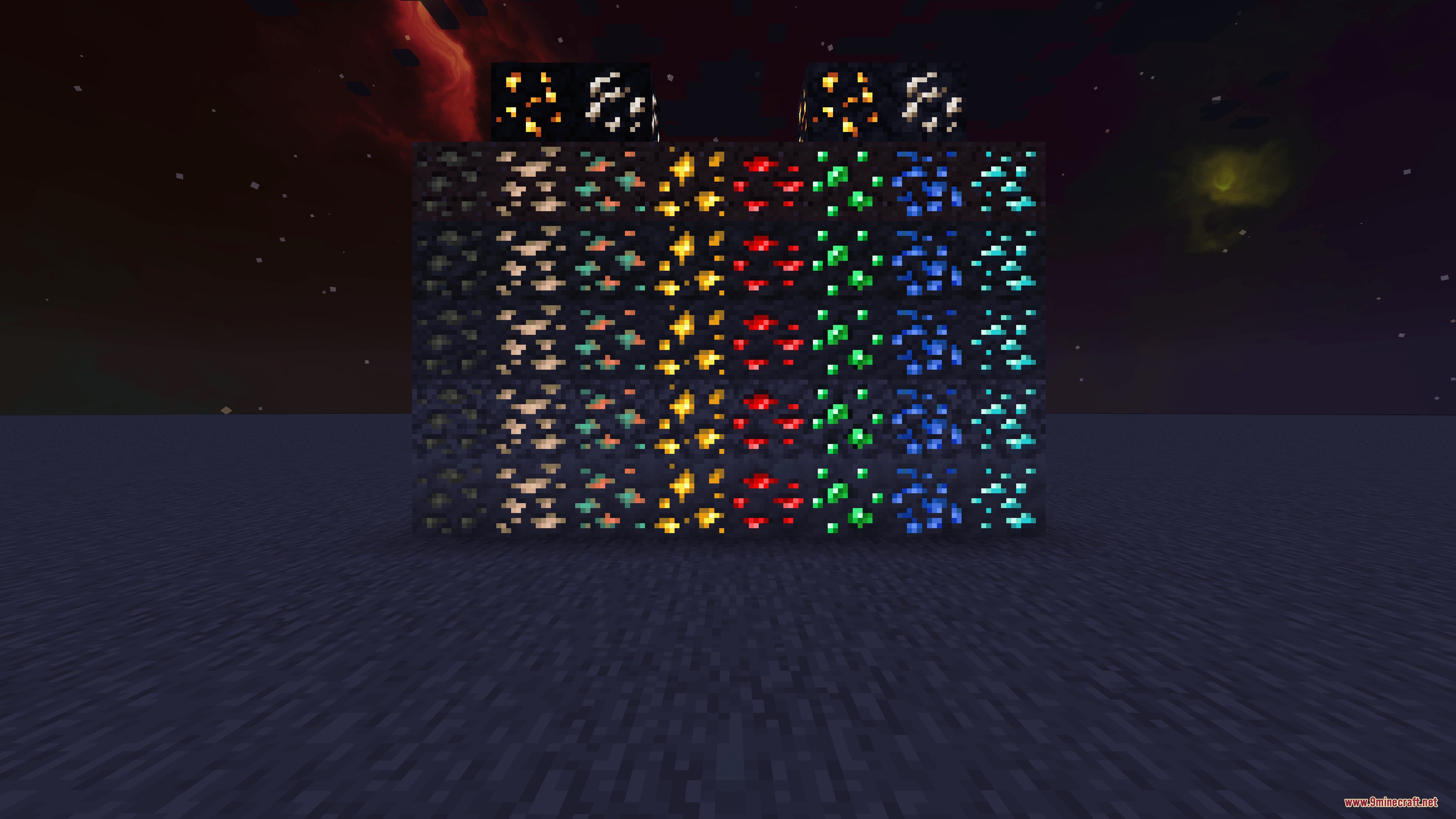
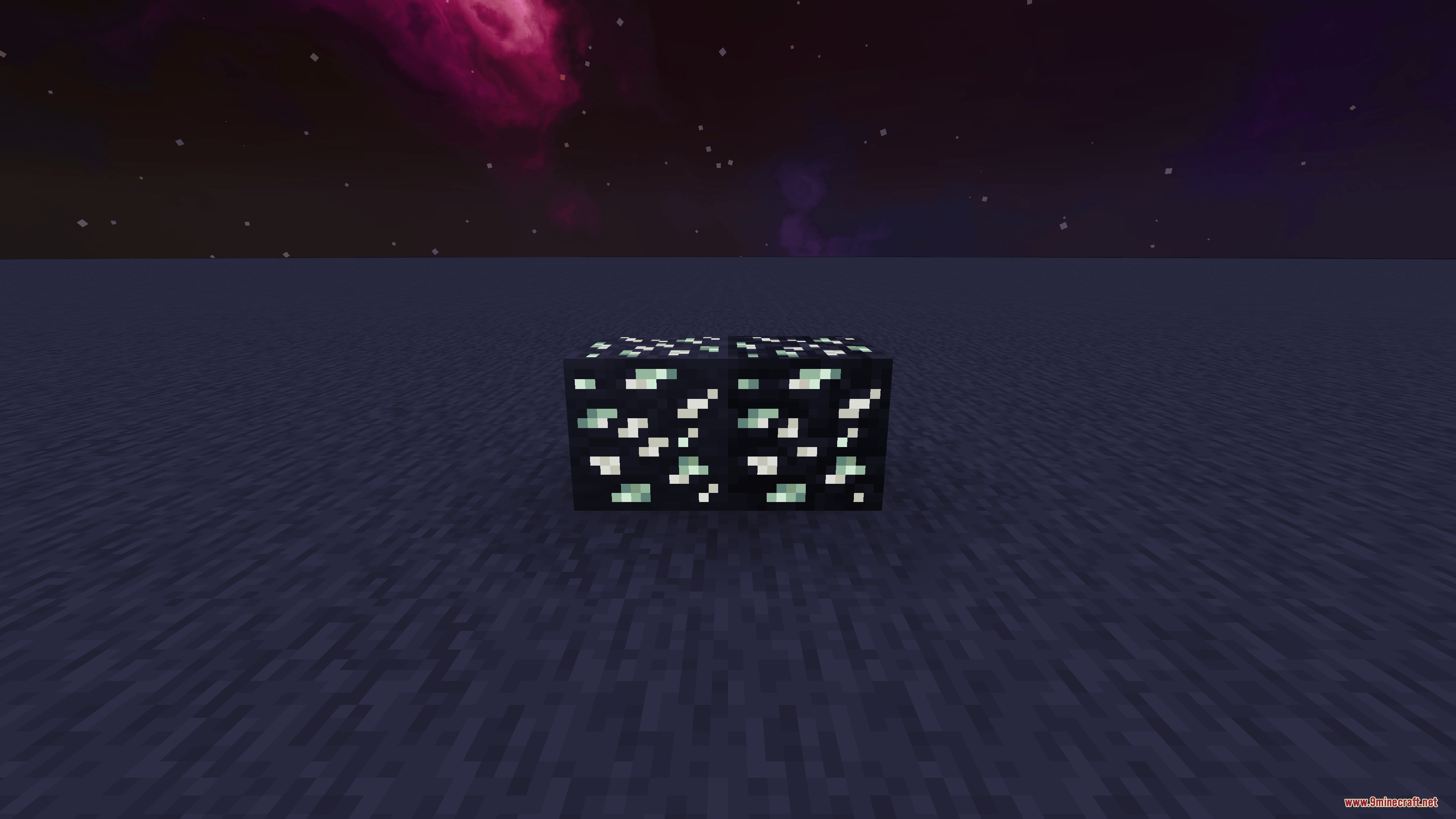
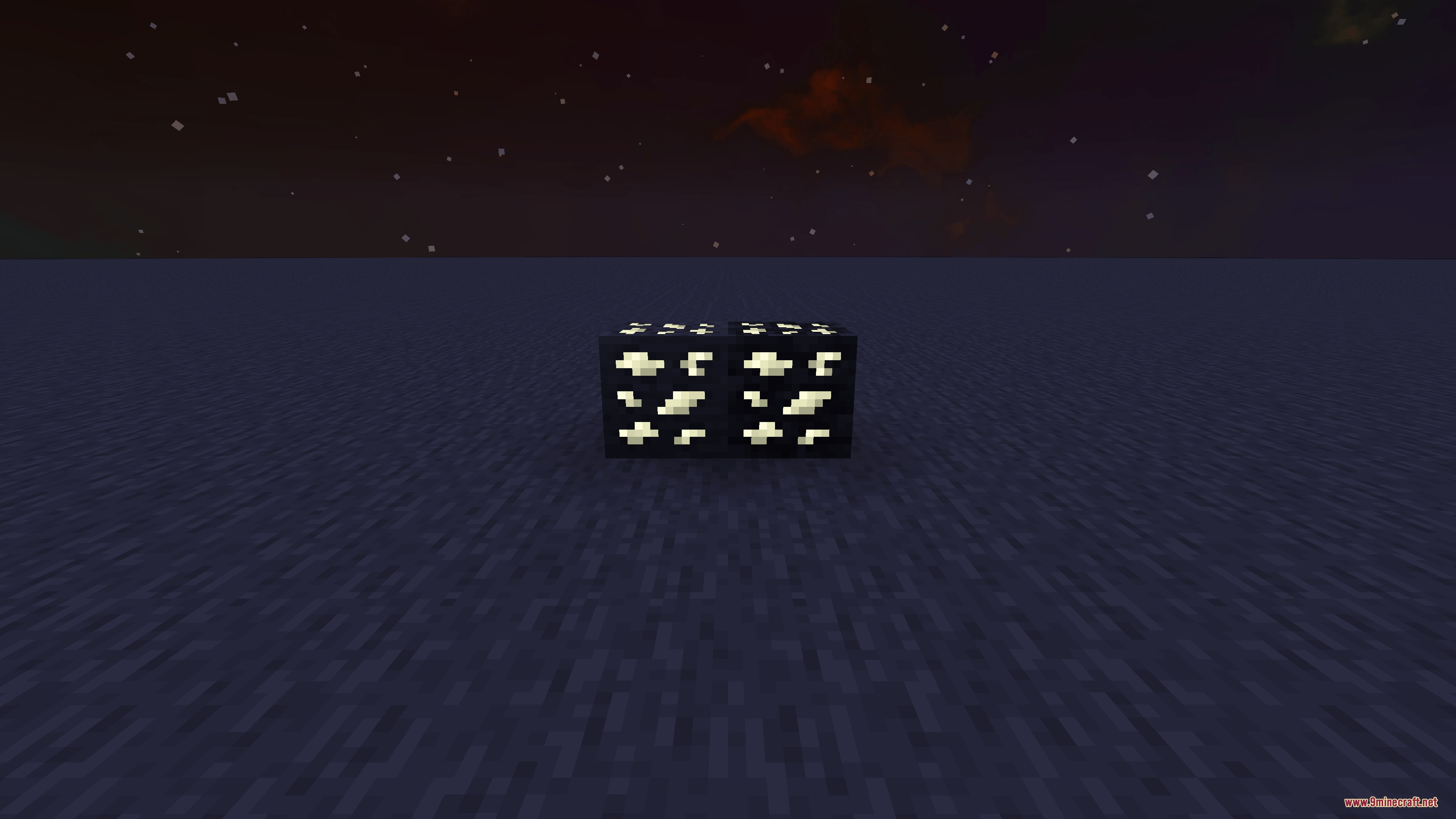
Glowing Emissive Ores Definitive Edition Mod makes vanilla and modded ores glow in the dark. It works right out of the box without needing extra shader or lighting mods. The mod loads only the ore textures for the mods you have installed, keeping your game fast and saving memory during startup.
Features:
- Makes ores from vanilla Minecraft and over 250 different mods glow in the dark.
- Loads only the textures for the mods installed in your game to speed up loading times.
- Works independently without requiring any third-party emissive lighting mods.
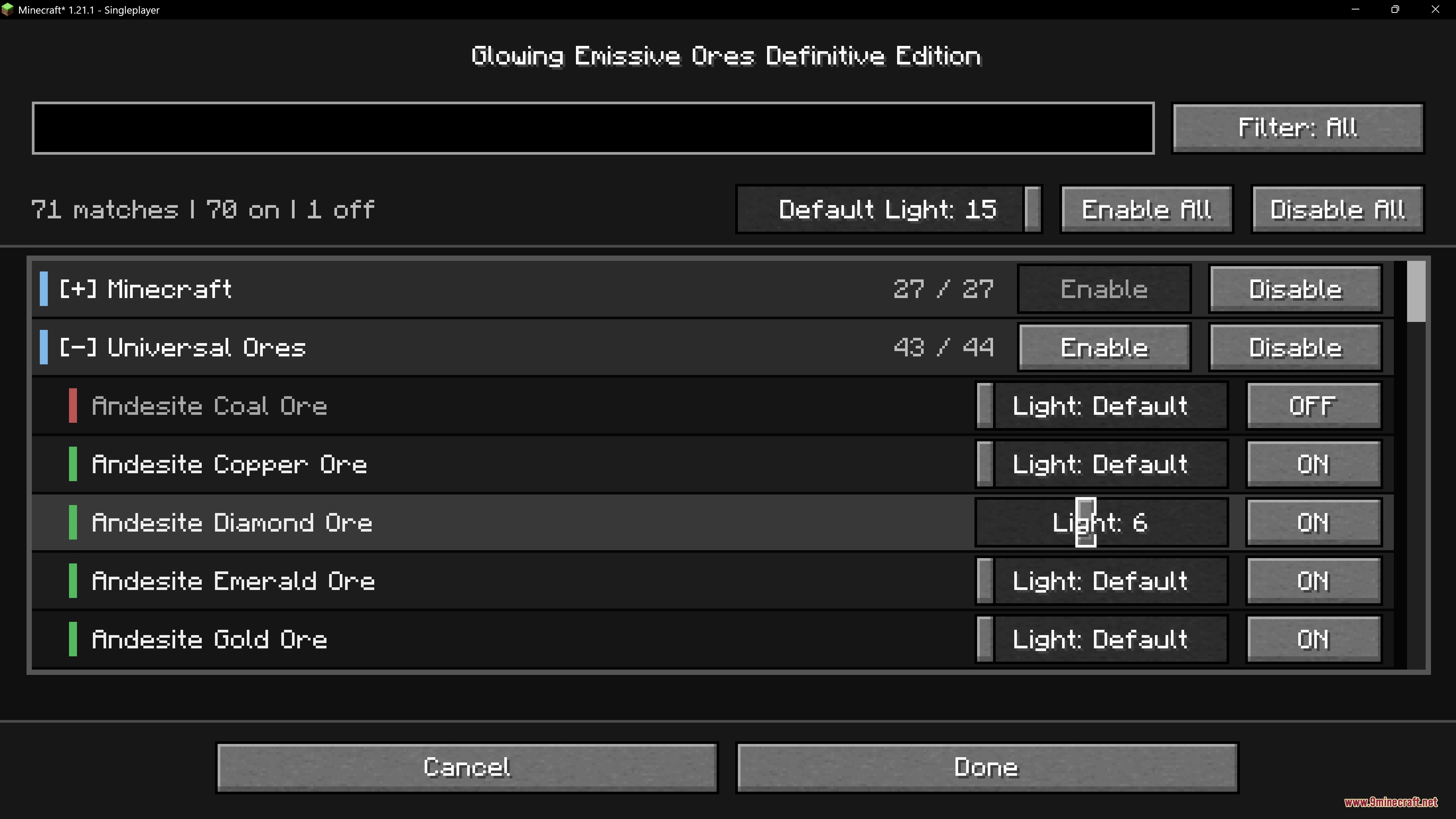
- Provides an in-game settings menu to adjust brightness levels for glowing blocks.
- Lets you turn off the glow effect on specific ores whenever you want.
- Overrides built-in glowing settings from other mods so you can control them in one place.
How to Use:
- Open your mod settings menu in-game.
- Adjust the glow brightness slider to fit your cave lighting preferences.
- Toggle individual ore glow switches on or off as needed.
Screenshots:
Glowing Emissive Ores Definitive Edition Mod Download Links
Quick facts
- Edition: Minecraft Java
- File type: .jar
- Minecraft versions listed: 1.21.1, 1.20.1
- How to install: Install the matching mod loader (Forge, Fabric or NeoForge) for your Minecraft version. → Download the .jar. → Put it in the .minecraft/mods folder and launch that loader profile.
- Where to get it: In MC Java Mods, or directly above on this page.
Install steps are the general flow for this file type — How to install Minecraft Java mods & modpacks walks through it step by step.
File checked by MCModsHub
- Downloads as 475169.mcaddon
- Download size: 8.9 MB
- Download link checked 22 Sept 2026 — working
- Mirrored on our own servers — the download does not depend on the original host
These come from our own check of the pack file, not from the source page.