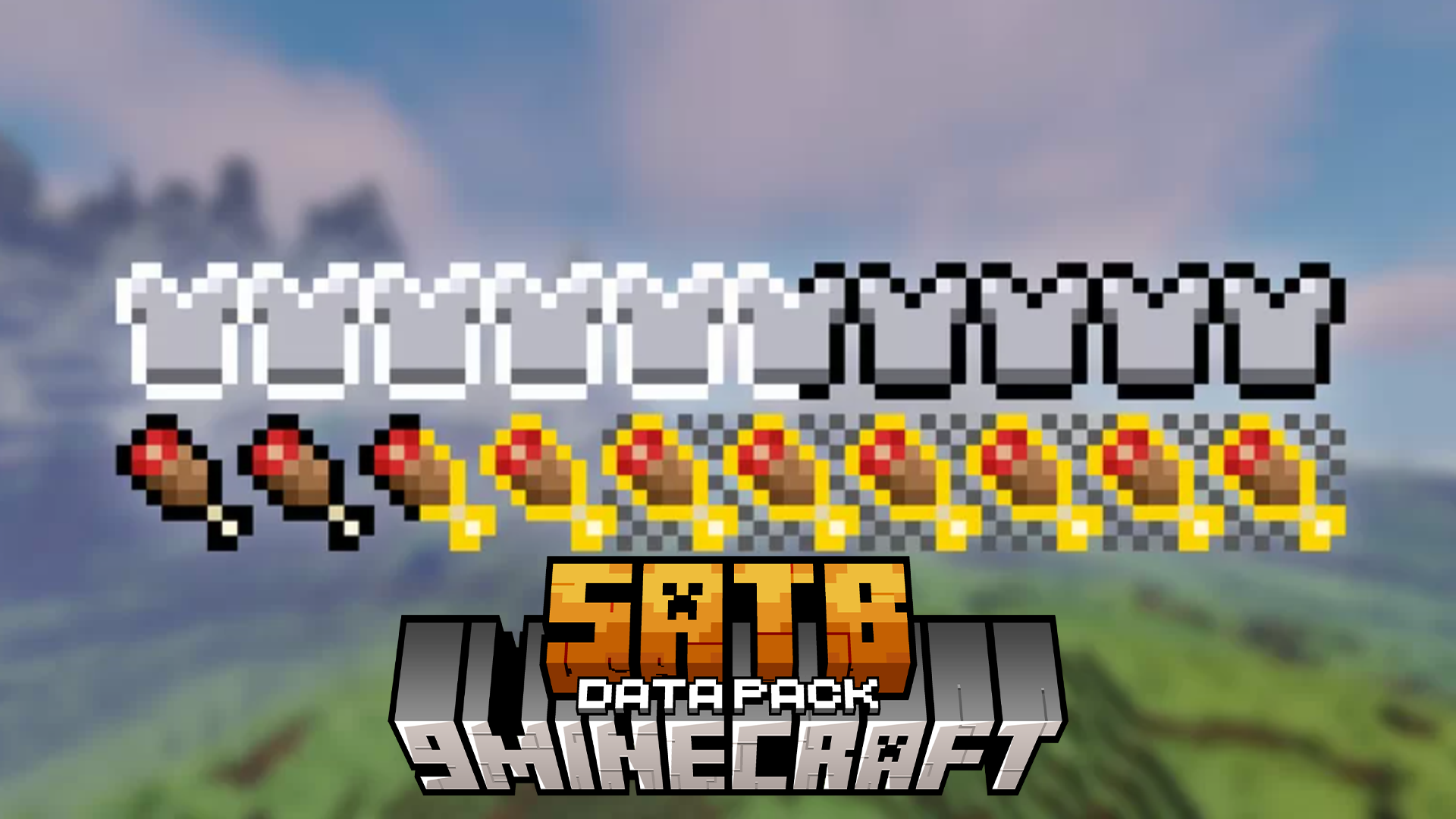
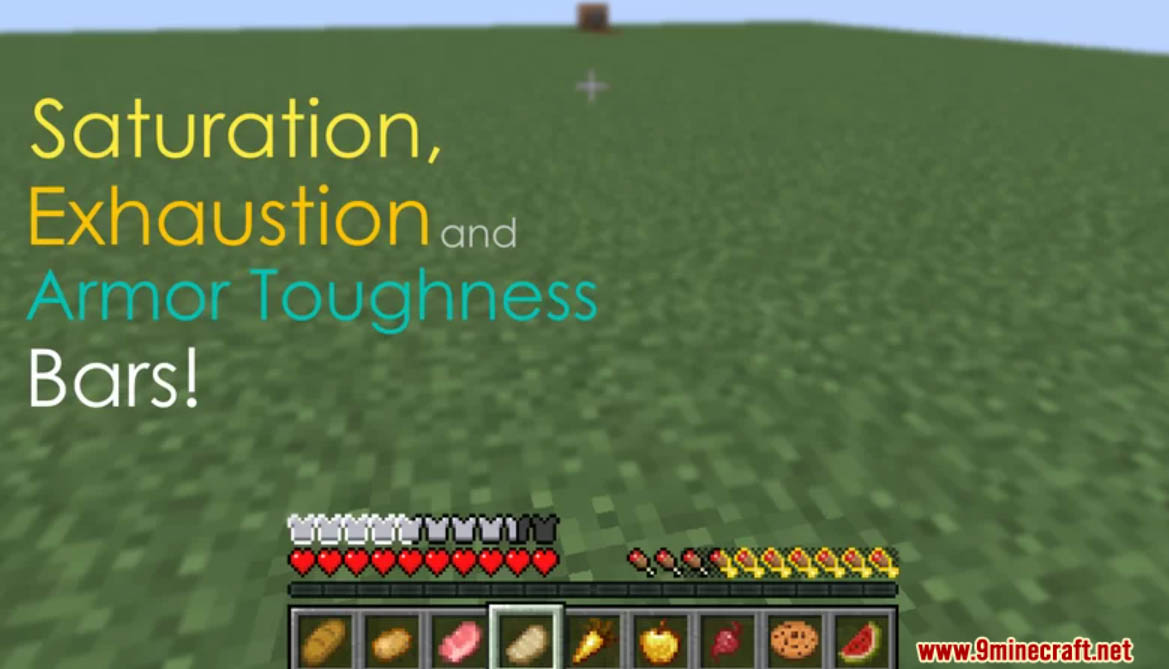
SATB Data Pack enhances your Minecraft HUD by adding saturation, exhaustion, and armor toughness bars for better gameplay management. Enjoy playing this data pack!
Features:
- Bars Info:
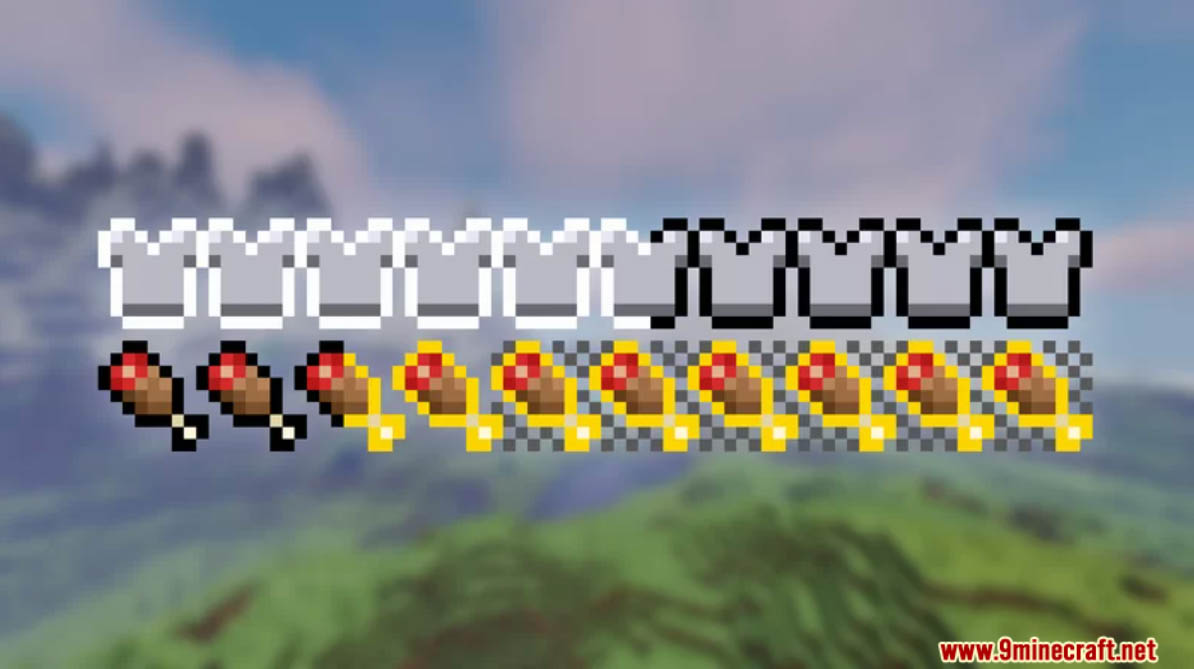
- Saturation Bar: It shows how much food is left before the player’s food starts to decay. It is like a secondary hunger bar.
- Exhaustion Bar: Shows how long it takes for the food bar or saturation to decrease by one.
- Armor Toughness Bar: Explaining armor toughness is a bit complicated, but basically is an extra resistence. You can see more information here.
- Commands:
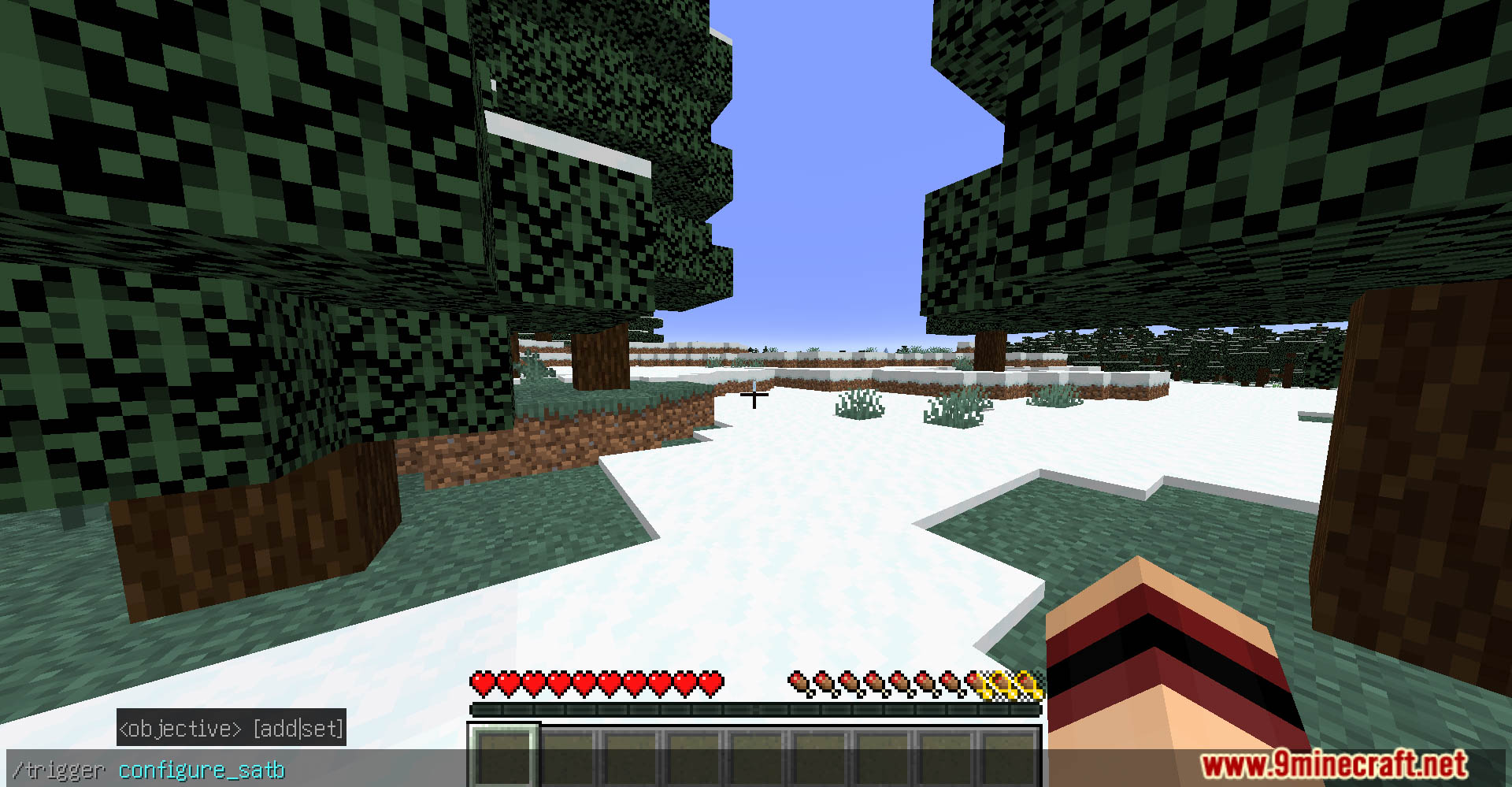
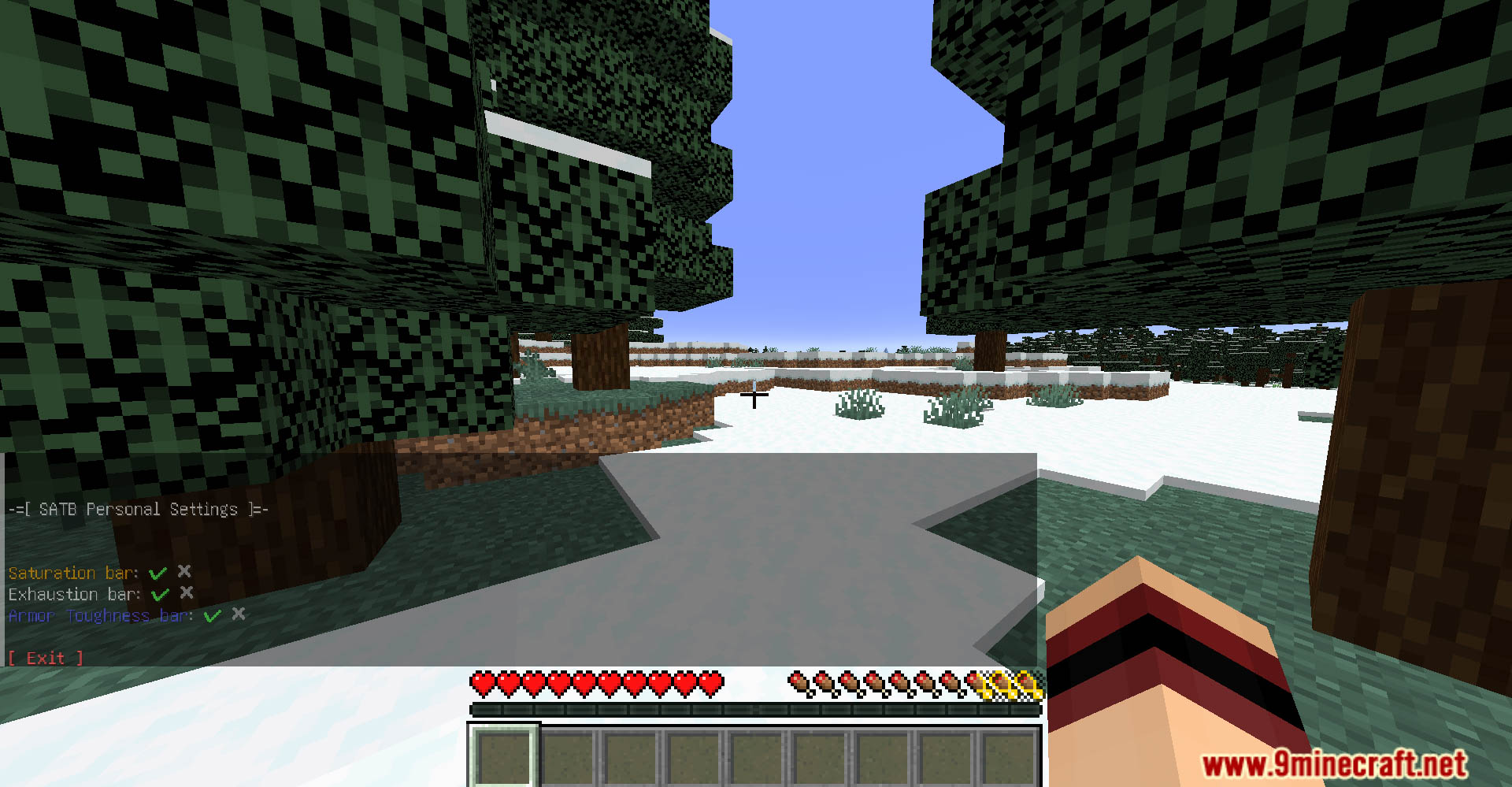
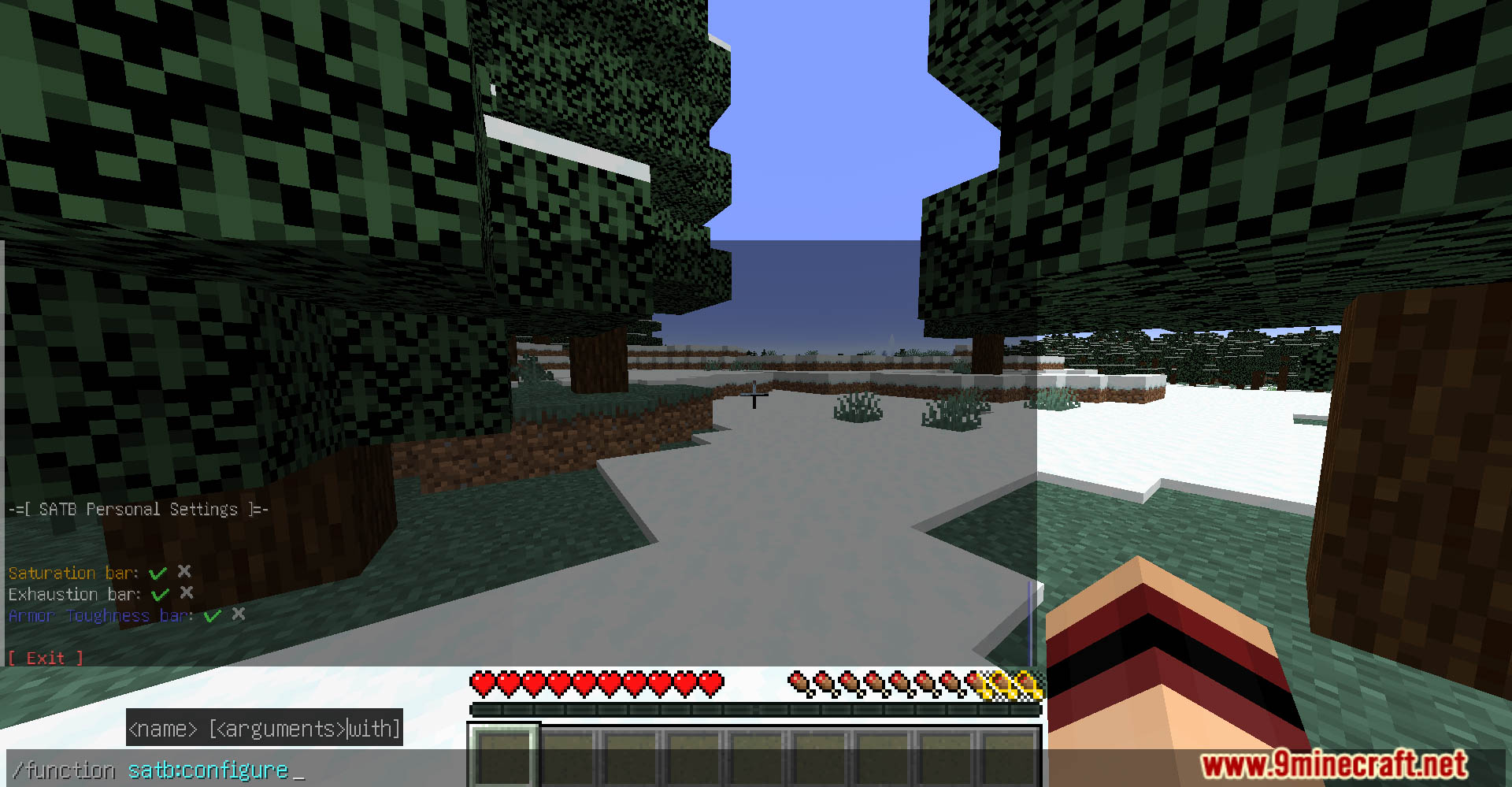
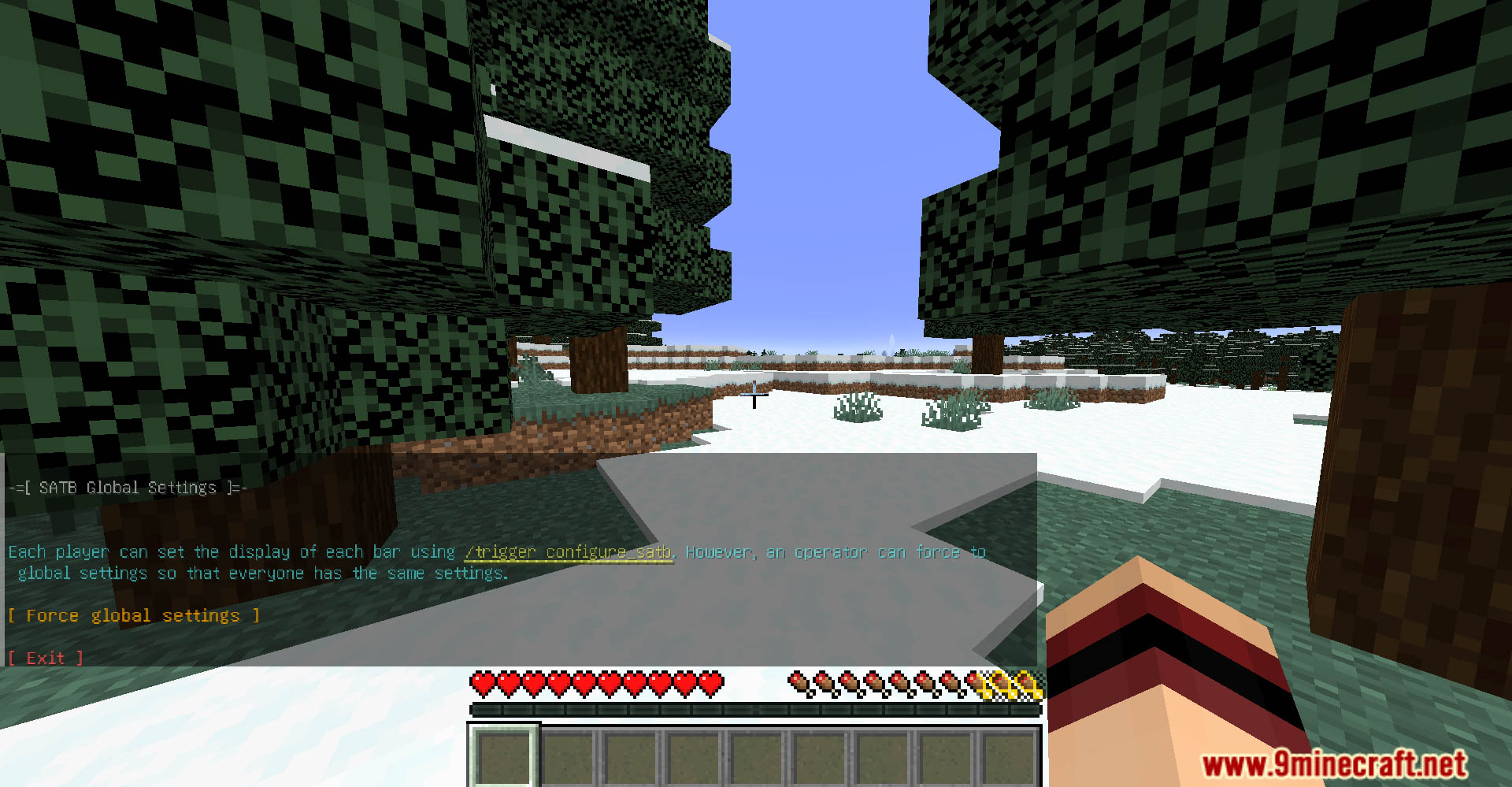
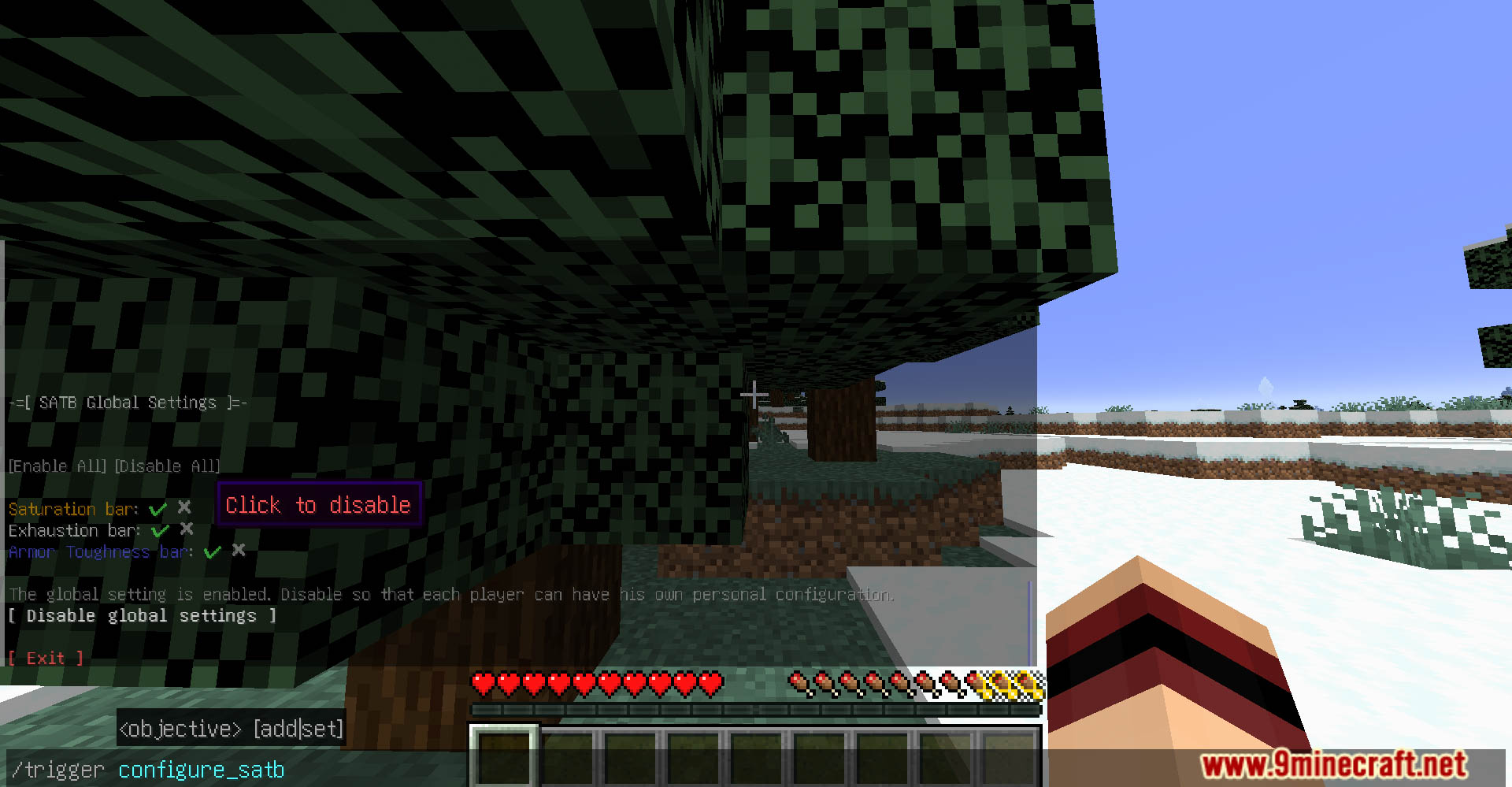
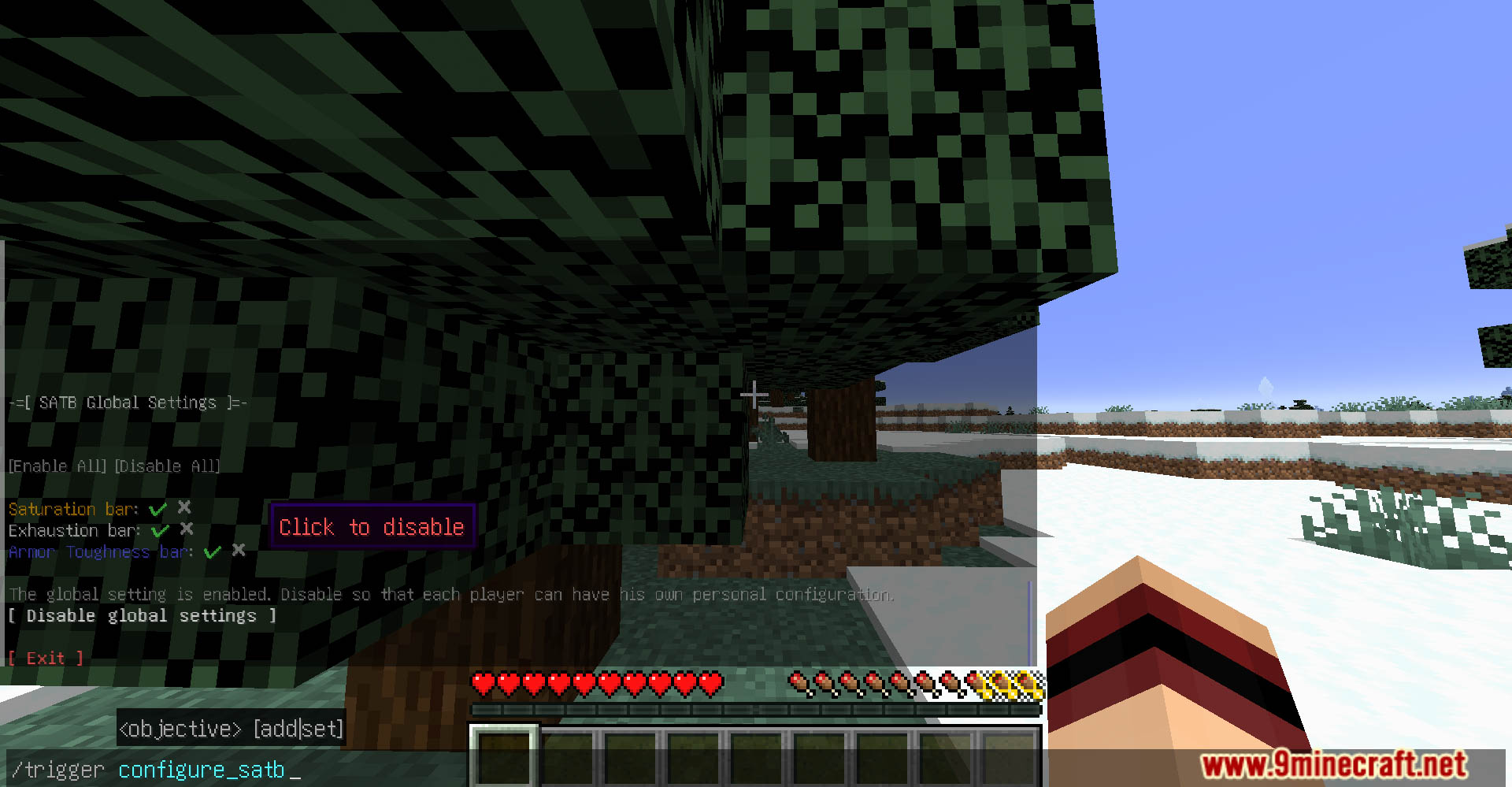
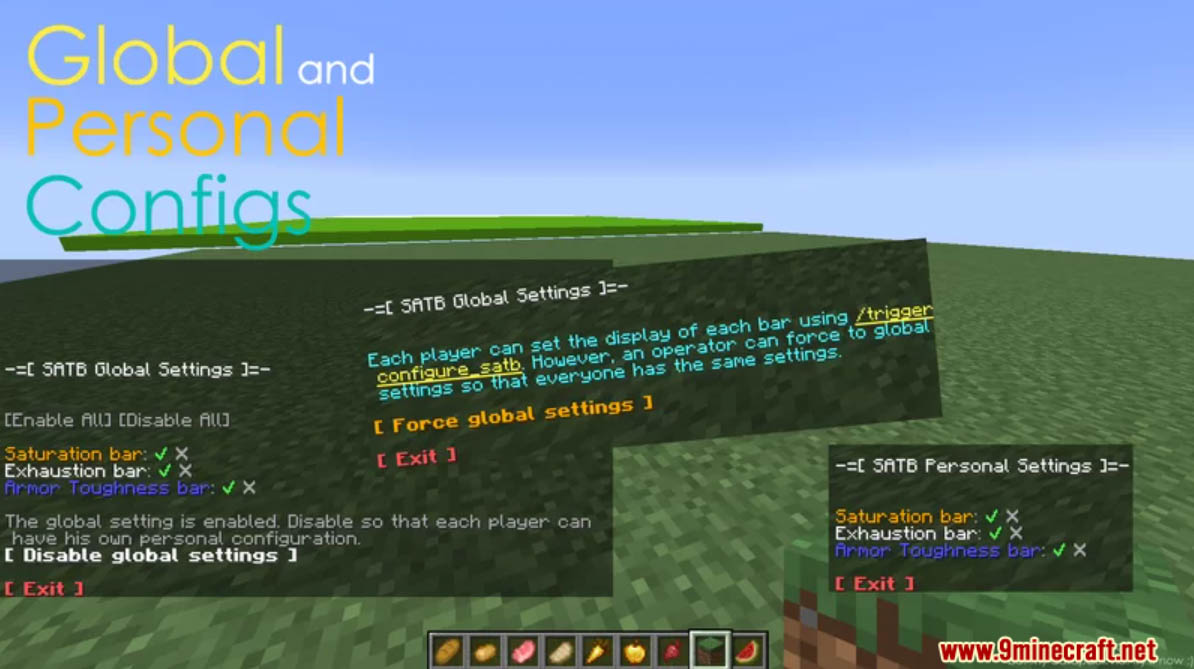
/trigger configure_satb– Opens the personal configuration chatmenu, where you can activate or deactivate the bar display individually for yourself./function satb:configure– Opens the operator settings. Can enable and disable global settings (force settings for everyone) and activate or deactivate the bar display individually for everyone.
Screenshots:
SATB Data Pack Download Links
Quick facts
- Edition: Minecraft Java
- File type: .jar
- Minecraft version listed: 1.20.1
- How to install: Install the matching mod loader (Forge, Fabric or NeoForge) for your Minecraft version. → Download the .jar. → Put it in the .minecraft/mods folder and launch that loader profile.
- Where to get it: In MC Java Mods, or directly above on this page.
Install steps are the general flow for this file type — see the MC Java Mods guides for the full walkthrough.
Verified by MCModsHub
- Downloads as 4753.mcpack
- Download size: 21 KB
- Download link checked 29 Jul 2026 — working
- Mirrored on our own servers — the download does not depend on the original host
These come from our own check of the pack file, not from the source page.