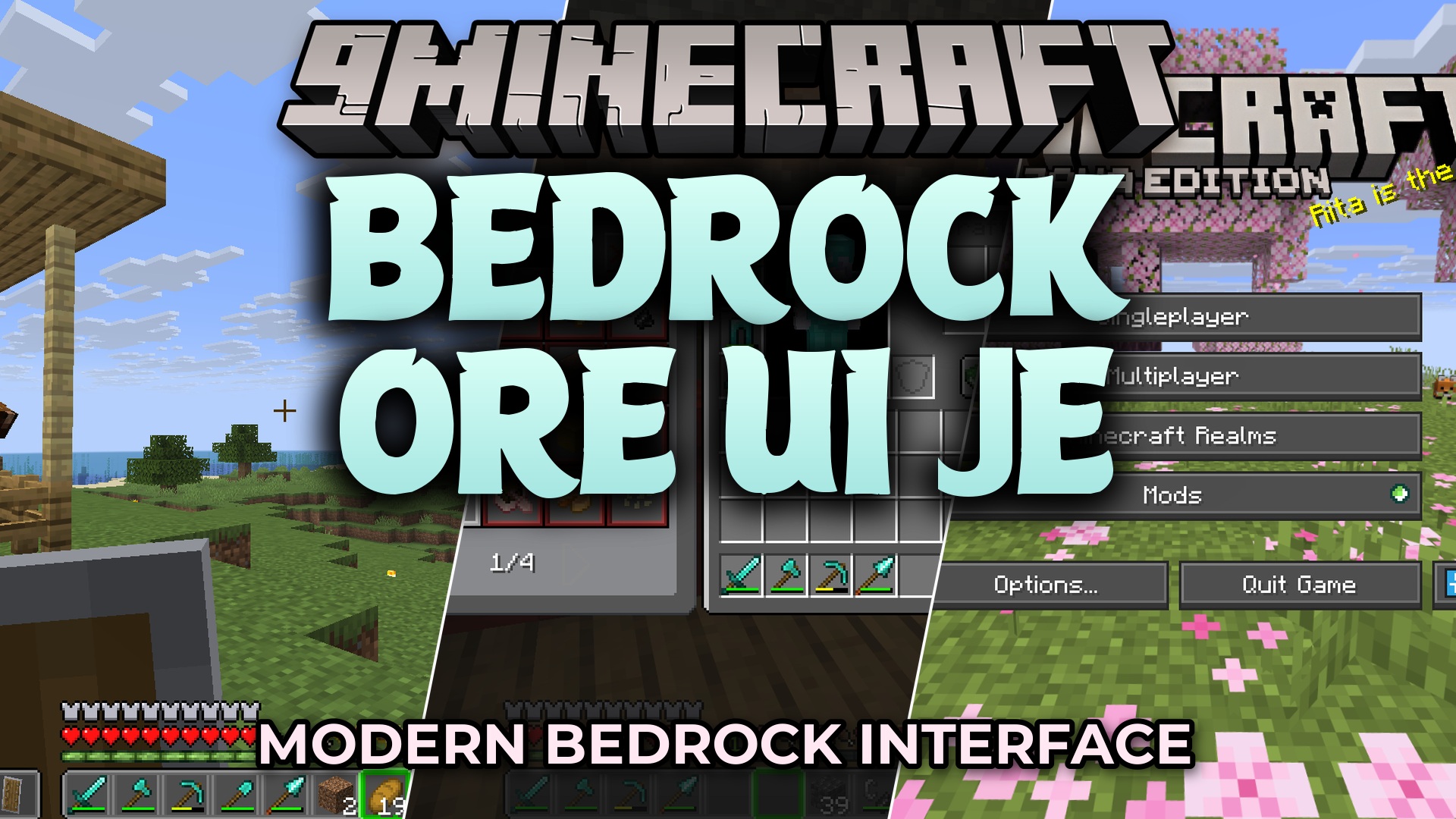
Bedrock Ore UI JE Resource Pack (26.2, 1.21.1) – Sleek Dark Menus Straight
Bedrock Ore UI JE Resource Pack brings the modern look of Bedrock Edition menus straight into Java Edition. It updates buttons, health bars, inventory…
⬇ Download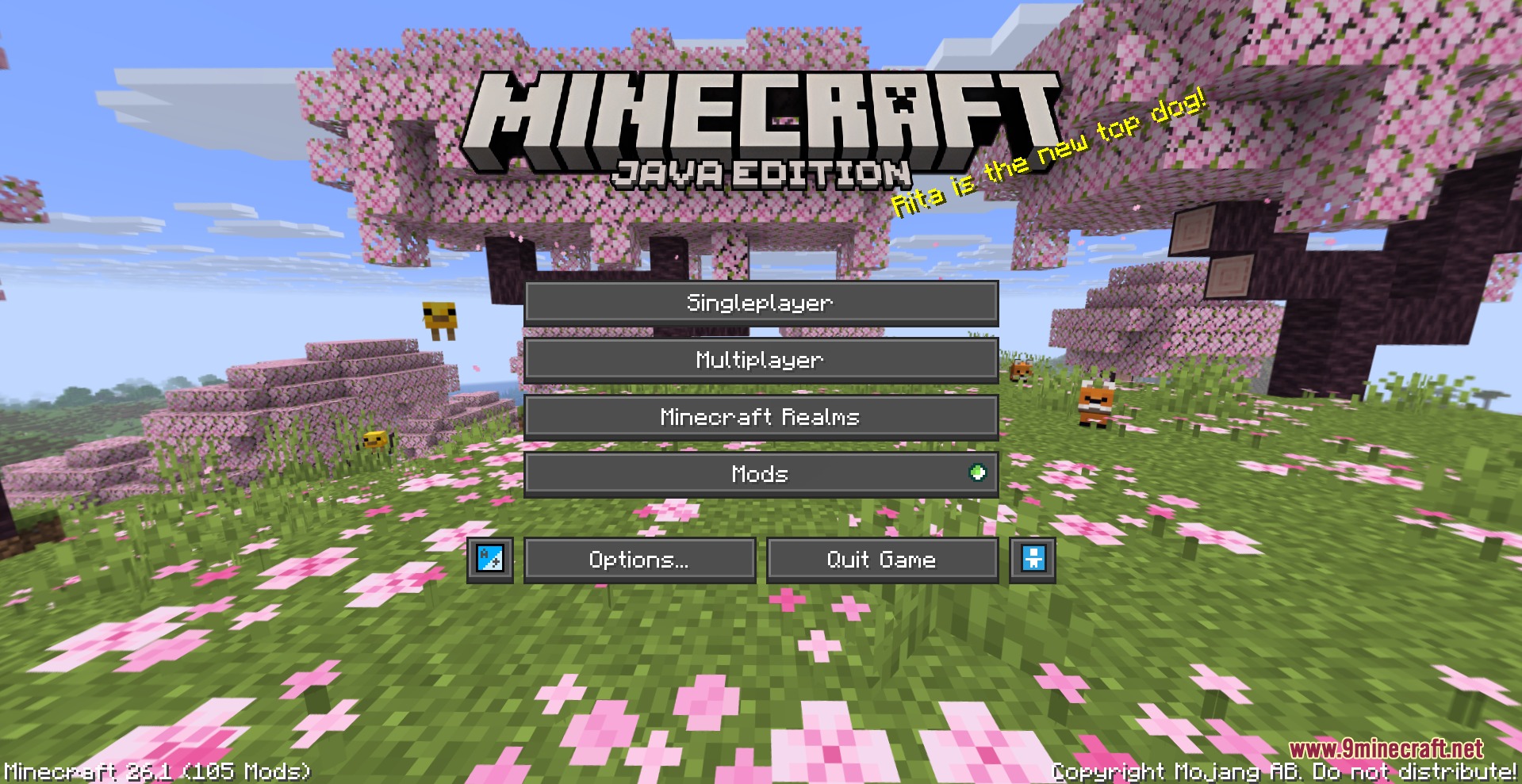
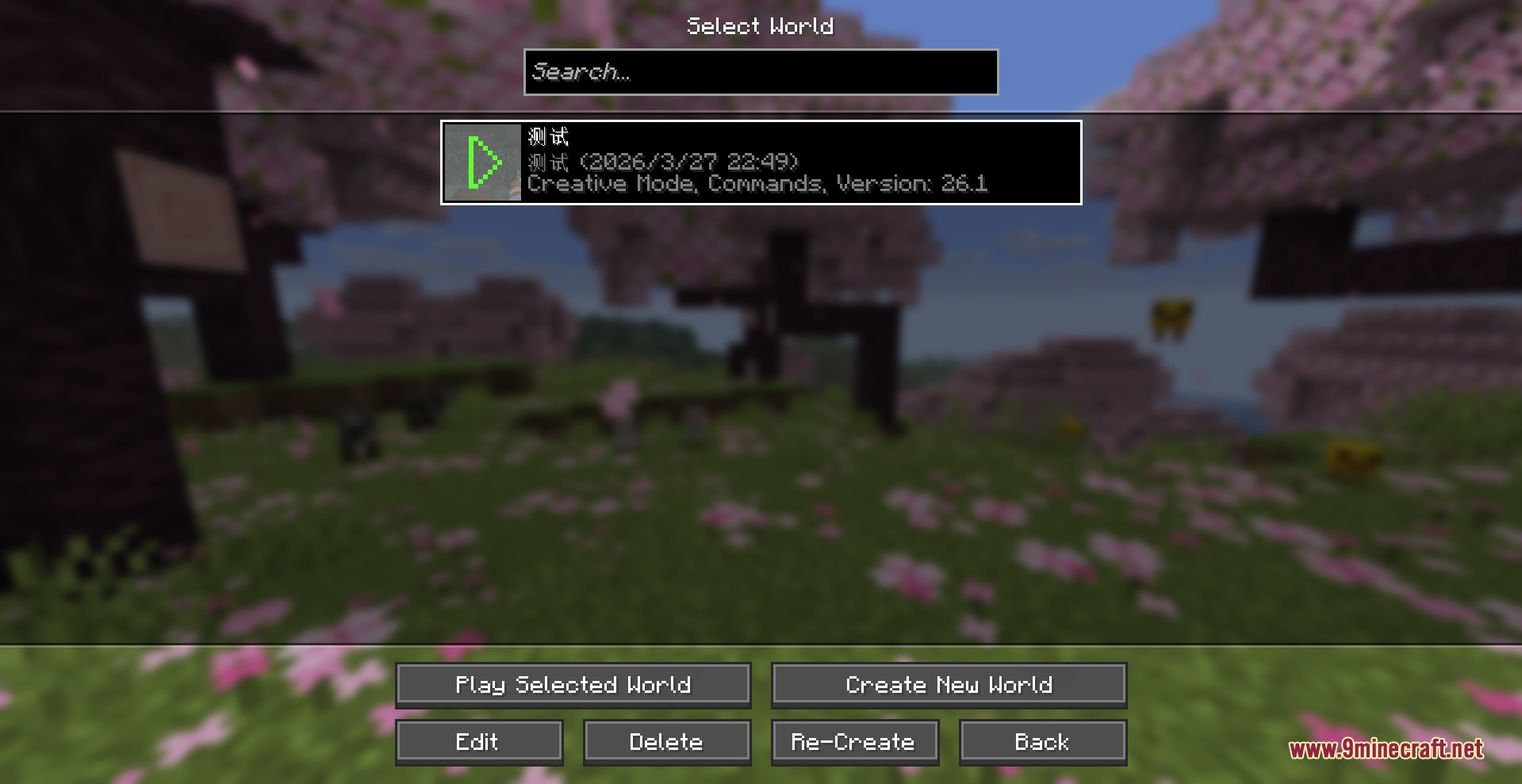
Bedrock Ore UI JE Resource Pack brings the modern look of Bedrock Edition menus straight into Java Edition. It updates buttons, health bars, inventory screens, and settings windows with clean rounded corners and dark styling. All the original buttons stay in the exact same spots, so you never lose track of your favorite controls. This pack only changes menus and interface elements, leaving your game blocks, items, and frame rates untouched.
Features:
- Replaces vanilla grey menu boxes with sleek rounded panels from Bedrock Edition.
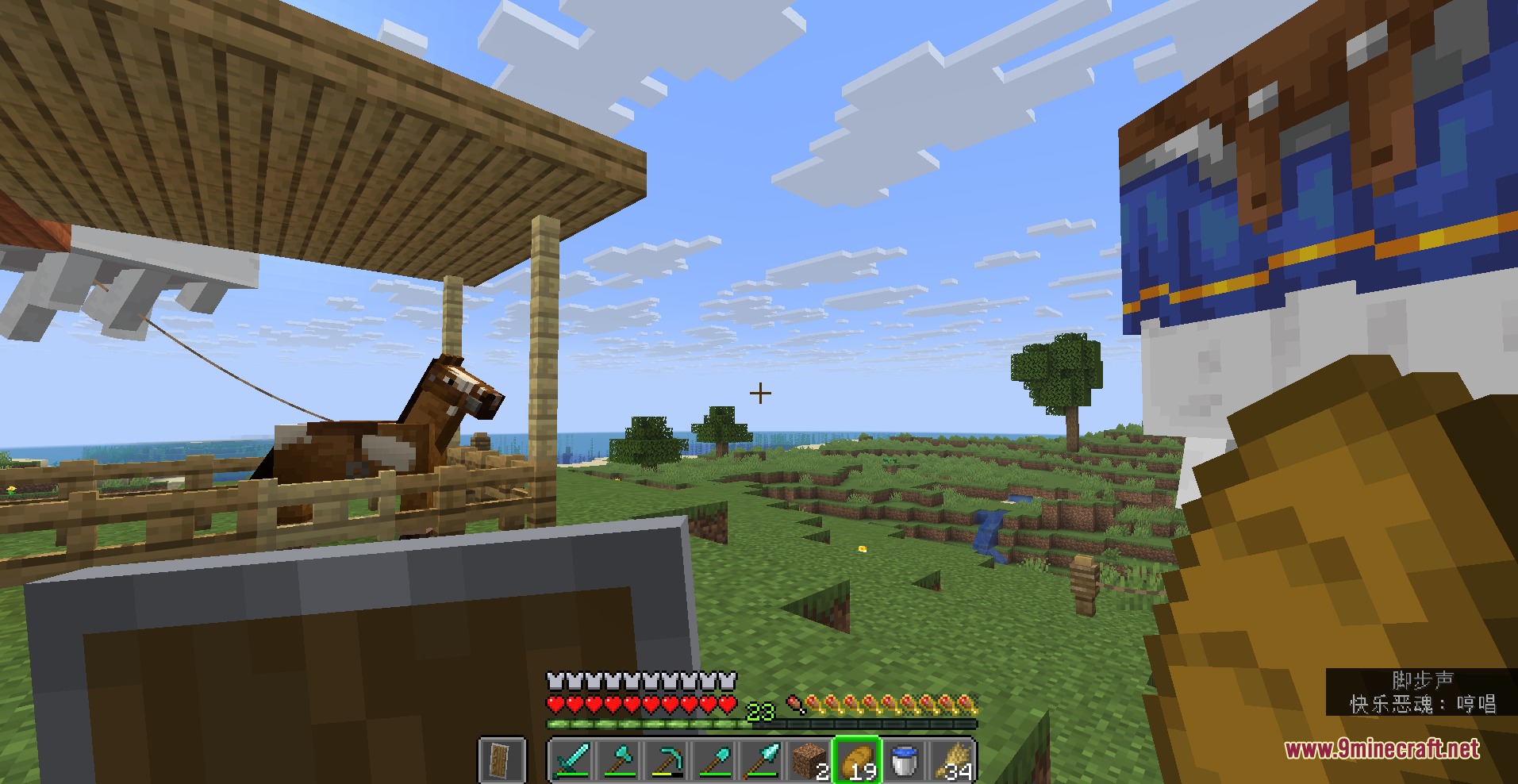
- Updates the in-game HUD, including hearts, hunger icons, experience bars, and hotbars.
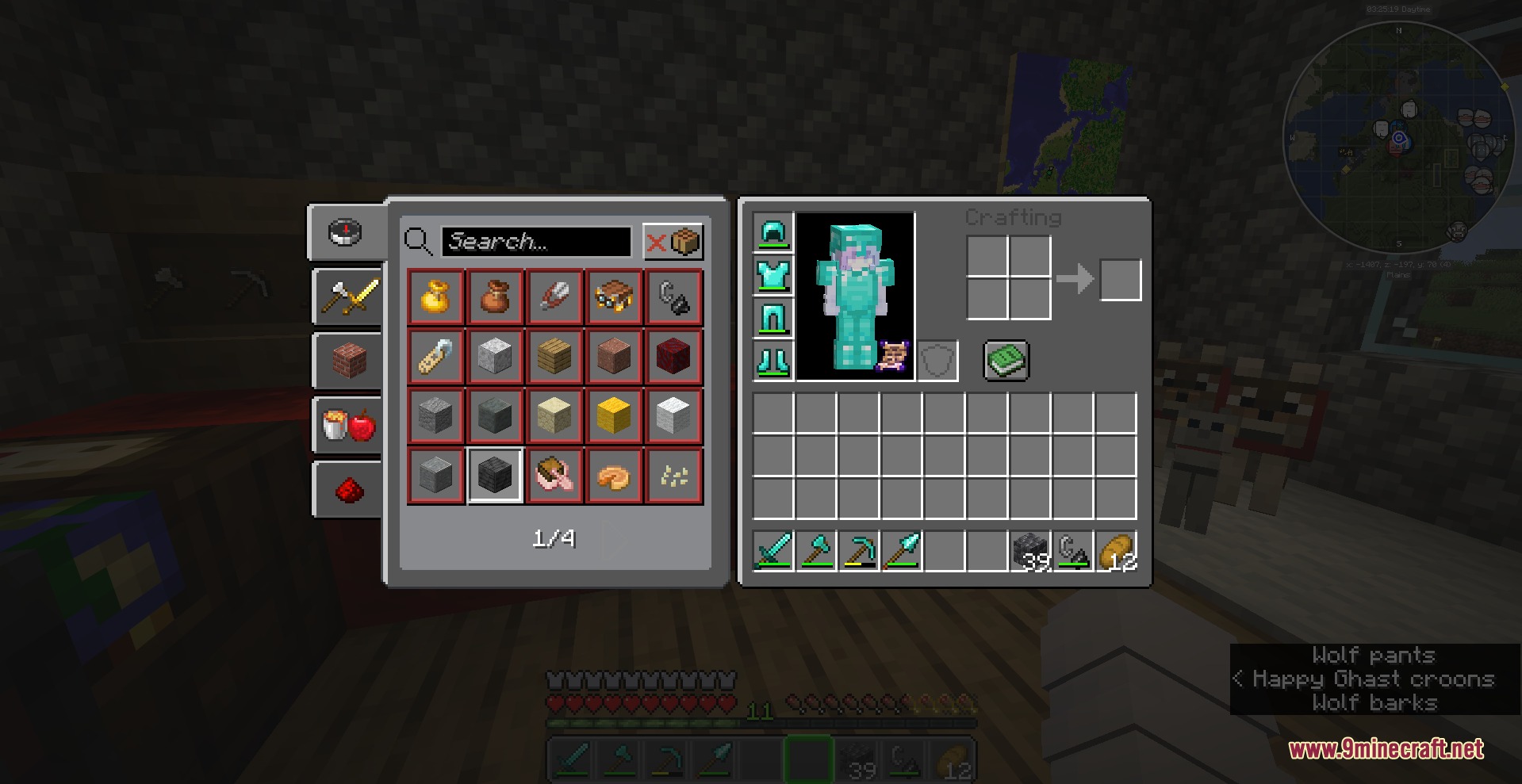
- Cleans up inventory windows, crafting tables, chests, furnaces, and villager trading screens.
- Polishes the world select screen, pause menu, and game settings tabs for clearer reading.
- Uses a dark color palette that is easy on your eyes during long play sessions.
- Keeps the exact same button locations so you do not have to relearn how to play.
- Changes only interface graphics, keeping standard block textures and mob models intact.
- Runs smoothly on low-end computers without causing lag or frame drops.
Interface Overhauls:
- Main Menu and Settings: Gives fresh button styles, clean text spacing, and neat sliders to video and audio menus.
- Gameplay HUD: Reworks the status bars, crosshair, and quick bar for better visibility.
- Storage and Crafting: Updates chest grids, anvil menus, brewing stands, and recipe books.
- System Popups: Refreshes chat screens, death menus, and disconnect alerts with matching rounded visuals.
Screenshots:
Bedrock Ore UI JE Resource Pack Download Links
Bedrock Ore UI JE Resource Pack (26.2, 1.21.1) – Sleek Dark Menus Straight is a free Minecraft Java resourcepack. Compatible with Minecraft 1.21.1. Download it and open it directly in the game.