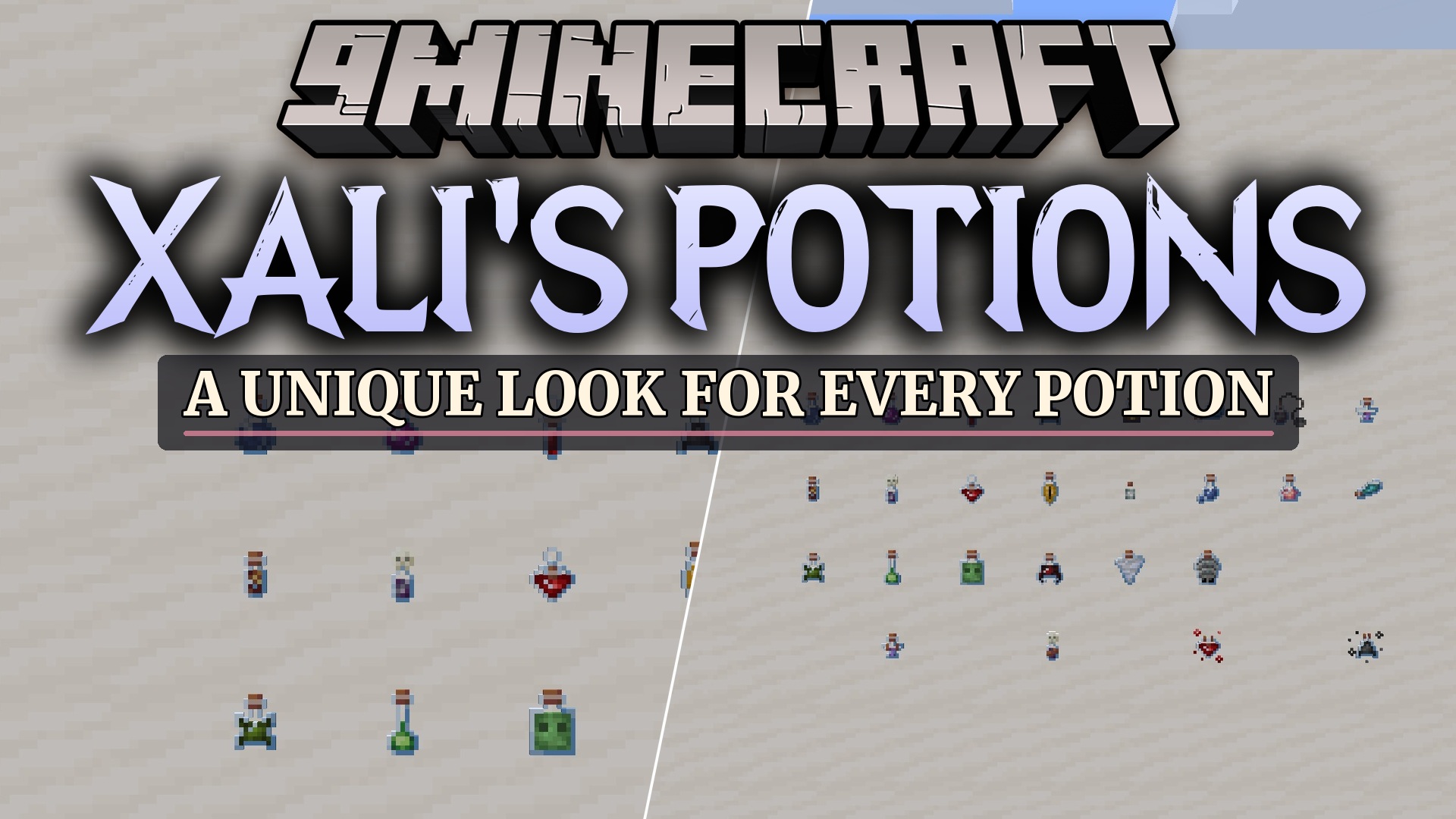
Xali's Potions 9minecraft Resource Pack (26.3) – Distinct Bottle Shapes for Every Brew
Java resource pack listed for Minecraft 26.x. Downloads from the MC Java Mods app on Android.
Xali's Potions 9minecraft Resource Pack replaces vanilla potion bottles with unique, custom-shaped containers for every magical brew. In default…
⬇ Download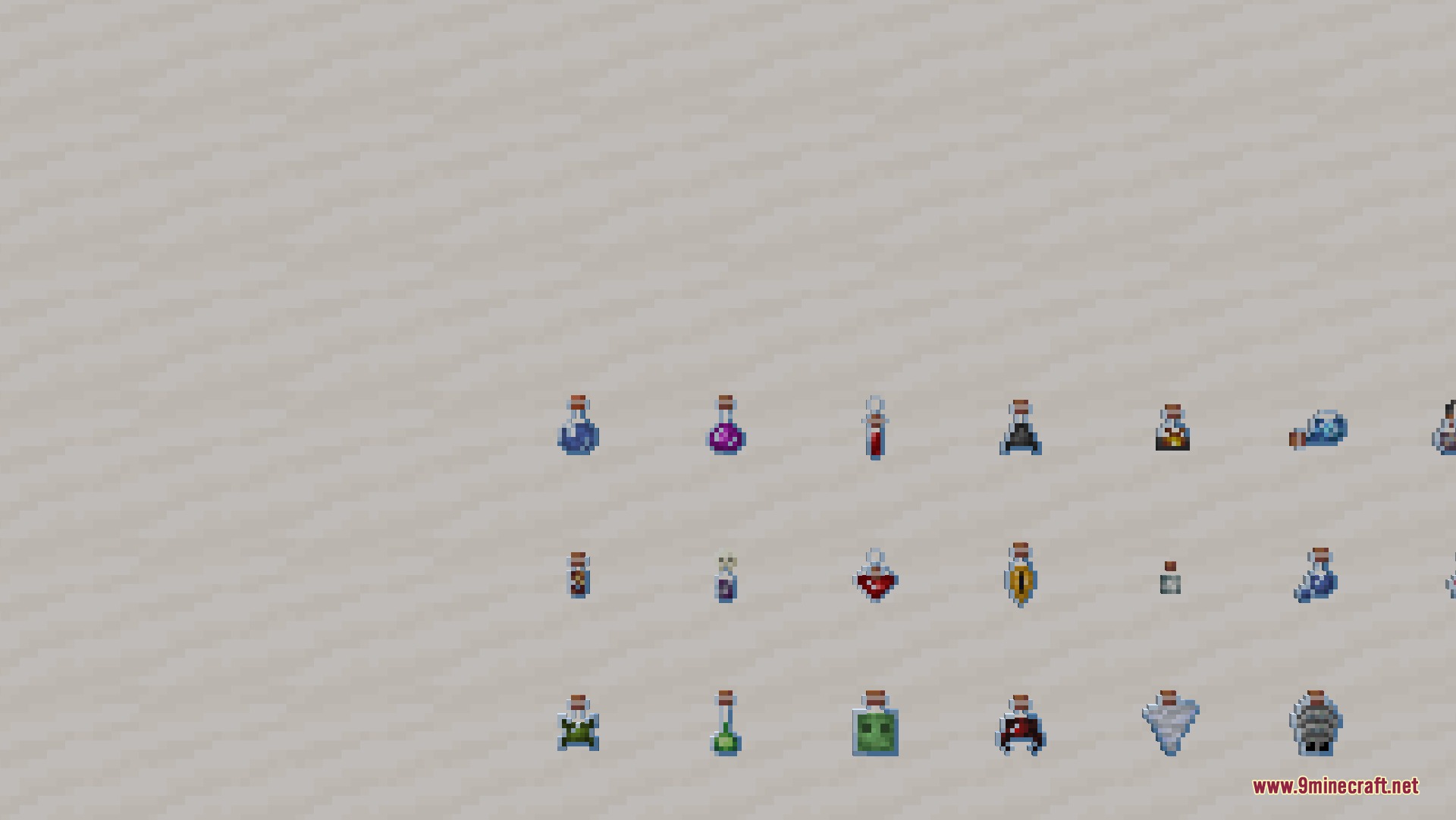
Xali’s Potions 9minecraft Resource Pack replaces vanilla potion bottles with unique, custom-shaped containers for every magical brew. In default Minecraft, potions only differ by liquid color, which makes sorting chests and inventories tricky during intense combat. This pack assigns custom artwork to each effect, placing clear symbols and distinct bottle silhouettes on Healing, Strength, Swiftness, and Poison brews. It works directly in vanilla Minecraft through the modern item-model format without requiring extra mods.
Features:
- Gives every potion effect a distinct bottle silhouette and identifiable symbol.
- Includes custom bottle artwork for regular, splash, and lingering potion types.
- Displays intuitive icons like hearts for Healing and shields for Strength.
- Works in vanilla Minecraft with no mod loader or third-party tools required.
- Helps players identify brewing results and combat supplies at a glance.
- Shows unique models inside player inventories, brewing stands, and decorative item frames.
Custom Potion Designs:
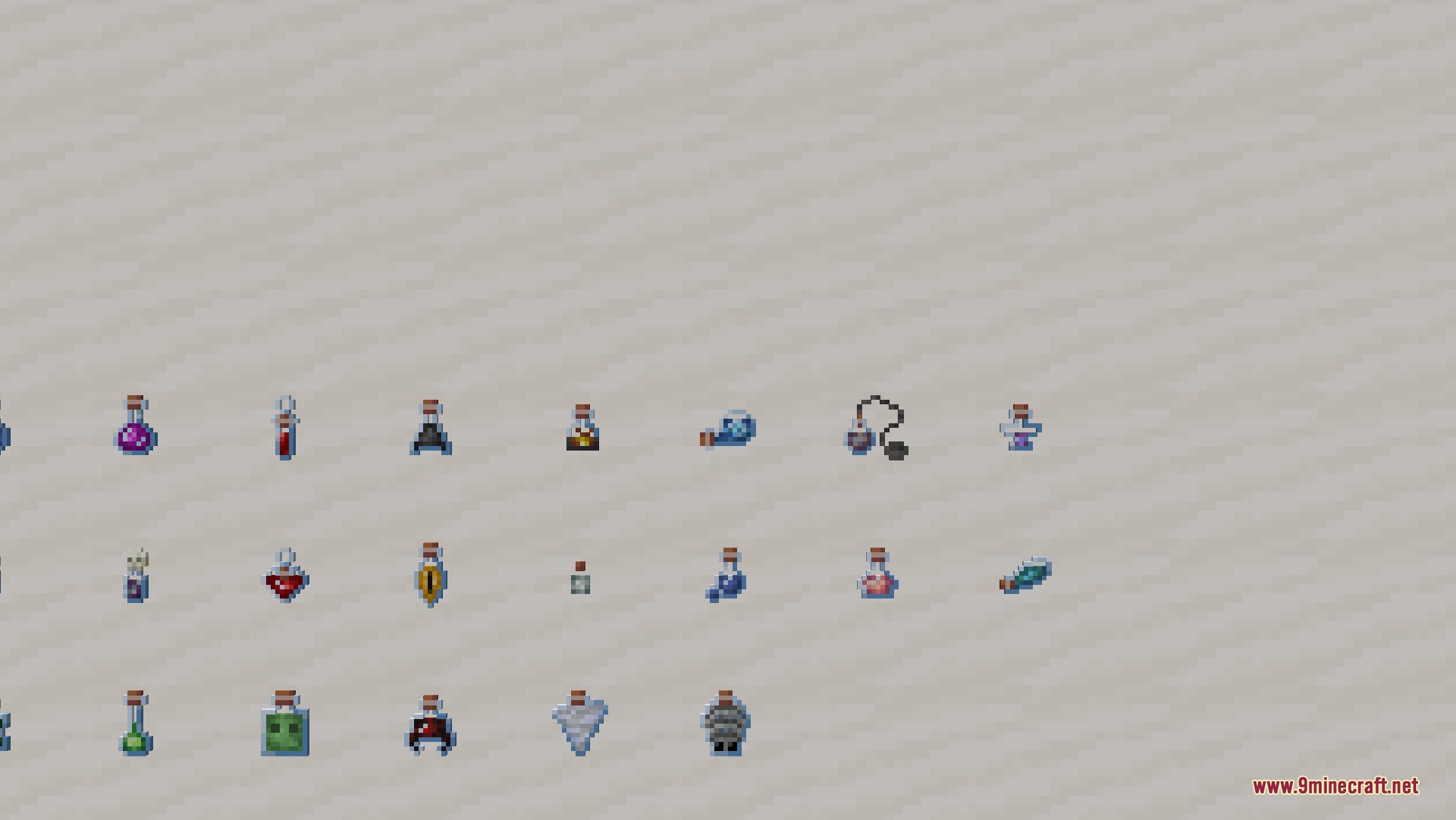
- Healing and Regeneration potions display distinct heart motifs and clear shapes.
- Strength and Turtle Master brews feature protective shield and armor shapes.
- Harmful concoctions like Poison and Instant Damage use menacing danger symbols.
- Utility mixtures including Night Vision, Leaping, and Slow Falling boast specialized flask silhouettes.
Xali's Potions 9minecraft Resource Pack – Video Showcase
Screenshots:
Xali’s Potions 9minecraft Resource Pack Download Links
- Edition: Minecraft Java
- File type: .zip (resource pack)
- Minecraft version listed: 26.3
- How to install: Download the .zip resource pack — do not unzip it. → Put it in .minecraft/resourcepacks. → Enable it in Options → Resource Packs.
- Where to get it: In MC Java Mods, or directly above on this page.
Install steps are the general flow for this file type — How to install Minecraft Java resource packs walks through it step by step.
- Download size: 231 KB
- Download link checked 31 Aug 2026 — working
- Mirrored on our own servers — the download does not depend on the original host
These come from our own check of the pack file, not from the source page.