Semji Net Mod brings a functional computer network into Minecraft. It allows players to browse an in-game web network called SemjiNet, exchange gold for digital currency, shop online, and send coins to friends. The system also connects directly with popular tech and farming mods, giving players a modern way to trade and manage resources.
Features:
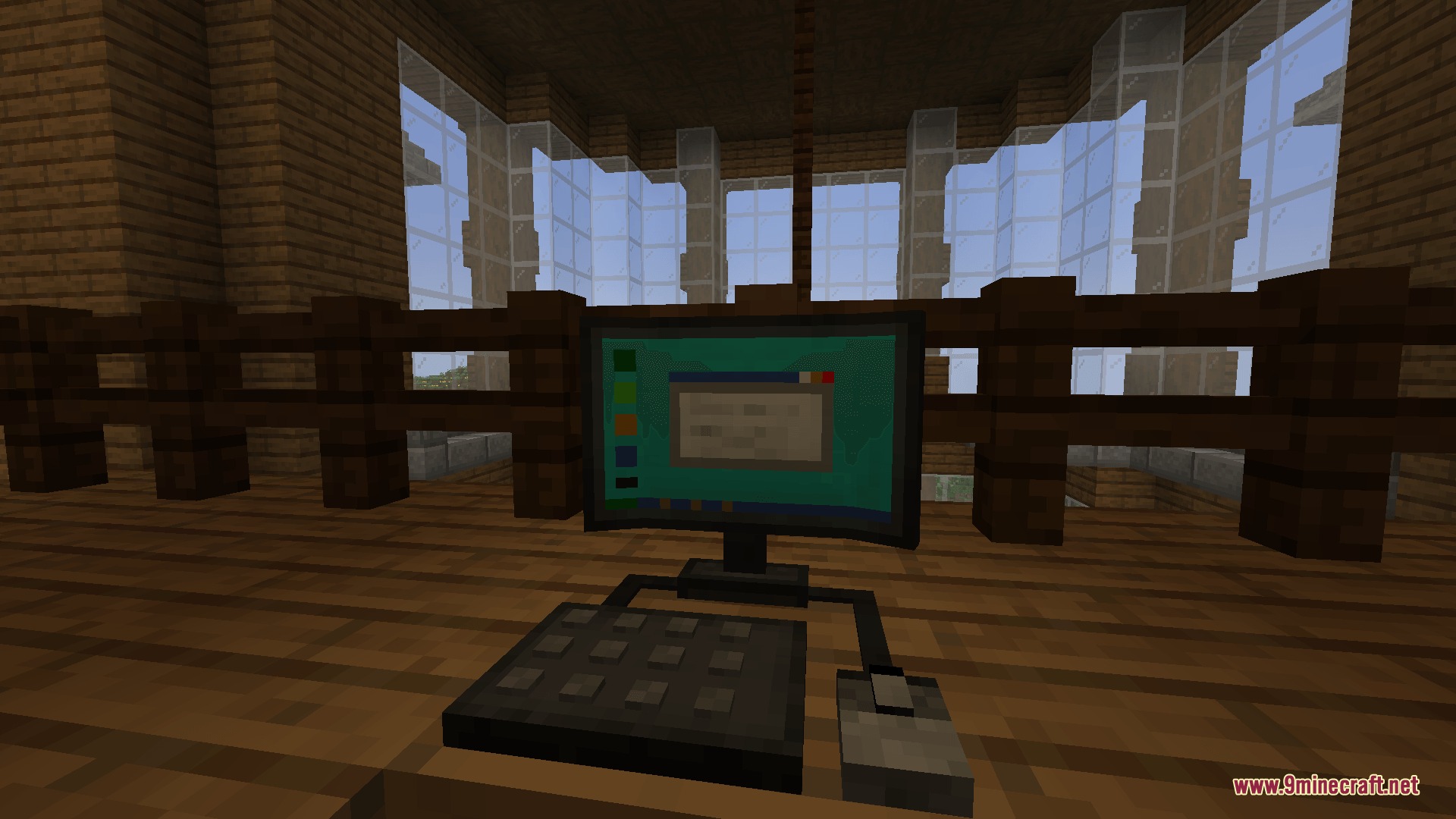
Craft a working computer block to access the SemjiNet digital network.
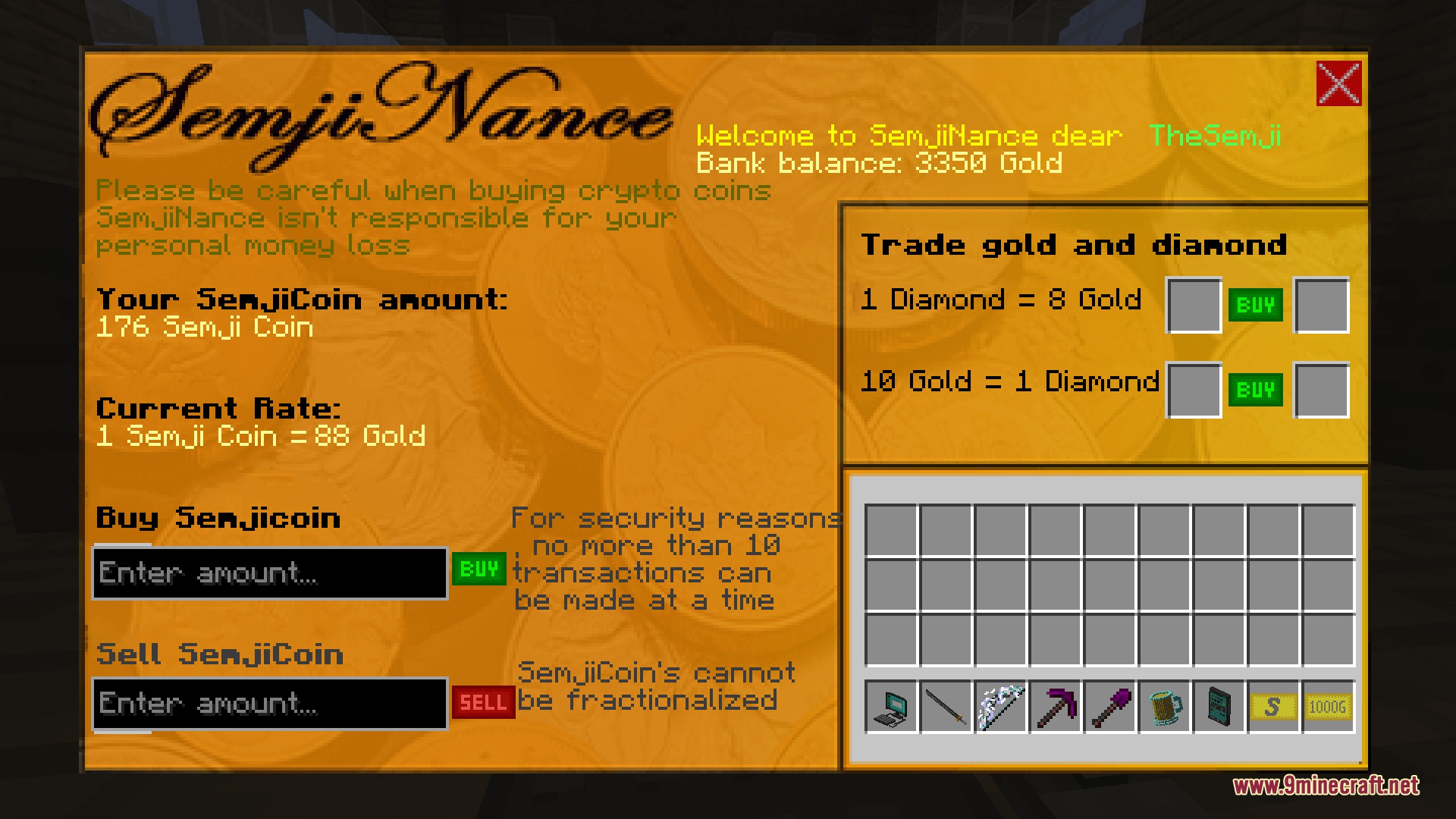
Convert vanilla gold ingots into SemjiCoin to manage your funds.
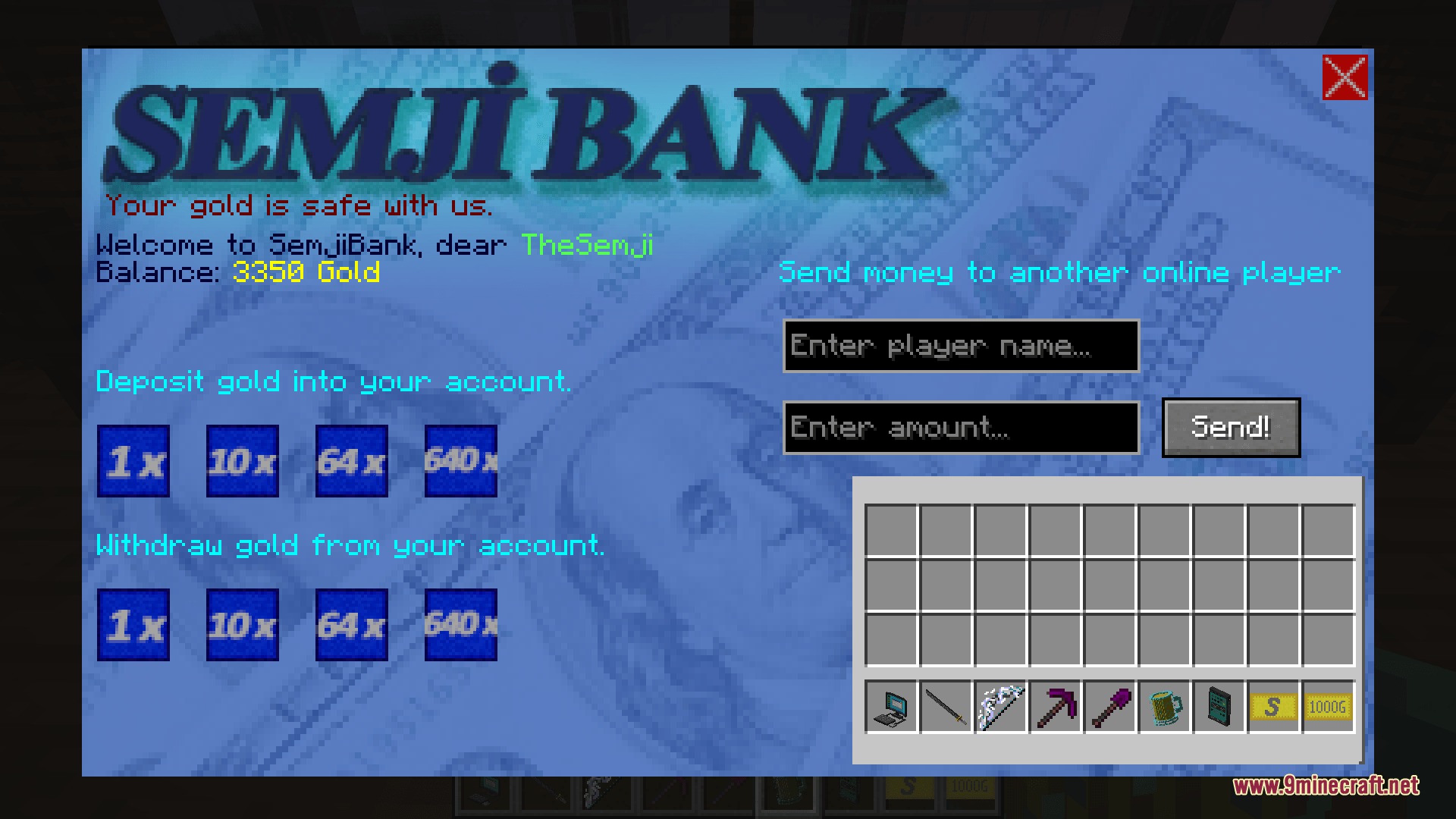
Send SemjiCoin directly to other players on your server.
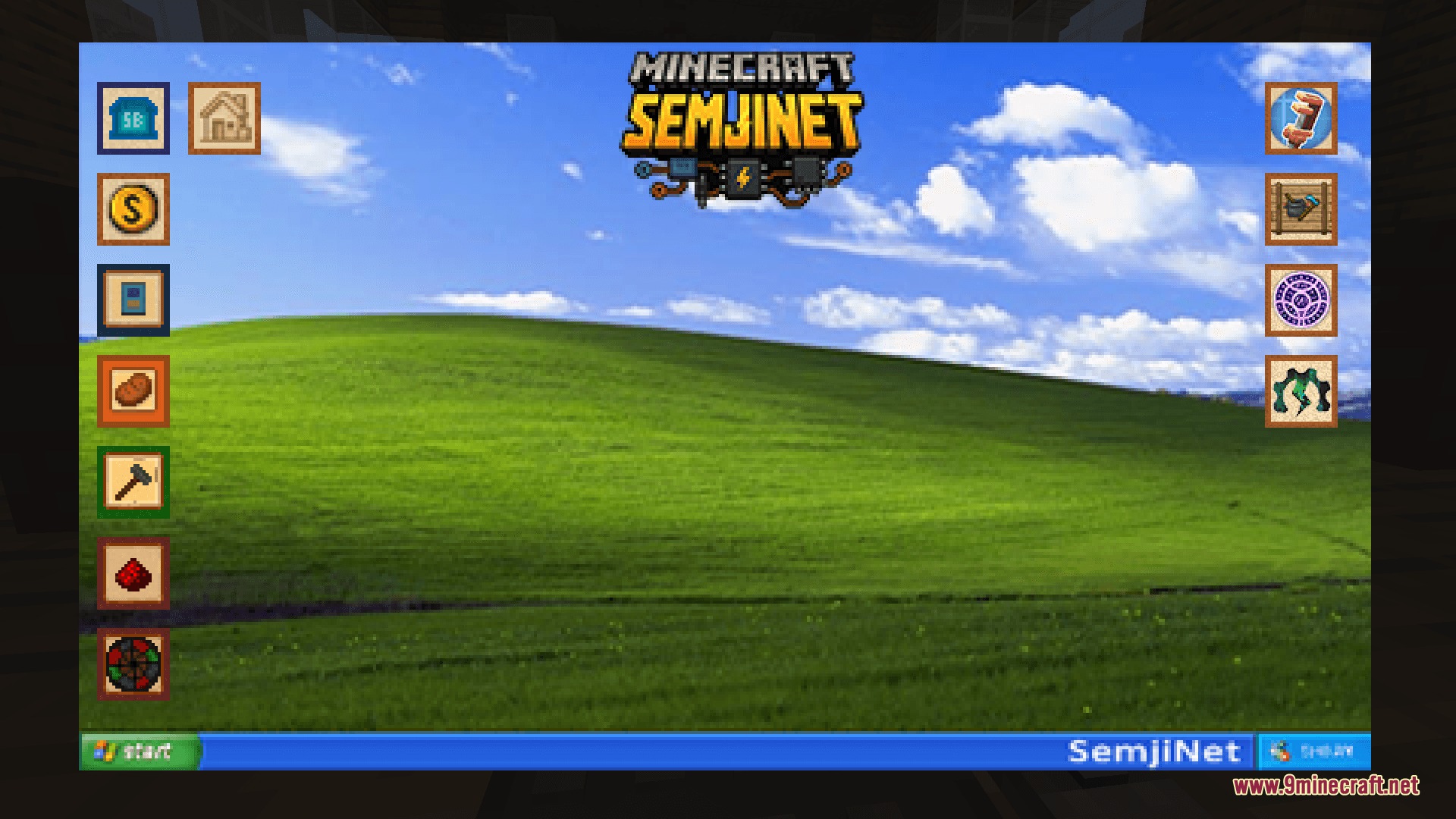
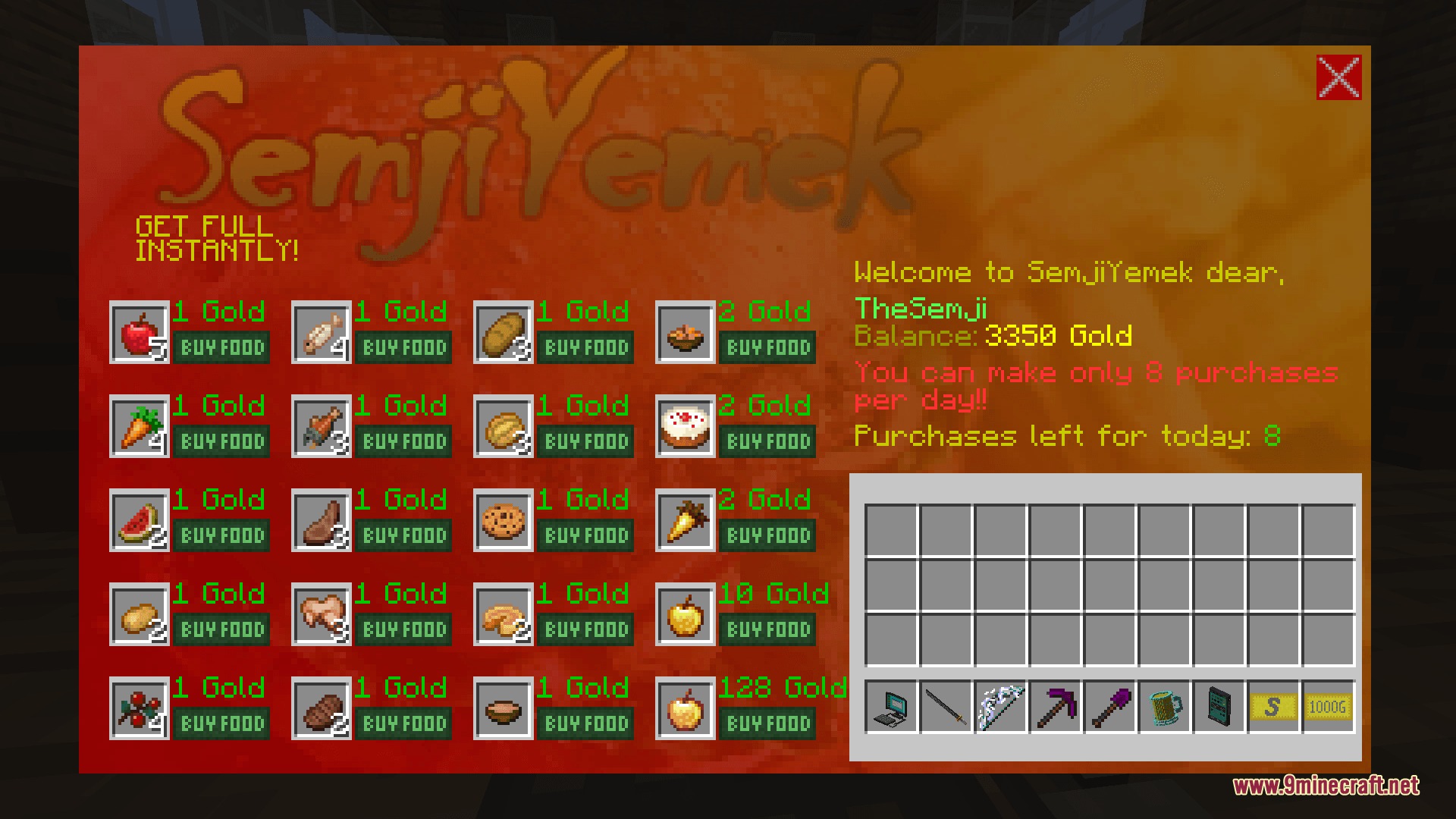
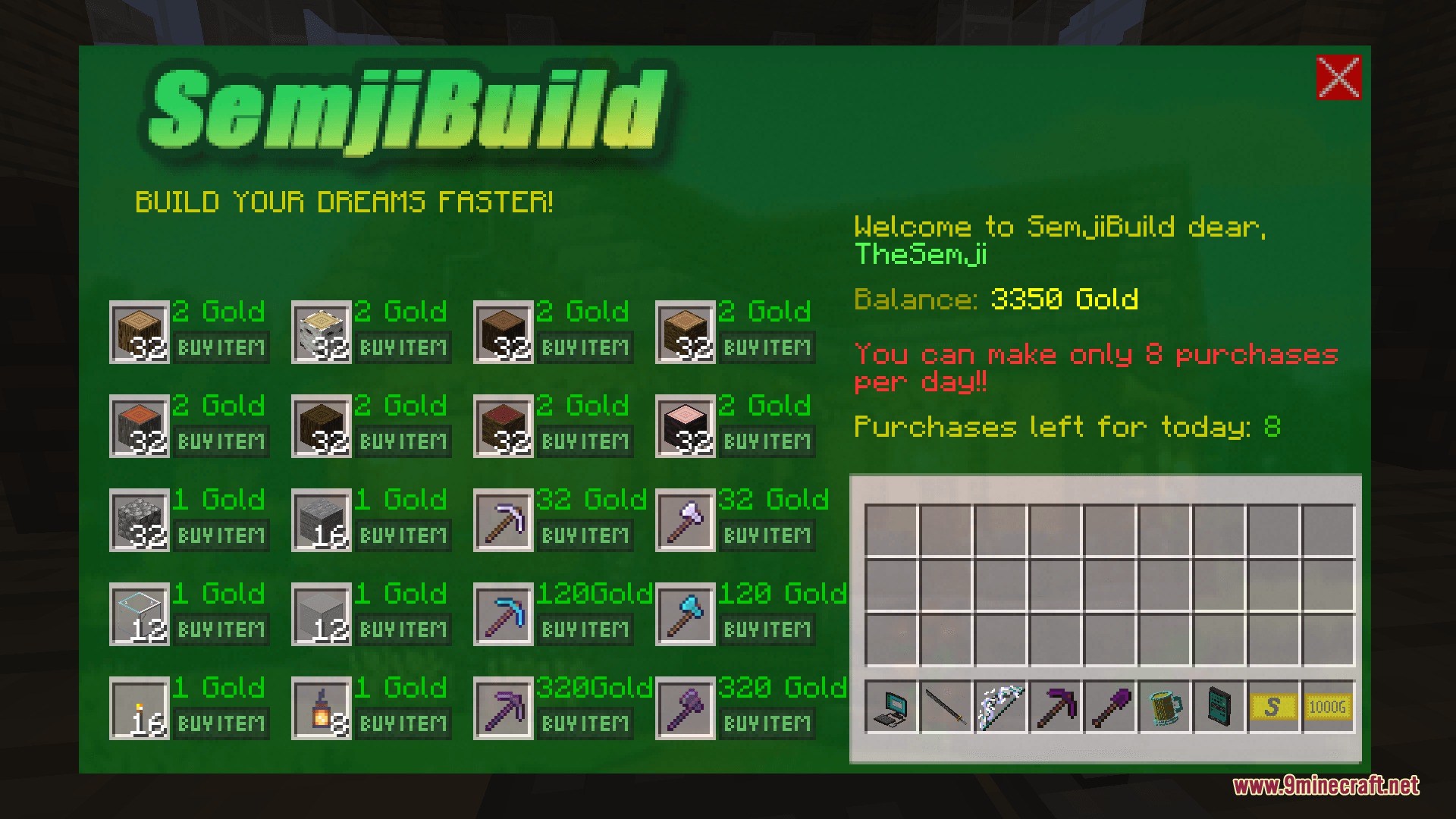
Browse website categories including shopping, food, entertainment, and housing.
Buy items directly from supported mods like Create, Farmer’s Delight, Mekanism, Apotheosis, and FramedBlocks.
Invest your digital currency to grow your wealth in-game.
How to Use:
Craft and place down the computer block.
Right-click the computer to open the SemjiNet interface.
Convert your gold into SemjiCoin on the economic page.
Click on web store icons to browse and purchase items.
Screenshots:
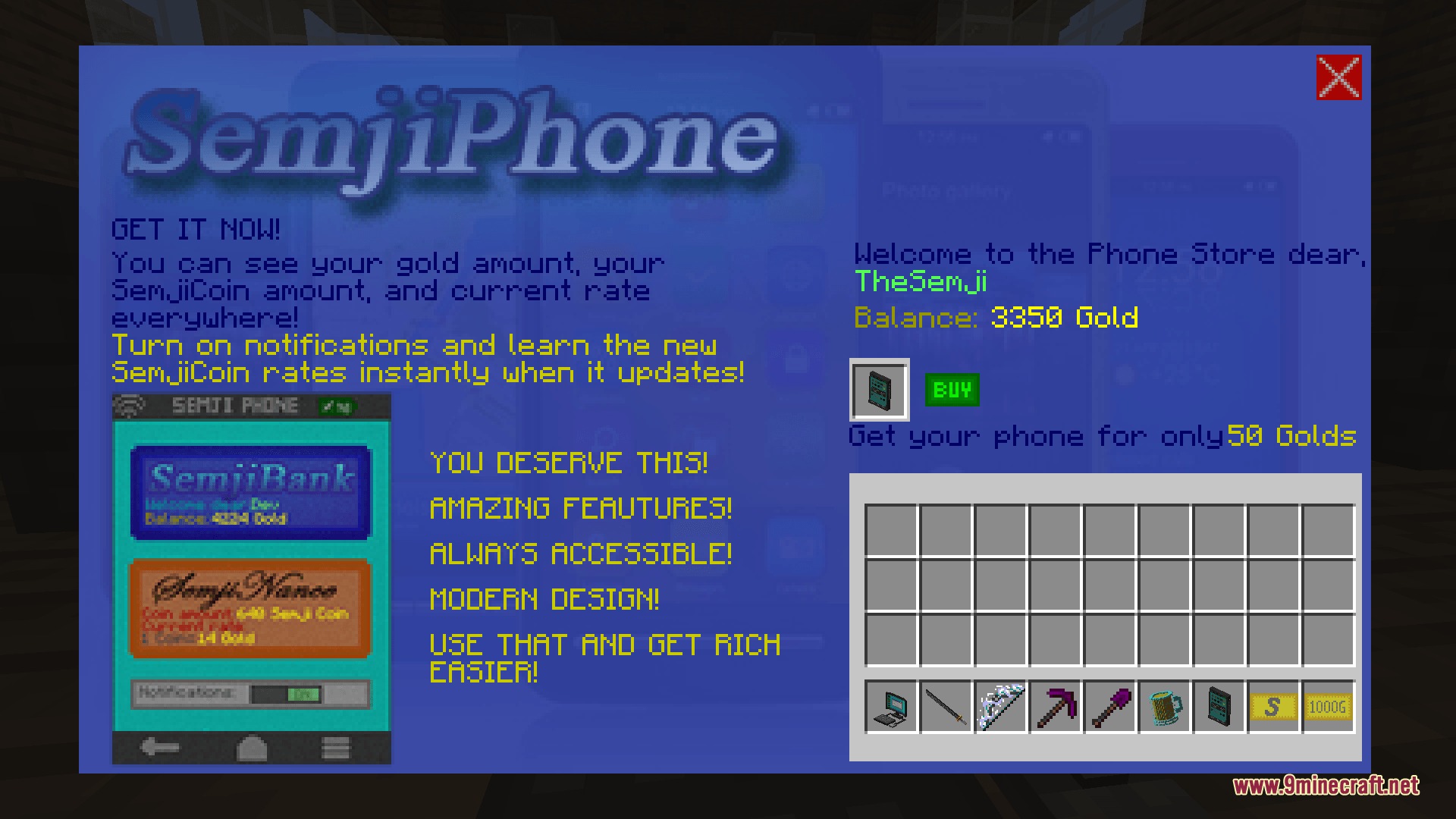
Logo for the Semji Net mod featuring electronic circuits and chipsA functional computer with a monitor keyboard and mouse inside a wooden houseThe SemjiNet computer interface in Minecraft featuring a green hill and blue skyA banking menu in Minecraft for managing gold deposits and sending digital currencyThe Semji Net Mod interface for trading gold and diamonds for currencyA digital store interface for buying a mobile phone with gold coinsThe SemjiNet food market interface displaying various items for purchaseThe SemjiNet construction store interface offering building blocks and tools
Semji Net Mod Download Links
Quick facts
Edition: Minecraft Java
File type: .jar
Minecraft version listed: 1.21.1
How to install: Install the matching mod loader (Forge, Fabric or NeoForge) for your Minecraft version. → Download the .jar. → Put it in the .minecraft/mods folder and launch that loader profile.
Where to get it: In MC Java Mods, or directly above on this page.