ModsJava
Mecha Pillager Boss Mod (1.20.1) – Battle a Giant Robotic Titan Armed
Java mod listed for Minecraft 1.20. Downloads from the MC Java Mods app on Android.
⬇ Download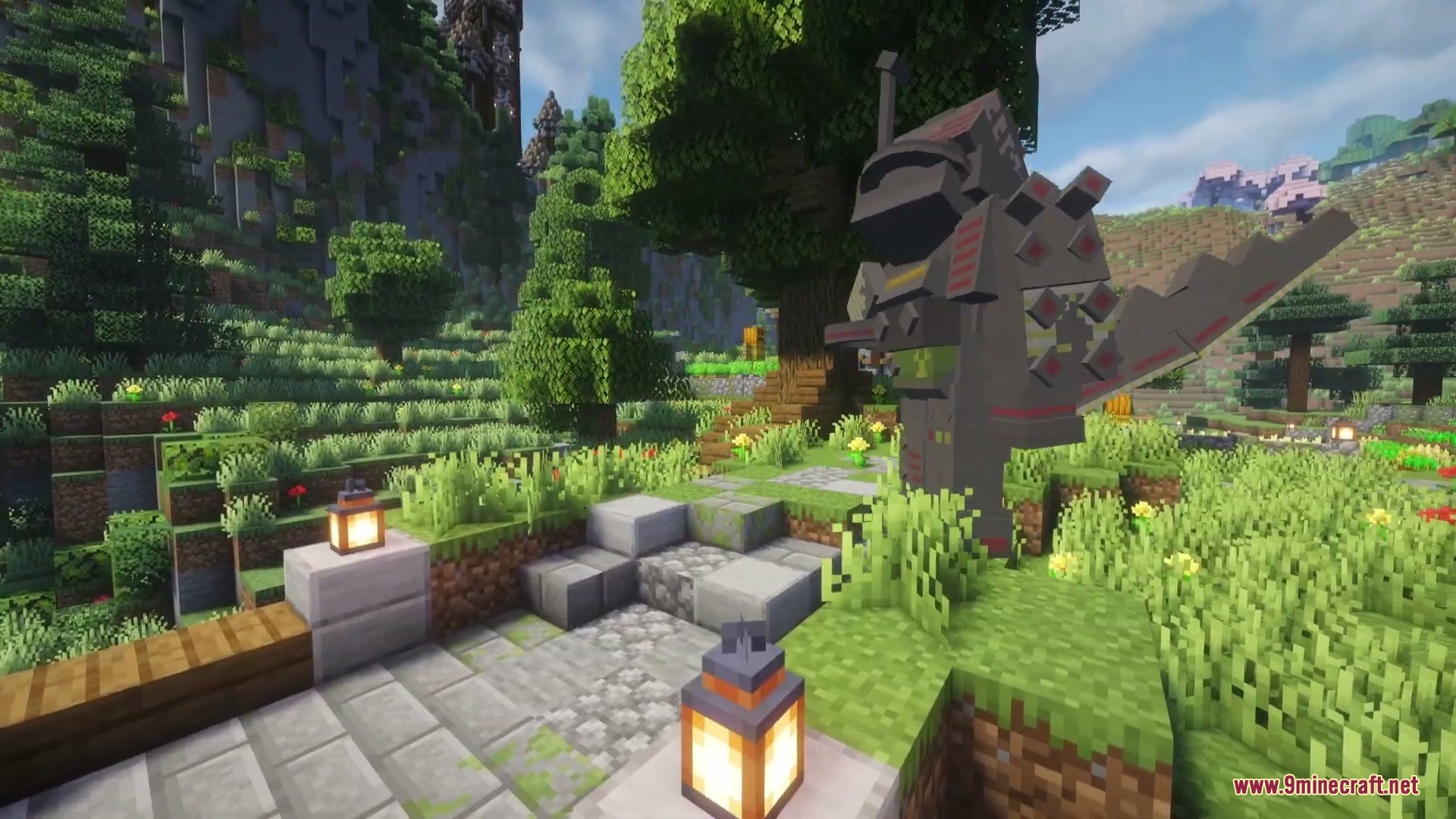
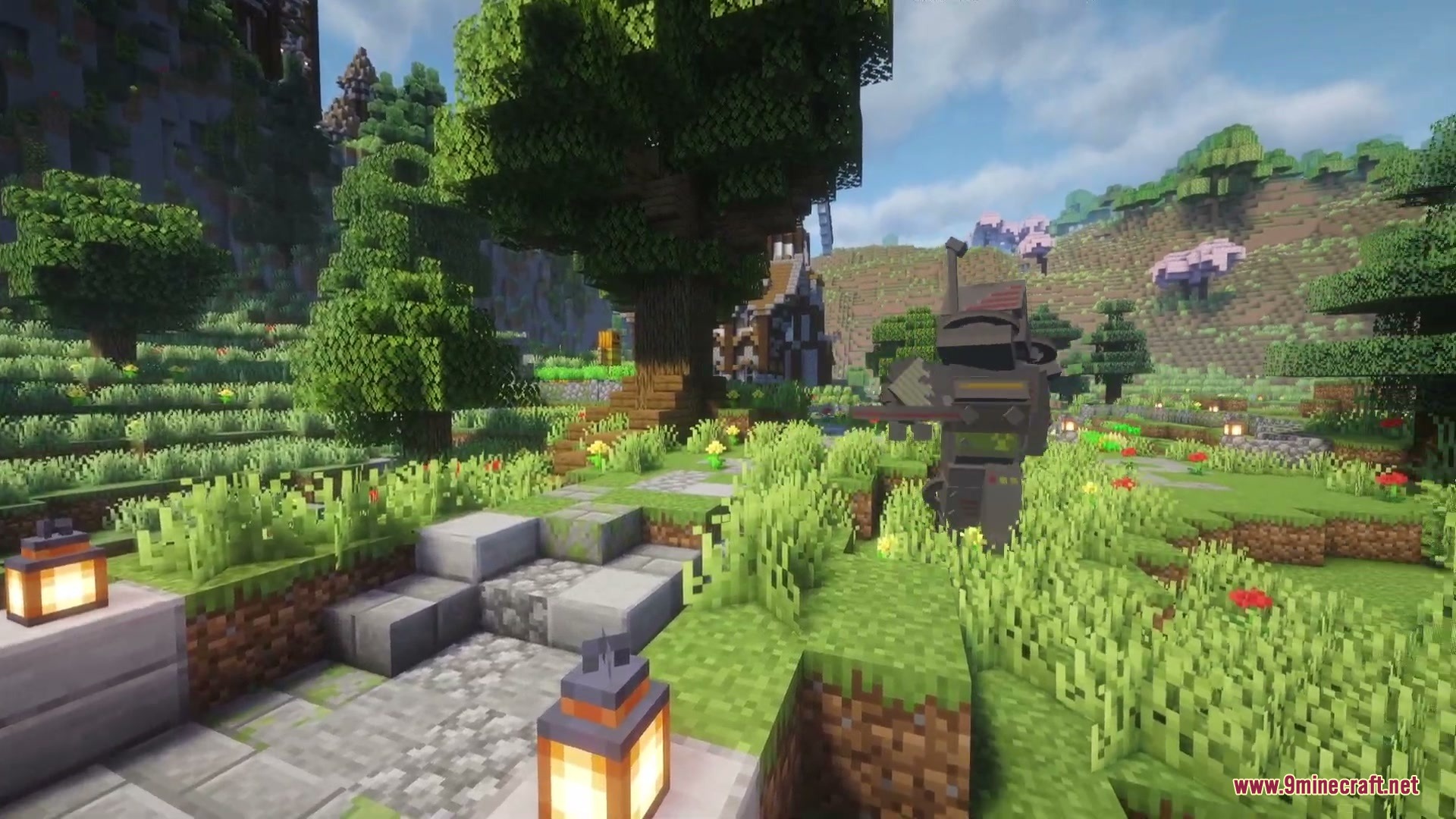
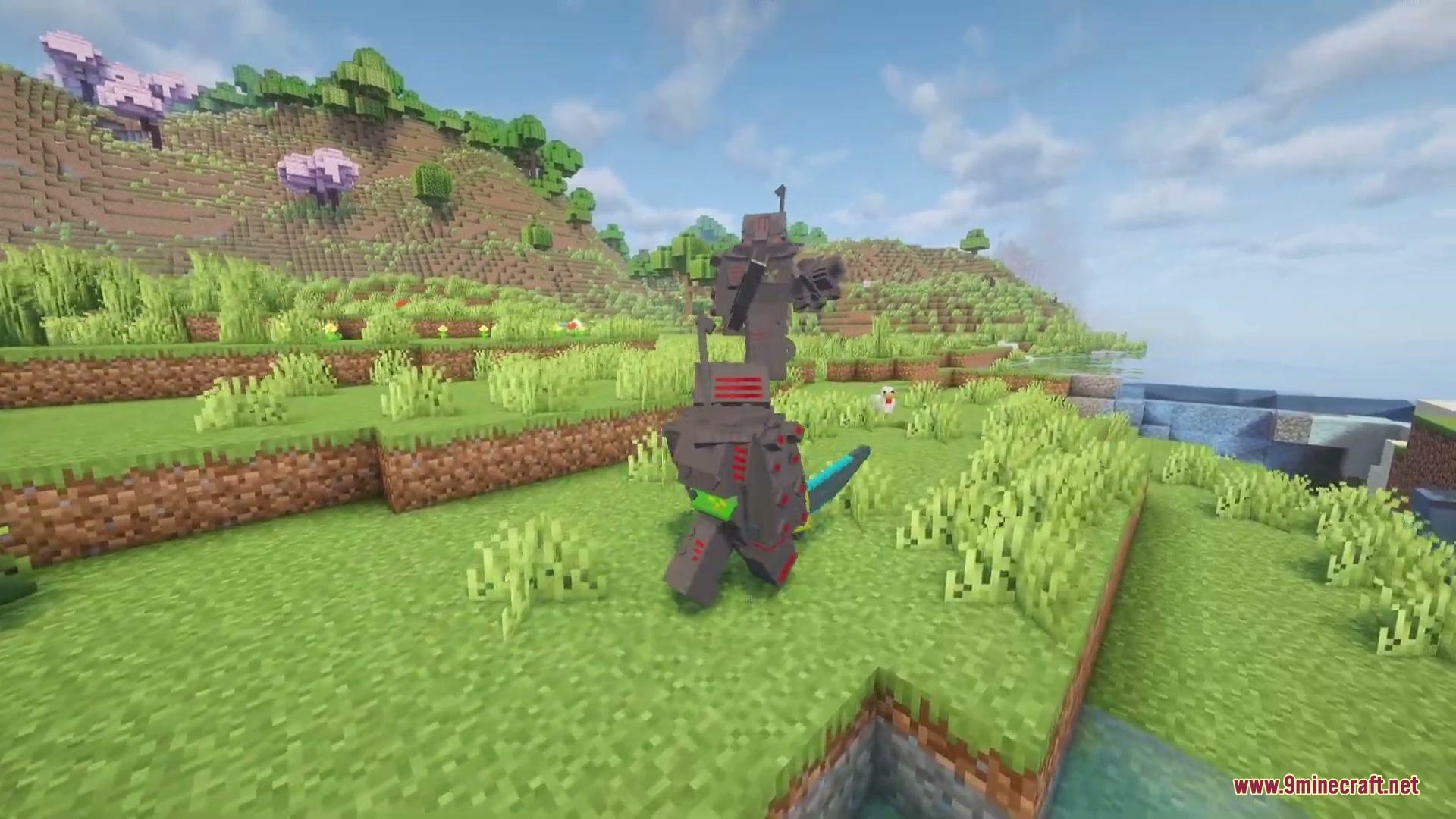
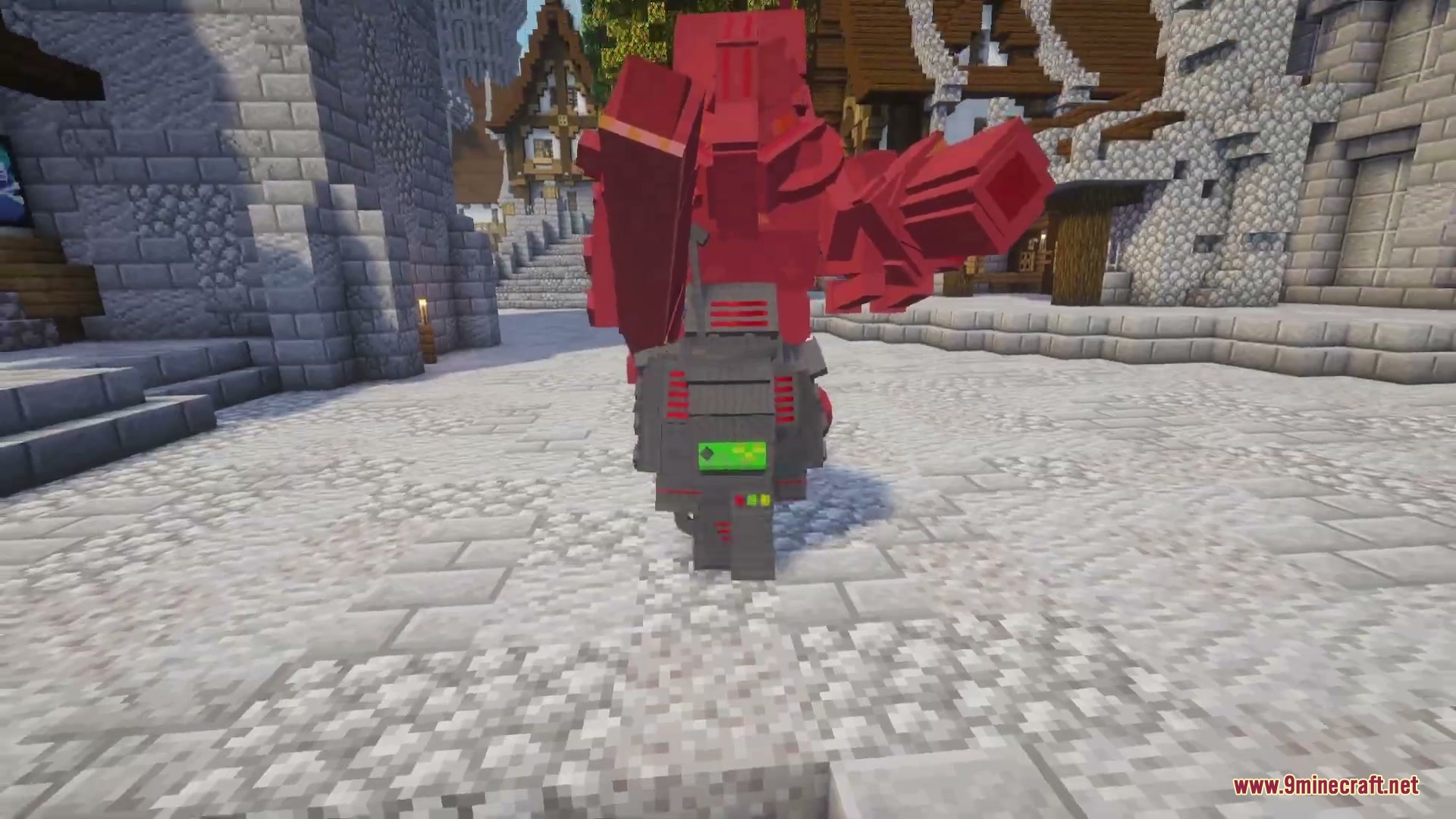
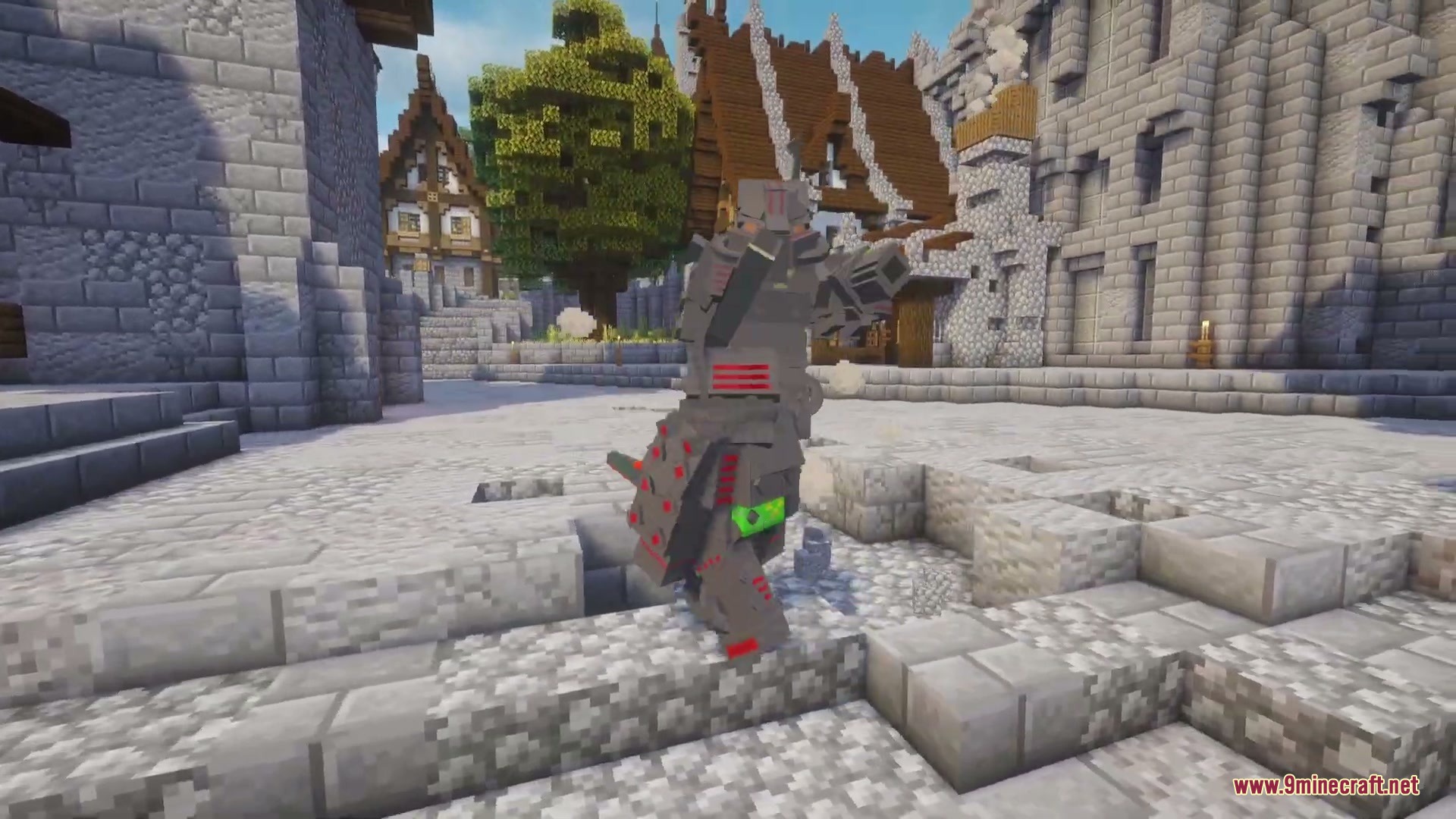
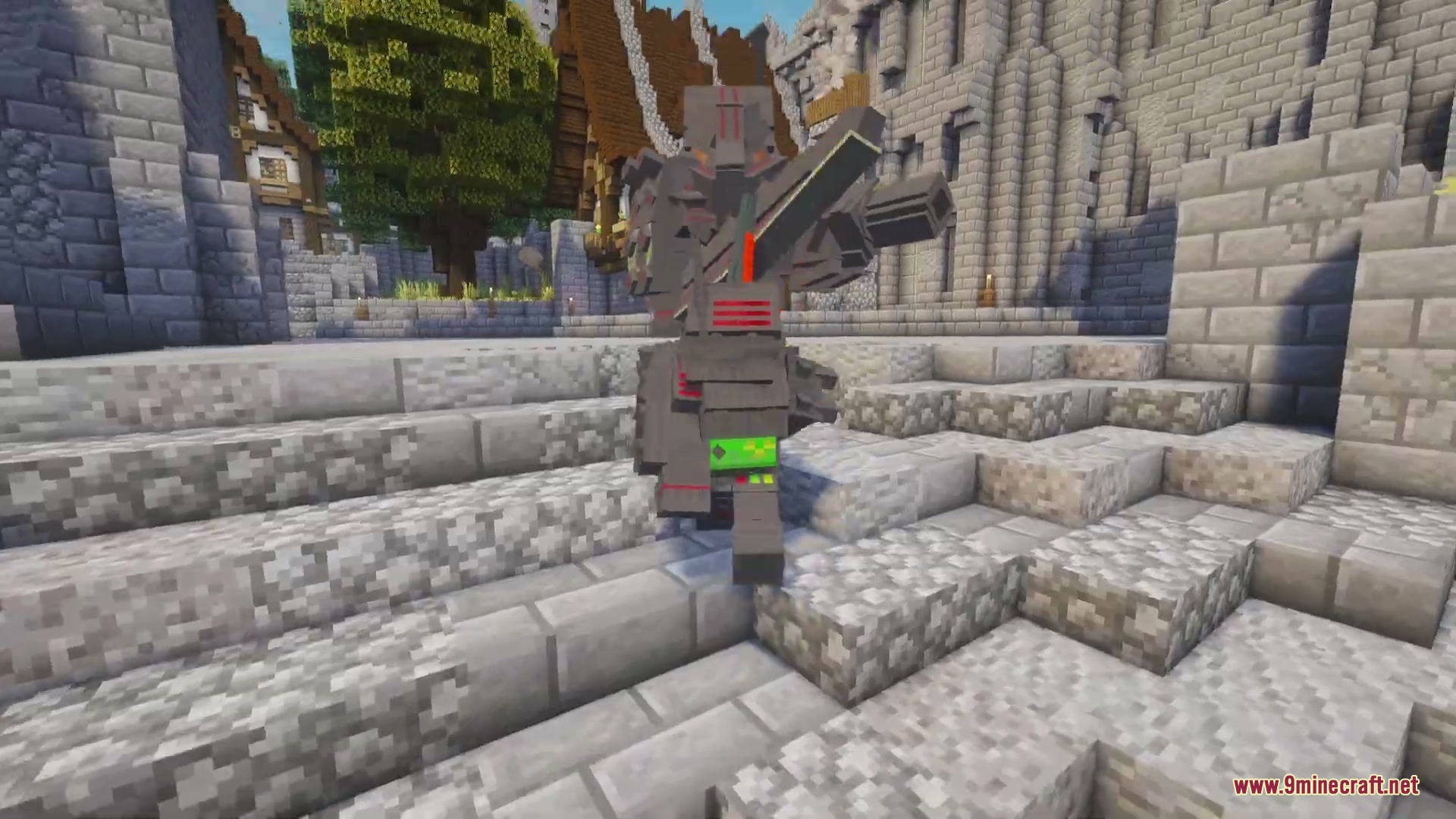
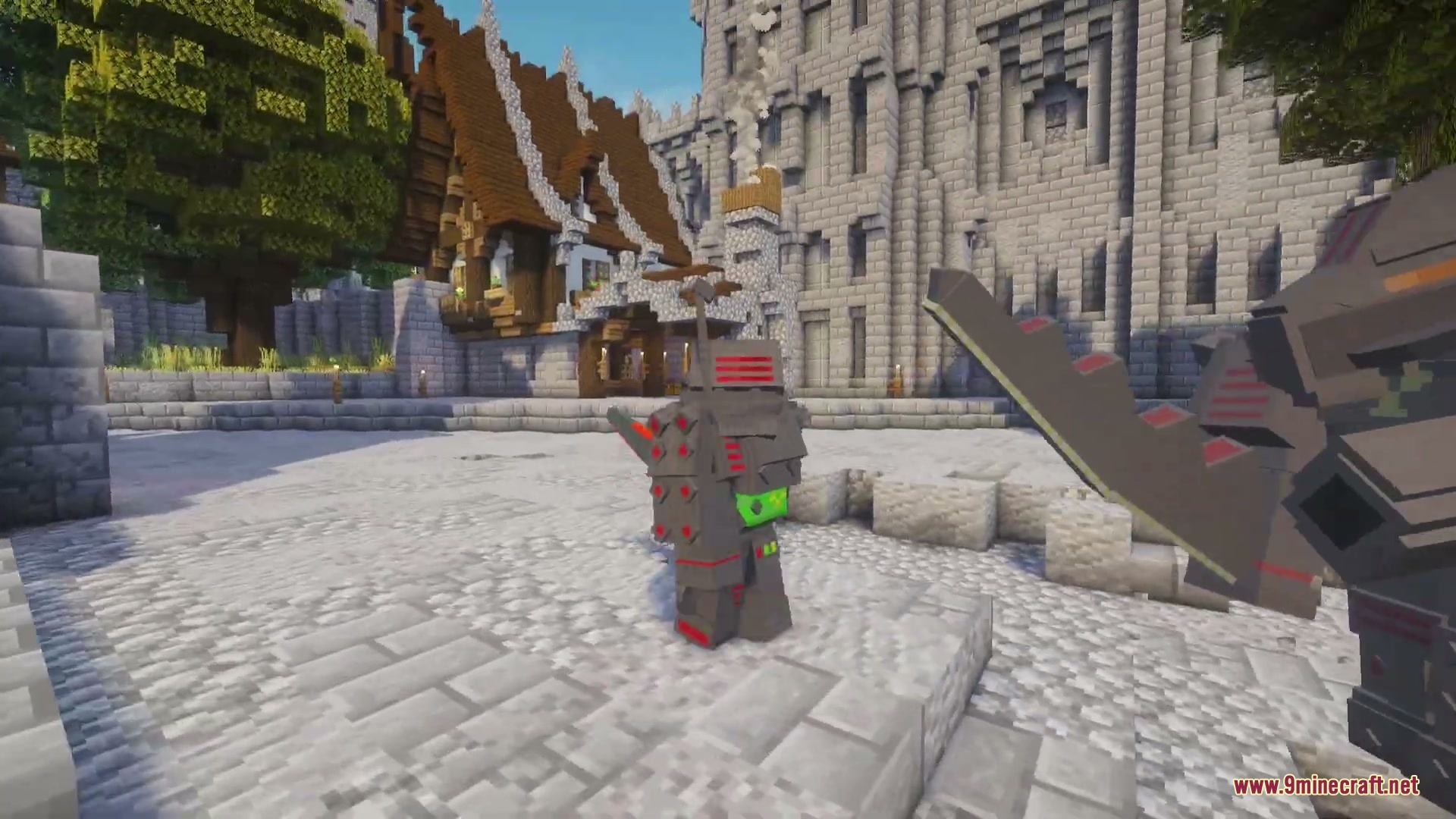
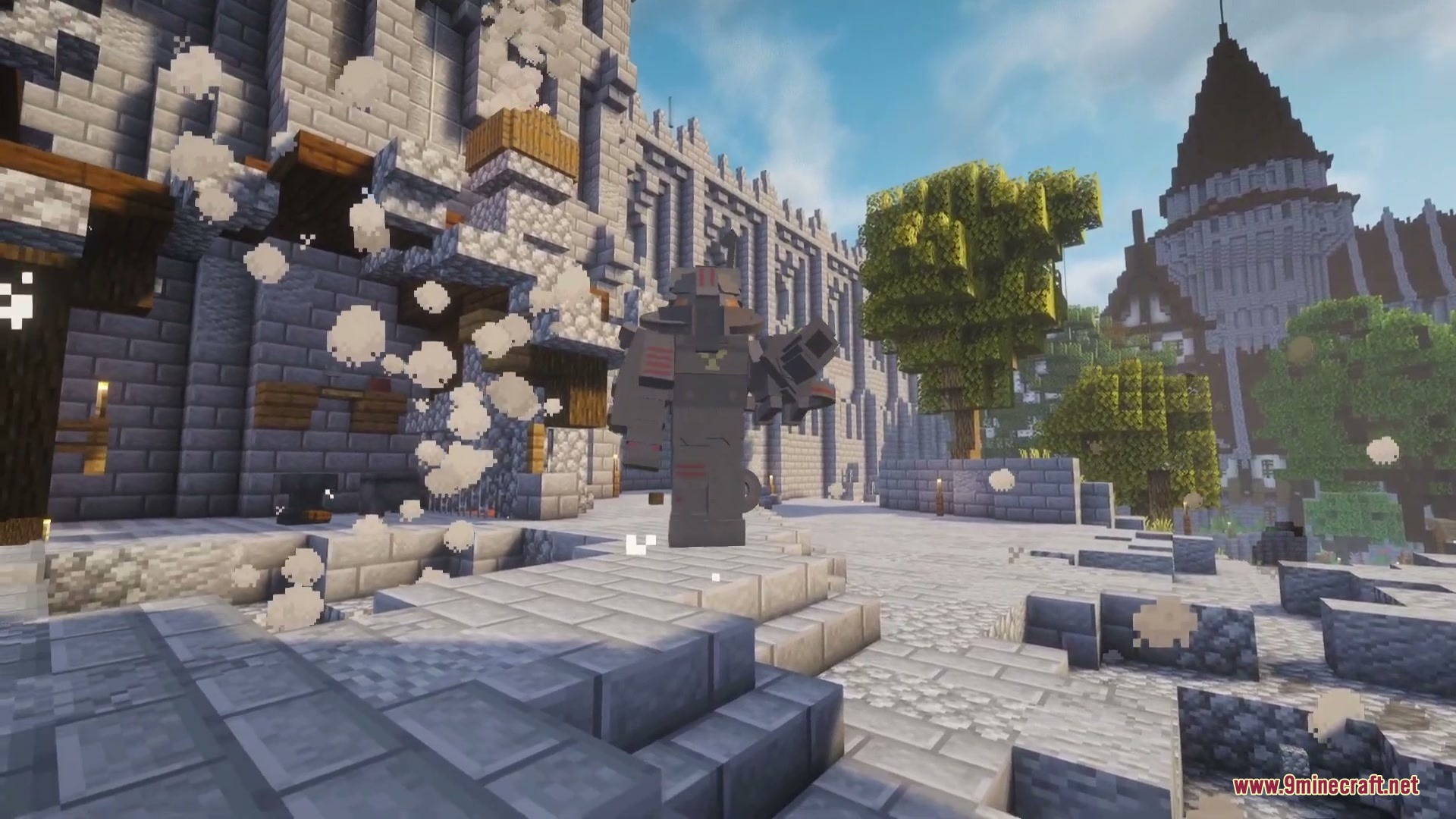
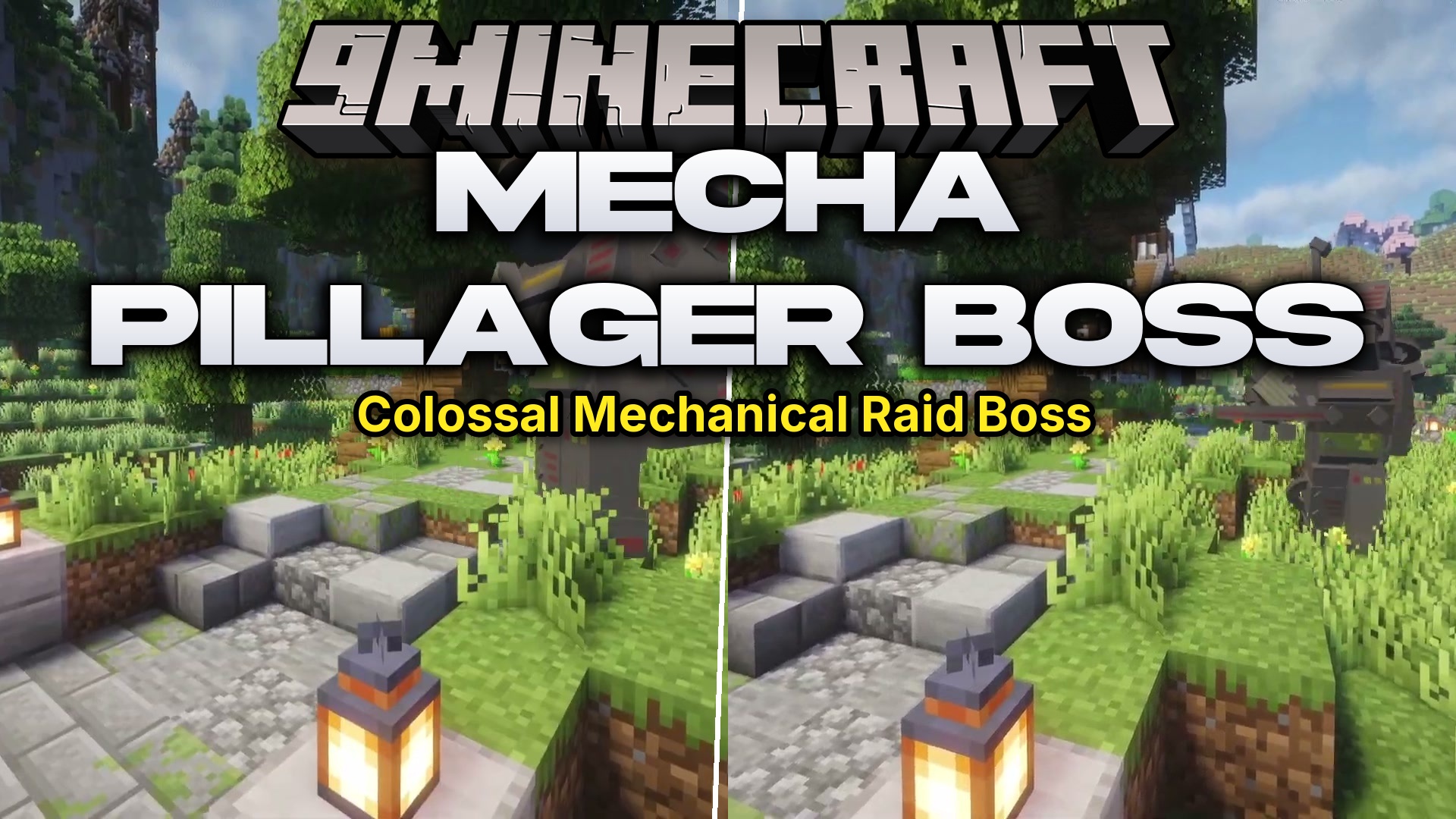
Mecha Pillager Boss Mod introduces a giant robotic illager boss packed with destructive firepower and heavy armor. You can summon this armored titan by hunting illagers to get a Menacing Crystal or crafting one yourself. Defeating it requires top-tier gear, quick reflexes, and smart movement to dodge deadly rockets and crushing leap attacks.
Features:
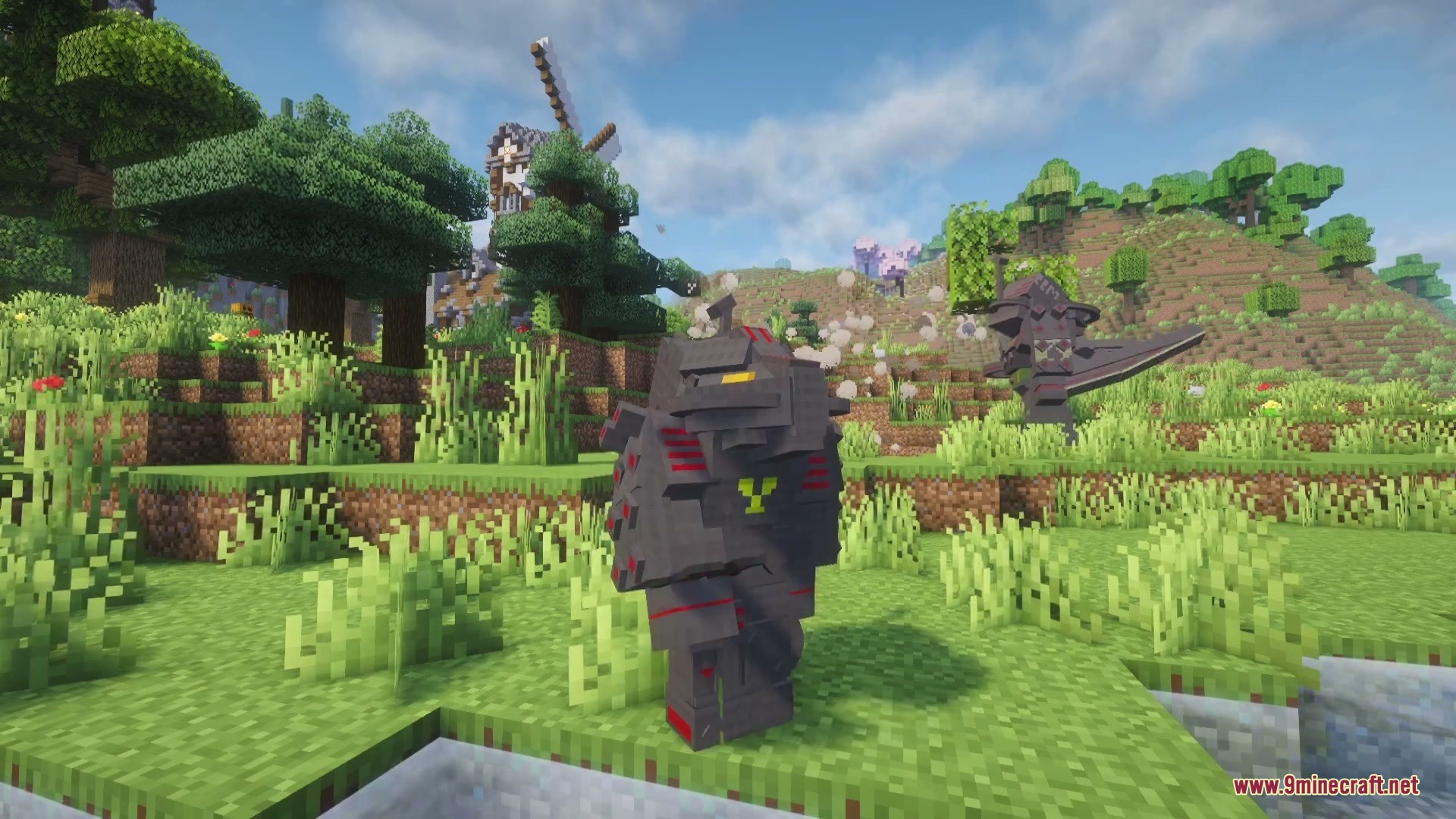
- The Mecha Pillager: A giant robotic boss with 1500 health, 12 armor points, and high melee damage.
- Drop the Menacing Crystal from regular pillagers or evokers to summon the fight into your world.
- Blocks players from placing any blocks when standing close to the battlefield.
- Ignores incoming damage from all small attacks that deal less than 5 damage points.
- Fires tracking homing rockets at players who try to attack from perches over 12 blocks up.
- Brings new armor sets and rare structures to explore across your world.
Boss Attacks:
- Rocket Volley launches standard and fire rockets that leave burning hazards on the ground.
- Leap sends the boss into the air, creating a shockwave and shrapnel explosion upon landing.
- Charge boosts movement speed and attack power for a brief rush attack.
- Sword Fragmentation throws a weapon that splits into multiple high-damage flying shards.
- Pillager Spawn summons mechanical minion backup and grants healing when health drops below half.
- Outburst unleashes an explosive storm of random rockets when health falls below 500 points.
How to Use:
- Defeat pillagers, vindicators, or evokers to obtain a Menacing Crystal item.
- Prepare strong armor, powerful weapons, and healing supplies before starting the fight.
- Use the crystal in an open area to summon the boss into your world.
- Keep moving to avoid rocket barrages and dodge the crushing leap attacks.
Screenshots:
Mecha Pillager Boss Mod Download Links
Quick facts
- Edition: Minecraft Java
- File type: .jar
- Minecraft version listed: 1.20.1
- How to install: Install the matching mod loader (Forge, Fabric or NeoForge) for your Minecraft version. → Download the .jar. → Put it in the .minecraft/mods folder and launch that loader profile.
- Where to get it: In MC Java Mods, or directly above on this page.
Install steps are the general flow for this file type — How to install Minecraft Java mods & modpacks walks through it step by step.
File checked by MCModsHub
- Downloads as 476825.mcaddon
- Download size: 289 KB
- Download link checked 22 Sept 2026 — working
- Mirrored on our own servers — the download does not depend on the original host
These come from our own check of the pack file, not from the source page.