War of the Worlds: The Block Invasion
Bedrock add-on listed for Minecraft 1.21–26.x (behavior + resource pack). File opened and checked on 13 Oct 2026; installs from the MC Bedrock Mods app on Android.
⬇ Download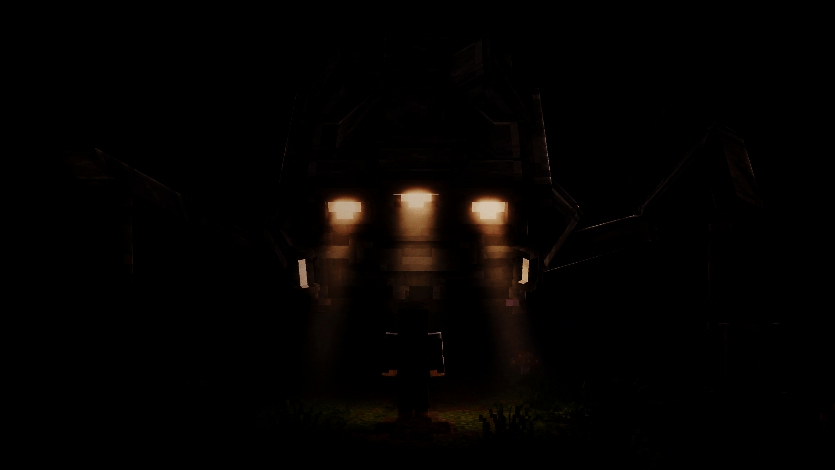

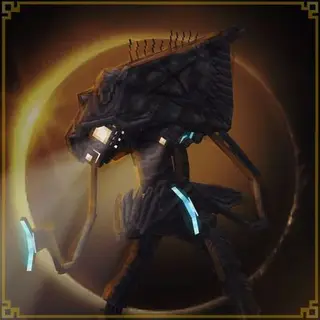
Based on the War of the Worlds 2005 film, an add-on focused on the vanilla Minecraft theme with somewhat similar mechanics to the movie.
As of now this add-on is currently 30% complete!
- Multiplayer friendly
- Doesn't need experimental
- Needs the latest version of Minecraft bedrock
- Achievement friendly
VERSION 1.2
- Language support for custom items it automatically translates depending on the language setting in Minecraft menu.
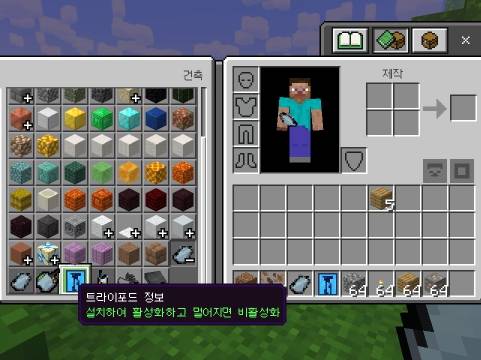
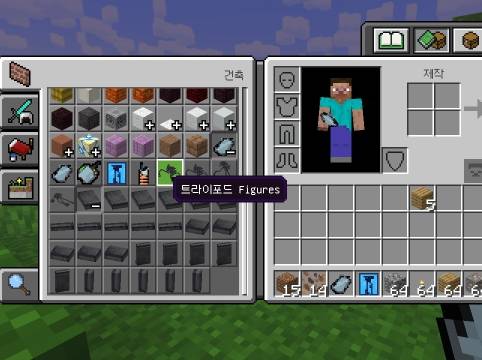
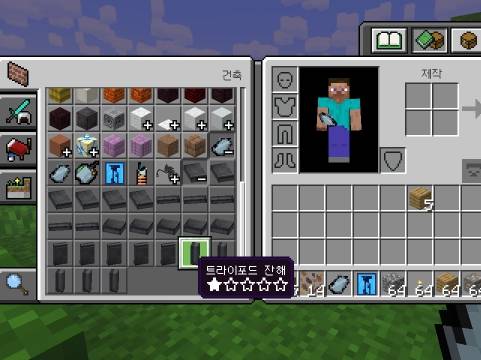
- Supported languages:
English (United States)
English (United Kingdom)
日本語
한국어
简体中文
繁體中文
Français
Deutsch
Español (España)
Español (México)
Italiano
Português (Portugal)
Português (Brasil)
Русский
Українська
Nederlands
Polski
Türkçe
Čeština
Magyar
Svenska
Dansk
Norsk (Bokmål)
Suomi
Ελληνικά
Română
Български
Bahasa Indonesia
Tiếng Việt
VERSION 1.1
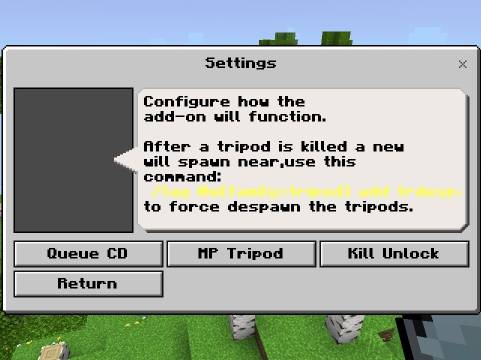
New additional settings:
- QUEUE COOLDOWN (After existing or getting destroyed while playing as a tripod you can now add a cooldown before they can play a tripod again)
- MP TRIPOD (You can disable or enable the option for players to play as a tripod)
- KILL UNLOCK (You can disable or enable the option that is needed to destroy at least one tripod in survival mode to unlock other abilities for playing as a tripod)
WATCH THE OFFICIAL LAUNCH TRAILER:
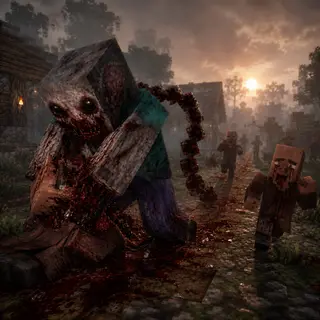
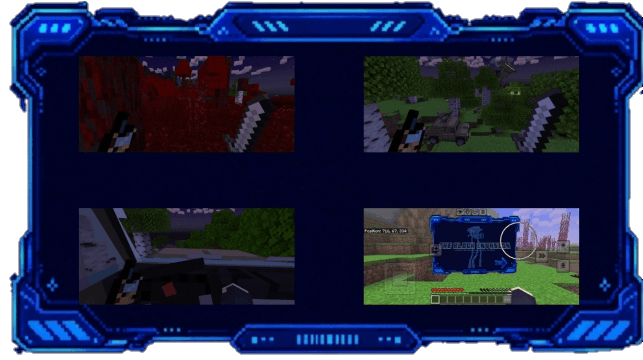
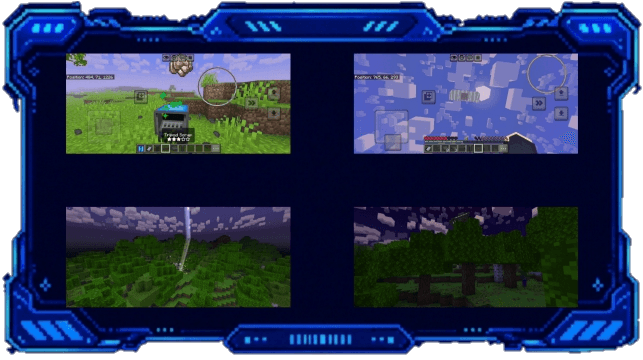
IN-GAME SCREENSHOTS
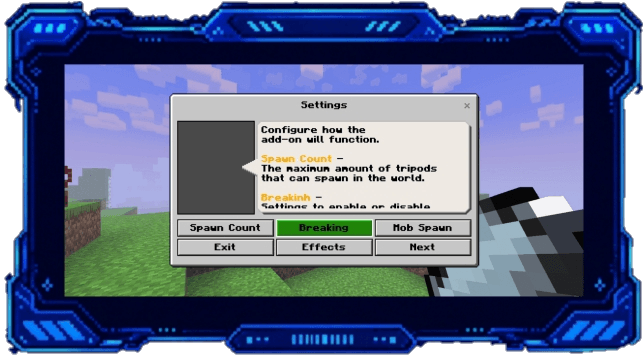
CUSTOMIZABLE SETTINGS
GADGETS
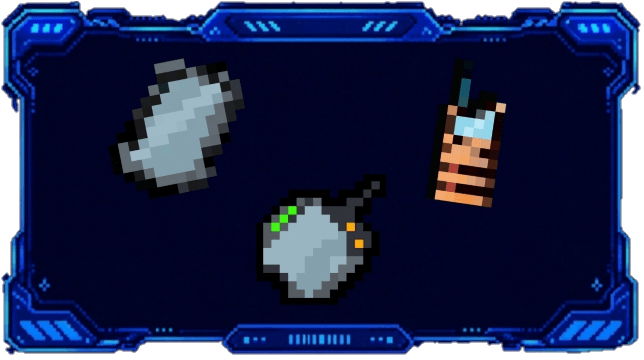
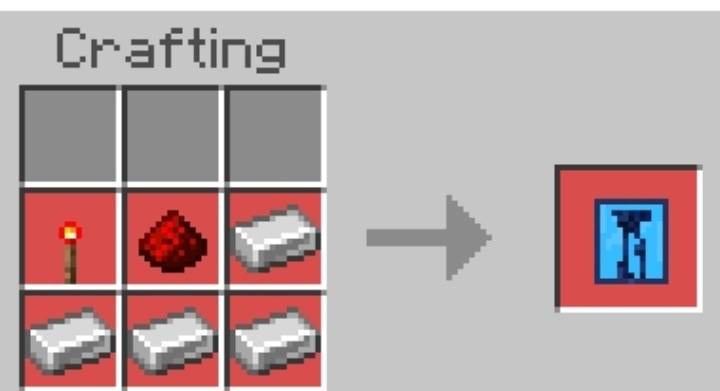
Informative hologram:
This is an item that every player receive upon joining the world, it gives light information about tripods.
So I highly recommended to read every section if you haven't, place the hologram and click to switch to different sections.
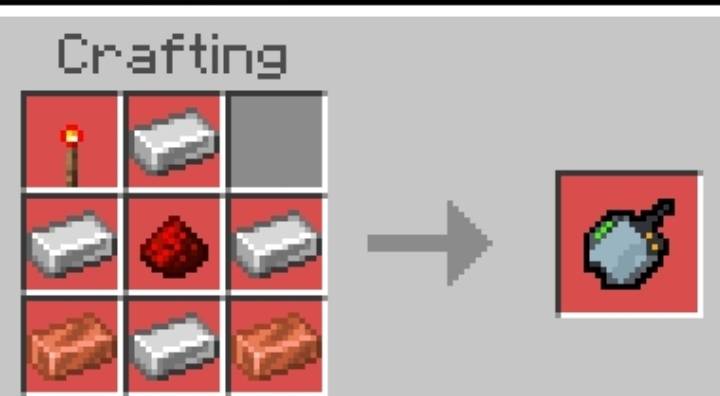
LOCATOR:
This gadget points the closest tripod nearby.
(Hold or right click to activate)
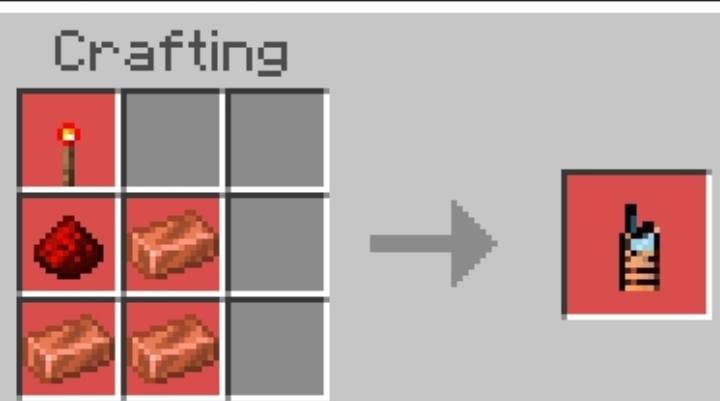
WALKIE TALKIE:
Every night there's a chance for a helicopter to fly-by, if you're holding the walkie talkie they can give important announcements.
You can also put it offhand!
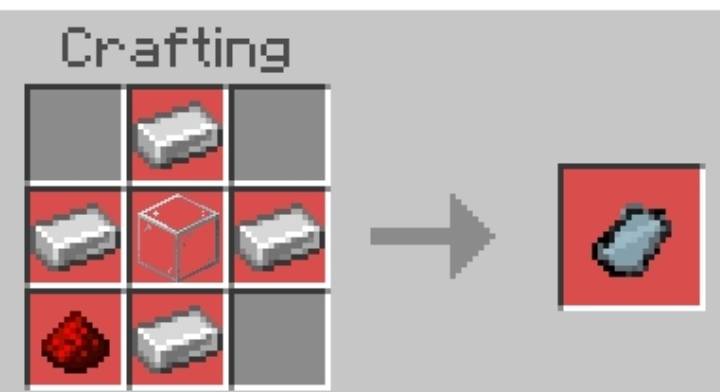
TABLET:
Every player receive a tablet upon joining the world, it obtains all important mechanics and other additional informations.
In case you lost it, you can always craft about one.
HELP:
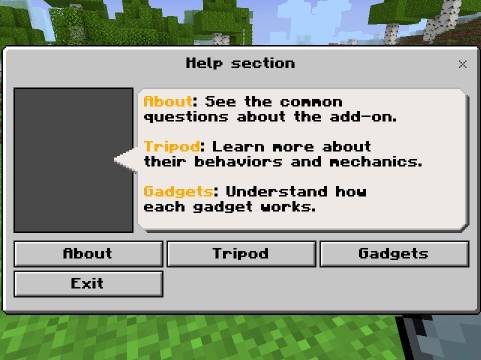
If you have other questions you might able to find the answers in the help section, or you can join the discord server for other questions and feedbacks.
PLAY AS THE TRIPODS:
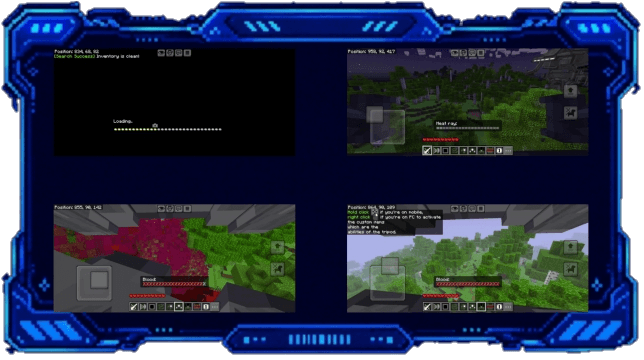
The system searches for tripods that a player can control, it doesn't count if the tripod is in attack mode or harvesting mode, it needs to be a wandering tripod.
This is a unique system to keep multiplayer balanced and clean, upon exiting the tripod is then replaced by a bot to ensure that everything is running continuously.
HOW TO PLAY AS A TRIPOD:
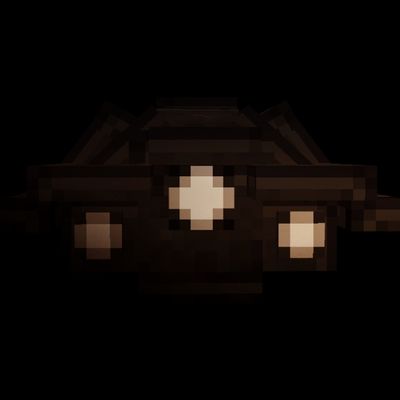
TRIPOD:
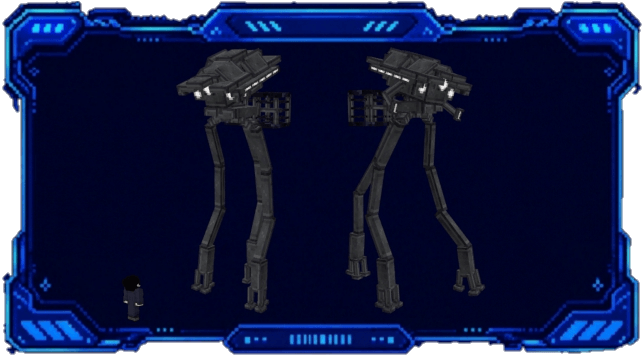
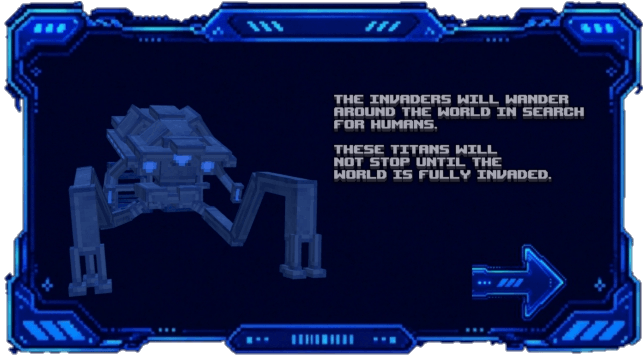
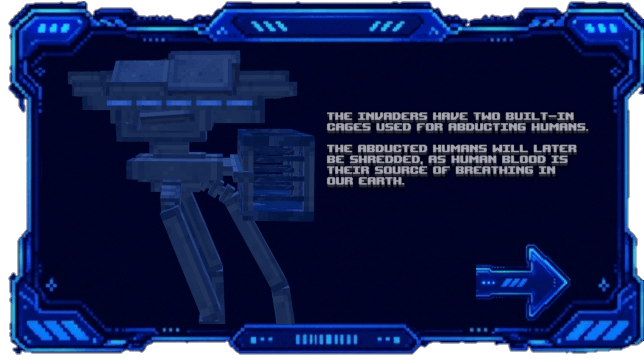
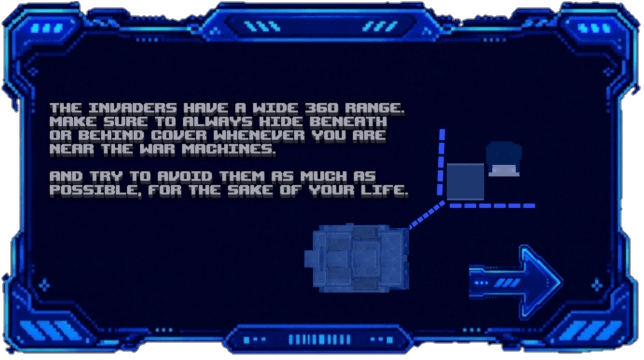
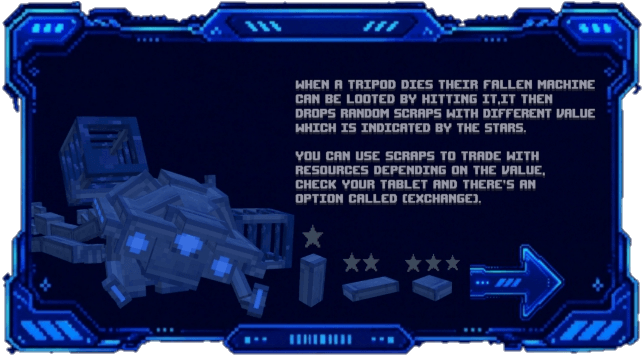
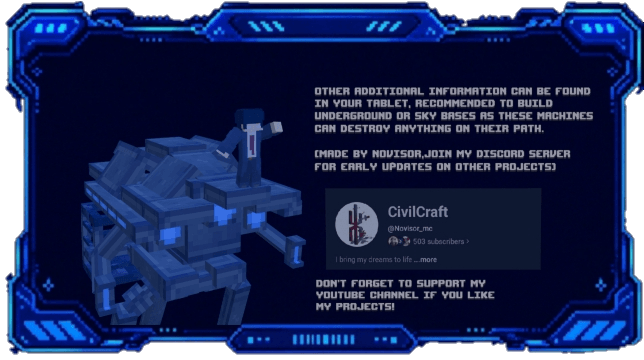
MORE INFO ABOUT THE TRIPODS:
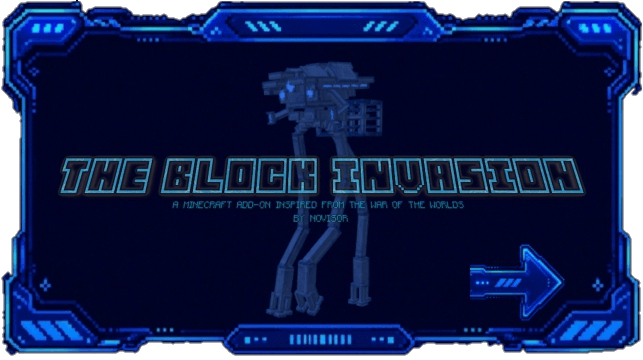
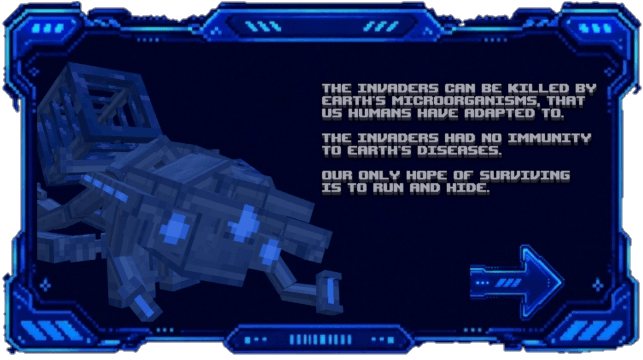
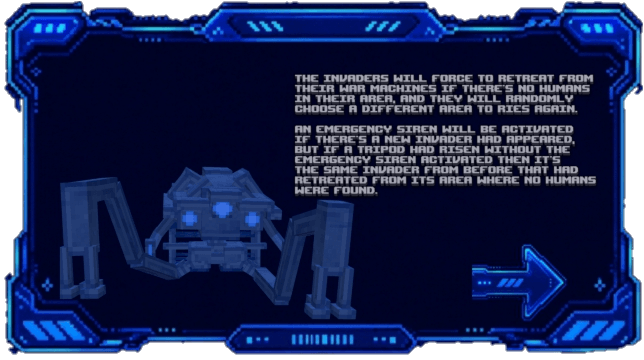
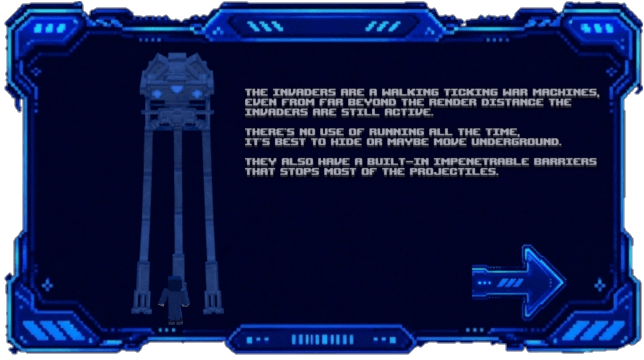
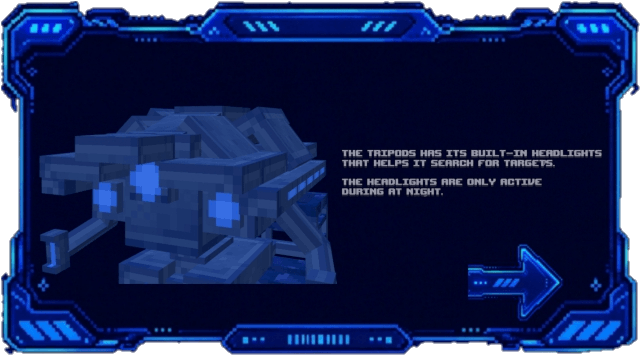
These pictures are also in the add-on itself via informative hologram.
Patreon:
© 2026 Novisor. All Rights Reserved.
This add-on is protected by copyright law.
You are strictly prohibited from copying, re-uploading, redistributing, mirroring, or creating alternative download links for this project.
Only official links provided by Novisor are authorized.
For Content Creators: You are welcome to showcase, review, or feature this add-on in your videos or streams, provided that you credit Novisor and link directly to the official download page.
Do not provide direct file links or re-upload the files yourself.
Unauthorized re-uploads or redistribution will be met with DMCA takedown requests.

JOIN THE DISCORD SERVER!
https://discord.gg/qgx9hjxMe6
- Edition: Minecraft Bedrock
- File type: .mcpack or .mcaddon
- Minecraft versions listed: 1.21.132, 26.40
- How to install: Download the .mcpack or .mcaddon file. → Open it — Minecraft imports it. → In your world: Behavior Packs → Available → Activate, then the same under Resource Packs.
- Where to get it: In MCModsHub, or directly above on this page.
Install steps are the general flow for this file type — How to install Minecraft Bedrock addons & mods walks through it step by step.
- Pack type: .mcaddon — behaviour and resource pack in one file
- Complete pack — everything it depends on is inside the file
- Download size: 11.2 MB
- Download link checked 1 Oct 2026 — working
These come from our own check of the pack file, not from the source page.