
ResourcepacksJava
Advanced GUI 📕 | 1.13 - 1.17 [Vanilla & Optifine Editions]
Minecraft Java resource pack. Downloads from the MC Java Mods app on Android.
⬇ DownloadAdvanced GUI
Note: In order to remove the obtrusive text from the GUI you must select English (US, CA, GB, NZ, AU), Español(MX, ES) or Français(FR, CA) as your language.
Note: In order to remove the obtrusive text from the GUI you must select English (US, CA, GB, NZ, AU), Español(MX, ES) or Français(FR, CA) as your language.
Download
1.17 (v4.6)
Advanced GUI DARK [1.17.1 Optifine H1]
*For the Optifine version on 1.17.1 you must use OptiFine HD U H1 pre4 or higher
*For the Optifine version on 1.17.1 you must use OptiFine HD U H1 pre4 or higher
1.16 (v4.5)
1.15 (v4.5)
Advanced GUI [1.15 Vanilla]
Advanced GUI [1.15 Optifine]
Advanced GUI DARK [1.15 Vanilla]
Advanced GUI DARK [1.15 Optifine]
1.14 (v4.5)
Advanced GUI [1.14 Vanilla]
Advanced GUI [1.14 Optifine]
Advanced GUI DARK [1.14 Vanilla]
Advanced GUI DARK [1.14 Optifine]
Older Versions - No longer Updated
Advanced GUI [1.13 Vanilla] v3.1
Advanced GUI [1.11 - 1.12 Vanilla] v2.0
Custom GUI [1.6 - 1.8 Vanilla] v1.0
🍎 TO USE OPTIFINE FEATURES MAKE SURE YOU:
Custom GUI [1.6 - 1.8 Vanilla] v1.0
🍎 TO USE OPTIFINE FEATURES MAKE SURE YOU:
- DOWNLOAD THE OPTIFINE VERSION
- HAVE CUSTOM GUIS ON: Options > Video Settings > Quality > Custom GUIs: ON
- HAVE CUSTOM GUIS ON: Options > Video Settings > Quality > Custom GUIs: ON
🍎 TO USE DARK MODE MAKE SURE YOU:
- DOWNLOAD THE DARK VERSION
🍎 TO USE BOTH DARK MODE AND OPTIFINE FEATURES MAKE SURE YOU:
- DOWNLOAD THE DARK OPTIFINE VERSION- HAVE CUSTOM GUIS ON: Options > Video Settings > Quality > Custom GUIs: ON
Features
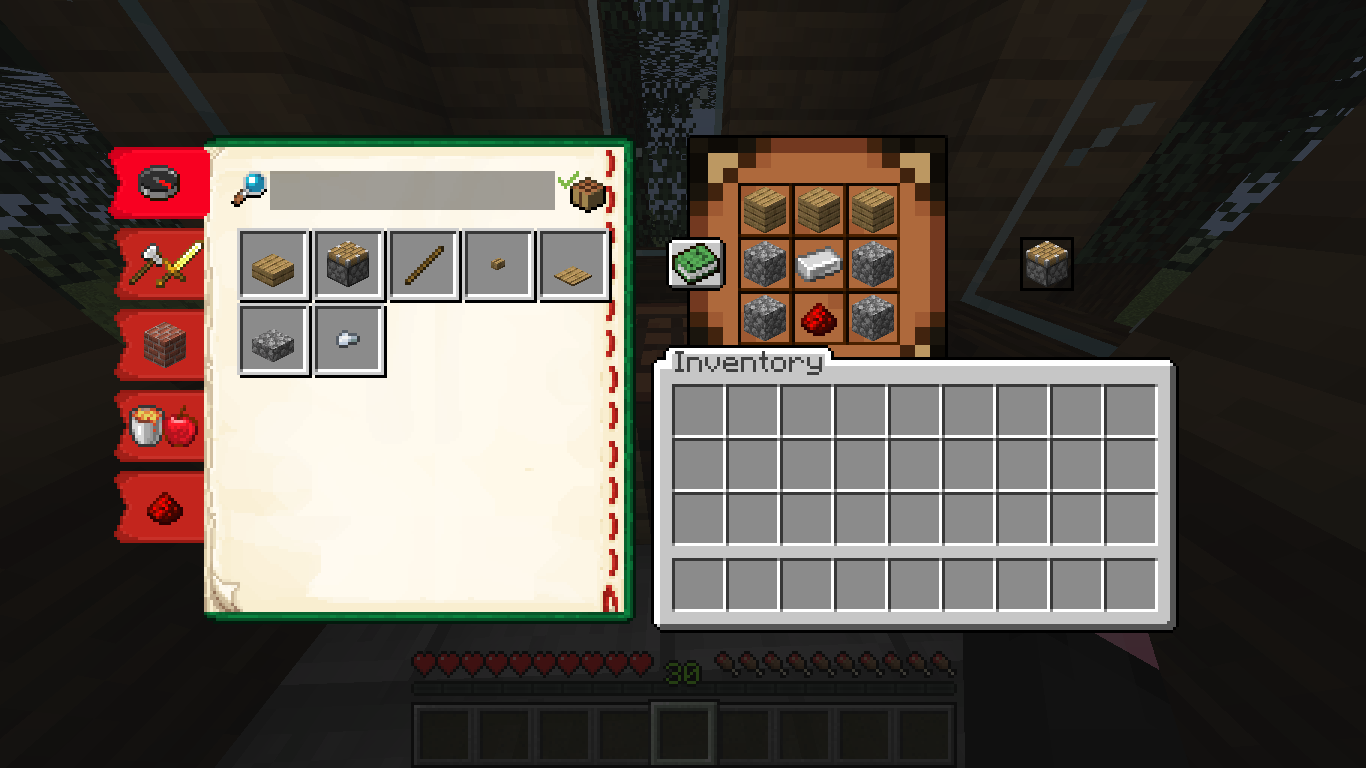
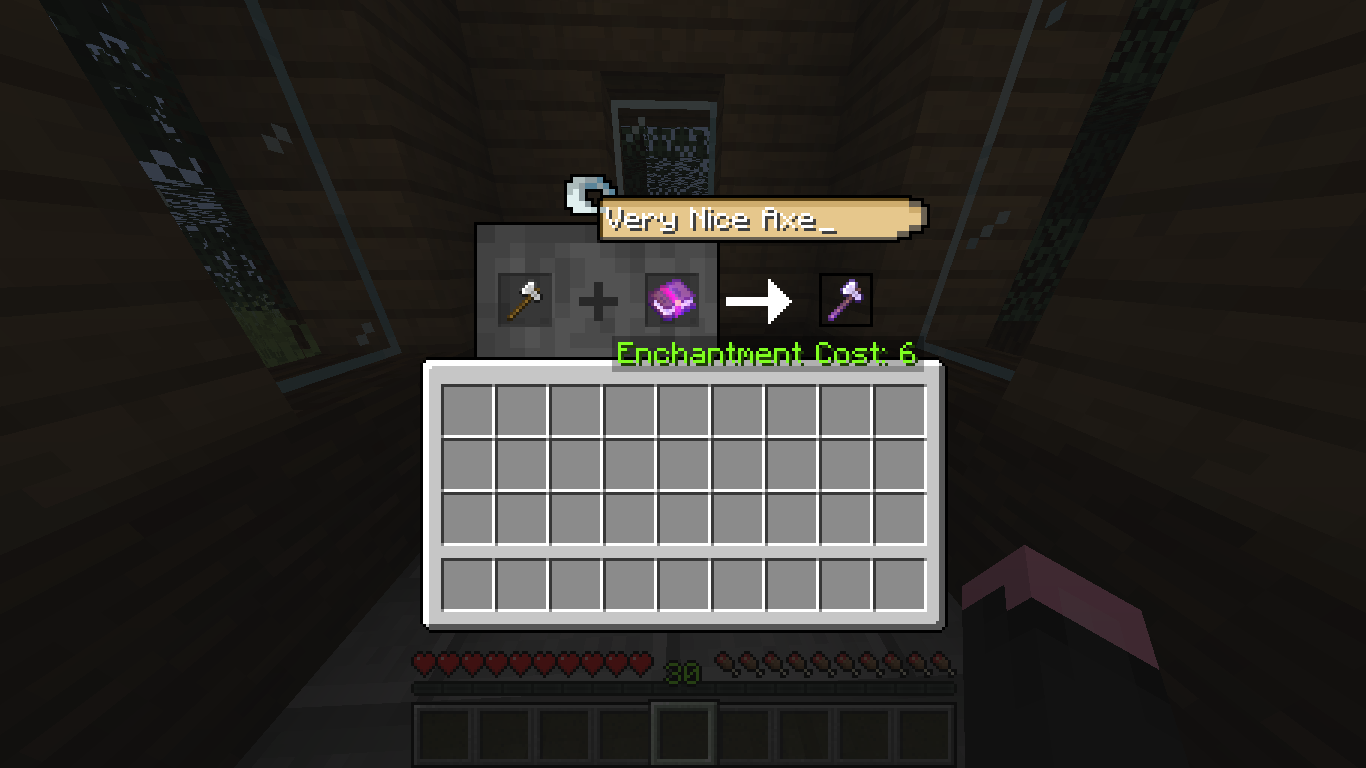


Optifine Exclusive Features
🍎 TO USE OPTIFINE FEATURES MAKE SURE YOU:
- DOWNLOAD THE OPTIFINE VERSION
- HAVE CUSTOM GUIS ON: Options > Video Settings > Quality > Custom GUIs: ON

Color Shulker Boxes
 Ender Chest GUI

Barrel GUI

Inventory Matches Llama's Carpet Color

Profession Specific Trading GUI

Wandering Trader GUI

Christmas Chest GUI
You can also try Ekuzen's Villager Level Remake
Dark Theme
🍎 TO USE DARK MODE MAKE SURE YOU:
- DOWNLOAD THE DARK VERSION
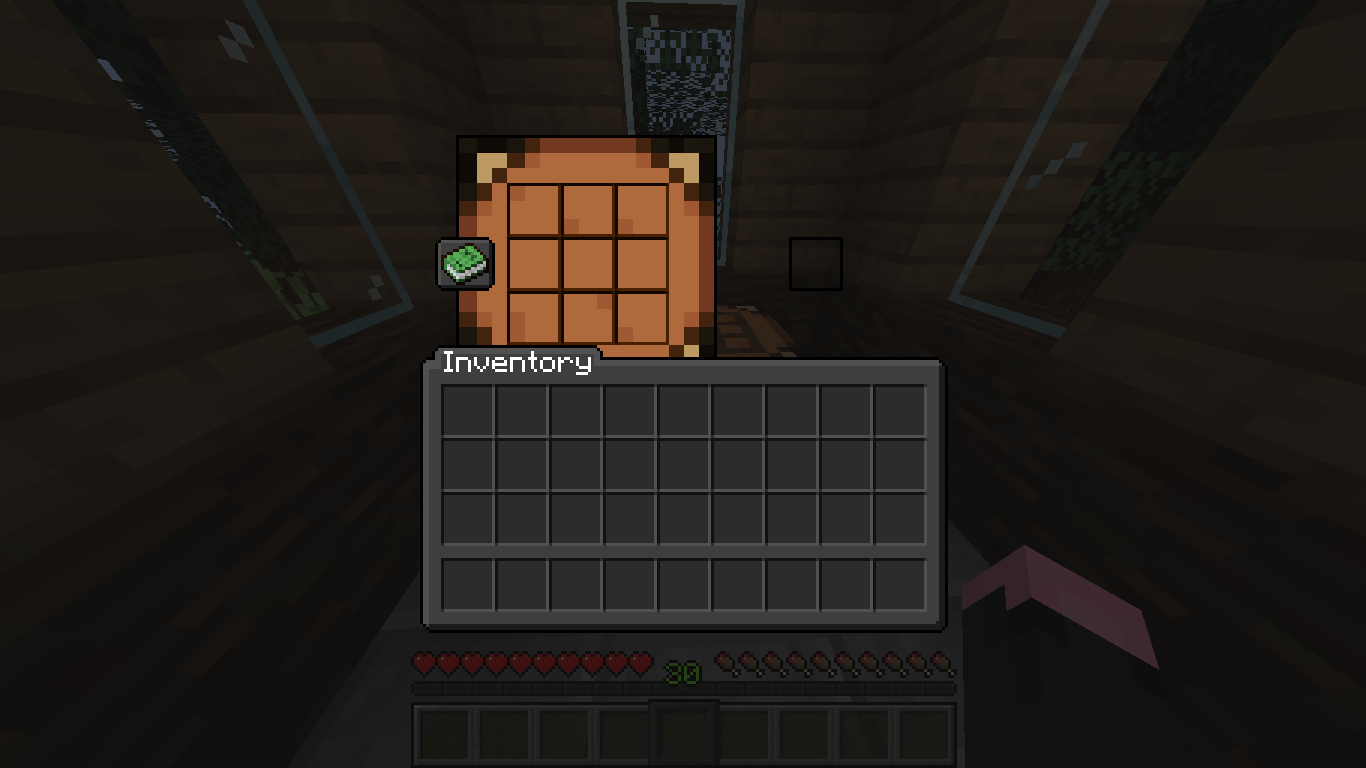


Still not DARK enough? Try Kiz3r's OLED Edition
FAQ
What is the Optifine Version?
The Optifine Version includes all regular features and some additional features that are not possible without the use of the Optifine Mod.
The Optifine Version includes all regular features and some additional features that are not possible without the use of the Optifine Mod.
To use you must install the version of Optifine corresponding to your game version . Optifine.net
The Optifine Version isn´t working for me
1.- Be sure you have Optifine properly Installed
2.- Enable Custom GUIs in Video Settings>Quality Settings>Custom GUIs: ON
The Optifine Version isn´t working for me
1.- Be sure you have Optifine properly Installed
2.- Enable Custom GUIs in Video Settings>Quality Settings>Custom GUIs: ON
Is it compatible with "X" Resource Pack?
This pack may be installed along others, but will only match the default minecraft textures and won't any other resource packs you are using.
Can I use/modify this pack for my personal pack/map/server/video/etc?
You may use and modify this resource pack as you wish, though if you wish to post your own modification/version of the resource pack, just be sure to leave credit to this page.
Please do not create your own download links or repost the resource pack, keep all downloads only through this post.
If you have any other questions about this, you can PM me and I'll reply as soon as possible.
Also, if you're working on a project that makes use of this pack, let me know as I'd love to feature it in this page:)
I have a suggestion/idea/opinion...
Please leave it in the comments, feedback is really appreciated as it helps me make better projects<3
Also, if you're working on a project that makes use of this pack, let me know as I'd love to feature it in this page:)
I have a suggestion/idea/opinion...
Please leave it in the comments, feedback is really appreciated as it helps me make better projects<3
Quick facts
- Edition: Minecraft Java
- File type: .zip (resource pack)
- How to install: Download the .zip resource pack — do not unzip it. → Put it in .minecraft/resourcepacks. → Enable it in Options → Resource Packs.
- Where to get it: In MC Java Mods, or directly above on this page.
Install steps are the general flow for this file type — How to install Minecraft Java resource packs walks through it step by step.
File checked by MCModsHub
- Downloads as 477422.zip
- Download size: 87 KB
- Download link checked 29 Aug 2026 — working
- Mirrored on our own servers — the download does not depend on the original host
These come from our own check of the pack file, not from the source page.