ModsJava
TACZ Biome Soldiers Mod (1.20.1) – Fight Armed Patrols and Hire Tactical
Java mod listed for Minecraft 1.20. Downloads from the MC Java Mods app on Android.
⬇ Download
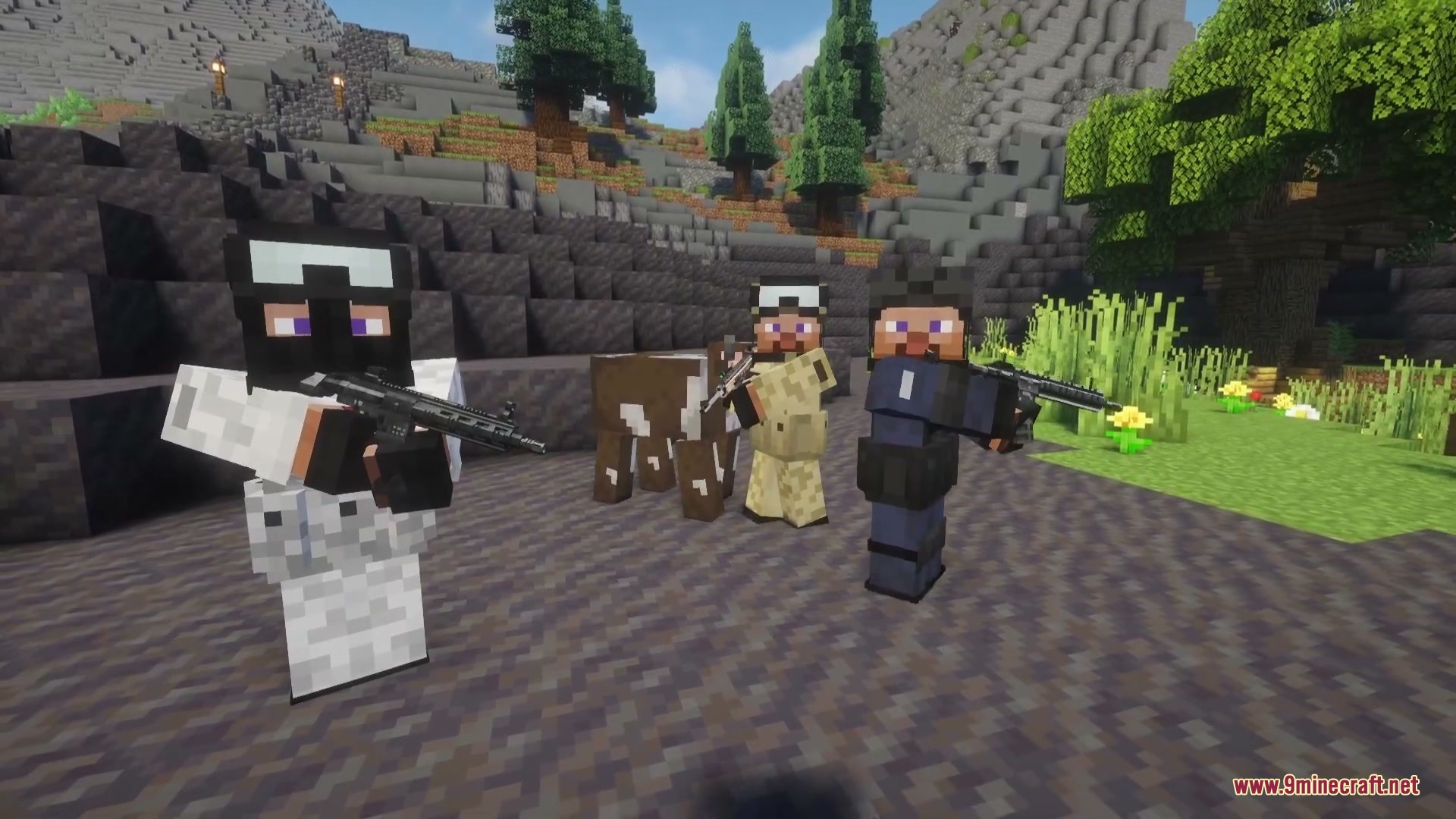
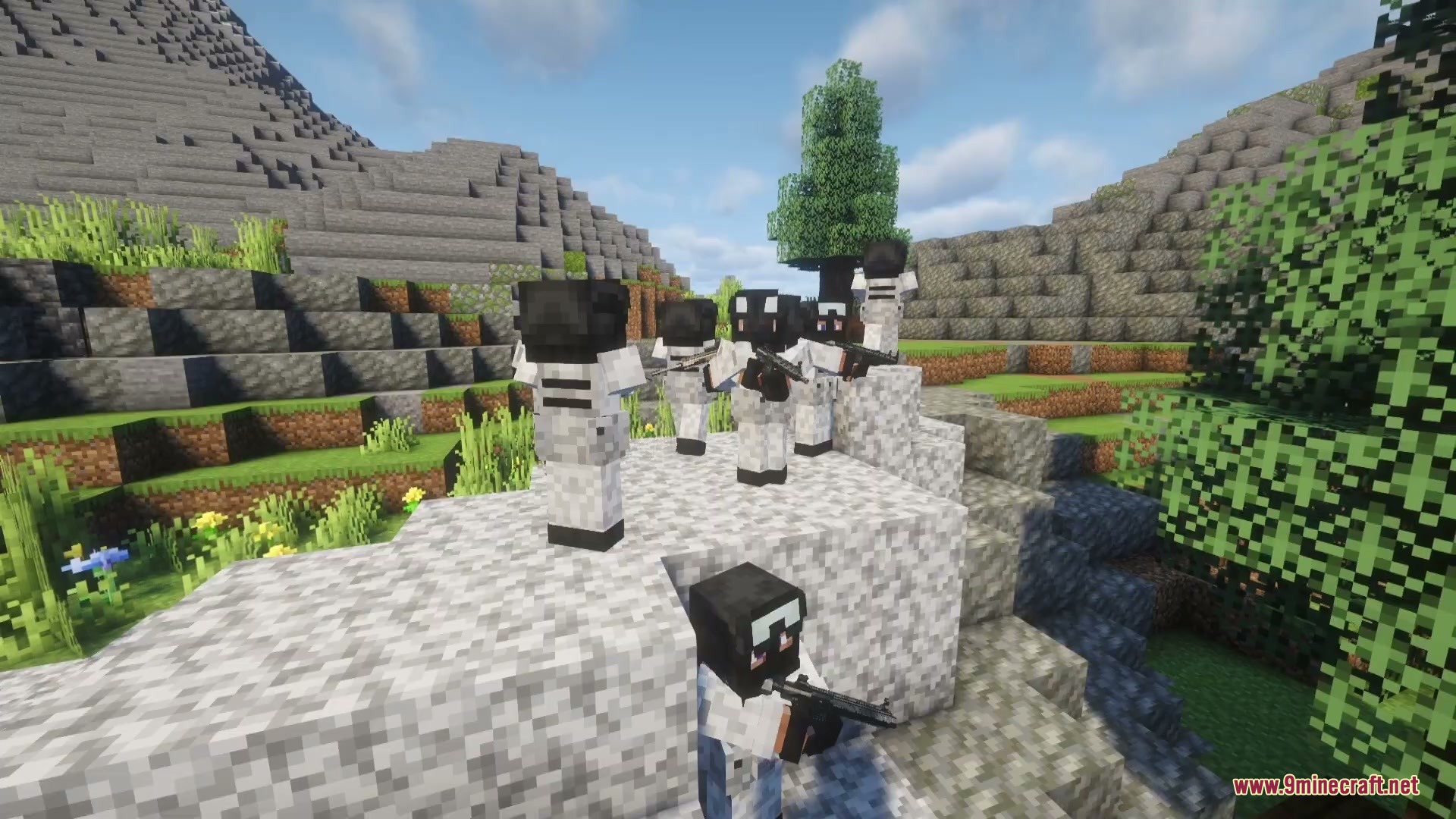
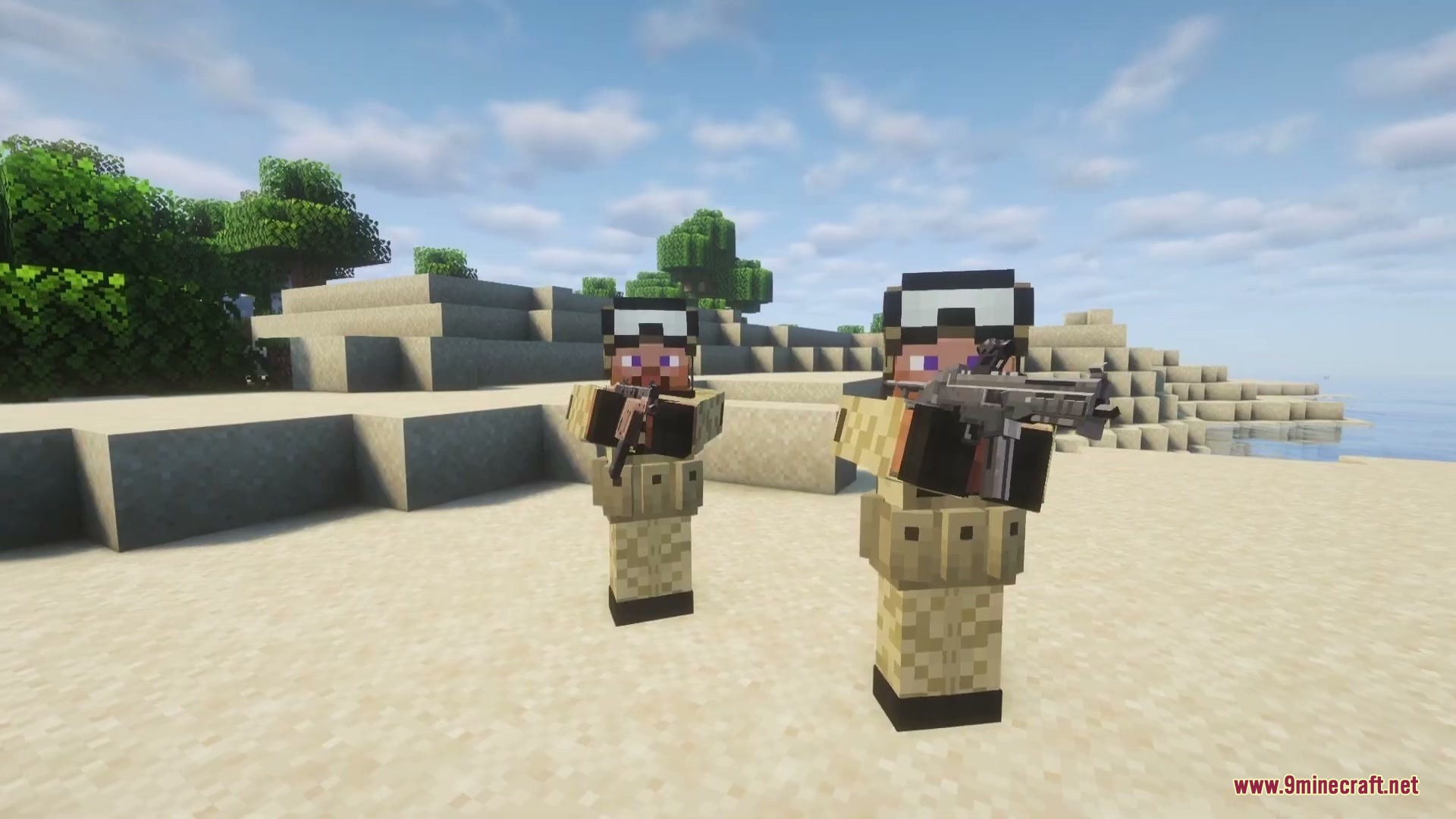
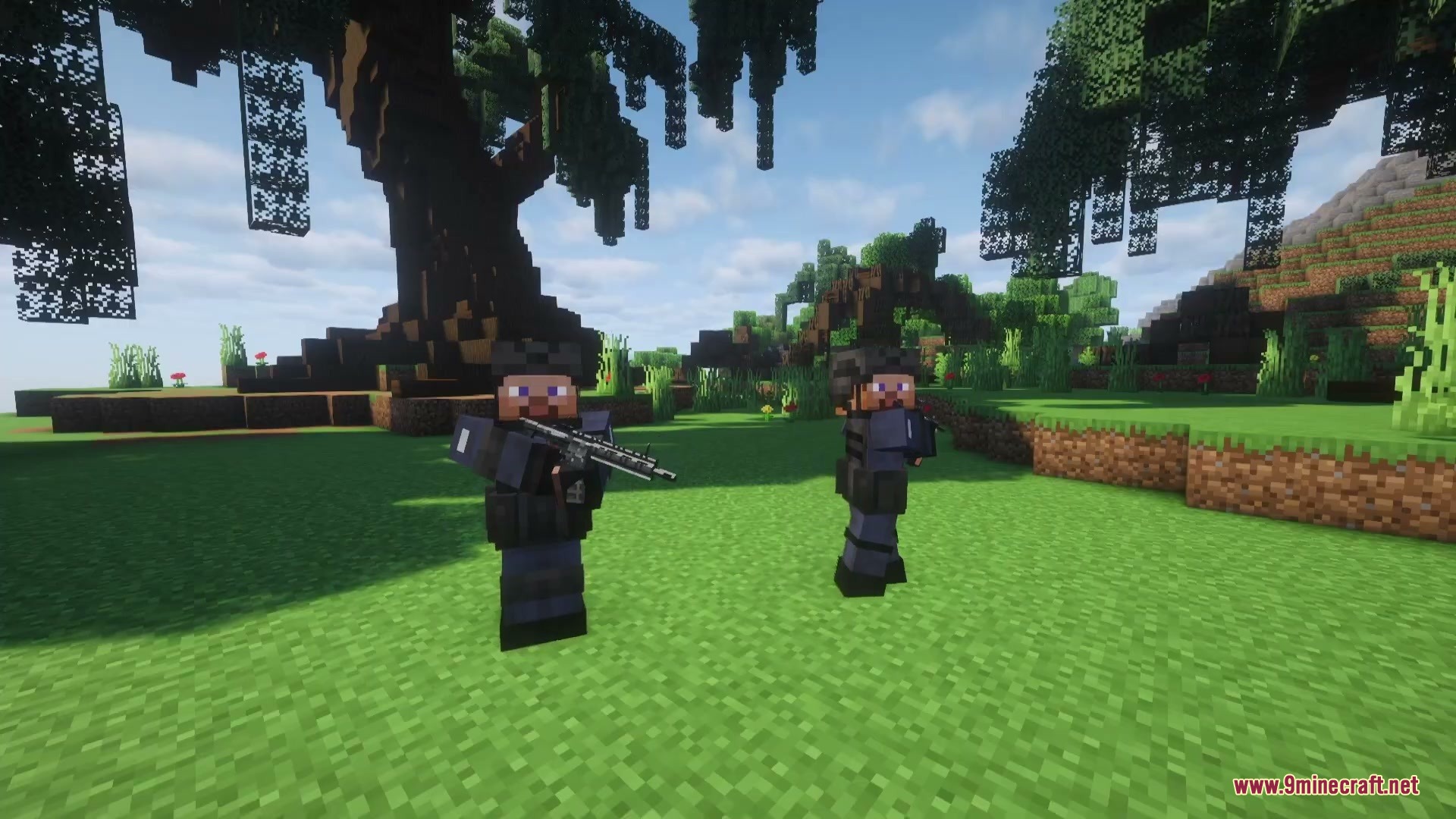
TACZ Biome Soldiers Mod adds armed soldier patrols and recruit bodyguard units to Timeless and Classics Zero. Hostile troops spawn naturally across deserts, snowy plains, and regular forests with realistic firearms and modern protective armor. You can also craft spawn items for your own bodyguards to defend your base and follow you into battle.
Features:
- Hostile soldiers patrol the Overworld and attack players and hostile mobs as soon as they spot them.
- All soldier units come equipped with firearms from Timeless and Classics Zero and armor from Marbled’s Arsenal.
- Spawn friendly bodyguard units using spawn eggs to protect you during exploration.
- Higher level bodyguards spawn with stronger firearms and heavier body armor.
- Open your bodyguard’s inventory to customize their active weapon, spare ammo, and gear.
- Claim private territory with the Zone Marker to block explosions, fire, and hazard damage.
Soldier Types:
- Desert Soldier: Patrols hot desert and badland biomes with desert tactical gear.
- Winter Soldier: Spawns in cold snowy biomes and taiga forests.
- SWAT Soldier: Guards standard Overworld biomes like plains and forests.
How to Use:
- Spawn a bodyguard in your world using a bodyguard spawn item.
- Press Shift + Right-Click on your bodyguard to switch between Follow and Guard modes.
- Press Right-Click on your bodyguard to open their gear inventory and give them weapons or ammo.
- Place a Zone Marker block to claim and protect your land.
Commands:
/zone: Manages claimed zones, player permissions, and boundaries./config showfile militarybase COMMON: Opens the settings file to turn on protected zones.
Screenshots:
TACZ Biome Soldiers Mod Download Links
Quick facts
- Edition: Minecraft Java
- File type: .jar
- Minecraft version listed: 1.20.1
- How to install: Install the matching mod loader (Forge, Fabric or NeoForge) for your Minecraft version. → Download the .jar. → Put it in the .minecraft/mods folder and launch that loader profile.
- Where to get it: In MC Java Mods, or directly above on this page.
Install steps are the general flow for this file type — How to install Minecraft Java mods & modpacks walks through it step by step.
File checked by MCModsHub
- Downloads as 478061.mcaddon
- Download size: 307 KB
- Download link checked 24 Sept 2026 — working
- Mirrored on our own servers — the download does not depend on the original host
These come from our own check of the pack file, not from the source page.