💀 Nazarick Graves — Death, Graves & Recovery System
Bedrock add-on listed for Minecraft 26.x. File opened and checked on 1 Oct 2026; installs from the MC Bedrock Mods app on Android.
Nazarick Graves adds gravestones to Minecraft Bedrock to store items and XP upon death. Safely recover your resources with immersive visual effects…
I don't know my version
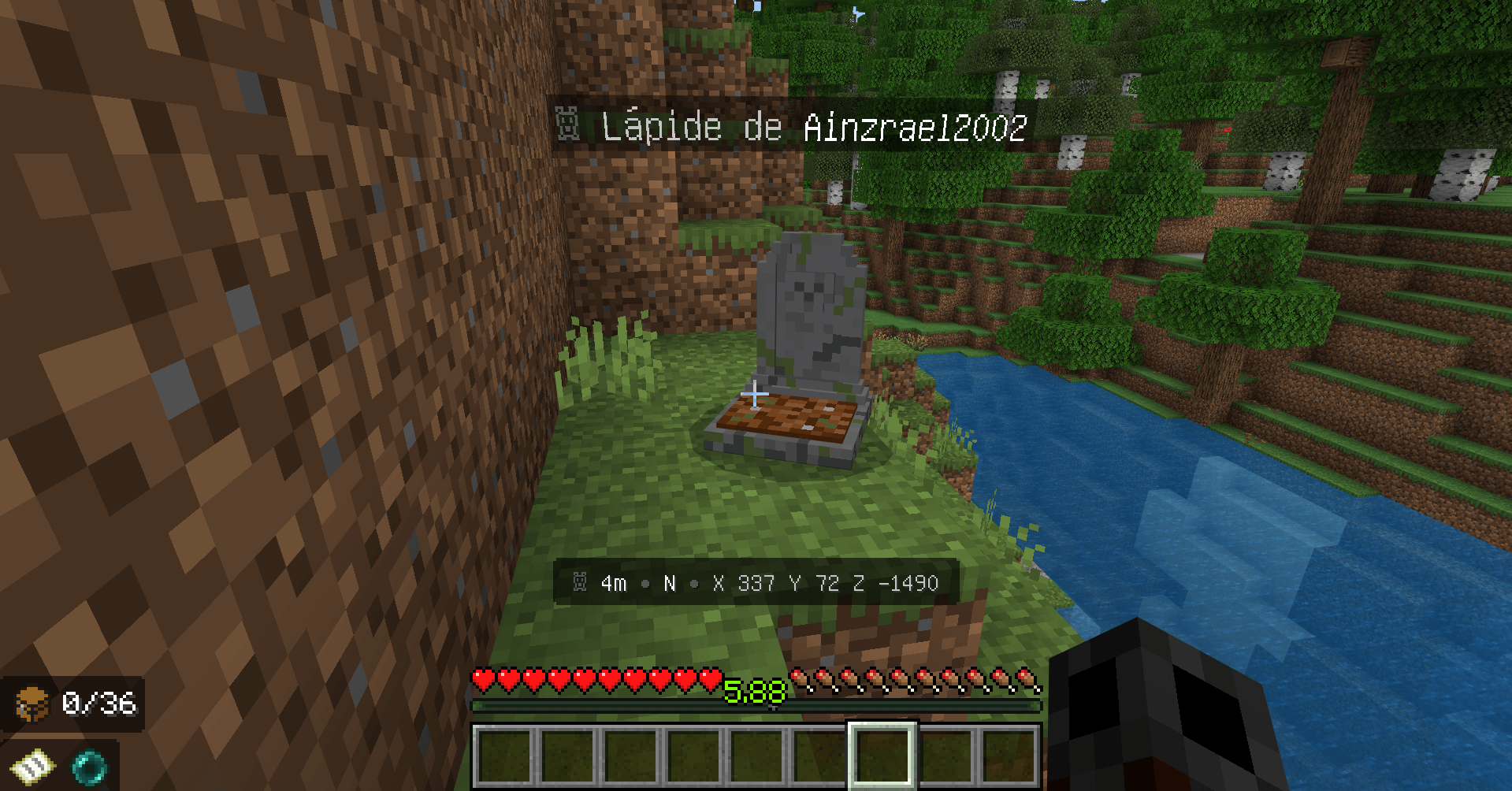
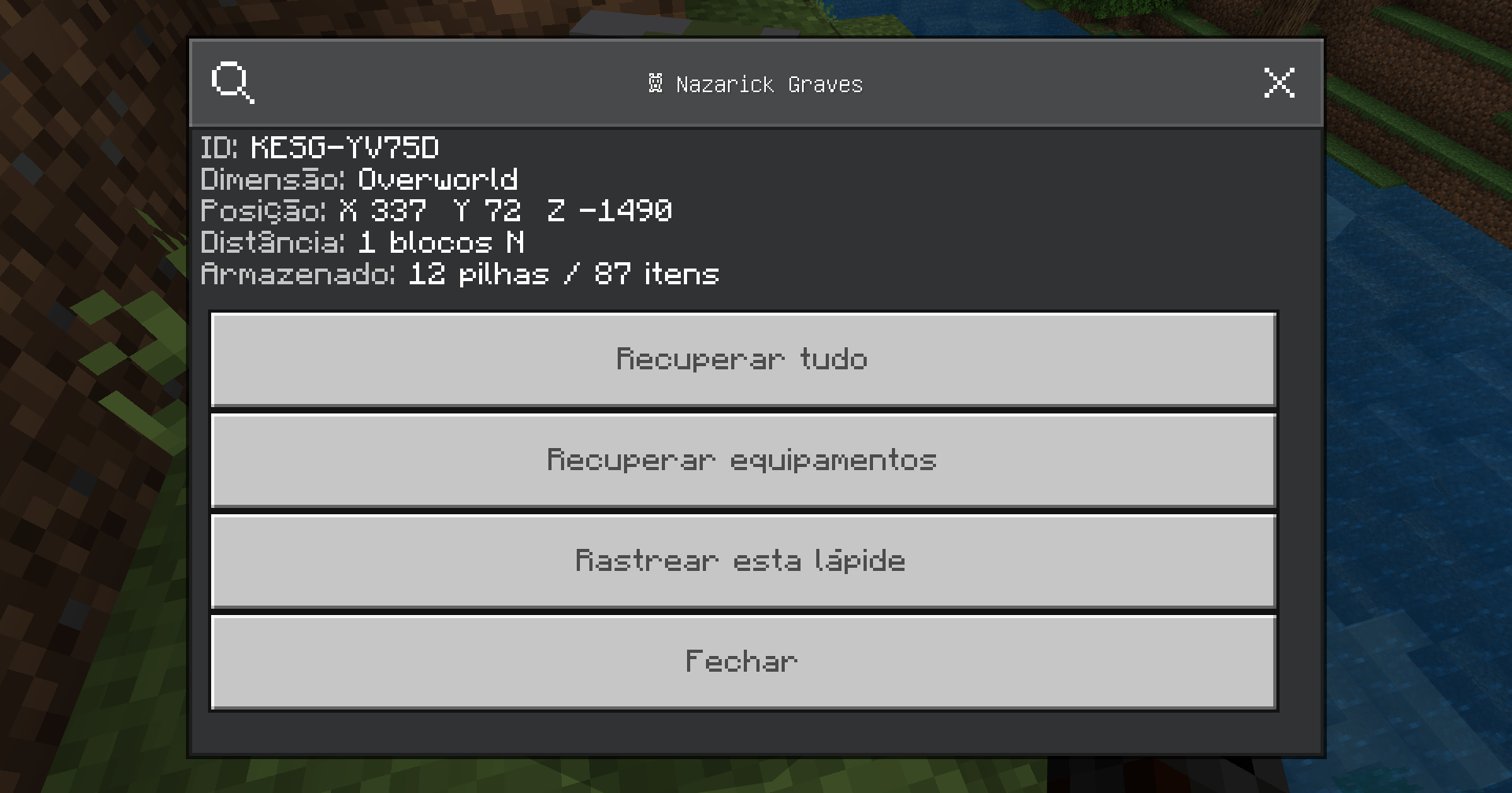
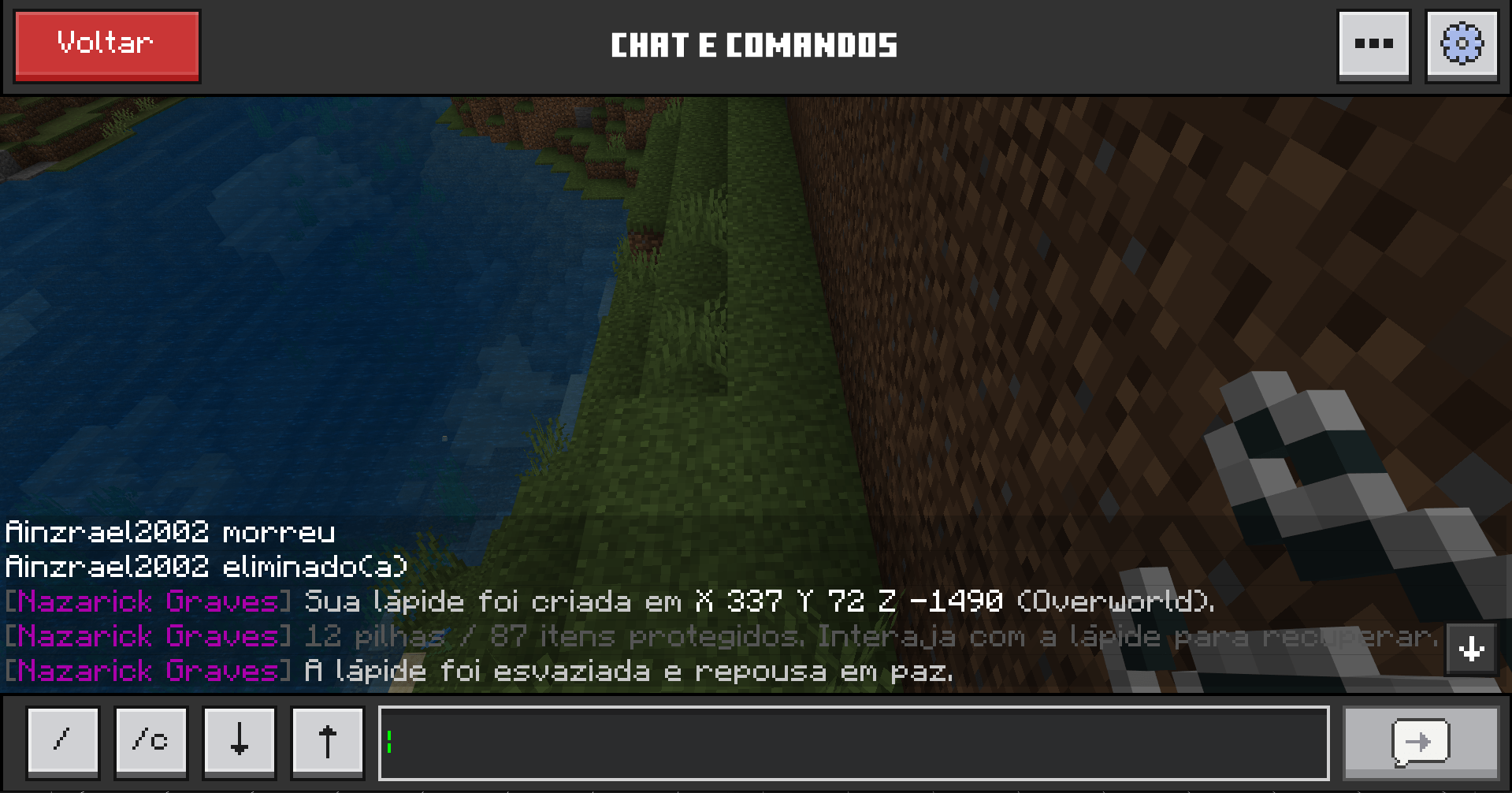
🪦 Nazarick Graves
Death is not the end of your journey. Your grave will remember what you left behind.
Nazarick Graves is an immersive grave and death-recovery addon for Minecraft Bedrock Edition, designed to protect your items and experience after death while adding a dark fantasy touch to your world.
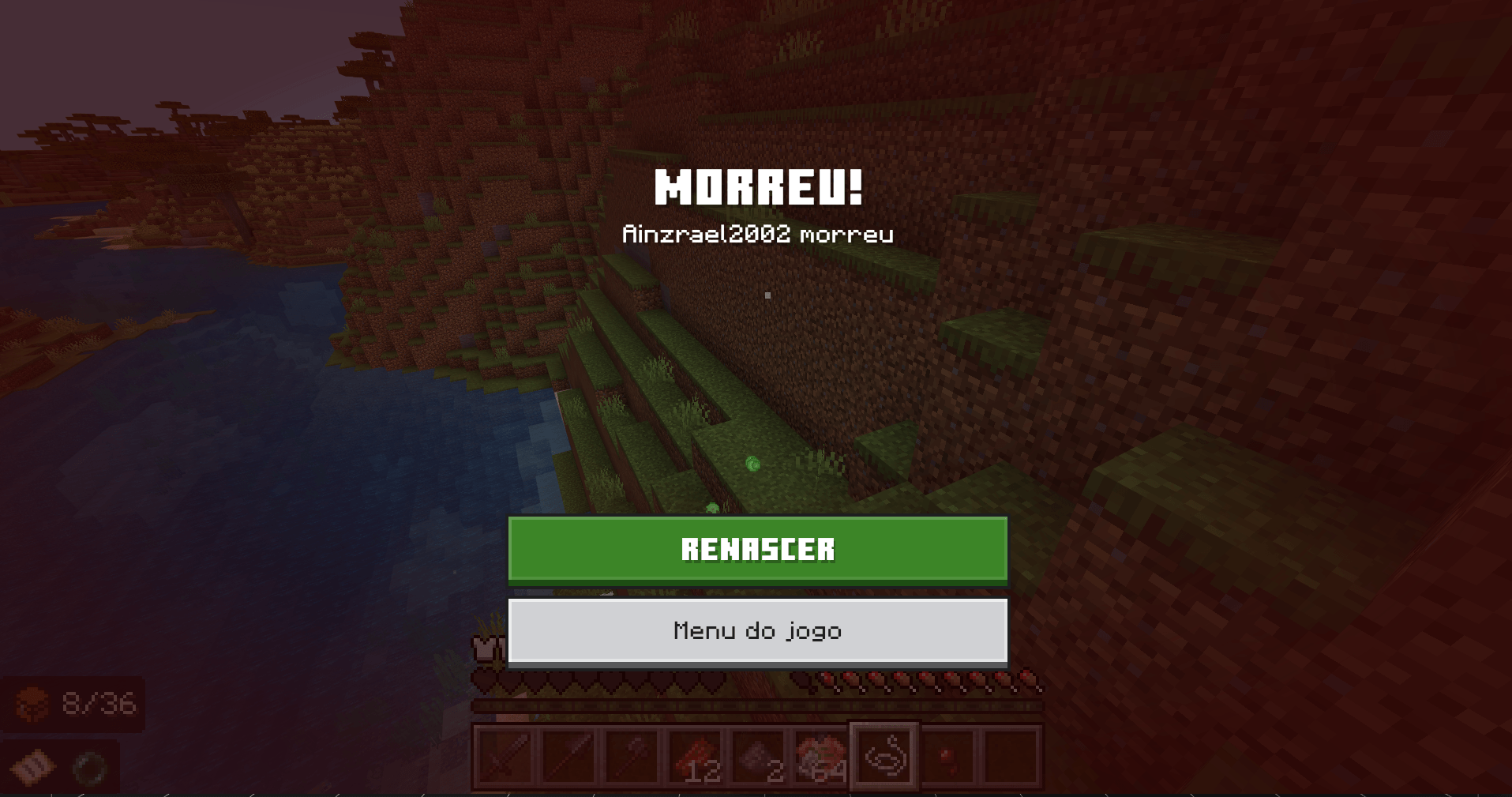
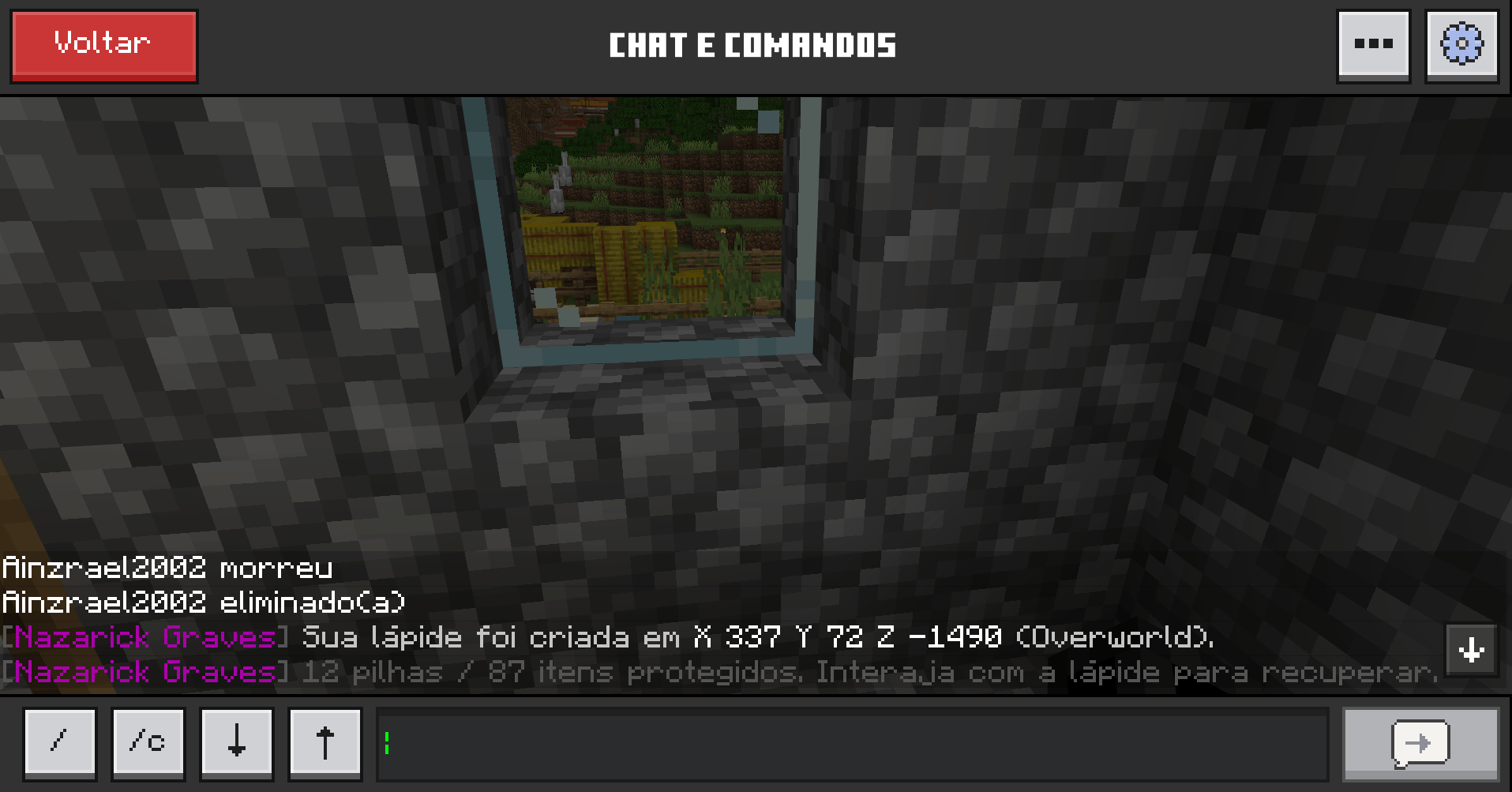
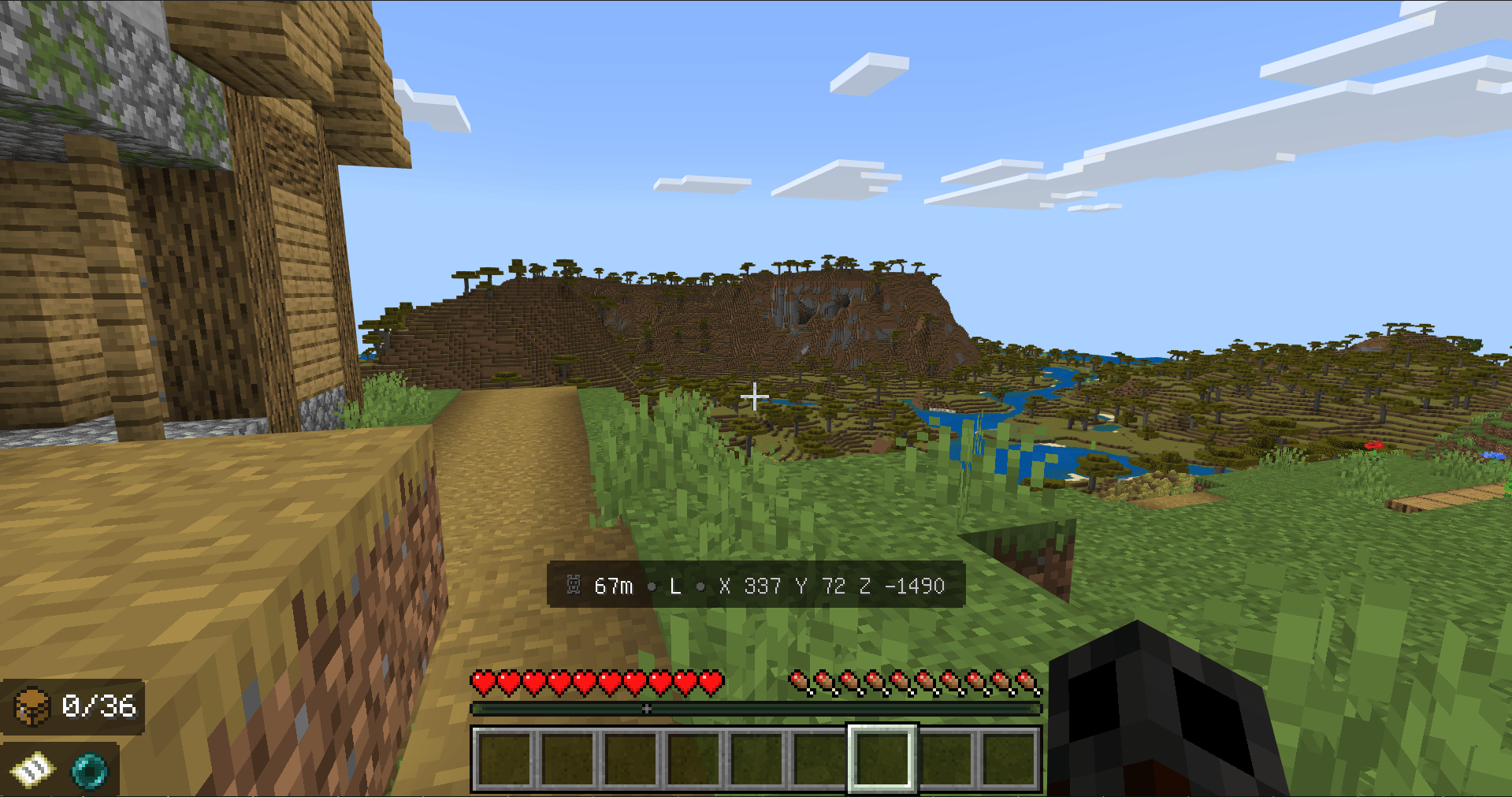
When you die, a grave is automatically created at your death location, safely storing your belongings until you return to recover them.
Built for Survival, Multiplayer, Realms and addon-heavy worlds, Nazarick Graves aims to make death meaningful without turning it into unnecessary frustration.
✨ Main Features
🪦 Automatic Graves
When a player dies, a grave is created at the death location and stores their resources.
The system can preserve:
- 🎒 Inventory items
- 🛡️ Armor and equipment
- ✨ Experience
- 📍 Death location information
- 🧩 Supported items from other addons
Return to your grave and recover what belongs to you.
✨ XP Recovery
Your experience is stored together with your grave instead of being completely lost after death.
The system has been designed to prevent common problems such as:
- XP duplication
- Incorrect XP restoration
- Experience being dropped outside the grave
- Players recovering more XP than they had before death
Death remains a consequence — but not a punishment that erases hours of progress.
🔗 Compatibility with Other Addons
Nazarick Graves is designed with compatibility in mind.
The addon continuously improves support for inventories containing custom items from other Behavior Packs, making it suitable for larger survival packs and RPG experiences.
It is especially useful in worlds combining multiple Nazarick projects and other third-party addons.
⚠️ Some addons use highly customized inventory, death or item systems. Because of this, compatibility with every third-party addon cannot be guaranteed.
🌐 Multiplayer & Realms
Nazarick Graves supports multiplayer environments where several players may die and recover graves independently.
Ideal for:
- 🌍 Survival Multiplayer
- 👑 Minecraft Realms
- 🏰 Medieval & Fantasy Servers
- ⚔️ RPG Worlds
- ☠️ Hardcore-inspired Survival
- 🧙 Large Addon Packs
- 🗺️ Adventure Worlds
Each player's grave is handled individually to reduce conflicts between players.
🎨 Dark Fantasy Visual Identity
Nazarick Graves brings its own visual identity while remaining consistent with Minecraft's style.
The addon features:
- 💜 Purple-themed effects
- 🪦 Custom grave visuals
- ✨ Subtle particles and feedback
- 📖 Custom interface elements
- 🎨 Nazarick-inspired UI design
The goal is simple:
The grave should feel like part of the world — not just a container created by a script.
🌈 Vibrant Visuals
Nazarick Graves is designed to coexist with Minecraft Bedrock's modern graphical features, including Vibrant Visuals.
Visual effects are kept subtle so they complement the environment without overwhelming the Vanilla experience.
🌎 Languages
Nazarick Graves includes multilingual support, with localization continuing to expand alongside development.
Supported languages include:
- 🇧🇷 Portuguese — Brazil
- 🇺🇸 English
- 🇬🇧 English — United Kingdom
- 🇪🇸 Spanish
- 🇲🇽 Spanish — Mexico
- 🇫🇷 French
- 🇯🇵 Japanese
The addon automatically follows the selected Minecraft language whenever supported.
🚧 Upcoming Updates
Nazarick Graves is still evolving.
Future updates are planned to expand graves beyond their original role as death-recovery objects.
🪦 More Grave Models
Several new grave designs are planned, allowing players to encounter and eventually choose from different styles.
Future models may include variations inspired by:
- Medieval tombstones
- Ancient graves
- Gothic monuments
- Arcane tombs
- Royal memorials
- Ruined gravestones
- Dark fantasy structures
This will make graves feel more varied and better suited to different worlds and builds.
🏗️ Decorative Graves
One of the major planned features is the ability to use graves even without dying.
Grave models will also become available as decorative blocks or structures, allowing builders to create:
- ⚰️ Cemeteries
- 🏰 Castle crypts
- ⛪ Church graveyards
- 🌲 Abandoned burial grounds
- 🧛 Vampire castles
- 💀 Necromancer temples
- 🏚️ Haunted villages
- ⚔️ Memorials for fallen players
This will transform Nazarick Graves from a death utility addon into a small graveyard and dark-fantasy decoration system as well.
🔮 Planned Improvements
Other planned improvements include:
- More grave variants
- Additional visual effects
- Improved compatibility with custom addon items
- Better support for large Realms
- Performance optimizations
- More customization options
- Expanded interface features
- Additional administrative controls
- New decorative possibilities
Development will continue based heavily on community feedback.
❤️ Support Nazarick Studio
If you enjoy Nazarick Graves and want to support the development of this addon and future Nazarick projects, you can support us on Patreon.
Your support helps us continue working on:
- New features
- New addons
- Visual assets
- Models and textures
- Compatibility improvements
- Bug fixes
- Larger future projects
👑 Support Nazarick Studio on Patreon
Every download, comment, bug report and suggestion also helps the project grow.
Thank you for being part of Nazarick.
🏰 The Nazarick Ecosystem
Nazarick Graves is part of the Nazarick Studio ecosystem — a collection of Minecraft Bedrock addons designed to expand Survival, exploration, RPG and world immersion while preserving the spirit of Vanilla Minecraft.
The philosophy behind our projects is not to replace Minecraft.
It is to expand it.
To create mechanics that make you think:
“This feels like it could have always been part of Minecraft.”
🪦 Death is not the end.
You fell.
Your journey stopped for a moment.
But somewhere in the world, a grave now holds what you left behind.
Return.
Recover what is yours.
And continue your journey.
Welcome to Nazarick Graves.
- Edition: Minecraft Bedrock
- File type: .mcpack or .mcaddon
- Minecraft versions listed: 26.40, 26.50, 26.20
- How to install: Download the .mcpack or .mcaddon file. → Open it — Minecraft imports it. → In your world: Behavior Packs → Available → Activate, then the same under Resource Packs.
- Where to get it: Opens on CurseForge — not every file is mirrored on our own servers.
Install steps are the general flow for this file type — How to install Minecraft Bedrock addons & mods walks through it step by step.
- Pack type: .mcaddon — behaviour and resource pack in one file
- Download size: 263 KB
- Download link checked 23 Oct 2026 — working
These come from our own check of the pack file, not from the source page.