
Searching GUI
Java mod listed for Minecraft 1.20–1.21. Downloads from the MC Java Mods app on Android.
I don't know my version or loader
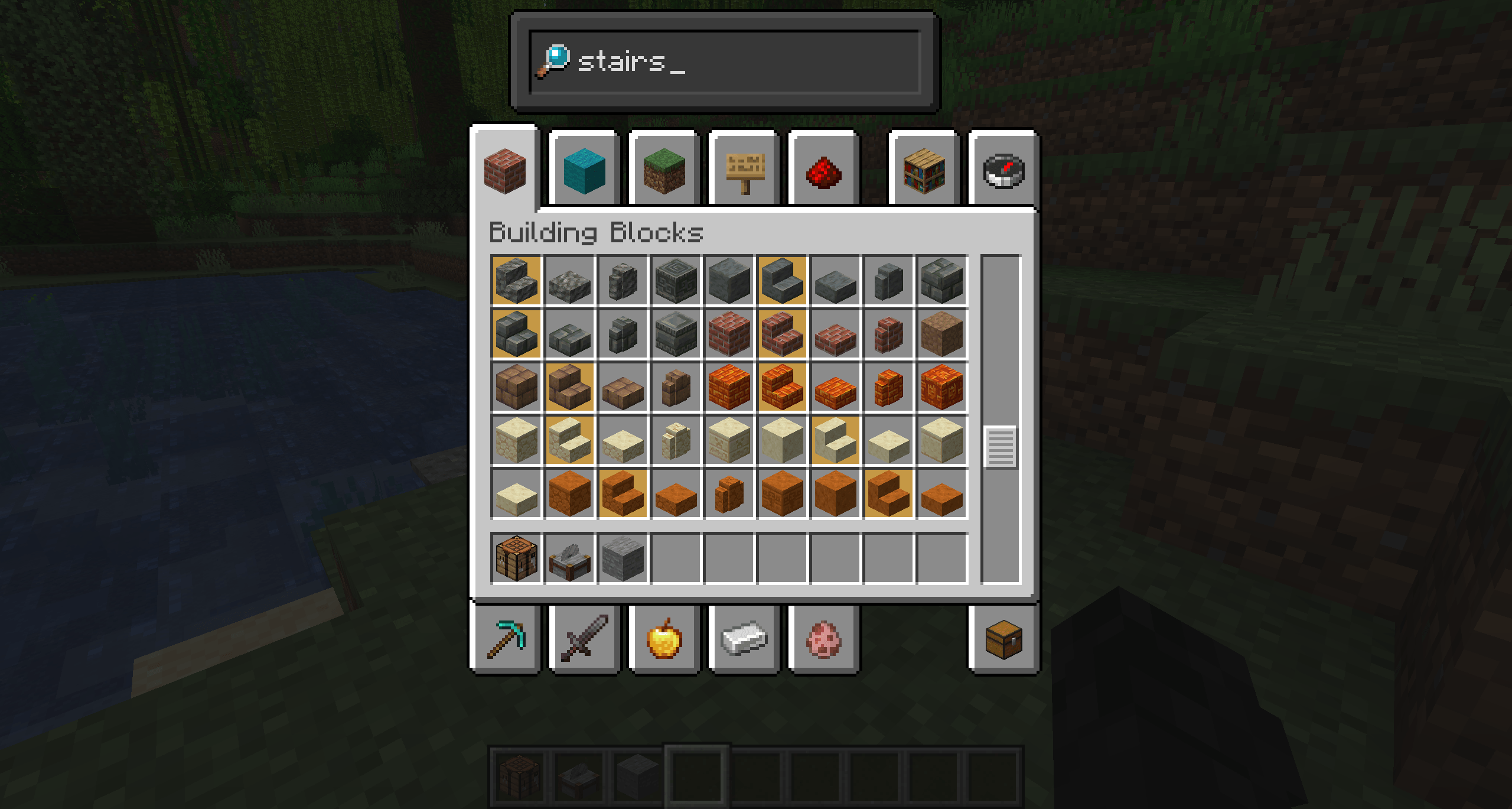
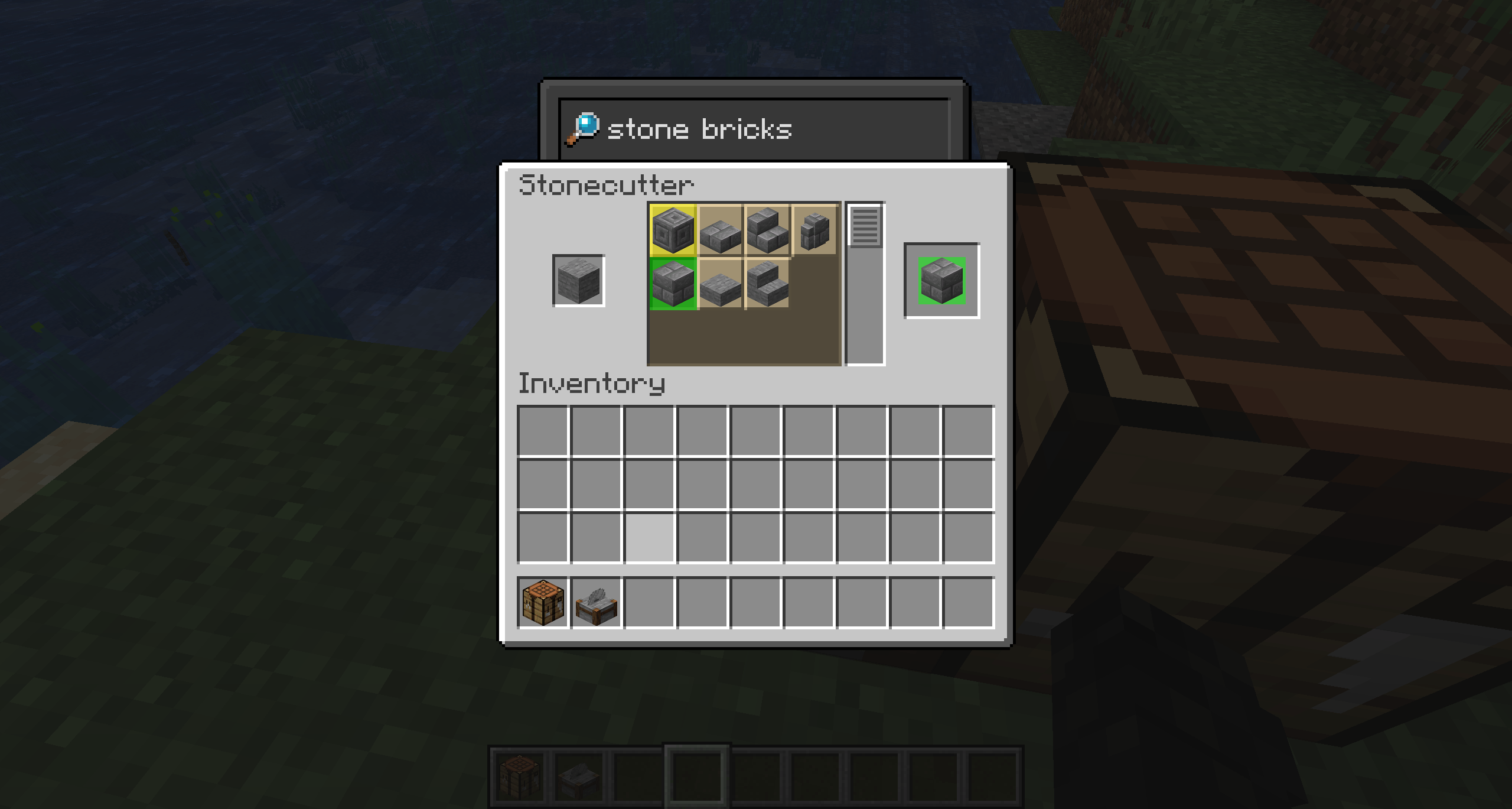
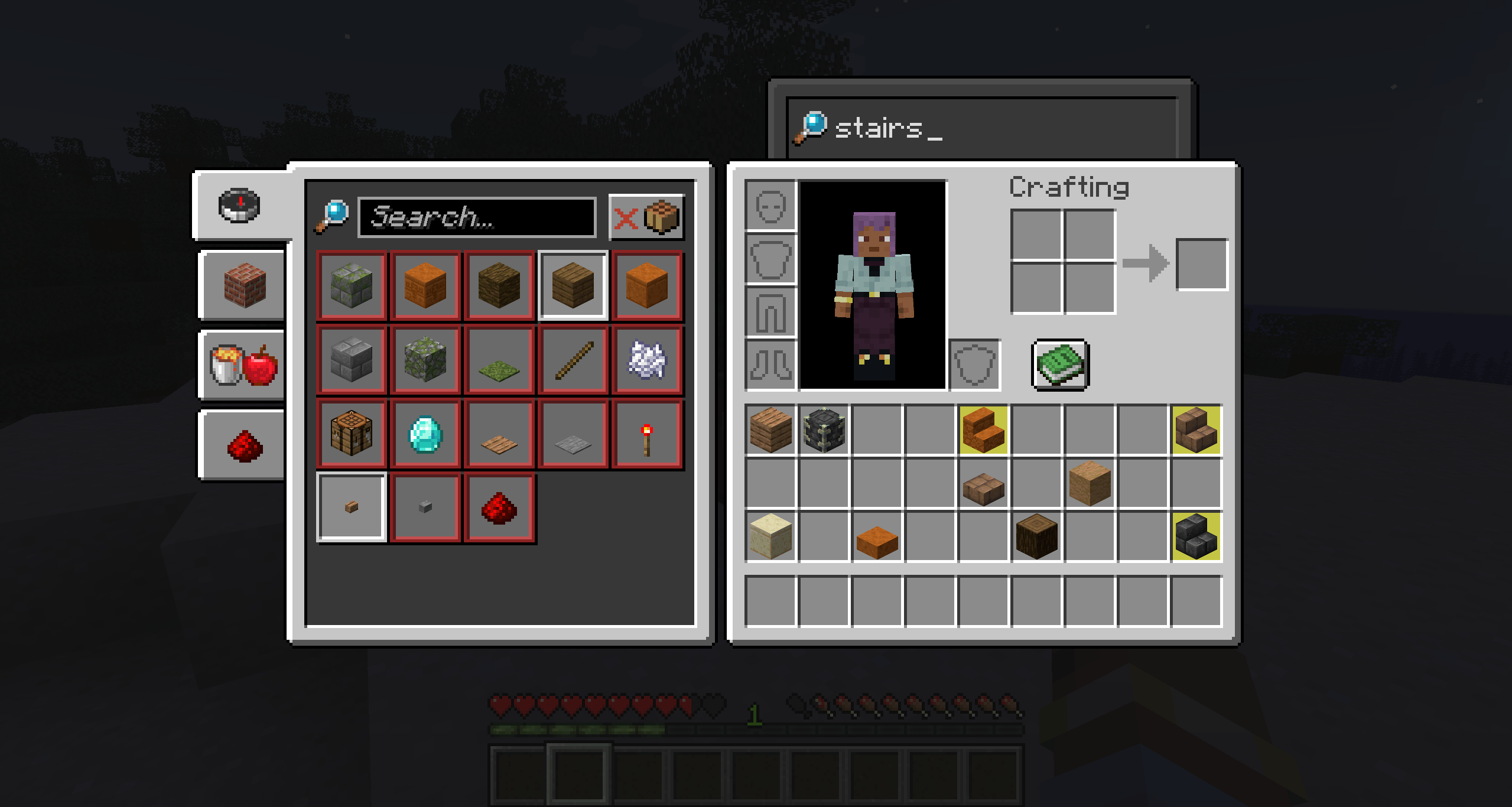
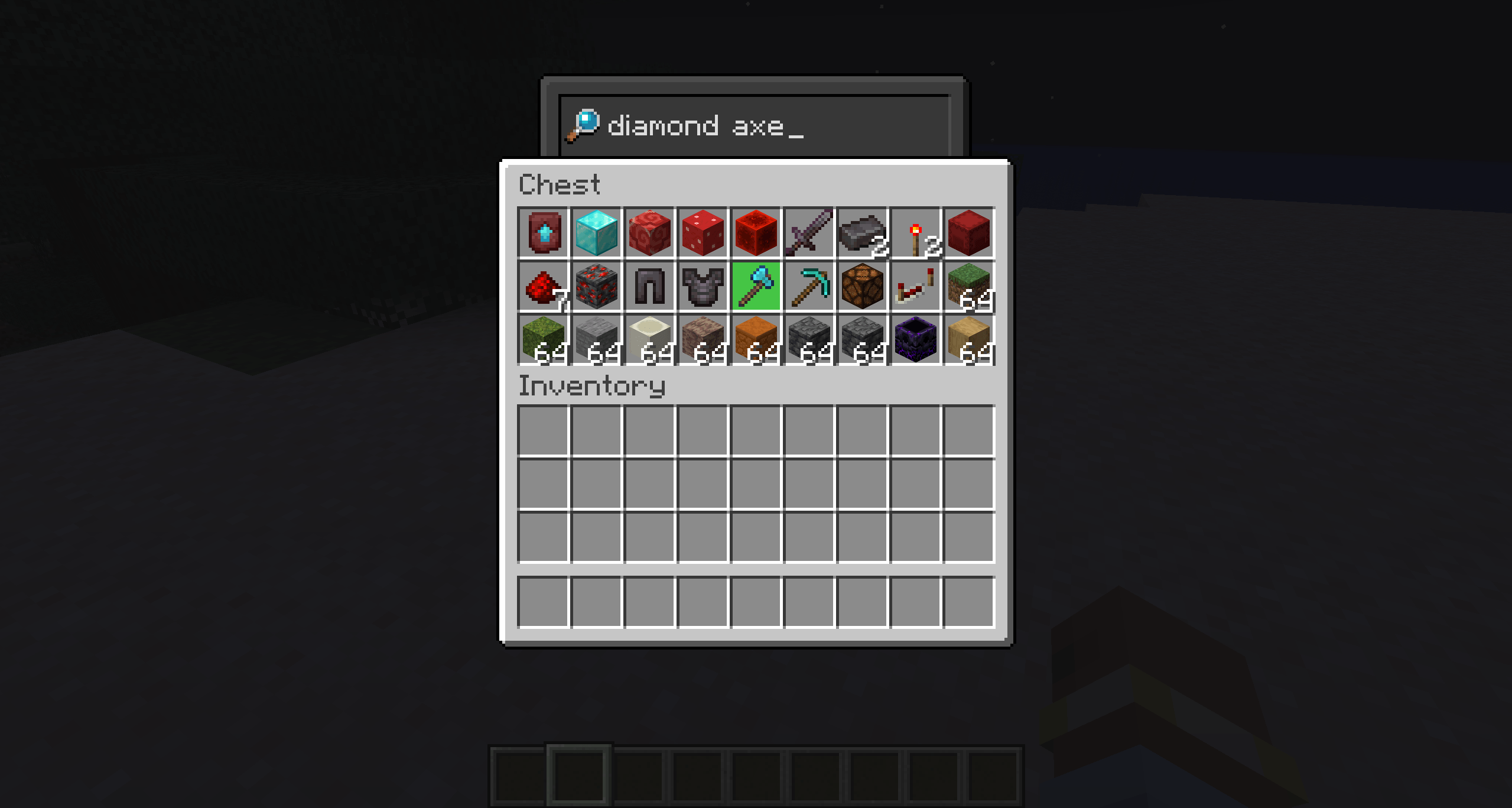
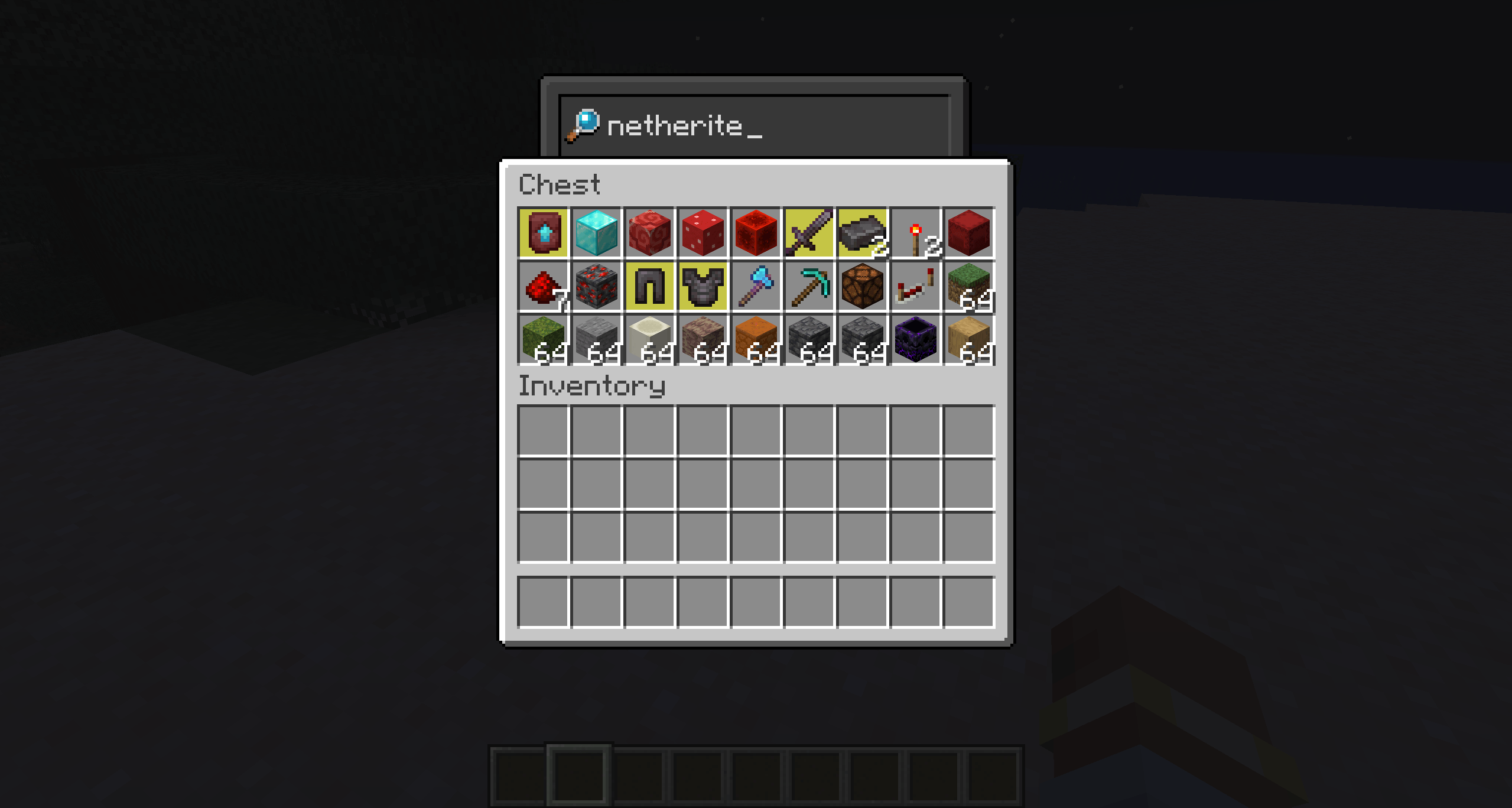


This is a client mod that adds a search bar to all GUIs.
The search bars have a custom texture.
You can control the position of the bar and the texture used for each GUIs in config file.
You can use this mod in your modpacks without crediting me!
A search bar is automatically added to all GUIs (even those from other mods). You can disable the search bar individually, change the texture, or change the position of the search bar for each GUI.
There are maybe some bugs or conflicts with other mods.
Works with JEI, REI and EMI.
undefinedEach GUI is added to the config file once it has been opened in-game.undefined
Configs Tutorial :
Hey! This is a quick guide on how to use the config system of the SearchingGUI mod.
Where’s the config?
You'll find the config file here:
Modpack/config/searchinggui/config.json
Each GUI you open while using the mod gets automatically added in the config file.
What can you change?
For each GUI, you can tweak:
offsetX and offsetY: moves the search bar around (also move the texture)
textureOffsetX and textureOffsetY: moves the background texture (can be useful with custom textures)
texture: choose "default", "default_detached", or a custom texture file like "mytexture.png", the custom texture has to be in Modpack/config/searchinggui/textures/gui/mytexture.png
With custom texture you have to put the .png extension.
enable: true or false to toggle the search bar for this GUI
Search bar in Creative Inventory is always disabled. (You can't enable it)
It works properly in Creative Inventory since 1.0
Example
"example_gui_id": {
"offsetX": 0,
"offsetY": -20,
"textureOffsetX": 0,
"textureOffsetY": 0,
"texture": "default_detached",
"enable": true
}
This shows the bar 20 pixels above its normal spot with a different background.
That’s it!
You don't need to reload resource packs or restart the game to apply modifications.
- Edition: Minecraft Java
- File type: .jar
- Minecraft versions listed: 1.20.1, 1.21.3, 1.21.2
- How to install: Install the matching mod loader (Forge, Fabric or NeoForge) for your Minecraft version. → Download the .jar. → Put it in the .minecraft/mods folder and launch that loader profile.
- Where to get it: Opens on CurseForge — not every file is mirrored on our own servers.
Install steps are the general flow for this file type — How to install Minecraft Java mods & modpacks walks through it step by step.
- Ships as searchinggui-1.20.1-1.0.0-forge.jar — drop this file into the mods folder
- Download size: 12 KB
- Download link checked 23 Oct 2026 — working
These come from our own check of the pack file, not from the source page.