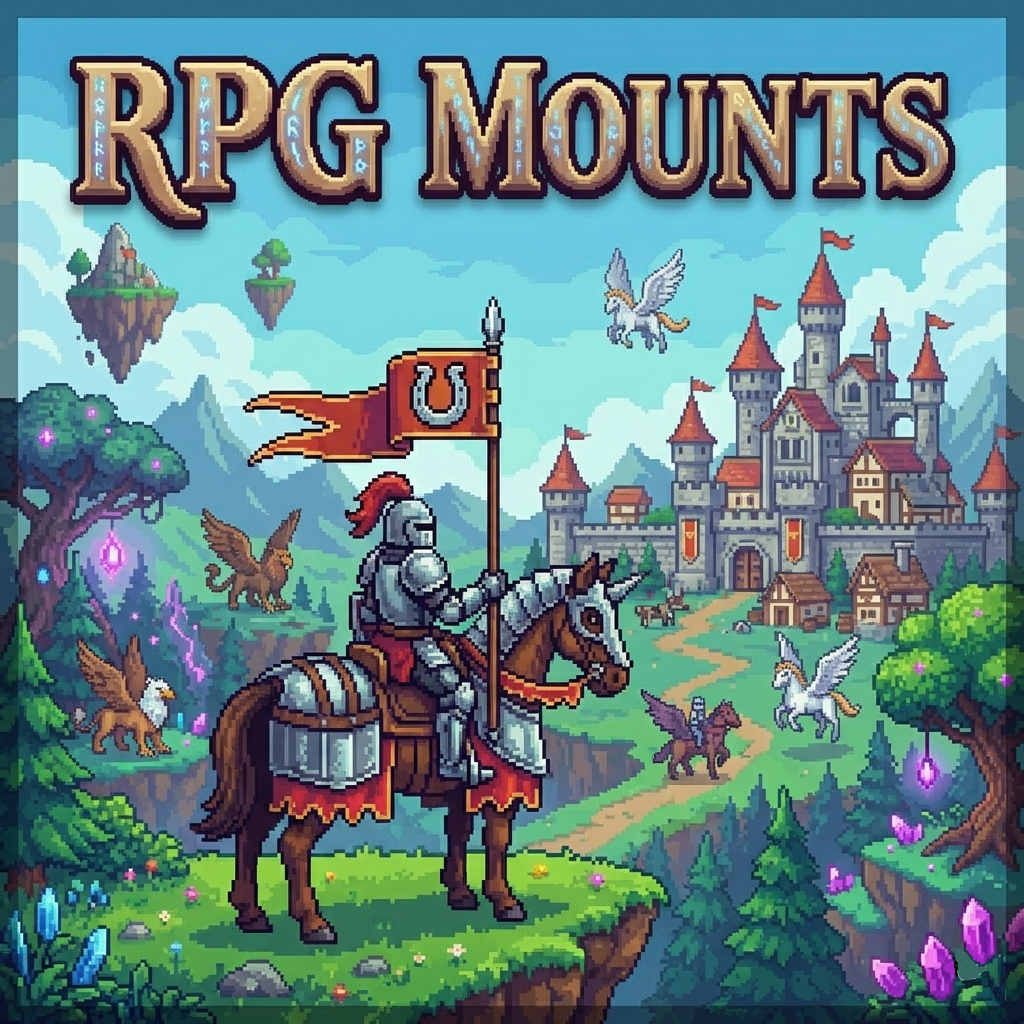
RpgMounts for servers
Java mod listed for Minecraft 1.20–1.21. Downloads from the MC Java Mods app on Android.
I don't know my version or loader
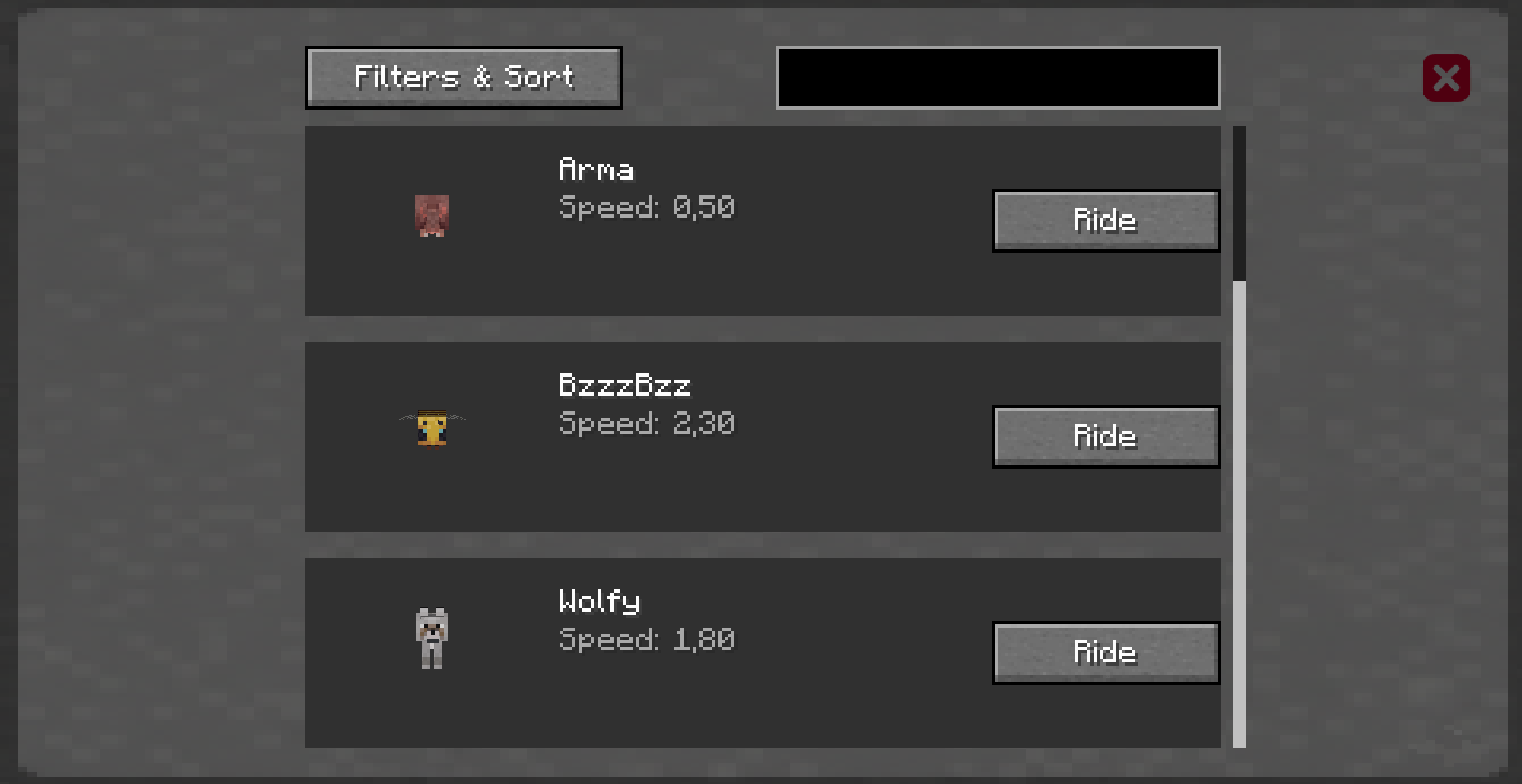
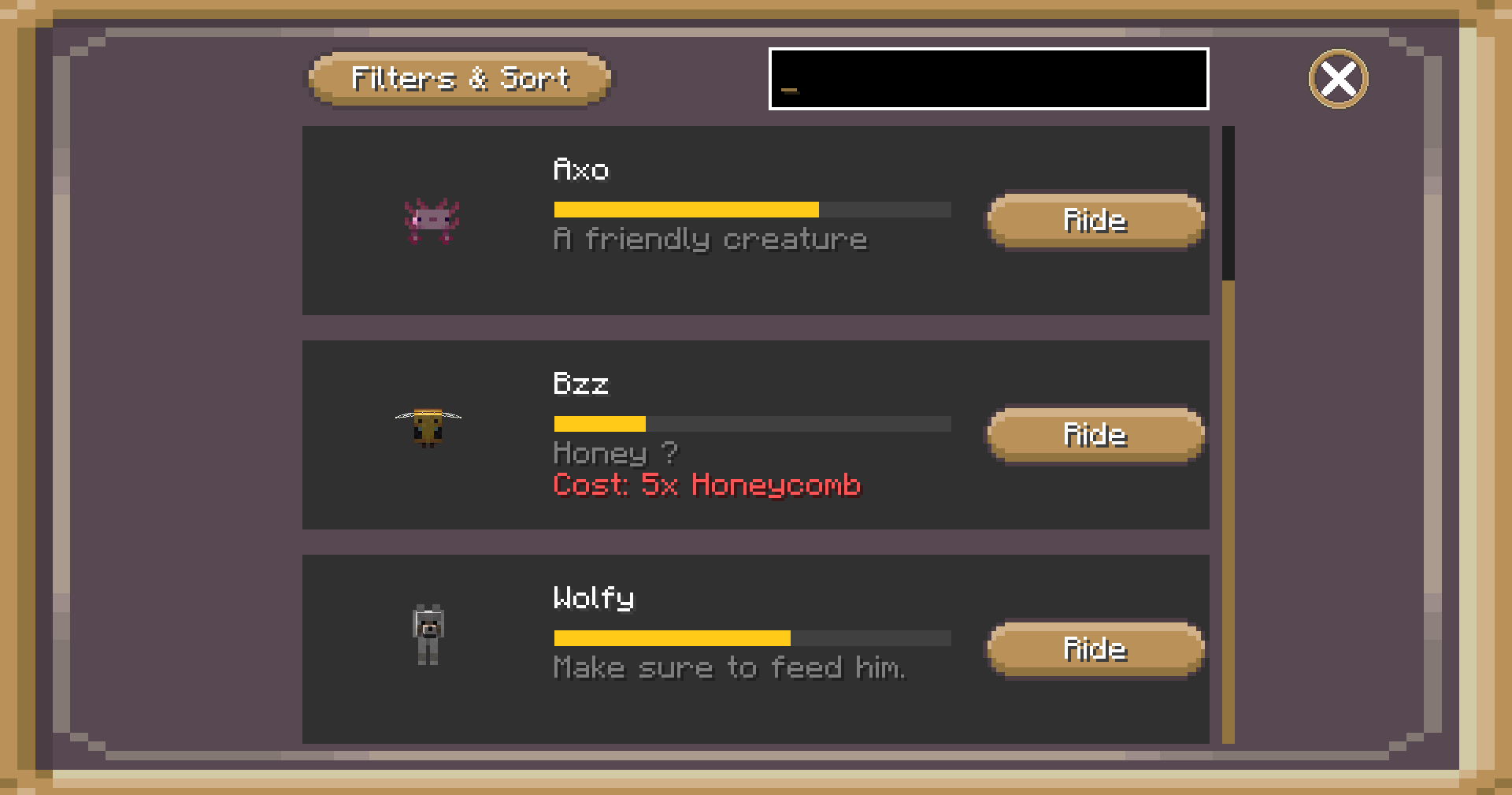
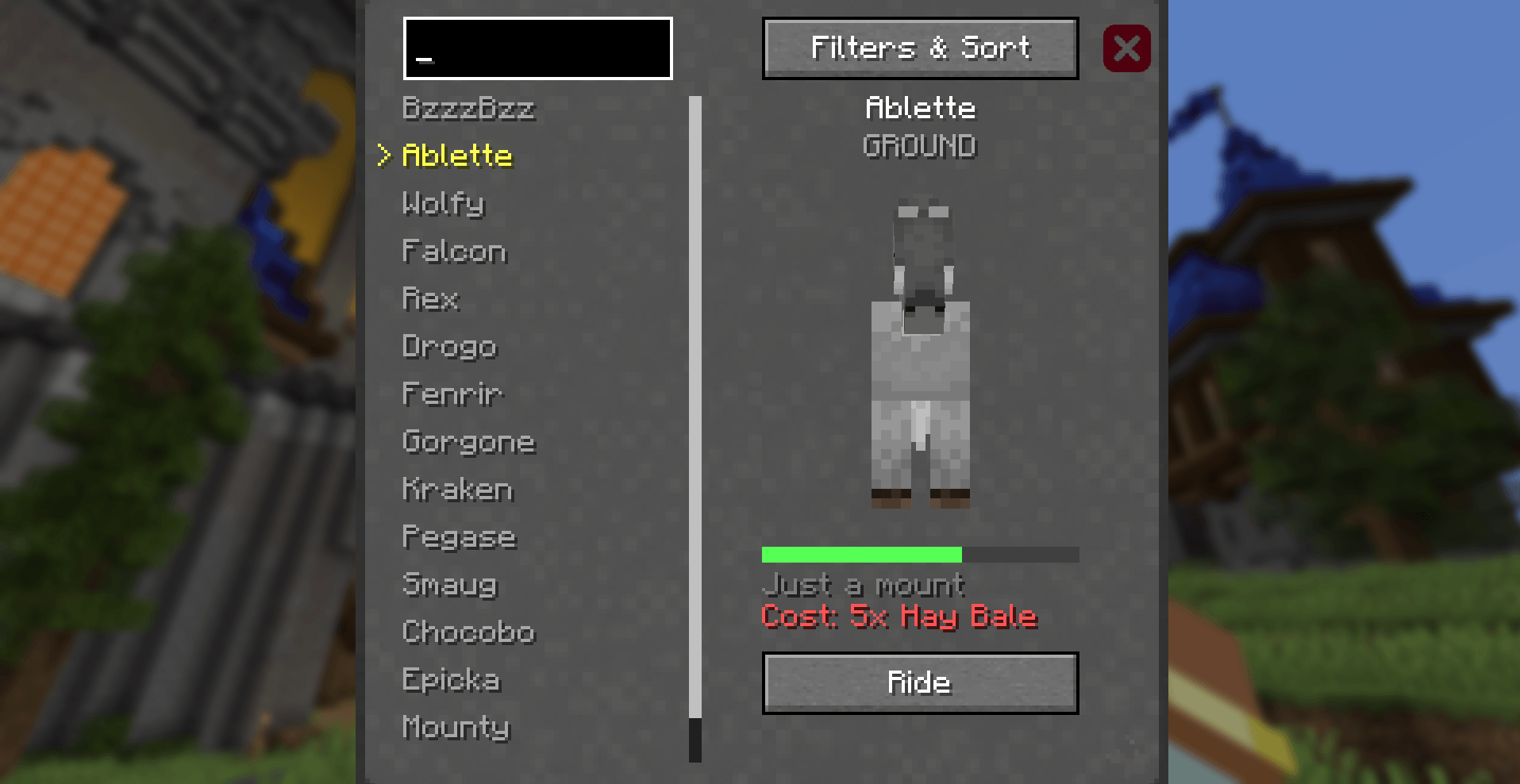
This utility mod, primarily designed for servers but also compatible with singleplayer and LAN, allows you to turn existing entities into mounts.
Entities will lose their original AI, which is replaced by a simplified one to make them usable as basic mounts.
📦 Items
- Item Namer – Lets you get an entity’s ID by right-clicking it. Useful for commands.
- Item Mounter – Ride an entity without controlling it.
- Speed Mount Boost - A consumable item to boost your mount’s speed.
📃 Commands
/rpgmounts addmount <player_name> <entity_id> <customName> <speedModifier> <type>
Unlocks a mount for a player to use./rpgmounts addbyview <player_name> <customName> <speedModifier> <type>
Unlocks a mount by view for a player to use./rpgmounts delmount <player_name> <entity_name>
Delete a previously unlocked mount./rpgmounts setenabled <player_name> <entity_name> <true / false>
Disables a previously unlocked mount./rpgmounts menu
Opens the mount menu without needing the keybind./rpgmounts listmounts
Lists all available entities that can be used as mounts./rpgmounts credits
Shows simple credits — I made this mod for free, so this is my small way of getting recognition./rpgmounts setdesc <player_name> <entity_name> <description>
Add description/rpgmounts cleardesc <player_name> <entity_name>
Clear description/rpgmounts setcost <player_name> <entity_name> <item_id> <count>
Add item cost to spawn the mount/rpgmounts clearcost <player_name> <entity_name>
Clear the cost/rpgmounts setspeed <player_name> <entity_name> <speed>
Modify mount speed/rpgmounts giveunlocker <player_name> <entity_id> <customName> <speedModifier> <type>
Create a mount-unlocking item/rpgmounts setparticle <player_name> <entity_name> <particle_type> <amount>
Custom particle type when mount spawning
All commands require operator permissions.
Command autocompletion has been added to make usage easier.
🛠 Keybind
A keybind called "Open Menu" is available under the "RpgMounts" category.
Players will mainly need this to access the mount system.
Quick-mount and dismount keybinds are also available.
⚙️ Configuration
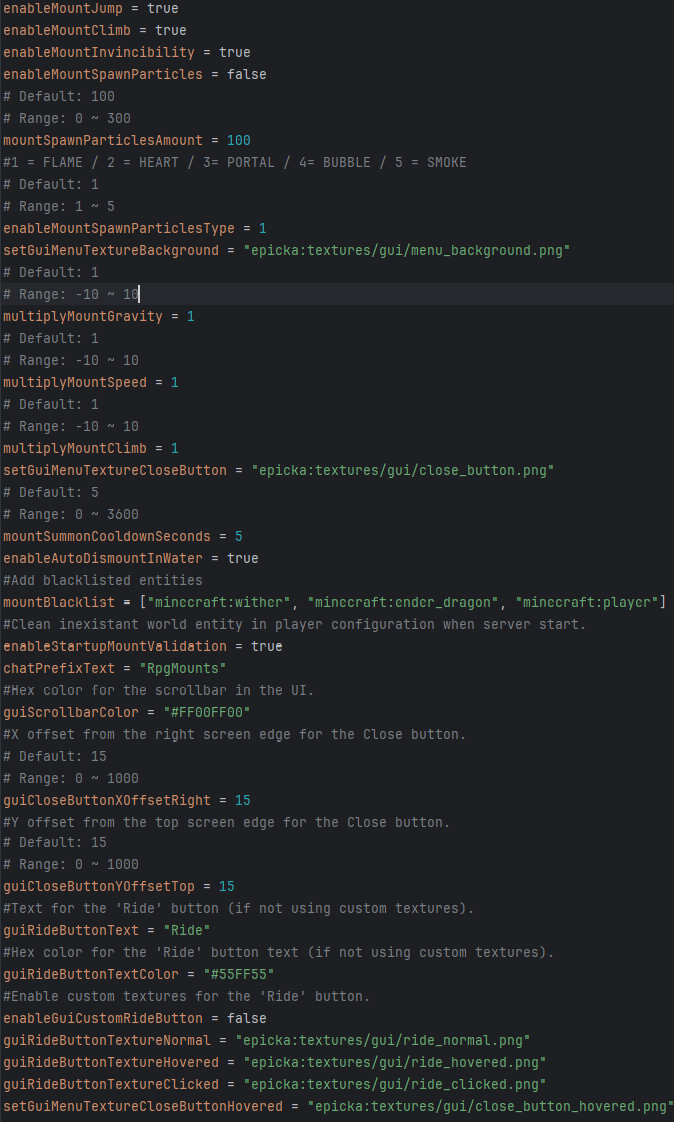
A configuration file named epicka-common.toml can be found in the config folder. It allows you to adjust mount behavior and customize parts of the interface.
Player data is stored in the epicka subfolder, which tracks unlocked mounts and their activation status.
📜 Informations
The mod’s optimization and security have been carefully designed to ensure smooth use on large servers. It’s fully functional as it stands, with new content being added over time.
If you're interested in using it or feel some features are missing, feel free to contact me, I'm open to feedback and suggestions ! Join my Discord or contact me directely via CurseForge.

- Edition: Minecraft Java
- File type: .jar
- Minecraft versions listed: 1.21.1, 1.20.1, 1.21.11
- How to install: Install the matching mod loader (Forge, Fabric or NeoForge) for your Minecraft version. → Download the .jar. → Put it in the .minecraft/mods folder and launch that loader profile.
- Where to get it: Opens on CurseForge — not every file is mirrored on our own servers.
Install steps are the general flow for this file type — How to install Minecraft Java mods & modpacks walks through it step by step.
- Ships as rpgmounts-0.1.jar — drop this file into the mods folder
- Download size: 70 KB
- Download link checked 2 Oct 2026 — working
These come from our own check of the pack file, not from the source page.