Beacon Bounding Boxes
Java mod listed for Minecraft 1.21. Downloads from the MC Java Mods app on Android.
I don't know my version or loader
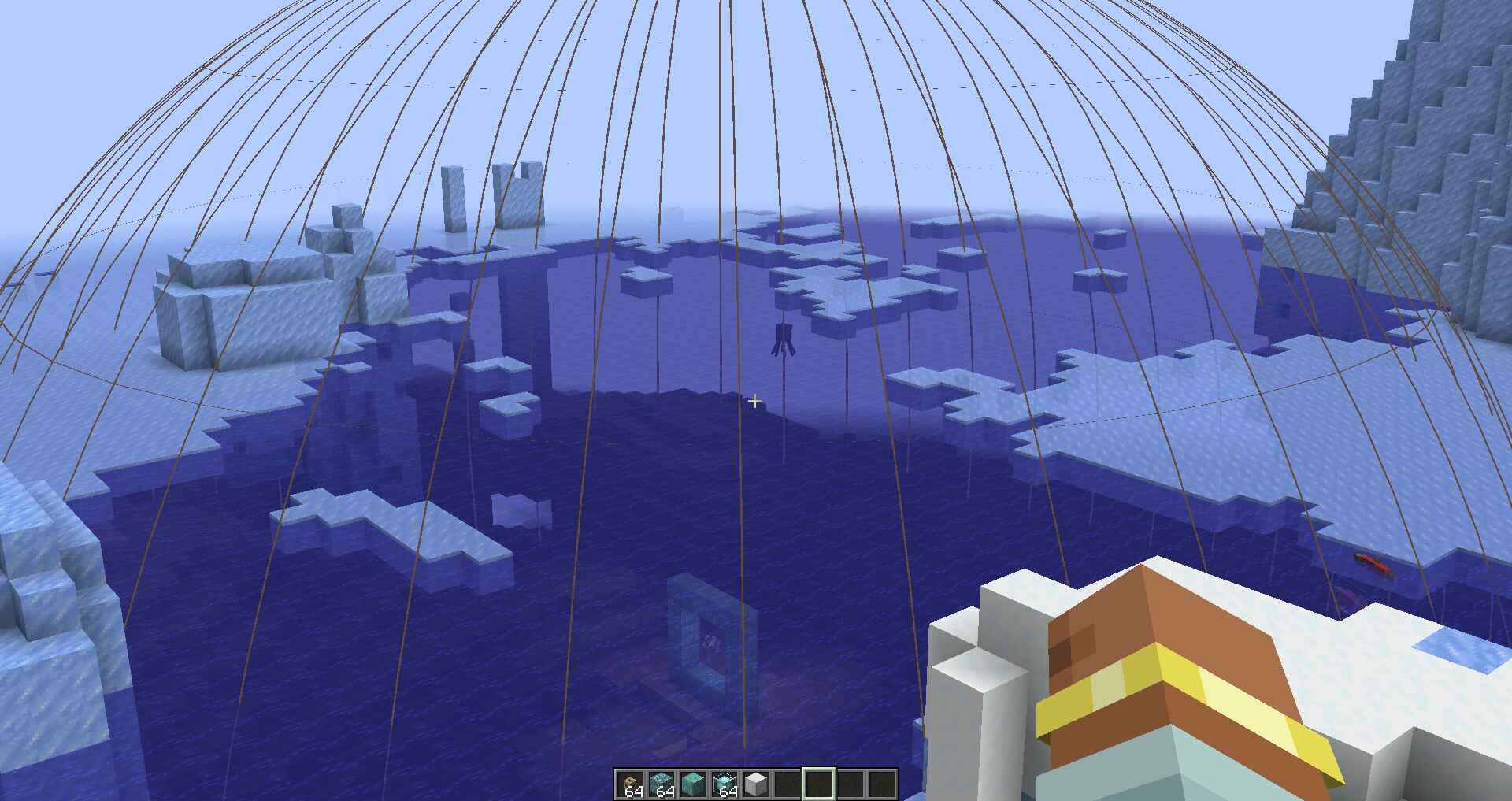
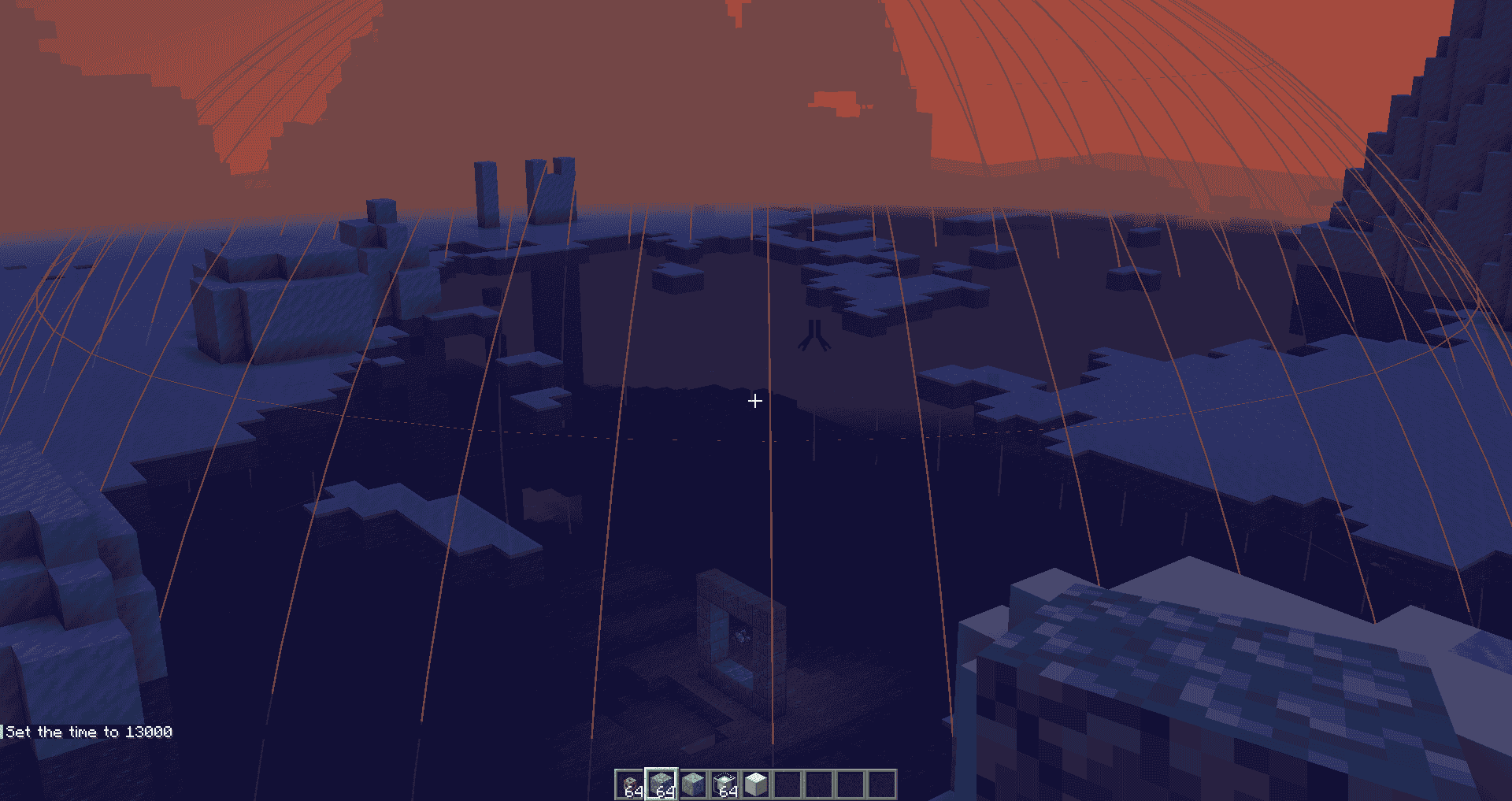
Beacon Bounding Box
Take the guesswork out of beacon coverage.
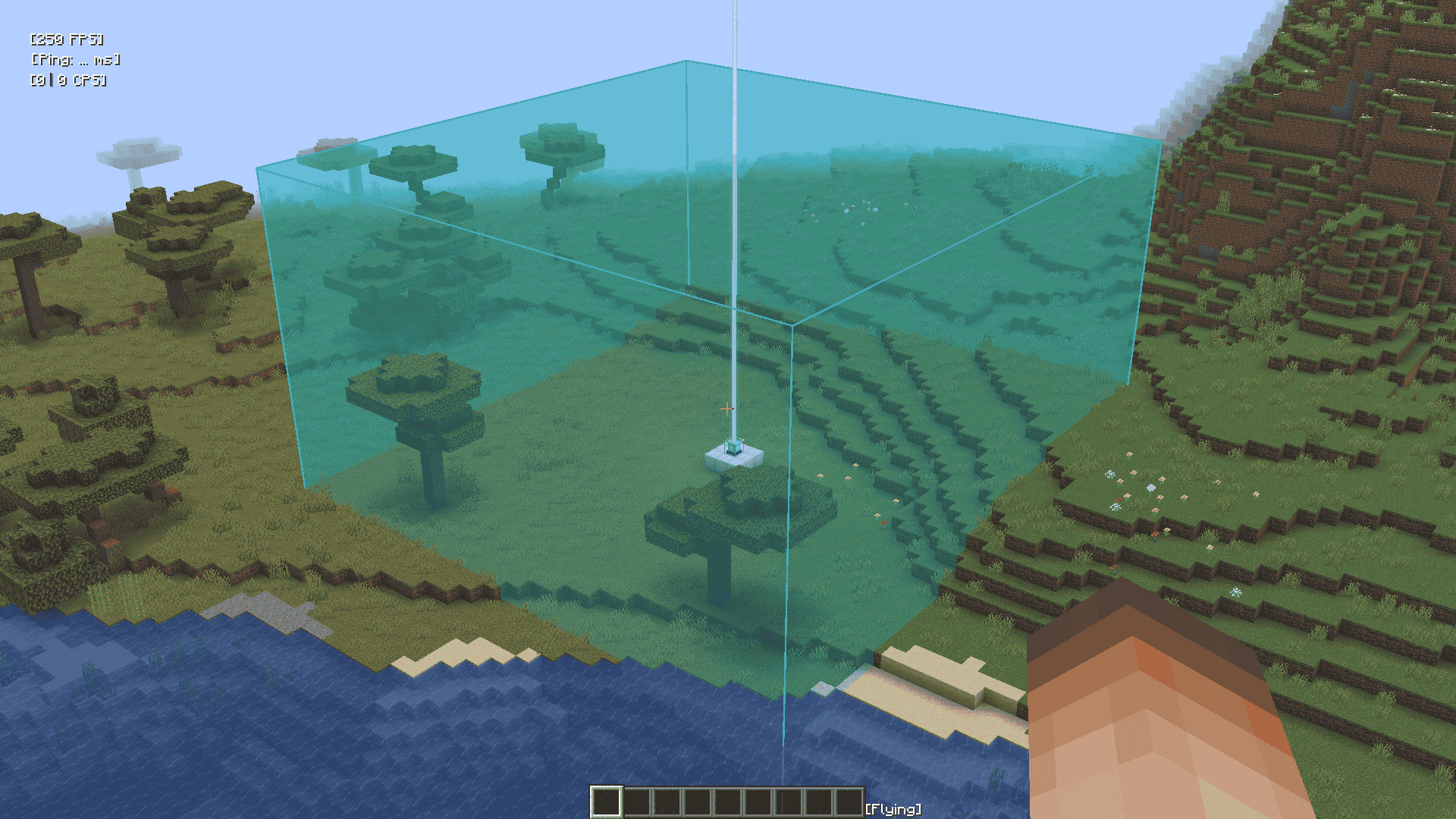
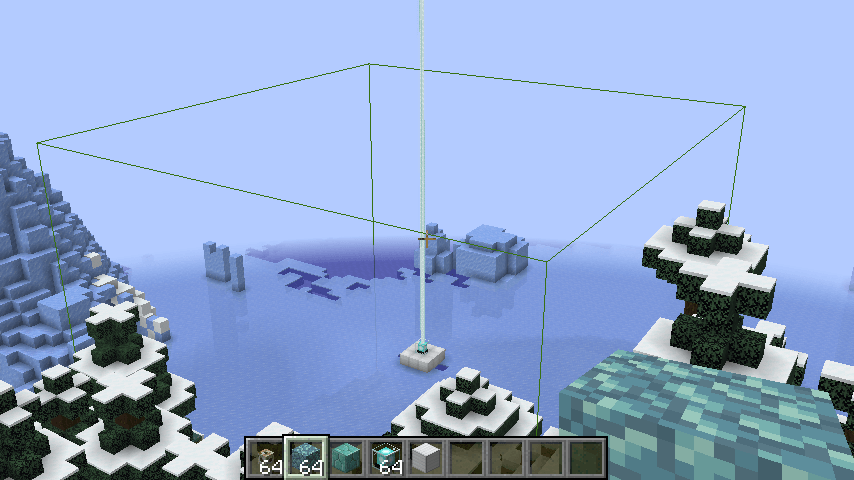
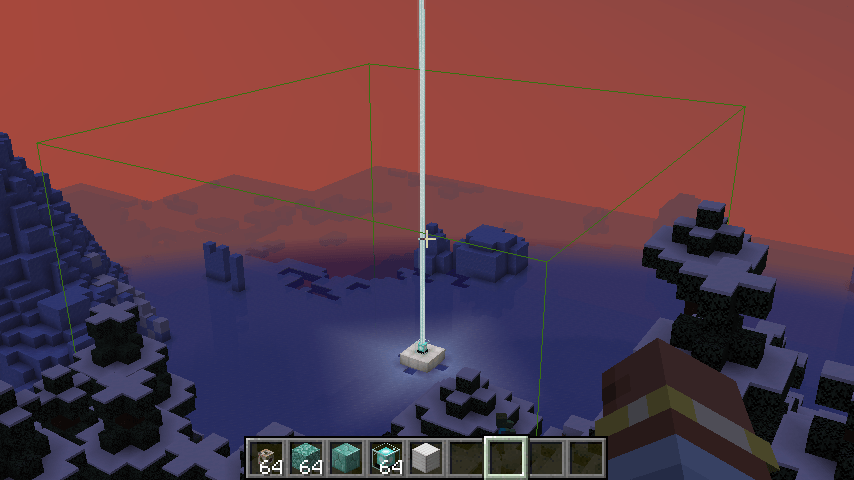
Beacon Bounding Box is a lightweight utility mod that visually displays the area of effect of every beacon in the world using colorful bounding boxes. Each beacon is given a randomly assigned color, making it easy to distinguish between multiple beacons—even when their ranges overlap.
Key Features
- Visual range display: See each beacon’s area of effect as a 3D bounding box.
- Random colors: Every beacon gets a unique, randomly generated color.
- Toggle support: Easily toggle the bounding box rendering on or off via a keybind (default G).
- Conduit support: Now also renders a sphere to show the area of effect of conduits! Default toggle key is H.
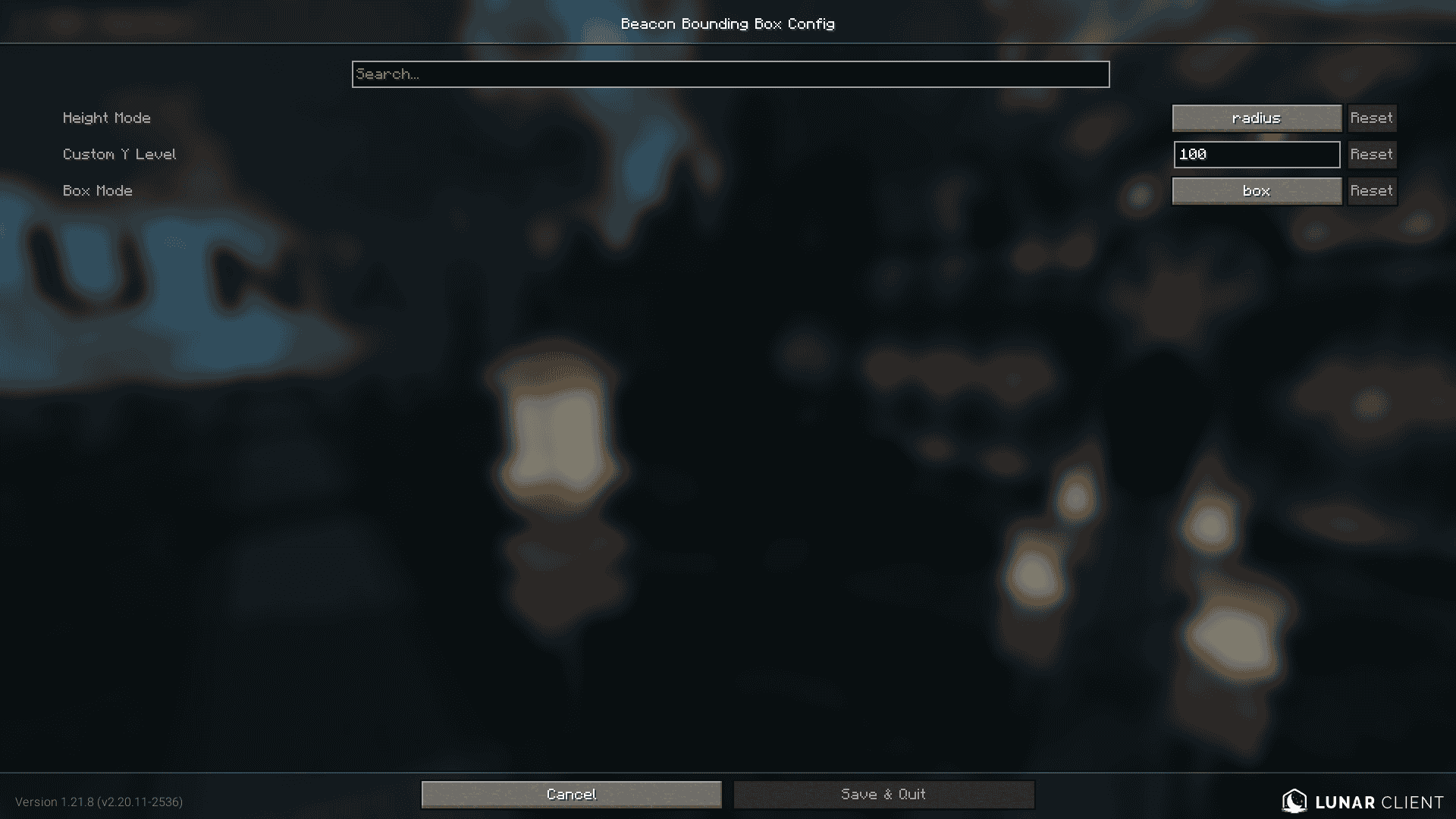
- Configurable height: Customize the vertical size of the beacon box in-game using Mod Menu and Cloth Config, or the JSON file in
config/beaconrange.json. - NEW! Beacon Extender Compat: Added Compatibility for Beacon Extender in Mod Version 1.1 (Only for Minecraft 1.21.4)
- NEW! Box Mode: Added Box Mode, you can switch between Outlines and Boxes in Config. Added in Mod Version 1.2
Whether you're building a mega base, organizing effects, or just want a better visual reference, Beacon Bounding Box helps you manage beacon and conduit coverage with clarity.
Planned Features
- Make the opacity of box mode's walls configurable.
- Box mode shader support (unlikely).
- Ability to place a "ghost beacon" to test how far it's range expands before even placing the beacon itself.
- Edition: Minecraft Java
- File type: .jar
- Minecraft versions listed: 1.21.11, 1.21.10, 1.21.8
- How to install: Install the matching mod loader (Forge, Fabric or NeoForge) for your Minecraft version. → Download the .jar. → Put it in the .minecraft/mods folder and launch that loader profile.
- Where to get it: Opens on CurseForge — not every file is mirrored on our own servers.
Install steps are the general flow for this file type — How to install Minecraft Java mods & modpacks walks through it step by step.
- Ships as beacon-bounding-boxes-1.2.jar — drop this file into the mods folder
- Download size: 22 KB
- Download link checked 2 Oct 2026 — working
These come from our own check of the pack file, not from the source page.