
Bruno the CameraMan
The author built this one for Minecraft 1.20.1 on Forge. On other versions it may install and then do nothing.
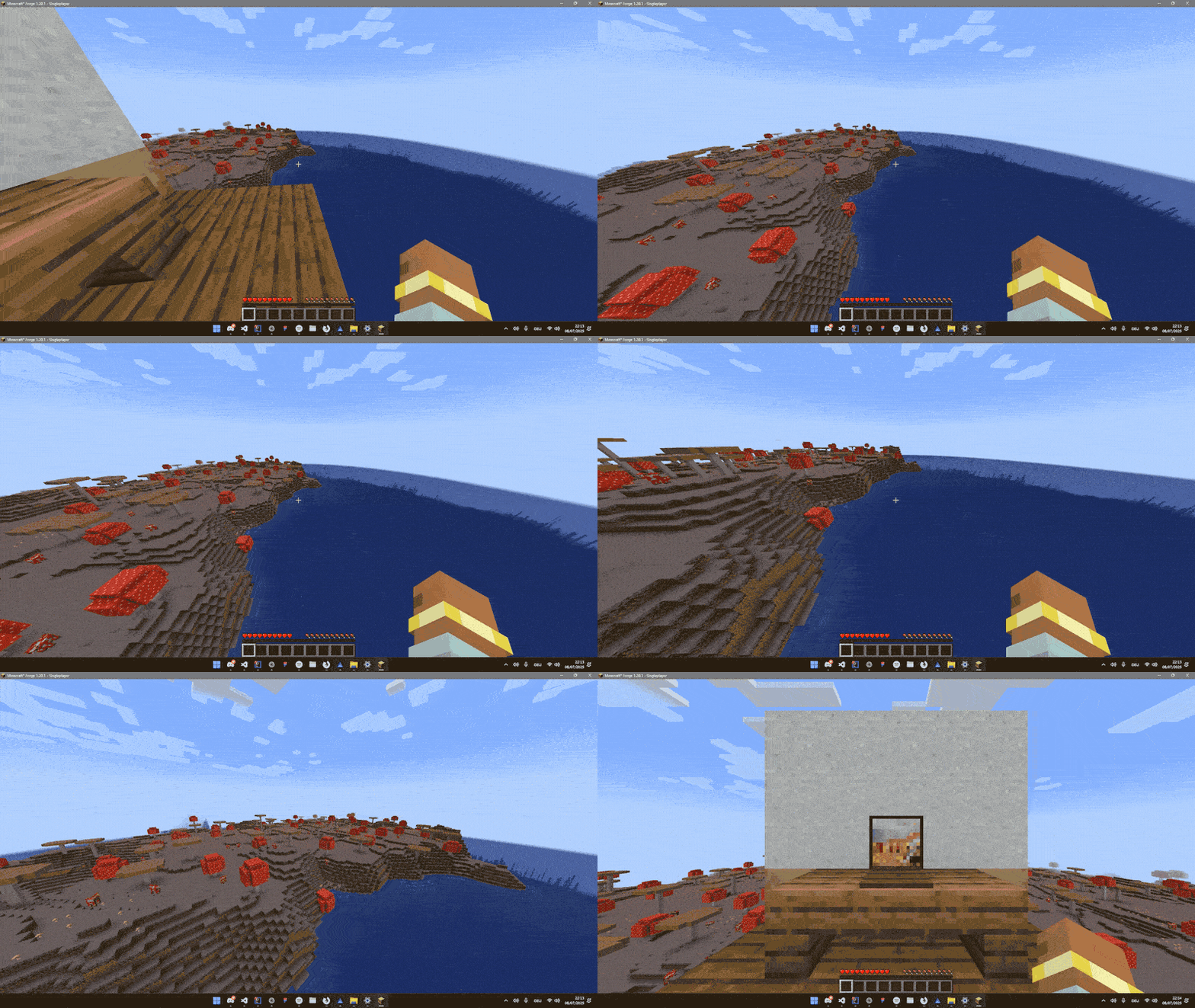
🎥 Bruno Cinematic Camera Manager
Bruno is a cinematic camera manager for Minecraft Forge.
It allows you to create smooth camera transitions for interactions, cutscenes, or cinematic scenes in your mods or modpacks.
⚠️ Disclaimer:
This project is still in early access. It is not fully finished and may contain bugs or incomplete features. Use it at your own risk and feel free to contribute or report issues.
🔧 Getting Started
To use Bruno in your mod, you’ll need to register camera points.
A CameraPoint defines where the camera should be and how to transition into it.
📌 Registering a CameraPoint
You can register points during the CameraManagerSetupEvent.
Here’s an example:
// Registration example
@Mod.EventBusSubscriber(modid = YourMod.MODID, bus = Mod.EventBusSubscriber.Bus.FORGE, value = Dist.CLIENT)
public class Register {
    public static CameraPointAccessor POINT;

    @SubscribeEvent
    public static void onCameraManagerSetup(CameraManagerSetupEvent event) {
        POINT = event.manager.registerPoint("point", CameraPoint.of(
                new Vec3(
                        0,              // x
                        100,            // y
                        0               // z
                ),
                0,                      // yaw
                0,                      // pitch
                0.5f,                   // fov
                1000,                   // duration in ms
                Easing::easeInOutQuad,  // easing function
                false                   // render player model
        ));
    }
}
🎬 Transitioning to a CameraPoint
Once a point is registered, you can transition to it:
On Client
com.smibii.cameraman.listeners.Camera.manager.transitionToPoint("point");On Server
com.smibii.cameraman.network.NetworkHandler.sendToClient(
       new CameraToPointPacket("point"),
       player
);
🔄 Returning to the Player
You can exit the camera and return to the player:
Smooth Transition
// Client
com.smibii.cameraman.listeners.Camera.manager.transitionToPlayer();

// Server
NetworkHandler.sendToClient(
       new CameraToPlayerPacket(),
       player
);
Immediate Exit
// Client
com.smibii.cameraman.listeners.Camera.manager.setInUse(false);

// Server
NetworkHandler.sendToClient(
       new CameraSetInUsePacket(false),
       player
);
📜 License & Usage
You are free to:
-
Use Bruno in your mods or modpacks
-
Modify the codebase to fit your needs
✅ But please give proper credit by mentioning smibii.
🚧 Status
-
🛠️ Early Access
-
⚠️ Not bug-free
-
📈 Features still being added
- Edition: Minecraft Java
- File type: .jar
- Minecraft version listed: 1.20.1
- How to install: Install the matching mod loader (Forge, Fabric or NeoForge) for your Minecraft version. → Download the .jar. → Put it in the .minecraft/mods folder and launch that loader profile.
- Where to get it: Opens on CurseForge — not every file is mirrored on our own servers.
Install steps are the general flow for this file type — How to install Minecraft Java mods & modpacks walks through it step by step.
- Ships as cameraman-0.0.7.jar — drop this file into the mods folder
- Download size: 31 KB
- Download link checked 22 Aug 2026 — working
These come from our own check of the pack file, not from the source page.