Tetra Holo GUI Compat
Java mod listed for Minecraft 1.20. Downloads from the MC Java Mods app on Android.
I don't know my version or loader
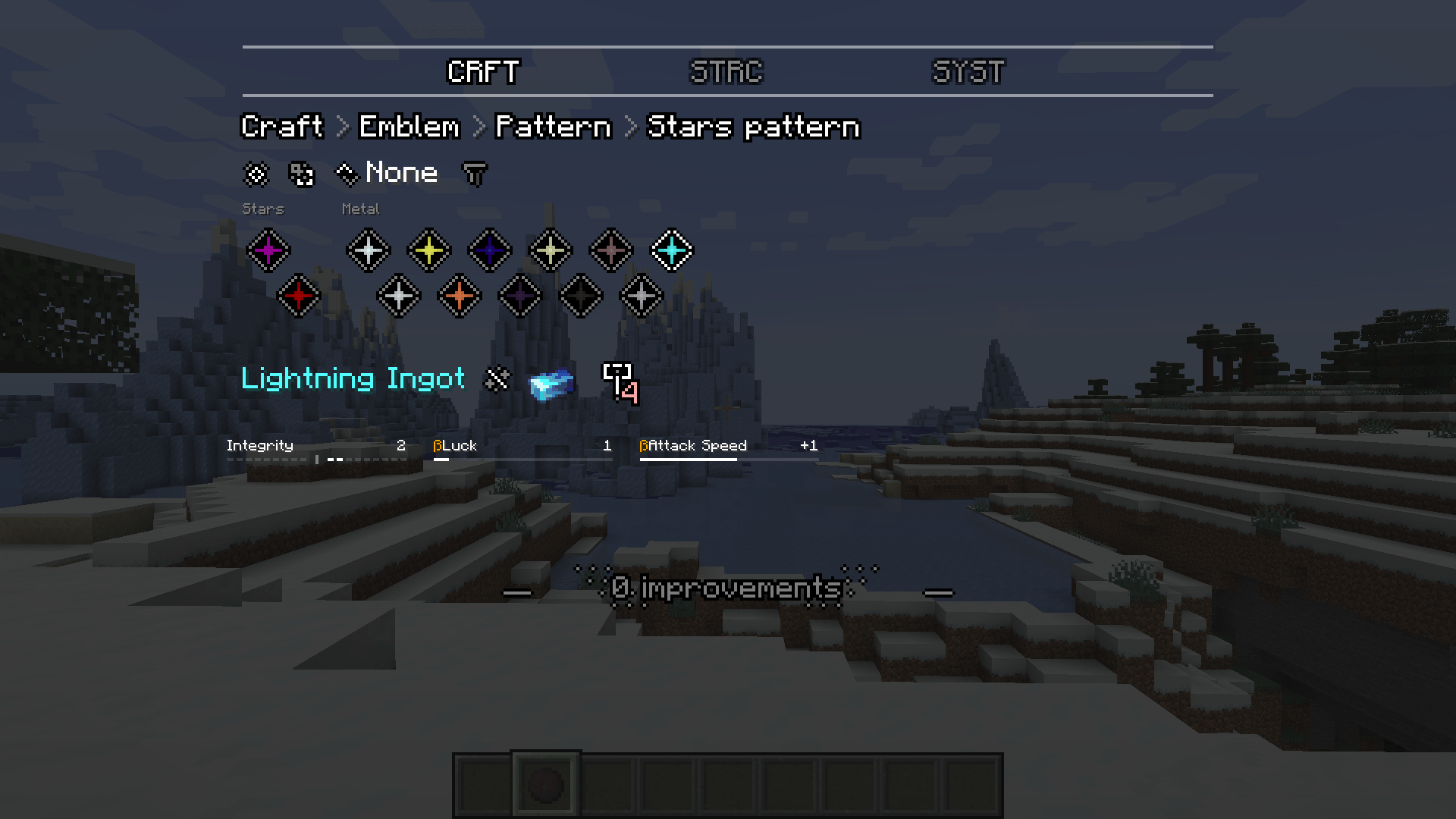
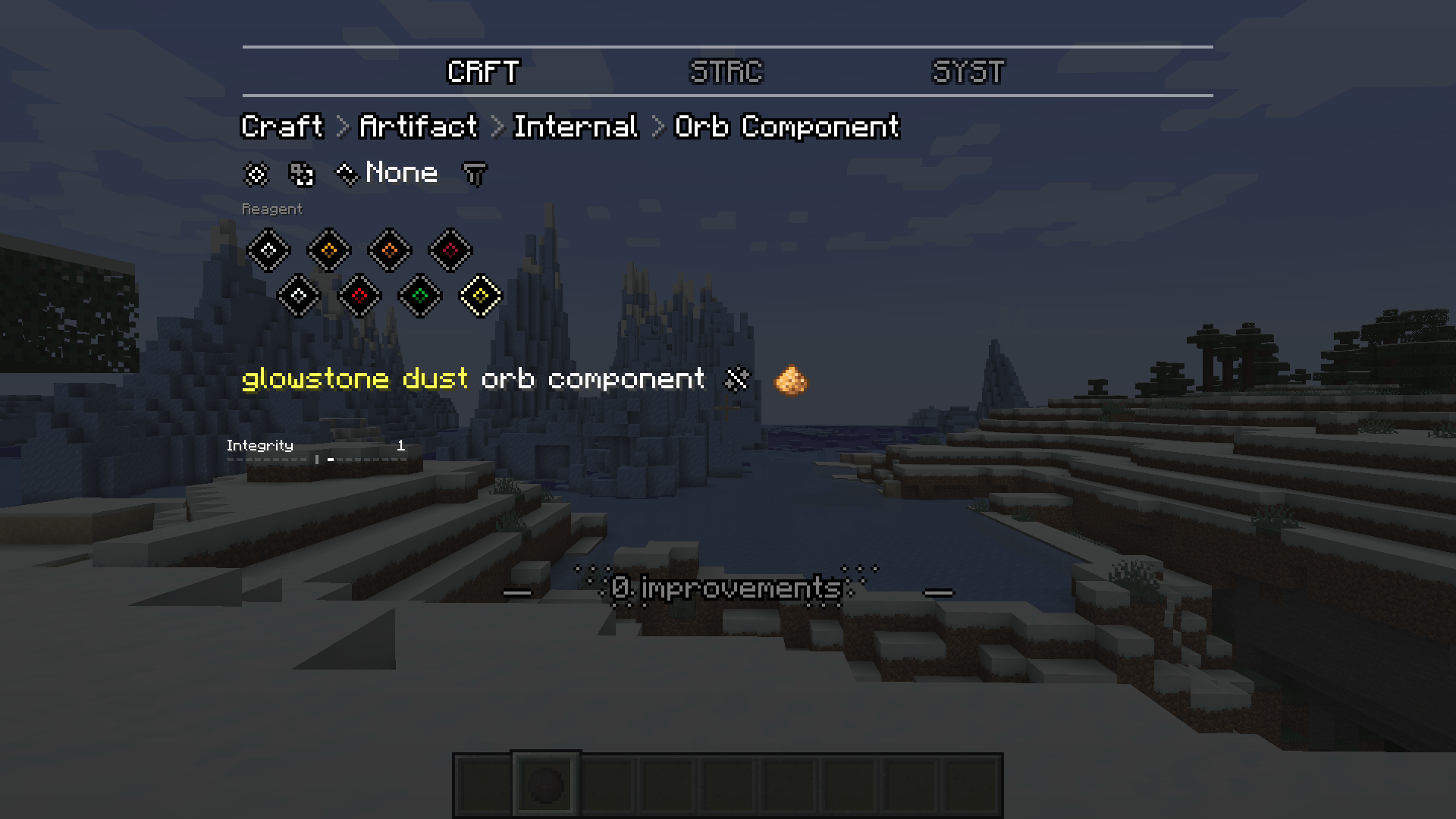
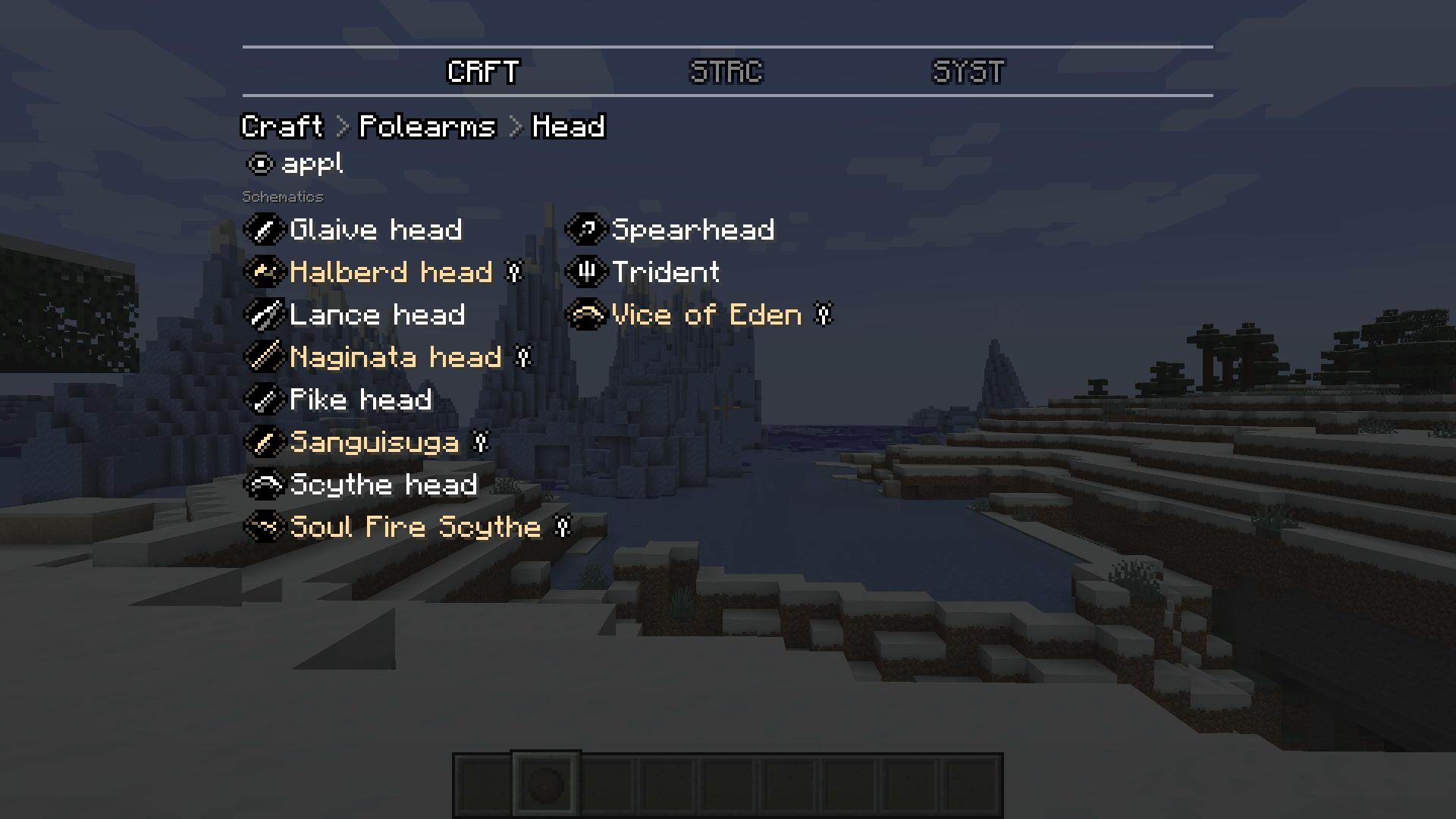
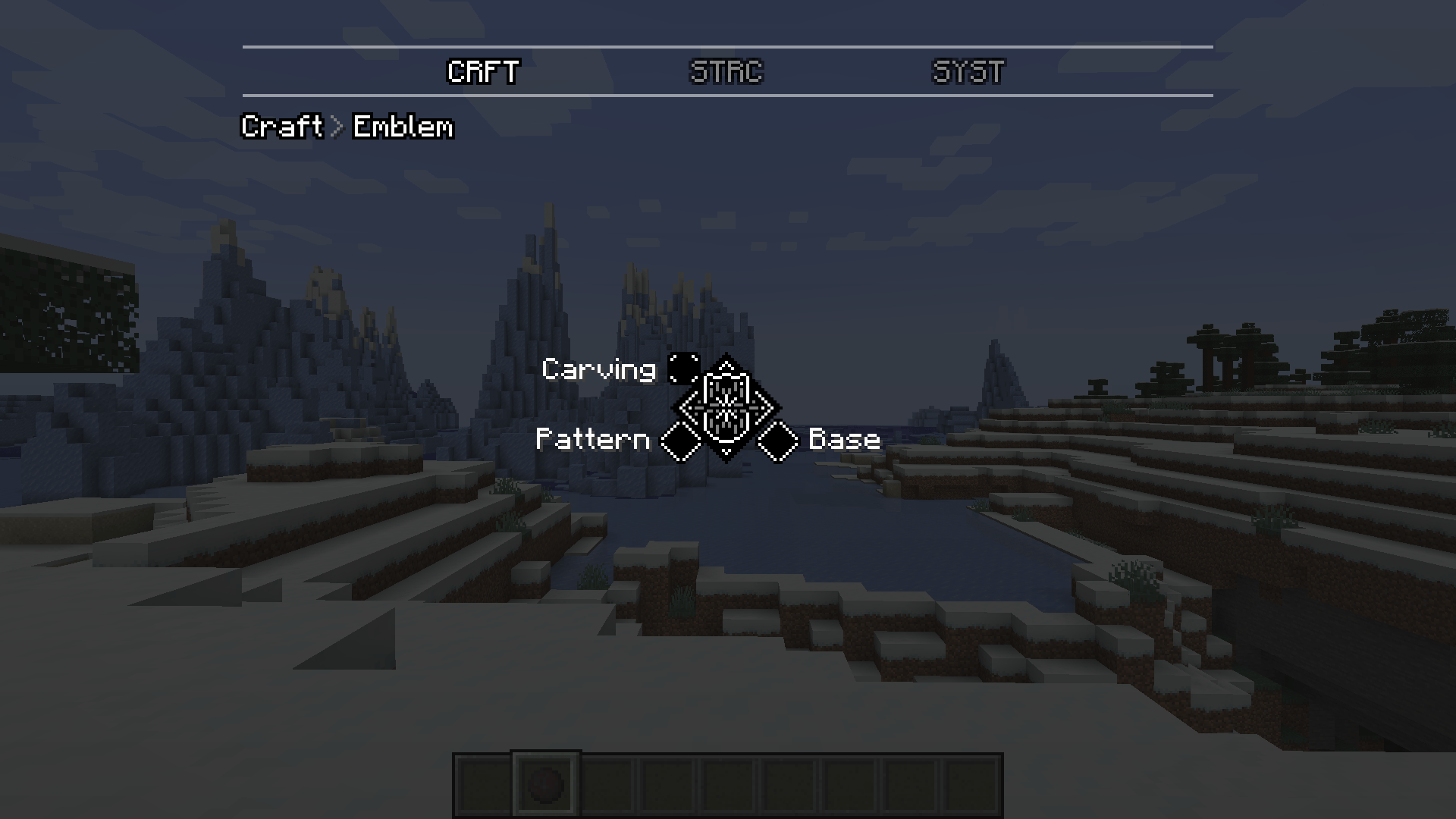
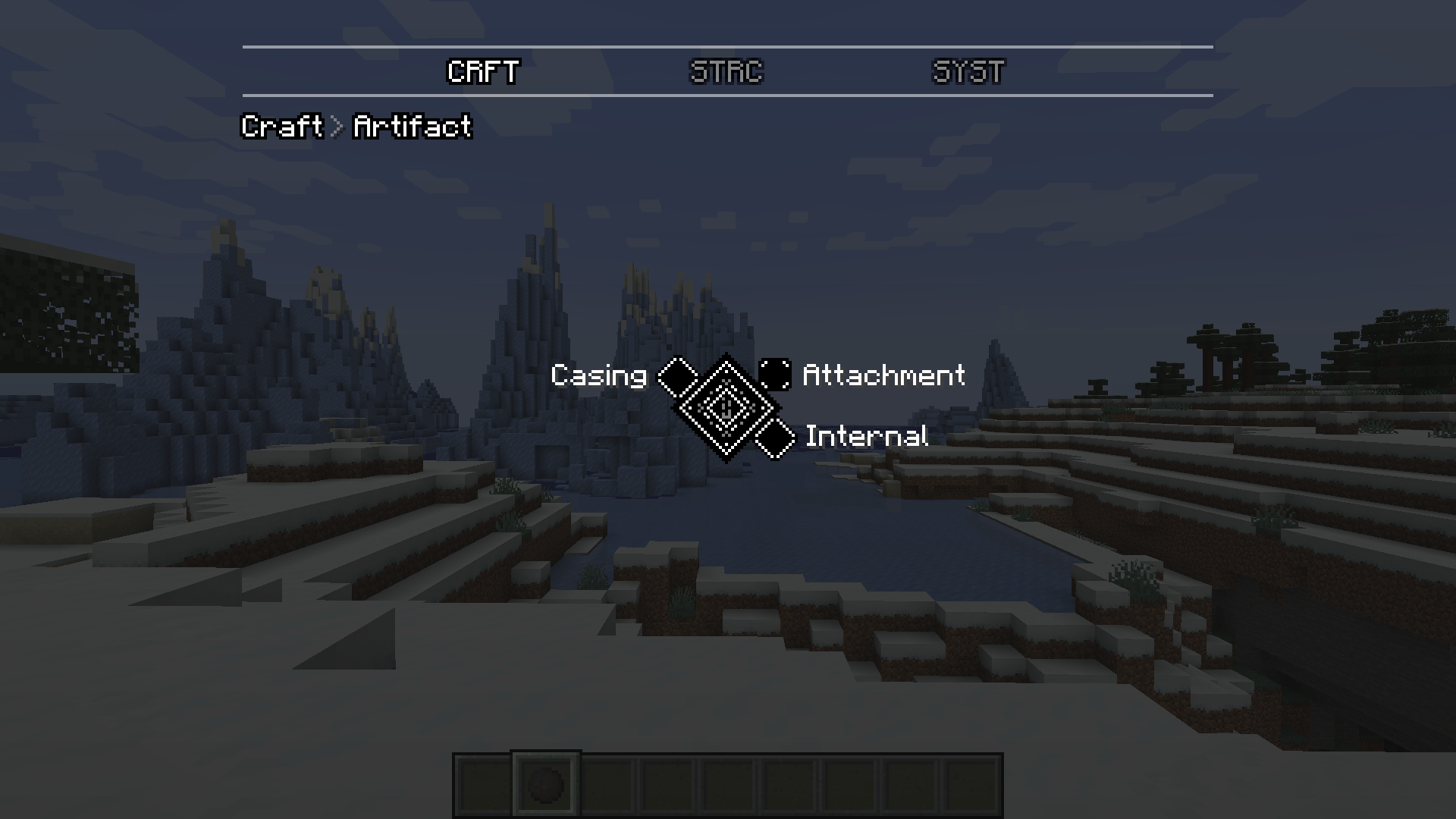
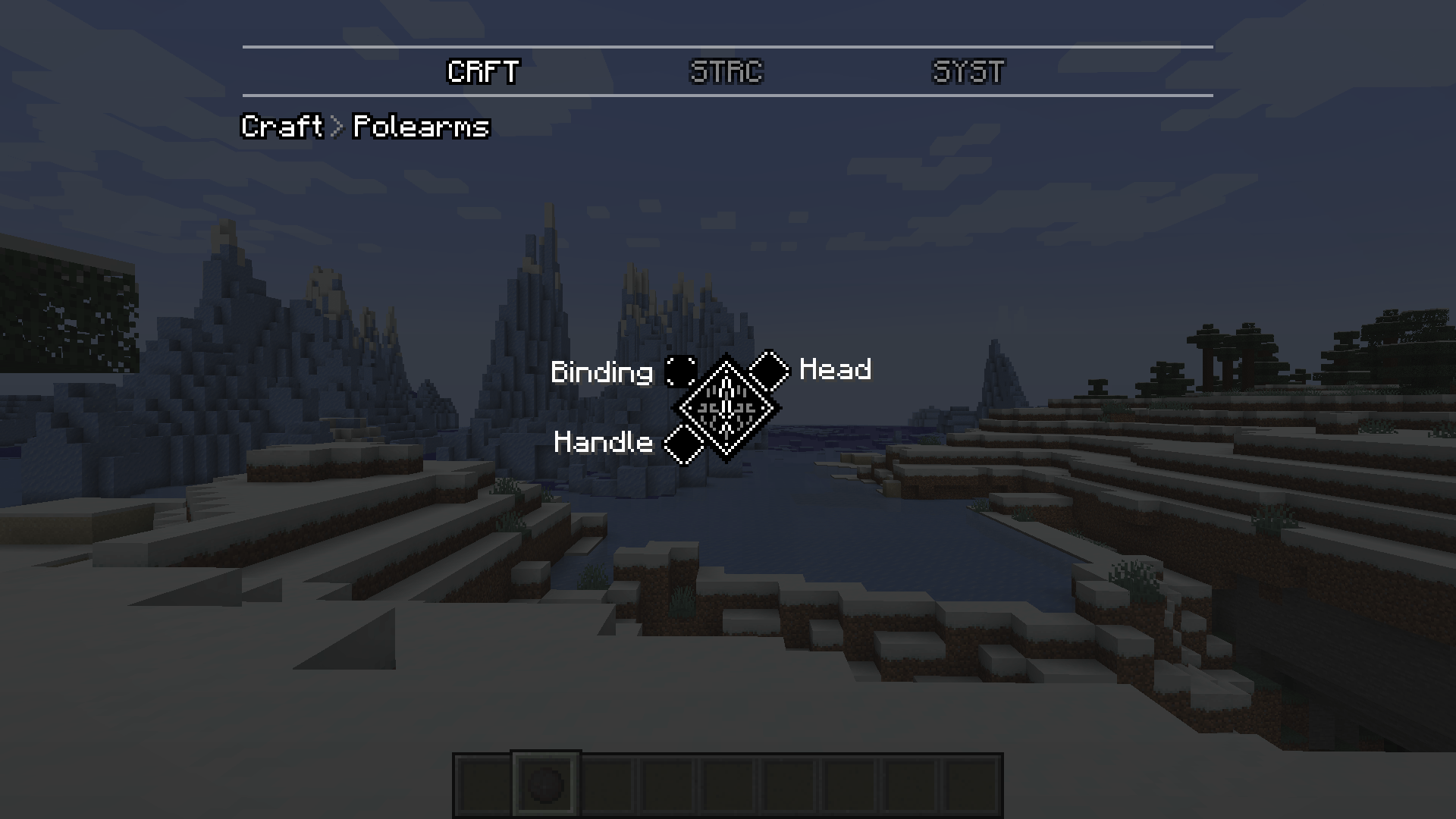
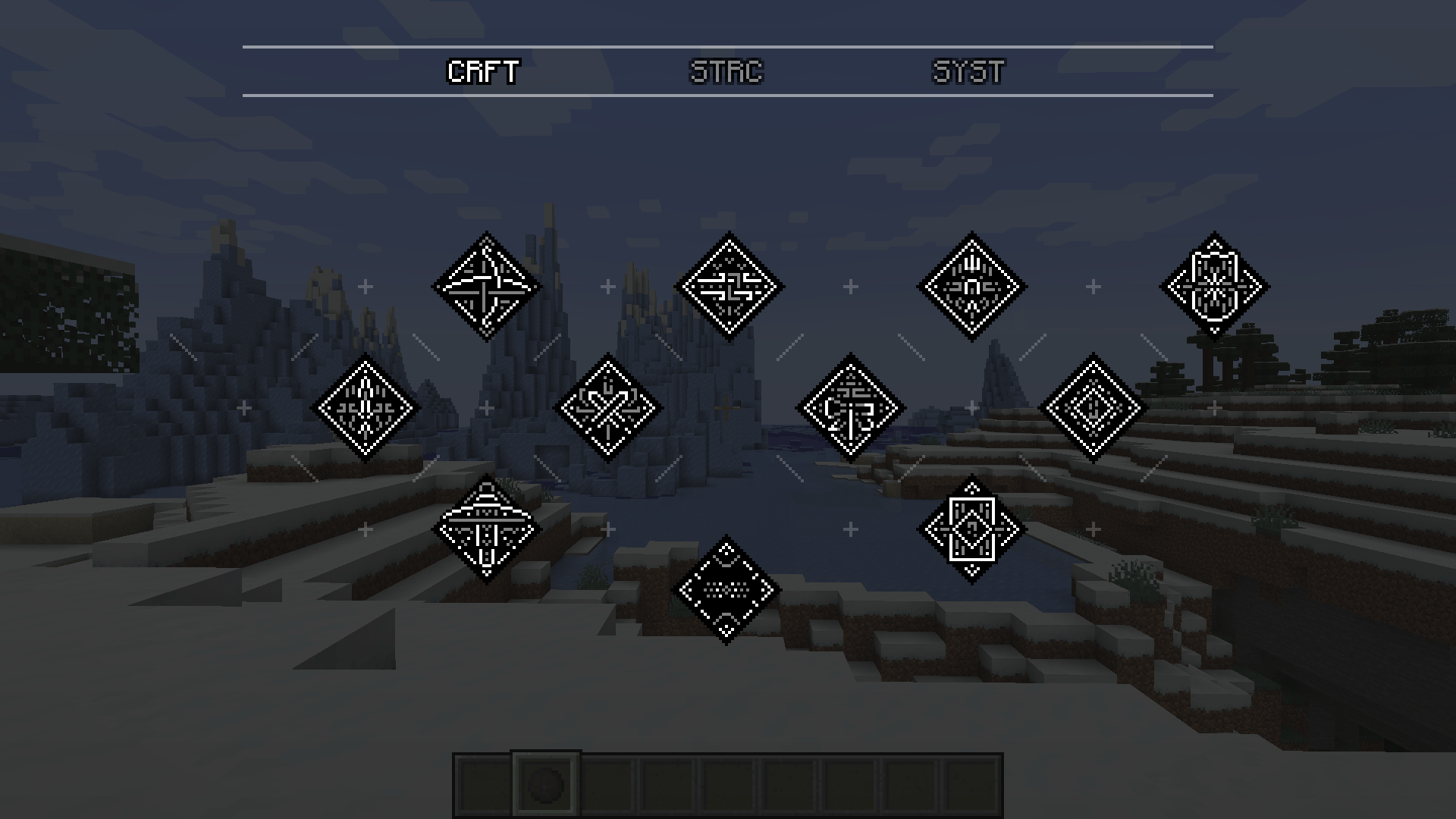
NOTE: This requires the latest version of Tetra (and by extension Mutil) to work! (6.5.0). Anything lower and the mod may not be loaded. But the rest of the other mods are OPTIONAL.

In the Tetra mod, we can search for modules and schematics (like sword, crossbow, shield, and single-head tools, etc.) But it doesn't add other modular items such as polearm (from "Secrets of Forging" or Artifact from "Art of Forging", etc.) This mod adds those modular items to the holosphere GUI so you can find information about them in-game.
Tetra GUI Compat mod supports the following modular items:
- Artifact (from Art of Forging by Ace)
- Polearm (from Secrets of Forging: Revelations by Ace)
- Emblem (from Tetra Loopback by NEFOR)
- GreatSword (from Tetra Re-Enlarged by GamerK_2)
- ???
FQA:
1. Will you backport to 1.19.2 or 1.18.2?
- If the mod is stable, I'll consider backporting.
2. I want to add a new modular item through your mod!
- Leave a comment or open a new issue on GitHub! (There is a suggestion tag.)
3. I have a crash! Please help me!
- Do not fear! Please leave a detailed comment here or open a new issue on GitHub, explaining the problem along with logs and crash logs. I will do my best to help.
For modpack developers:
You are free to use this mod for your modpack!!
Also, you can adjust the position of the module in the holosphere GUI through config!!
==> This is not supported on the newest version of this mod. Because of data-driven things on the Tetra mod.
- Edition: Minecraft Java
- File type: .jar
- Minecraft version listed: 1.20.1
- How to install: Install the matching mod loader (Forge, Fabric or NeoForge) for your Minecraft version. → Download the .jar. → Put it in the .minecraft/mods folder and launch that loader profile.
- Where to get it: Opens on CurseForge — not every file is mirrored on our own servers.
Install steps are the general flow for this file type — How to install Minecraft Java mods & modpacks walks through it step by step.
- Ships as tetra_gui_compat-1.20.1-1.2.0.jar — drop this file into the mods folder
- Download size: 8 KB
- Download link checked 2 Oct 2026 — working
These come from our own check of the pack file, not from the source page.