Simple Hp Bar
Java mod listed for Minecraft 1.21. Downloads from the MC Java Mods app on Android.
I don't know my version or loader
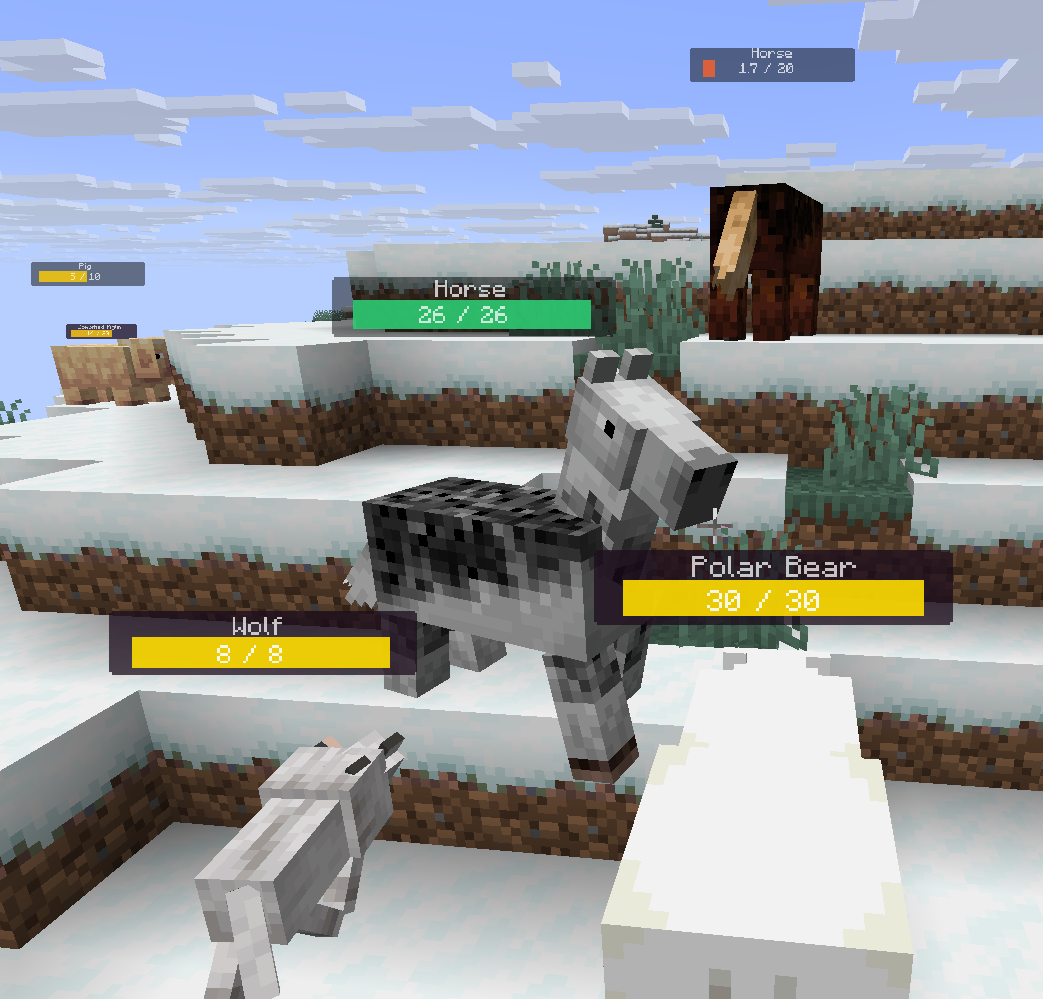
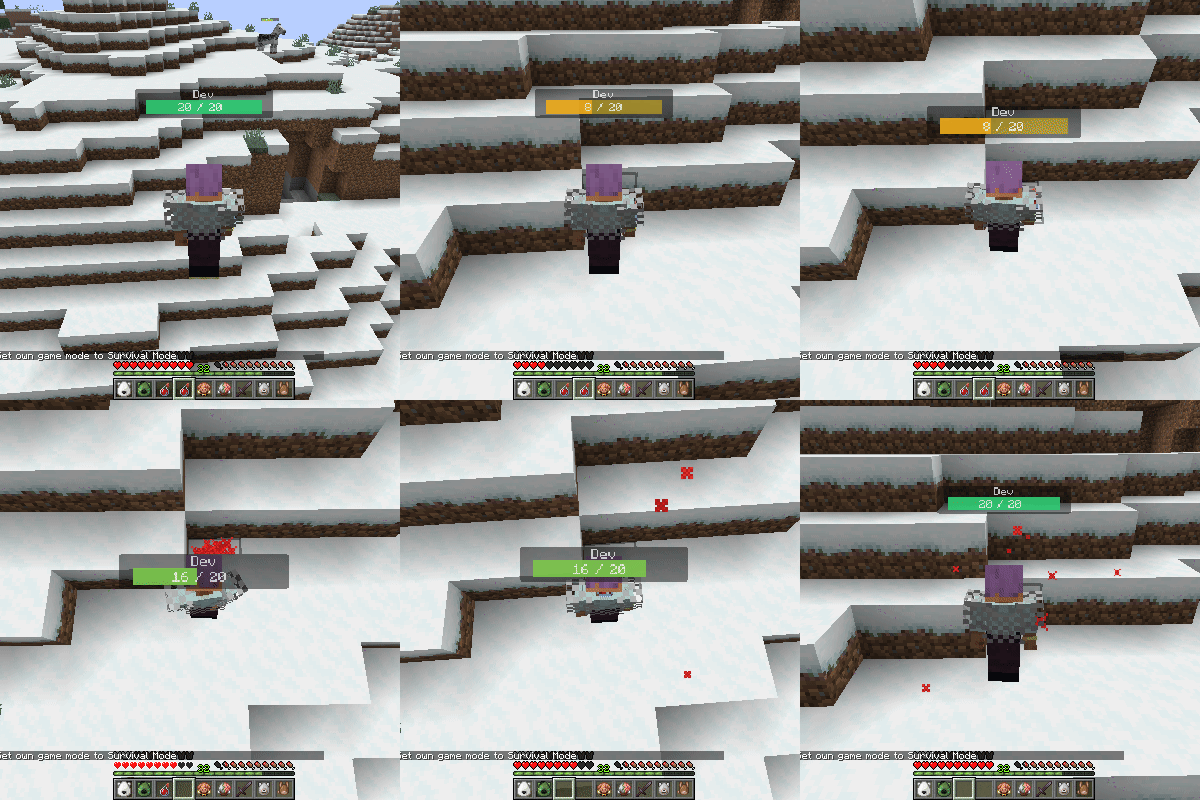
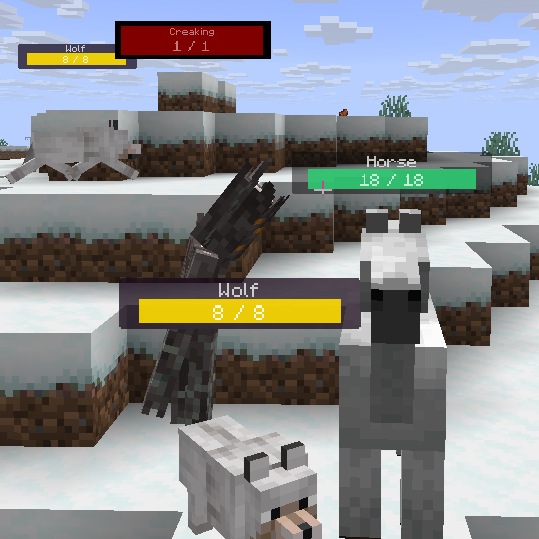
This mod adds highly customizable hp bars above the mobs and players.
The health bar looks very simple, but has many inbuilt config options.
Configs will be generated after running the game at least once.
They can be found in the config/simplehpbar folder.
You can create as many config files as you want by copying one and rewriting the values in it, if you want mobs by your choice to have different bars.
By default only a default config will be generated that applies to every mob, one for some vanilla neutral mobs and one for some monsters (to show how whitelist/blacklist and other features works)
You can change the settings by the following:
-max distance to render mobs
-position
-scale (width, height of everything)
-background (size, color, transparency, border-radius)
-hp bar (size, 3 colors for low-mid-high health value, transparency, border-radius)
-smooth hp bar for lost health (3 colors for low-mid-high health value, transparency, start time to change the smooth hp bar, decrease value)
-name (add text before the name, add text after the name, text-align, color, transparency, position, scale)
-current health text (add text before the health value, add text after the health value, text-align, color, transparency, position, scale)
-max health text (add text before the health value, add text after the health value, text-align, color, transparency, position, scale)
-health in percentage text (add text before the health percentage value, add text after the health percentage value, text-align, color, transparency, position, scale)
You can edit, create or delete configs in game within the editor that comes with this mod. (press H to open it by default)
Only the latest minecraft version gets support.
Supported versions:
Forge 1.21.6 | 1.21.7 | 1.21.8
Fabric1.21.6 | 1.21.7 | 1.21.8
Neoforge 1.21.6 | 1.21.7 | 1.21.8
- Edition: Minecraft Java
- File type: .jar
- Minecraft versions listed: 1.21.8, 1.21.7, 1.21.6
- How to install: Install the matching mod loader (Forge, Fabric or NeoForge) for your Minecraft version. → Download the .jar. → Put it in the .minecraft/mods folder and launch that loader profile.
- Where to get it: Opens on CurseForge — not every file is mirrored on our own servers.
Install steps are the general flow for this file type — How to install Minecraft Java mods & modpacks walks through it step by step.
- Ships as simplehpbar-1.1.0-forge-1.21.6-56.0.9.jar — drop this file into the mods folder
- Download size: 69 KB
- Download link checked 2 Oct 2026 — working
These come from our own check of the pack file, not from the source page.