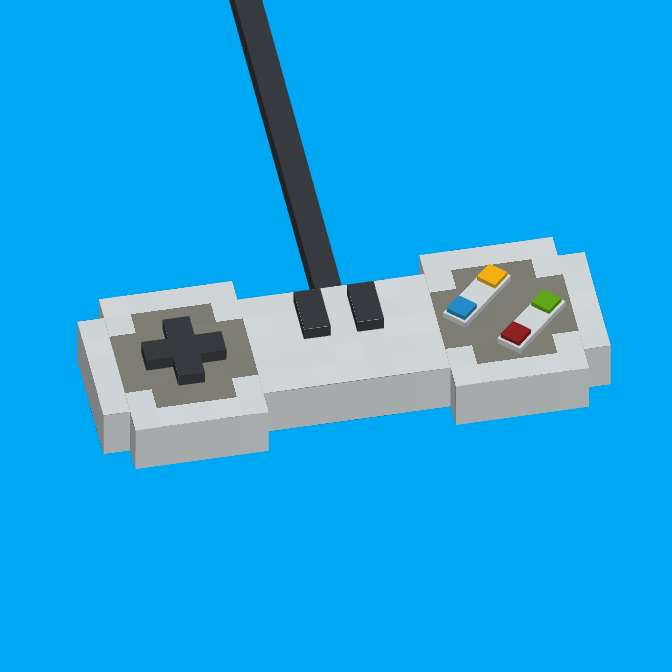
GamePad+
GamePad+ takes controller support to the next level, offering a more natural and accessible experience for all players.
⬇ Download on CurseForgeThe author built this one for Minecraft 1.20.1 on Forge. On other versions it may install and then do nothing.
🎮 GamePad+ – Advanced Controller Support
GamePad+ takes controller support to the next level, offering a more natural and accessible experience for all players.
Now that the mod is strictly client-side and allows you to join multiplayer environments, please note that we cannot guarantee how custom or aggressive third-party Server Anti-Cheats will react to the modified input handling. Use this mod on public servers at your own risk. The author takes absolutely no responsibility for any server-side bans, restrictions, or actions taken against your account.
⚙️ In-Game Settings Menu
The mod includes a dedicated configuration menu that can be opened by pressing Z (default keybind) on your keyboard. Through this menu, you can fully customize your experience:
- Keybinds & Sensitivity: Rebind your controller buttons and tweak the camera movement speed to your liking.
- Joystick Advanced Properties: Fine-tune your sticks by adjusting the deadzone (perfect for preventing stick drift) and toggling axis inversion.
- General Options: Access miscellaneous settings to polish your gameplay feel.
This mod was inspired by memories from my childhood, when I used to play Minecraft on Xbox 360 and everything felt so intuitive with a controller.
Based on that idea, I decided to create a mod that brings real controller support to Minecraft Java Edition, with plans to expand it even further in the future.
Upcoming features include:
- Other customizable parameters in the settings menu.
- On-screen help with the buttons.
- 3D projection of the player on the screen.
- Simplified GUIs for vanilla blocks (like the crafting table), optimized for controller use
There is also a config file to change some parameters of the mod.
- Edition: Minecraft Java
- File type: .jar
- Minecraft version listed: 1.20.1
- How to install: Install the matching mod loader (Forge, Fabric or NeoForge) for your Minecraft version. → Download the .jar. → Put it in the .minecraft/mods folder and launch that loader profile.
- Where to get it: Opens on CurseForge — not every file is mirrored on our own servers.
Install steps are the general flow for this file type — How to install Minecraft Java mods & modpacks walks through it step by step.
- Ships as gamepad_plus-v0.2.1beta-mv1.20.1forge.jar — drop this file into the mods folder
- Download size: 153 KB
- Download link checked 12 Sept 2026 — working
These come from our own check of the pack file, not from the source page.