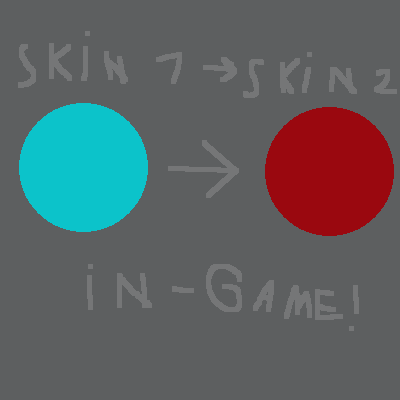
In-Game Player Skin Changer
The author built this one for Minecraft 1.20.1 on Forge. On other versions it may install and then do nothing.
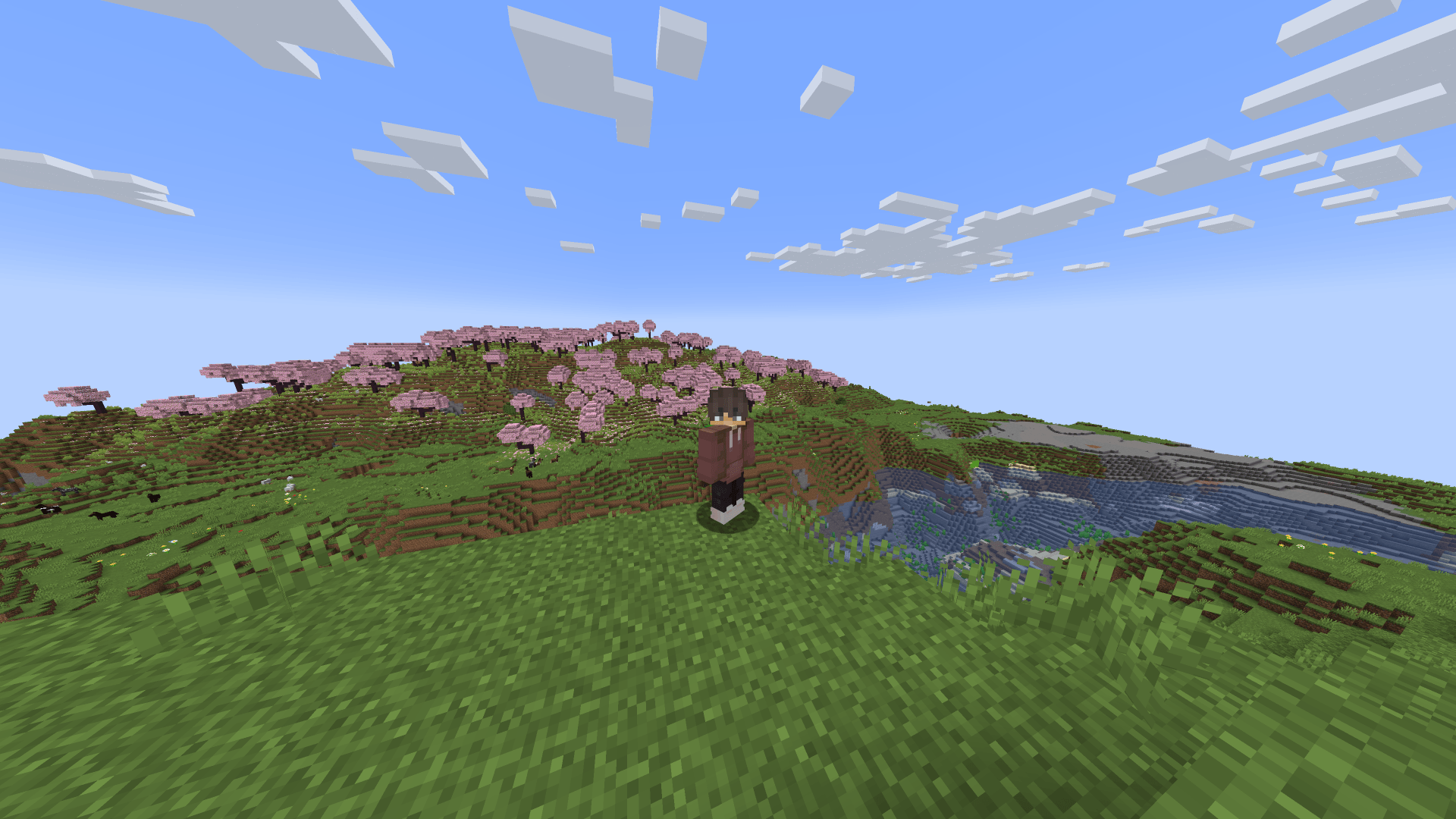
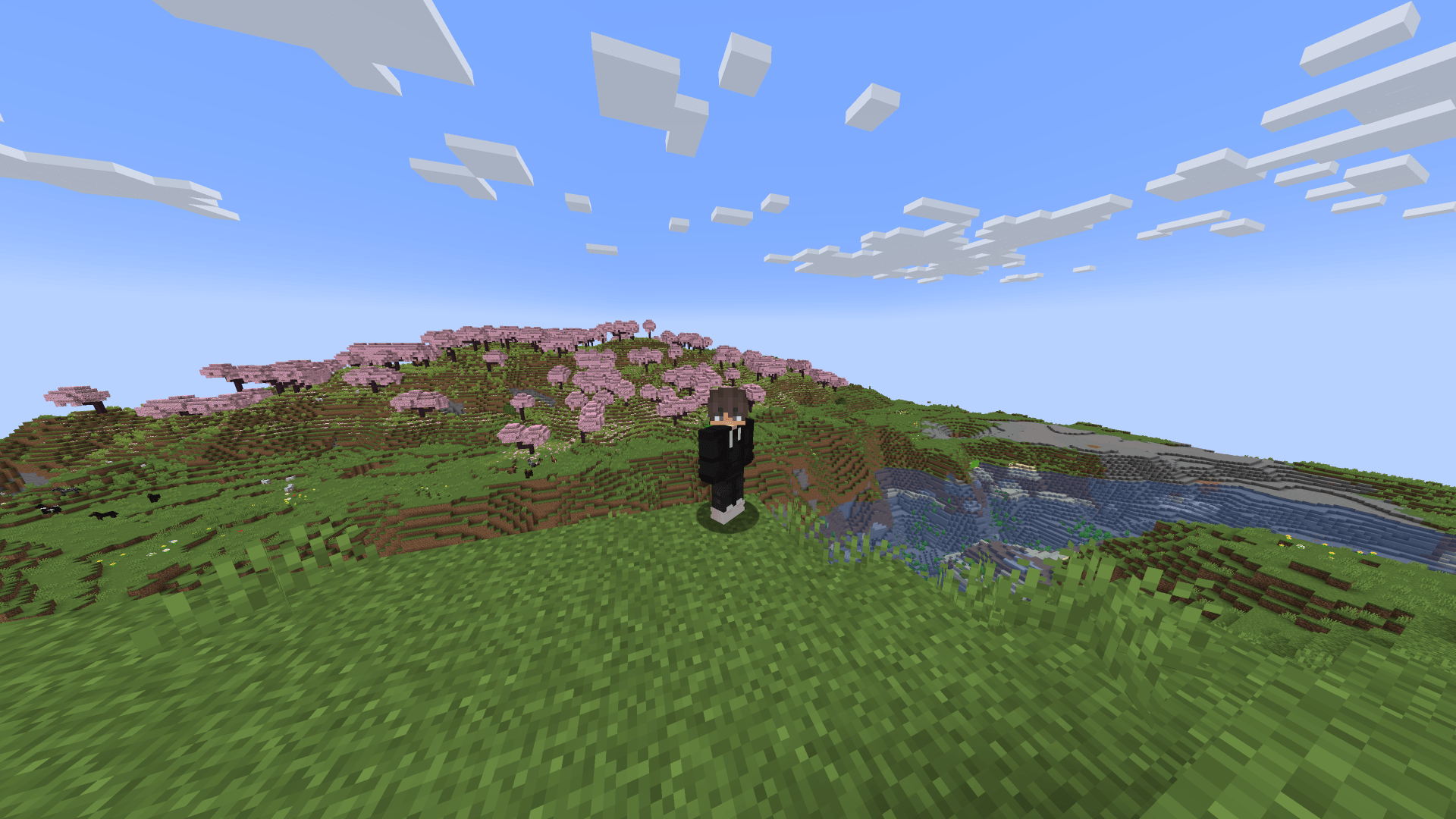
This mod allows to change your skin in-game. It works on client and server-side. You need to upload skins to the mod file, otherwise nothing will work.
Updates
!!PROJECT REVIVED!!
PLEASE WAIT FOR THE UPDATE!
that's it.
Instructions
Open the mod file (using any archiver, like WinRAR) and go to assets/playerskinchanger/textures/entities.
Rename the skins to skin(number).png (without brackets and spaces).
Upload your skins there and that's it!
You can launch Minecraft. To change skins, use the command /skinmanage set (skin number) [toggled] [3D] [Slim]. (values in () are integers, and values in [] are boolean, or true/false. Without brackets.)
I understand that it's inconvenient, but this will be fixed in future updates!
The mod also has a system for automatically setting up the skin when entering a world.
Go to .minecraft/config and find the file skinAutoset.toml there.
In this file, set everything to your taste and that's it!
Enjoy :D
Changelog
25.08.21, v1.0.1 - Added arrows to easily change skins and made preview easier
- Edition: Minecraft Java
- File type: .jar
- Minecraft version listed: 1.20.1
- How to install: Install the matching mod loader (Forge, Fabric or NeoForge) for your Minecraft version. → Download the .jar. → Put it in the .minecraft/mods folder and launch that loader profile.
- Where to get it: Opens on CurseForge — not every file is mirrored on our own servers.
Install steps are the general flow for this file type — How to install Minecraft Java mods & modpacks walks through it step by step.
- Ships as playerskinchanger-1.0.1-forge-1.20.1.jar — drop this file into the mods folder
- Download size: 739 KB
- Download link checked 12 Sept 2026 — working
These come from our own check of the pack file, not from the source page.