
ModsJava
Effects After Death
Java mod listed for Minecraft 1.21. Downloads from the MC Java Mods app on Android.
I don't know my version or loader
Open the Minecraft launcher and look at the profile you play on — it names both, like fabric-loader-1.21.4. The version also shows in the bottom-right corner of the game's main menu.
No loader in the profile name? Then it's plain Minecraft, and these mods won't run — you need Fabric or NeoForge installed first.


Effects after Death 💀🧪
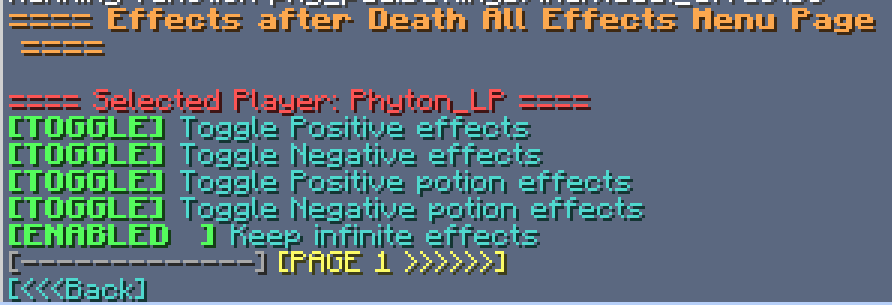
Effects After Death is a highly configurable Minecraft datapack/mod that allows potion effects and other status effects to persist after a player's death. Designed for maximum flexibility, it supports both global and per-player customization to suit various gameplay styles and server rules.
Ideal for RPG style servers, challenge modes, or progression based gameplay, Effects After Death.
Fully server side!
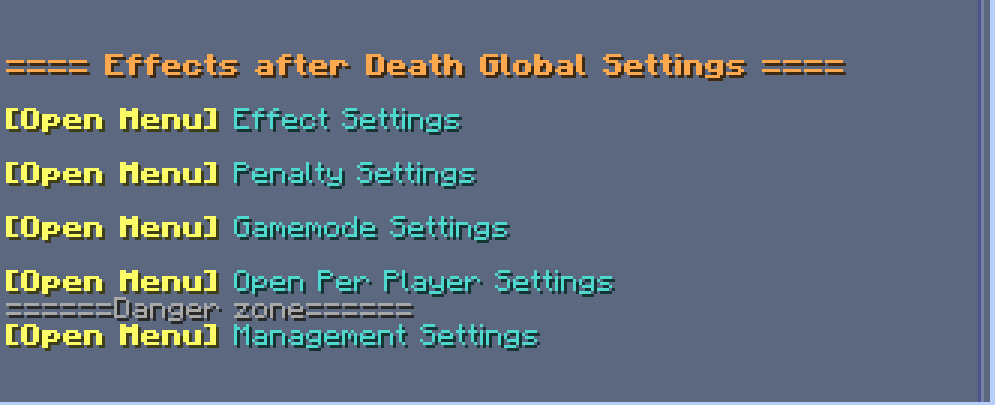
⚙️ Settings Menu — Effects After Death
Open Settings with /trigger EffectsOnDeath.settings
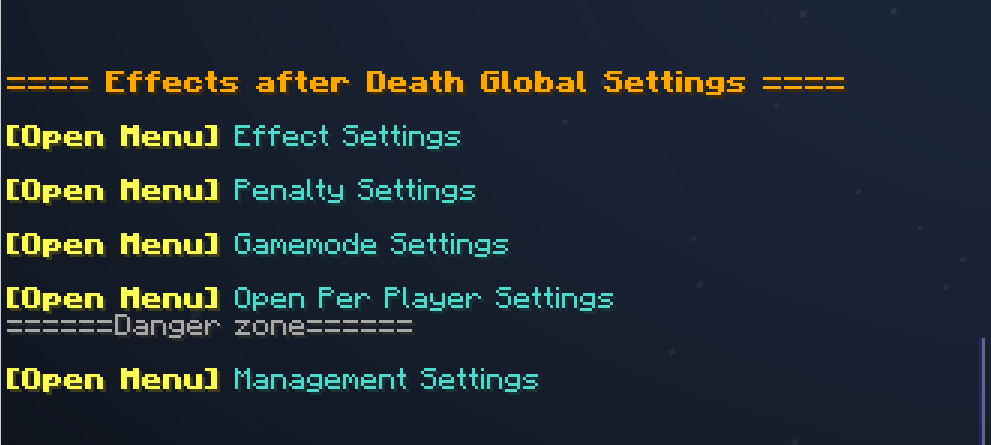
| Category | Description |
|---|---|
| 🧪 Effect Settings | Toggle individual effects on or off |
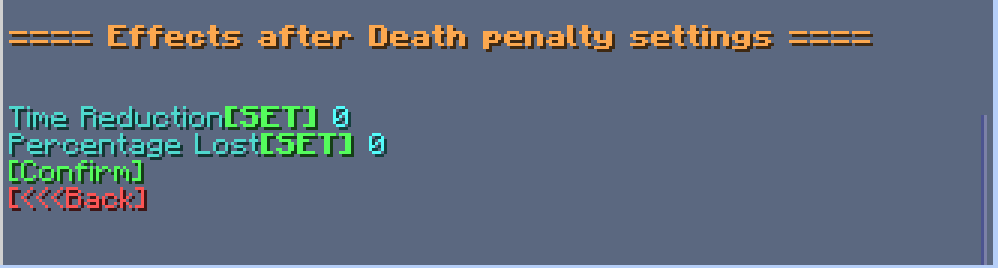
| ⚖️ Penalty Settings | Modify penalties applied upon death |
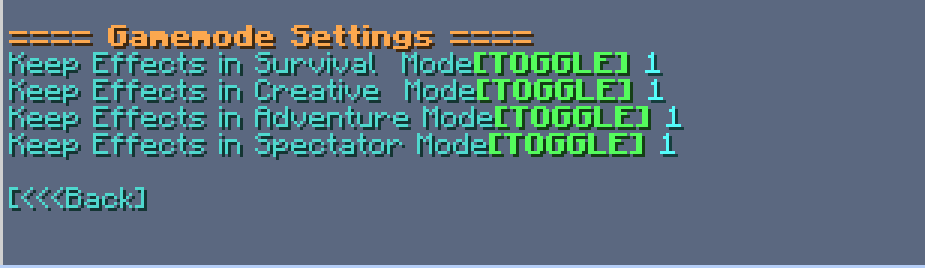
| 🎮 Gamemode Settings | Choose which gamemodes are affected |
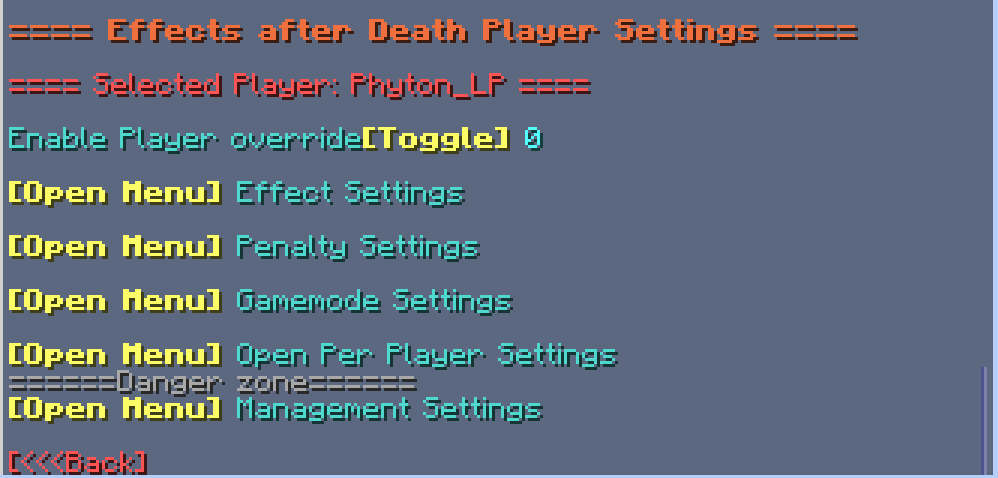
| 👤 Per-Player Settings | Set individual player configurations |
| 🧹 Management Settings | Reset, clean up, or uninstall datapack |
🧪 Effect Settings
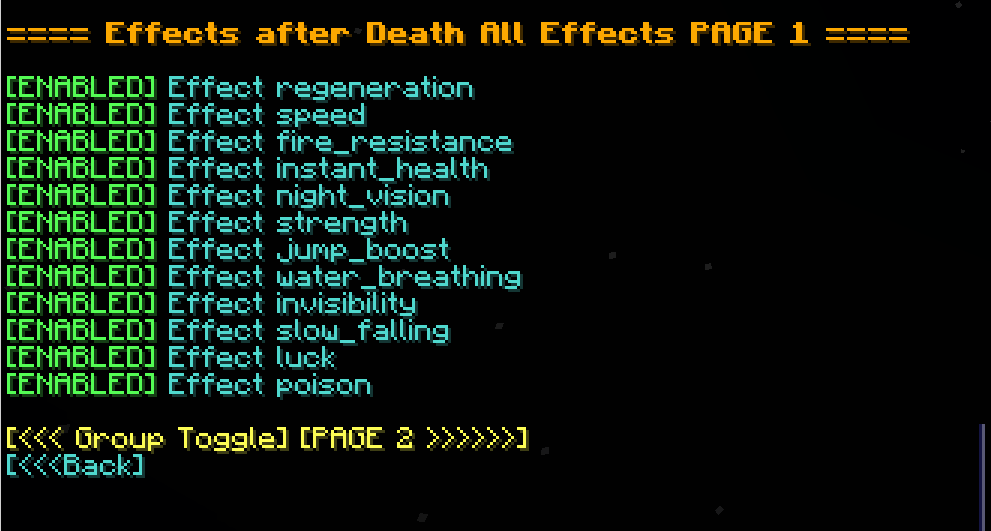
- Multi-page system for organizing effects
- Group Toggle Page: Turn multiple effects on/off at once
- Infinite Effects: Enable/disable keeping effects with infinite duration
- Individual Effects: Enable/disable each effect in minecraft separately
<details> <summary>Image</summary>
</details>
⚖️ Penalty Settings
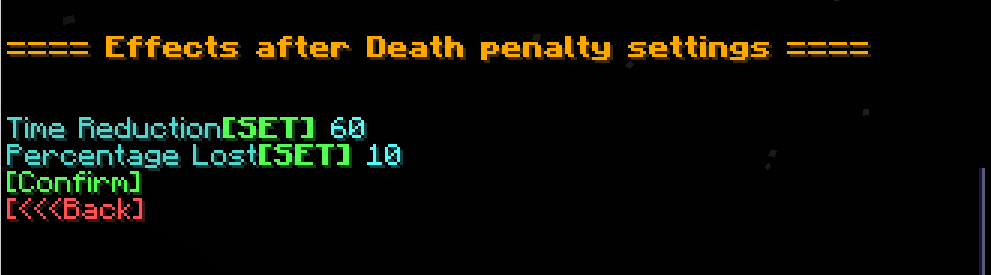
| Option | Description |
|---|---|
| ⏱️ Time Reduction | Fixed number of seconds lost on death |
| 📉 Percentage Lost | Percentage of time lost on death |
| Image |
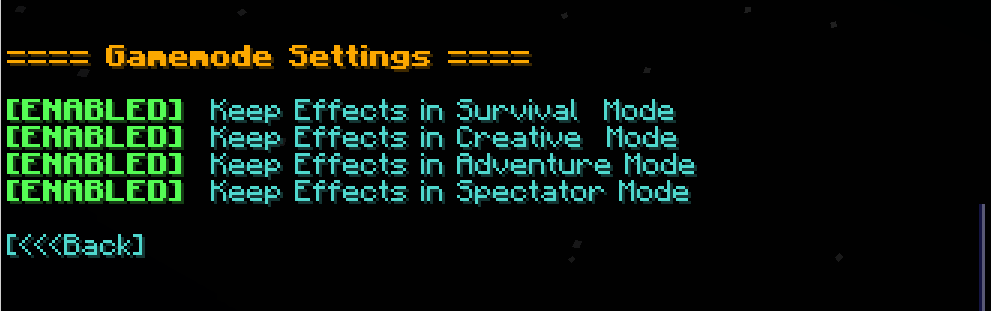
🎮 Gamemode Settings
- Enable/disable effect retention in specific gamemodes (e.g., survival, creative, spectator)<details> <summary>Image</summary> </details>
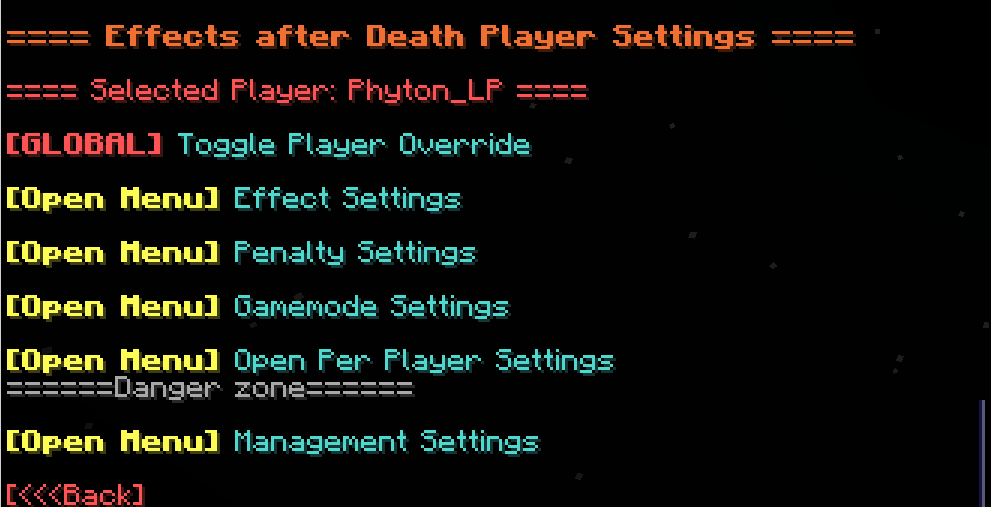
👤 Per-Player Settings
- Customize which players are affected by each setting
- Give Players individual rule sets!<details> <summary>Image</summary> </details>
🧹 Management Settings
| Option | Description |
|---|---|
| 🔄 Reset to Defaults | Restore all effect and group settings to default |
| 👥 Reset Players | Remove all per-player overrides |
| ❌ Uninstall | Fully remove all related data and scoreboards |
Quick facts
- Edition: Minecraft Java
- File type: .jar
- Minecraft versions listed: 1.21, 1.21.8, 1.21.5
- How to install: Install the matching mod loader (Forge, Fabric or NeoForge) for your Minecraft version. → Download the .jar. → Put it in the .minecraft/mods folder and launch that loader profile.
- Where to get it: Opens on CurseForge — not every file is mirrored on our own servers.
Install steps are the general flow for this file type — How to install Minecraft Java mods & modpacks walks through it step by step.
File checked by MCModsHub
- Ships as effects-after-death-1.1.jar — drop this file into the mods folder
- Download size: 179 KB
- Download link checked 2 Oct 2026 — working
These come from our own check of the pack file, not from the source page.