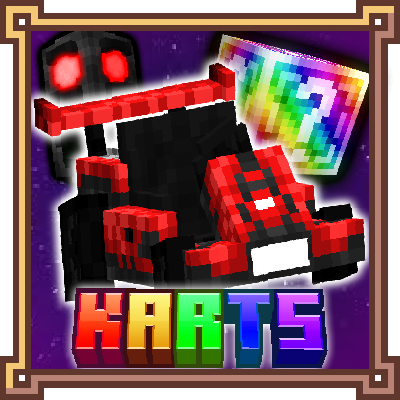
Zcoper Karts
Java mod listed for Minecraft 1.19–1.20. Downloads from the MC Java Mods app on Android.
I don't know my version or loader
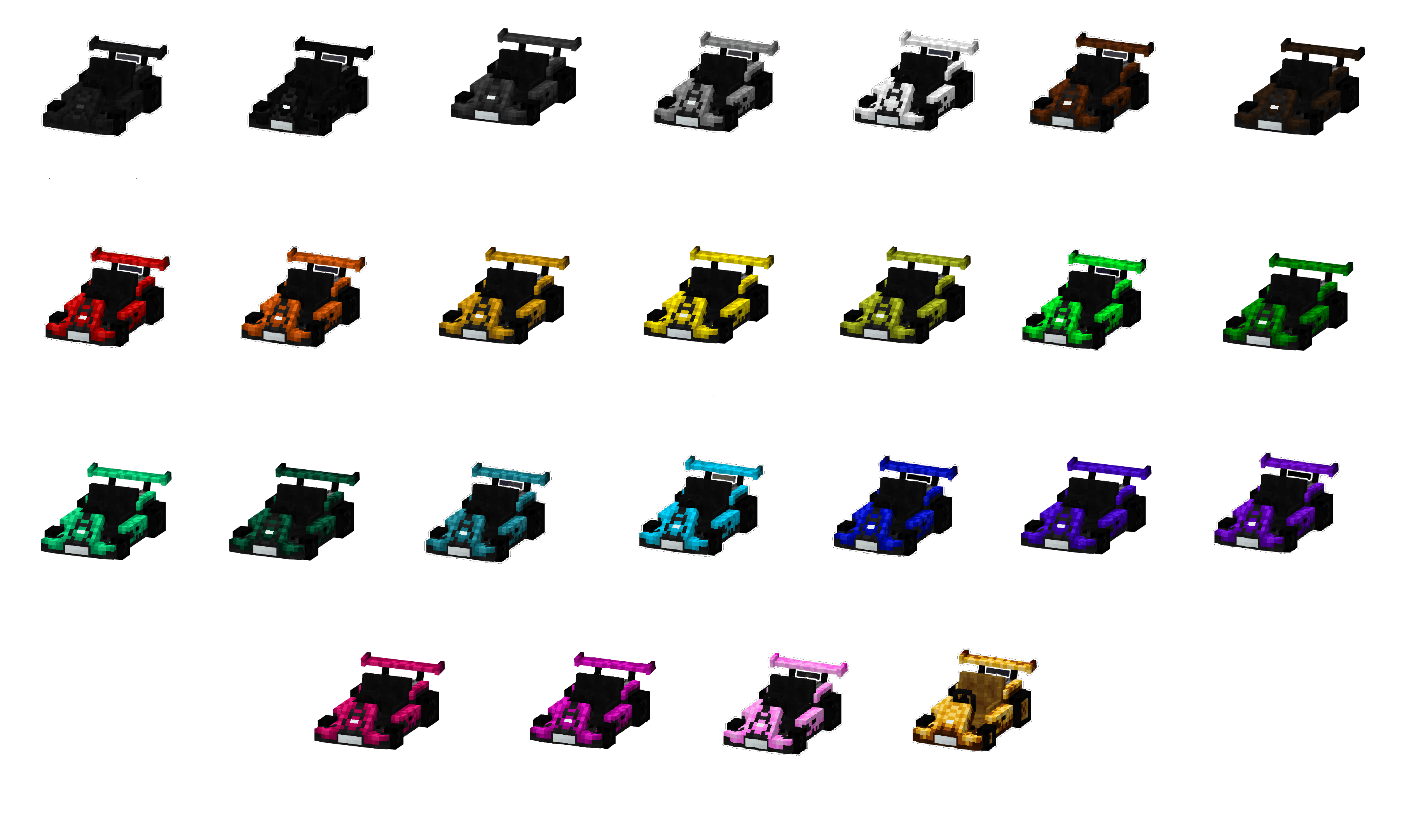
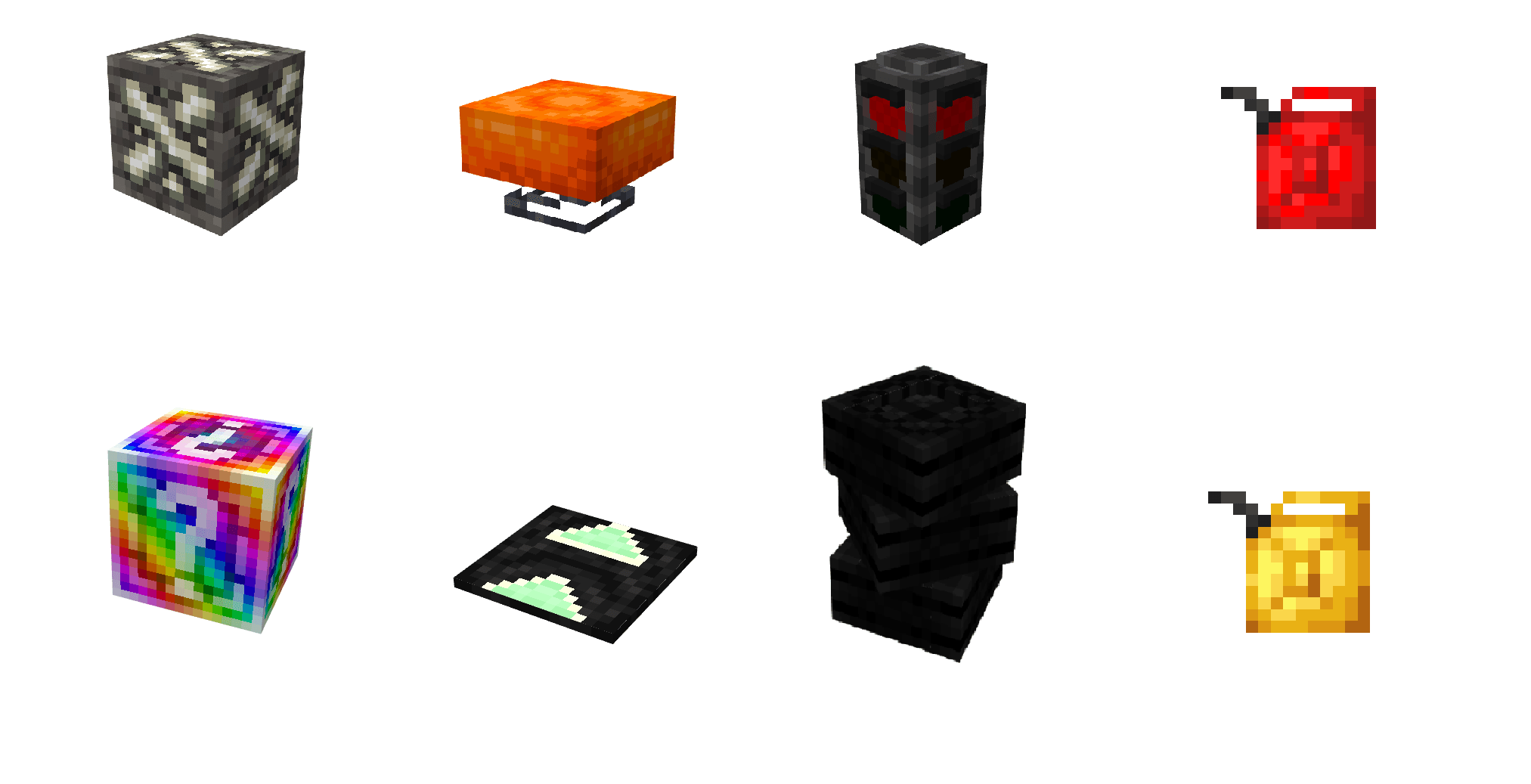
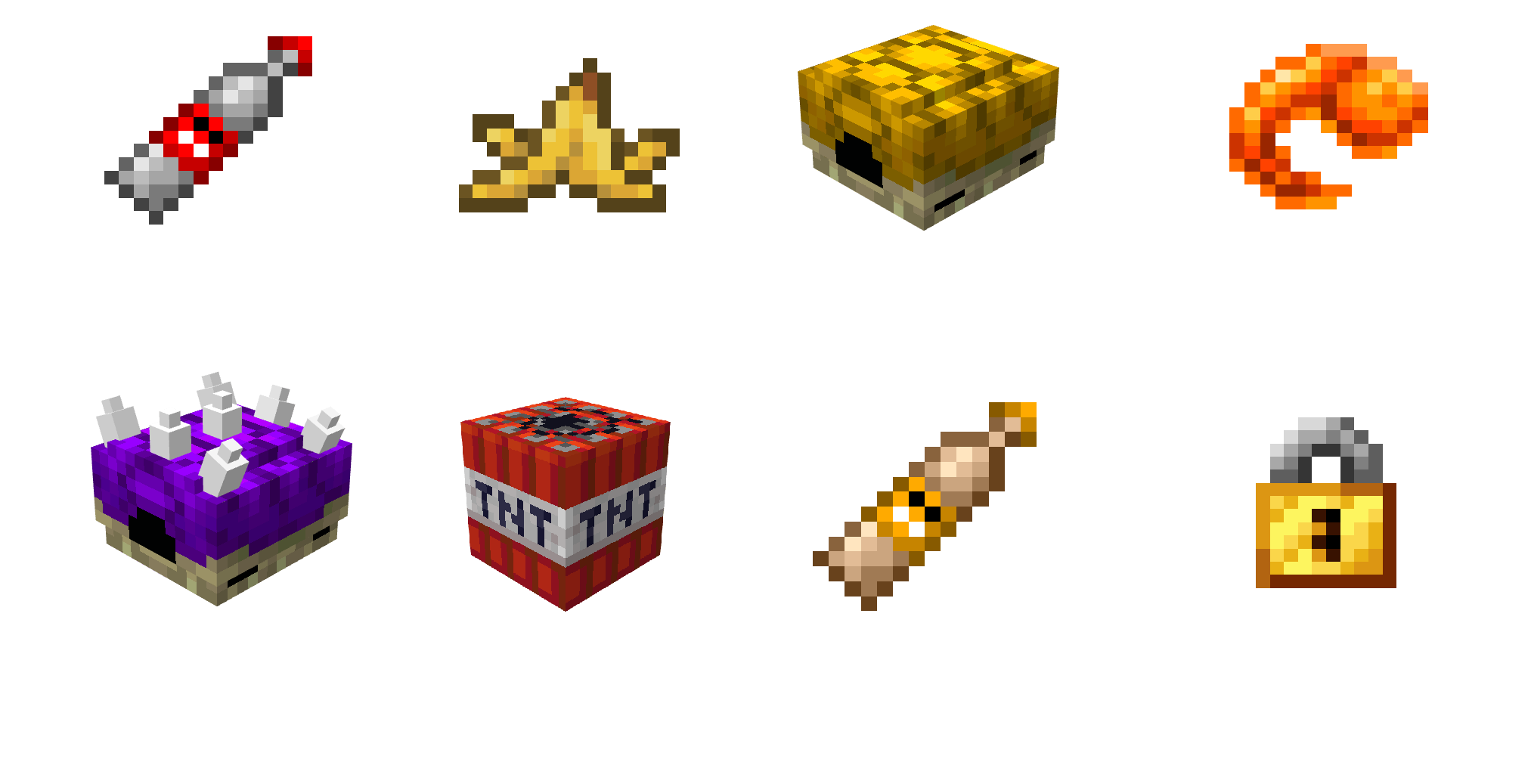

Zcoper Karts brings an chaotic kart racing into Minecraft! Craftable in survival and even usable underwater, these Go-Karts let you race across custom tracks or natural terrain with ease. Playing with friends adds even more fun when building your own tracks and challenge your friends! Collect Item boxes to get powerful items to gain an edge and outplay your rivals. Zcoper Karts delivers fast-paced fun straight to your Minecraft world. Start your engines, the race is on!
● A mod made by Zcoper
● Mod created with MCreator!
● Requires Geckolib:
GeckoLib 1.19.2 Version
GeckoLib 1.19.4 Version
GeckoLib 1.20.1 Version
● Visit my Discord Server!
https://discord.gg/akP56NtmVQ
● Important FaQ
► Why are features missing in different versions?
It is recommended to play the newest versions of higher minecraft versions.
Not all features of MCreator available or the same in different versions.
For example: Version 1.19.2 doesn't have the feature of shield, better structure generation or custom villagers, but Version 1.20.1 does have them.
► How to configurate the speed level?
Use an Configurater Item from creative mode, sneak and right-click on a block to open the Speed Configuration Menu.
Otherwise change the gamerule "goKartSpeedLevel" between 1 and 4.
► How can I despawn Item Boxes, Fake Item Boxes or Purple Shells?
Right click those entities with a Configurator.
► How can I get a Golden Upgrade Template?
A Golden Upgrade Template can be dropped from killing mobs while having a level above 30. It's also a rare drop, so you have to kill a lot of mobs, or just be very lucky.
► Why does the Purple Shell doesn't do anything?
When a Purple Shell just flys above the ground but doesnt do anything, that means no player has the effect "Purple Shell Target", meaning there is no target or the target already got eliminated and the effect got cleared.
► Why do bananas despawn?
Bananas despawn if there isn't a nearby player.
► Why do bananas replace blocks?
If you throw a banana, it normally lands on a block surface and places a banana on that block, meaning if you throw a banana at a wall, it most likely replaces the block above the block that has been hit. Fortunately bananas are only obtainable from Item Boxes that are only obtainable in creative mode.
► Which blocks slows your Go-Kart down?
Heres a list of what blocks slows a Go-Kart down:
Grass Block, Dirt, Mycelium, Podsol, Coarse Dirt, Rooted Dirt, Mud, Sand, Red Sand, Gravel, Suspicious Gravel, Suspicious Sand, Leaves, Sponges, Mushroom Blocks, Nether Wart Blocks, Warped Wart Blocks, Soul Sand, Honey Blocks, Snow Layer, Powdered Snow, Clay, Crimson Nylium, Warped Nylium
► Why does my game crash when refueling a Go-Kart?
Your Game can crash when refueling a Go-Kart with Gasoline or Super Gasoline. This can happen when you hold the right click button for too long or the world is still loading. If your game crashes, just rejoin the world and try it again, then it should work.
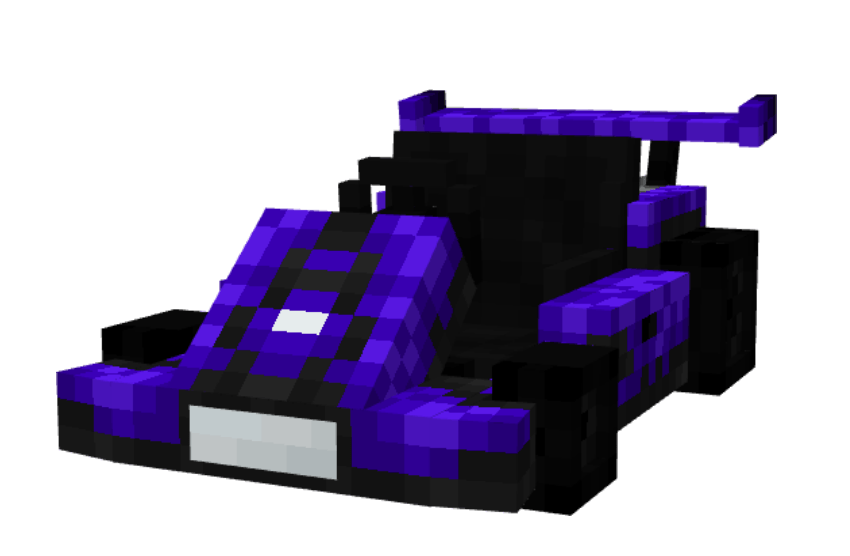
Go-Kart
Go-Karts can be crafted in the special Kart Workstation. There, you can also recolor your kart or upgrade it to gold, making it faster and giving it more fuel capacity. Using a Stonecutter will remove the color or upgrade of your kart. Go-Karts are fast (depending on the selected speed level) and can even be driven in water. They're easy to pick up and place, making them perfect for quick races or multiplayer fun. Challenge your friends to races and use items from Item Boxes to temporarily disable their karts and take the lead! Drifting is possible by pressing A or D. Go-Karts move slower on certain blocks like grass, dirt, sand or other blocks. Using concreate or stone as a floor is a great way to drive as fast as you can. Each Go-Kart consumes fuel, which can be obtained by mining special Fossil Blocks.
To learn more, check the in-game Kart Handbook, which includes everything you need to know.
● Config File not inculed.
● You are all allowed to use this mod in your modpacks!
● Do not port my mods without permission!
● Check out my other Mods:
https://www.curseforge.com/members/zcoperfy/projects
- Edition: Minecraft Java
- File type: .jar
- Minecraft versions listed: 1.19.2, 1.19.4, 1.20.1
- How to install: Install the matching mod loader (Forge, Fabric or NeoForge) for your Minecraft version. → Download the .jar. → Put it in the .minecraft/mods folder and launch that loader profile.
- Where to get it: Opens on CurseForge — not every file is mirrored on our own servers.
Install steps are the general flow for this file type — How to install Minecraft Java mods & modpacks walks through it step by step.
- Ships as ZcoperKarts-forge-1.19.2-1.2.jar — drop this file into the mods folder
- Download size: 5.2 MB
- Download link checked 2 Oct 2026 — working
These come from our own check of the pack file, not from the source page.