Iron's Spells HUD
Java mod listed for Minecraft 1.21. Downloads from the MC Java Mods app on Android.
⬇ Download on CurseForgeThe author built this one for Minecraft 1.21.1 on NeoForge. On other versions it may install and then do nothing.
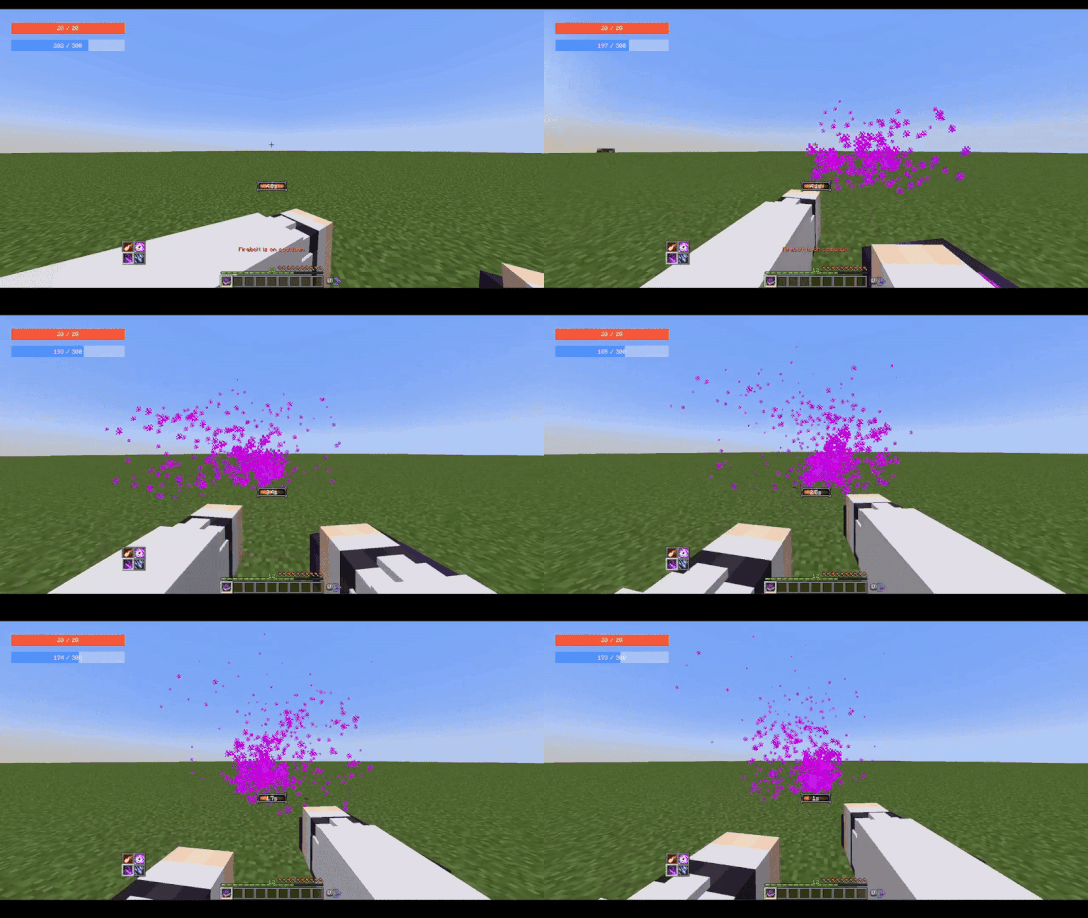
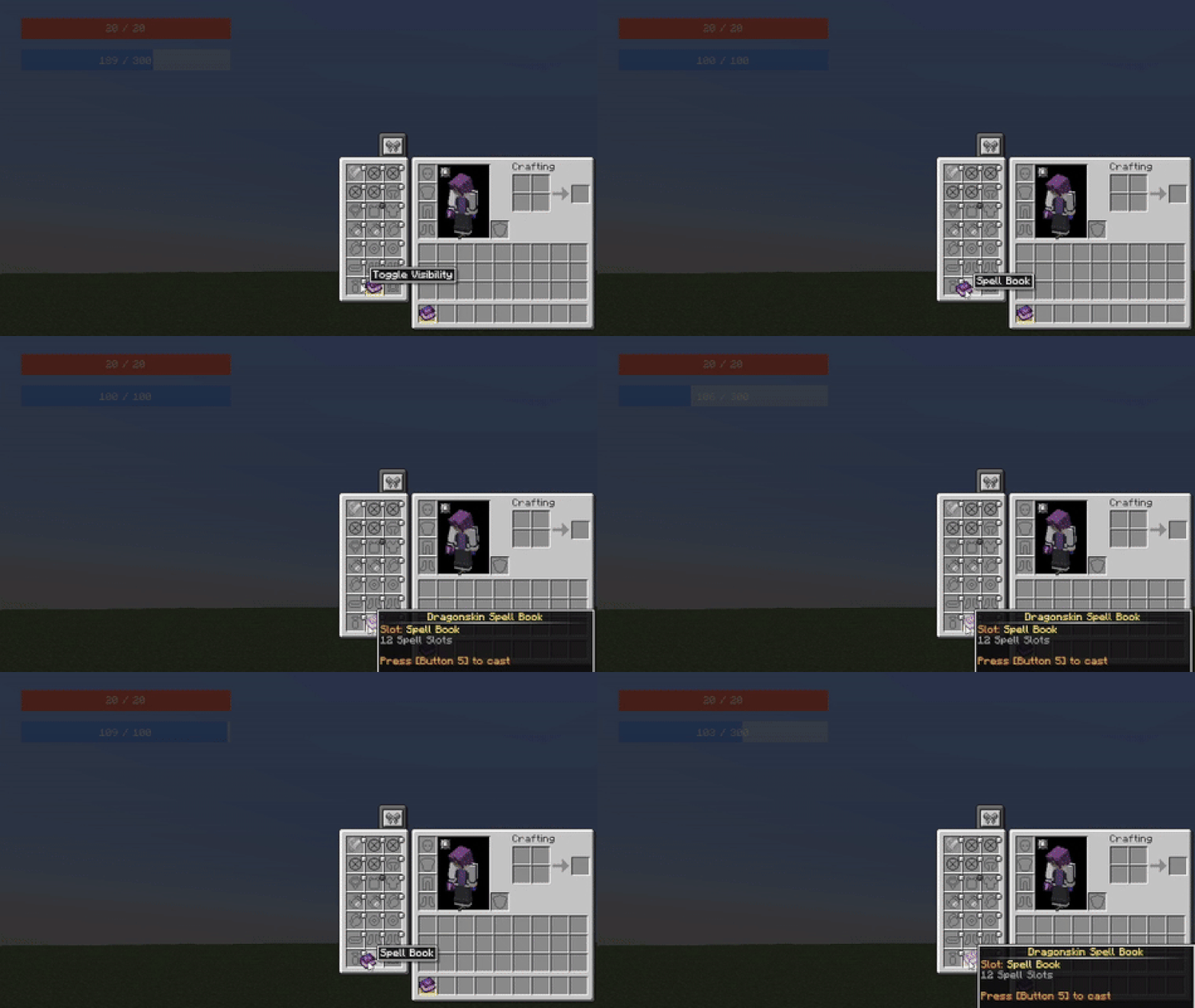
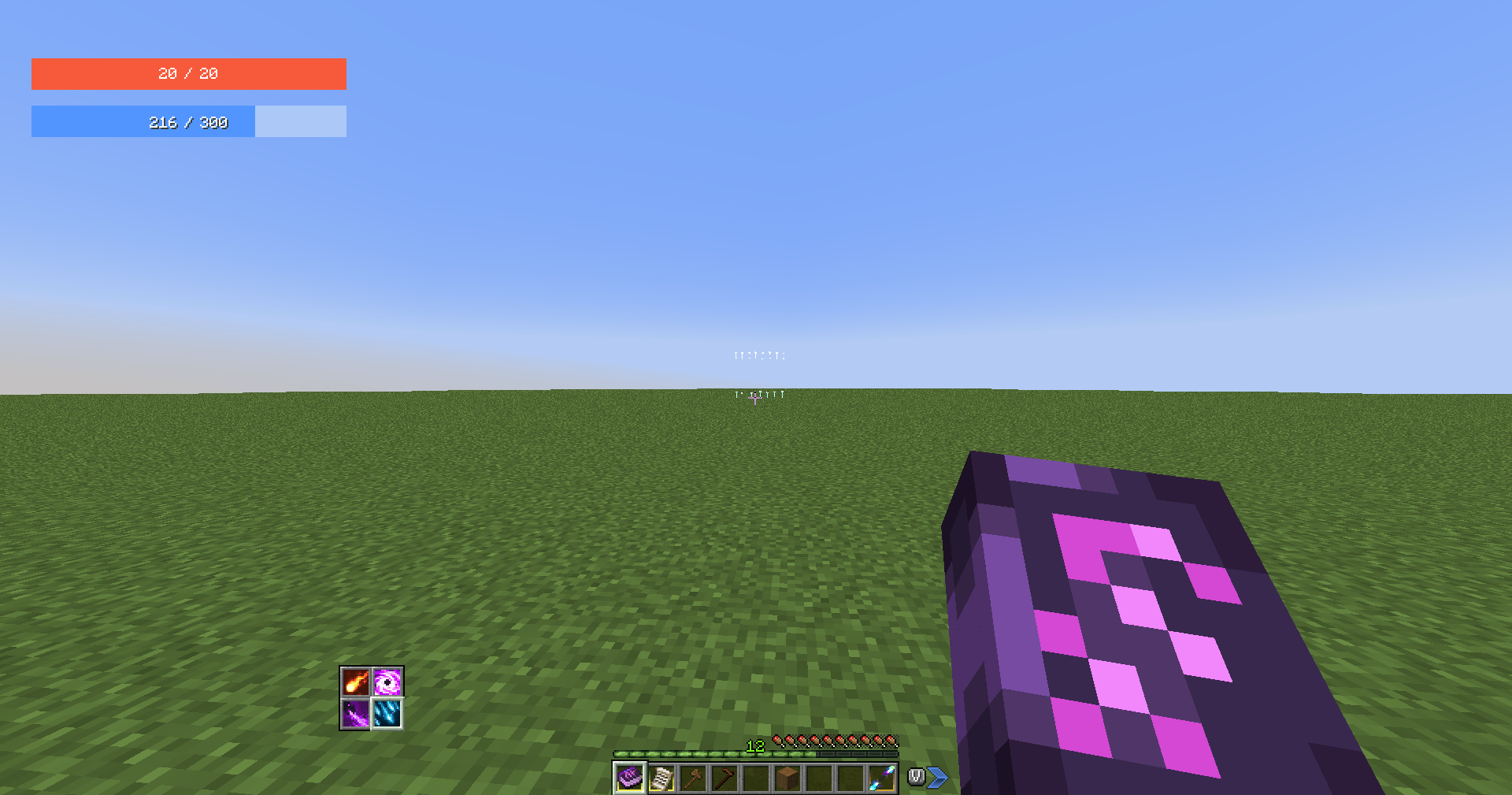




Recommended with FancyMenu and SpiffyHUD
Requires Iron's Spell 'n Spellbooks
🖥️ CLIENT-SIDE ONLY
Iron's Spells HUD is a client-side mod that provides the Current Mana and Max Mana nbt data values to work with FancyMenu and SpiffyHUD.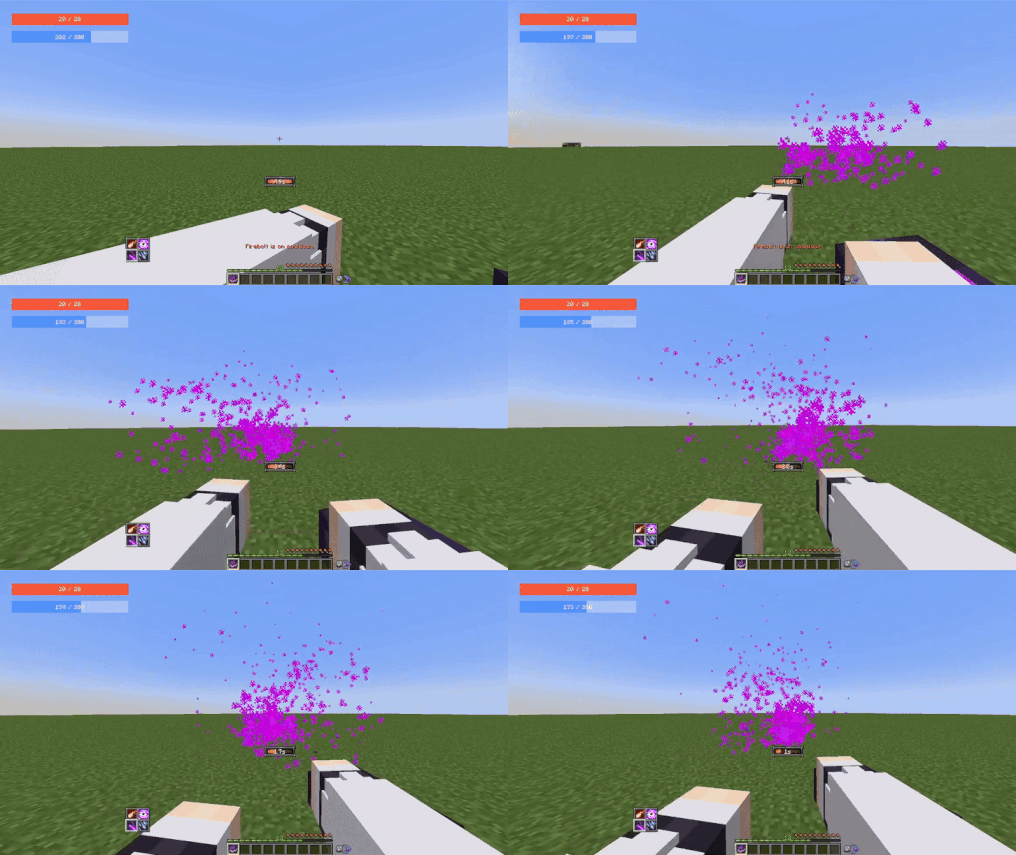
The original Iron's Spells mod doesn't sync client nbt attributes and attachments when playing on a multiplayer server, making SpiffyHUD unable to get and use those values. I saw many users asking the developer of FancyMenu on how to implement Mana without any working solution, that's why I've decided to create and post this mod
The values should work with any mod using the nbt data/attachments, but it was primarily made to work with SpiffyHUD & FancyMenu.
ℹ️ As it is a client-side mod, you will be unable to see the attachment values using the /data command, however they will be fully available for mods
ℹ️ You can disable the original Mana bar on instance/config/irons_spellbooks-client.toml and set manaBarDisplay = "Never"
⚠️ Requirements
- Iron's Spells & Spellbooks
- FancyMenu (Optional but I don't know why you would use my mod without it)
- SpiffyHUD (same as FancyMenu)
📜 Usage with SpiffyHUD & FancyMenu
📘 Documentation on how to use FancyMenu here
Use the following placeholders on any text component to display the values
- Current Mana:
{"placeholder":"player_nbt_data","values":{"path":"neoforge:attachments.ironspellshud:current_mana"}}
- Max Mana: {"placeholder":"player_nbt_data","values":{"path":"neoforge:attachments.ironspellshud:max_mana"}}
🚫 Informations/Copyright
- You are free to use this mod in your servers/modpacks
- You are free to port the mod on Fabric/Forge for private use
- I will update for bug fixing, but rarely to add new features
Issues
Source code
- Edition: Minecraft Java
- File type: .jar
- Minecraft version listed: 1.21.1
- How to install: Install the matching mod loader (Forge, Fabric or NeoForge) for your Minecraft version. → Download the .jar. → Put it in the .minecraft/mods folder and launch that loader profile.
- Where to get it: Opens on CurseForge — not every file is mirrored on our own servers.
Install steps are the general flow for this file type — How to install Minecraft Java mods & modpacks walks through it step by step.
- Ships as ironspellshud-1.21.1-1.0.0.jar — drop this file into the mods folder
- Download size: 29 KB
- Download link checked 2 Oct 2026 — working
These come from our own check of the pack file, not from the source page.