
DeepSea
Java mod listed for Minecraft 1.21. Downloads from the MC Java Mods app on Android.
I don't know my version or loader
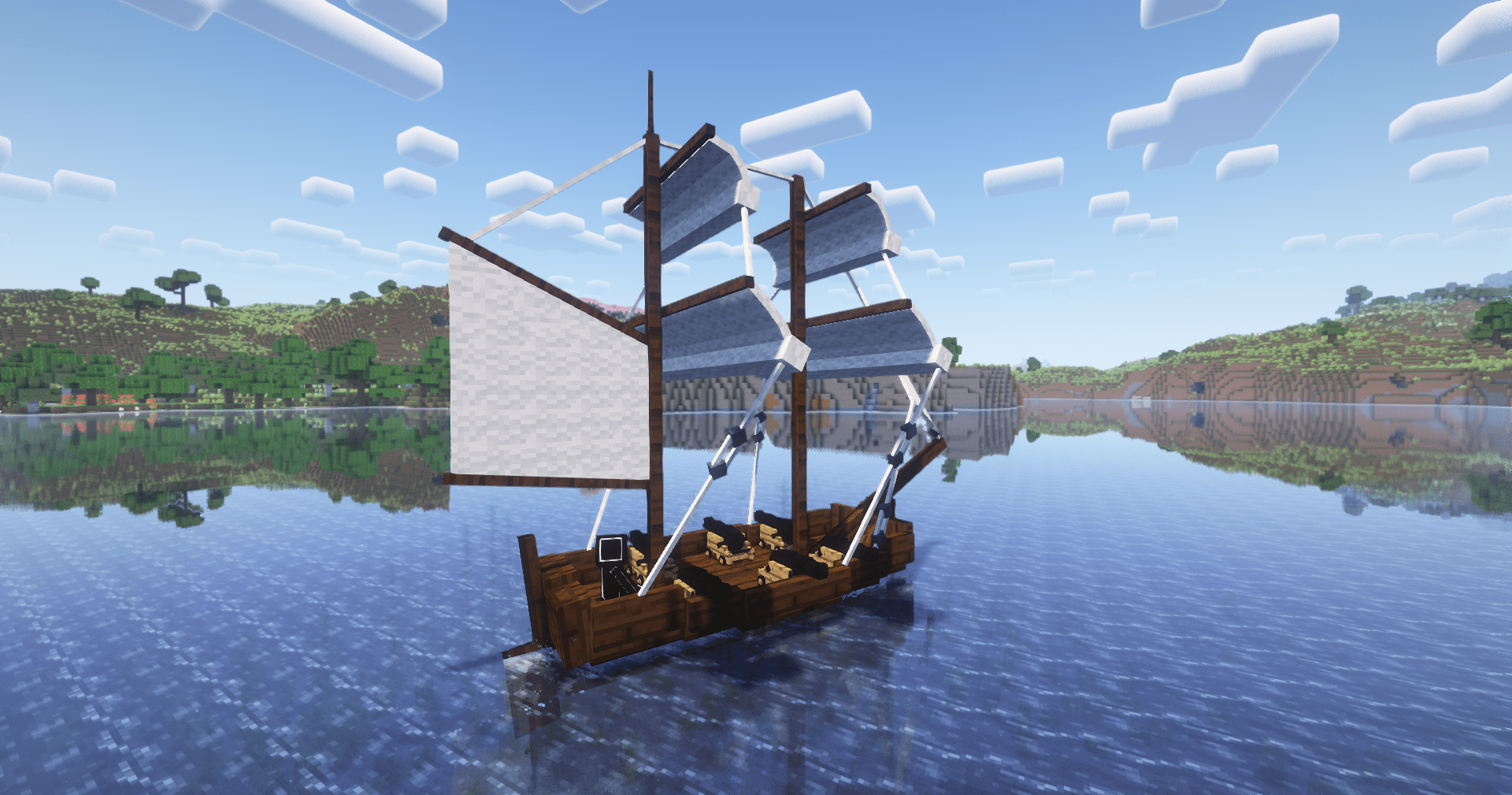
DeepSea
DeepSea is a Fabric mod that adds configurable boat behavior in ocean biomes. All loaded boats are periodically checked every 100 ticks (5 seconds ) by default, and those in the configured ocean biomes (#deepsea:ocean) and tagged with #deepsea:boat will be broken and dropped.
Compatibility
- Required: Fabric API
- Made to Work With:
By default, only
#c:boatsis included in the#deepsea:boattag and#c:is_oceanin the#deepsea:ocean.
Installation
- Drop the DeepSea
.jarinto yourmodsfolder. - Start the server or load into a world — the mod is active immediately.
This is a server-side only mod. Clients do not need to install it.
Customization
To include/remove boats just create a datapack for the tag file:
data/deepsea/tags/entity_type/boat.json
{
  "values": [
    "#c:boats"
  ]
}
To include/remove biomes just create a datapack for the tag file:
data/deepsea/tags/worldgen/biome/ocean.json
{
  "values": [
    {
      "id": "#c:is_ocean",
      "required": false
    }
  ]
}
Documentation
- enabled:
Enables or disables the mod.
Type:booleanDefault:true - tick_interval:
The interval in ticks between checks for boats.
Type:integerDefault:100 - boat_damage:
The damage amount applied to boats in ocean biomes.
Type:floatDefault:100.0 - discard_boat:
If true, boats in ocean biomes are discarded without dropping the boat item, if false, boats take damage, break and drop the boat item.
Type:booleanDefault:false - cache:
Configuration for biome lookup caching.
Type:objectDefault: see below- cache_size:
The maximum number of biome lookup results (e.g., "is this position in an ocean?") to cache before being refreshed.
Type:integerDefault:500 - cache_time:
The duration in minutes that cached biome results are kept before being refreshed.
Type:integerDefault:240
- cache_size:
- sound:
Configuration for sound effects when boats are damaged or destroyed.
Type:objectDefault: see below- play_sound:
Whether to play a sound effect when a boat is damaged or destroyed.
Type:booleanDefault:true - volume:
The volume of the sound effect played when a boat is damaged or destroyed.
Type:floatDefault:1.0 - pitch:
The pitch of the sound effect played when a boat is damaged or destroyed.
Type:floatDefault:1.0
- play_sound:
Full Configuration Example:
{
  "enabled": true,
  "tick_interval": 100,
  "boat_damage": 100.0,
  "discard_boat": false,
  "cache": {
    "cache_size": 500,
    "cache_time": 240
  },
  "sound": {
    "play_sound": true,
    "volume": 1.0,
    "pitch": 1.0
  }
}- Edition: Minecraft Java
- File type: .jar
- Minecraft versions listed: 1.21.11, 1.21.5, 1.21.8
- How to install: Install the matching mod loader (Forge, Fabric or NeoForge) for your Minecraft version. → Download the .jar. → Put it in the .minecraft/mods folder and launch that loader profile.
- Where to get it: Opens on CurseForge — not every file is mirrored on our own servers.
Install steps are the general flow for this file type — How to install Minecraft Java mods & modpacks walks through it step by step.
- Ships as deepsea-fabric-4.0.0+26.1.jar — drop this file into the mods folder
- Download size: 1.0 MB
- Download link checked 2 Oct 2026 — working
These come from our own check of the pack file, not from the source page.