ModsJava
WallpaperCraft - Repainted
Java mod listed for Minecraft 1.19–1.21. Downloads from the MC Java Mods app on Android.
I don't know my version or loader
Open the Minecraft launcher and look at the profile you play on — it names both, like fabric-loader-1.21.4. The version also shows in the bottom-right corner of the game's main menu.
No loader in the profile name? Then it's plain Minecraft, and these mods won't run — you need Fabric or NeoForge installed first.
WallpaperCraft
About
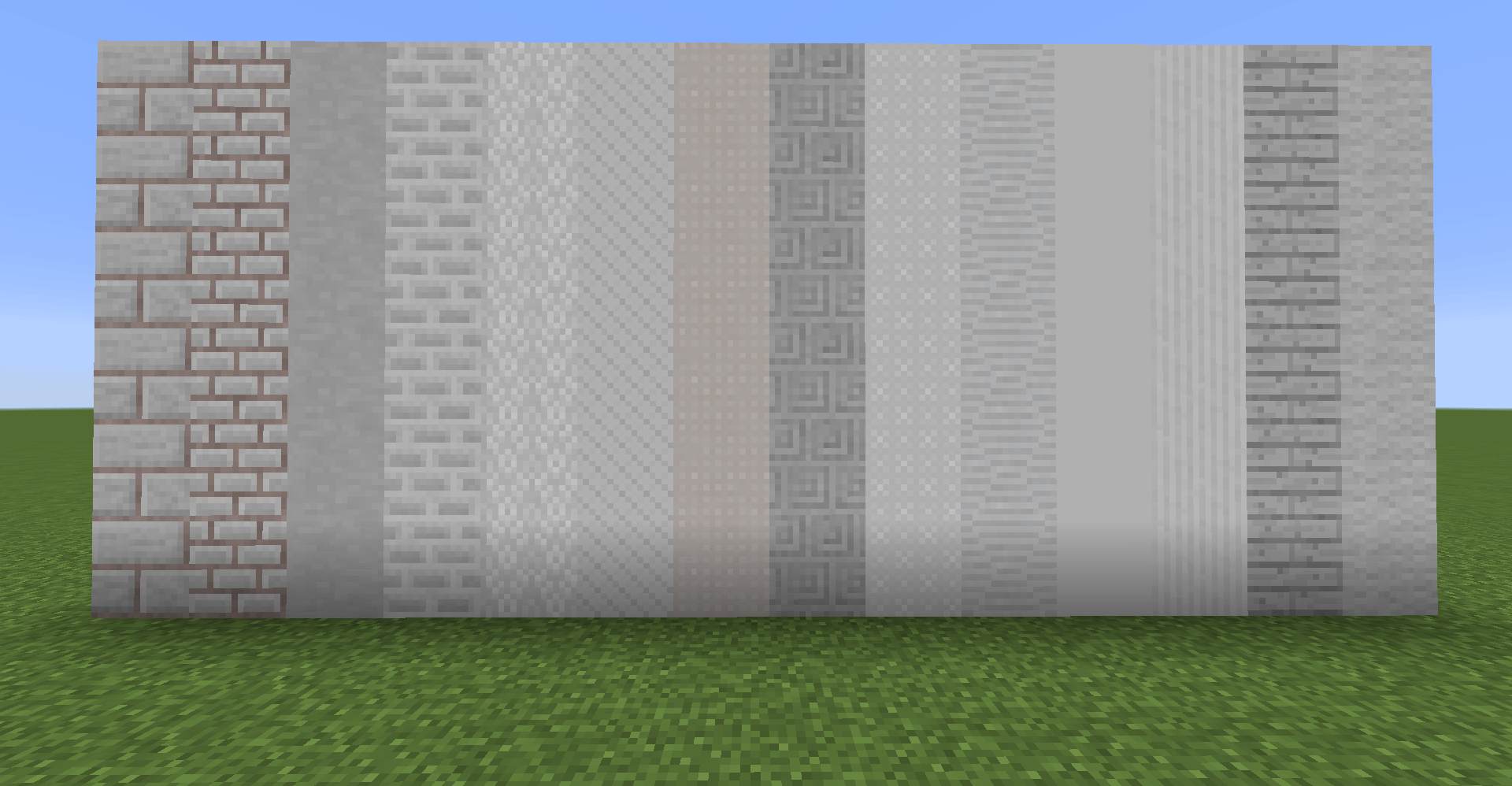
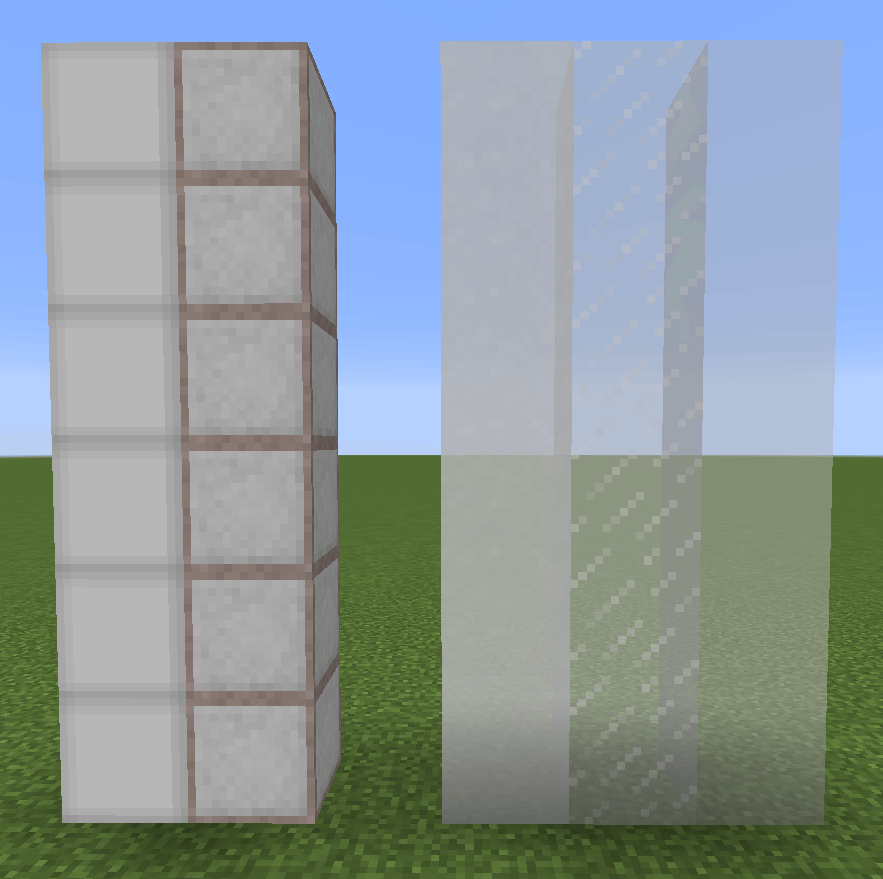
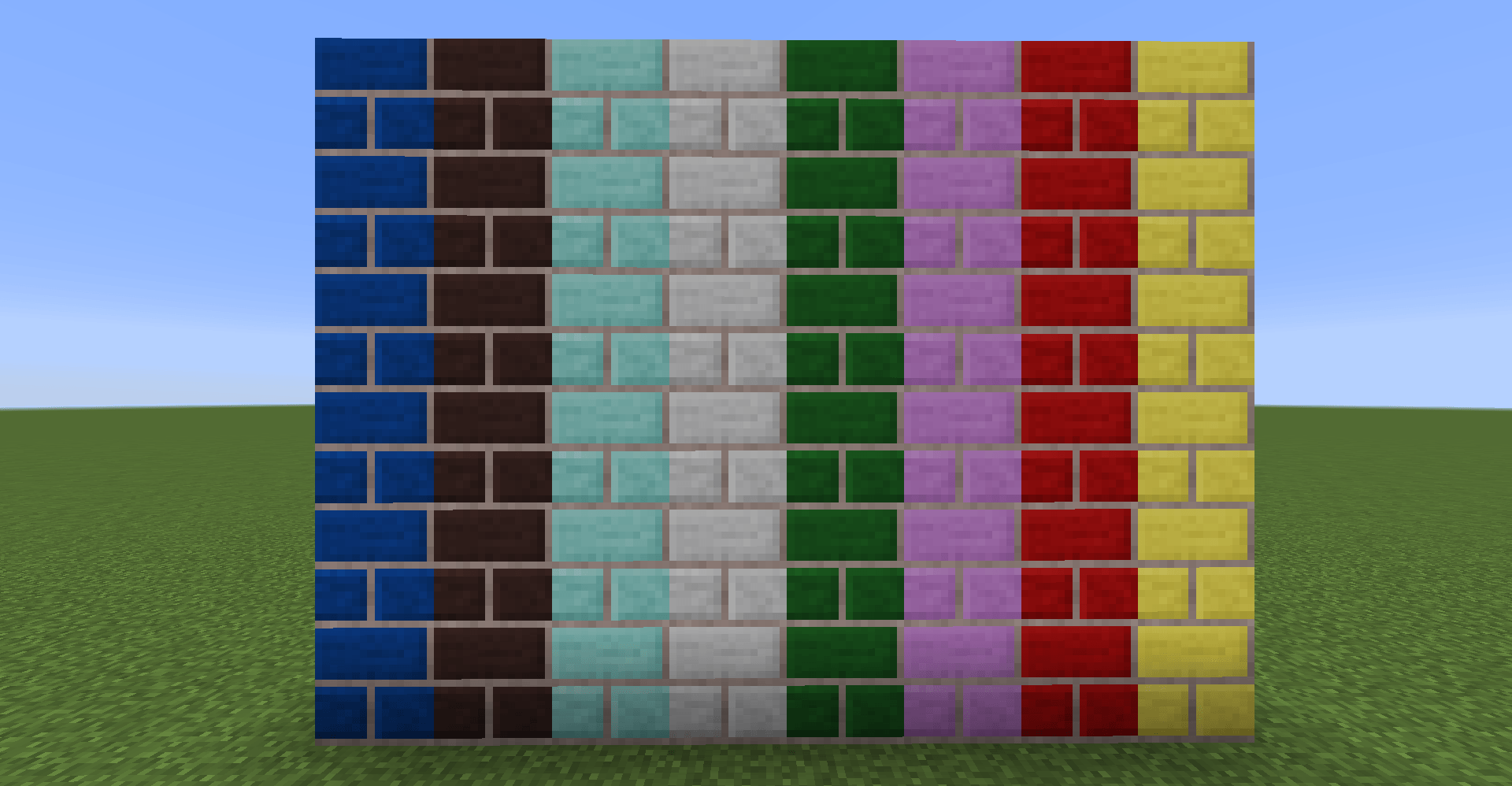
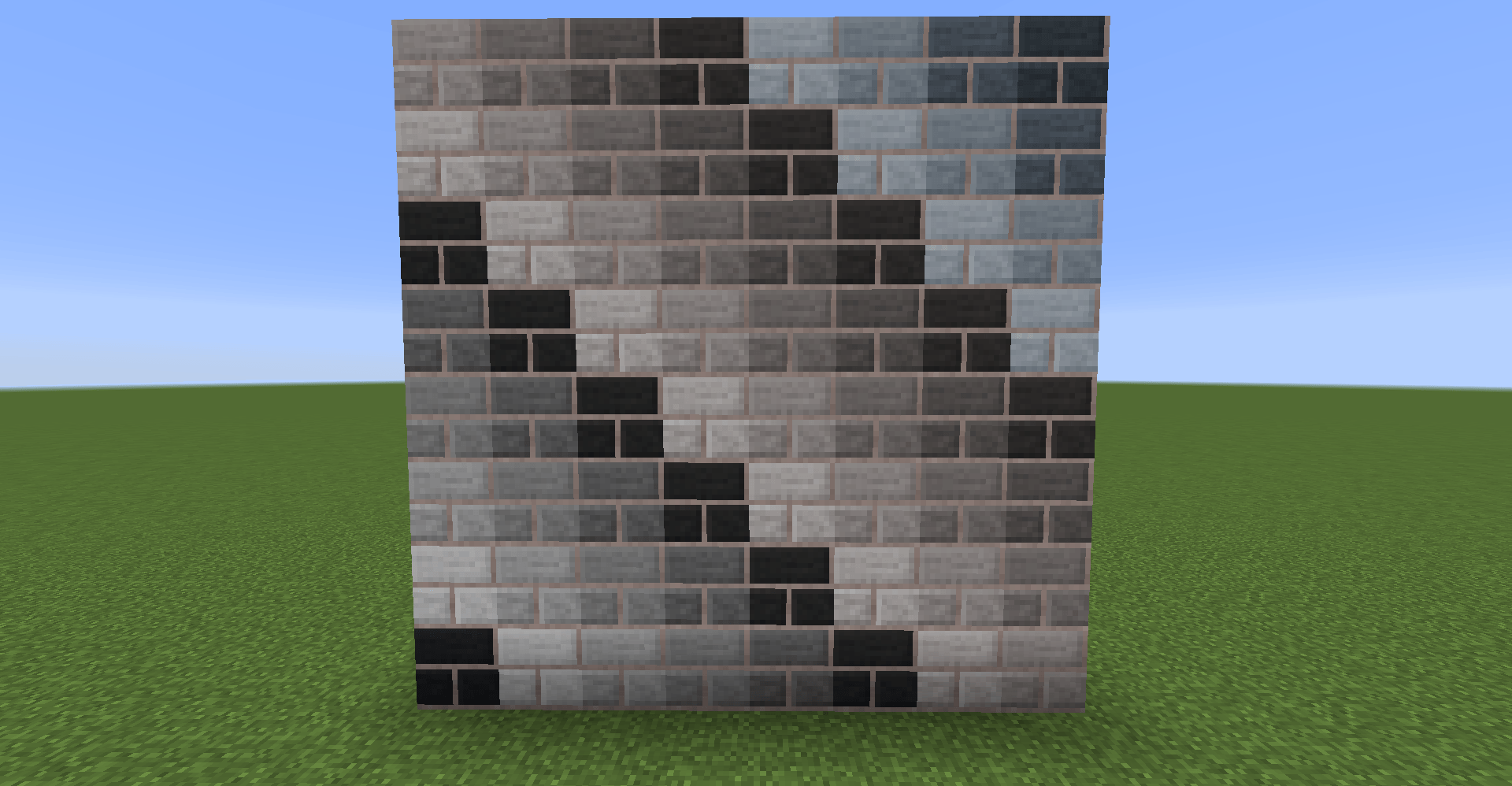
WallpaperCraft is a decorative building mod that adds hundreds of customizable blocks in a massive variety of colors, patterns, and materials.
From clay, wood, glass, and bricks to vibrant patterned planks and panels, the mod brings nearly endless possibilities for creative builders.
This project is a fork of a fork of an MIT-licensed project, continuing the long evolution of WallpaperCraft through multiple authors and rewrites:
- 1.7.10 & 1.10.2 – Authored and released by AaronMC
- 1.14 & onward – Authored and released by Ommina, rebuilt entirely from scratch
- 1.14.4 – Complete rewrite, reusing oliviaoliviasson's original textures and item/block names
- 1.6.1+ – Wood plank textures contributed by toby20_
- 1.19.2+ – Ported by Mysticpasta1 under the MIT License from the 1.18 version :D
Key Features
- Massive Color Variety – Match your builds with over a dozen hues for each block type
- Patterned Blocks – Tiles, stripes, herringbone, and more
- Integrated Materials – Works with vanilla building sets like glass, bricks, and wood
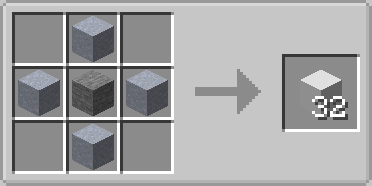
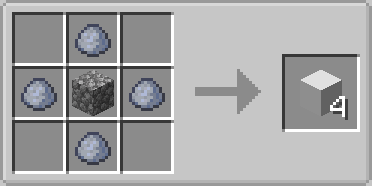
- Press Crafting System – Easily recolor or repattern blocks with a custom press system
Downloads
- 1.7.10 – Wallpaper Craft Legacy
- 1.10.2 – Removed from CurseForge by the original author
- 1.12.2 – CurseForge – Wallpapercraft
- 1.14.4+ – CurseForge – Wallpapercraft: A Fresh Roll
- 1.19.2+ – CurseForge - Wallpapercraft: RePainted
Quick facts
- Edition: Minecraft Java
- File type: .jar
- Minecraft versions listed: 1.21.1, 1.20.1, 1.19.4
- How to install: Install the matching mod loader (Forge, Fabric or NeoForge) for your Minecraft version. → Download the .jar. → Put it in the .minecraft/mods folder and launch that loader profile.
- Where to get it: Opens on CurseForge — not every file is mirrored on our own servers.
Install steps are the general flow for this file type — How to install Minecraft Java mods & modpacks walks through it step by step.
File checked by MCModsHub
- Ships as Wallpapercraft-1.20.1-1.1.0.jar — drop this file into the mods folder
- Download size: 6.2 MB
- Download link checked 2 Oct 2026 — working
These come from our own check of the pack file, not from the source page.