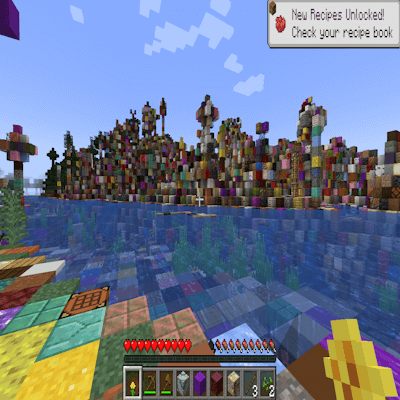
Random World Blocks
Random World Blocs is a chaotic Minecraft mod that replaces the terrain around you with completely random blocks as you explore. Every step transforms…
⬇ Download on CurseForgeThe author built this one for Minecraft 1.20.1 on Forge. On other versions it may install and then do nothing.
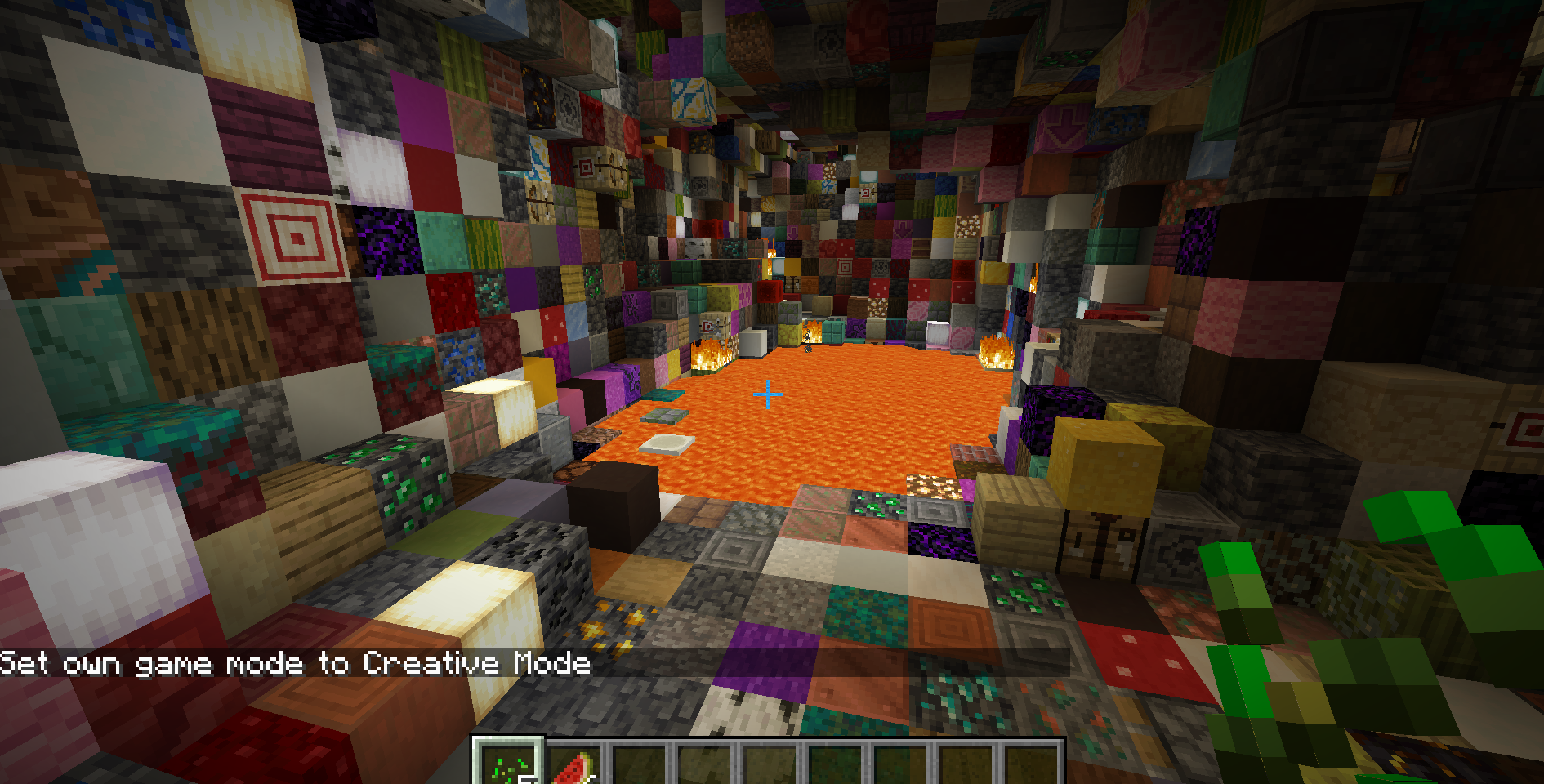
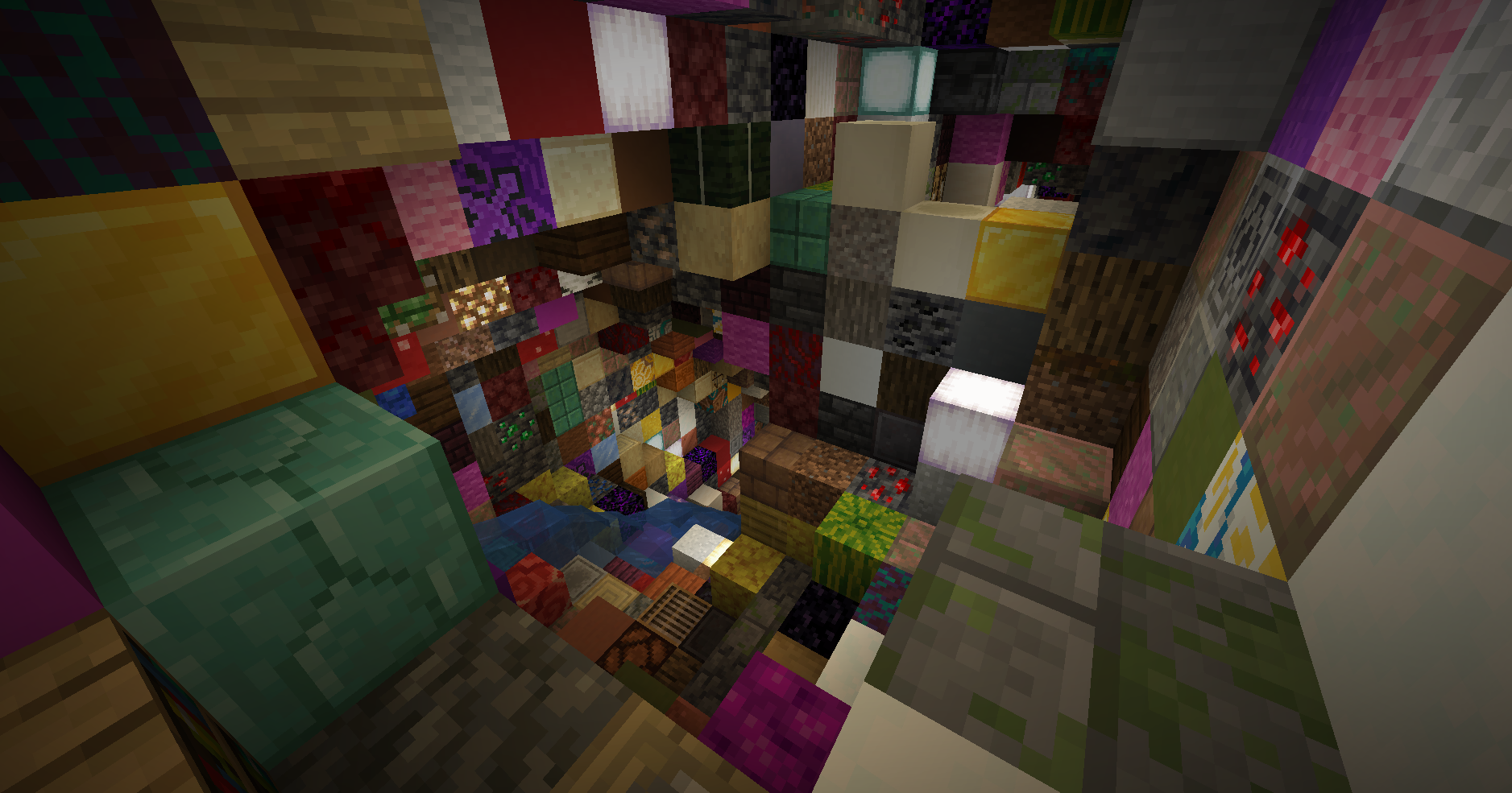
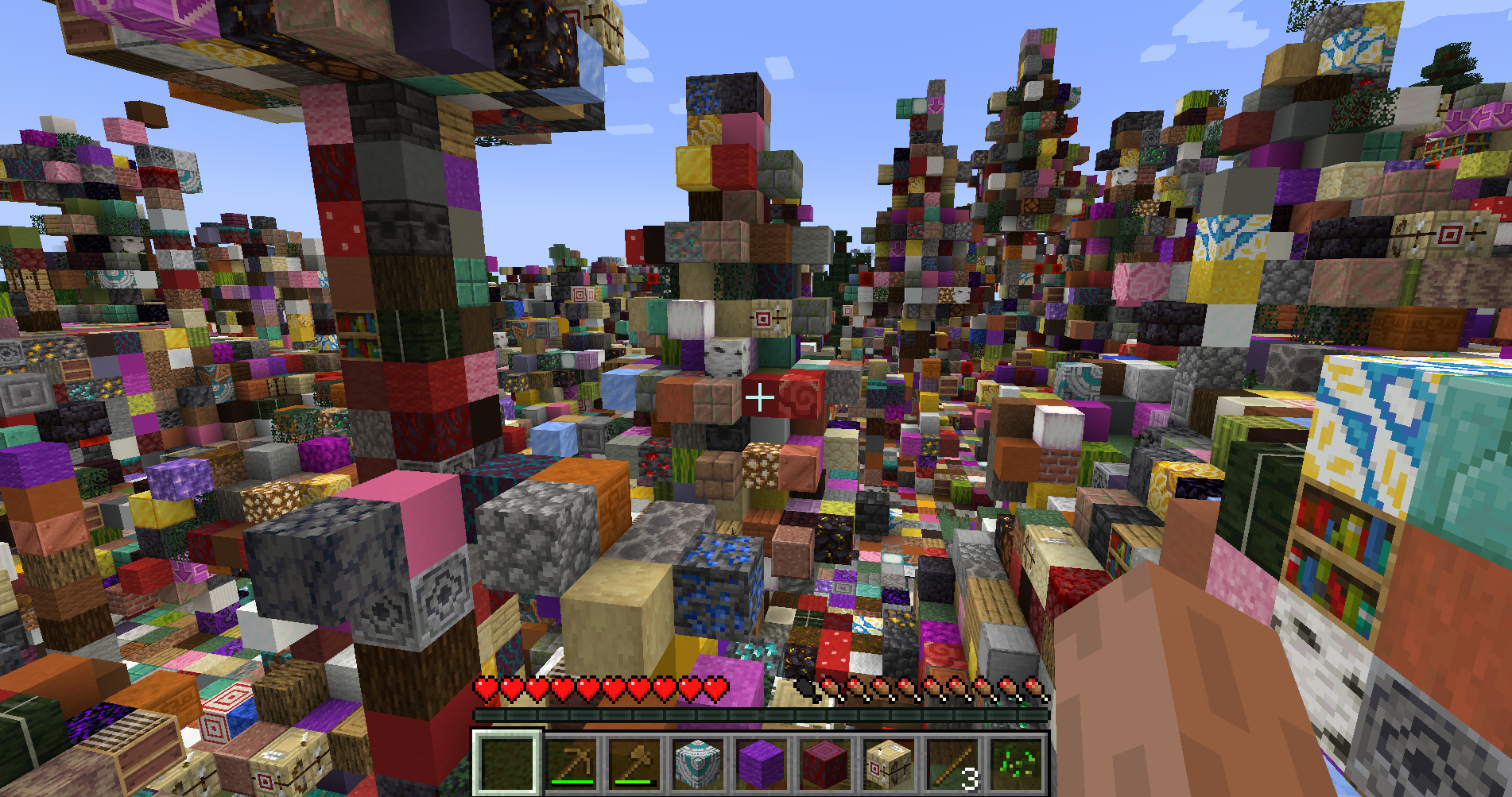
Random World Blocs brings pure chaos and fun to Minecraft by randomly replacing blocks around you as you walk.
🔹 Dynamic Randomization – Every time you approach new chunks, the surrounding blocks are swapped with random ones from the game.
🔹 Performance-Friendly – Only nearby blocks are randomized to keep gameplay smooth.
🔹 Player-Friendly – Player-placed blocks remain untouched, so your builds stay safe.
🔹 Full Block Coverage – Almost every block type can appear, from rare ores to decorative blocks (even leaves and other unusual blocks!).
🔹 Custom Exclusions – Special blocks like end portal frames are protected from replacement.
Perfect for challenge runs, chaotic survival worlds, or just to see your favorite seed in a whole new light!
Installation:
Install Minecraft Forge (compatible version).
Download Random World Blocs and place it in your
modsfolder.Launch the game and prepare for chaos!
Note: This mod works with existing worlds — but be ready for surprises when you explore!

- Edition: Minecraft Java
- File type: .jar
- Minecraft version listed: 1.20.1
- How to install: Install the matching mod loader (Forge, Fabric or NeoForge) for your Minecraft version. → Download the .jar. → Put it in the .minecraft/mods folder and launch that loader profile.
- Where to get it: Opens on CurseForge — not every file is mirrored on our own servers.
Install steps are the general flow for this file type — How to install Minecraft Java mods & modpacks walks through it step by step.
- Ships as randomworldblocks-0.1.0.jar — drop this file into the mods folder
- Download size: 12 KB
- Download link checked 12 Sept 2026 — working
These come from our own check of the pack file, not from the source page.