BluetherCraft (Flagz)
Java mod listed for Minecraft 1.20–1.21. Downloads from the MC Java Mods app on Android.
I don't know my version or loader
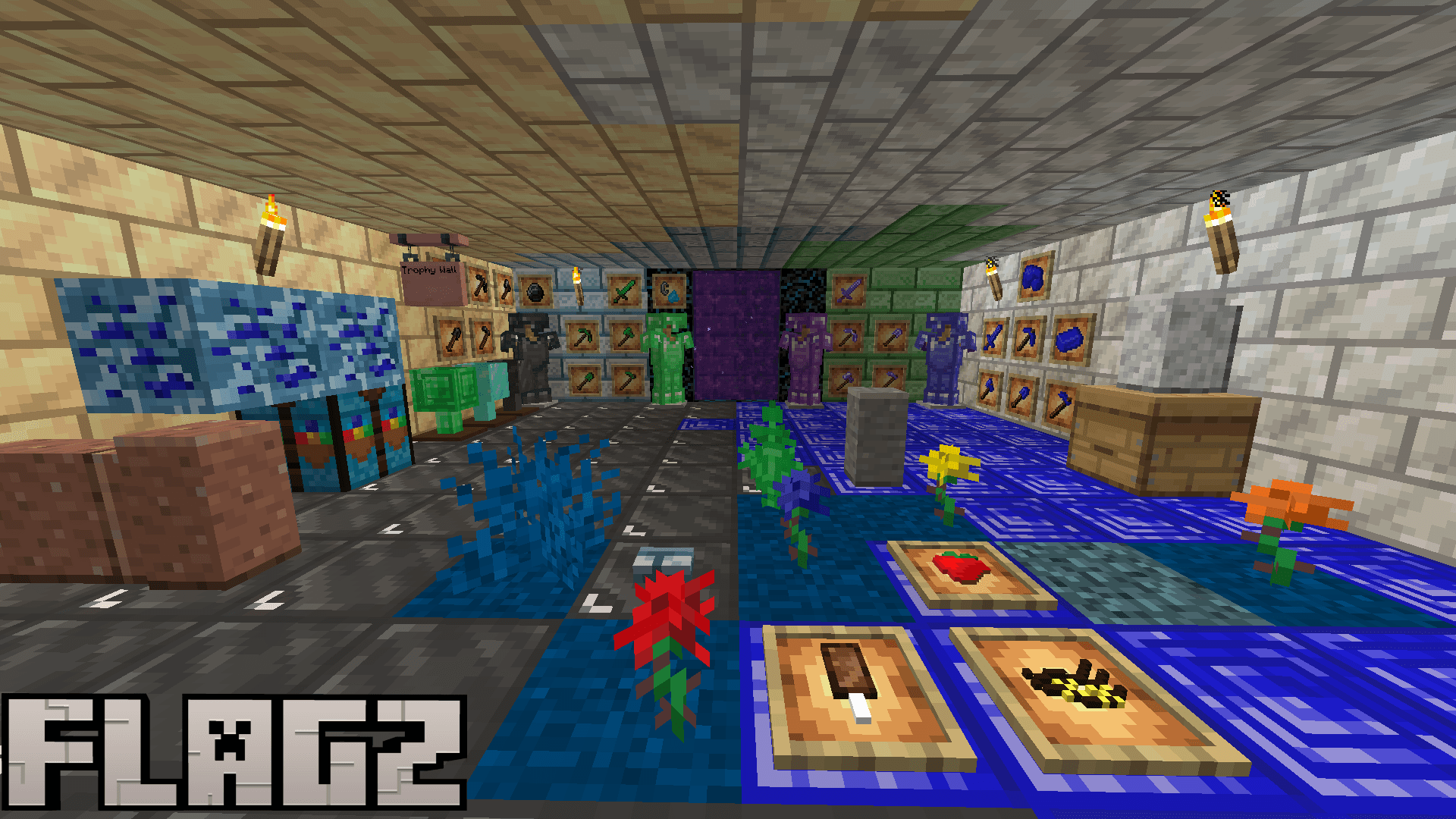
It's my first mod, so it might be buggy!!!!!!!!!!!!!!!!!!!
I'm still learning, so please tell me if you find a bug. I will apprieciate it!
Every beta version is literally beta, which means that it's always not finished!!!
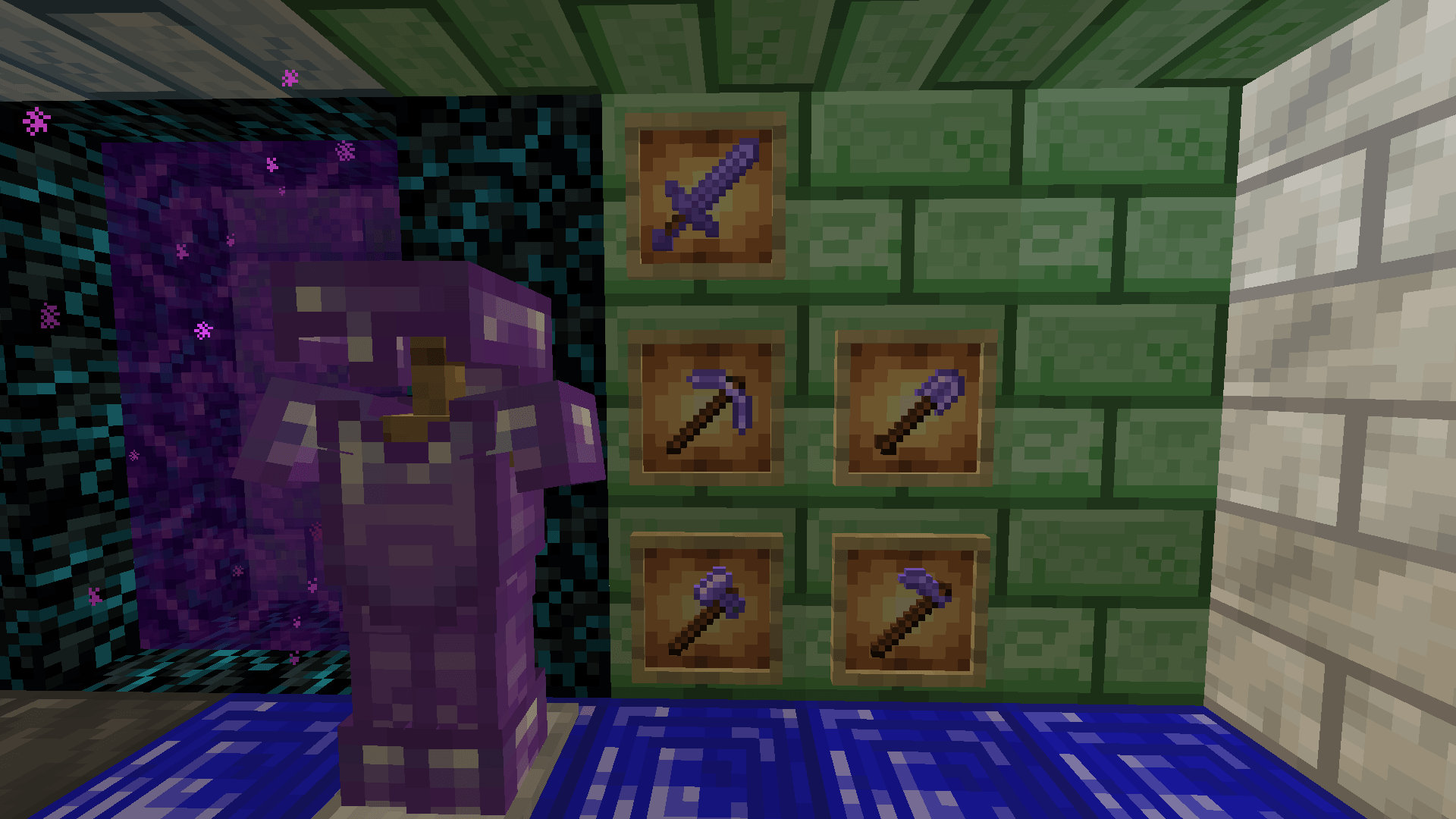
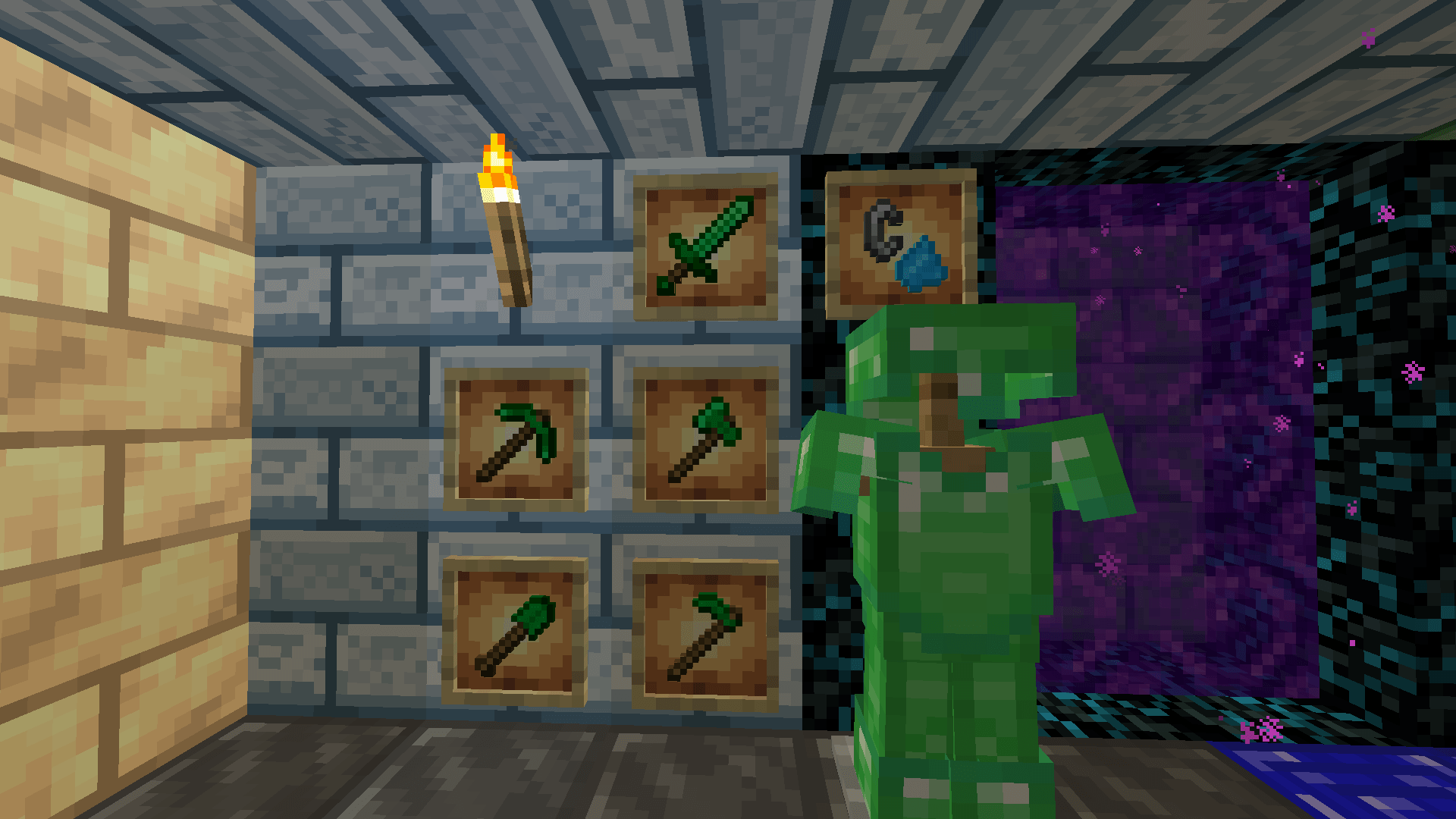
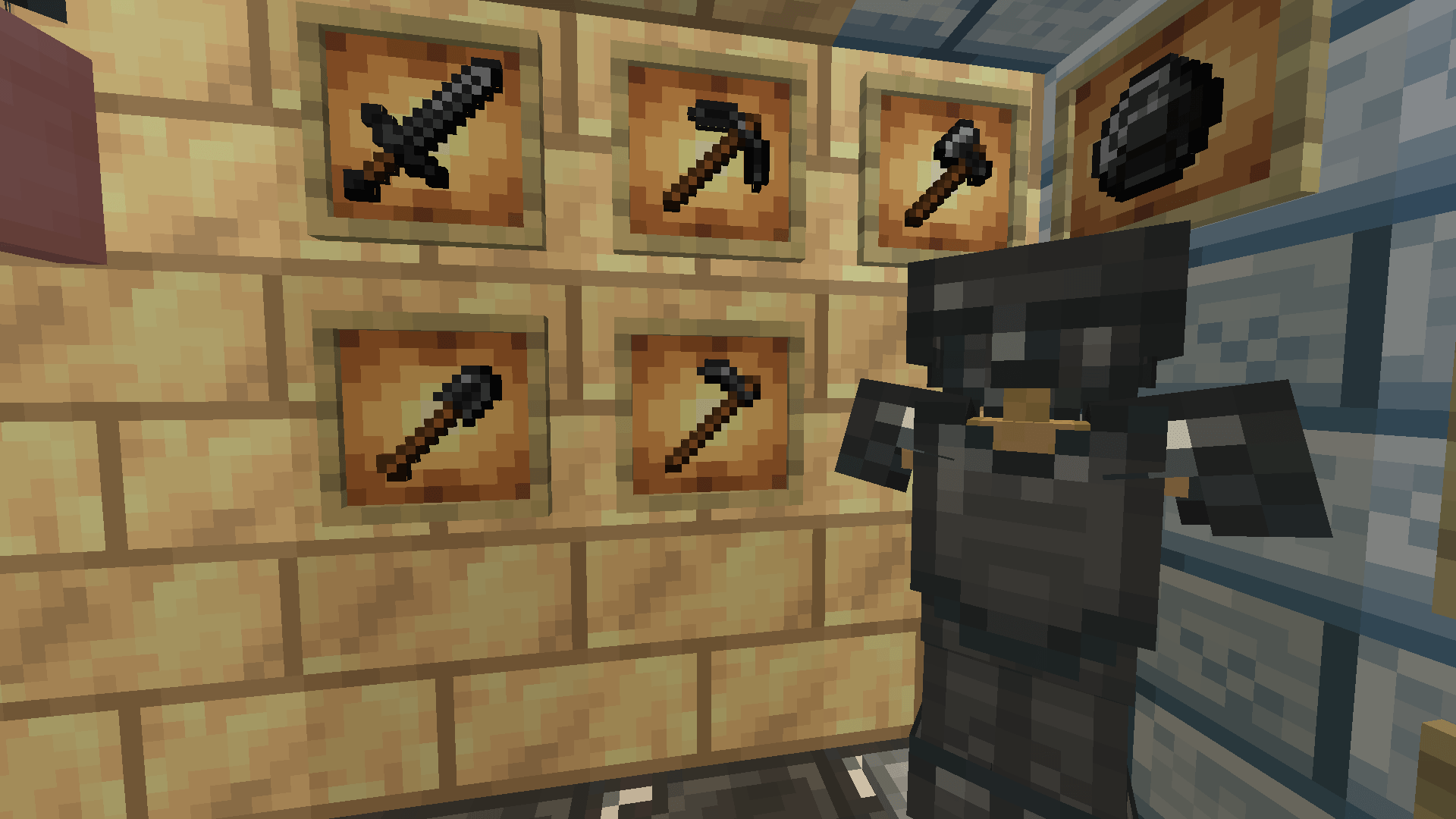
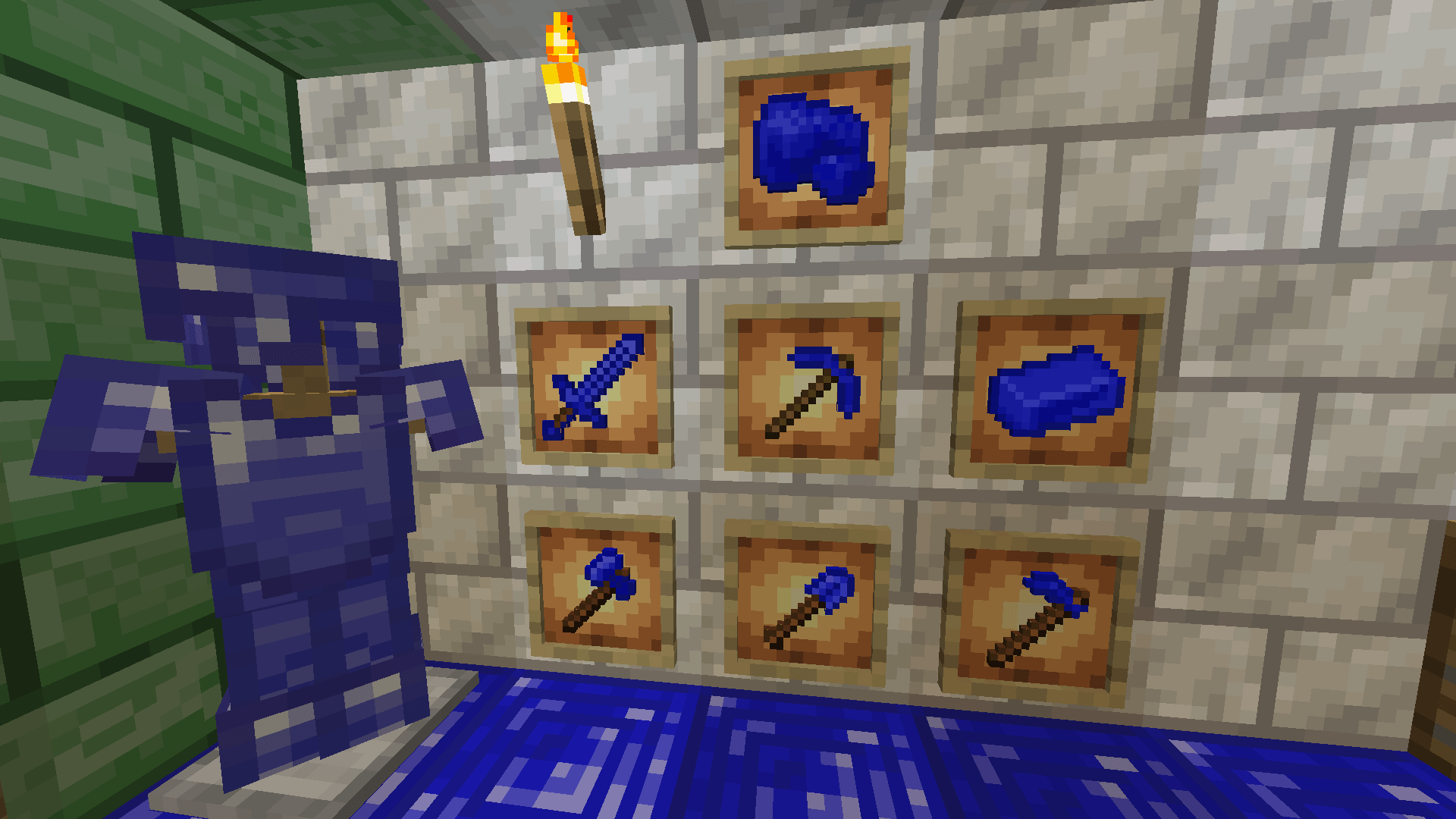
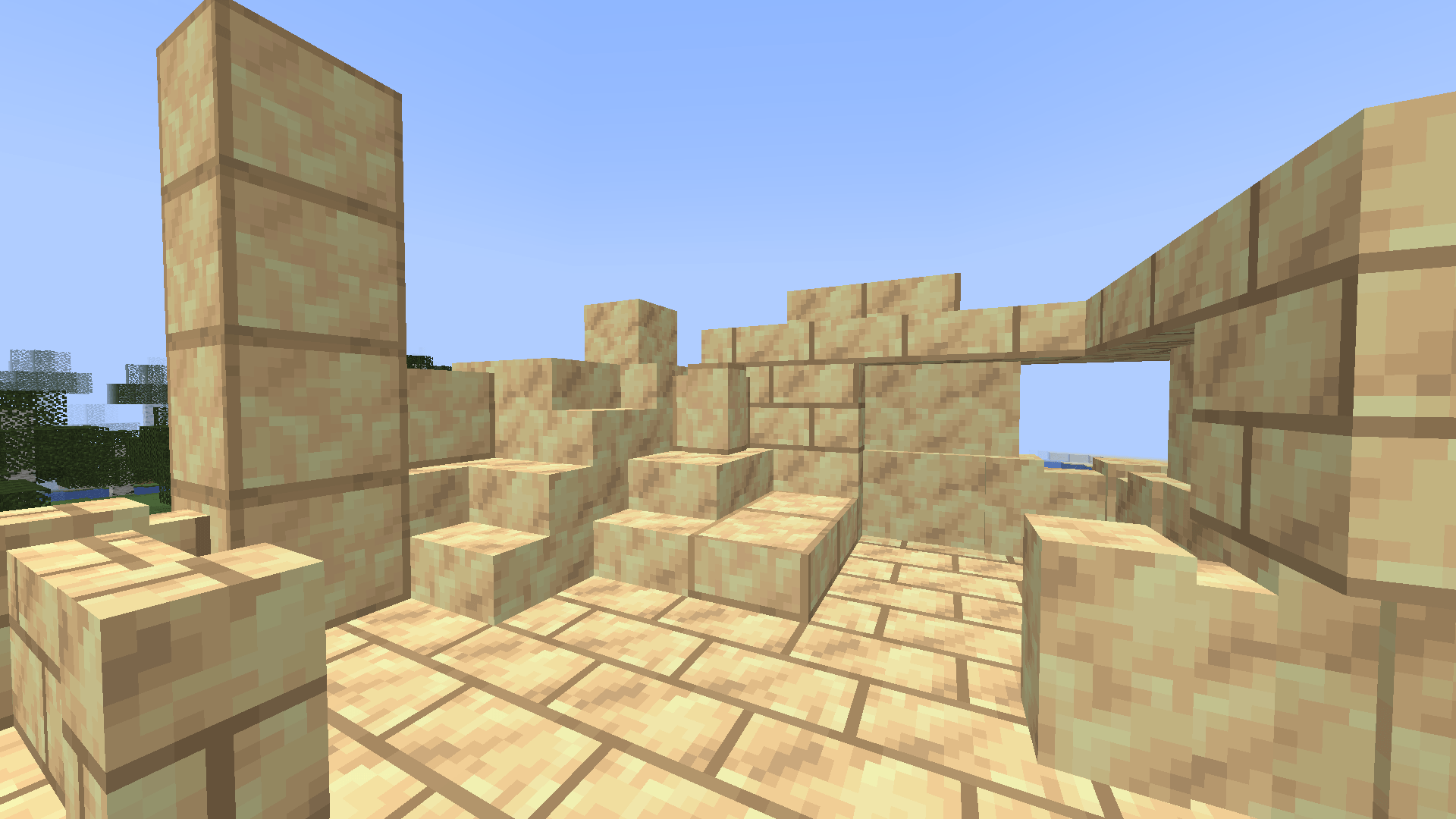
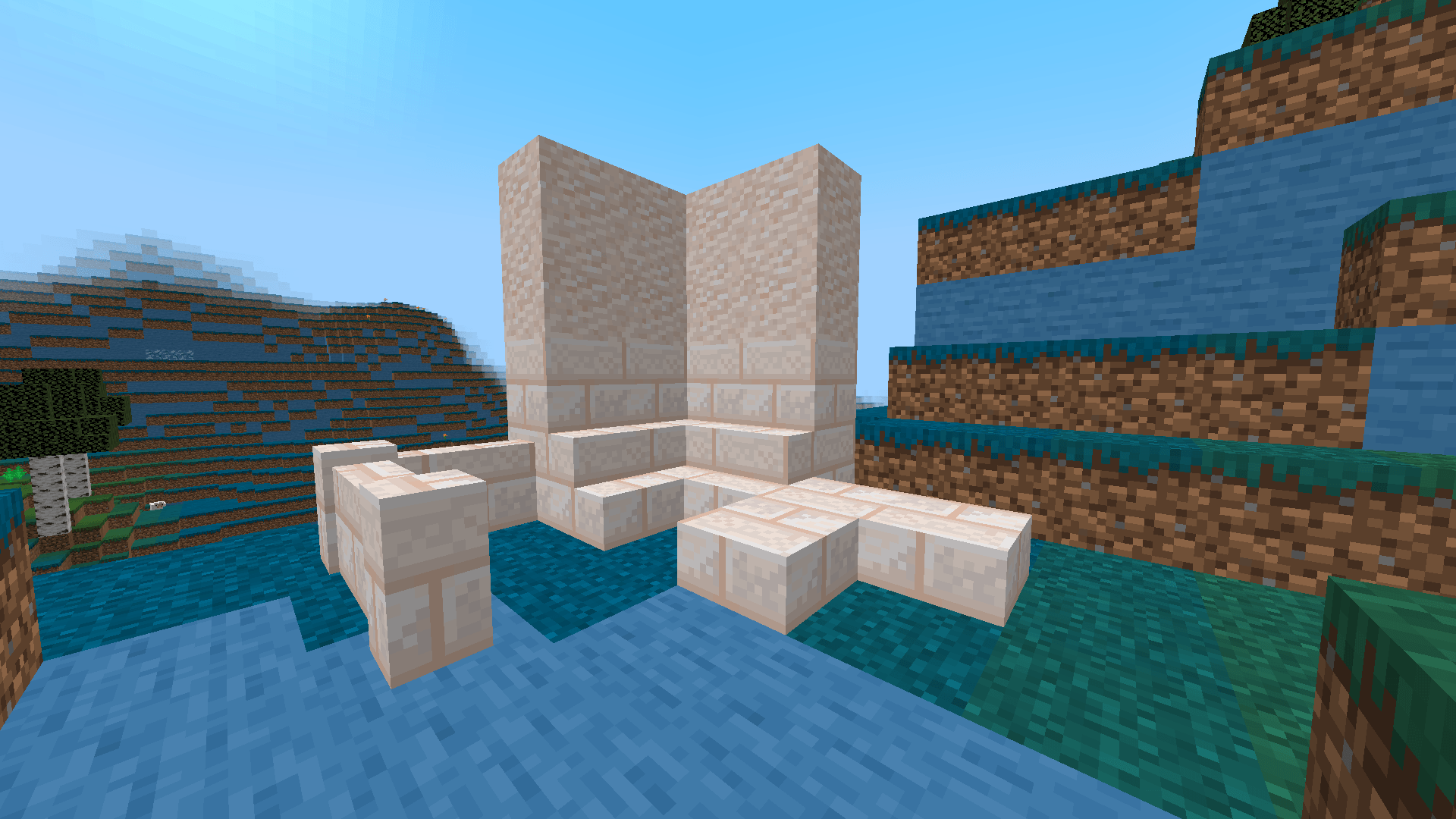
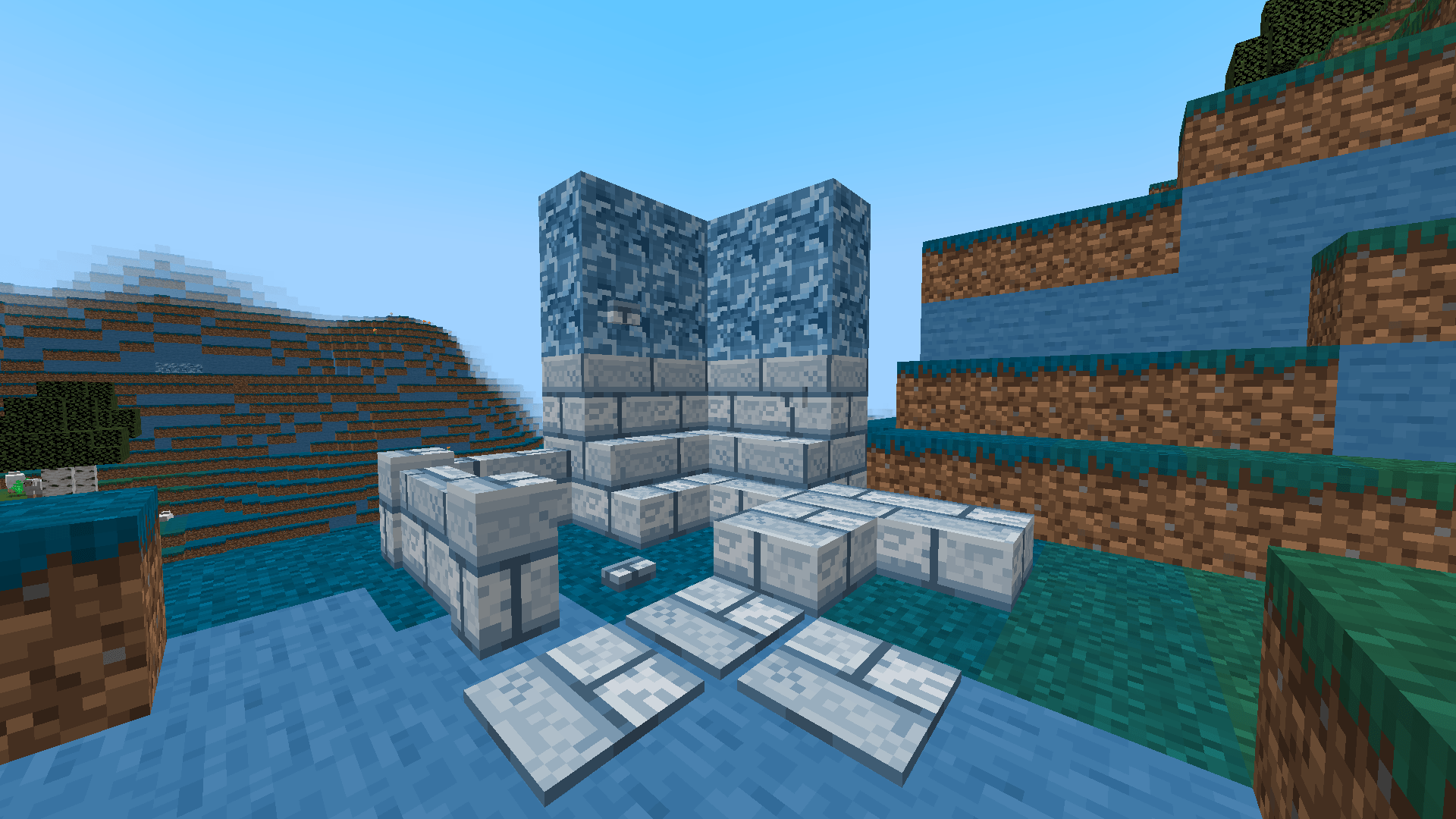
This project adds new building blocks like Bluestone, Limenite and Orange Calcite, as well as new ores such as Onyx and Cobalt. It introduces new armor and tools made from Emerald, Amethyst, Onyx and Cobalt. The update also adds a new dimension called "Bluether", two new villager professions, and craftable trophies and also Flags.
I recommend using mod Just Enough Items to see craftings.
You can make flags by crafting Flags Extension and cutting it into flags in stonecutter.
Hello I'm back in 2026! (I'm sorry but My Mod will only be supported for Neoforge 26.1.2, You can still download older versions for Forge)
- Edition: Minecraft Java
- File type: .jar
- Minecraft versions listed: 1.21.1, 1.20.1
- How to install: Install the matching mod loader (Forge, Fabric or NeoForge) for your Minecraft version. → Download the .jar. → Put it in the .minecraft/mods folder and launch that loader profile.
- Where to get it: Opens on CurseForge — not every file is mirrored on our own servers.
Install steps are the general flow for this file type — How to install Minecraft Java mods & modpacks walks through it step by step.
- Ships as flagz-1.12.0-forge-1.20.1.jar — drop this file into the mods folder
- Download size: 1.7 MB
- Download link checked 2 Oct 2026 — working
These come from our own check of the pack file, not from the source page.