Cutting Delight
Java mod listed for Minecraft 1.20–1.21. Downloads from the MC Java Mods app on Android.
I don't know my version or loader



Description
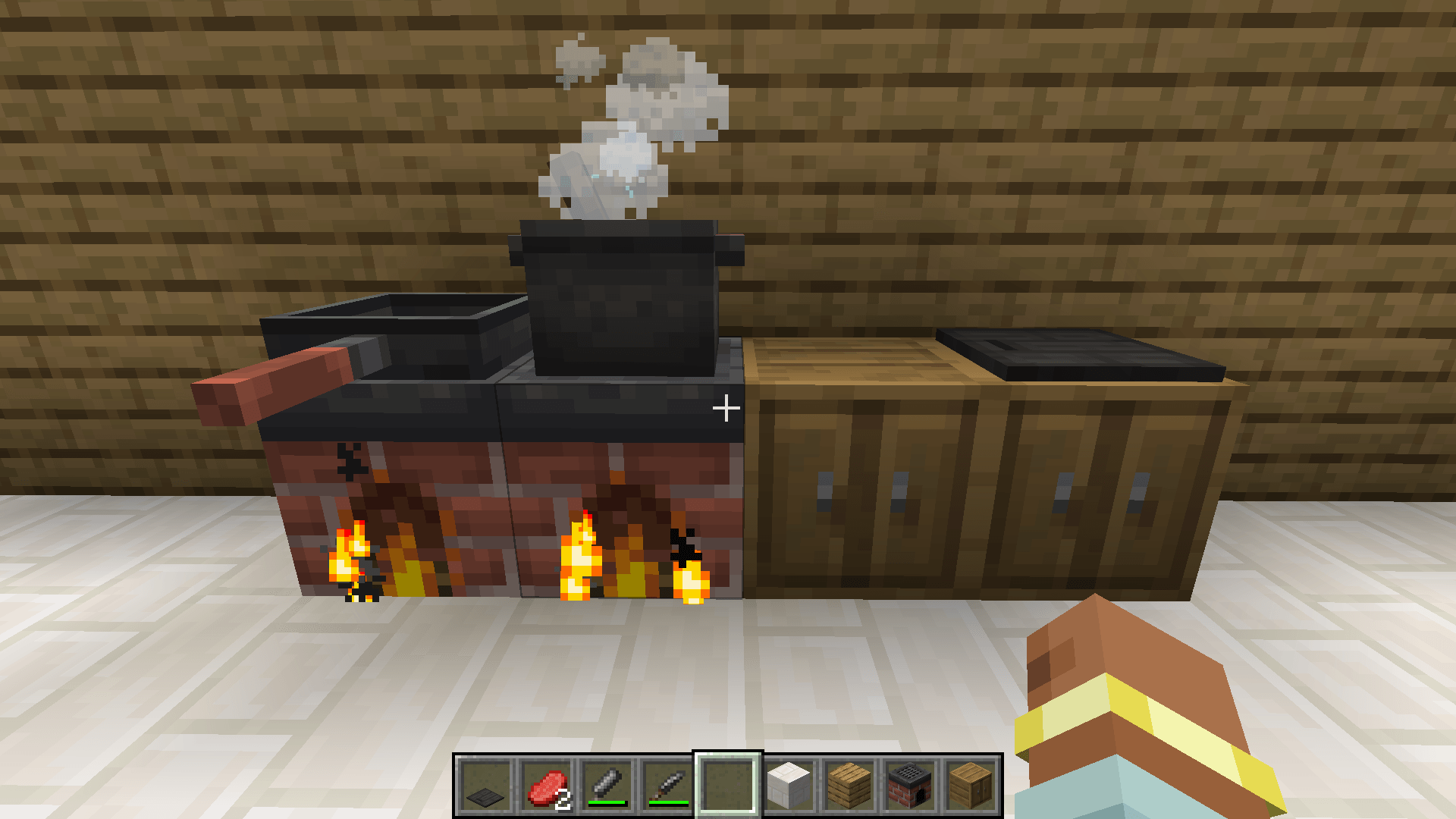
Cutting Delight is a Farmer's Delight addon that adds a new cutting board.
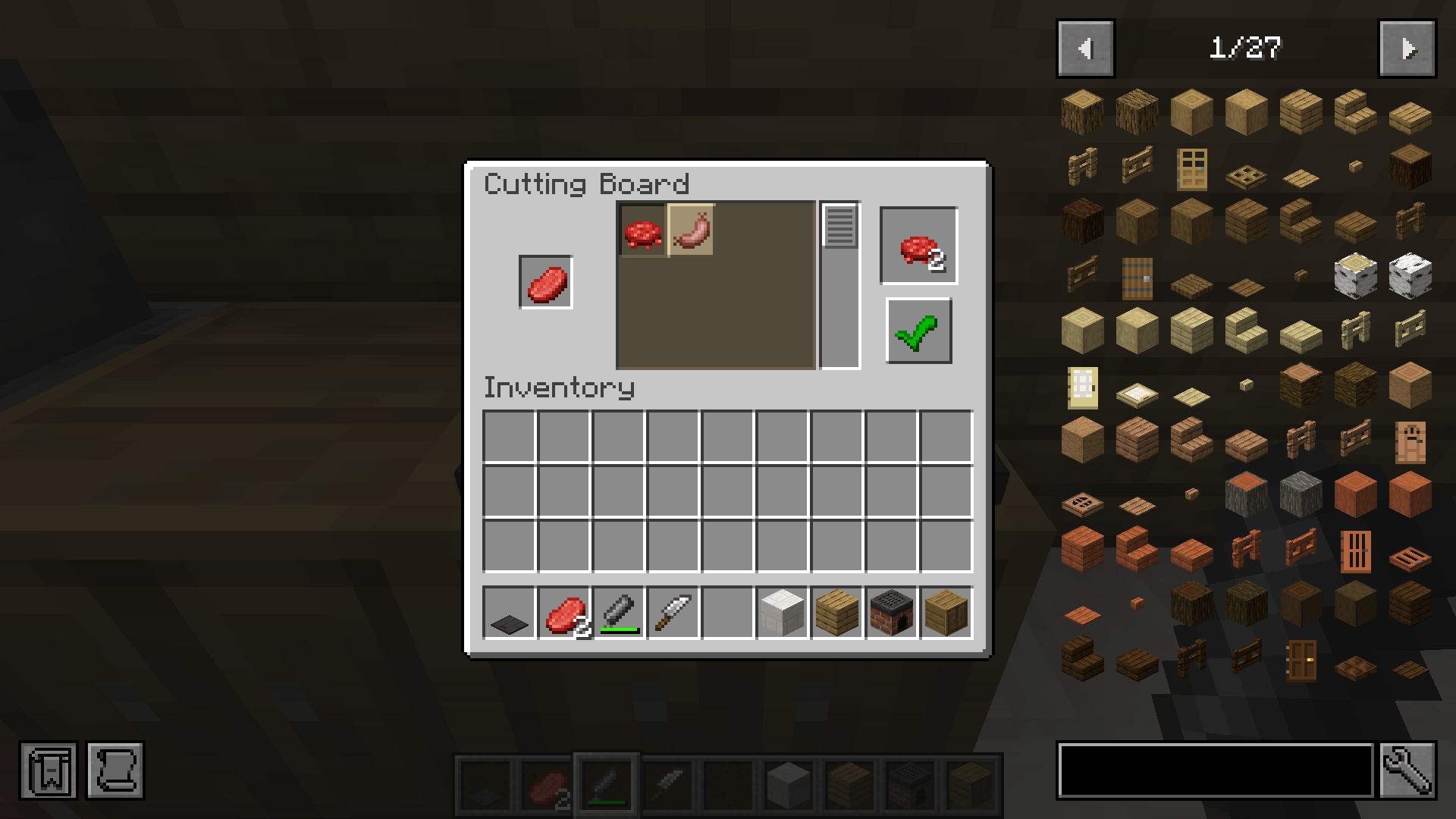
This cutting board makes it possible to select the output when cutting food. This is useful when using other Farmer's Delight addons with conflicting recipes.
To do this, it opens a stone cutter-like menu where you can select what output you want.
Getting Started
To start using this mod, create a Farmer's Delight cutting board and put this in a item in your crafting menu. This will give you the custom cutting board.
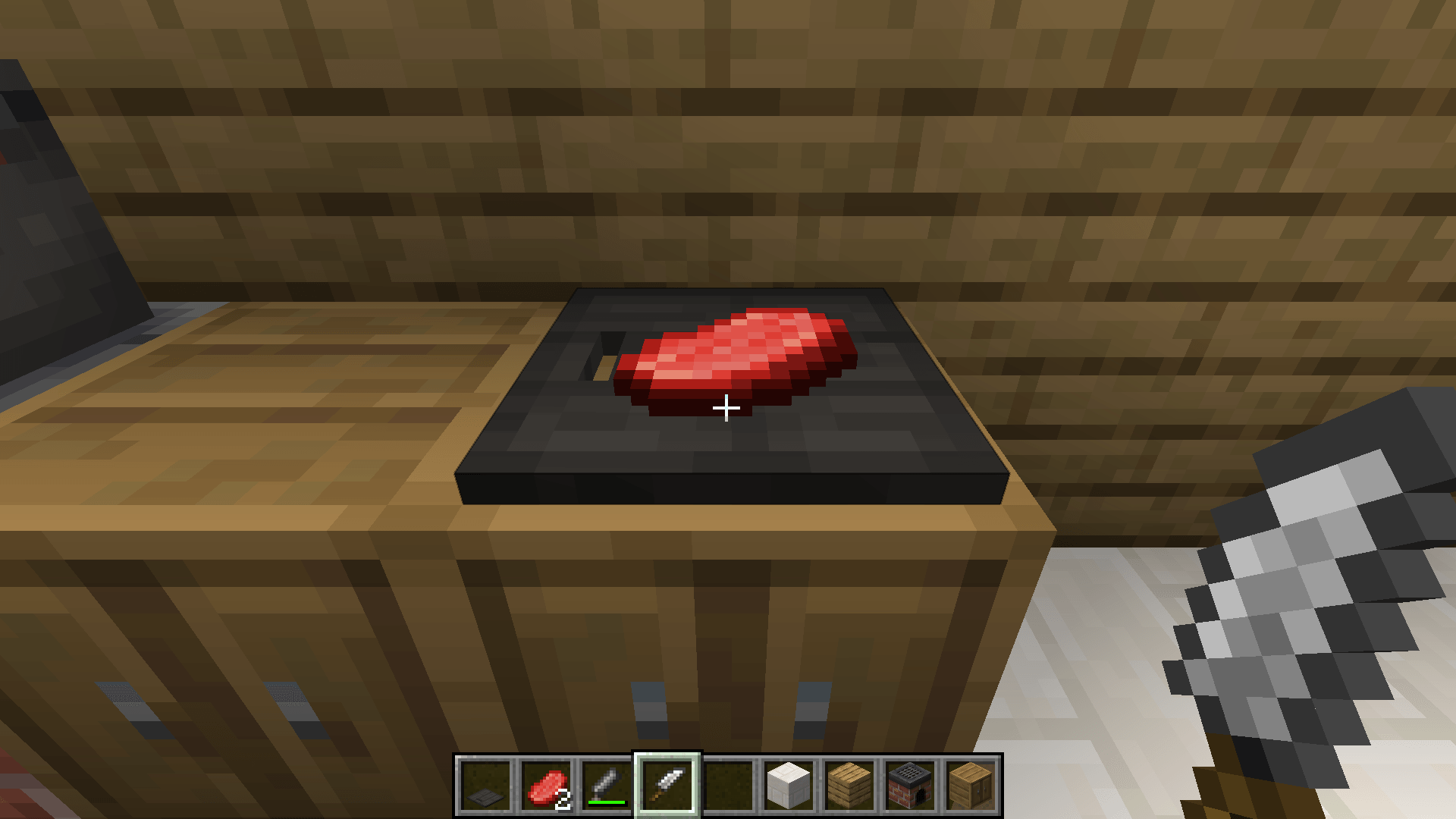
You can put the item or tool on the cutting board like normal. The output menu opens when you right click with a tool on the cutting board and there is an item on the cutting board.
Mod Loaders
Cutting Delight is currently only available for Neoforge, but modloader support can be expanded if it gets requested.
Backports
I'm currently working on a version for Forge 1.20.1. I'm currently not planning on backporting this mod to earlier Minecraft/Farmer's Delight versions than 1.20.1, but if you want you can try it yourself and open a pull-request on my github repository.
Credits
- Farmer's Delight created by vectorwing
- The Farmer's Delight Discord community for logo assets
- DevIn's Badges for the badges used in this description
- Edition: Minecraft Java
- File type: .jar
- Minecraft versions listed: 1.20.1, 1.21.1
- How to install: Install the matching mod loader (Forge, Fabric or NeoForge) for your Minecraft version. → Download the .jar. → Put it in the .minecraft/mods folder and launch that loader profile.
- Where to get it: Opens on CurseForge — not every file is mirrored on our own servers.
Install steps are the general flow for this file type — How to install Minecraft Java mods & modpacks walks through it step by step.
- Ships as cuttingdelight-1.0.0-alpha.3.jar — drop this file into the mods folder
- Download size: 65 KB
- Download link checked 2 Oct 2026 — working
These come from our own check of the pack file, not from the source page.