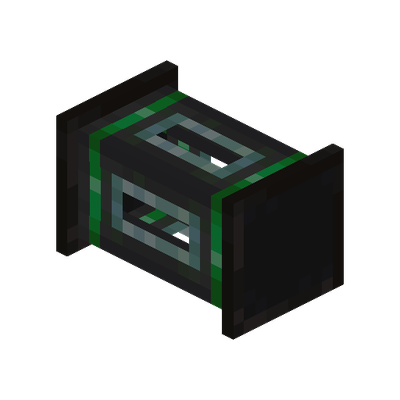
FastPipes
Java mod listed for Minecraft 1.20–1.21. Downloads from the MC Java Mods app on Android.
Fast item, fluid & energy pipes with smart sorting, pipe terminal, tiered barrels, and waterlogging. Supports JEI & Jade.
I don't know my version or loader
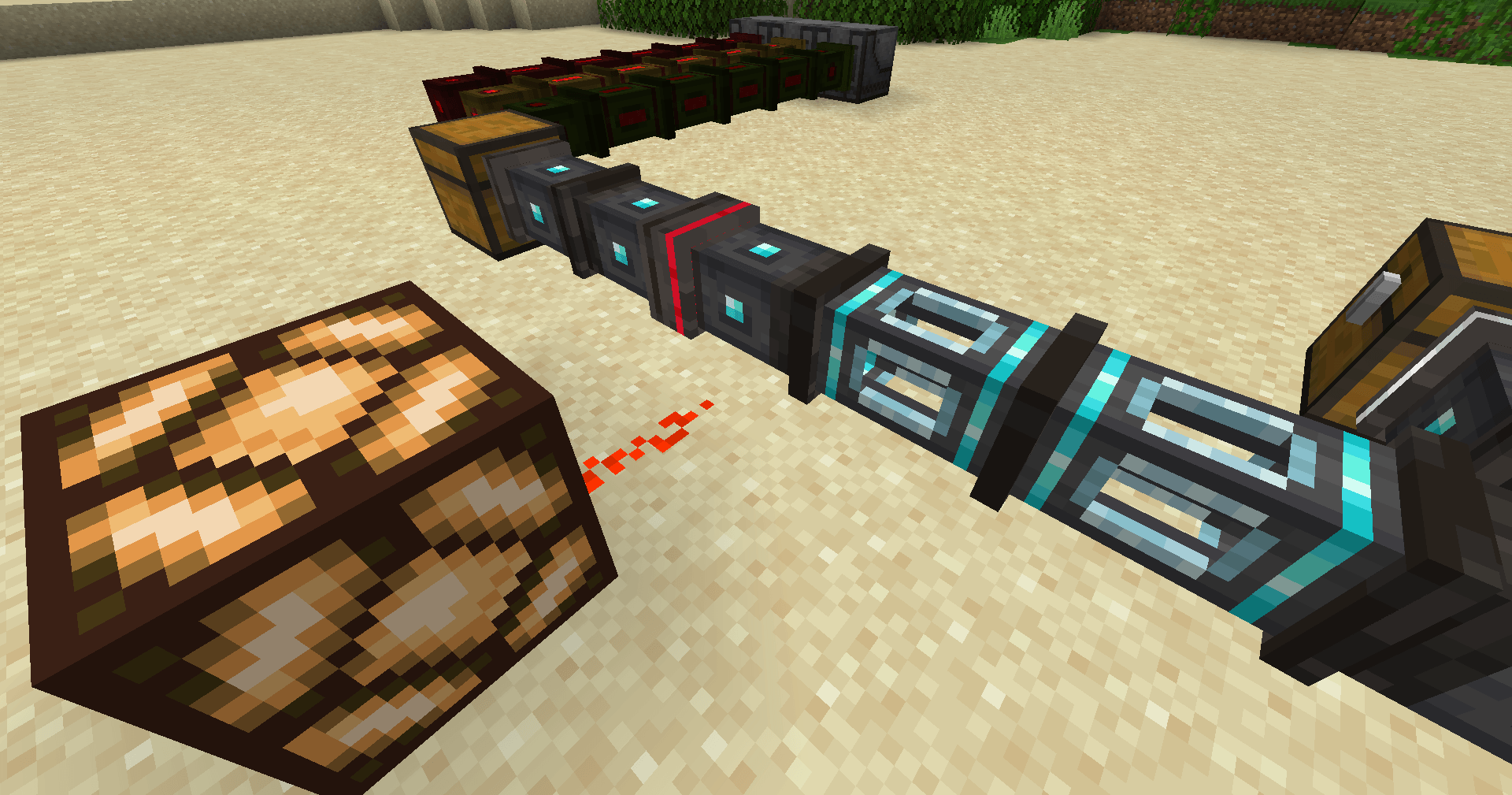
⚡ FastPipes — The Pipe Mod That Doesn't Lag Your Server
Tired of pipe mods that eat TPS for breakfast? FastPipes is a high-performance pipe system for items, fluids, and energy — built from the ground up for modern Minecraft. Zero unnecessary ticking, smart caching, minimal network traffic. Your server will thank you.
Originally forked from the abandoned Refined Pipes and completely rewritten.
Available for NeoForge 1.21.1 and Forge 1.20.1.
🔧 Three Pipe Types. Zero Compromises.
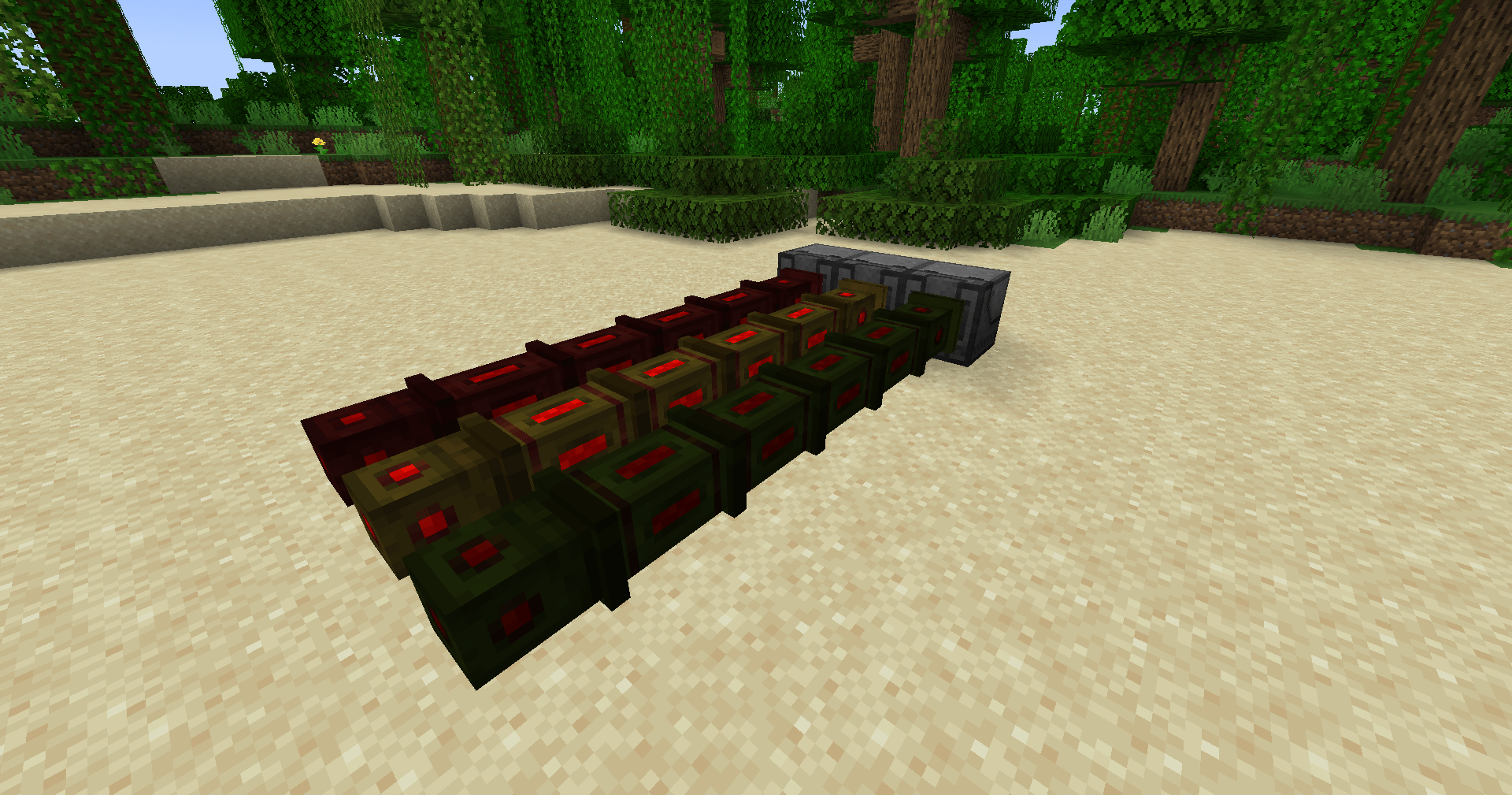
Item Pipes (Basic, Improved, Advanced) — Smart priority routing, visual item animations flying through pipes, and machines can push items directly into the network. No extractors needed on the receiving end.
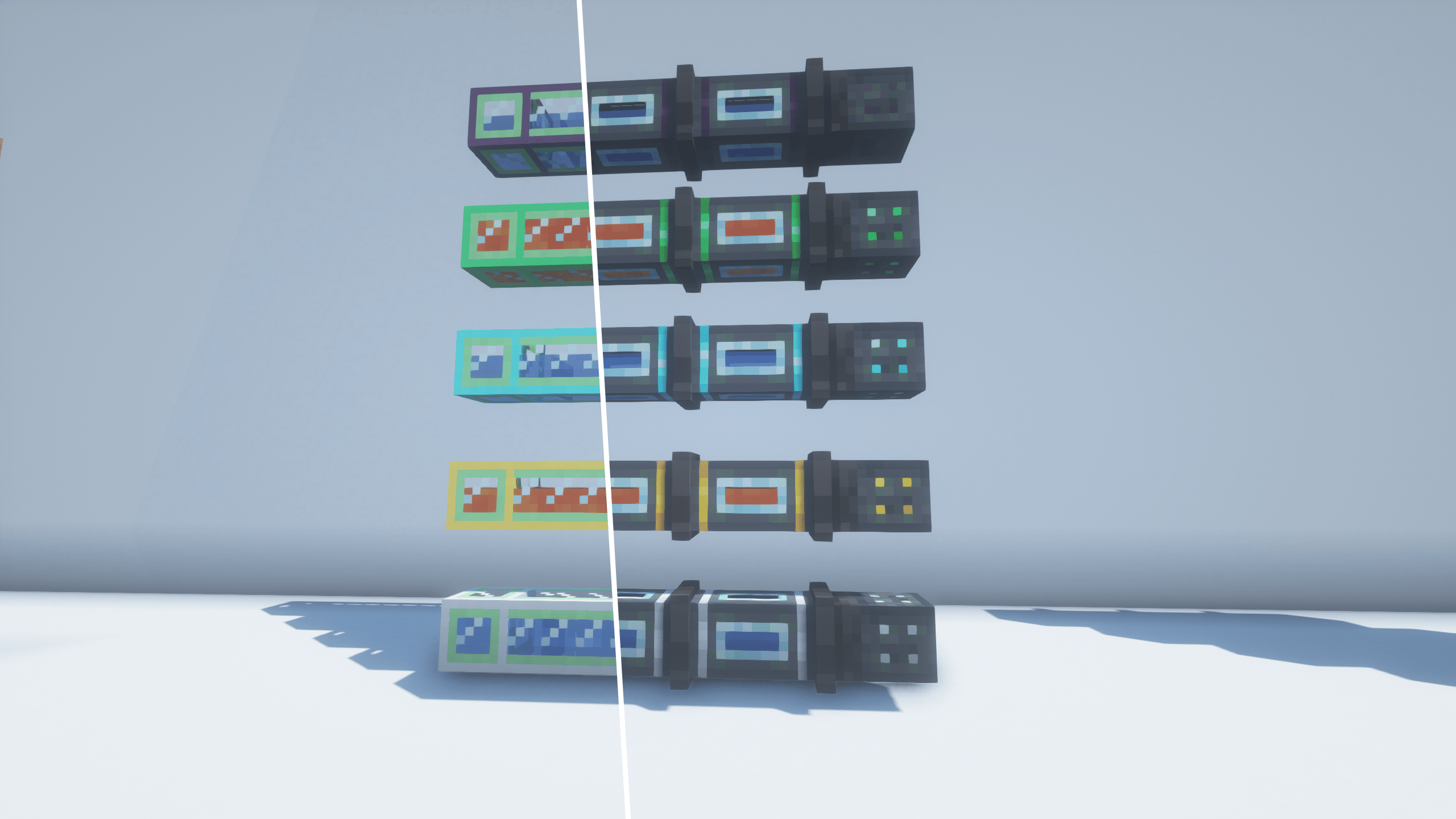
Fluid Pipes (Basic → Ultimate, 5 tiers) — Real fluid transport with animated fill levels you can actually see. Filter what flows. Scale from 1,000 mB to massive throughput.
Energy Pipes (Basic → Ultimate, 5 tiers) — FE/RF compatible. From early-game 1k FE/t to endgame 32k FE/t. Mix tiers freely — different-tier energy pipes now connect into a single network. Capacity is summed; transfer rate is bottlenecked by the slowest tier in the line, so no free upgrades.
Each tier upgrades from the previous one — craft an Improved pipe by surrounding a Basic pipe with gold, and so on up the chain.
🎯 Attachments That Actually Do Things
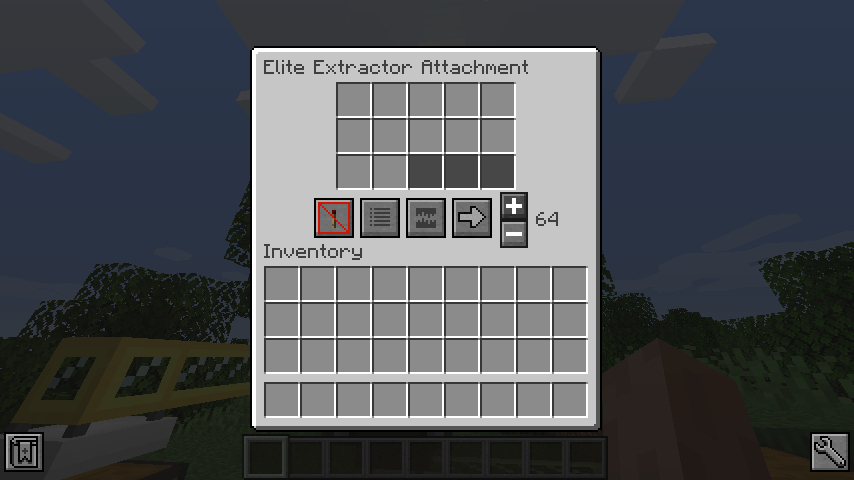
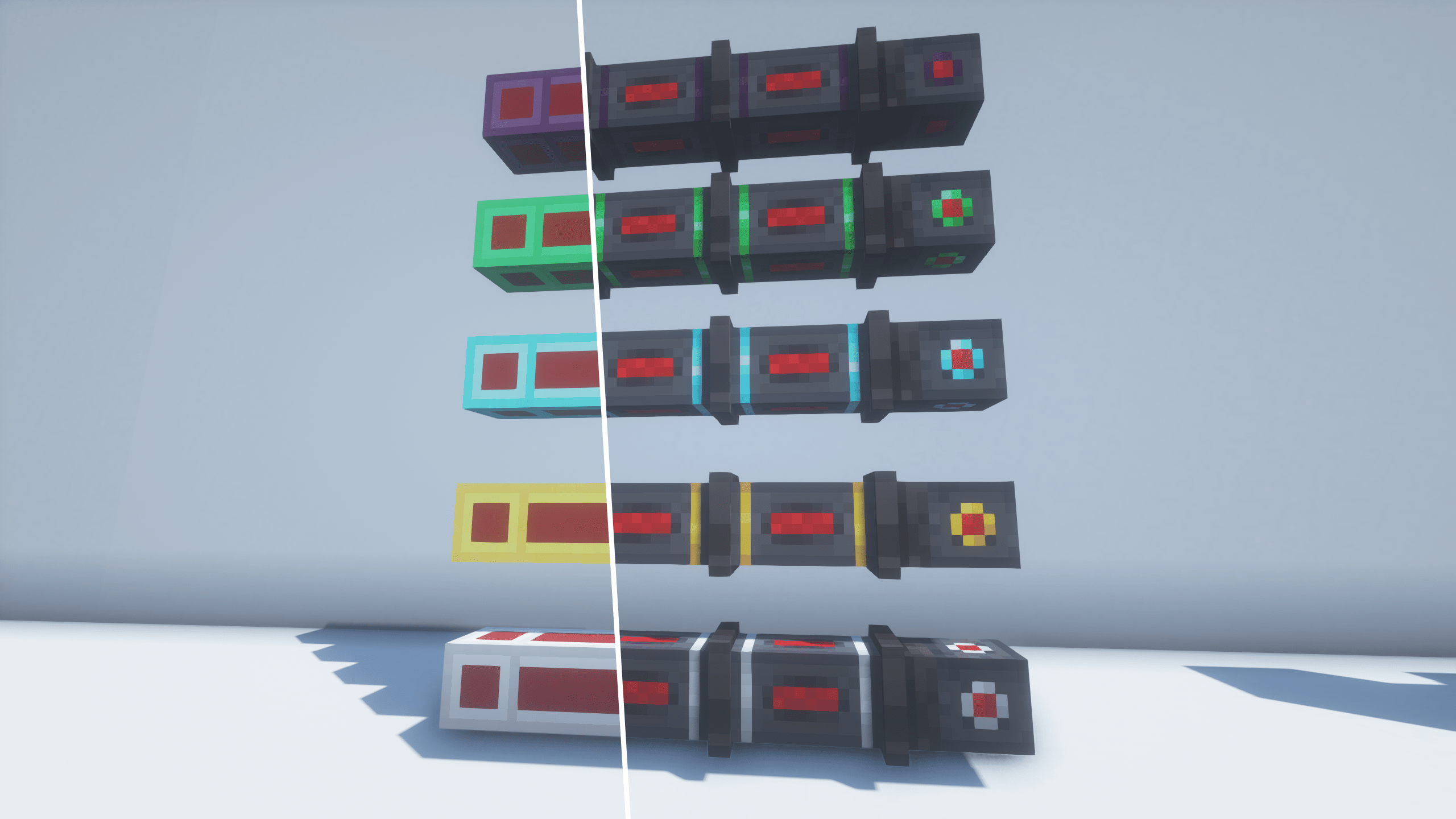
Extractors (5 tiers) — Pull items/fluids from inventories with whitelist/blacklist filters, redstone control, exact matching, and four routing modes: nearest, furthest, random, or round robin. Smart pre-check ensures items only leave the source if the destination can actually accept them — no orphaned drops in the world.
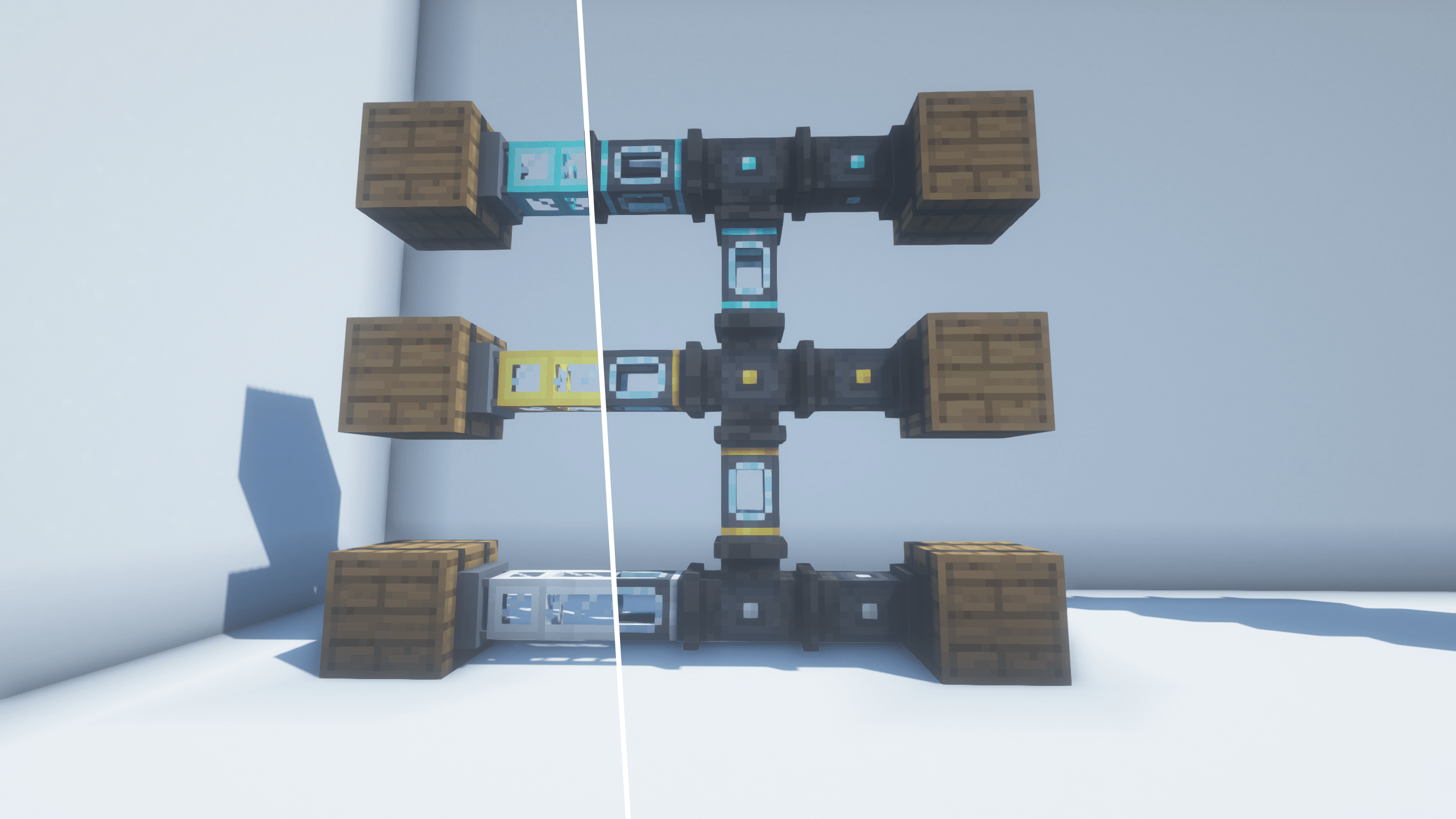
Inserters (5 tiers) — Mark where items should GO. Priority-based delivery means your storage system actually works. Items bounce back when destinations are full, and the network scans for any other inserter with free space before resorting to a world drop — your loot is safe.
Void — Destroys overflow items and fluids. Lowest priority — only activates when nothing else can accept them. Supports filtering.
Sensor — Emits redstone signal when matching items/fluids pass through.
🖥️ Pipe Terminal + 🪣 Tiered Barrels = Simple Storage
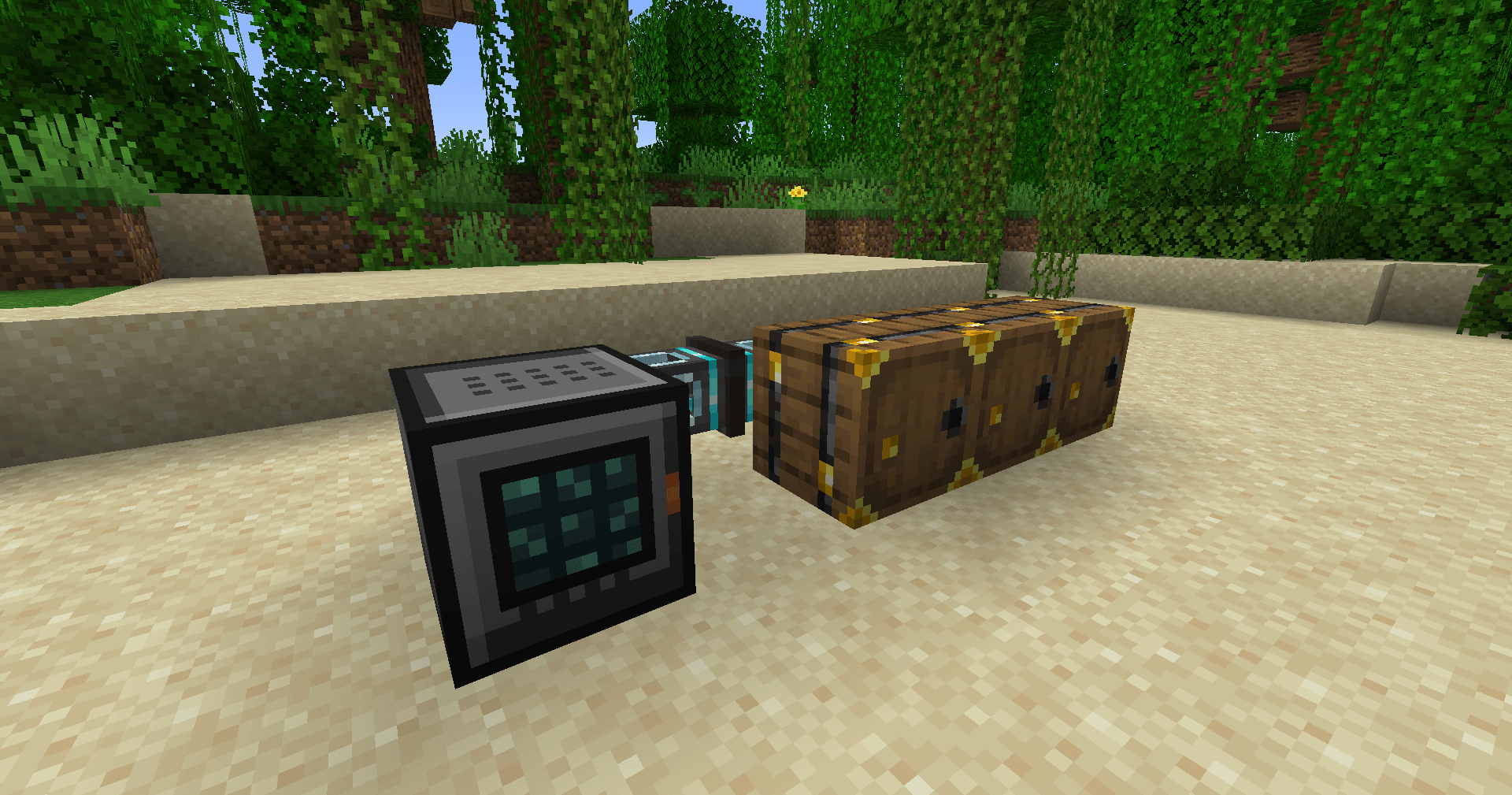
No complicated setups. Connect item pipes to barrels (or any inventories), hook up a Terminal to the network — done. You now have a searchable, craftable storage system.
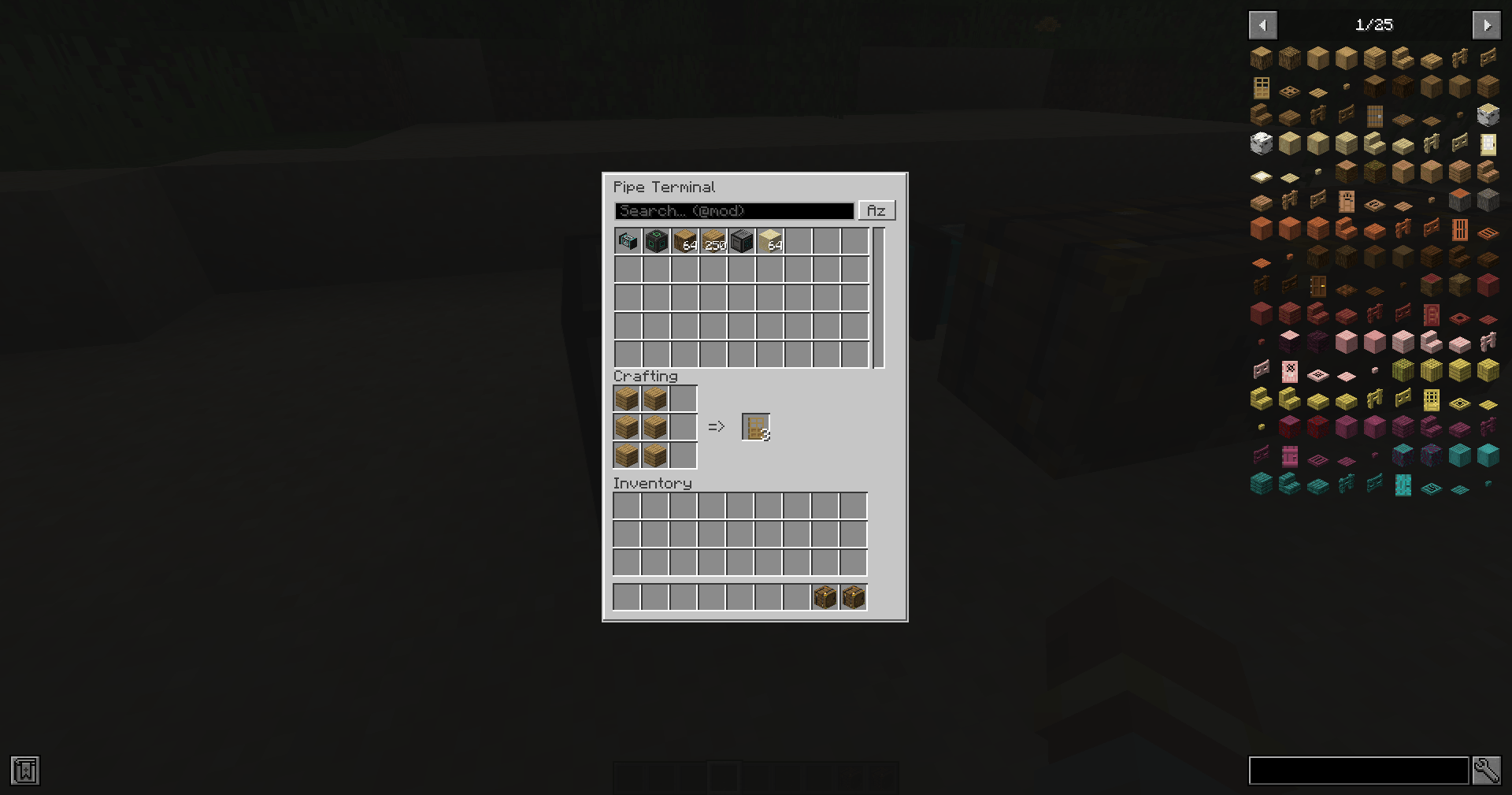
Pipe Terminal — access every inventory in your pipe network from one block.
- Search by name or
@mod - Click to pull items from the network
- Built-in 3×3 crafting grid that uses network resources
- Sort by name, count, or mod — sort mode persists between sessions
- Single-user lock — only one player at a time, auto-recovers from disconnects
- Just place next to any item pipe — connects automatically
Tiered Barrels — six tiers from Oak (27 slots) to Netherite (108 slots, blast resistant). Right-click with an upgrade item to upgrade in-place — contents preserved, no duplication. Works seamlessly with pipe networks and with Tinkers' Construct Crafting Stations as sidebar inventories.
👀 It Looks Good Too
- Pipes connect intelligently in all 6 directions with smooth 3D models
- Items visually fly through pipes with rotation animation
- Fluid levels animate in real-time inside fluid pipes
- All attachments render as proper 3D models on the pipe
- Paint any pipe with a dye to create separate color-coded networks
- Waterlogged pipes — build underwater pipe systems, no workarounds needed
- Comes with its own wrench! Shift+right-click to break, right-click bare pipe side to disconnect, right-click attachment to open its GUI. Other mods' wrenches work too
🧩 Plays Nice With Others
- Jade — hover over any pipe to see transfer rates, fluid contents, items in transit. Attachments and Terminal too — see tier, redstone mode, filter mode, routing, stack size, exact mode, network status, and who's currently using a Terminal
- JEI — full info pages for every item in the mod — pipes, attachments, barrels, upgrades, terminal
- Tinkers' Construct — Tiered Barrels work as sidebar inventories for Crafting Stations
⚙️ Fully Configurable
Every pipe tier's speed, capacity, and transfer rate is tweakable in the server config. Barrel sizes too. Make it balanced for your modpack or crank everything to 11.
- Edition: Minecraft Java
- File type: .jar
- Minecraft versions listed: 1.20.1, 1.21.1, 1.21.11
- How to install: Install the matching mod loader (Forge, Fabric or NeoForge) for your Minecraft version. → Download the .jar. → Put it in the .minecraft/mods folder and launch that loader profile.
- Where to get it: Opens on CurseForge — not every file is mirrored on our own servers.
Install steps are the general flow for this file type — How to install Minecraft Java mods & modpacks walks through it step by step.
- Ships as fastpipes-1.20.1-1.3.7.jar — drop this file into the mods folder
- Download size: 587 KB
- Download link checked 2 Oct 2026 — working
These come from our own check of the pack file, not from the source page.