
Better Turtle Scute
Java mod listed for Minecraft 1.16–1.21. Downloads from the MC Java Mods app on Android.
I don't know my version or loader
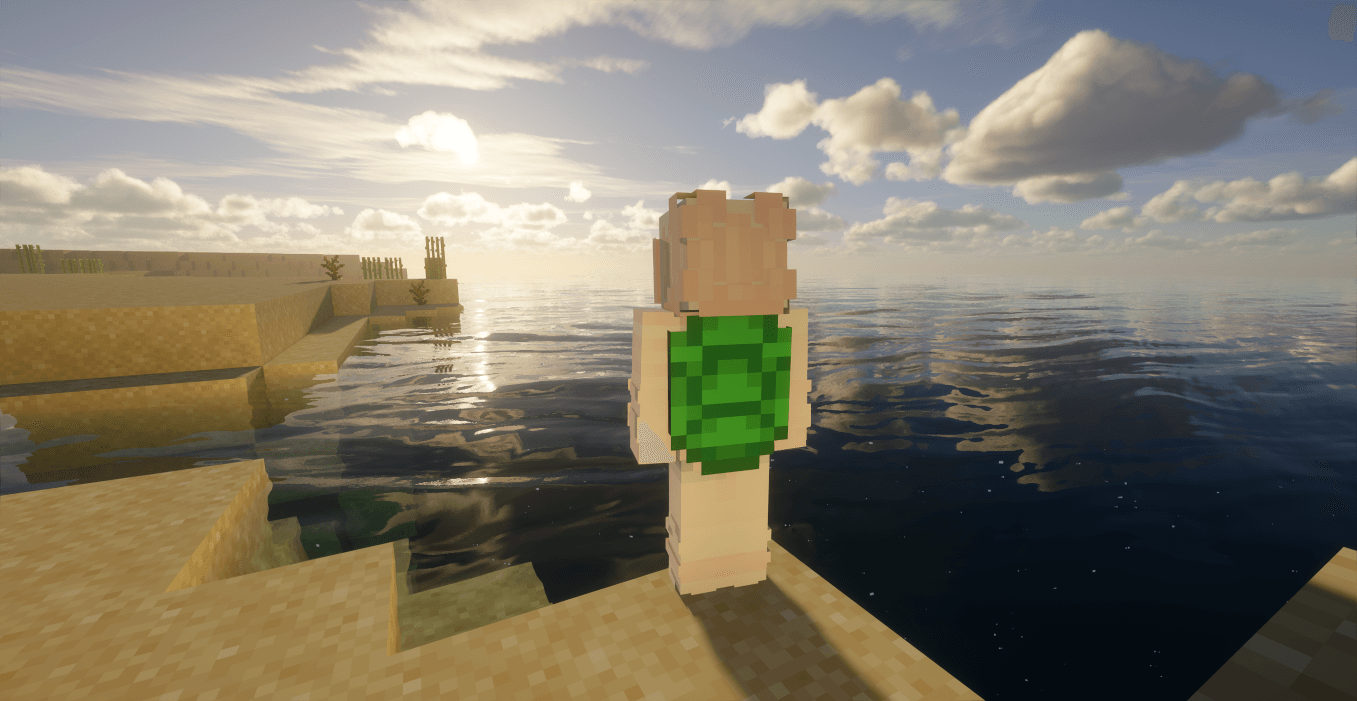
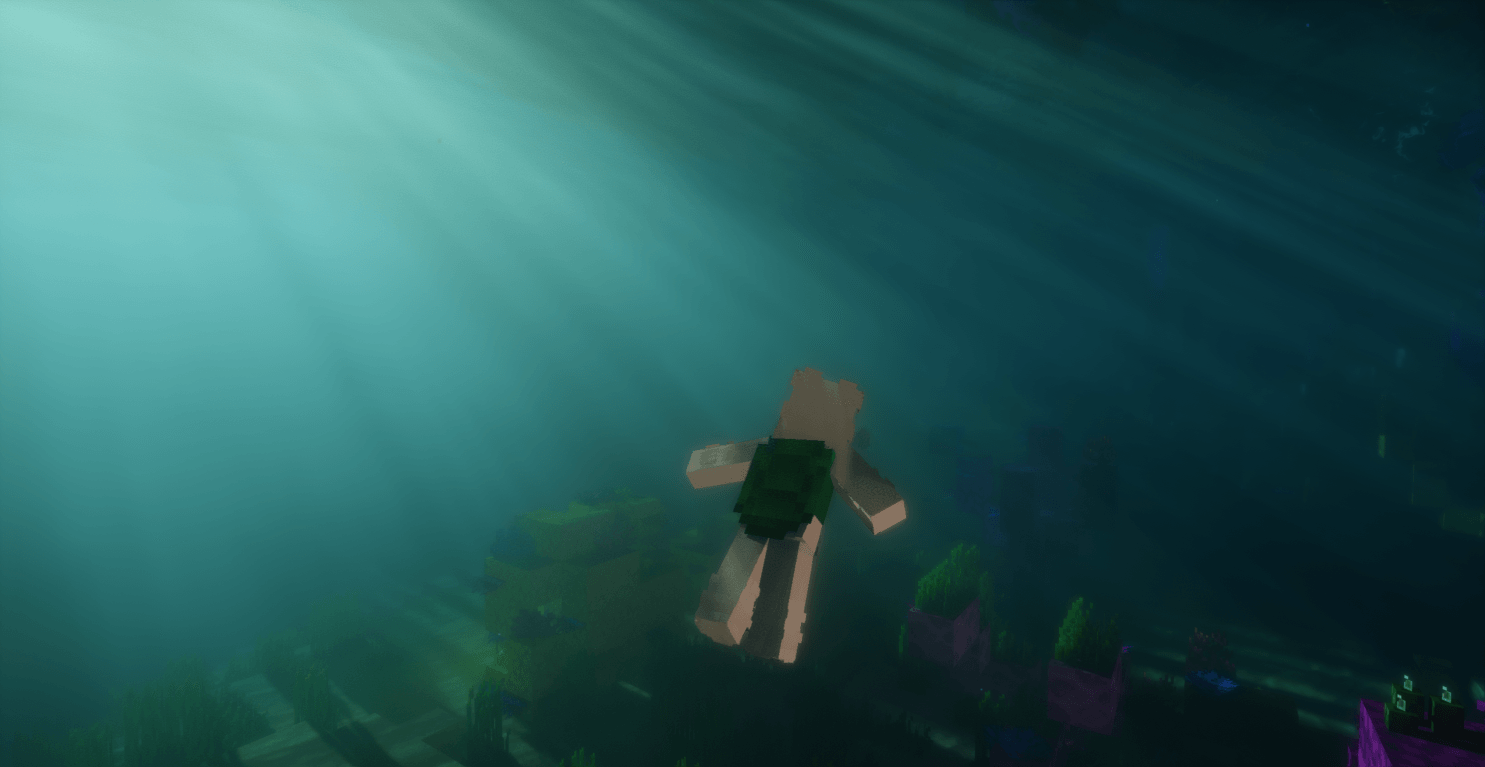
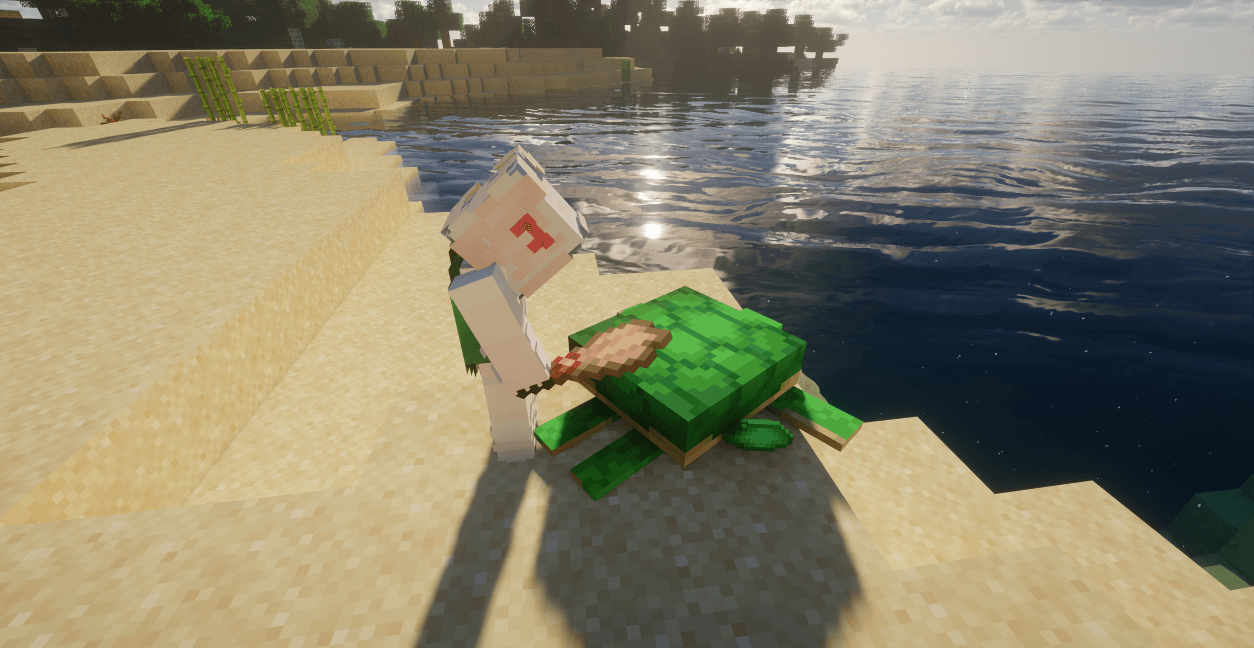
This mod is designed to optimize the gameplay experience of Turtle Scute in Minecraft. In the vanilla game, obtaining Turtle Scute is quite tedious: it only drops when turtles grow, with each turtle dropping just one scute, resulting in extremely low efficiency. Additionally, its use is limited to crafting turtle shells, making the overall reward disproportionate to the effort.
Feel free to use this mod in your modpack!
 To address this, the mod introduces two small improvements:
Enhanced Acquisition Method
Drawing inspiration from the way armadillo scutes are obtained, a more convenient approach is added. Right-clicking an adult turtle with a vanilla Brush will consume 32 durability from the brush and 2 hunger points from the player, yielding 2 Turtle Scutes directly.
- It is compatible with brushes added by the mods Better Archeology and More Brushes.
New Equipment
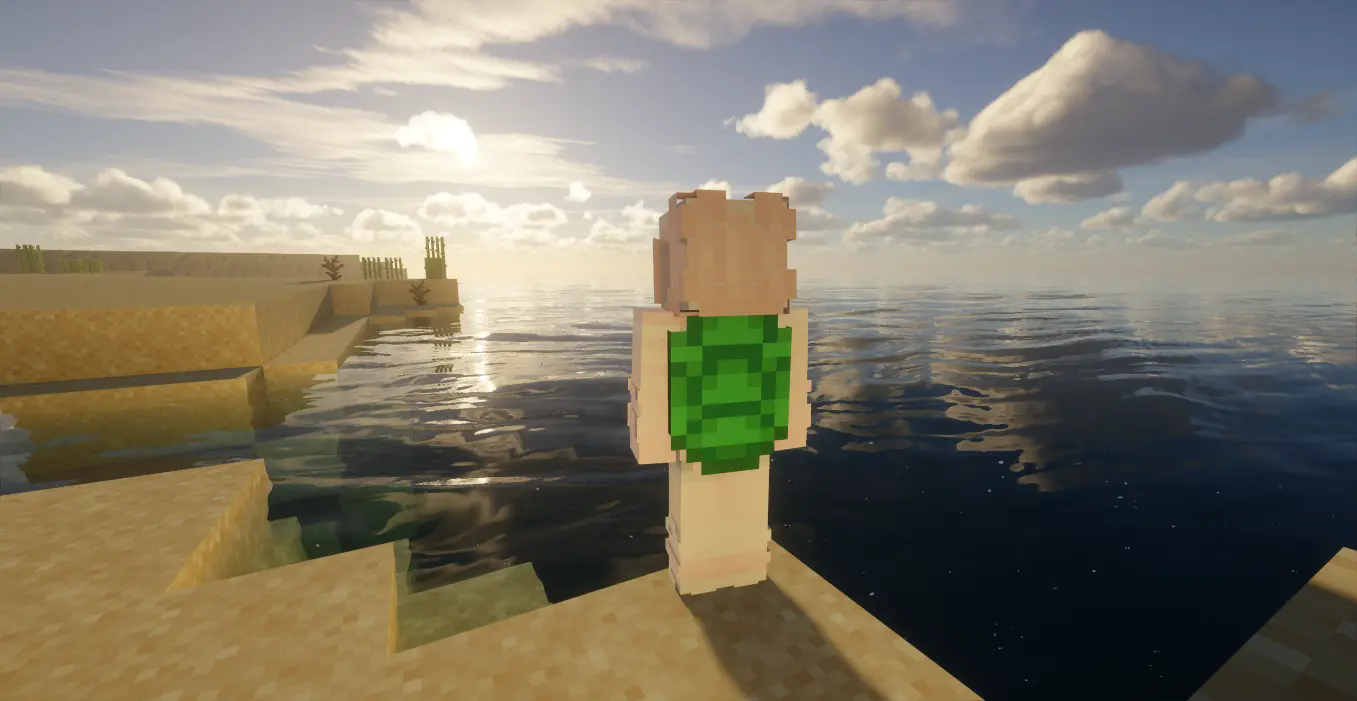
The "Turtle Back Shell" is added, which can be equipped in the chestplate slot. Crafted from Turtle Scutes, it has the same durability and armor value as an iron chestplate, plus an additional 20% knockback resistance. Its special effects include: automatically granting "Dolphin's Grace" when entering water to significantly boost swimming speed; if the wearer takes more than 4 damage in a single hit, it immediately triggers "Resistance IV" for 12 seconds (reducing 80% of damage), consuming 10 durability in the process. This effect can be triggered again after 120 seconds.
- Starting from Version 1.3 and above: When this effect is triggered, it also grants an 8-point shield for 12 seconds and the "Bad Luck" effect for a certain period of time.
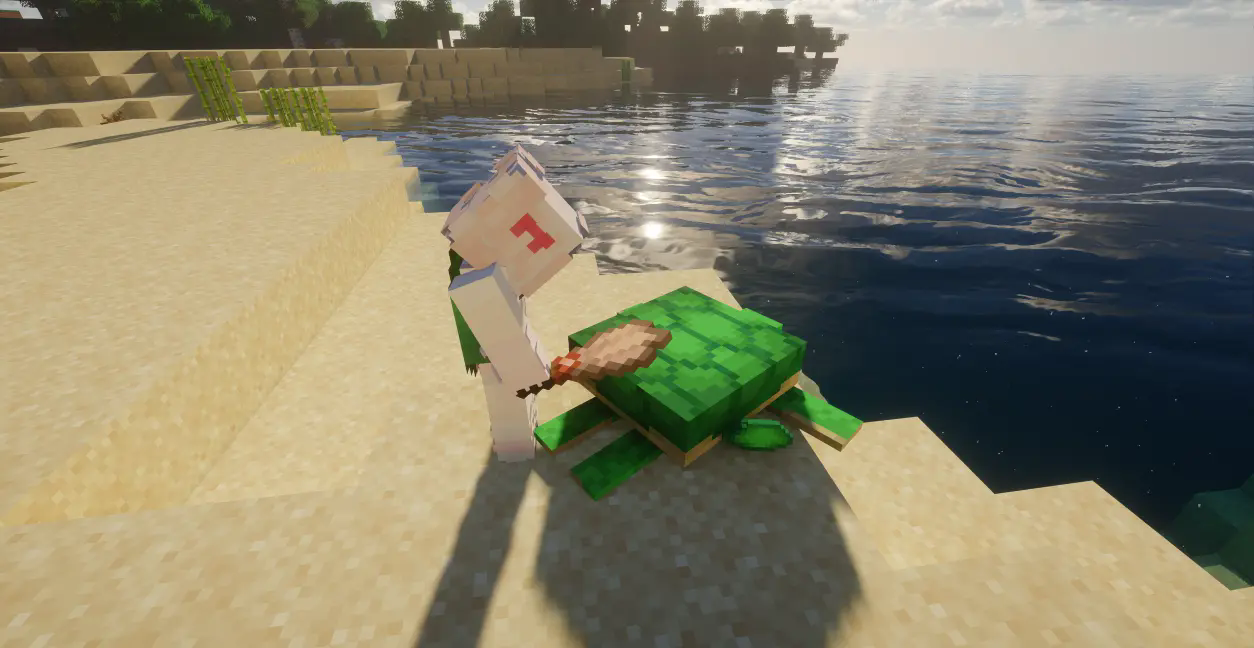

- The mod includes a built-in tool called the Flint Turtle Brush, which has a durability of 32 points. It provides support for the "brush gameplay" for players using MC versions prior to 1.20.
- Edition: Minecraft Java
- File type: .jar
- Minecraft versions listed: 1.20.2, 1.20.1, 1.21.8
- How to install: Install the matching mod loader (Forge, Fabric or NeoForge) for your Minecraft version. → Download the .jar. → Put it in the .minecraft/mods folder and launch that loader profile.
- Where to get it: Opens on CurseForge — not every file is mirrored on our own servers.
Install steps are the general flow for this file type — How to install Minecraft Java mods & modpacks walks through it step by step.
- Ships as qa_turtle_back_shell-1.4.2-fabric-26.1.x.jar — drop this file into the mods folder
- Download size: 78 KB
- Download link checked 2 Oct 2026 — working
These come from our own check of the pack file, not from the source page.