
KubePackages
The author built this one for Minecraft 1.20.1 on Forge. On other versions it may install and then do nothing.
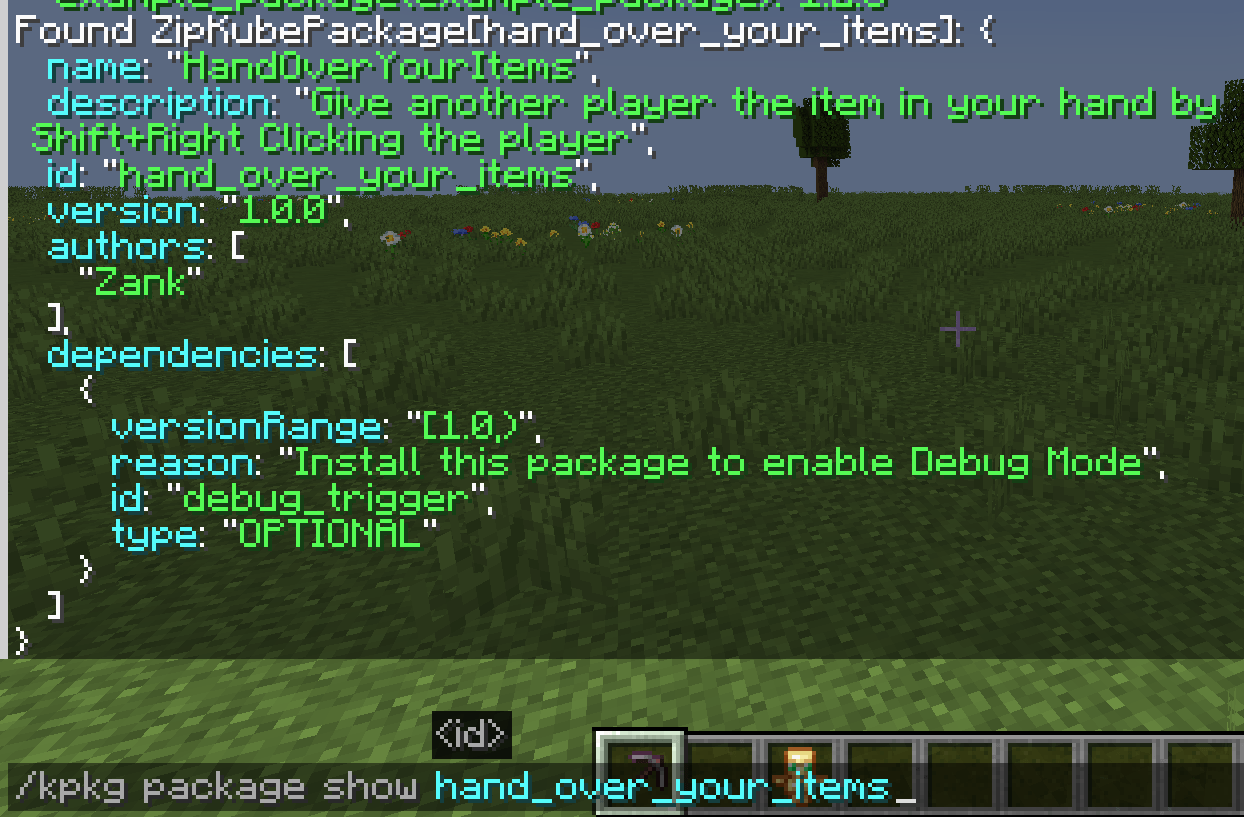
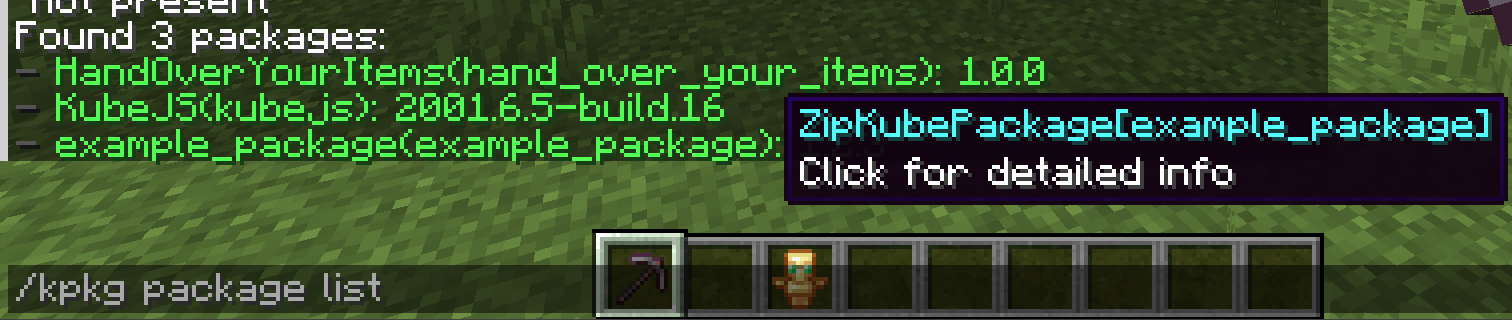
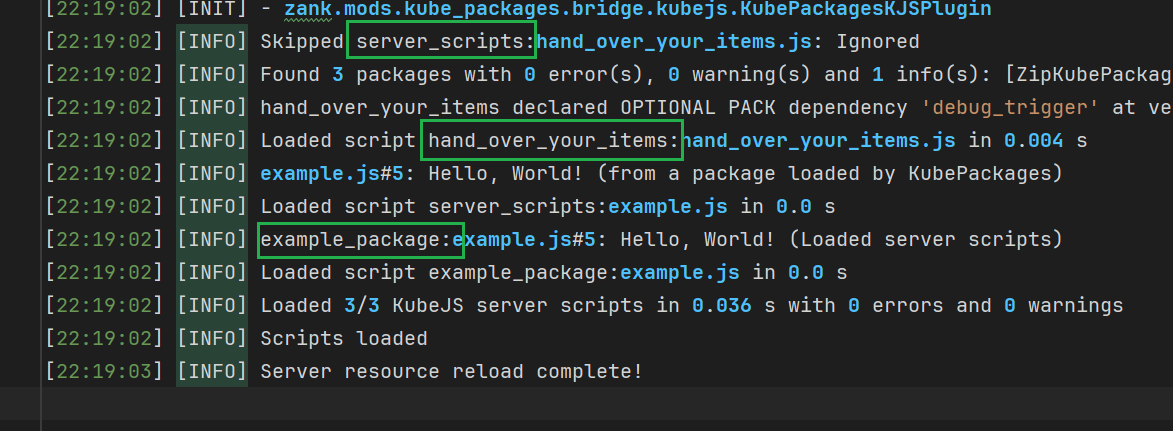
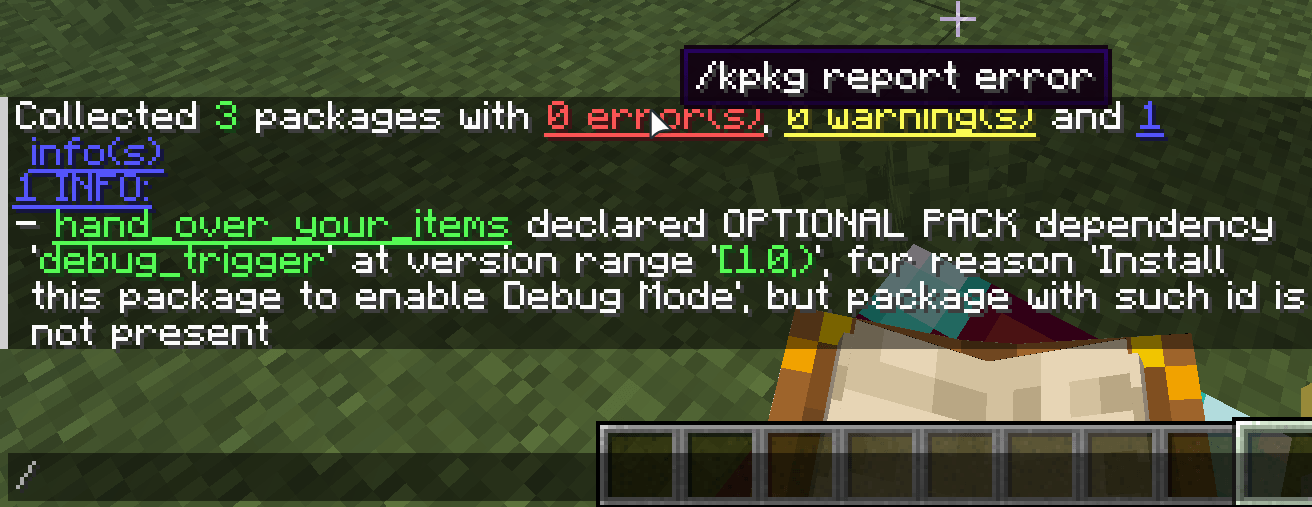
KubePackages
Package manager for KubeJS.
KubePackages introduces the concept of "package" for KubeJS, redefining how scripts are distributed. It allows scripts to be encapsulated like modules, loaded like resource packs, and distributed like mods.
This page provides a brief introduction to the core feature of KubePackages: the KubePackage. For more detailed explanations and tutorials, please refer to:
WIKI
KubePackage (Yes, without the 's')
To support package management, distribution, and dependency management, KubePackages introduces "KubePackage" as the carrier for the "package" concept. It provides a complete loading framework, enabling developers to build, integrate, and publish KubeJS functionalities in a modular way. This resolves the issue of flattened script loading, namespace pollution, and tight coupling between scripts.
Did you know that: Rhino's handling of variable scopes has always been quite peculiar. Combined with KubeJS's flattened script loading, declaring variables with same name can easily lead to hard-to-find bugs.
KubePackage is not just a container for script files, but can also provide assets and data resources. Combined with
metadata with dependency info, KubePackage goes a step further than resource packs and data packs.
With KubePackage, developers can do more than just writing scripts and inadvertently reinventing the wheel. Instead, they can leverage reusable modules to improve development QoL. You can:
- Write scripts like developing mods: KubePackage provides independent dependency management and script scope.
- Load functionalities like installing mods: Using the JS binding named
KubePackages, you can easily check if specific packages exist, integrate packages developed by others, communicate data between packages, and quickly build complex projects. - Share your work like publishing mods: Export packages effortlessly as
.jarfiles,.zipfiles, or directories, and publish them directly as mods on CurseForge or Modrinth.
KubePackages aims to become the standard package management system for the KubeJS ecosystem and provide a unified standard for the entire community.
- Edition: Minecraft Java
- File type: .jar
- Minecraft version listed: 1.20.1
- How to install: Install the matching mod loader (Forge, Fabric or NeoForge) for your Minecraft version. → Download the .jar. → Put it in the .minecraft/mods folder and launch that loader profile.
- Where to get it: Opens on CurseForge — not every file is mirrored on our own servers.
Install steps are the general flow for this file type — How to install Minecraft Java mods & modpacks walks through it step by step.
- Ships as KubePackages-1.20.1-1.0.0.jar — drop this file into the mods folder
- Download size: 174 KB
- Download link checked 22 Aug 2026 — working
These come from our own check of the pack file, not from the source page.