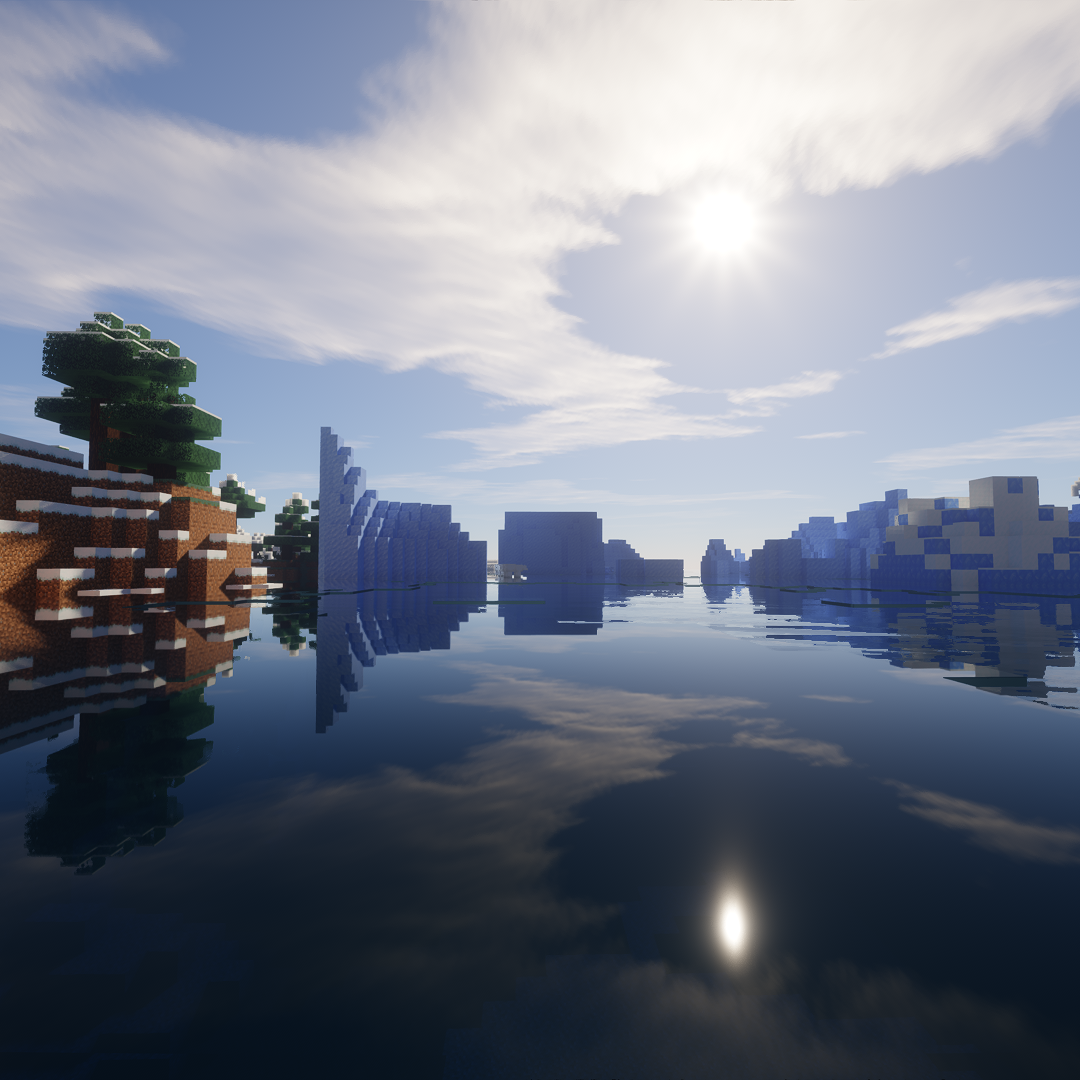
amazing visuals 10910
Java modpack listed for Minecraft 1.20. Download on the author's site.
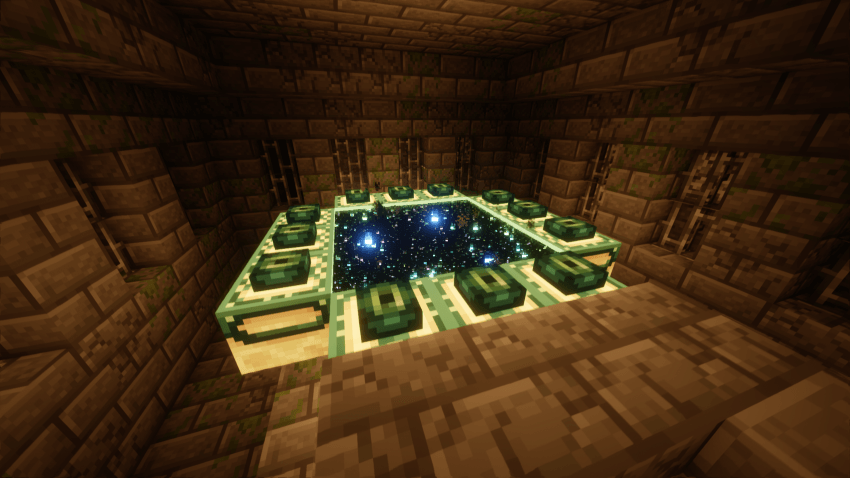
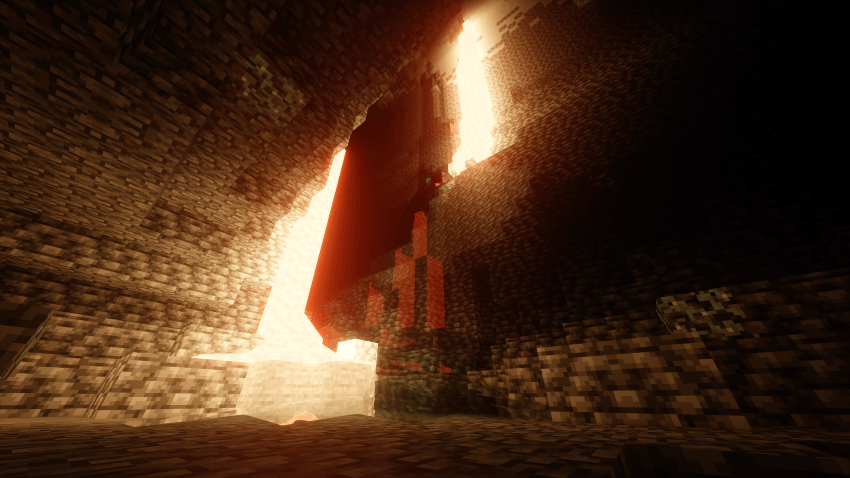
A lightweight Fabric modpack focused on visuals and performance. Features Photon Shaders, Sodium, and Distant Horizons for stunning graphics with smooth…
⬇ Download on CurseForge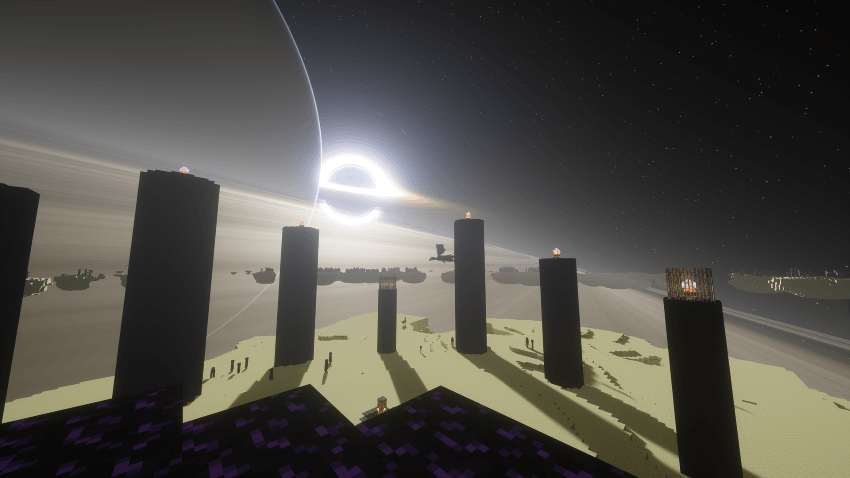
Amazing Visuals 10910
Version: 1.20.1 (Fabric)
Focus: Smooth performance + stunning graphics
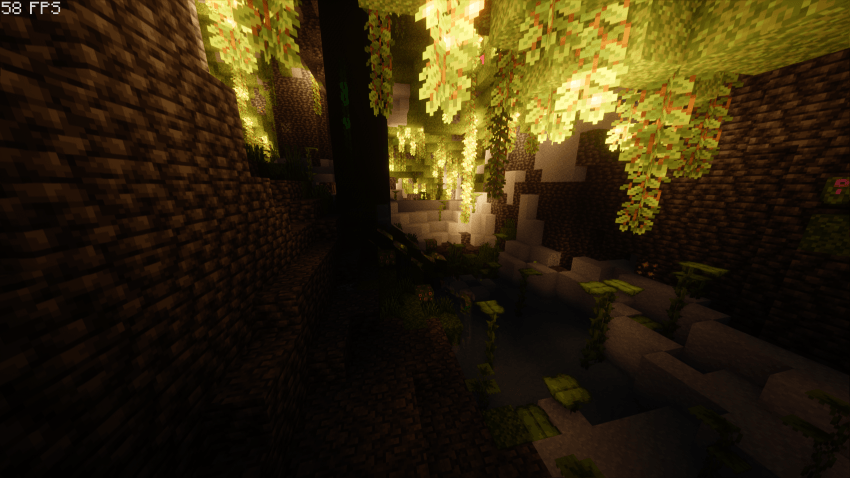
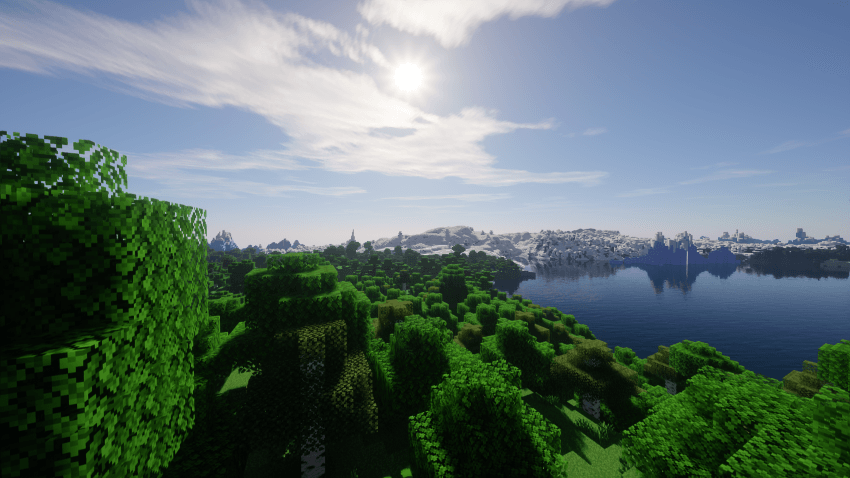
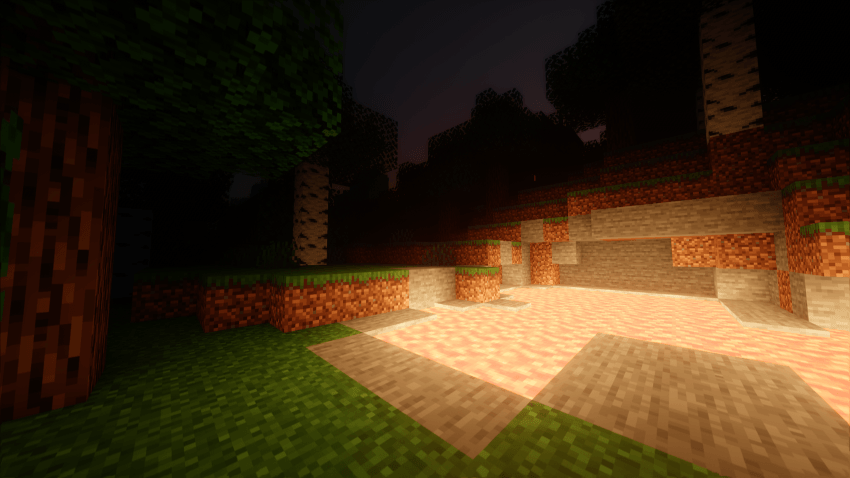
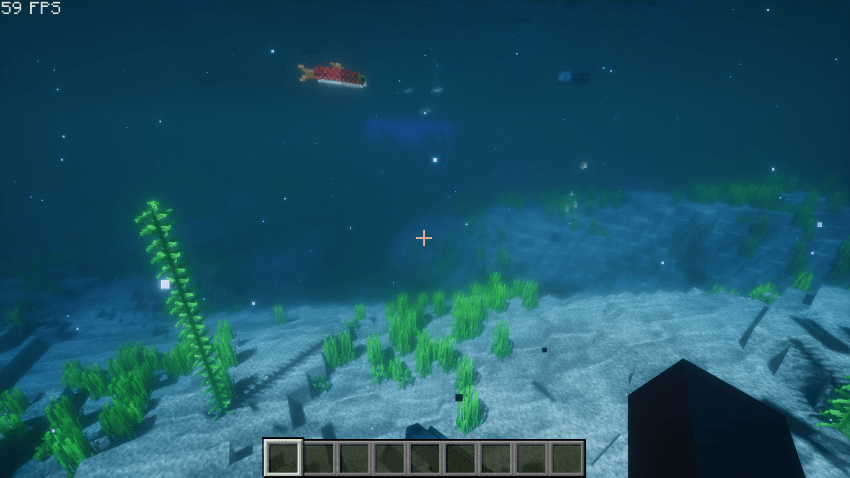
This modpack is designed to make Minecraft look and feel incredible while still running smoothly. With Photon Shaders enhancing lighting and atmosphere, you’ll get cinematic visuals without sacrificing FPS.
Features
-
Performance & Optimization
-
Sodium + Reese’s Sodium Options
-
Lithium & supporting mods for smoother gameplay
-
Dynamic FPS & FPS Display for better performance control
-
-
Visual Upgrades
-
Photon Shaders for immersive lighting and shadows
-
Iris Shaders support
-
Distant Horizons (LOD rendering) for breathtaking far views
-
Connected Textures & Dynamic Surroundings for added detail
-
-
Quality of Life
-
AppleSkin (better hunger display)
-
Xaero’s World Map & Minimap
-
WTHIT (What’s That Item/Block)
-
Just Zoom for simple zoom controls
-
Recommended Settings
-
Use Iris Shaders to enable Photon Shaders.
-
Adjust render distance based on your system — works great with Distant Horizons.
Perfect For
Players who want a beautiful, immersive Minecraft without lag — great balance of eye candy and smooth FPS.
- Edition: Minecraft Java
- File type: .jar
- Minecraft version listed: 1.20.1
- How to install: Install the matching mod loader (Forge, Fabric or NeoForge) for your Minecraft version. → Download the .jar. → Put it in the .minecraft/mods folder and launch that loader profile.
- Where to get it: Opens on CurseForge — not every file is mirrored on our own servers.
Install steps are the general flow for this file type — How to install Minecraft Java mods & modpacks walks through it step by step.
amazing visuals 10910 is a free Minecraft Java modpack. Compatible with Minecraft 1.20.1. Downloaded 3,113 times (via CurseForge). Download it and open it directly in the game.