DatapacksJava
Improved Weather Data Pack (26.2, 1.20.1) – Enhanced Weather Conditions
Java data pack listed for Minecraft 1.20. Downloads from the MC Java Mods app on Android.
⬇ Download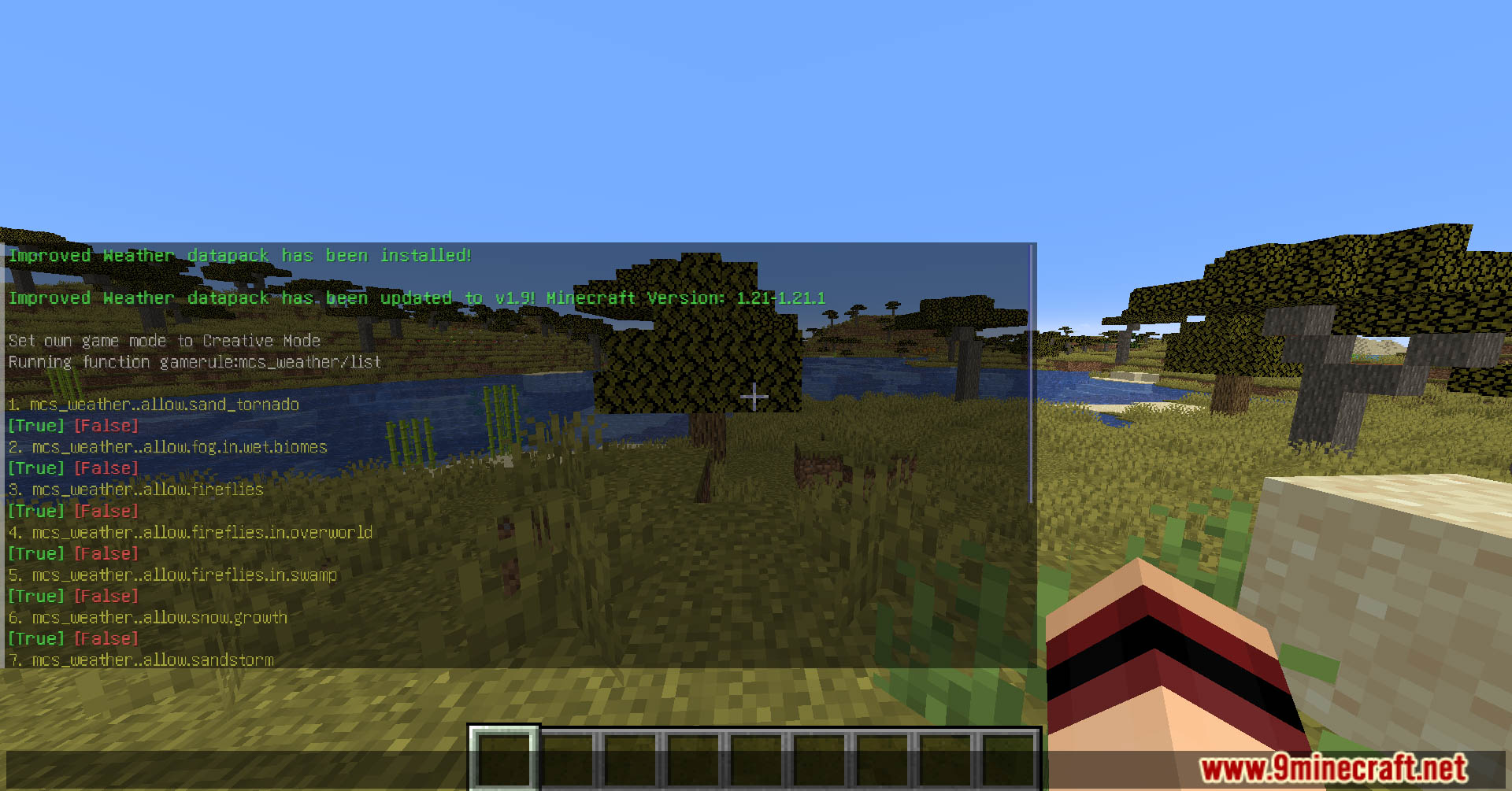
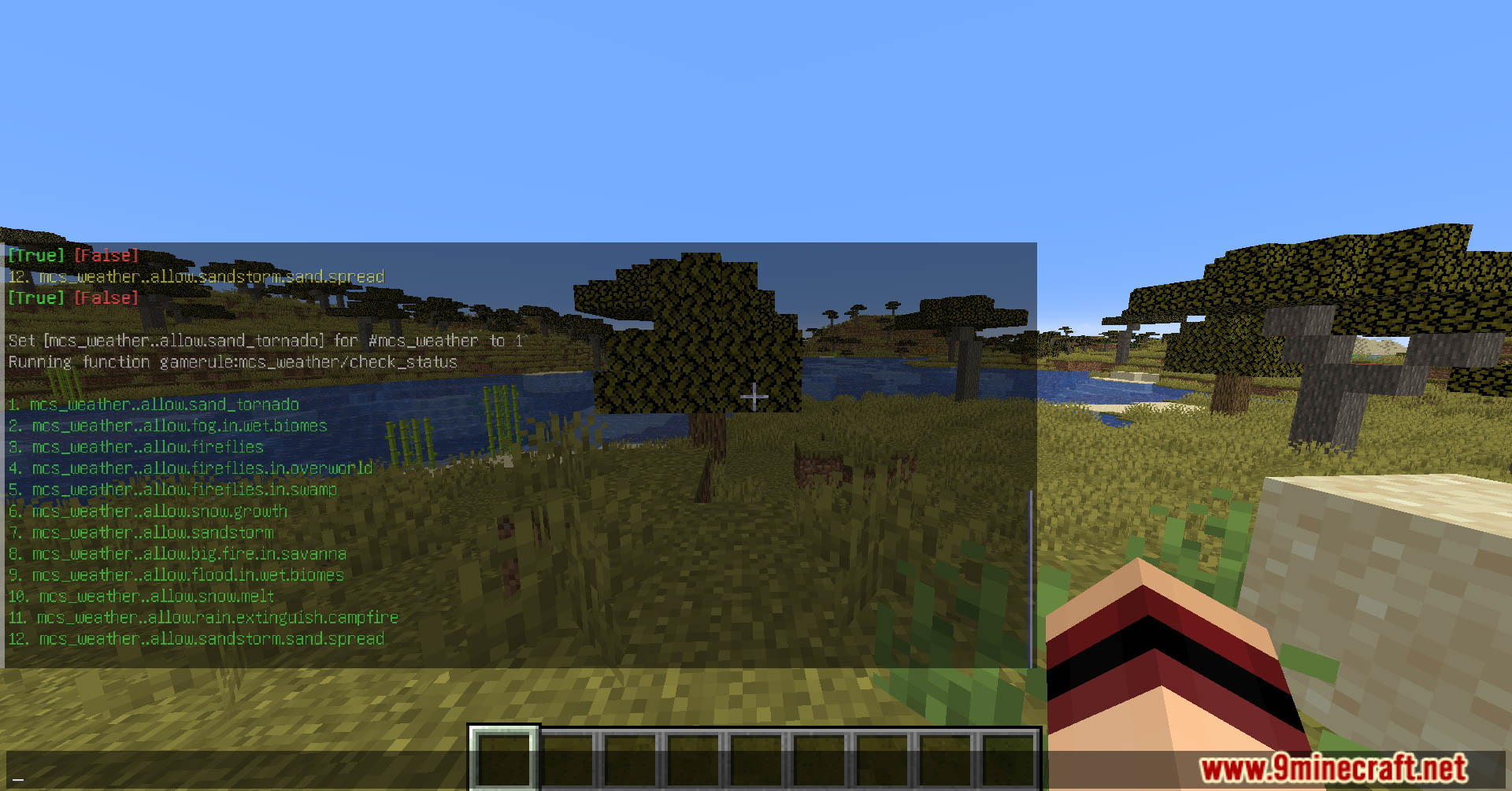
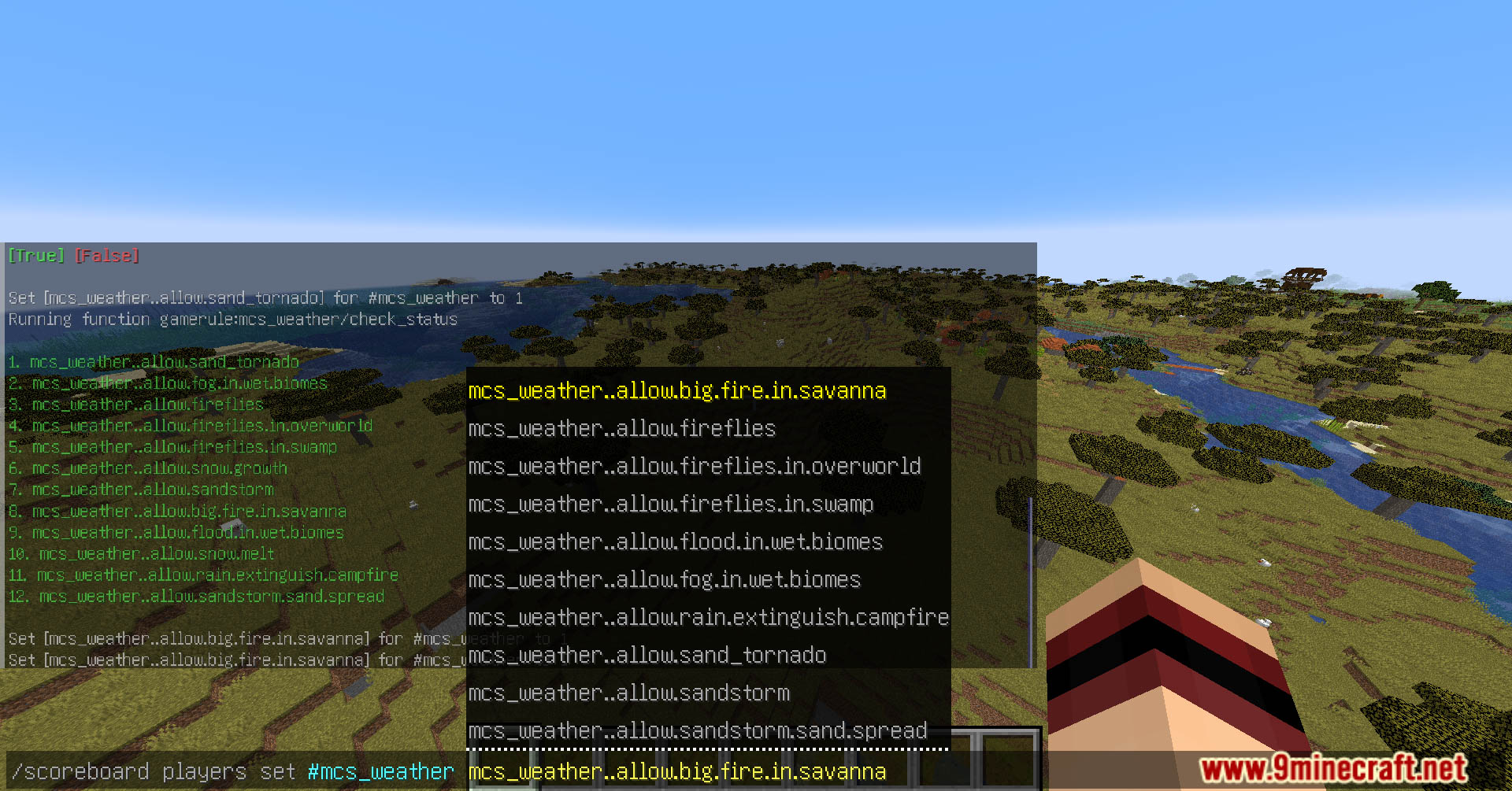
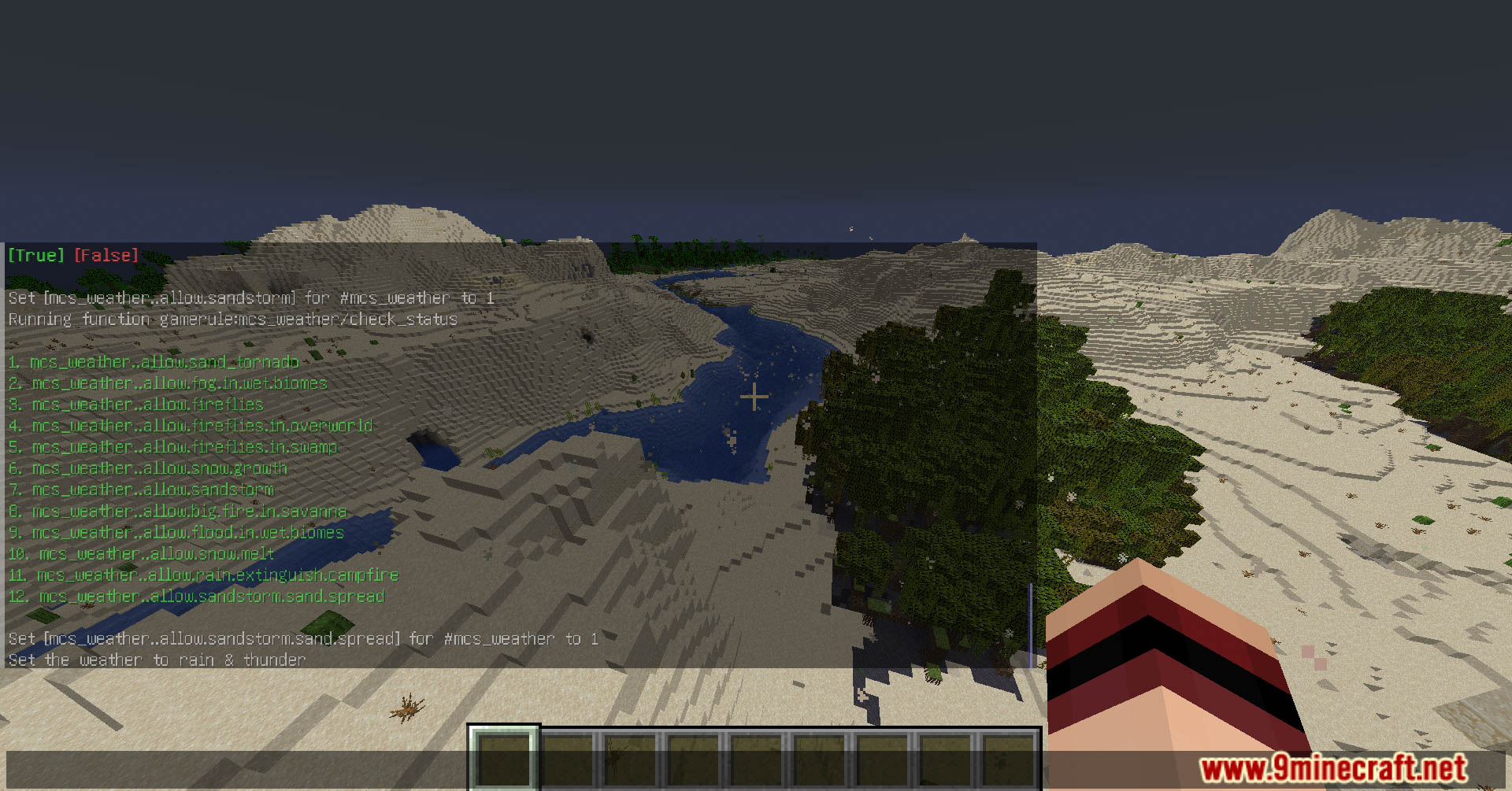
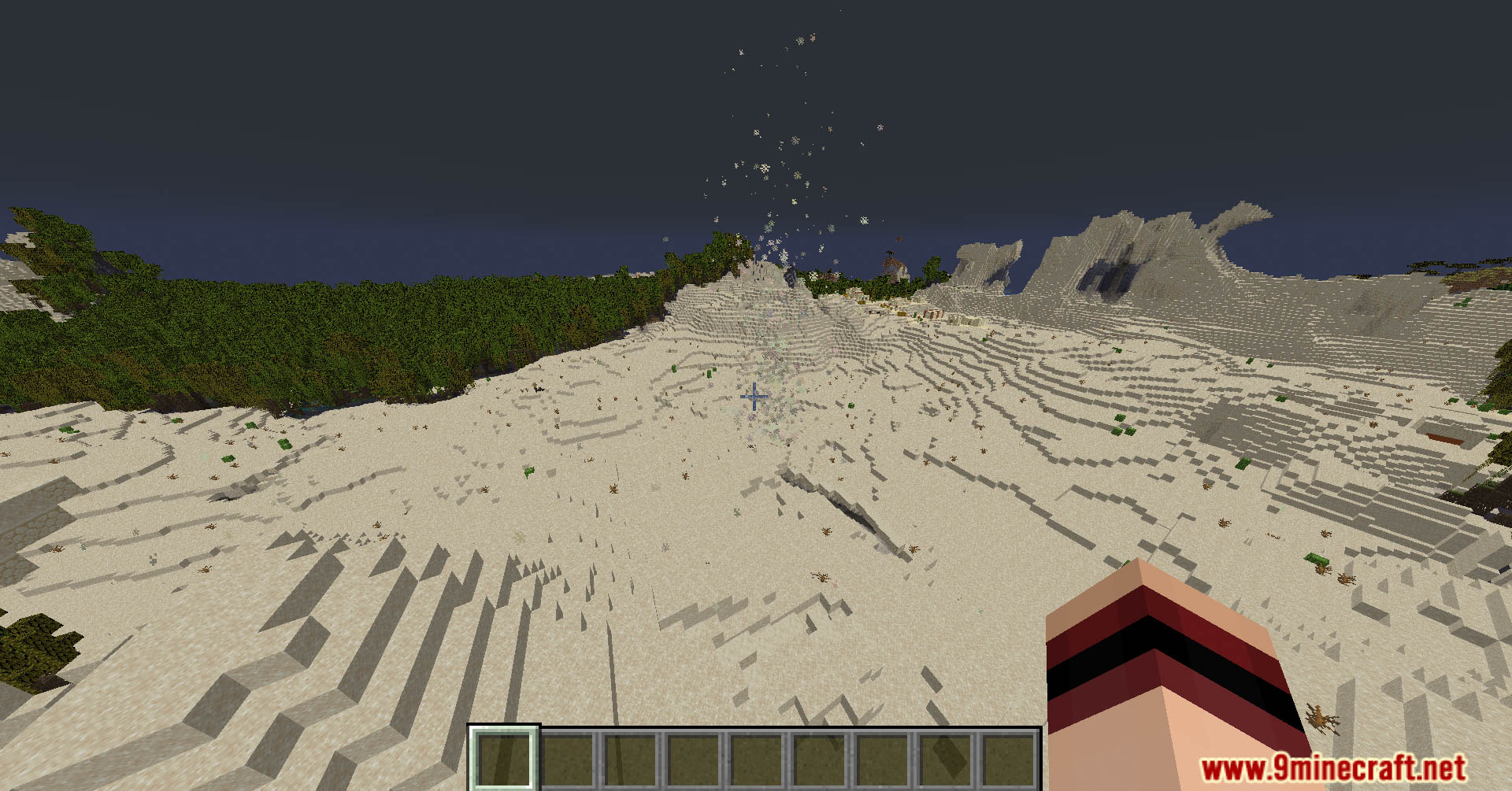
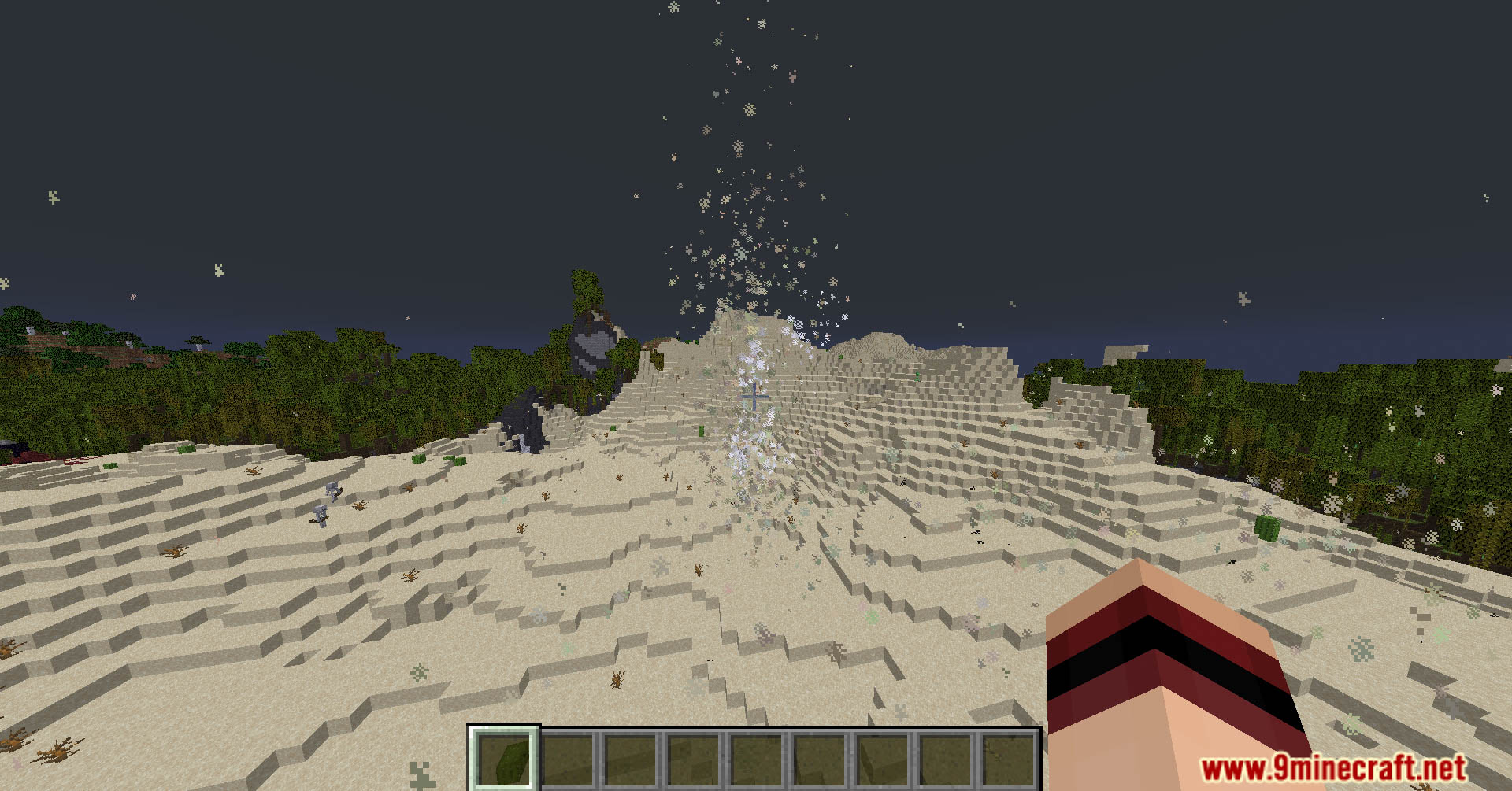
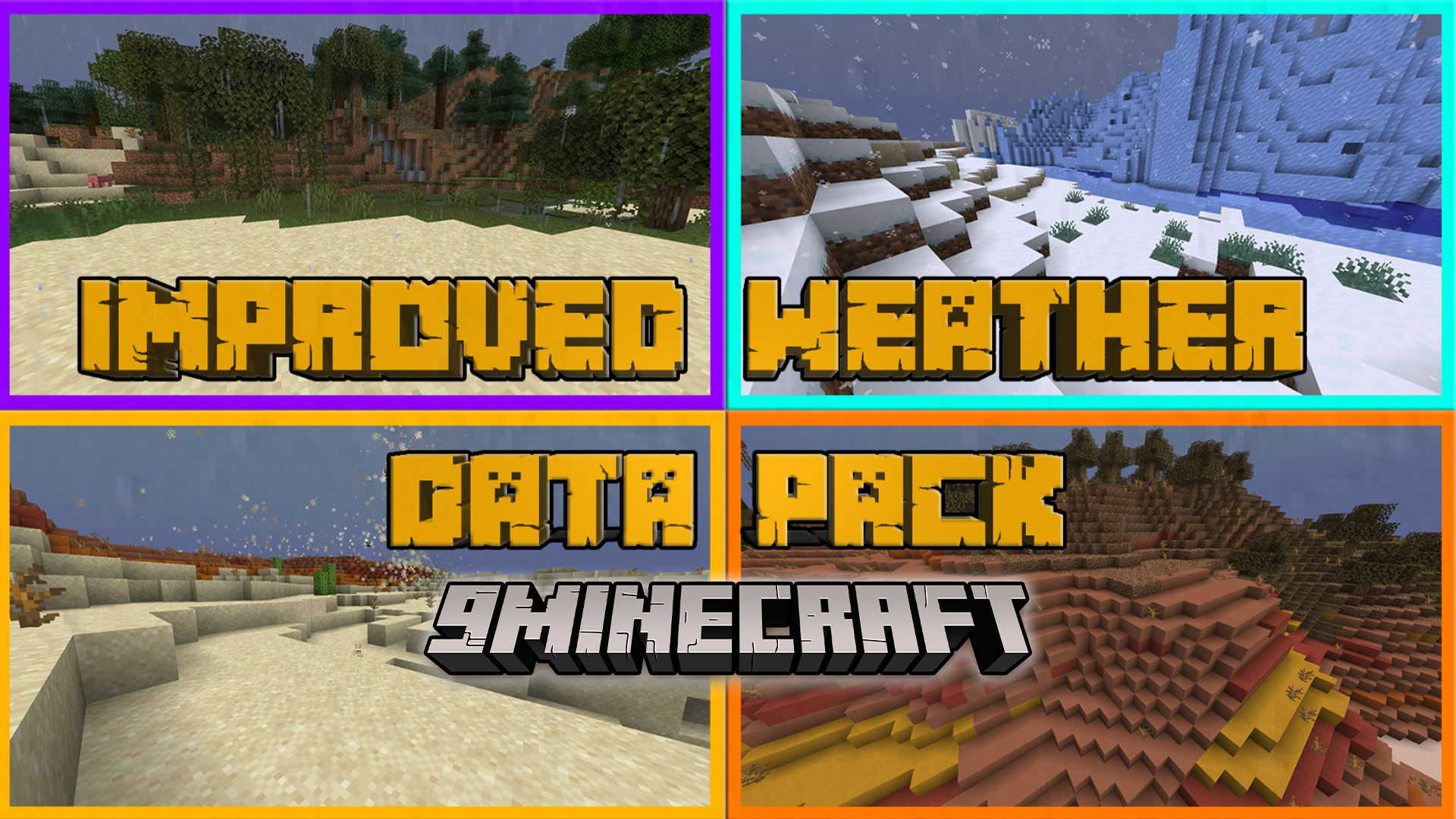
Improved Weather Data Pack adds dynamic weather systems to Minecraft, introducing new conditions such as sandstorms, and improving existing weather for a more immersive experience. Enjoy playing this data pack!
Features:
Weather Features by Biome
- Snowy Biomes
- Snow layers build up over time during snowfall.
- Snow accumulates faster during thunderstorms.
- Snow melts in clear weather if light level is above
11. - Snow melts faster in dry biomes and slower in snowy biomes.
- Farmland turns into dirt when covered by snow.
- Lava cools down during snow.
- Players and mobs take freezing damage during snowstorms.
- No damage if light level is above
11. - No damage when wearing a leather chestplate.
- No damage if light level is above
- Desert Biomes
- Sandstorms during rain.
- Severe sandstorms and sand tornadoes during thunderstorms.
- Certain entities are immune to sandstorm effects:
- Breezes
- Rabbits
- Camels
- Entities wearing leather helmets
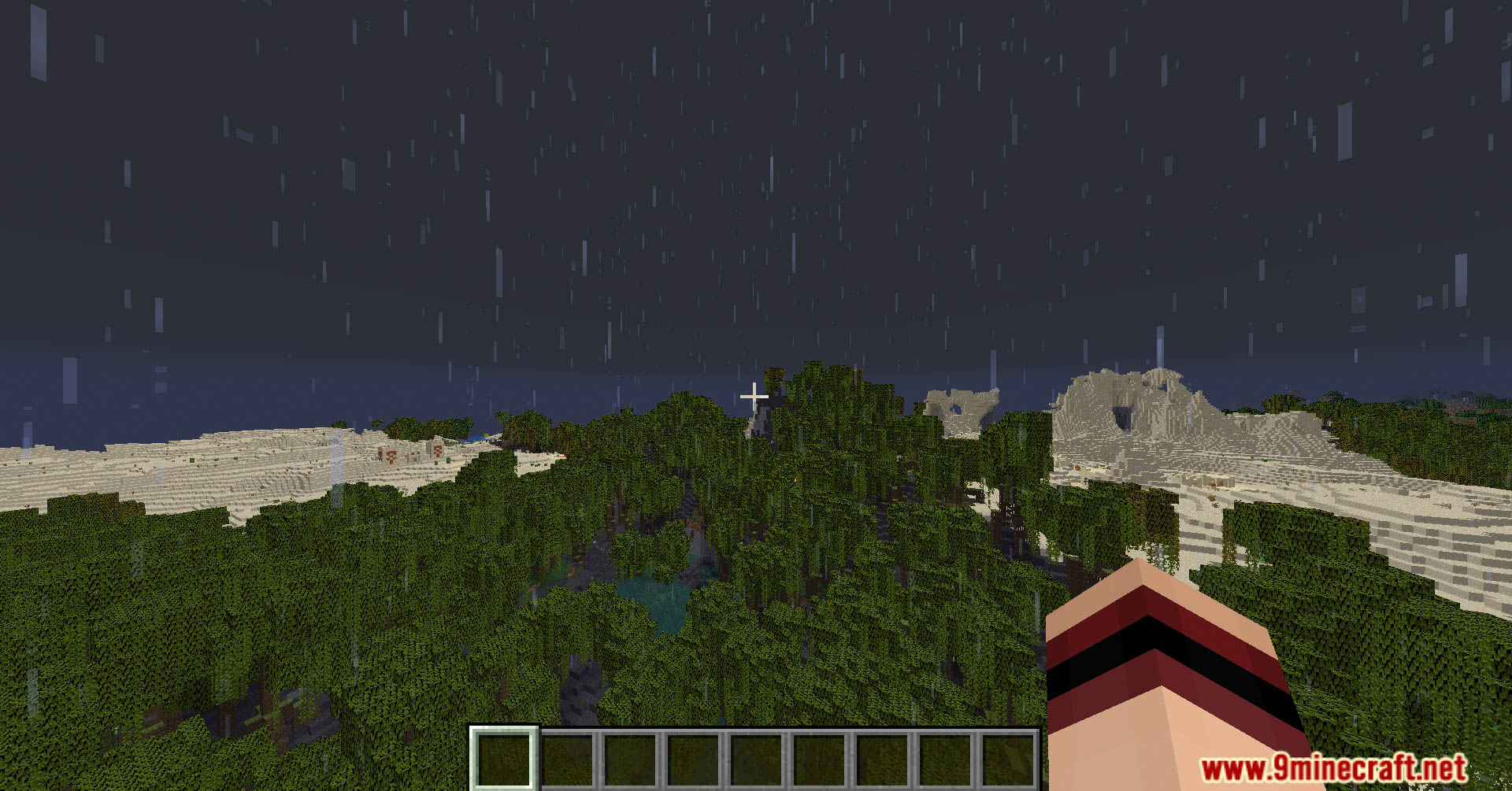
- Jungle, Beach, Lush Cave, Dripstone Cave, River, Ocean, Swamp
- Mist appears during clear mornings.
- Ocean waves during clear weather.
- Flooding during rain.
- Massive floods during thunderstorms.
- Savanna & Badlands
- Fires and frequent lightning during daytime rain.
- Massive fires and lightning during daytime thunderstorms.
- Effects apply to blocks mineable with shovels and hoes.
Additional Features
- Fireflies
- Spawn near rivers and in swamps.
- Appear at night during clear weather.
- Campfires
- Regular campfires are extinguished by rain.
- Soul campfires are extinguished much less often.
- Improved Rain & Snow (Resource Pack)
- Rain has fewer particles and a lighter, more transparent look.
- Snow particles are more transparent.
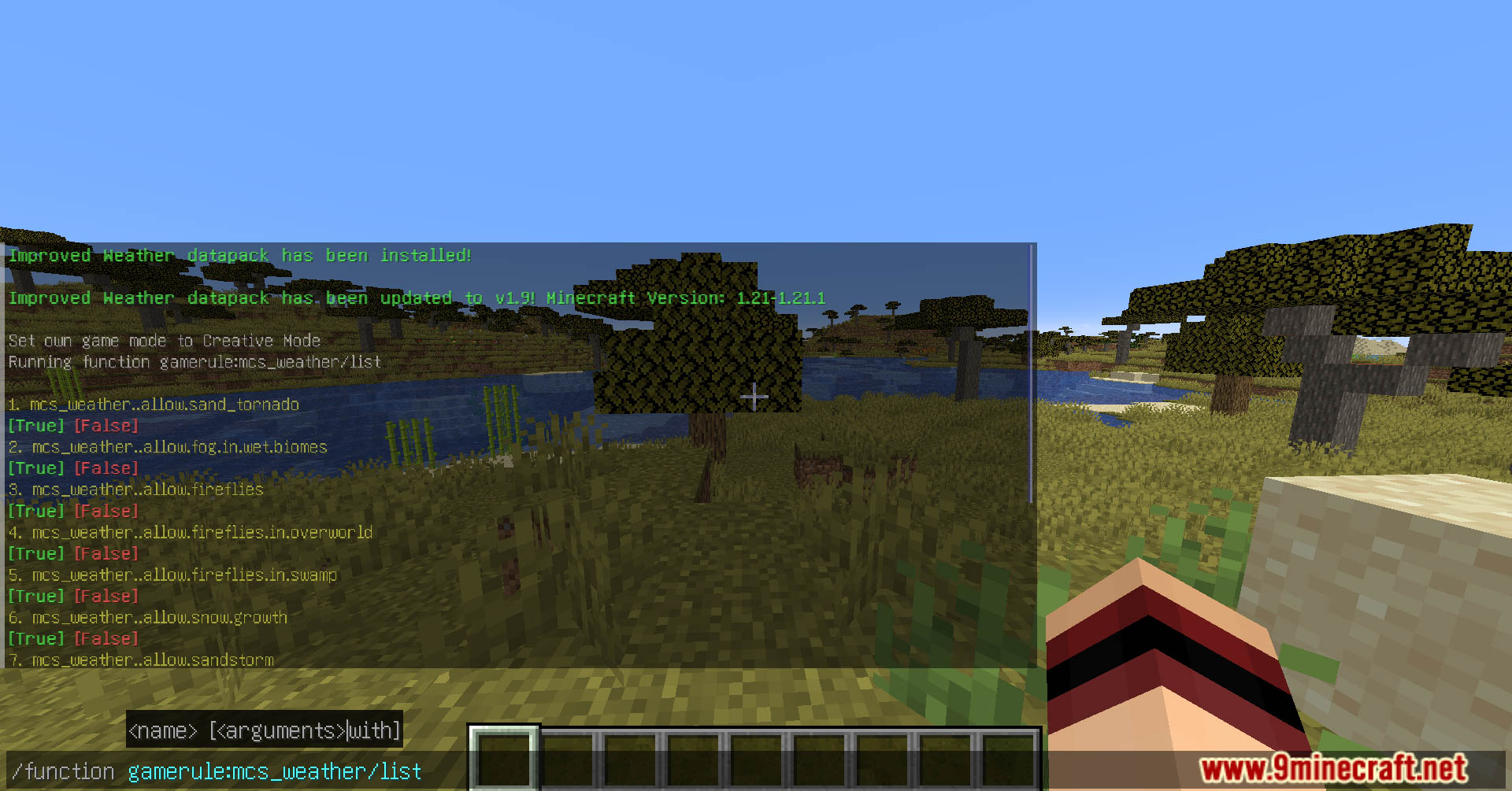
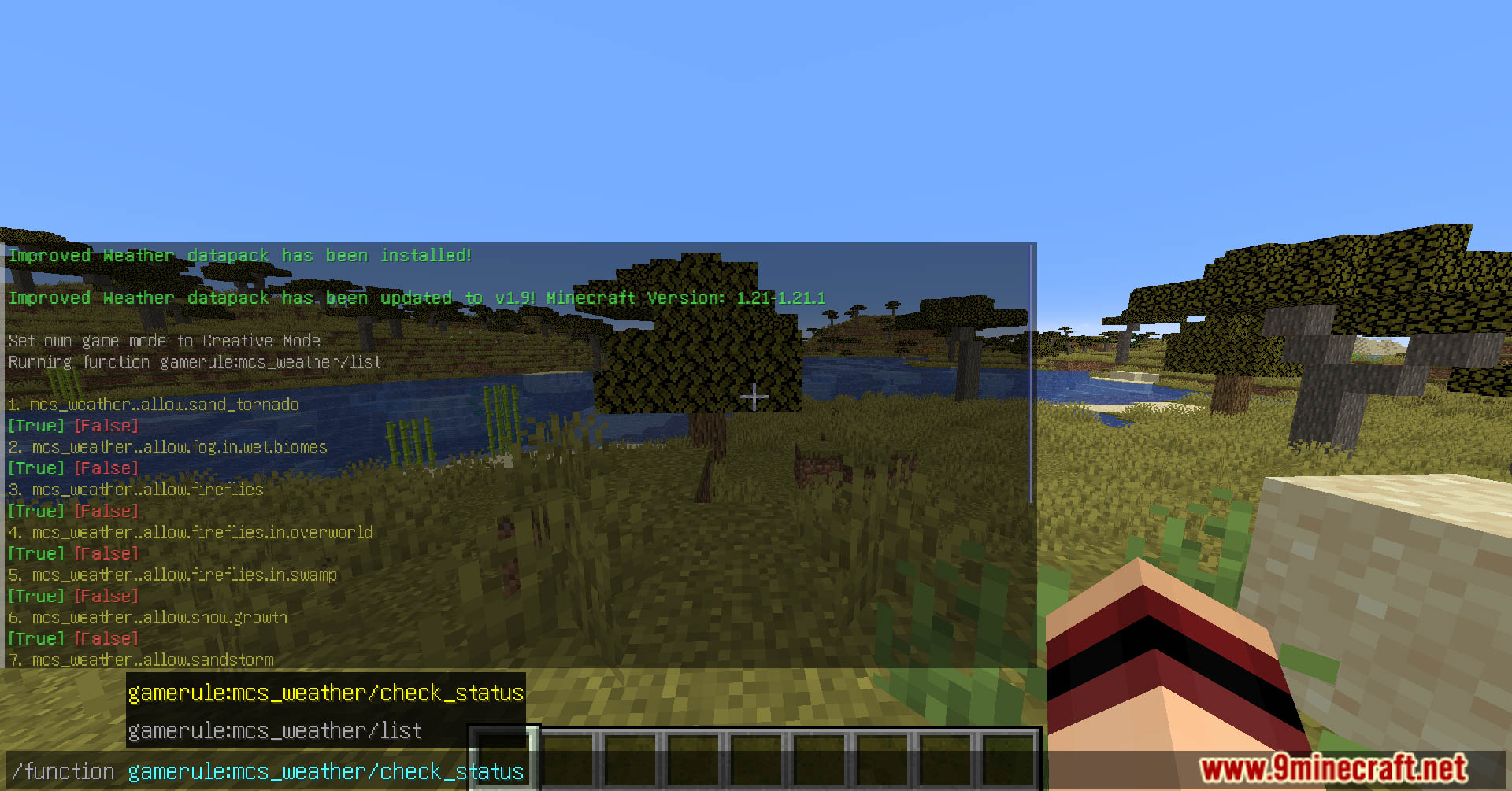
Commands:
- Open menu
/function .menu:mcs_weather - Summon weather-related entities
/function .summon:mcs_weather/"entity_name" - Uninstall mode
/function .uninstall_mode:mcs_weather
Screenshots:
Improved Weather Data Pack Download Links
Quick facts
- Edition: Minecraft Java
- File type: .jar
- Minecraft version listed: 1.20.1
- How to install: Install the matching mod loader (Forge, Fabric or NeoForge) for your Minecraft version. → Download the .jar. → Put it in the .minecraft/mods folder and launch that loader profile.
- Where to get it: In MC Java Mods, or directly above on this page.
Install steps are the general flow for this file type — see the MC Java Mods guides for the full walkthrough.
File checked by MCModsHub
- Downloads as 4816.mcpack
- Download size: 96 KB
- Download link checked 26 Jul 2026 — working
- Mirrored on our own servers — the download does not depend on the original host
These come from our own check of the pack file, not from the source page.