ModsJava
DPS Meter
Java mod listed for Minecraft 1.20. Downloads from the MC Java Mods app on Android.
⬇ Download on CurseForgeThe author built this one for Minecraft 1.20.1 on Forge. On other versions it may install and then do nothing.
DPS Meter
DPS Meter is a lightweight, highly customizable combat analysis tool for
Minecraft 1.20.1 on Forge. It gives you real-time feedback on your damage
output, survivability, and pacing so you can optimize gear, compare builds, and
understand what is actually happening mid-fight.
Features
Real-Time Combat Stats
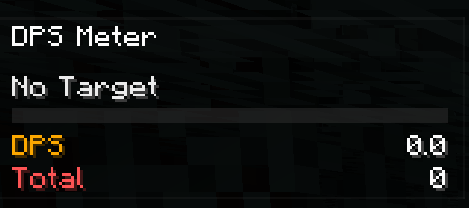
- Current DPS and average DPS for burst and sustained damage tracking.
- Total damage, damage taken, hit rate, average hit, and combat timer.
- Target name and target health integrated directly into the overlay.
Floating Combat Text
- Floating damage numbers for outgoing hits.
- Optional floating numbers for incoming damage.
- Critical hits stand out with brighter styling and stronger animation.
Full In-Game Customization
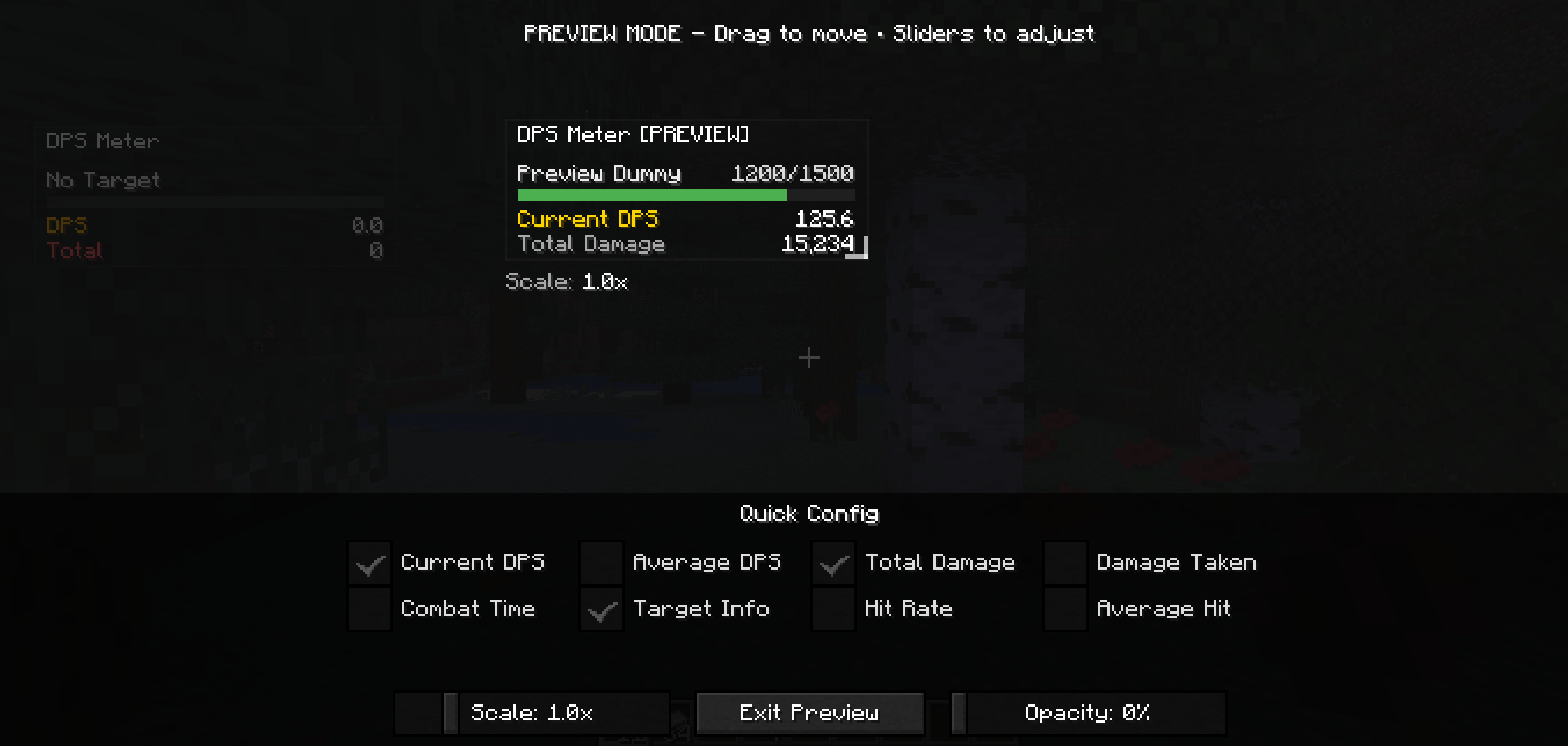
- Overlay preview for position, scale, opacity, and visible metrics.
- HUD dragging for quick placement.
- Floating number size and intensity controls.
- Pet and summon damage tracking options.
- Auto-reset controls for inactivity, death, and dimension changes.
Requirements
- Minecraft
1.20.1 - Forge
47.4.0or newer in the47.xline - Java
17
Installation
- Place the mod jar in your
modsfolder. - For singleplayer, install it on the client.
- For multiplayer, install it on both client and server for the best tracking accuracy.
Default Keys
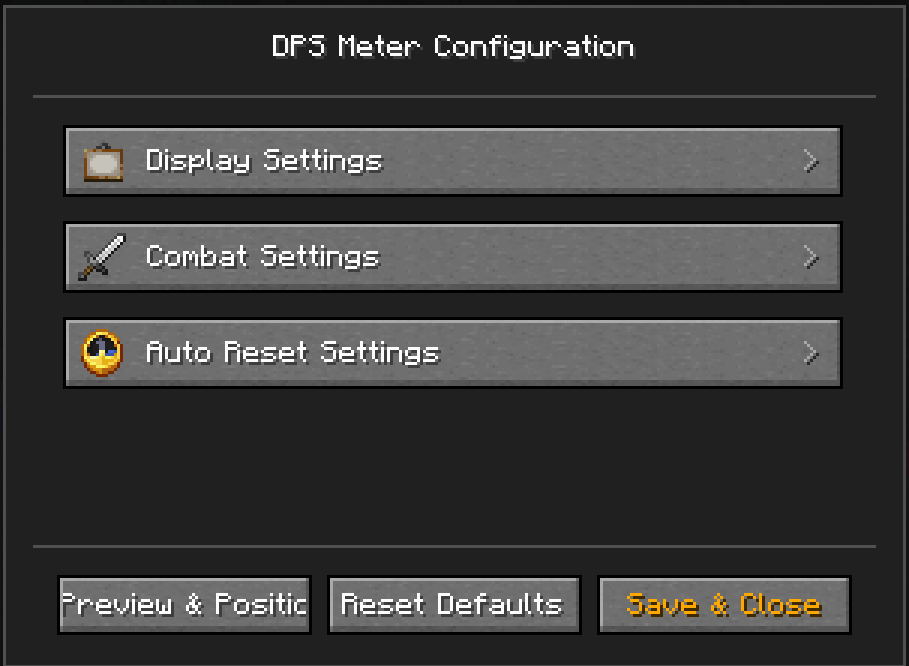
F9: Toggle overlayF10: Reset DPS statsO: Open config
Quick Usage
- Start fighting and the meter will begin tracking automatically.
- Let it reset on its own after inactivity, death, or dimension changes, or
use
F10when you want a clean comparison. - Open the config with
Oand use the overlay preview as the main place to tune how the HUD looks.
Community
Questions, feedback, or ideas for the mod? Join the community on Discord:

Quick facts
- Edition: Minecraft Java
- File type: .jar
- Minecraft version listed: 1.20.1
- How to install: Install the matching mod loader (Forge, Fabric or NeoForge) for your Minecraft version. → Download the .jar. → Put it in the .minecraft/mods folder and launch that loader profile.
- Where to get it: Opens on CurseForge — not every file is mirrored on our own servers.
Install steps are the general flow for this file type — How to install Minecraft Java mods & modpacks walks through it step by step.
File checked by MCModsHub
- Ships as dpsmeter-1.1.1.jar — drop this file into the mods folder
- Download size: 82 KB
- Download link checked 2 Oct 2026 — working
These come from our own check of the pack file, not from the source page.